Binance Pay Momo allows you to send money or pay merchants in your local currency with crypto assets.
Please note: Momo is currently only available in Kenya.
1. Log in to your Binance account and ensure that your account is verified. Go to [Pay].
2. Select [Momo].
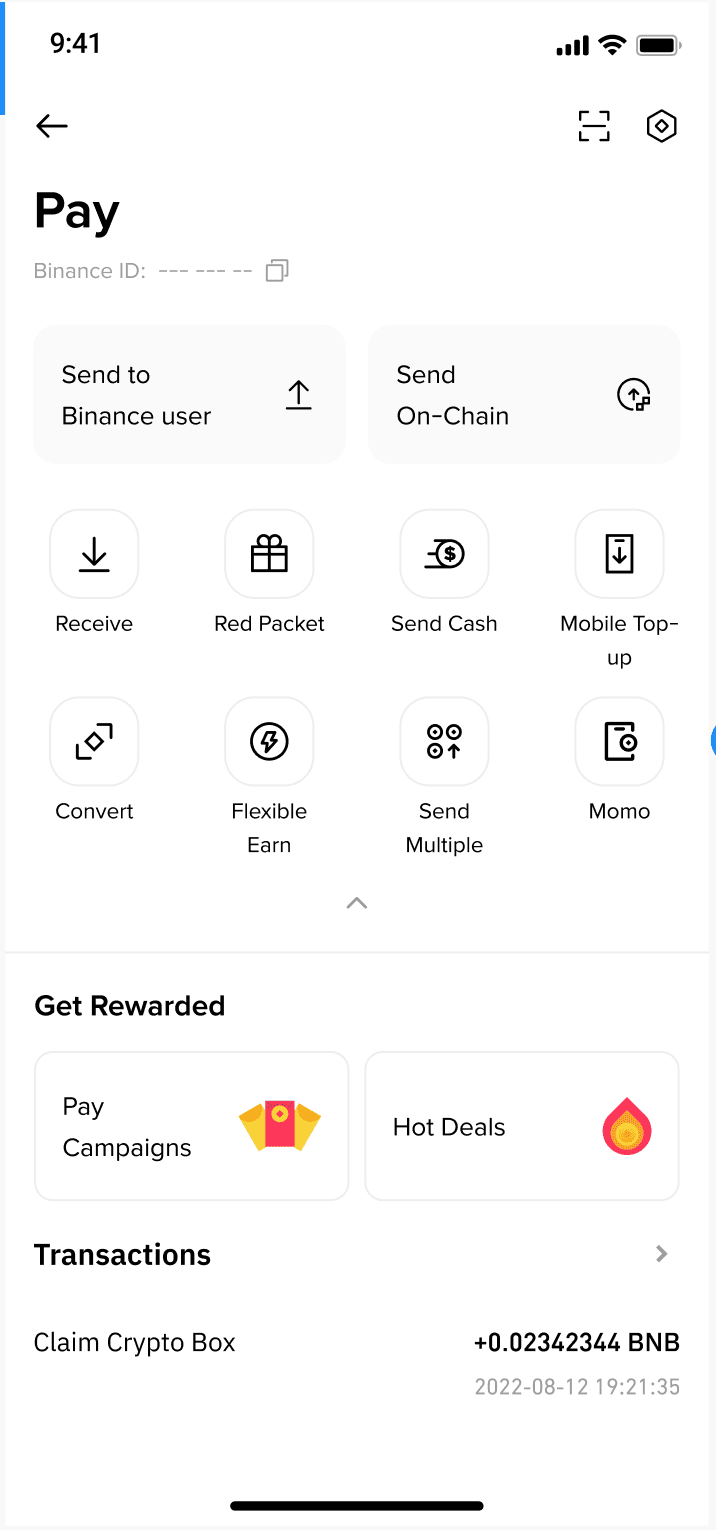
3. You can now make purchases using your crypto assets for instant crypto-to-fiat conversions.
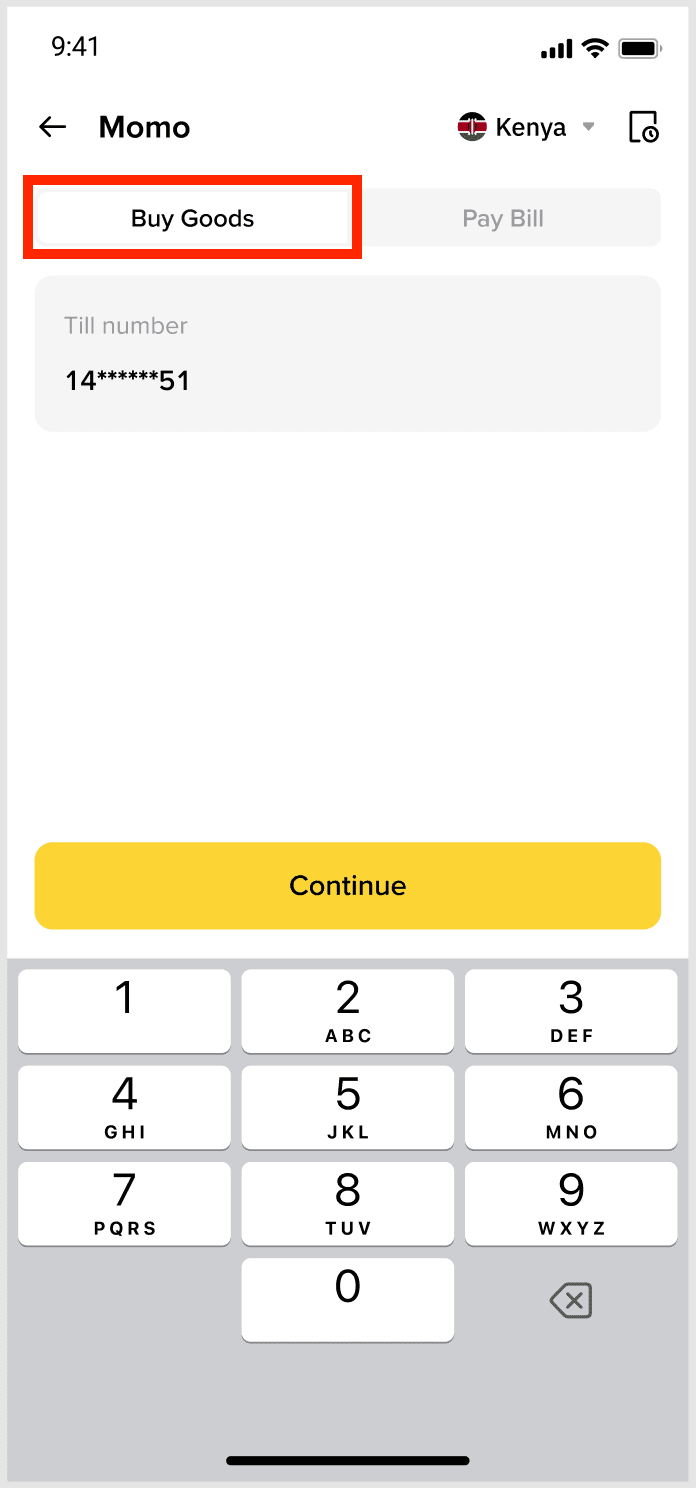
1. Select the [Buy Goods] tab on the Momo homepage.
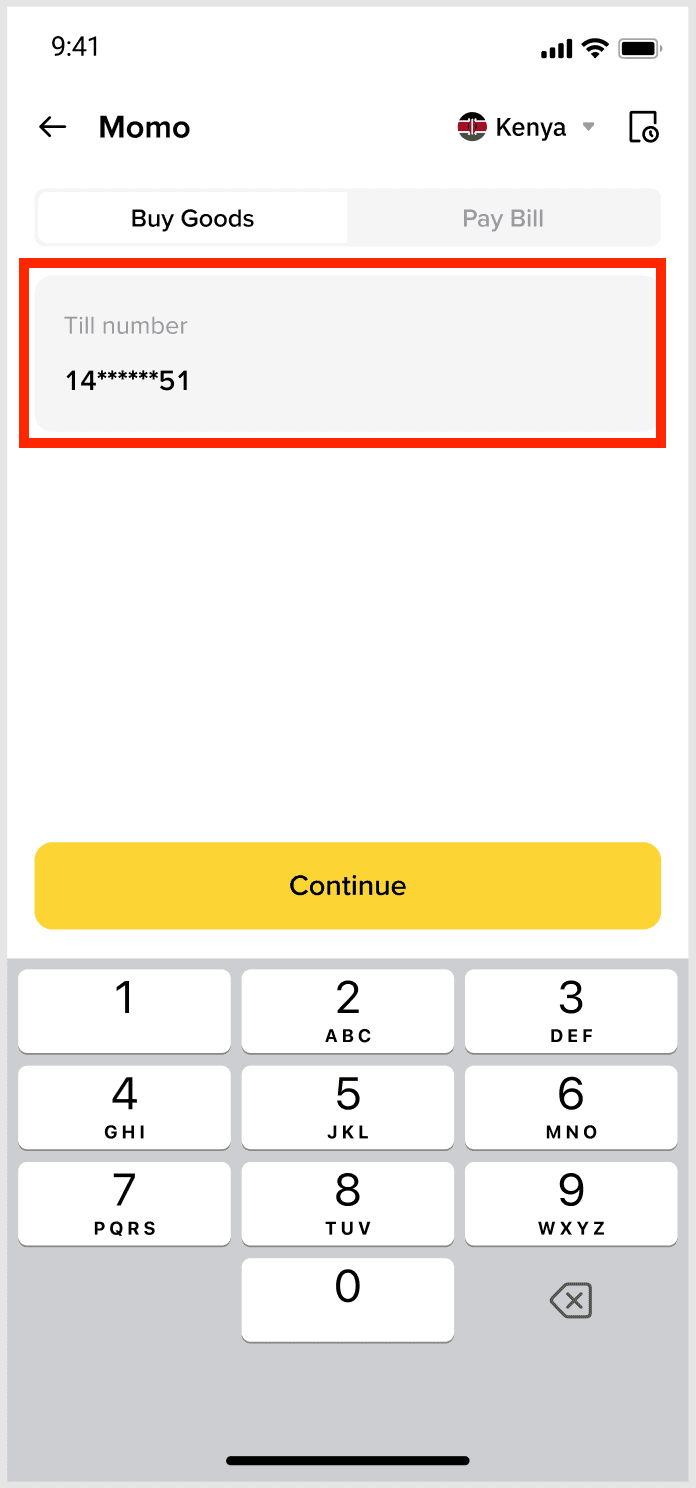
2. Enter the “Till number” of the merchant.
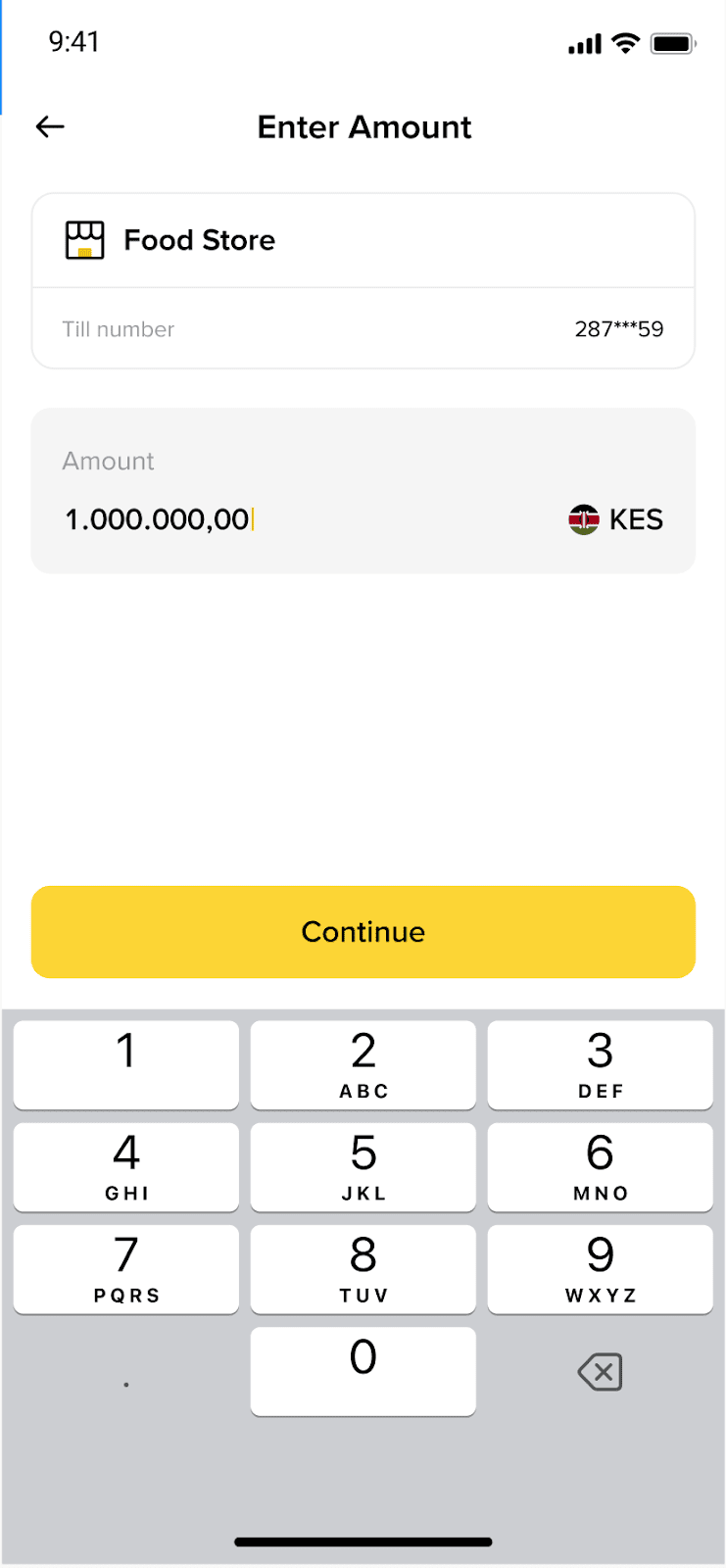
3. Enter the amount in your local currency.
4. Confirm the payment. You can choose to use different crypto to pay.
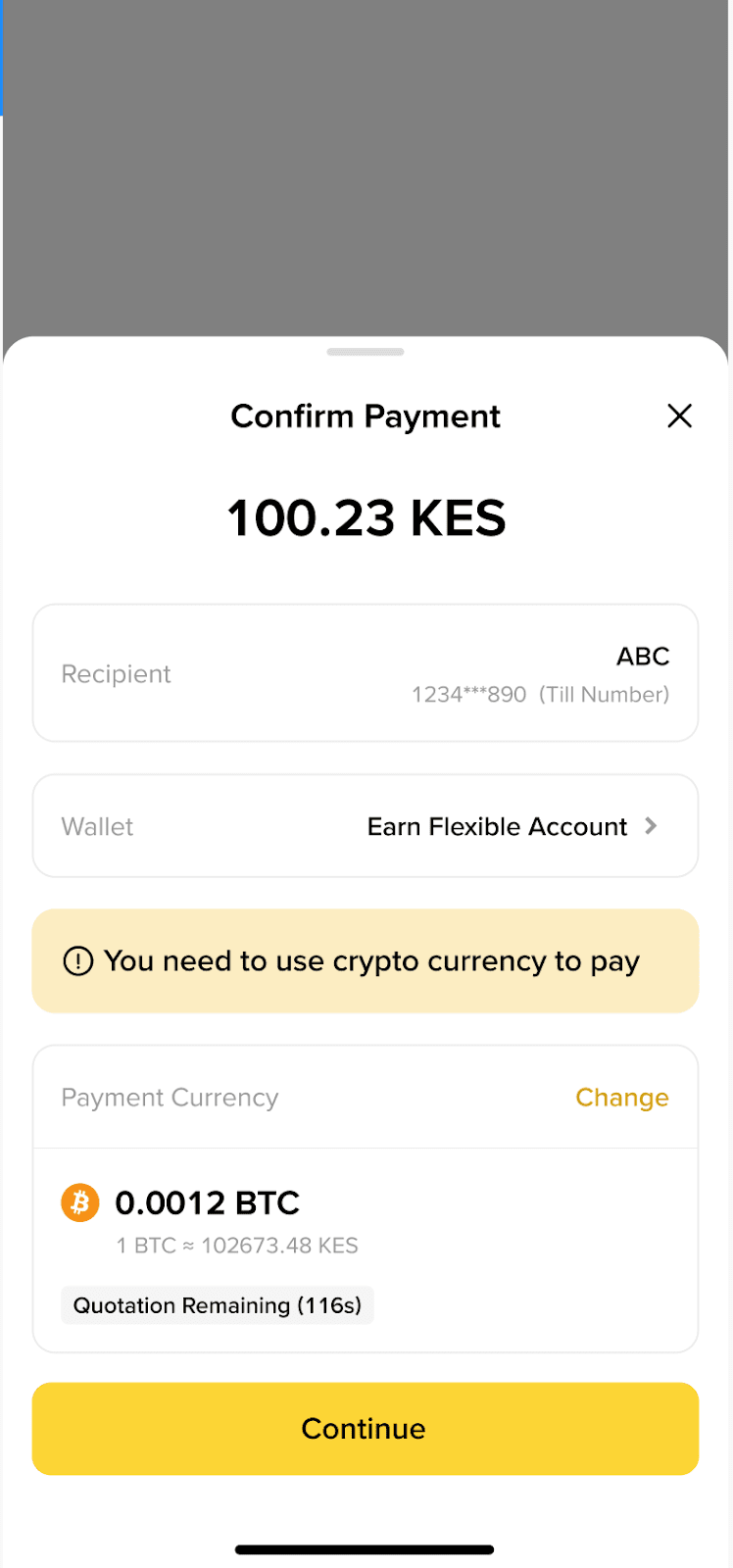
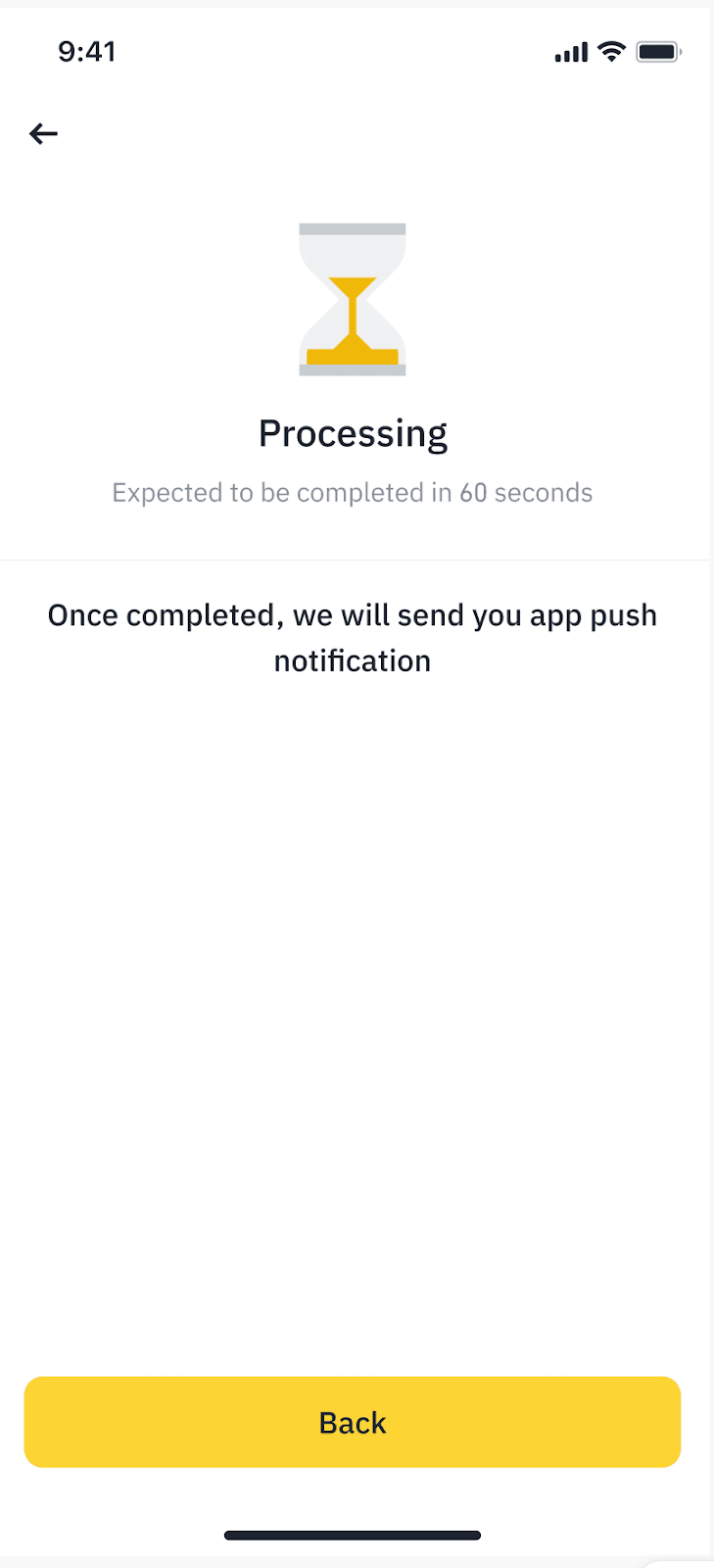
5. After 2FA is completed, the payment is submitted and will usually be completed in 60 seconds. We will send you an app push once it’s completed.
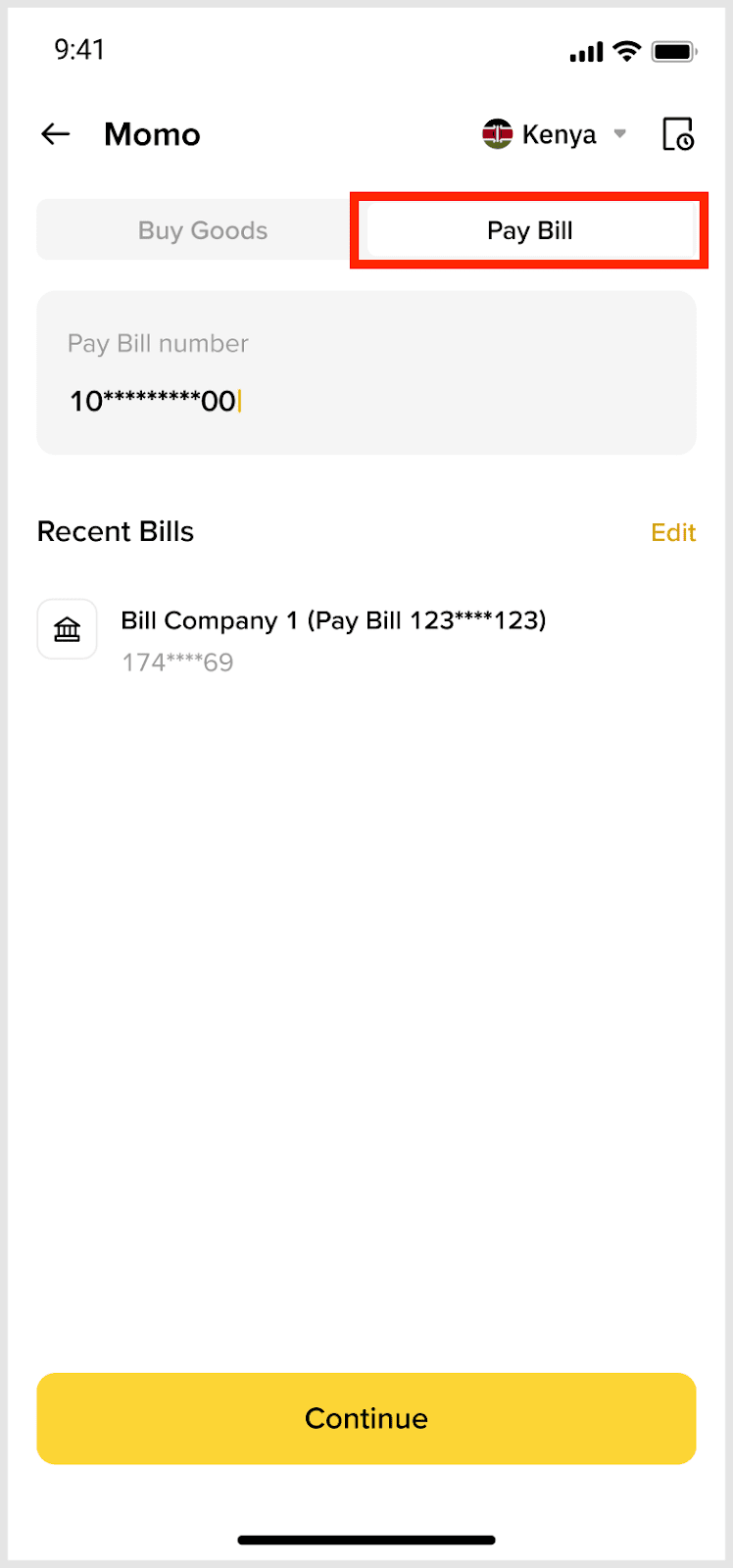
1. Select the [Pay Bill] tab on the Momo homepage.
2. Enter the “Pay Bill number” of the merchant.
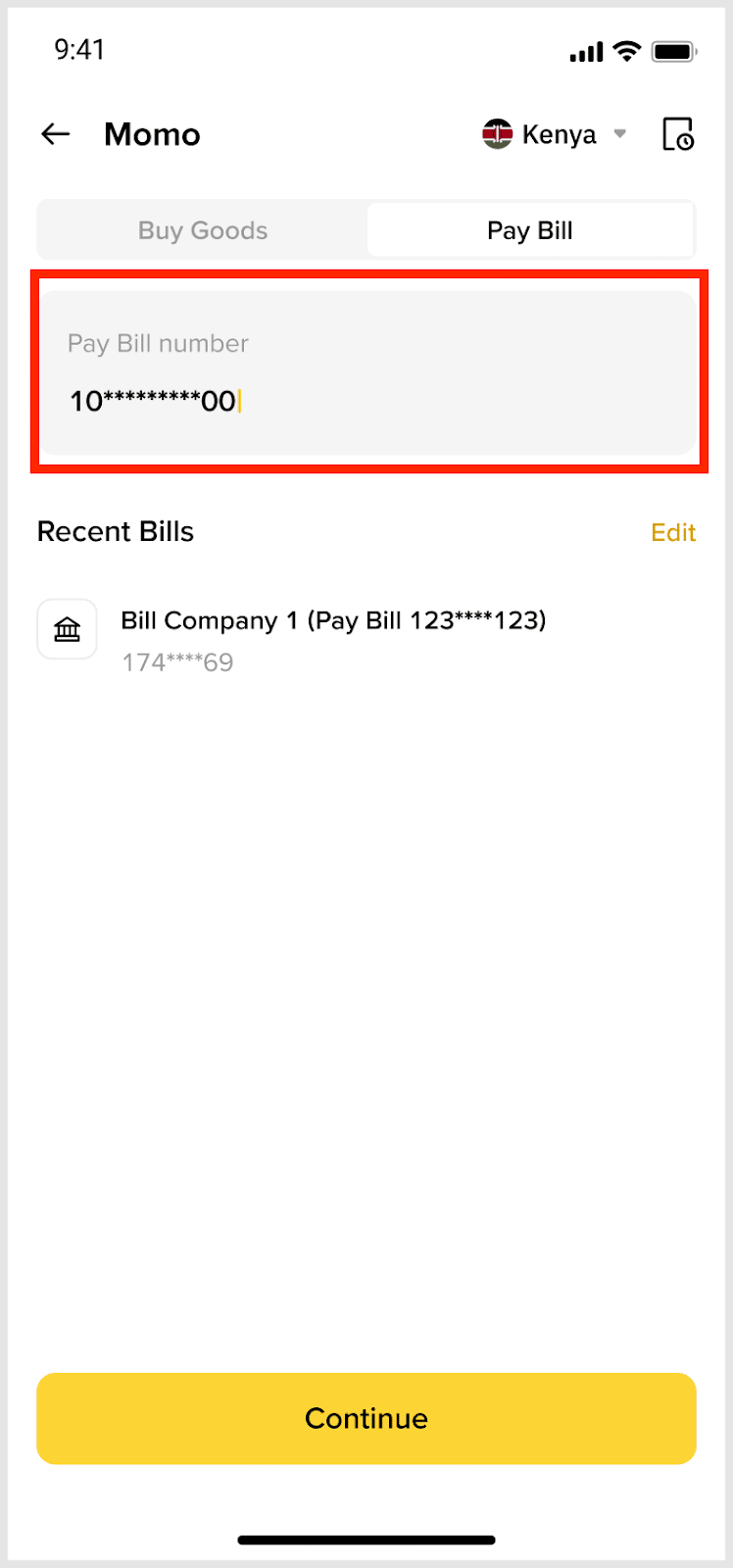
3. Enter the account number associated with the bill.
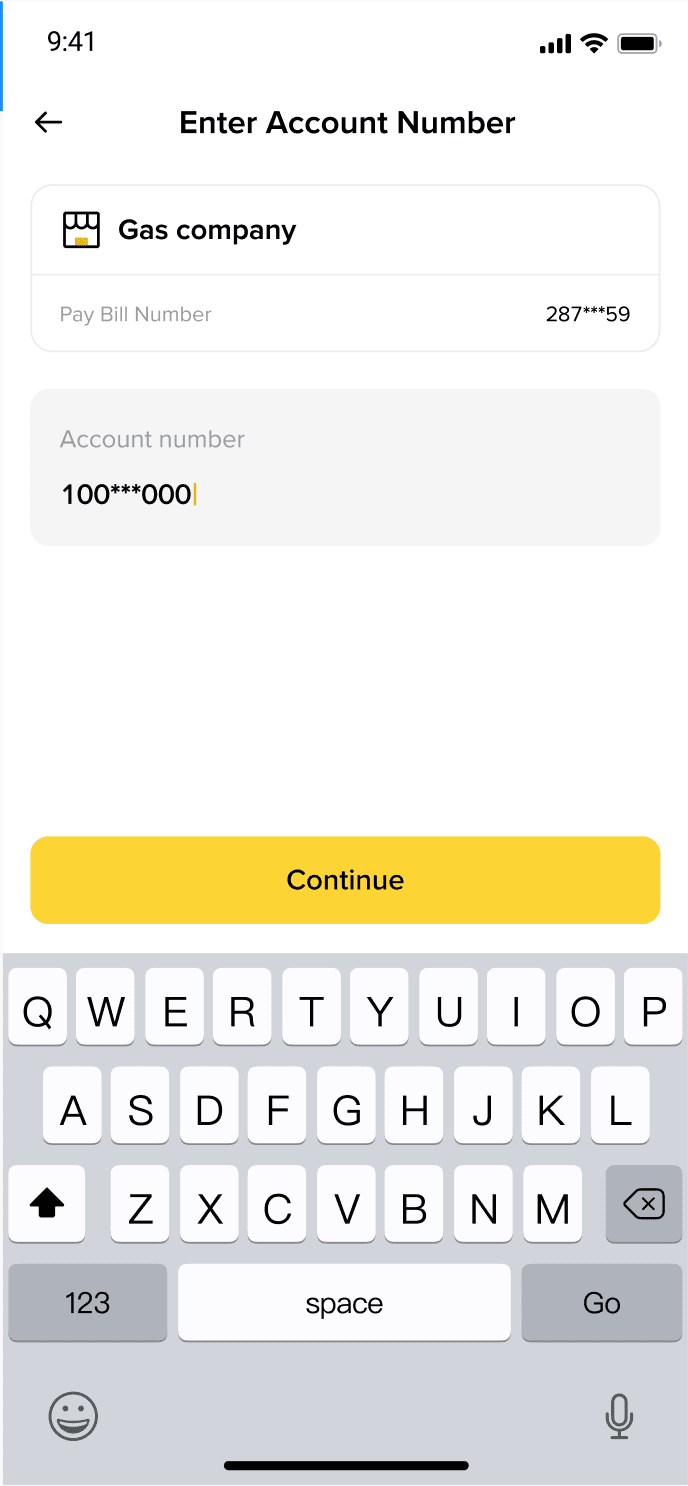
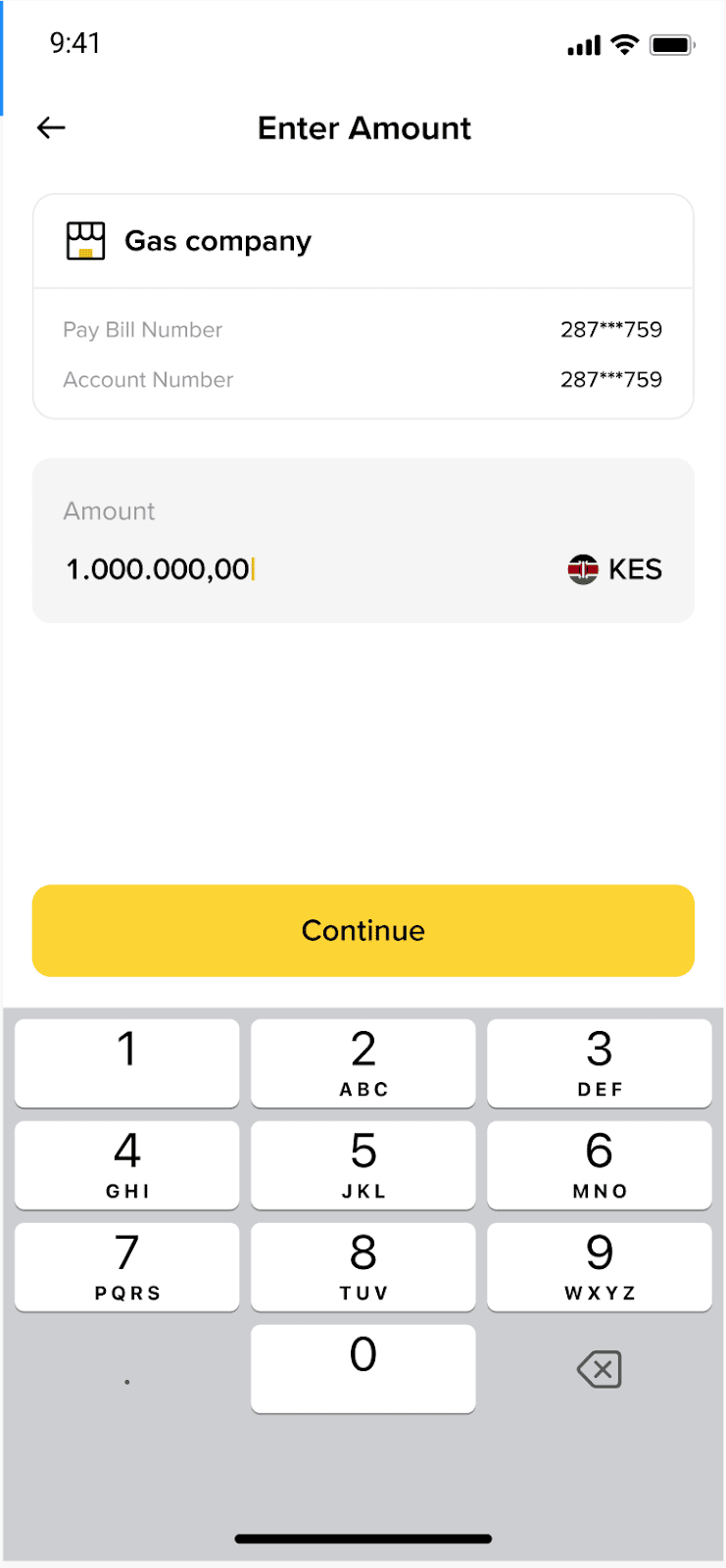
4. Enter the amount in your local currency.
5. Confirm the payment. You can choose to use different crypto to pay.
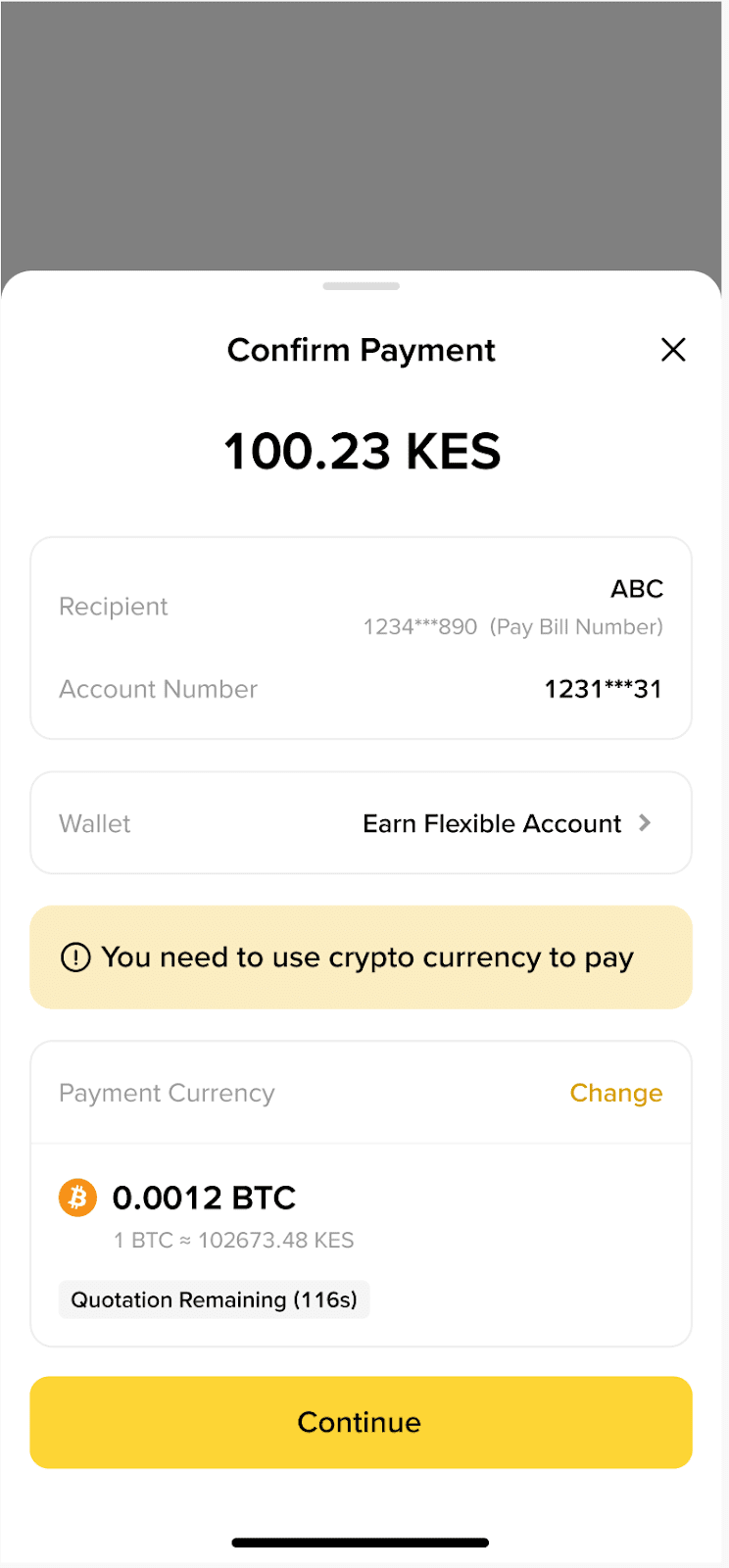
6. After 2FA is completed, the payment is submitted and will usually be completed in 60 seconds. We will send you an app push once it’s completed.
Once a payment is made via Momo, you should contact the merchant or recipient directly for a refund, as Binance cannot process refunds to your Binance account.
