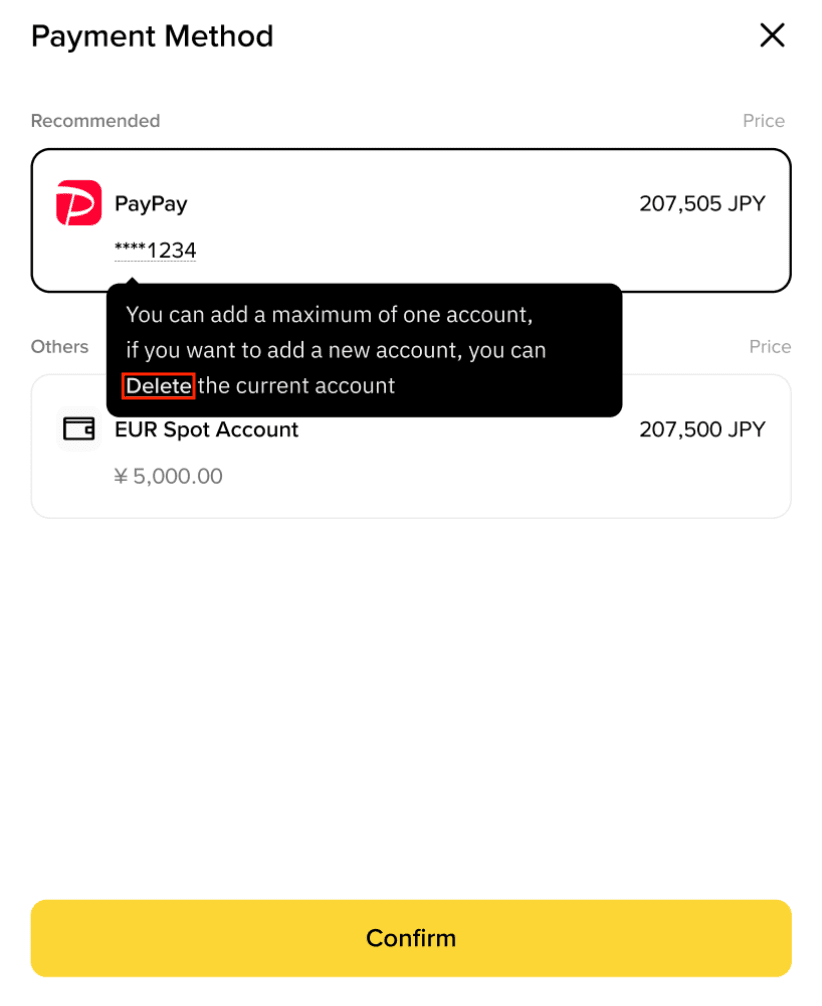
Important Notes:
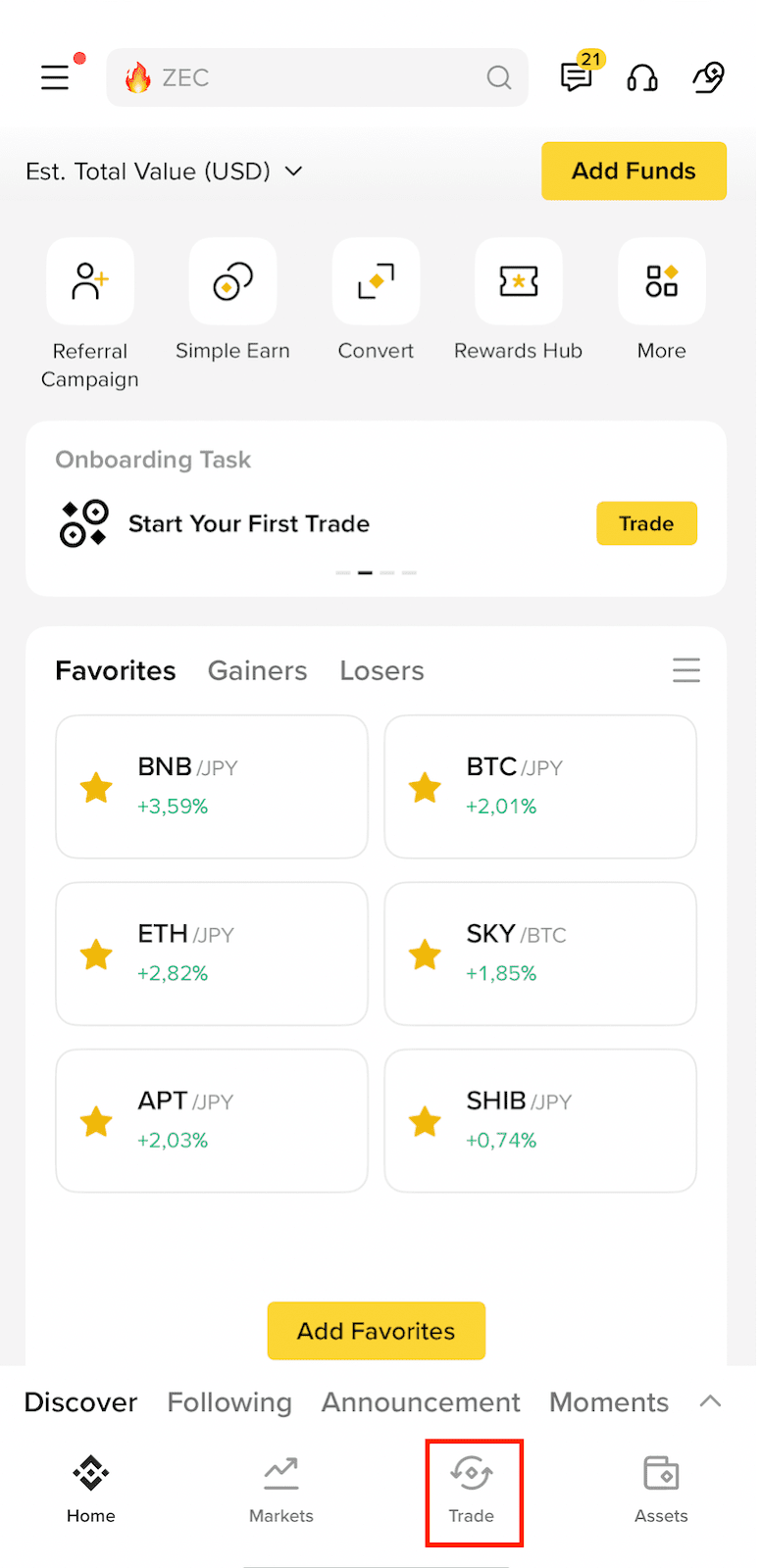
1. Log in to your Binance app and tap [Trade] - [PayPay].
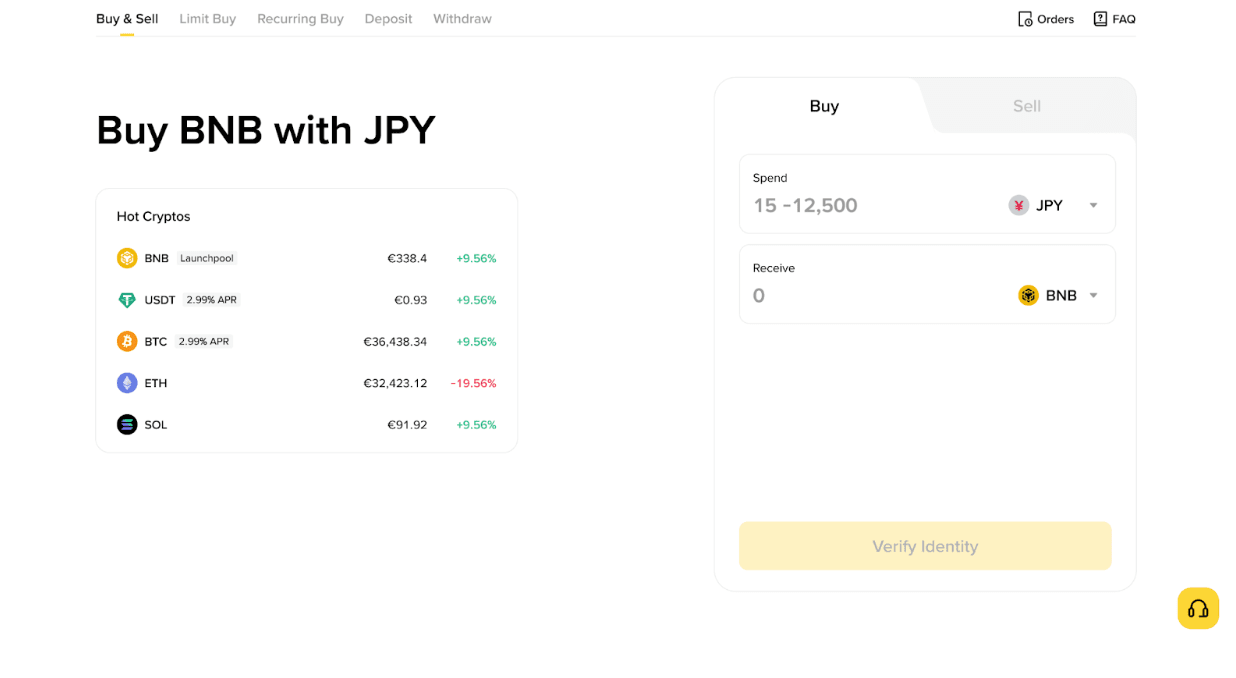
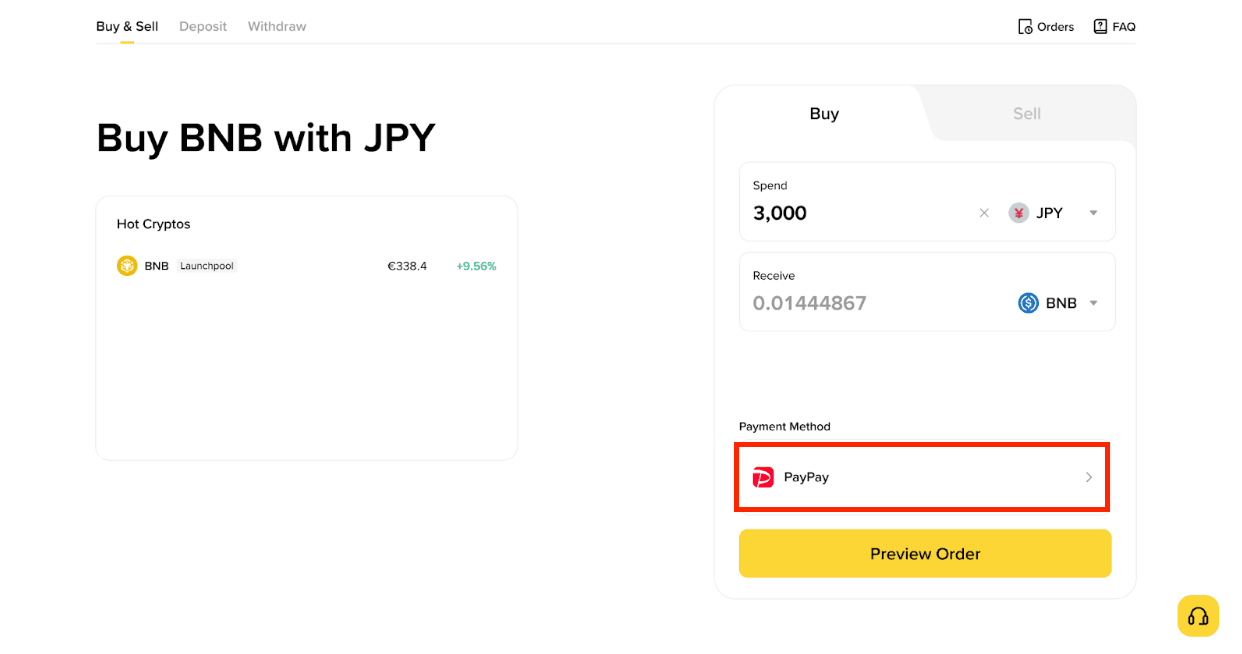
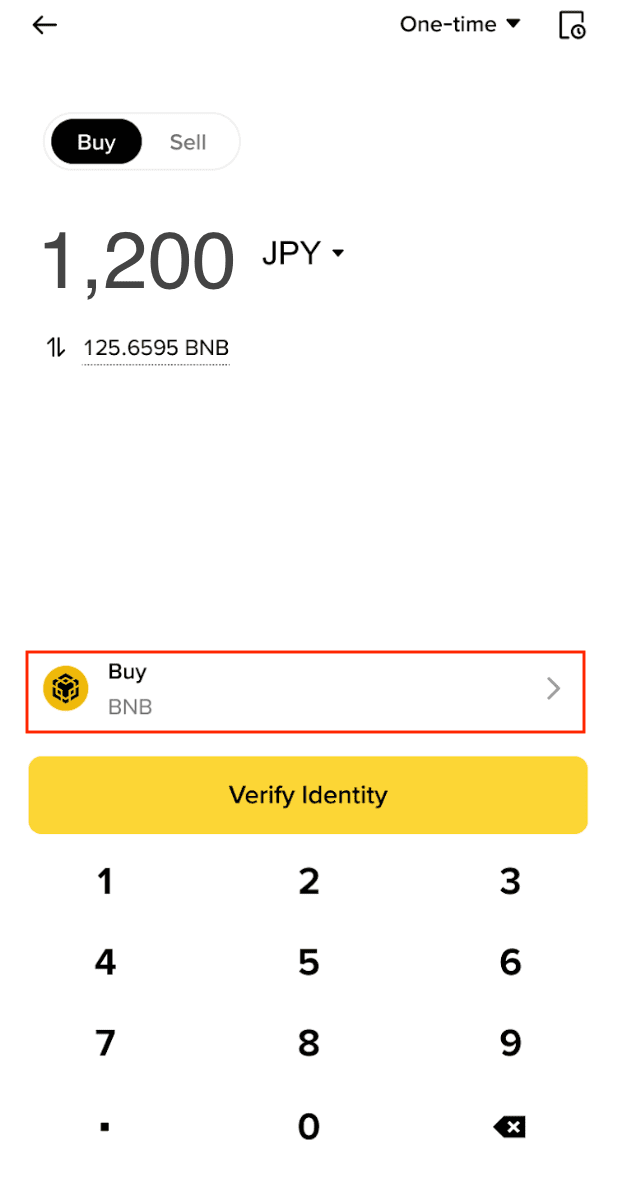
2. Choose the cryptocurrency you want to purchase under [Buy]. Enter the amount you wish to spend (must be over 1,000 JPY).
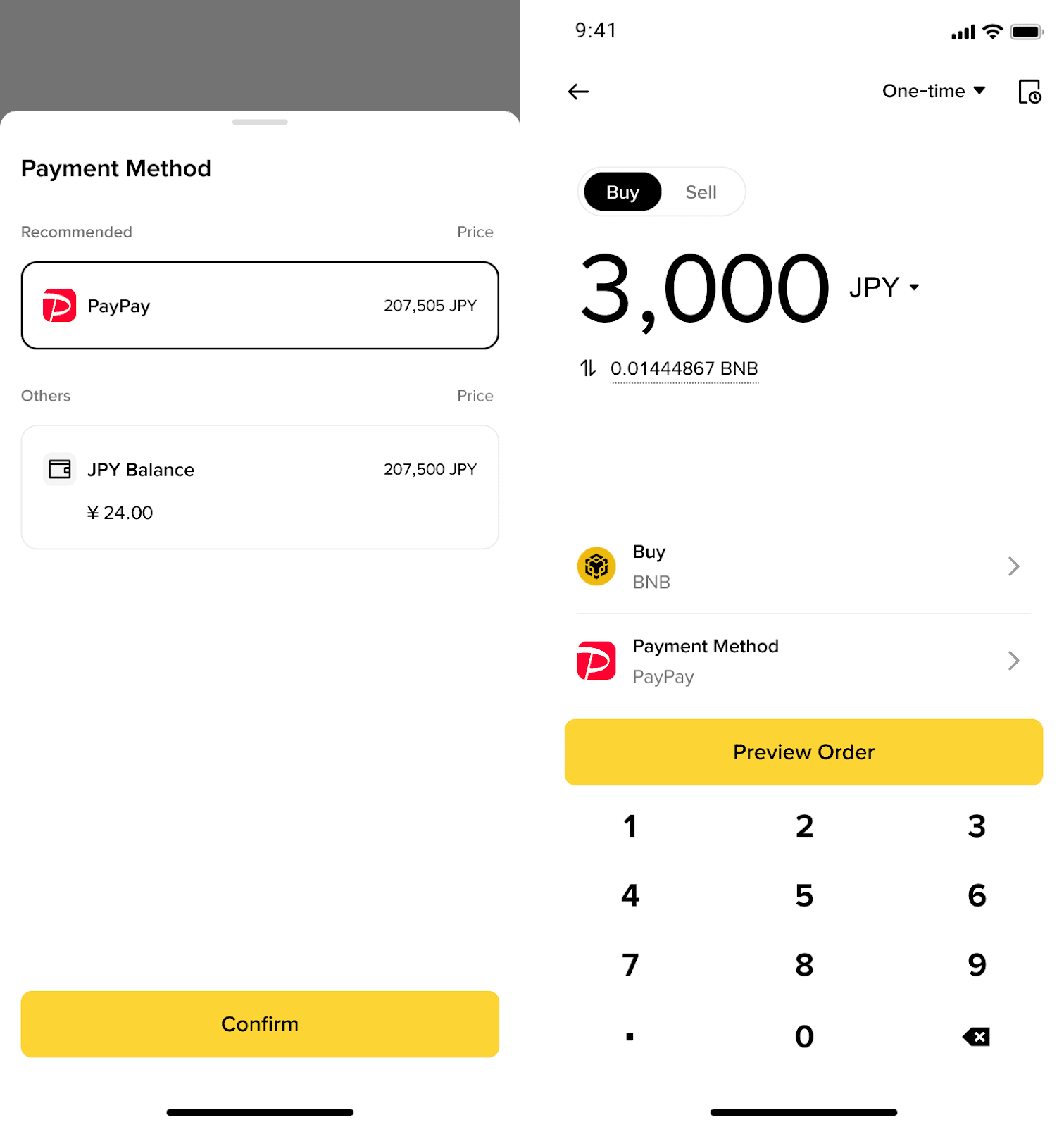
3. Select [PayPay] under [Payment Method]. Tap [Confirm] - [Preview Order] to continue.
If this is your first time using the service, you must link your PayPay account. For detailed instructions on how to link, please refer to this page.
4. Payment Processing:
Upon linking your PayPay account, review the transaction details and tap [Confirm] to finalize your crypto purchase.
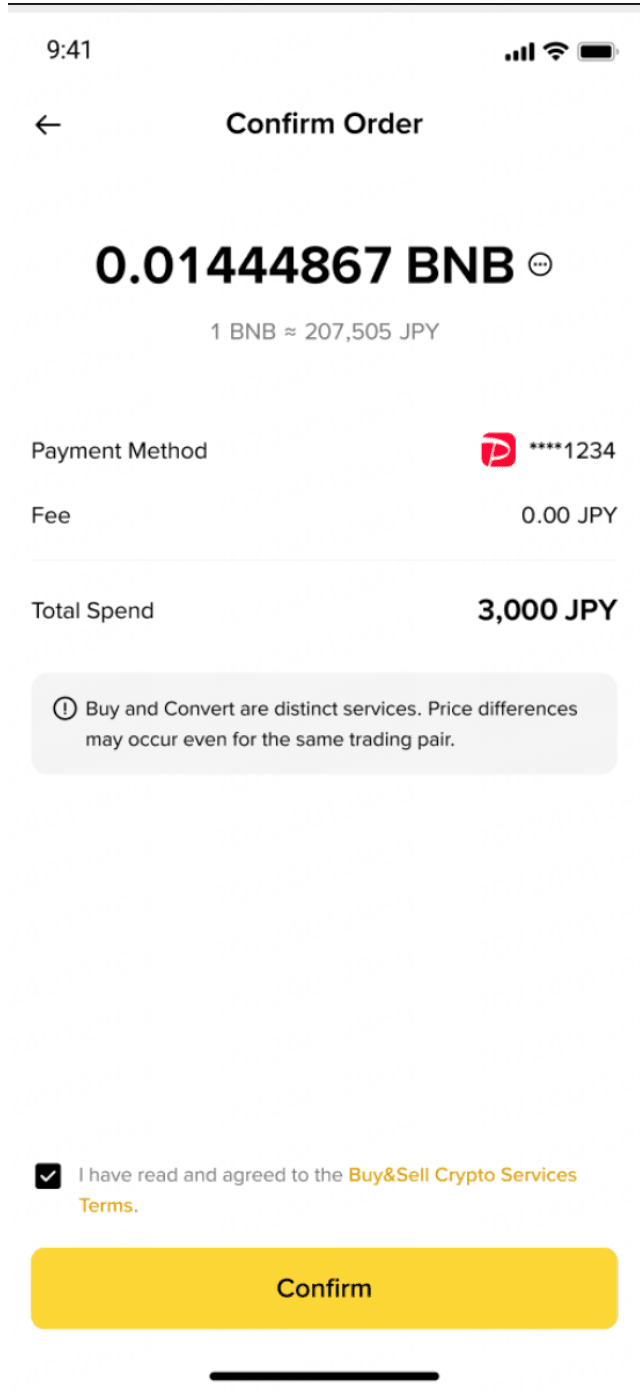
If your PayPay Wallet balance is insufficient, a ‘Insufficient funds’ error will appear. Enabling Auto-Top Up allows for a seamless experience. For details, please refer to the following:
(Please note that only the Japanese language is supported in PayPay.)
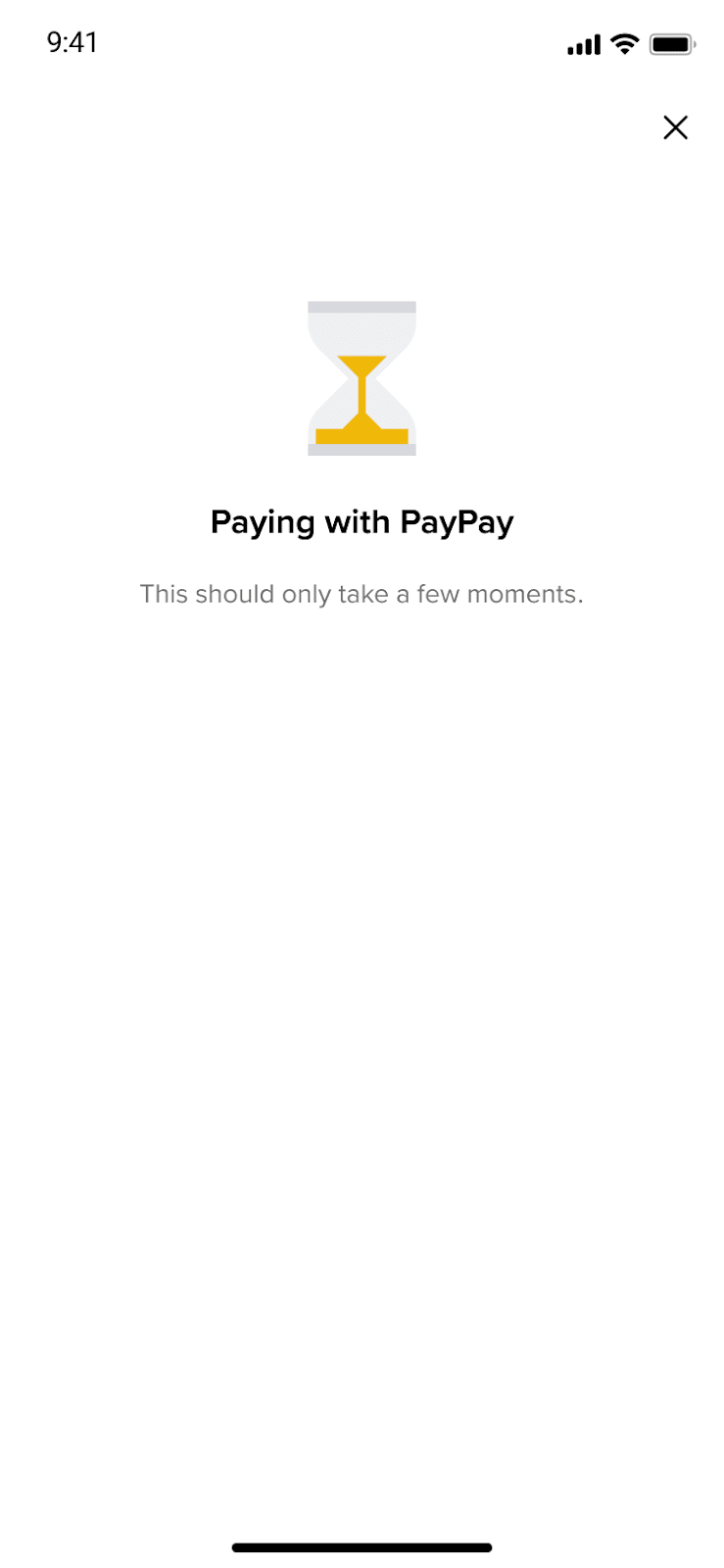
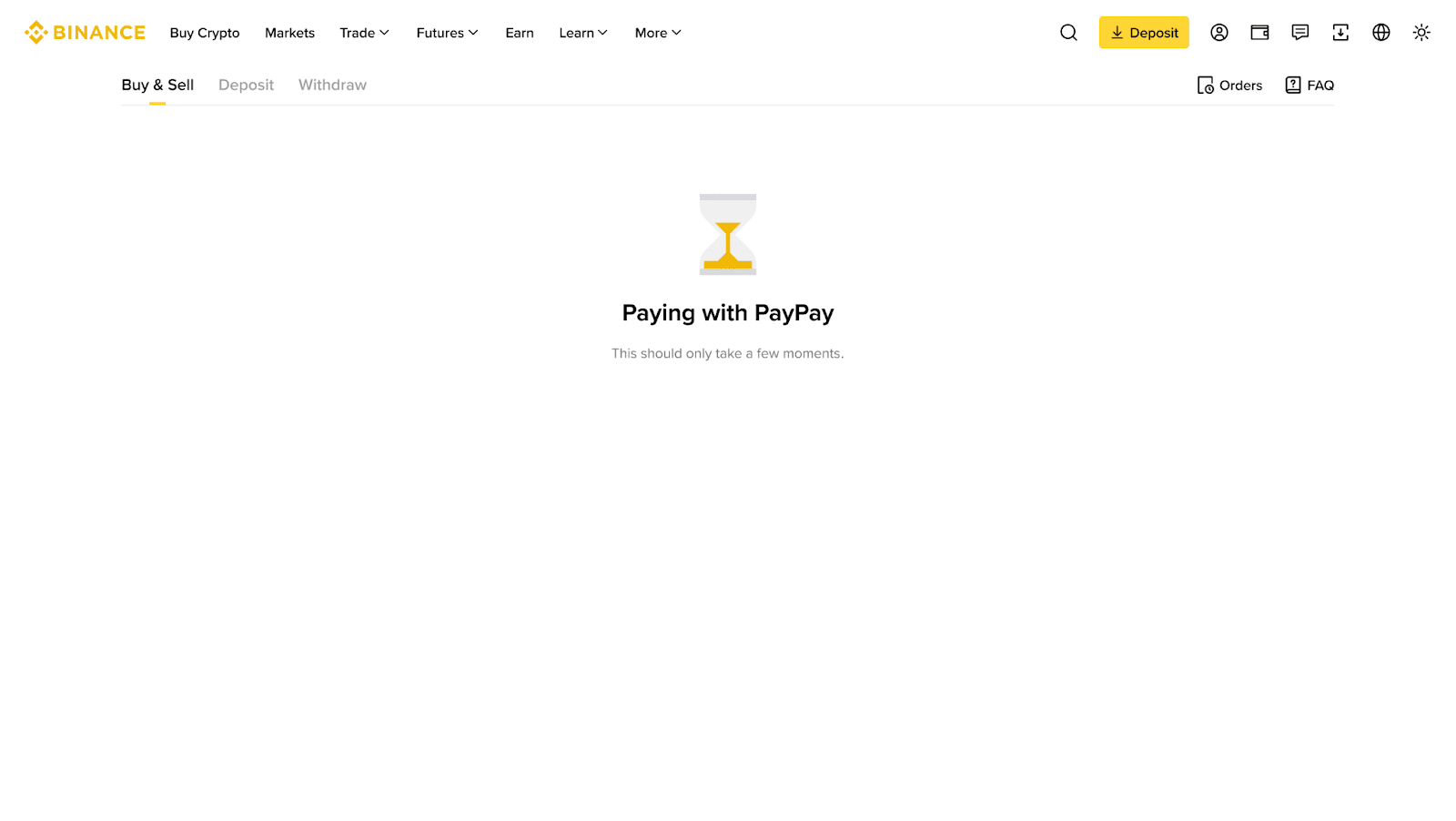
5. Please allow some time for the payment to be processed. Once the payment has been confirmed, your crypto will be credited to your account.