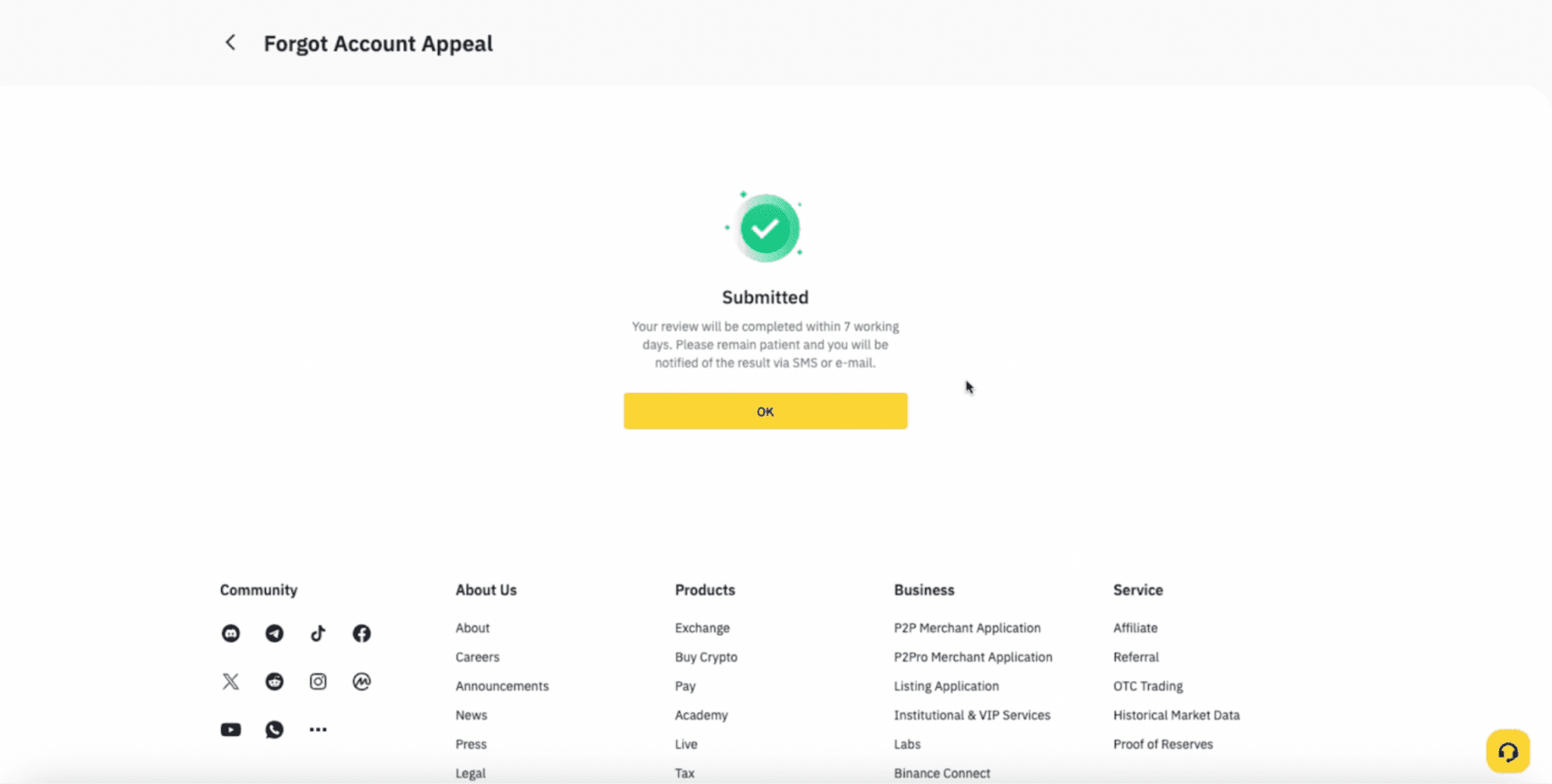
If you have forgotten the phone number or email address used for your verified Binance account, you must go through the self-service Forgot Account Appeal process and submit all requirements to regain access to your account.
The link is also displayed on your Account’s Verification Center when your KYC verification is unsuccessful.
Should you contact Binance Customer Support team via chat regarding this issue, you will still receive this link to the Forgot Account Appeal process via Chat Bot or in chat.
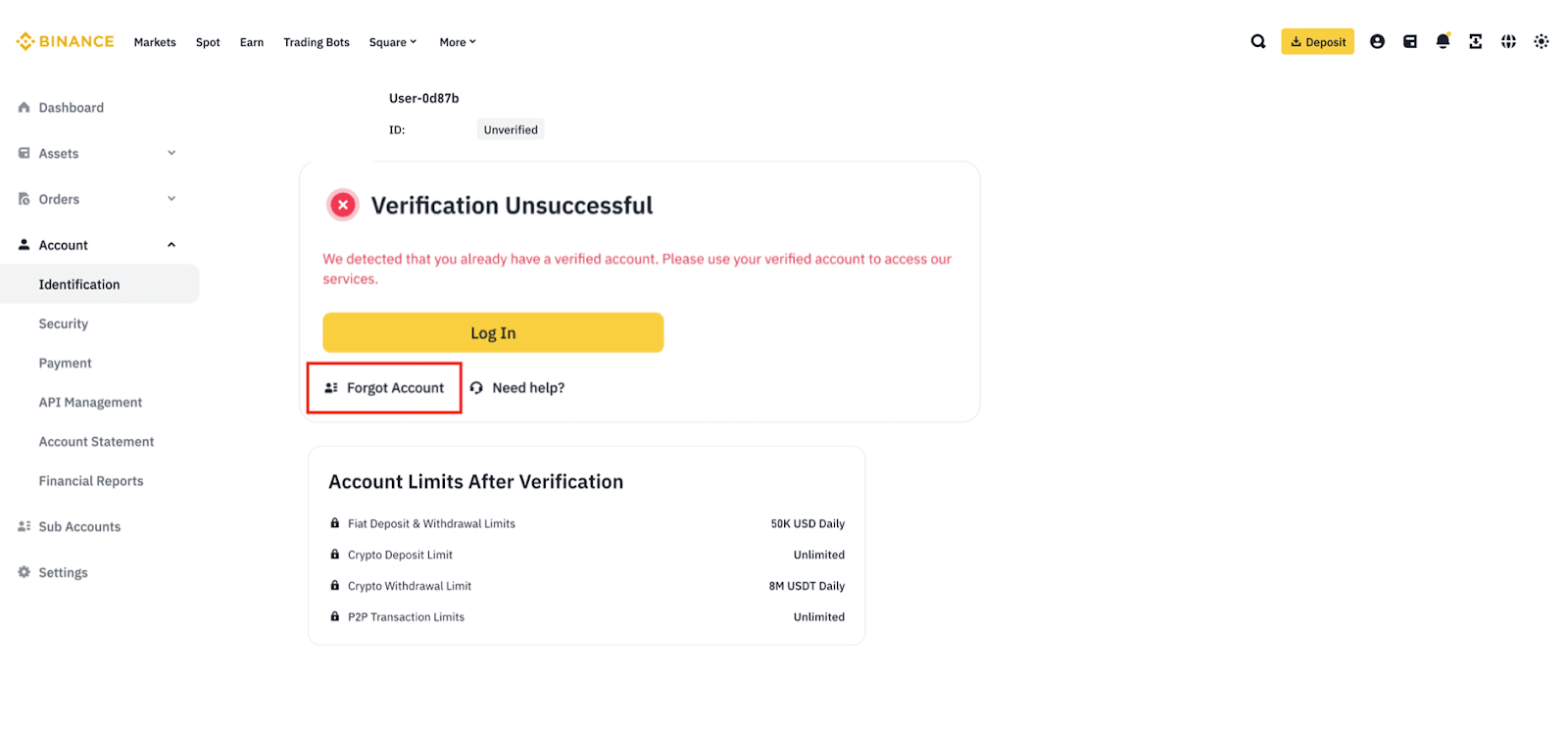
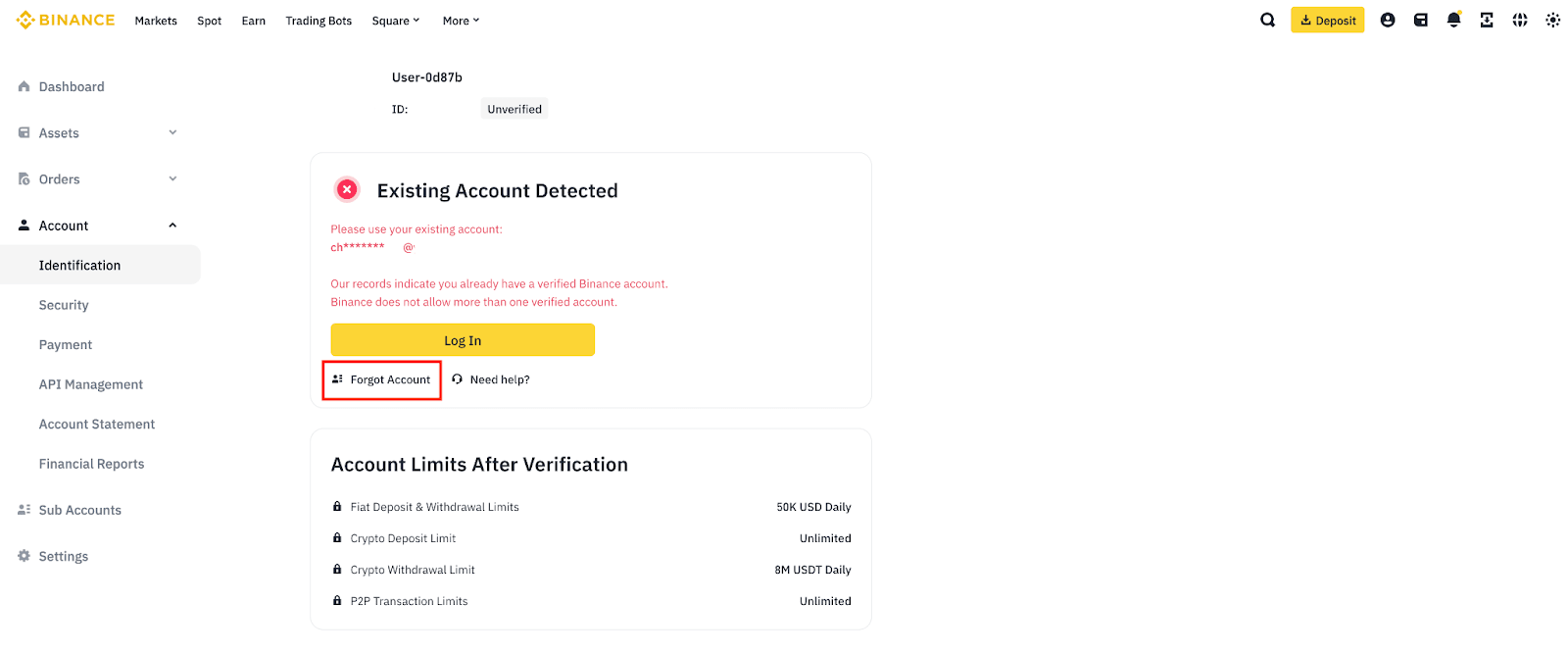
1. Read the notes displayed on the page carefully. Ensure that you have your ID card ready (ideally, the one used for your Binance account verification).
2. Select your Nationality, which should match the nationality written on your ID card.
3. Upload one photo of your ID card with the ID number clearly visible. Please ensure that the photo is not cropped, has no glare, and is not blurry.
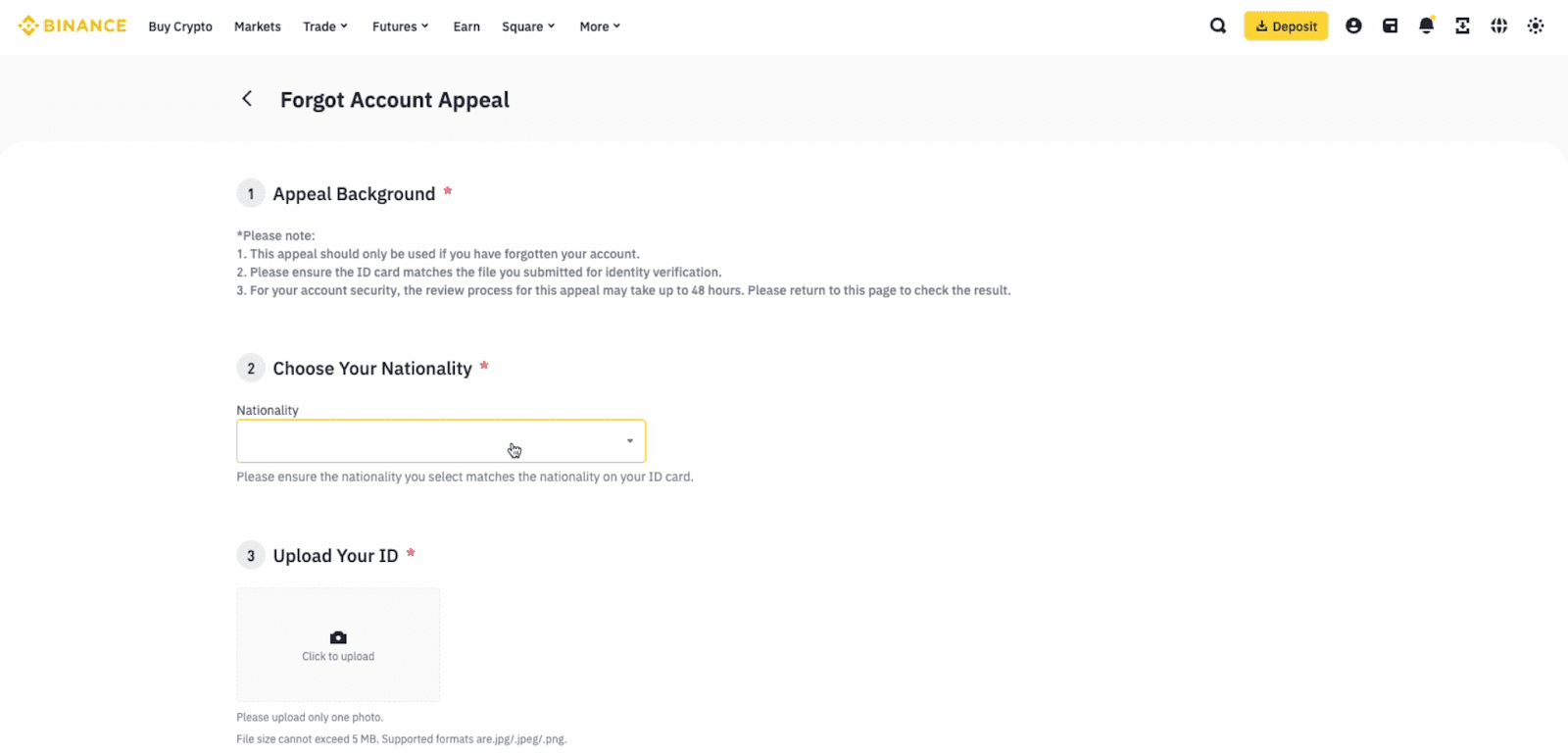
4. A statement video is required. Click below for steps on how to record the video.
Steps to recording the video:
Hold the KYC document with the front side facing the camera. Make sure your face is clearly visible along with the document.
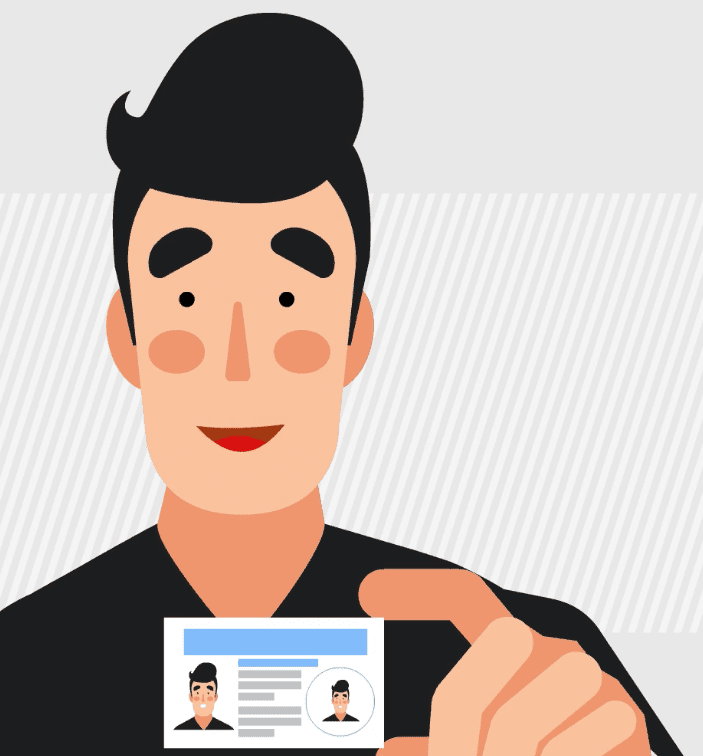
Read the following sentence clearly in English or Japanese, into the camera (with the correct date filled in):
English: "Today is DD-MM-YYYY. I forgot my Binance account due to personal reasons. Please help to provide the account information."
Japanese: 「今日はYYYY年MM月DD日です。個人的な理由でバイナンスのアカウントを忘れてしまいました。アカウントの情報を提供していただくために申請します。」
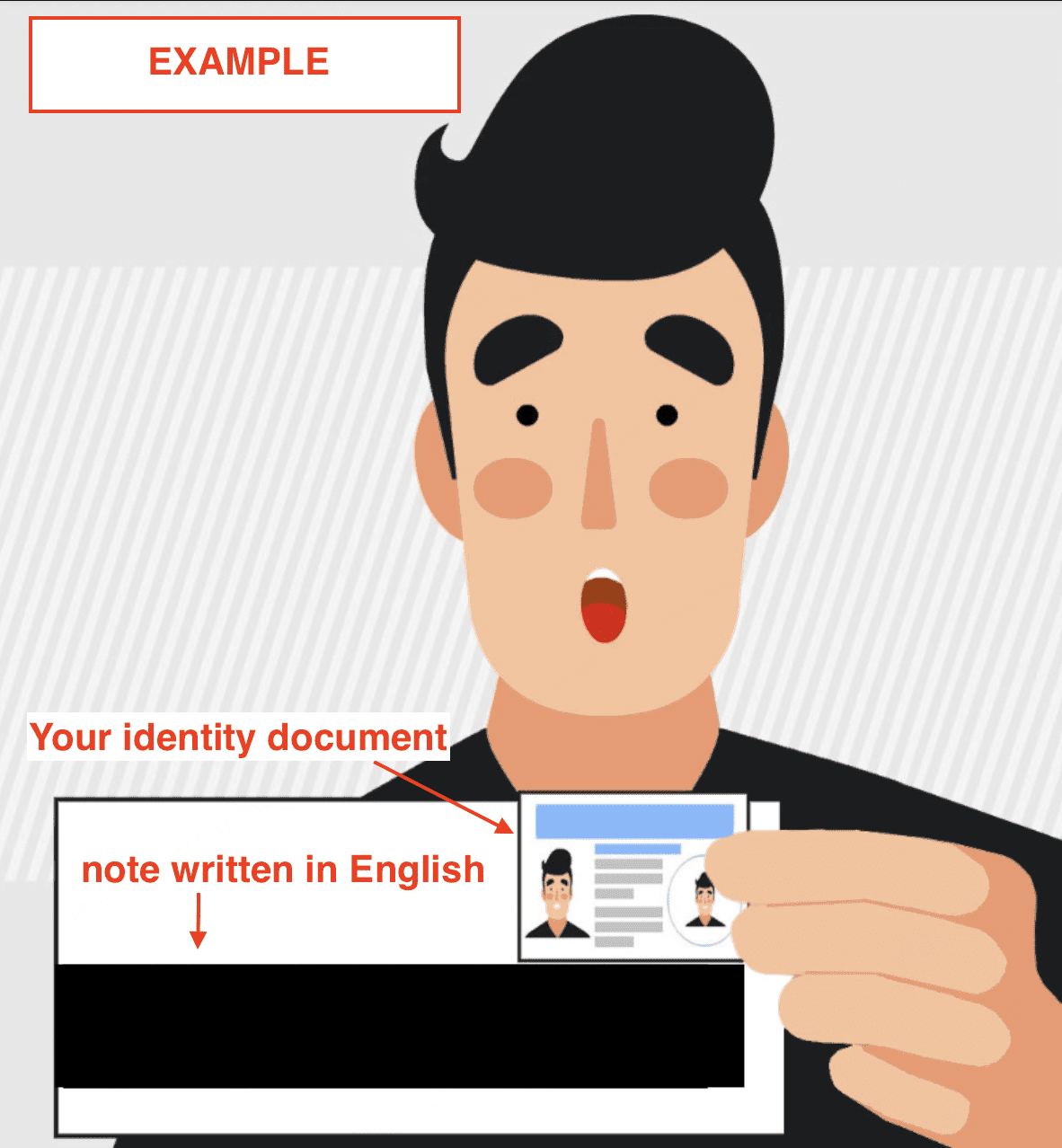
Please note if you cannot speak in English or Japanese: You may translate the above statement to your preferred language, but please write out and fill in the statement above in English on a piece of paper (with the correct date), then hold the note in front of the camera along with your ID (as pictured below).
Other notes:
Once recorded and saved as a video file (.mp4, .mov, .rmvb), click to upload the file onto the page.
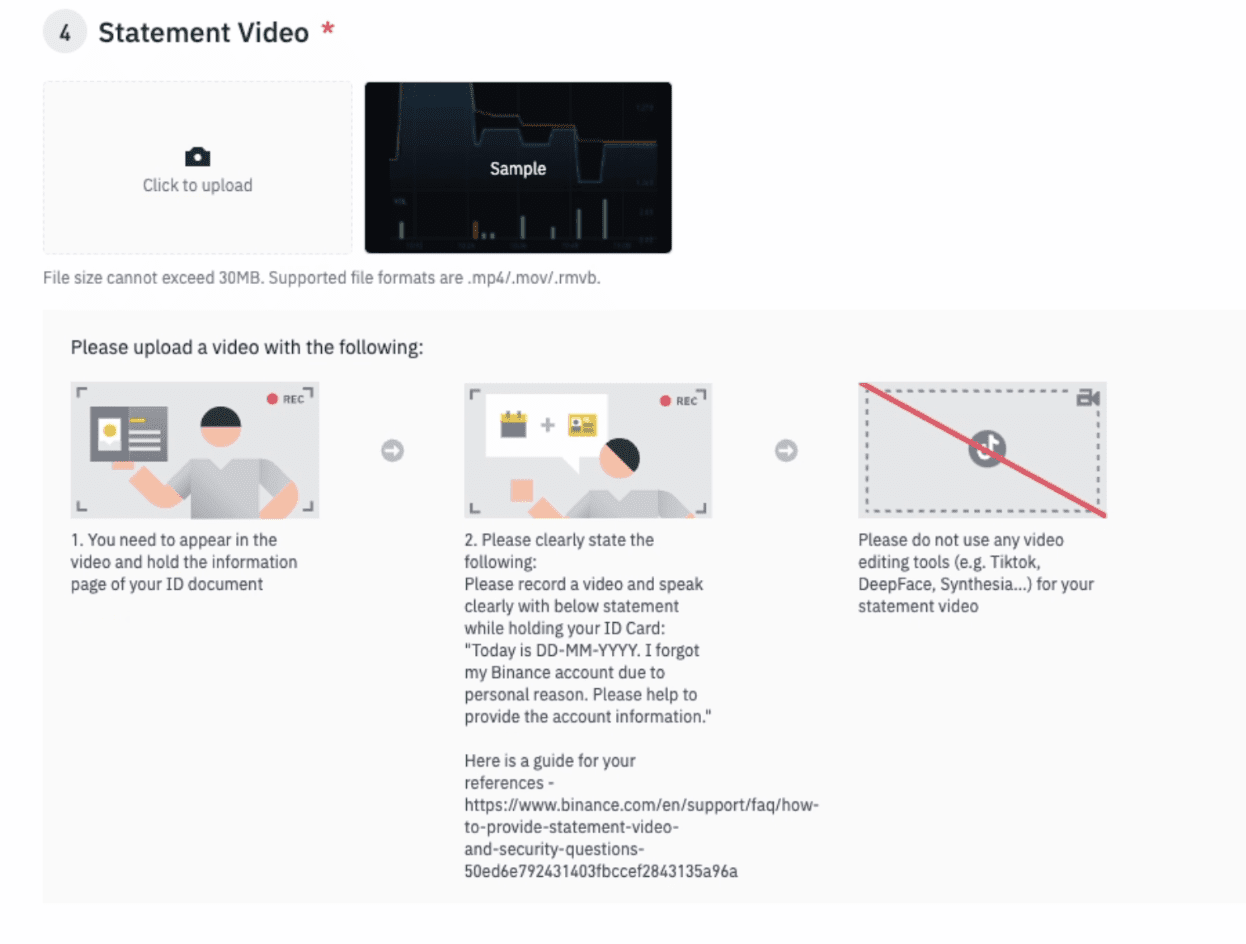
5. You may also record and submit a video proof of a deposit you made to your Binance account. This supporting video may be mandatory, depending on your case.
You must record this video to show the withdrawal record from the third-party platform used (non-Binance account) that corresponds to the deposit record in your Binance Account. This is to check that you are the sender of the funds deposited to your Binance account.
What needs to be captured in the video?
For step-by-step instructions on how to record the video, see here: How to Record and Submit a Video for ‘Related Deposit Record’?
6. Once all steps are completed successfully, your appeal will be reviewed and approved within 2 working days. You will be notified once the review is complete.