You can reset your account password from the Binance website or App. Please note that for security reasons, withdrawal (including Binance Pay) services will be disabled for 24 hours after resetting your password.
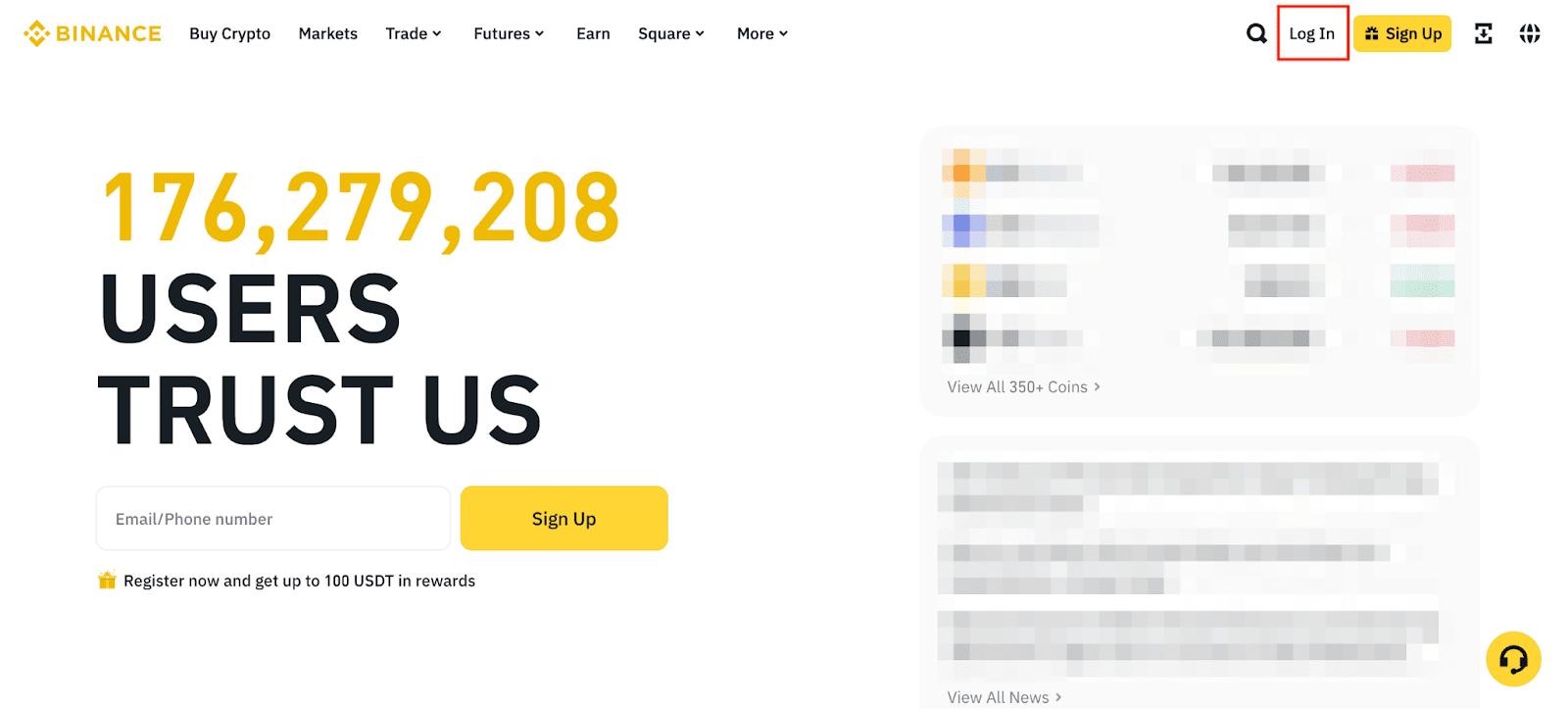
1. Go to [Binance Japan Website] and click [Log In].
If you're using the app, please follow as below:
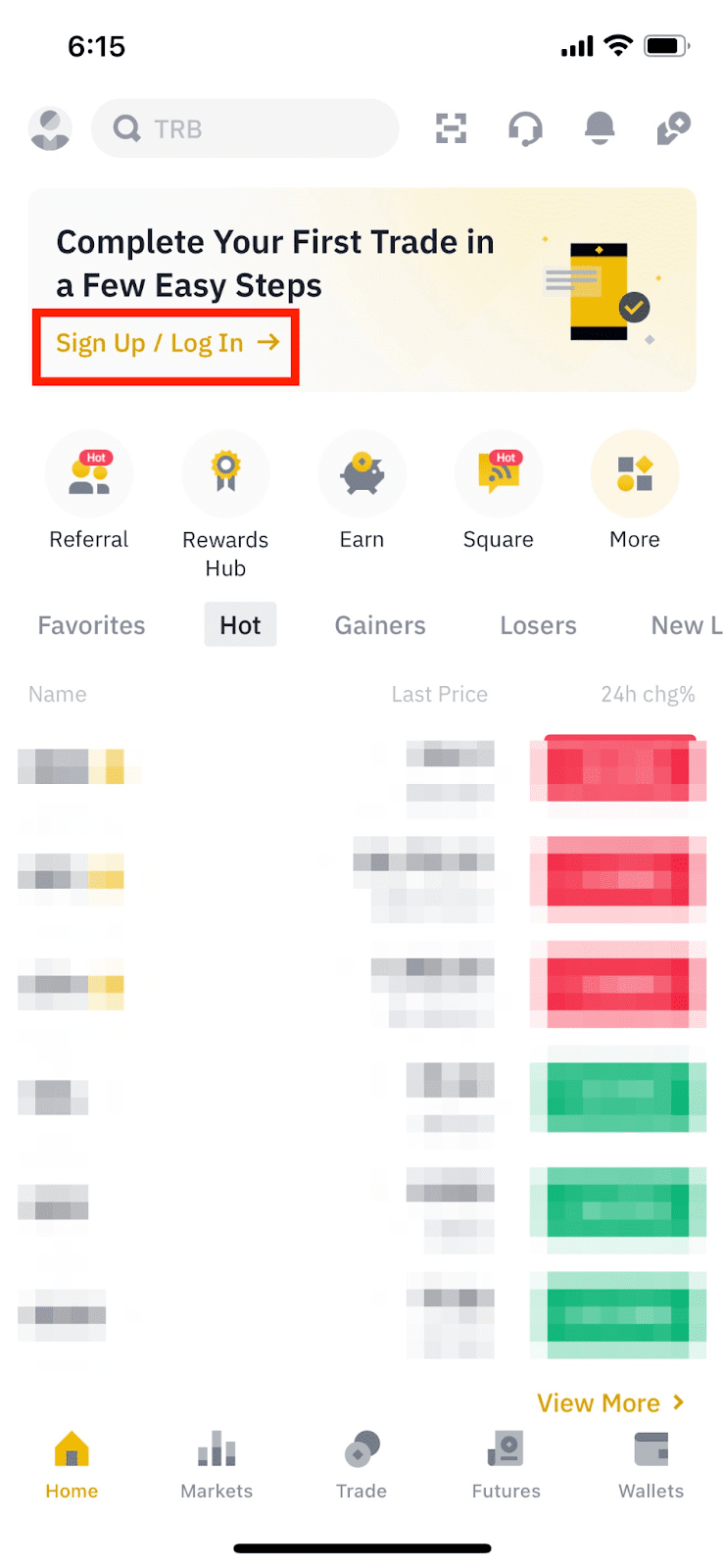
2. Enter your Binance account’s email or phone number and click [Next].

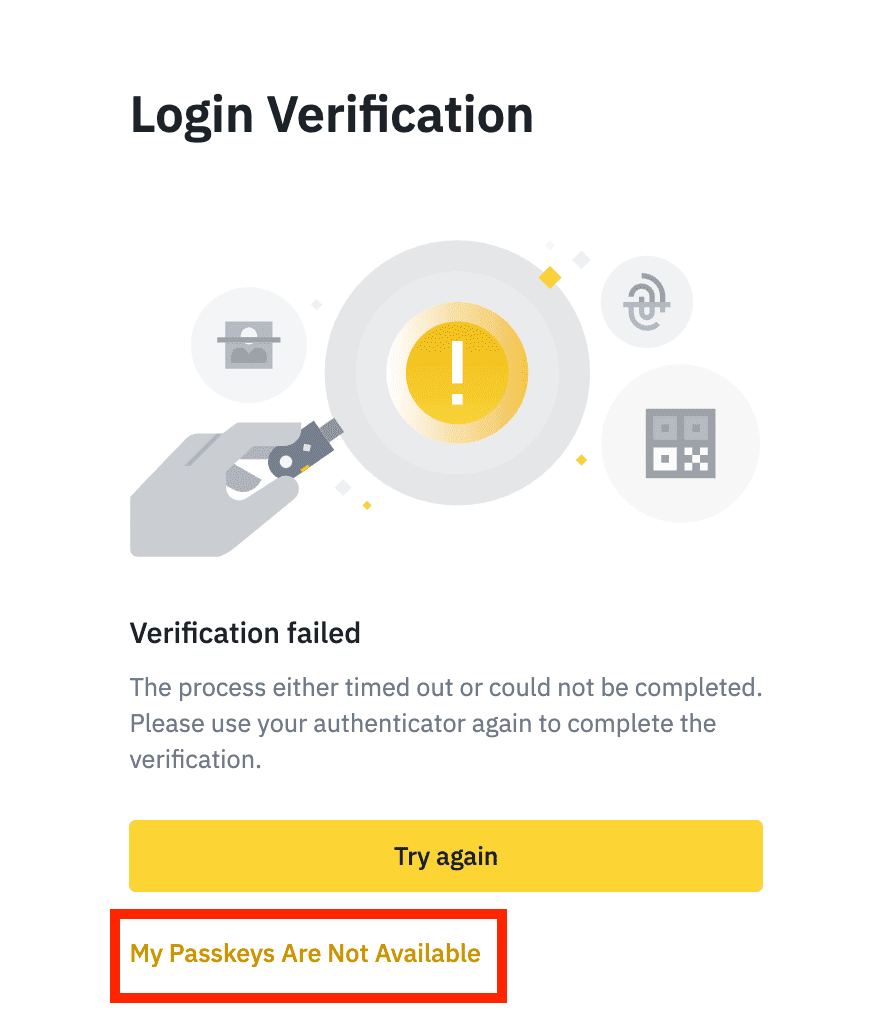
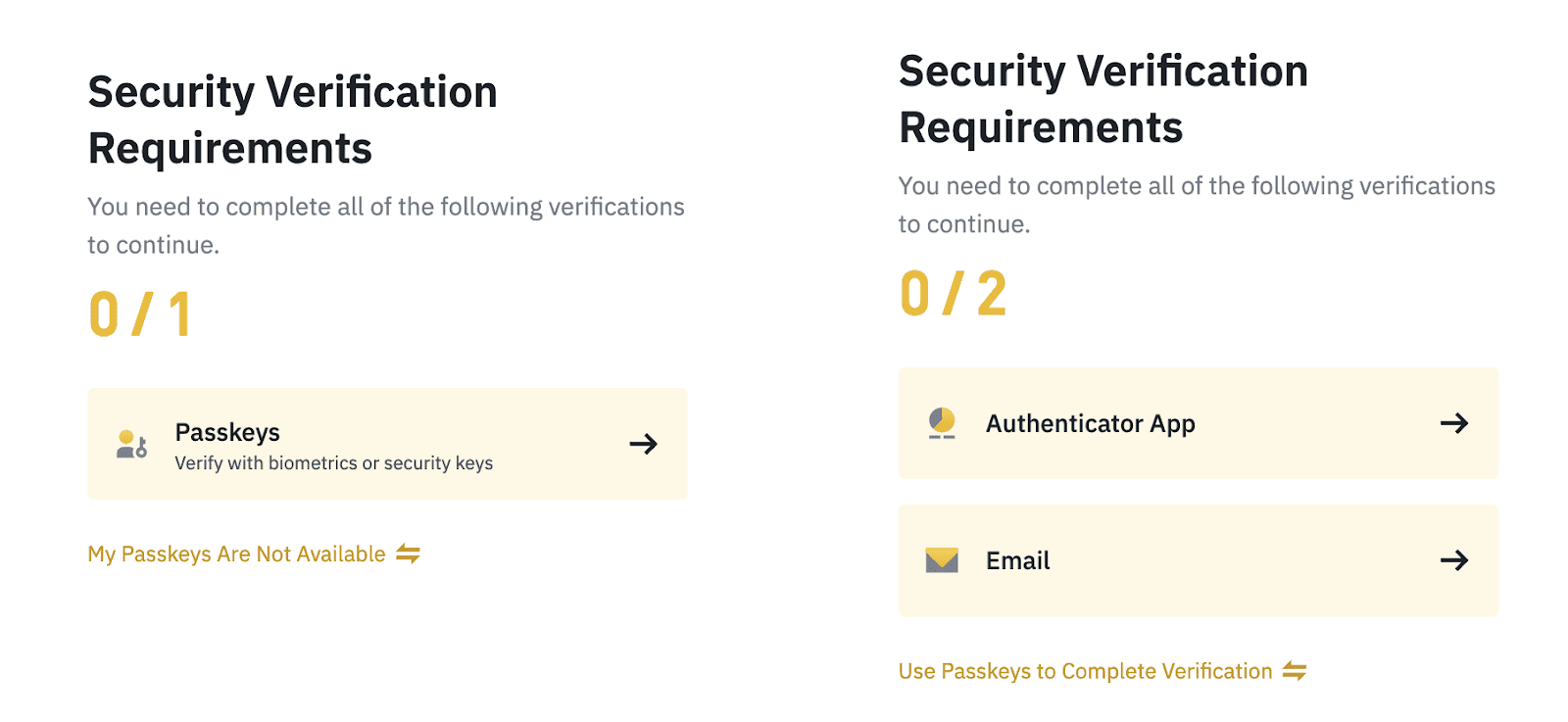
3.1 If you’ve enabled passkeys for your account, you’ll be asked to verify with your passkey. Click [Cancel] and choose [My Passkeys Are Not Available].
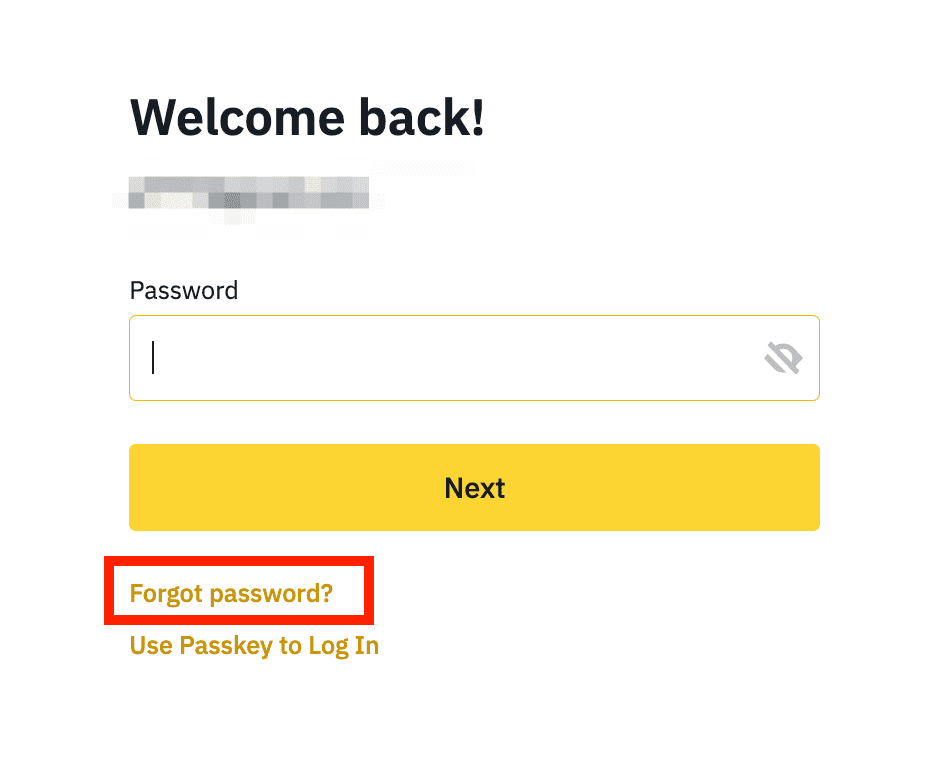
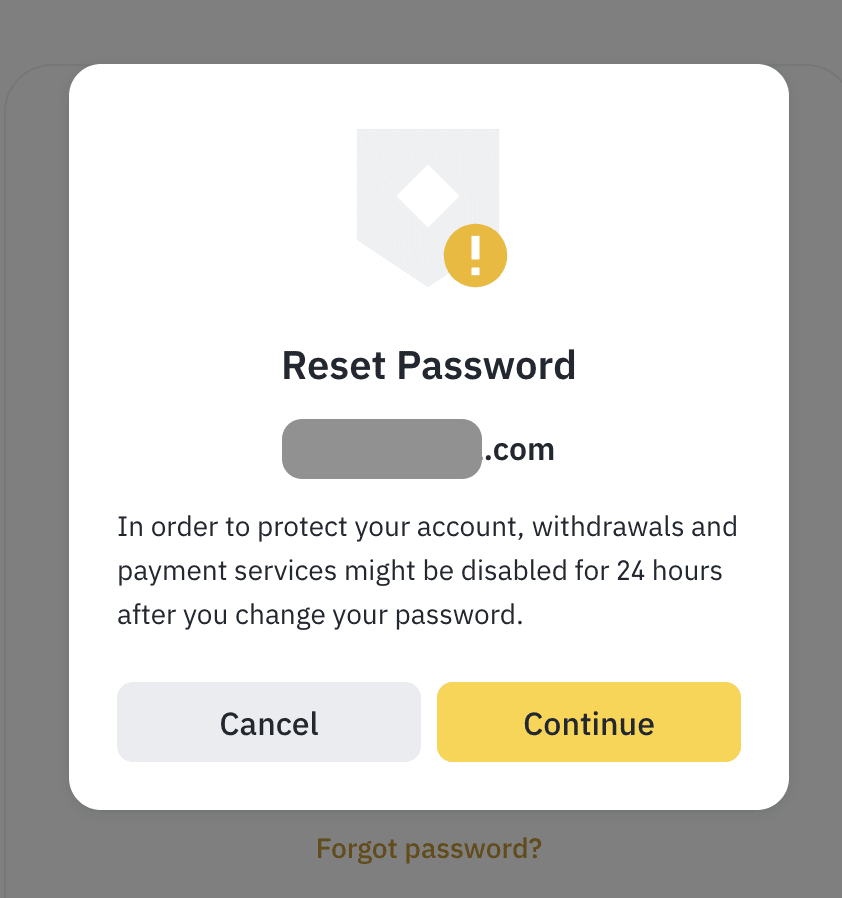
3.2 Click [Forgot password?].
4. Read the notes carefully before clicking [Continue]. Please note that for security reasons, withdrawal (including Binance Pay) services will be disabled for 24 hours after resetting your password.
5. Complete the required security verifications.
Notes
6. Enter a new password and click [Confirm]. Please note that your password must contain at least 8 characters in which there are at least1 number, and at least 1 upper-case letter.
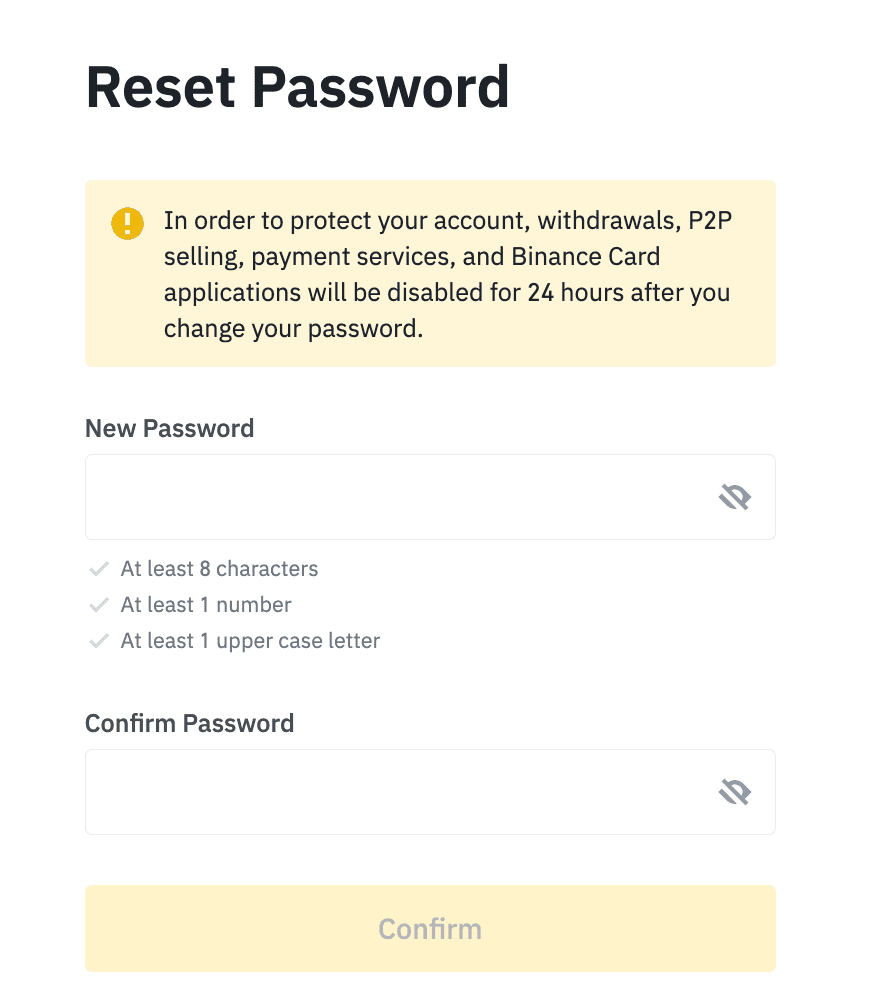
7. Your password has been reset successfully. Please use the new password to log in to your account.
