Disclaimer: In compliance with MiCA requirements, unauthorized stablecoins are subject to certain restrictions for EEA users. For more information, please click here.
You can now use your corporate account to buy USDT, USDC, or XUSD with USD on the Binance app or website.
1. Log in to your corporate account and go to [Buy crypto].
Choose [Bank Transfer (StraitsX)] as the payment method. Choose the cryptocurrencies (USDT/ USDC/ XUSD) and enter the amount.

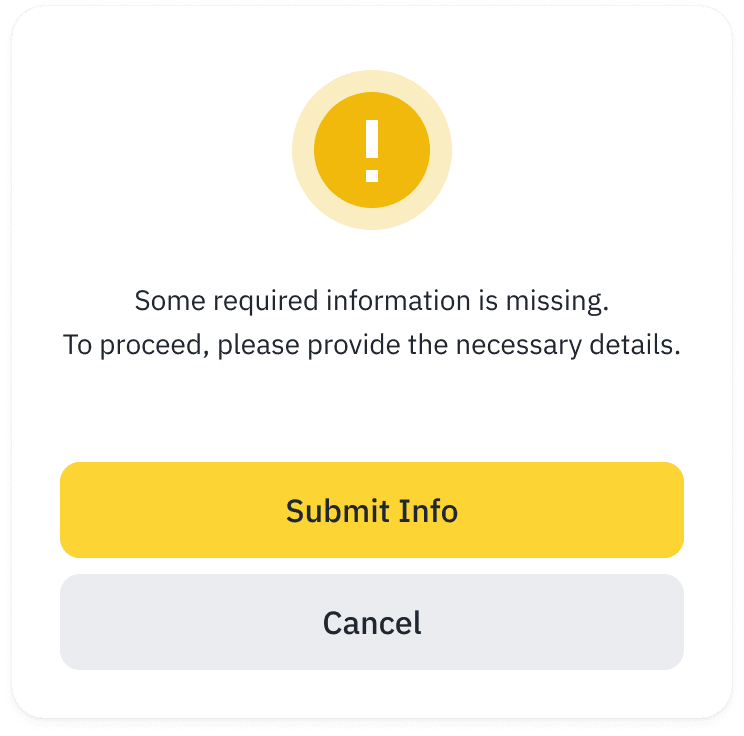
2. If you haven’t completed the KYB (Know Your Business) process before, you’ll be prompted to do so at this step.
For a full guide, please refer to: How to Complete Entity Verification (KYB) on Binance: Step-by-Step Guide.
3. Review the order details carefully, then click [Confirm].

4. Use your bank account to make a transfer to the bank details provided.

Please note that:

5. After the payment has been completed, please click the button below.
6. Your buy order has been submitted.
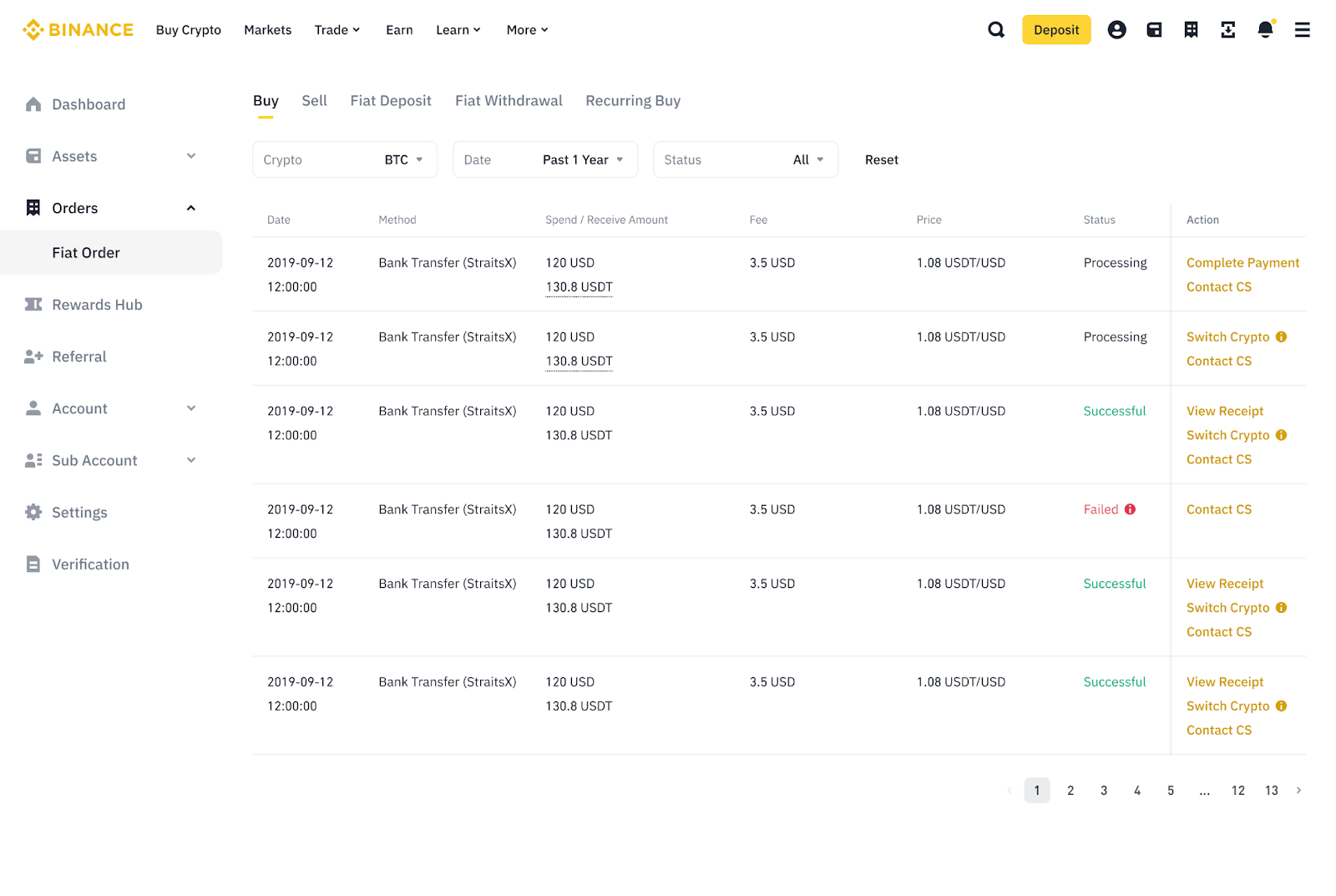
To check your order details at any time, go to [Transaction History] - [Fiat Order] - [Buy].

To learn more about the corporate accounts function, visit Corporate Account FAQs.
Disclaimer: In compliance with MiCA requirements, unauthorized stablecoins are subject to certain restrictions for EEA users. For more information, please click here.
You can now use your corporate account to buy USDT/ USDC/ XUSD with USD on the Binance app or website.
1. Log in to your corporate account and go to [Add Funds] - [Buy with USD].

2. If you haven’t completed the KYB (Know Your Business) process before, tap [Verify Identity] to proceed.
For a full guide, please refer to How to Complete Entity Verification (KYB) on Binance: Step-by-Step Guide.

3. Choose [Bank Transfer (StraitsX)] as the payment method.
Choose the cryptocurrencies (USDT/ USDC/ XUSD) and enter the amount.
Tap [Preview Order].

4. Review the order details carefully, then tap [Confirm].

5. Use your bank account to make a transfer to the bank details below.
Please note that:

6. Your buy order has been submitted.

7. To check your order details at any time, go to [Trade] - [History] - [Fiat Order] - [Buy].

To learn more about corporate accounts function, please visit Corporate Account FAQs.
