Binance Card - Global Program: Eligibility and How to Order It?
Dipublikasikan pada 2025-11-21 00:00
Diperbarui pada 2025-11-21 04:00
1. Who is eligible for a Binance Card - Global Program?
Binance Card - Global Program currently supports users with verified accounts in Colombia and Peru.
For Colombia: All new and existing Binance users residing in Colombia who have an account with their Country of Residence in Colombia, and who have completed identity verification with a valid document issued in Colombia - national ID, a valid driving license, a valid passport or resident’s permit, can apply for the Binance Card. Verified documents must have been issued in Colombia. If you have a non-supported type of documentation verified in the past, please supplement your national ID or driving license here first. Once this step is completed, you will be able to apply for the card.
For Peru: All new and existing Binance users residing in Peru who have an account with their Country of Residence in Peru, and who have completed identity verification with a valid document issued in Peru, such as a national ID, a valid driving license, a valid passport, or resident’s permit, can apply for the Binance Card. Verified documents must have been issued in Peru. If you have a non-supported type of documentation verified in the past, please supplement your national ID / driving license here first. Once this step is completed, you will be able to apply for the card.
2. How do I order a Binance Card?
Let's see how to order it from the Binance app.
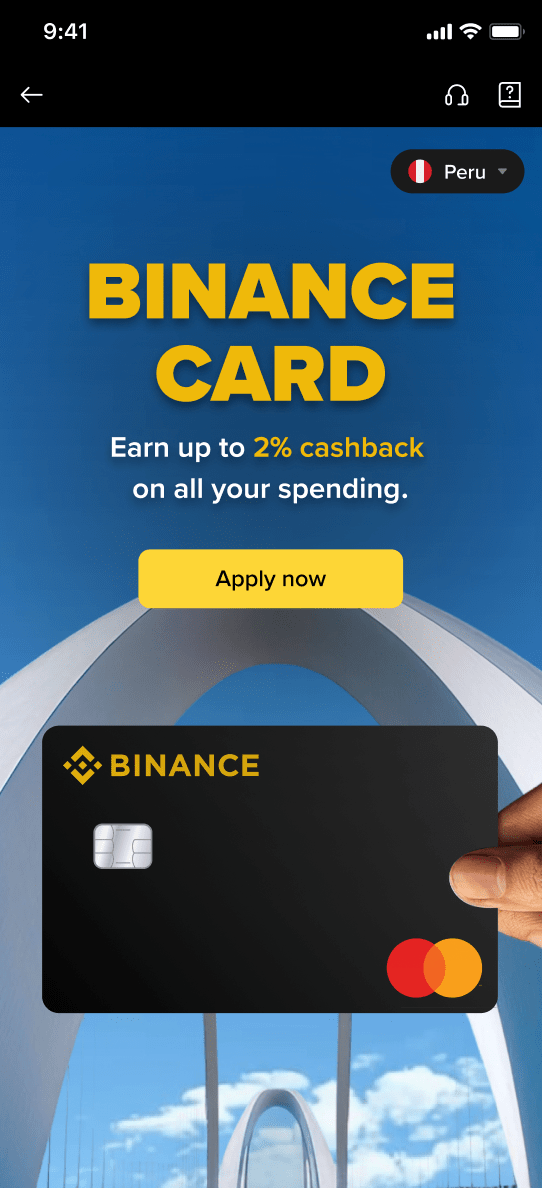
2.1 Log in to your Binance account and tap [Apply now] on the Binance Card page.
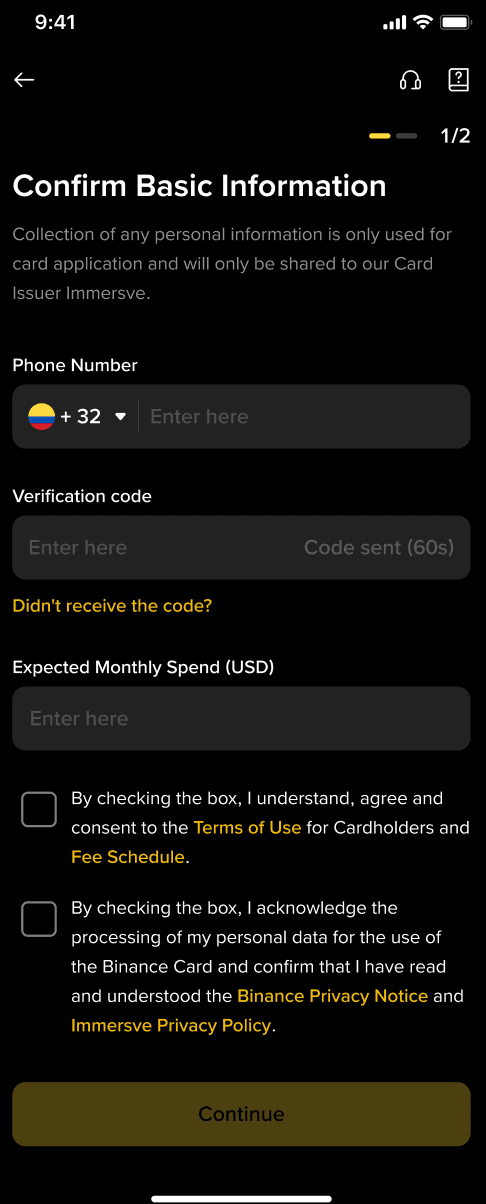
2.2 You’ll be redirected to the Order Binance Card page. Fill in your basic information. Once confirmed, tap [Continue].
Please note: Expected Monthly Spend [USD] is always a required field. If your email or phone number were already submitted during registration and personal verification, those fields will not appear here.
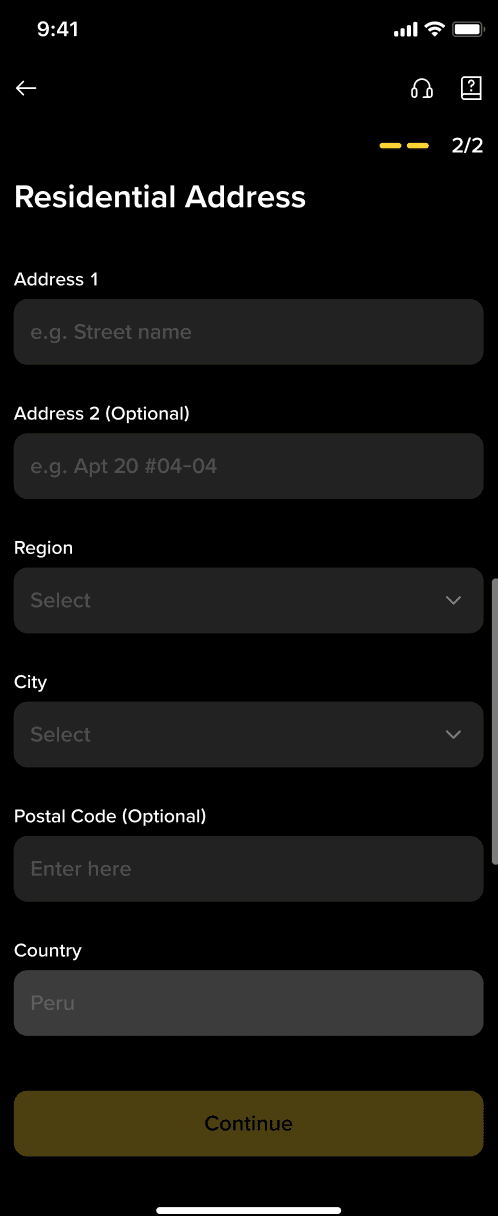
2.3 Fill in your residential address and tap [Continue].
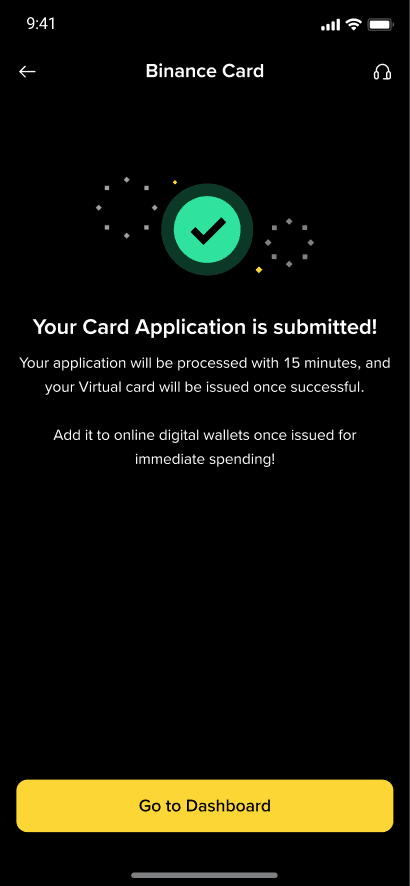
2.4 Upon a successful application, your virtual Binance Card application will be reviewed. Virtual cards will take up to 15 minutes to be issued upon review success.
3. How do I activate my virtual Binance Card?
Your virtual Binance Card will be automatically activated upon issuance. You can start using it immediately online by binding it to your online digital wallets
Daftar untuk mendapatkan reward
Daftar Sekarang - Dapatkan rabat biaya perdagangan senilai hingga 100 USDT (bagi pengguna terverifikasi)