Disclaimer: In compliance with MiCA requirements, unauthorized stablecoins are subject to certain restrictions for EEA users. For more information, please click here.
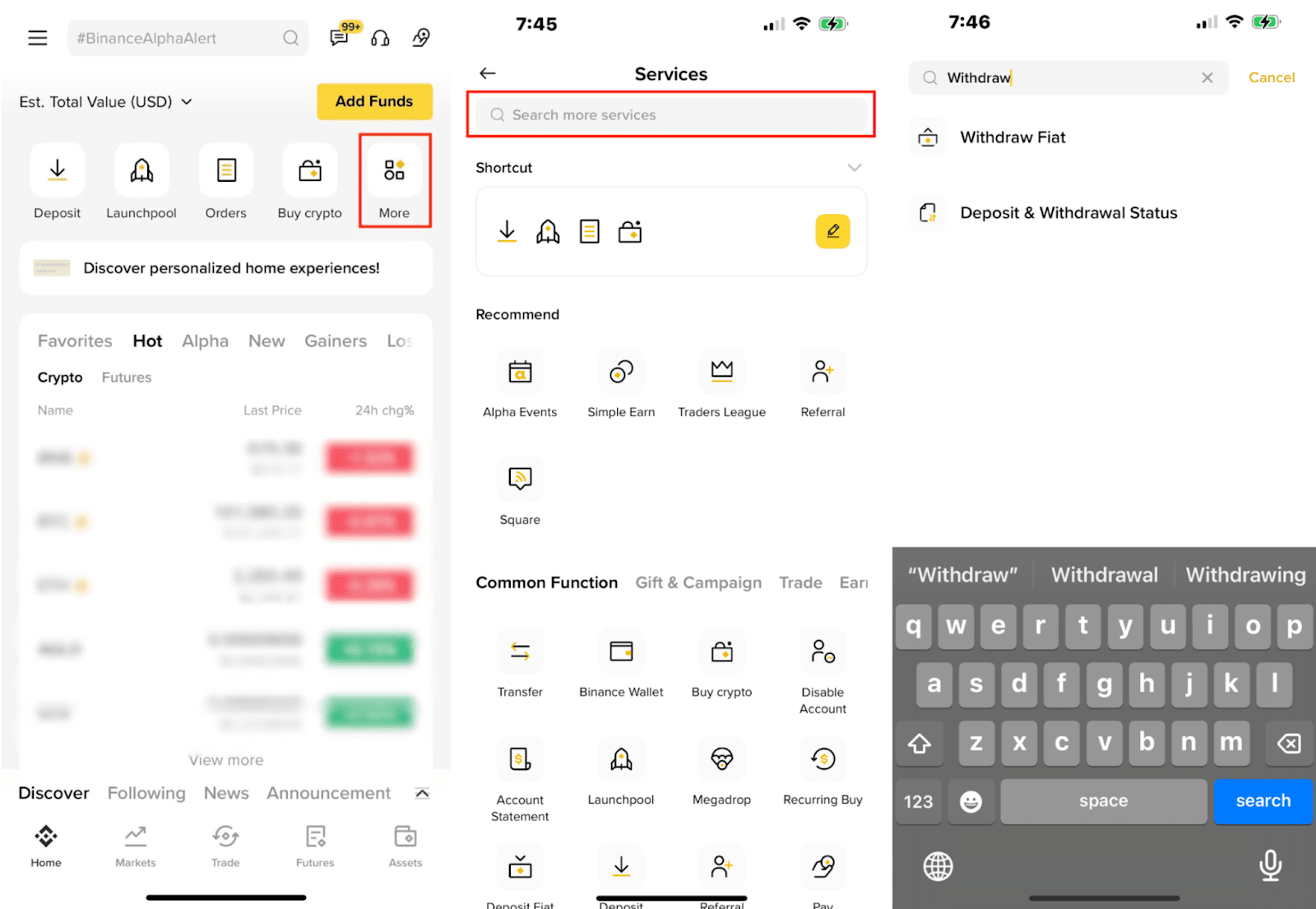
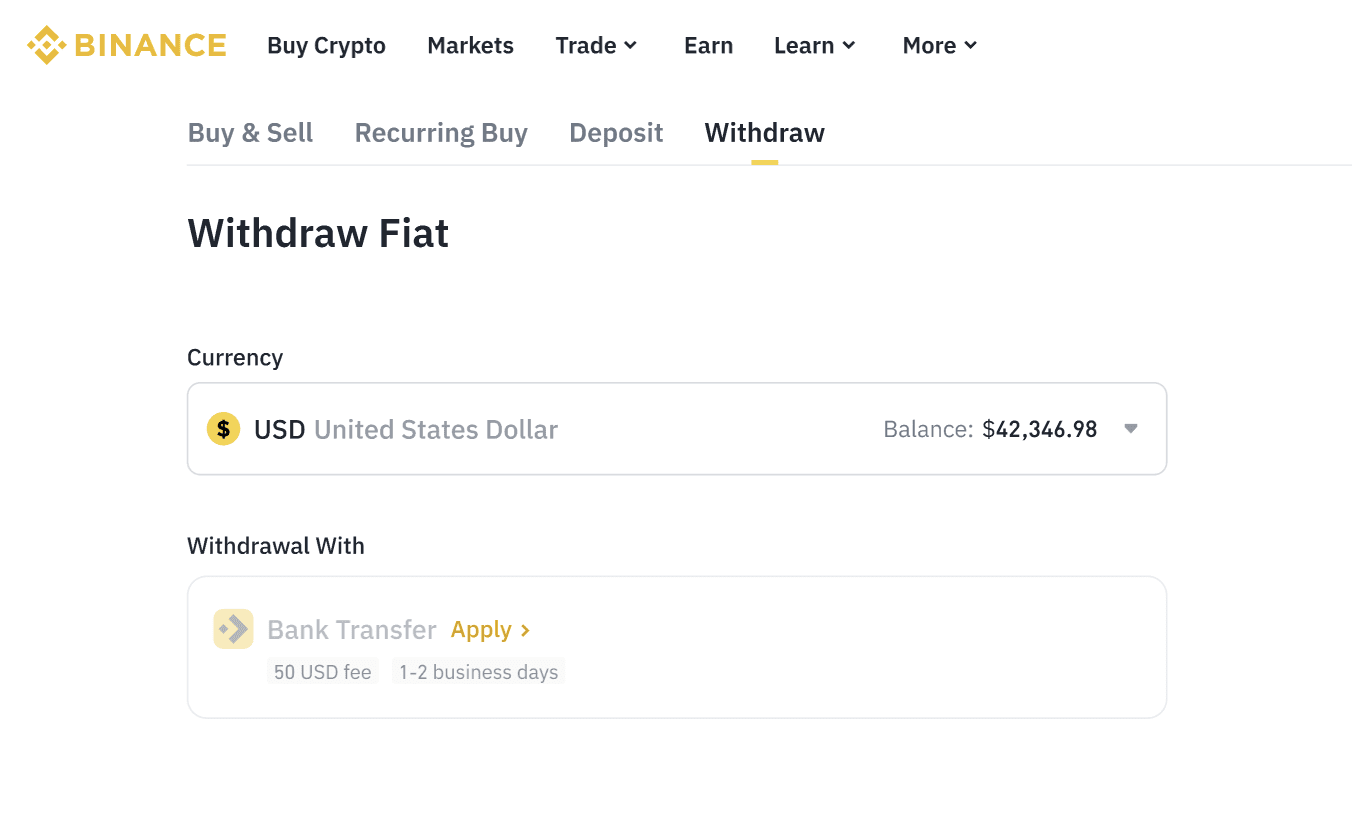
1. Log in to Binance and click [Deposit].
Switch to [Withdraw].

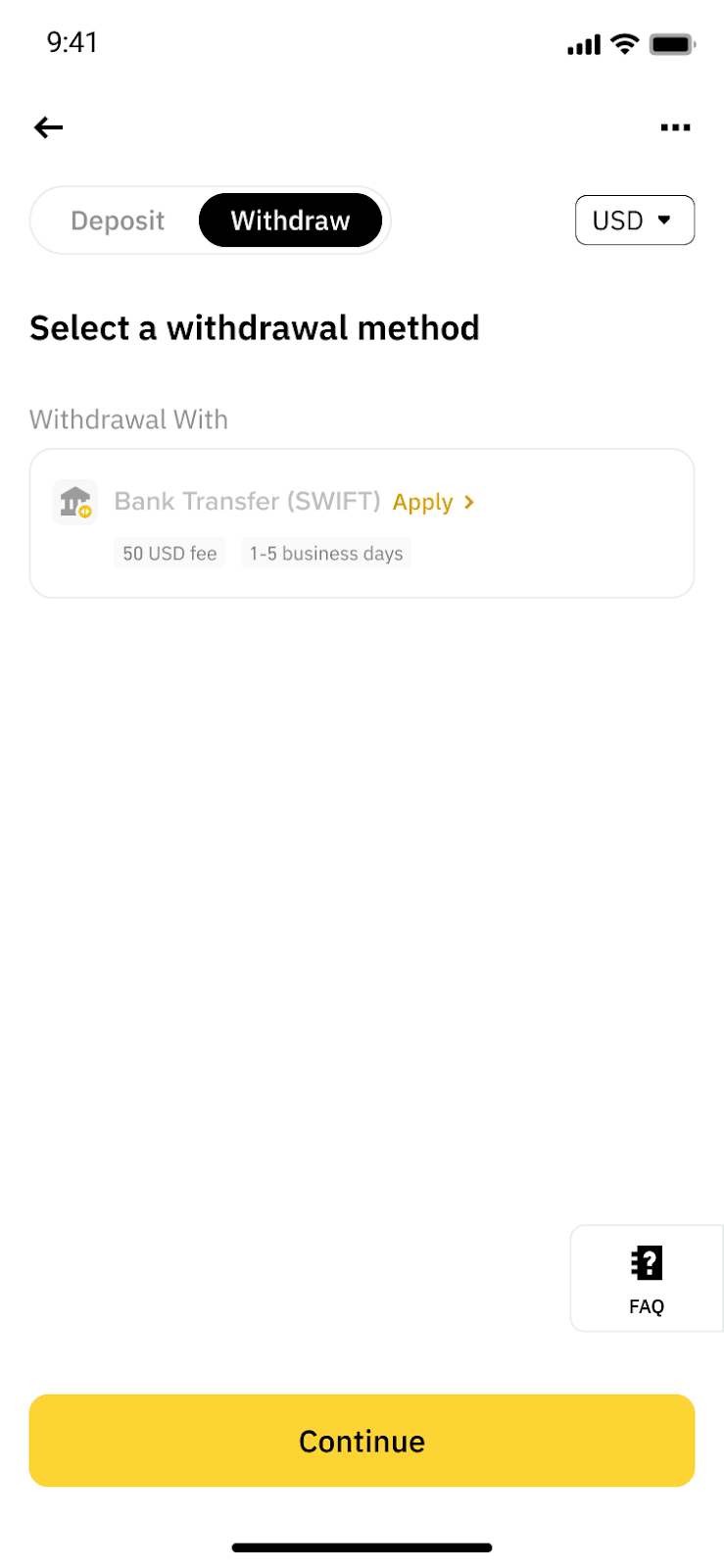
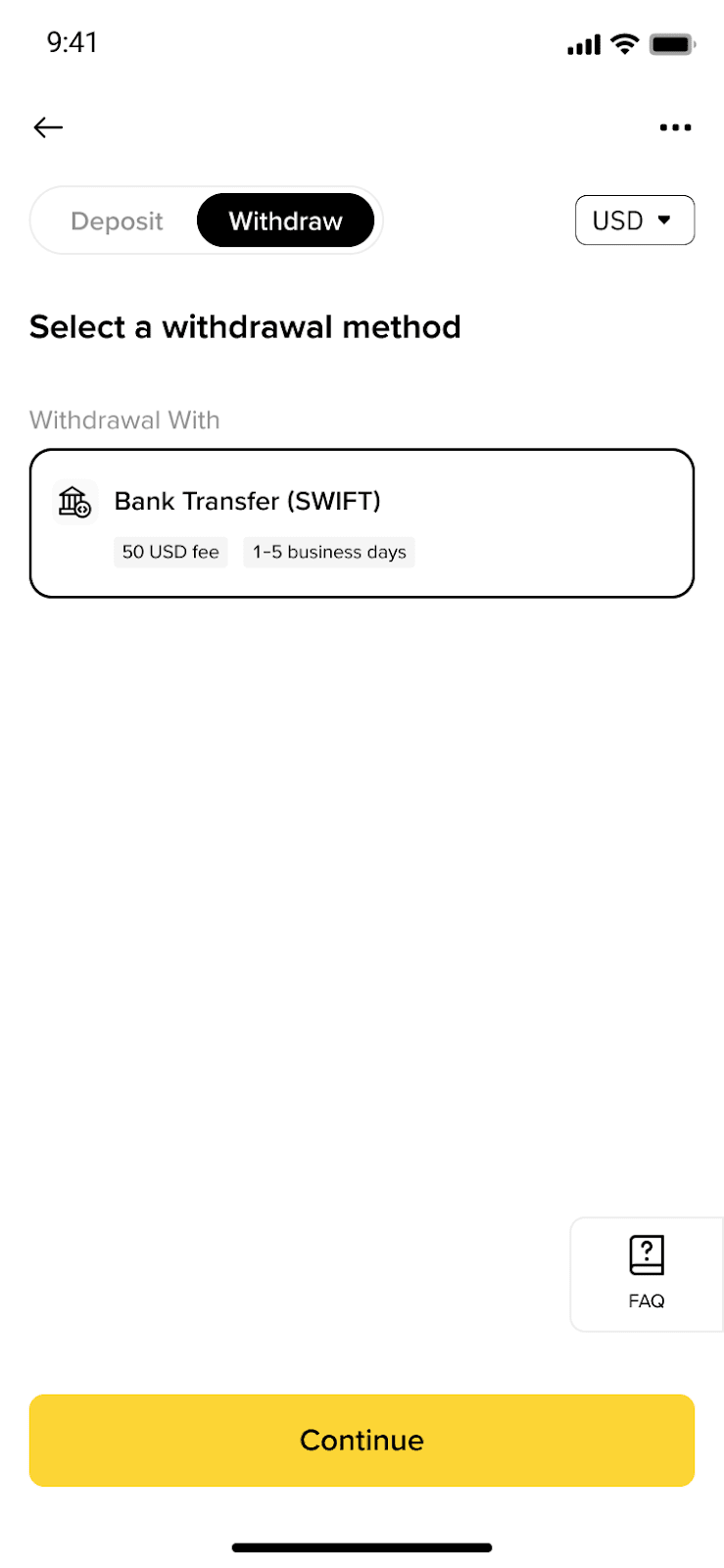
2. Select USD and Bank Transfer. Then click [Apply] to complete the KYB (Know Your Business) verification process.
If you've already completed KYB before, you can proceed to create your withdrawal order directly.
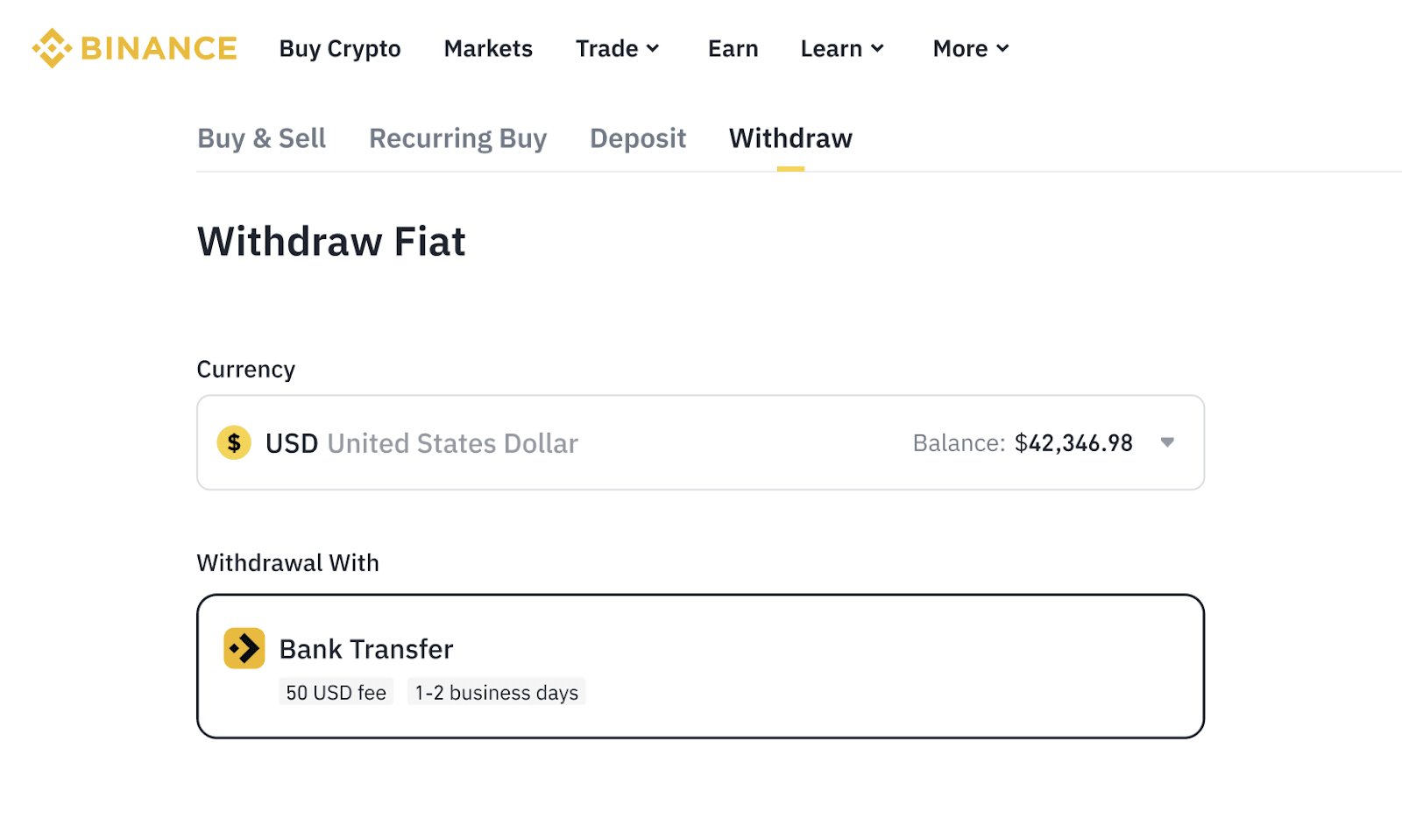
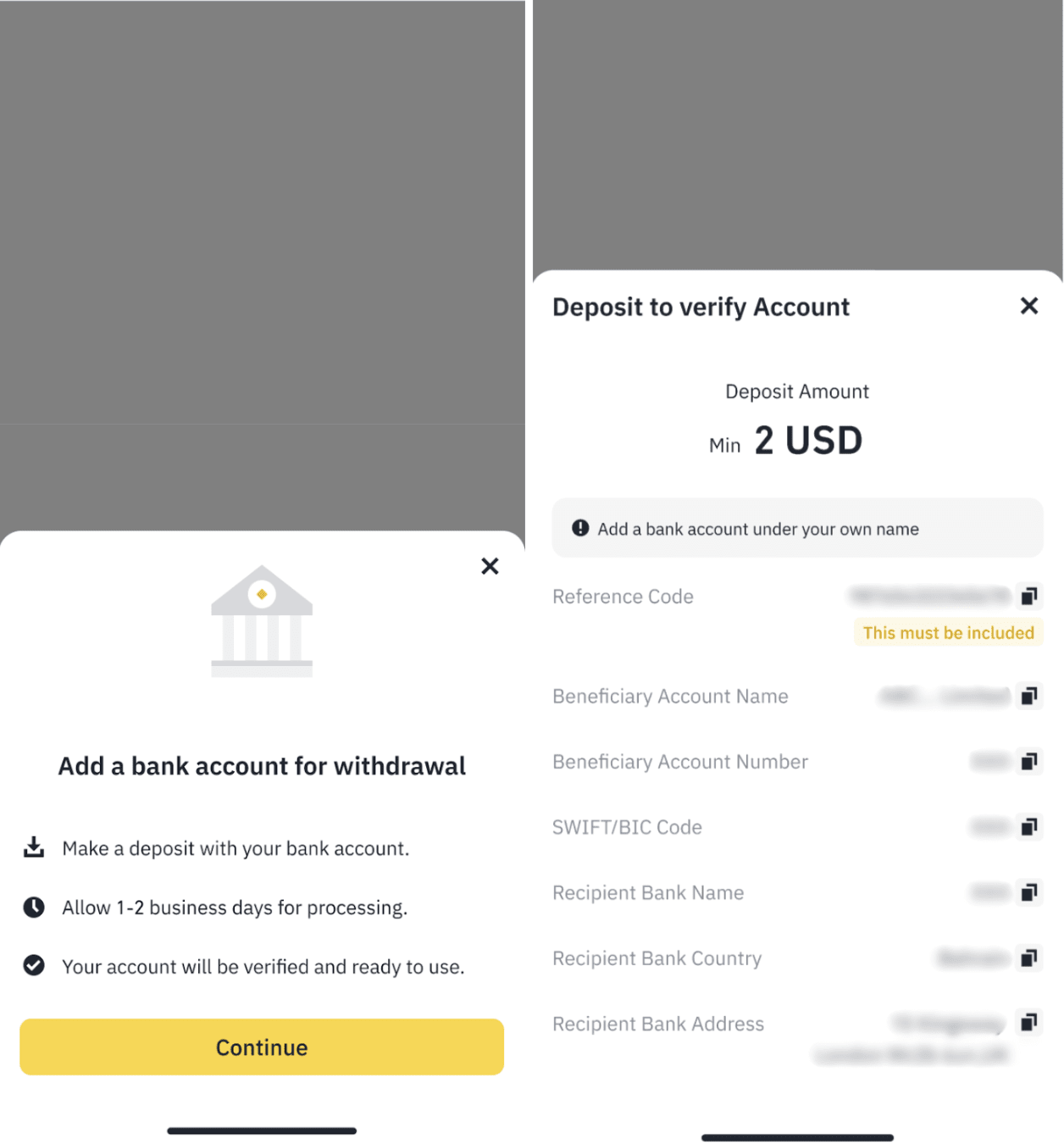
3. Add a bank account for withdrawal.
Before you can withdraw USD, you must first make a deposit via bank transfer to verify your bank account ownership.
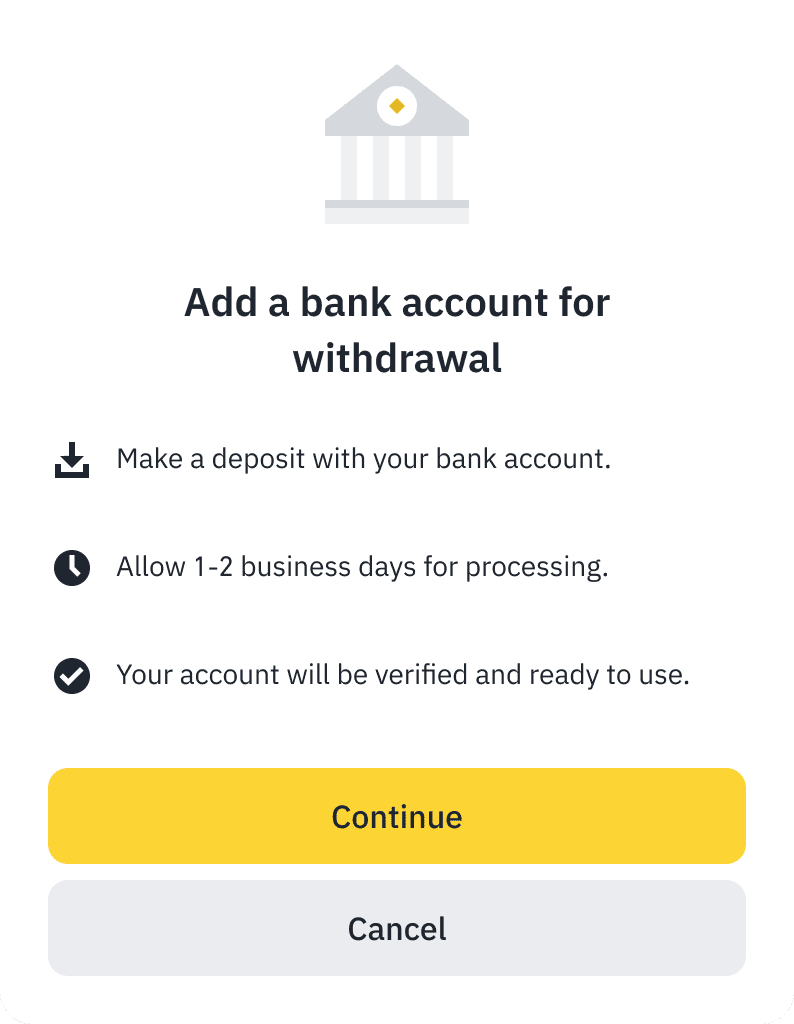
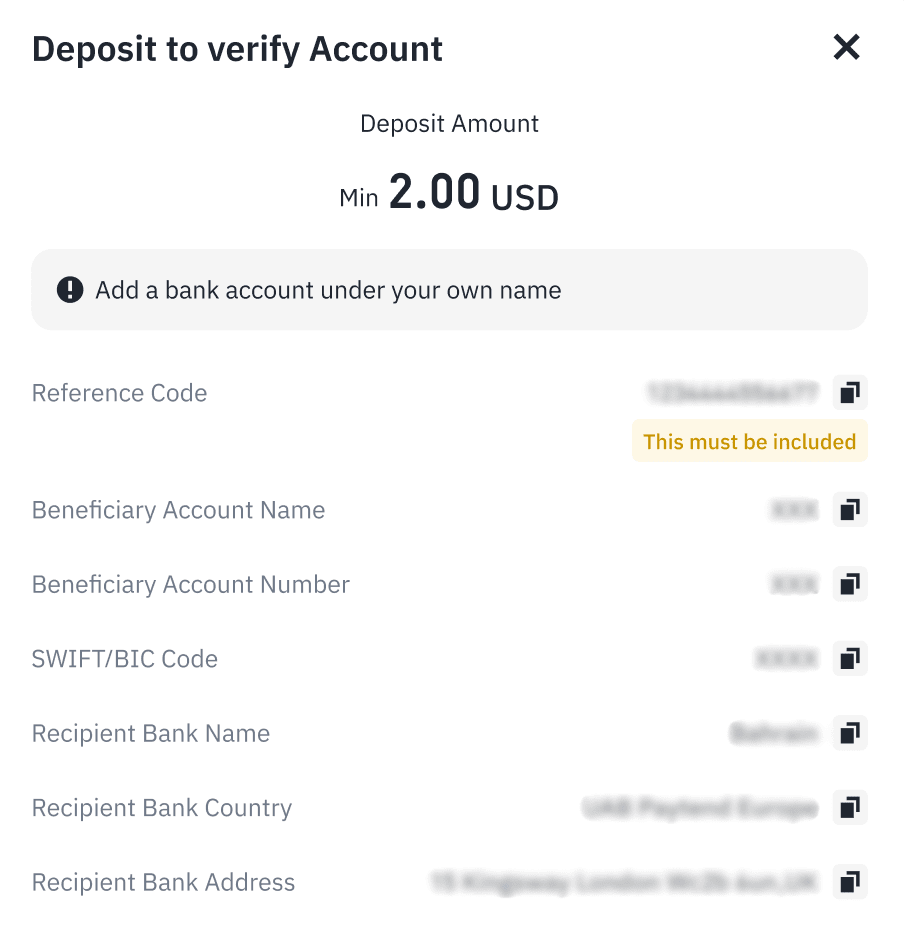
If you've already completed a deposit to the same bank account before, you can skip this step.
4. Once your bank account is verified, proceed to create a withdrawal order.
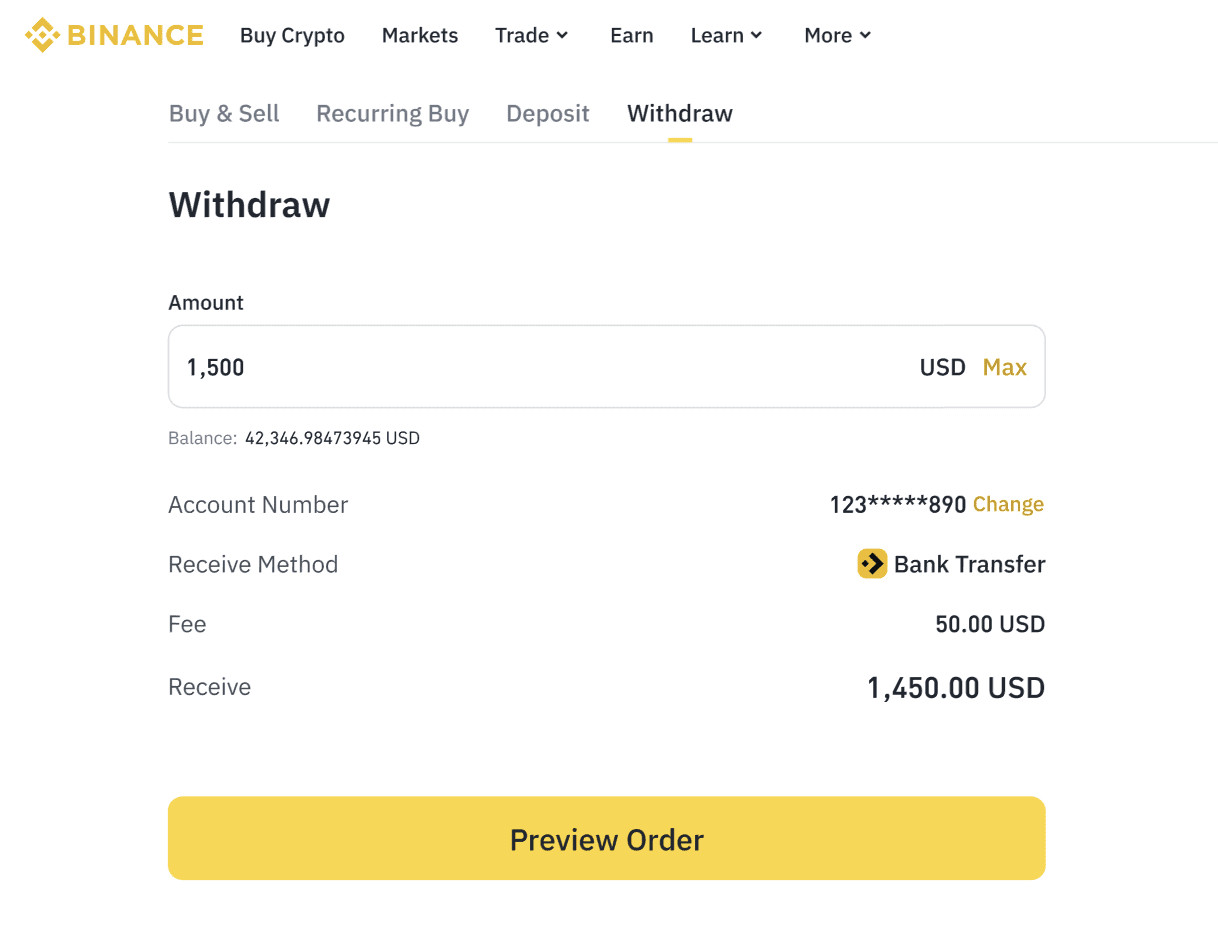
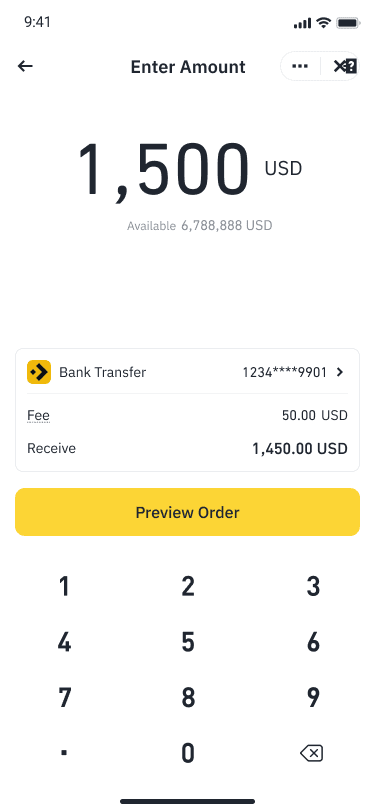
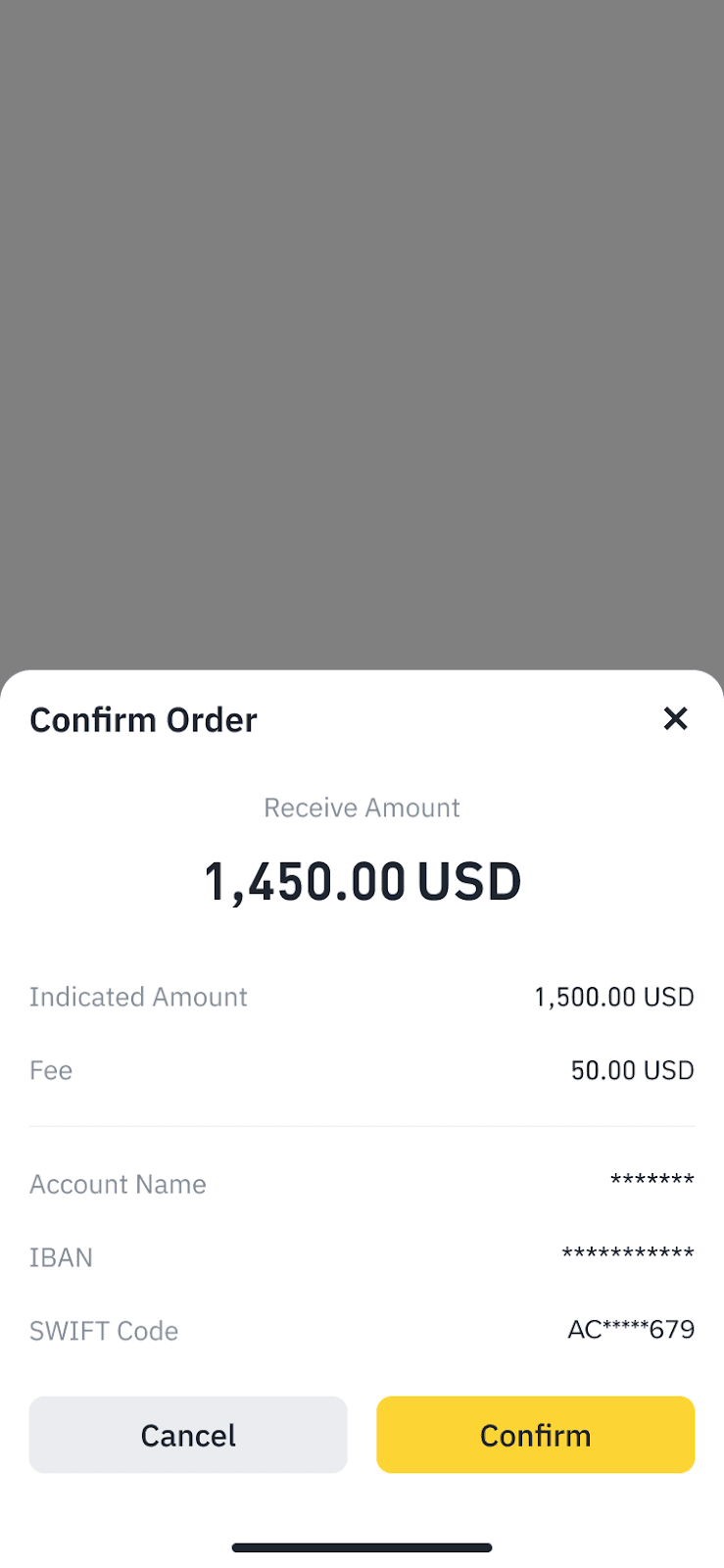
5. Enter your withdrawal details and review the information carefully.
Make sure the bank account name matches your company name exactly.
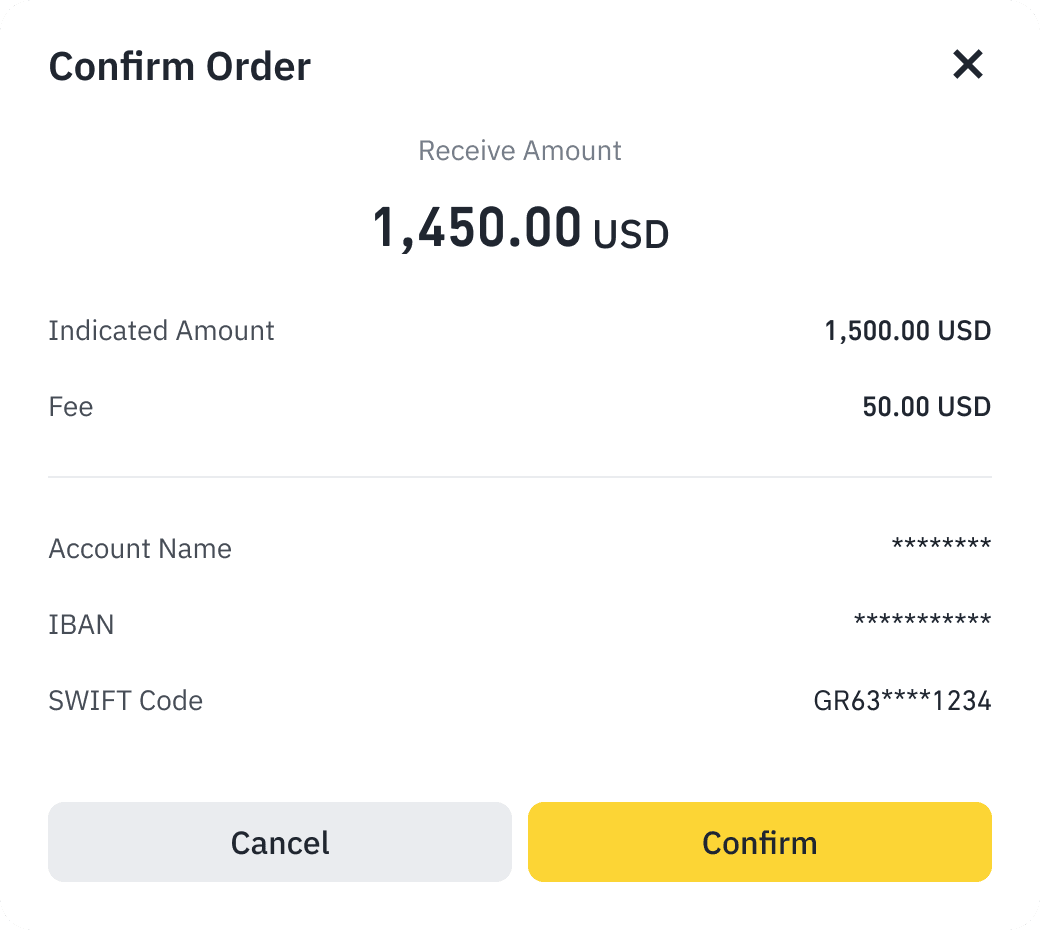
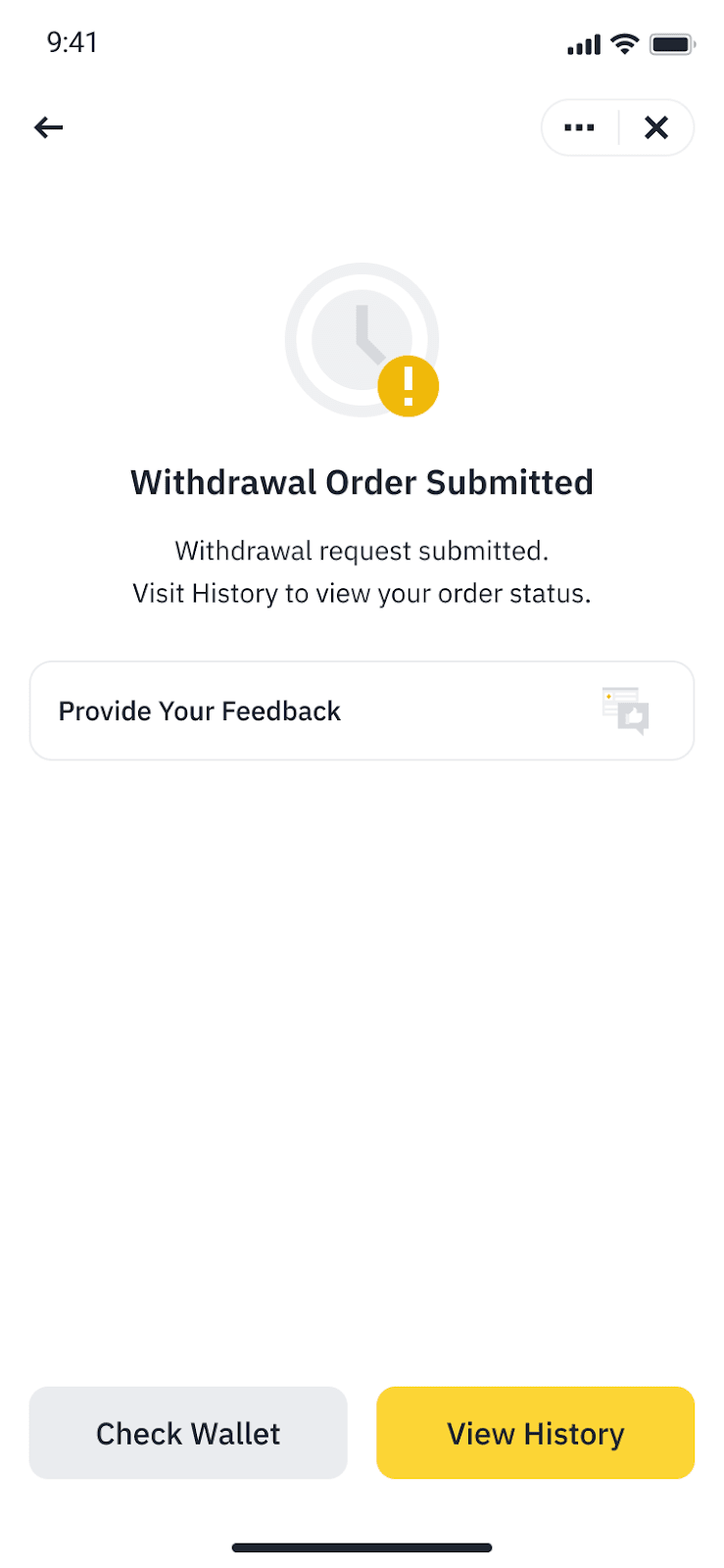
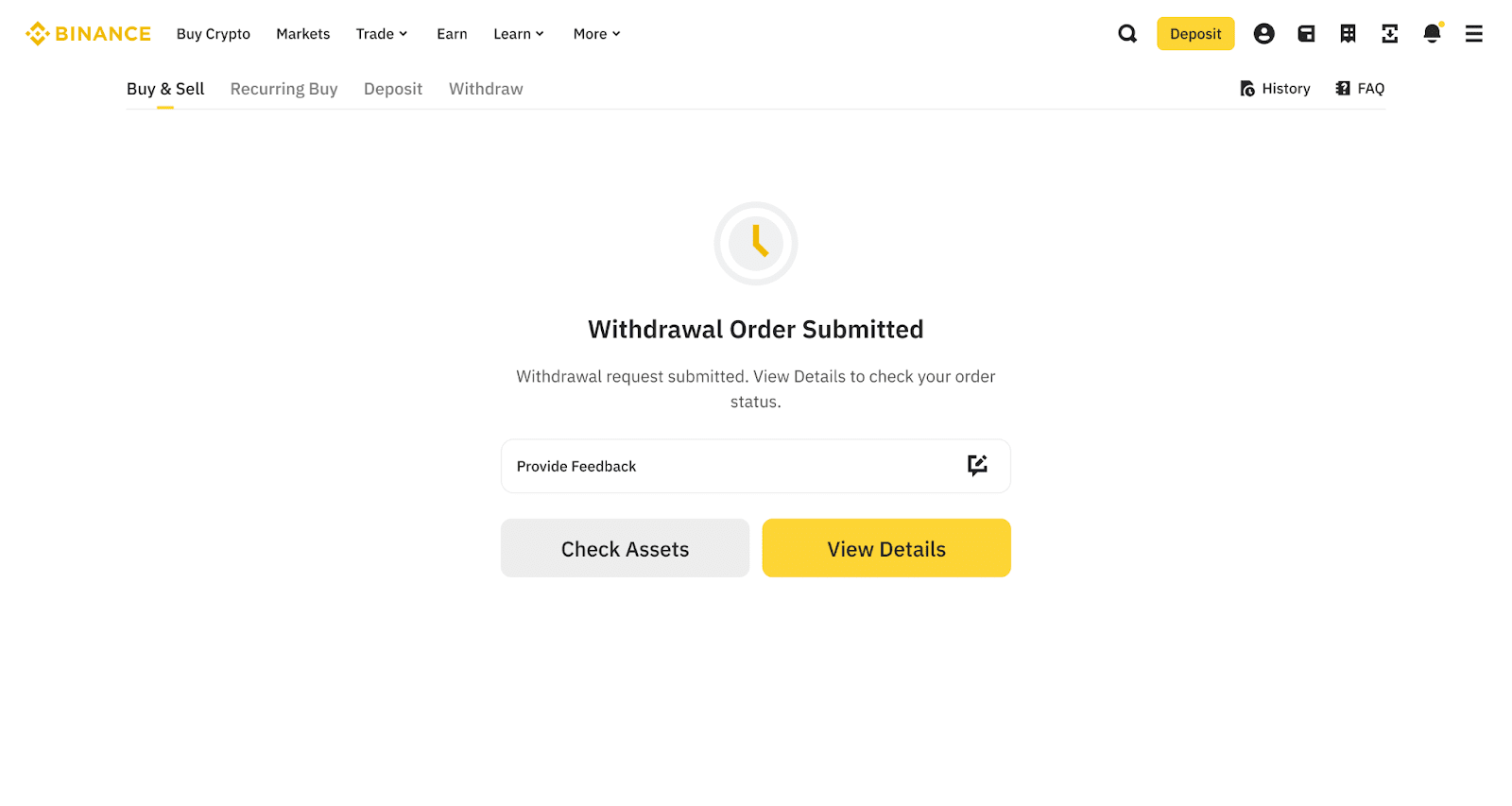
6. Confirm the withdrawal. Withdrawals typically take up to 3 business days to arrive.
To learn more about corporate accounts function, please visit Corporate Account FAQs.