

Future Tec
185 Posts

Future Tec
Report
Block User
Open Trade
High-Frequency Trader
1.2 Years
3 Following
4 Followers
7 Liked
Posts
Portfolio
·
--
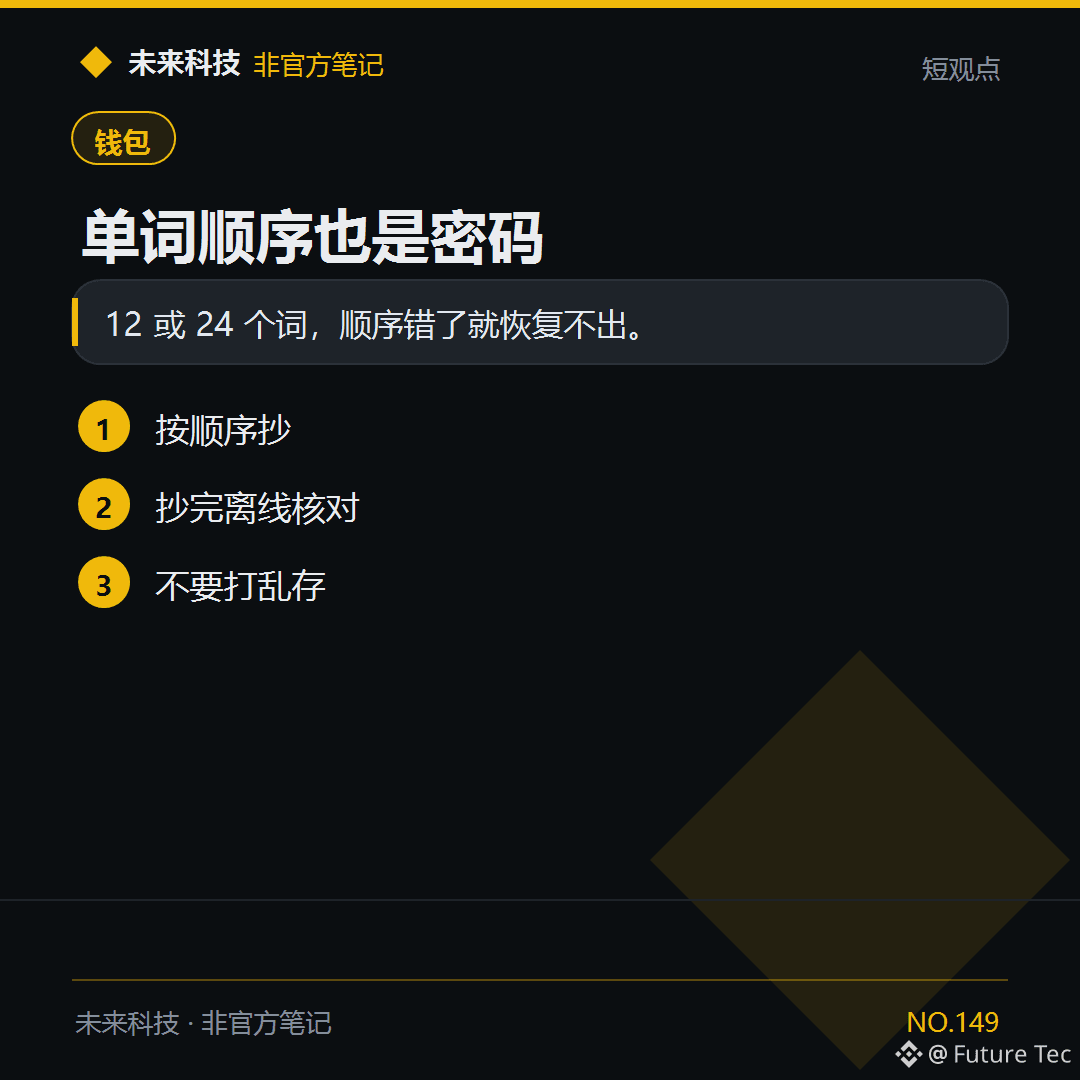
If the mnemonic words are out of order by even one position, you won't be able to recover the original $BTC address.
【Conclusion】
If the order of the 12 or 24 words is wrong, you won't be able to recover it.
【Follow these steps】
1. Write them down in order
2. Check them offline once you've finished
3. Don't store them out of order
Have you checked the word order?
Future Technology: https://x.com/wlkjtec
#钱包 $BTC
If the mnemonic words are out of order by even one position, you won't be able to recover the original $BTC address.
【Conclusion】
If the order of the 12 or 24 words is wrong, you won't be able to recover it.
【Follow these steps】
1. Write them down in order
2. Check them offline once you've finished
3. Don't store them out of order
Have you checked the word order?
Future Technology: https://x.com/wlkjtec
#钱包 $BTC
【Conclusion】
If the order of the 12 or 24 words is wrong, you won't be able to recover it.
【Follow these steps】
1. Write them down in order
2. Check them offline once you've finished
3. Don't store them out of order
Have you checked the word order?
Future Technology: https://x.com/wlkjtec
#钱包 $BTC
44
·
--
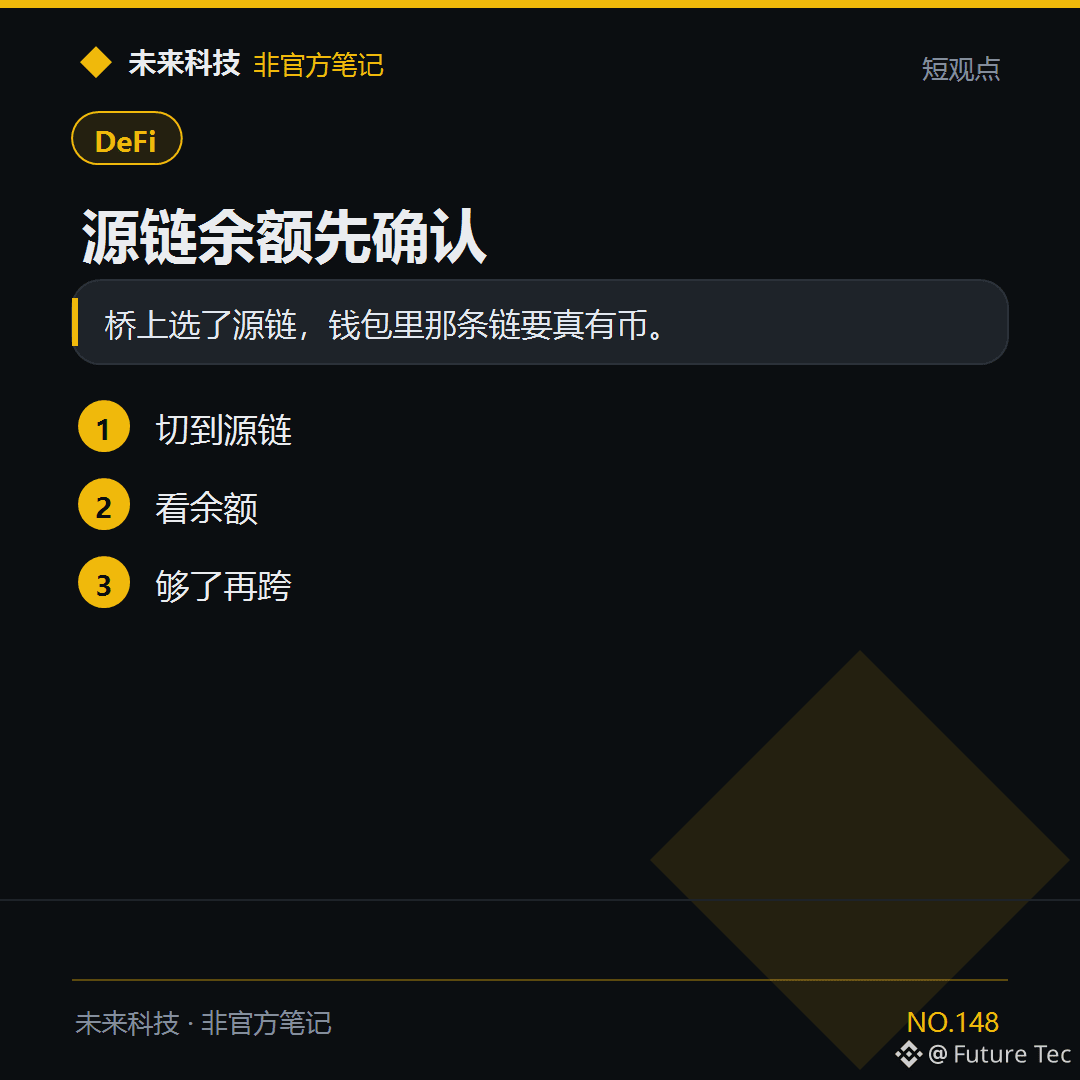
Before bridging out $USDT, first make sure your wallet on the source chain actually has the funds.
【Conclusion】
When you select the source chain on the bridge, your wallet needs to have funds on that chain.
【Steps】
1. Switch to the source chain
2. Check your balance
3. Bridge once you have enough
Do you switch to the source chain and check your balance before bridging?
Future Technology: https://x.com/wlkjtec
#DeFi $USDT
Before bridging out $USDT, first make sure your wallet on the source chain actually has the funds.
【Conclusion】
When you select the source chain on the bridge, your wallet needs to have funds on that chain.
【Steps】
1. Switch to the source chain
2. Check your balance
3. Bridge once you have enough
Do you switch to the source chain and check your balance before bridging?
Future Technology: https://x.com/wlkjtec
#DeFi $USDT
【Conclusion】
When you select the source chain on the bridge, your wallet needs to have funds on that chain.
【Steps】
1. Switch to the source chain
2. Check your balance
3. Bridge once you have enough
Do you switch to the source chain and check your balance before bridging?
Future Technology: https://x.com/wlkjtec
#DeFi $USDT
·
--
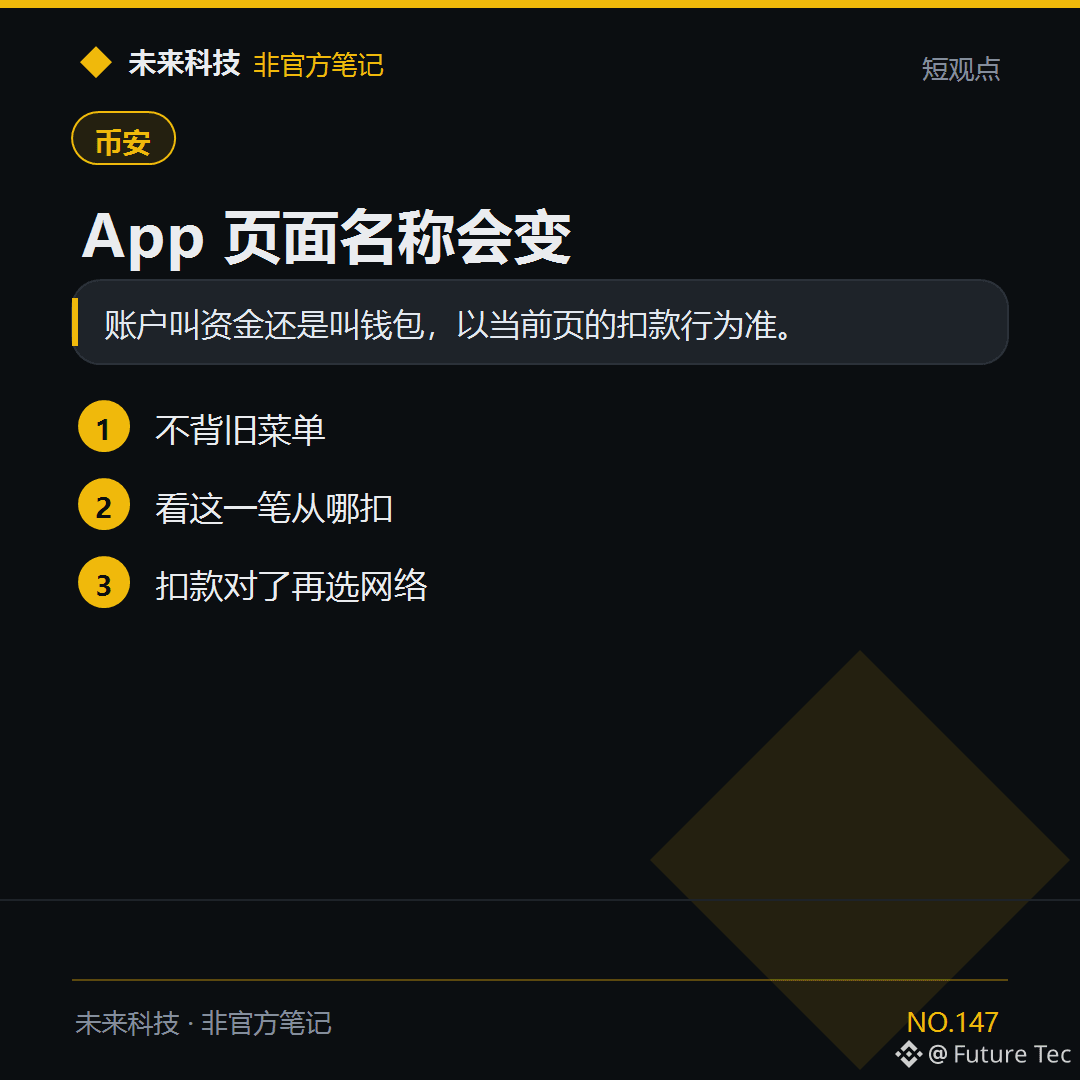
For $USDT withdrawals, use the debit account shown on this page—the menu names may change.
【Conclusion】
Whether the account is called Funds or Wallet, follow the debit details on the current page.
【Follow these steps】
1. Don’t rely on old menu names
2. Check which account this transaction will be debited from
3. Select the network only after confirming the debit account
Are you still using the old menu to remember the steps?
Future Technology: https://x.com/wlkjtec
#币安 $USDT
For $USDT withdrawals, use the debit account shown on this page—the menu names may change.
【Conclusion】
Whether the account is called Funds or Wallet, follow the debit details on the current page.
【Follow these steps】
1. Don’t rely on old menu names
2. Check which account this transaction will be debited from
3. Select the network only after confirming the debit account
Are you still using the old menu to remember the steps?
Future Technology: https://x.com/wlkjtec
#币安 $USDT
【Conclusion】
Whether the account is called Funds or Wallet, follow the debit details on the current page.
【Follow these steps】
1. Don’t rely on old menu names
2. Check which account this transaction will be debited from
3. Select the network only after confirming the debit account
Are you still using the old menu to remember the steps?
Future Technology: https://x.com/wlkjtec
#币安 $USDT
·
--
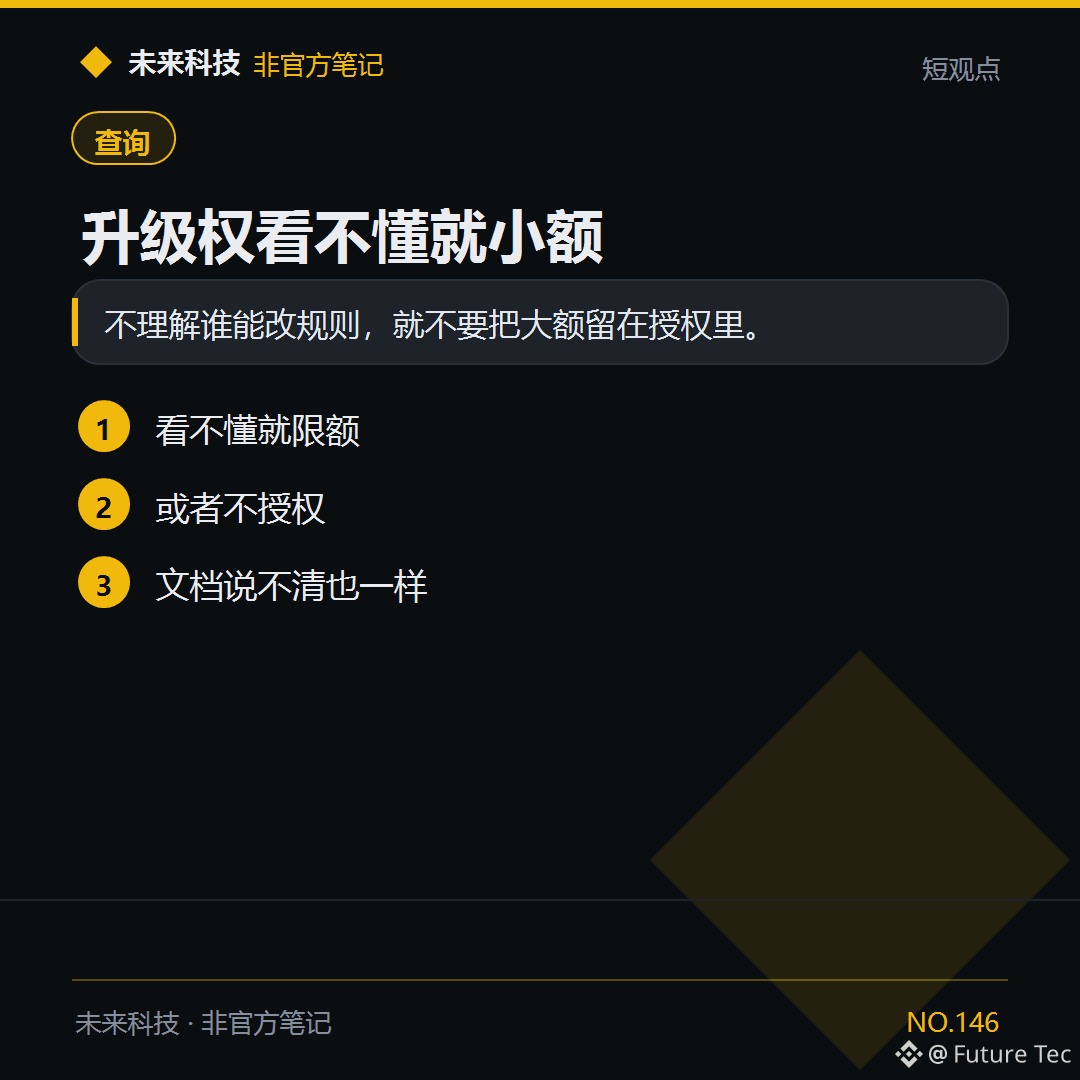
If you don’t understand the upgrade permissions of a proxy contract, keep your $USDT allowance small.
[Conclusion]
If you don’t understand who can change the rules, don’t leave a large amount authorized.
[What to do]
1. If you don’t understand, set a limit
2. Or don’t authorize it
3. Same goes if the documentation isn’t clear
Would you stop if you didn’t understand?
Future Technology: https://x.com/wlkjtec
#BSC $USDT
If you don’t understand the upgrade permissions of a proxy contract, keep your $USDT allowance small.
[Conclusion]
If you don’t understand who can change the rules, don’t leave a large amount authorized.
[What to do]
1. If you don’t understand, set a limit
2. Or don’t authorize it
3. Same goes if the documentation isn’t clear
Would you stop if you didn’t understand?
Future Technology: https://x.com/wlkjtec
#BSC $USDT
[Conclusion]
If you don’t understand who can change the rules, don’t leave a large amount authorized.
[What to do]
1. If you don’t understand, set a limit
2. Or don’t authorize it
3. Same goes if the documentation isn’t clear
Would you stop if you didn’t understand?
Future Technology: https://x.com/wlkjtec
#BSC $USDT
·
--
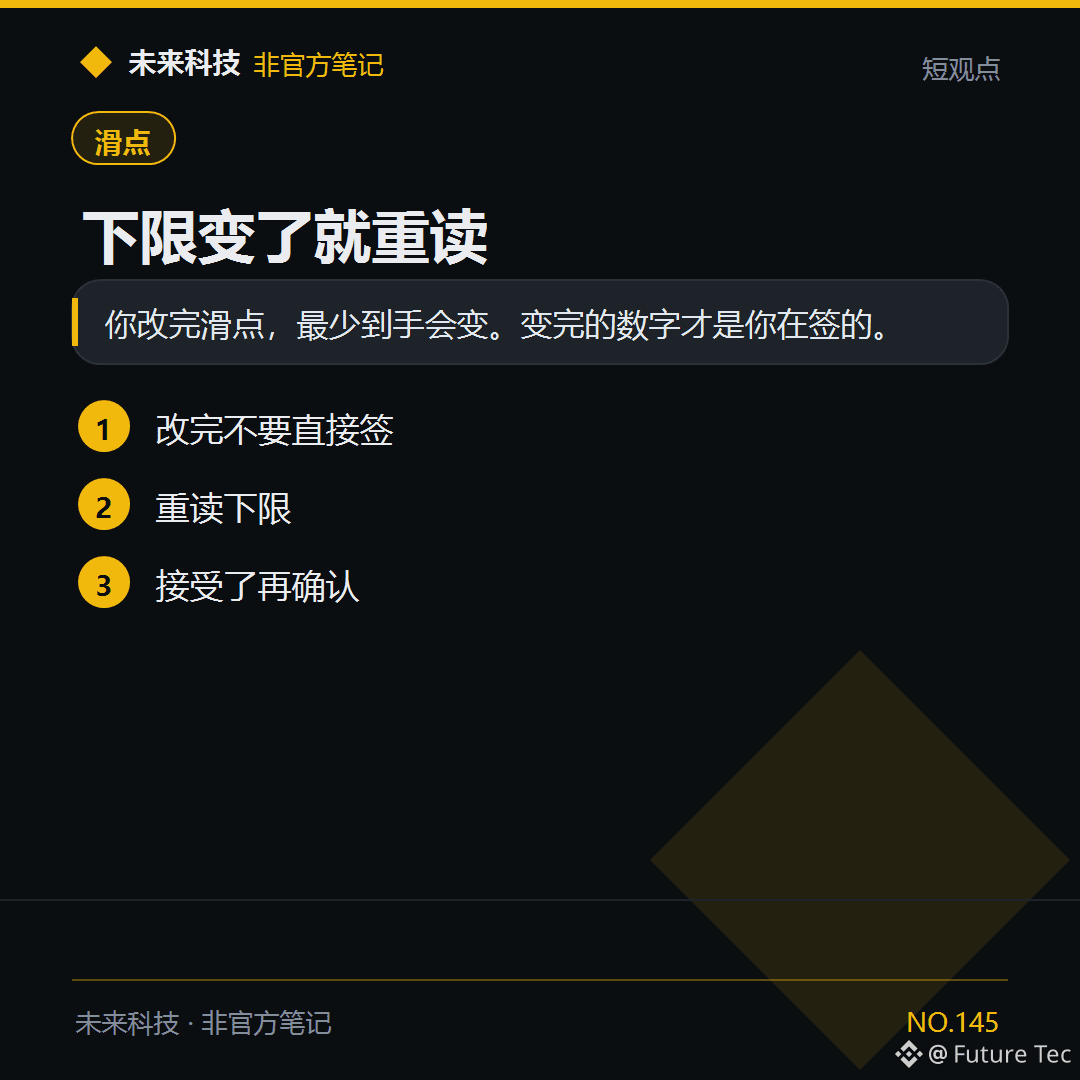
$BNB Once you change the slippage, the minimum amount you receive will change. Decide whether to sign only after it updates.
[Conclusion]
After you change the slippage, the minimum amount you receive will change. The updated amount is what you're signing for.
[Follow these steps]
1. Don't sign immediately after changing it
2. Check the minimum amount again
3. Confirm only if you accept it
Will you check the minimum amount again after changing the slippage?
Future Tech: https://x.com/wlkjtec
#滑点 $BNB
$BNB Once you change the slippage, the minimum amount you receive will change. Decide whether to sign only after it updates.
[Conclusion]
After you change the slippage, the minimum amount you receive will change. The updated amount is what you're signing for.
[Follow these steps]
1. Don't sign immediately after changing it
2. Check the minimum amount again
3. Confirm only if you accept it
Will you check the minimum amount again after changing the slippage?
Future Tech: https://x.com/wlkjtec
#滑点 $BNB
[Conclusion]
After you change the slippage, the minimum amount you receive will change. The updated amount is what you're signing for.
[Follow these steps]
1. Don't sign immediately after changing it
2. Check the minimum amount again
3. Confirm only if you accept it
Will you check the minimum amount again after changing the slippage?
Future Tech: https://x.com/wlkjtec
#滑点 $BNB
66
·
--
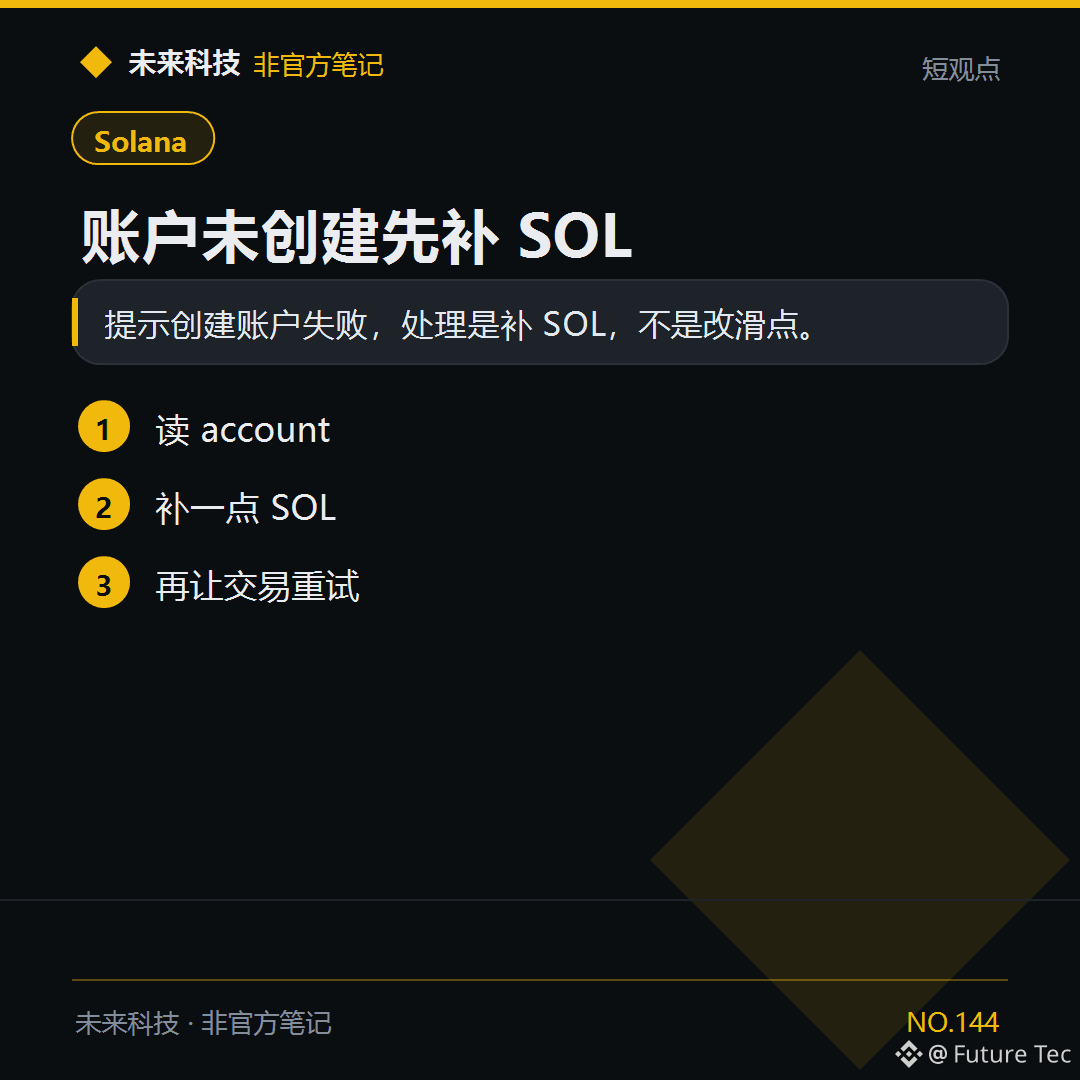
$SOL indicates that account creation failed. Set aside enough for the fee, then try again.
[Conclusion]
If account creation fails, add SOL—not adjust slippage.
[Follow these steps]
1. Check the account
2. Add a little SOL
3. Retry the transaction
Have you ever encountered an account creation failure?
Future Technology: https://x.com/wlkjtec
#Solana $SOL
$SOL indicates that account creation failed. Set aside enough for the fee, then try again.
[Conclusion]
If account creation fails, add SOL—not adjust slippage.
[Follow these steps]
1. Check the account
2. Add a little SOL
3. Retry the transaction
Have you ever encountered an account creation failure?
Future Technology: https://x.com/wlkjtec
#Solana $SOL
[Conclusion]
If account creation fails, add SOL—not adjust slippage.
[Follow these steps]
1. Check the account
2. Add a little SOL
3. Retry the transaction
Have you ever encountered an account creation failure?
Future Technology: https://x.com/wlkjtec
#Solana $SOL
105
·
--
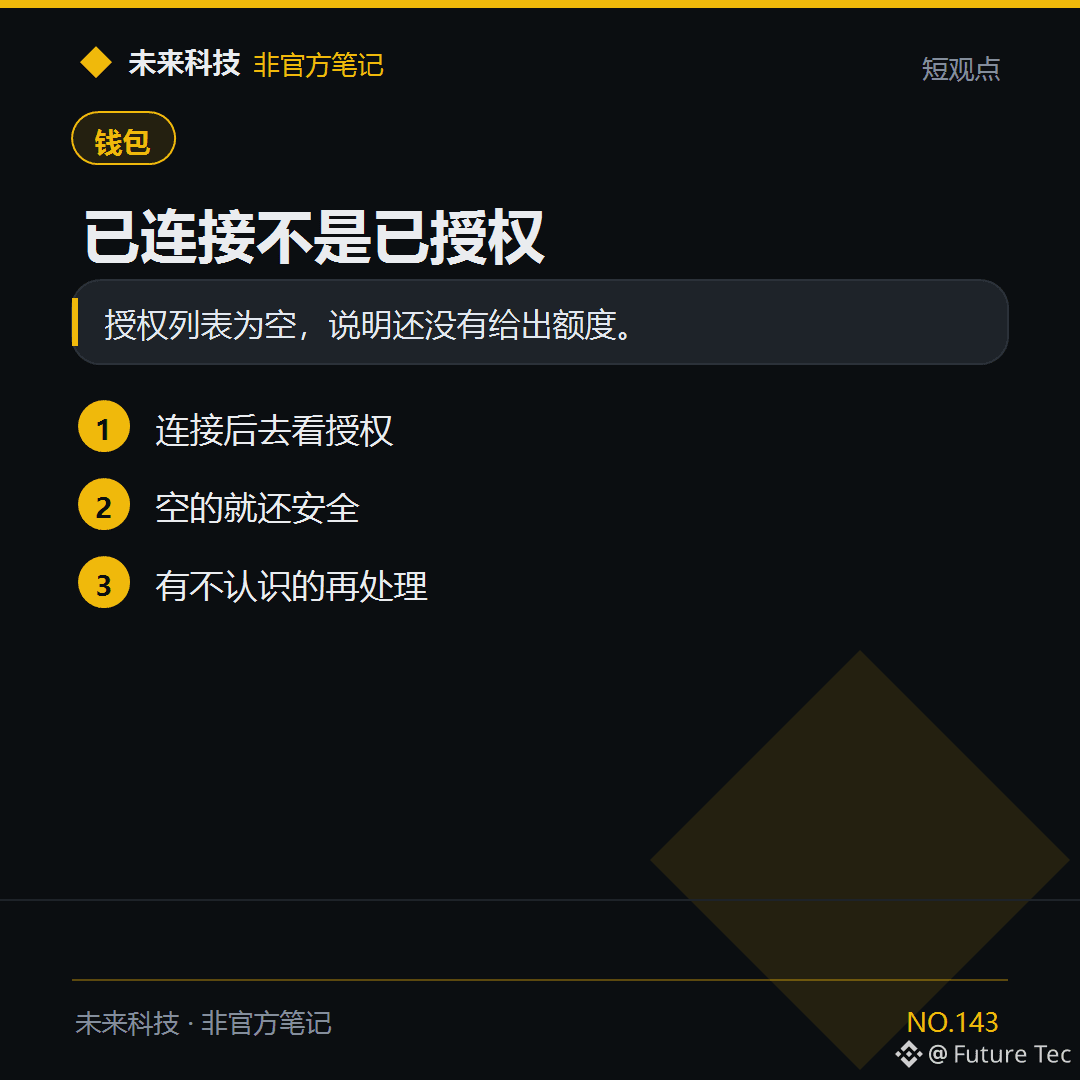
Your wallet shows that it’s connected to the website. Check the authorization list to see whether $USDT has an allowance.
【Conclusion】
If the authorization list is empty, it means no allowance has been granted yet.
【What to do】
1. After connecting, check the authorizations
2. If the list is empty, you’re still safe
3. If you see one you don’t recognize, take action
Do you check your authorizations after connecting?
Future Technology: https://x.com/wlkjtec
#钱包 $USDT
Your wallet shows that it’s connected to the website. Check the authorization list to see whether $USDT has an allowance.
【Conclusion】
If the authorization list is empty, it means no allowance has been granted yet.
【What to do】
1. After connecting, check the authorizations
2. If the list is empty, you’re still safe
3. If you see one you don’t recognize, take action
Do you check your authorizations after connecting?
Future Technology: https://x.com/wlkjtec
#钱包 $USDT
【Conclusion】
If the authorization list is empty, it means no allowance has been granted yet.
【What to do】
1. After connecting, check the authorizations
2. If the list is empty, you’re still safe
3. If you see one you don’t recognize, take action
Do you check your authorizations after connecting?
Future Technology: https://x.com/wlkjtec
#钱包 $USDT
·
--
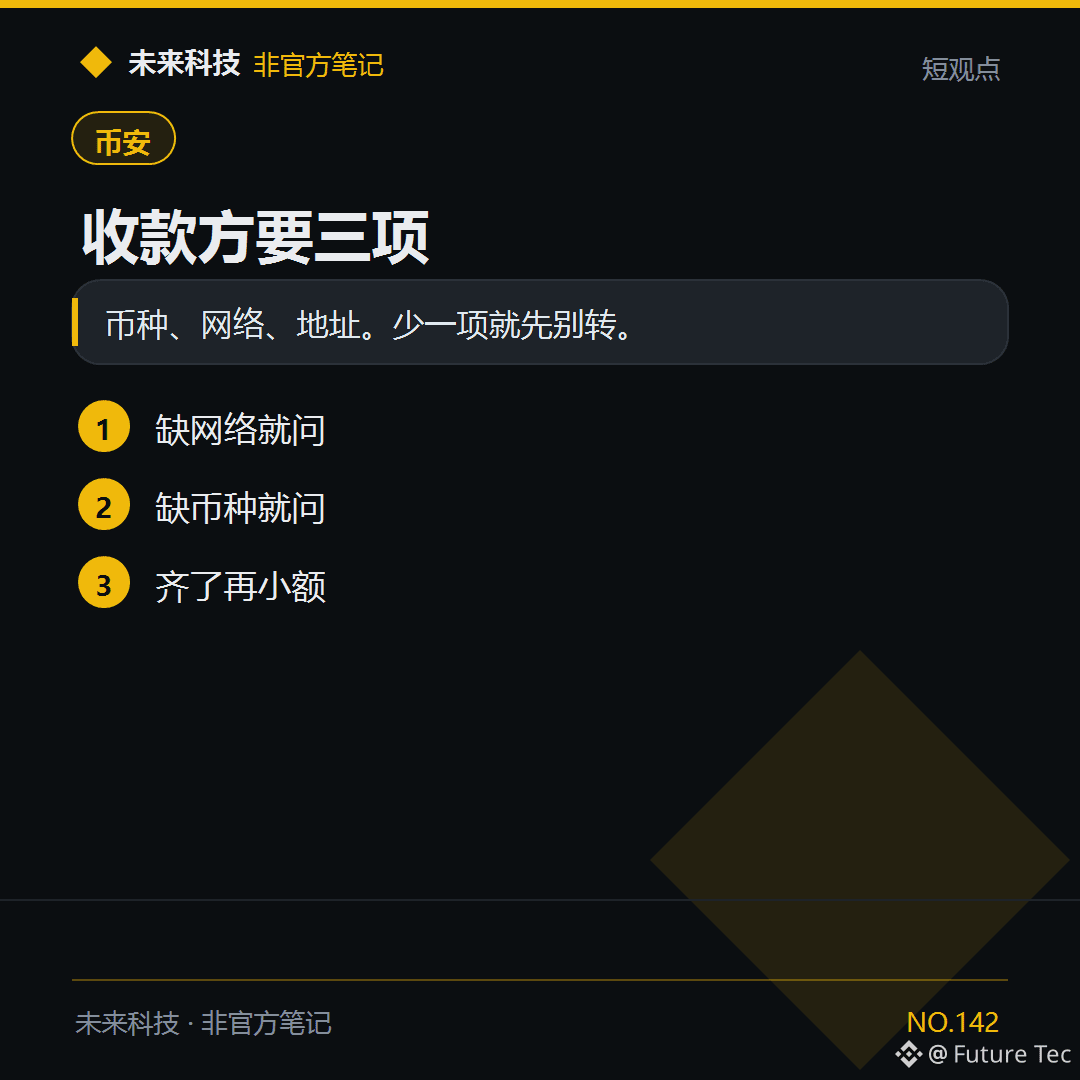
They asked you to send $USDT but didn't specify the network. Ask first, then transfer.
【Bottom line】
Coin, network, address. If any one is missing, don't transfer yet.
【What to do】
1. If the network is missing, ask.
2. If the coin is missing, ask.
3. Once you have all the details, send a small amount first.
Would you transfer just because they're rushing you?
Future Technology: https://x.com/wlkjtec
#币安 $USDT
They asked you to send $USDT but didn't specify the network. Ask first, then transfer.
【Bottom line】
Coin, network, address. If any one is missing, don't transfer yet.
【What to do】
1. If the network is missing, ask.
2. If the coin is missing, ask.
3. Once you have all the details, send a small amount first.
Would you transfer just because they're rushing you?
Future Technology: https://x.com/wlkjtec
#币安 $USDT
【Bottom line】
Coin, network, address. If any one is missing, don't transfer yet.
【What to do】
1. If the network is missing, ask.
2. If the coin is missing, ask.
3. Once you have all the details, send a small amount first.
Would you transfer just because they're rushing you?
Future Technology: https://x.com/wlkjtec
#币安 $USDT
·
--
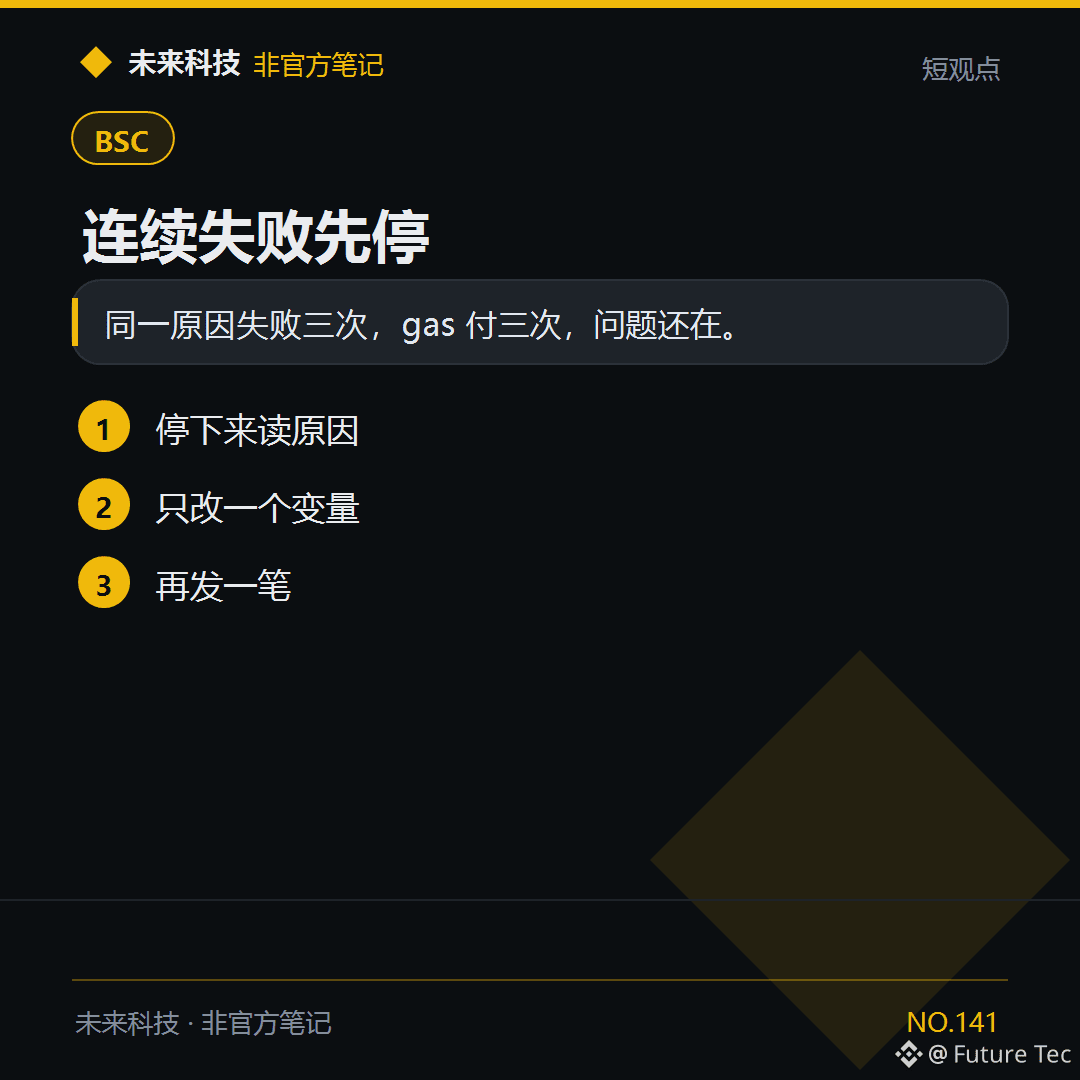
$BNB The same transaction failed three times. Before the fourth attempt, read the reason first.
【Conclusion】
If the same transaction fails three times for the same reason, you pay gas three times and still have the problem.
【What to do】
1. Stop and read the reason
2. Change just one variable
3. Send another transaction
How many times in a row have you failed?
Future Technology: https://x.com/wlkjtec
#BSC $BNB
$BNB The same transaction failed three times. Before the fourth attempt, read the reason first.
【Conclusion】
If the same transaction fails three times for the same reason, you pay gas three times and still have the problem.
【What to do】
1. Stop and read the reason
2. Change just one variable
3. Send another transaction
How many times in a row have you failed?
Future Technology: https://x.com/wlkjtec
#BSC $BNB
【Conclusion】
If the same transaction fails three times for the same reason, you pay gas three times and still have the problem.
【What to do】
1. Stop and read the reason
2. Change just one variable
3. Send another transaction
How many times in a row have you failed?
Future Technology: https://x.com/wlkjtec
#BSC $BNB
1
120
·
--
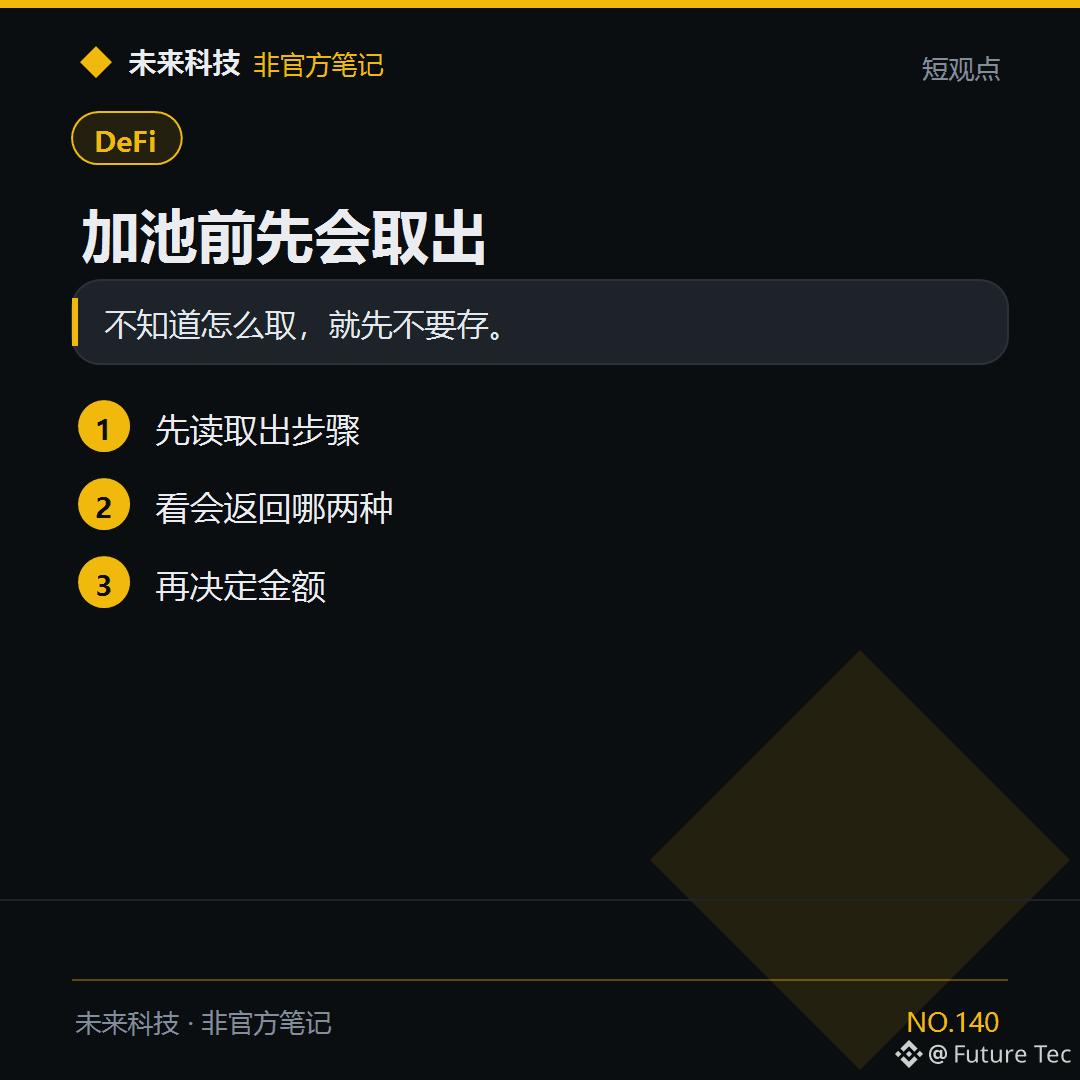
If you haven't figured out how to withdraw yet, don't put $BNB into the pool.
【Conclusion】
If you don't know how to withdraw, don't deposit yet.
【Follow these steps】
1. First, read the withdrawal steps
2. See which two options will be returned
3. Then decide on the amount
Did you check how to withdraw before adding to the pool for the first time?
Future Technology: https://x.com/wlkjtec
#DeFi $BNB
If you haven't figured out how to withdraw yet, don't put $BNB into the pool.
【Conclusion】
If you don't know how to withdraw, don't deposit yet.
【Follow these steps】
1. First, read the withdrawal steps
2. See which two options will be returned
3. Then decide on the amount
Did you check how to withdraw before adding to the pool for the first time?
Future Technology: https://x.com/wlkjtec
#DeFi $BNB
【Conclusion】
If you don't know how to withdraw, don't deposit yet.
【Follow these steps】
1. First, read the withdrawal steps
2. See which two options will be returned
3. Then decide on the amount
Did you check how to withdraw before adding to the pool for the first time?
Future Technology: https://x.com/wlkjtec
#DeFi $BNB
102
·
--
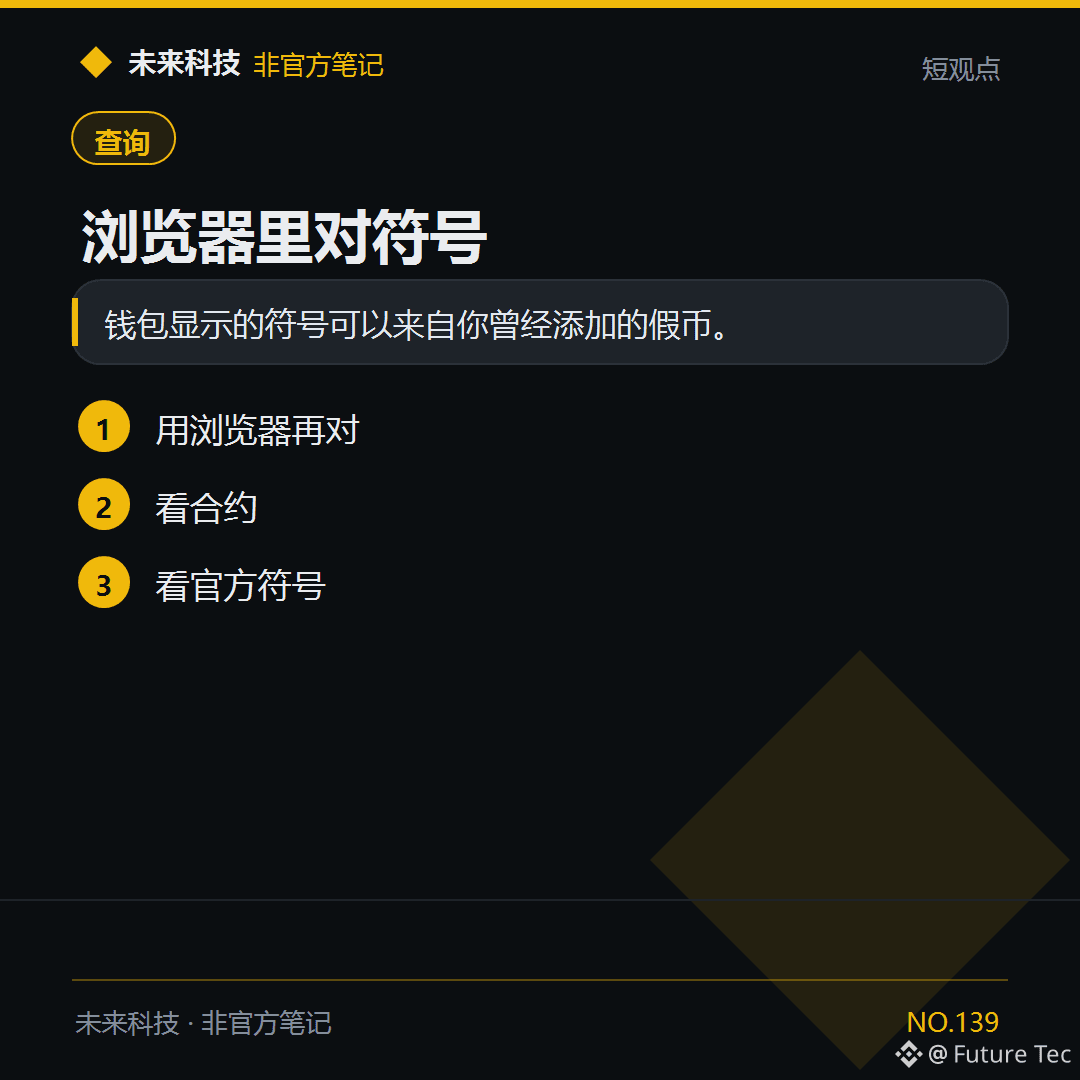
Check the $USDT symbol in your wallet against the contract on BscScan or Solscan.
【Conclusion】
The symbol shown in your wallet may belong to a fake token you added before.
【Follow these steps】
1. Verify it again in a blockchain explorer
2. Check the contract
3. Check the official symbol
Have you checked the symbol in a blockchain explorer?
Future Tech: https://x.com/wlkjtec
#钱包 $USDT
Check the $USDT symbol in your wallet against the contract on BscScan or Solscan.
【Conclusion】
The symbol shown in your wallet may belong to a fake token you added before.
【Follow these steps】
1. Verify it again in a blockchain explorer
2. Check the contract
3. Check the official symbol
Have you checked the symbol in a blockchain explorer?
Future Tech: https://x.com/wlkjtec
#钱包 $USDT
【Conclusion】
The symbol shown in your wallet may belong to a fake token you added before.
【Follow these steps】
1. Verify it again in a blockchain explorer
2. Check the contract
3. Check the official symbol
Have you checked the symbol in a blockchain explorer?
Future Tech: https://x.com/wlkjtec
#钱包 $USDT
1
·
--
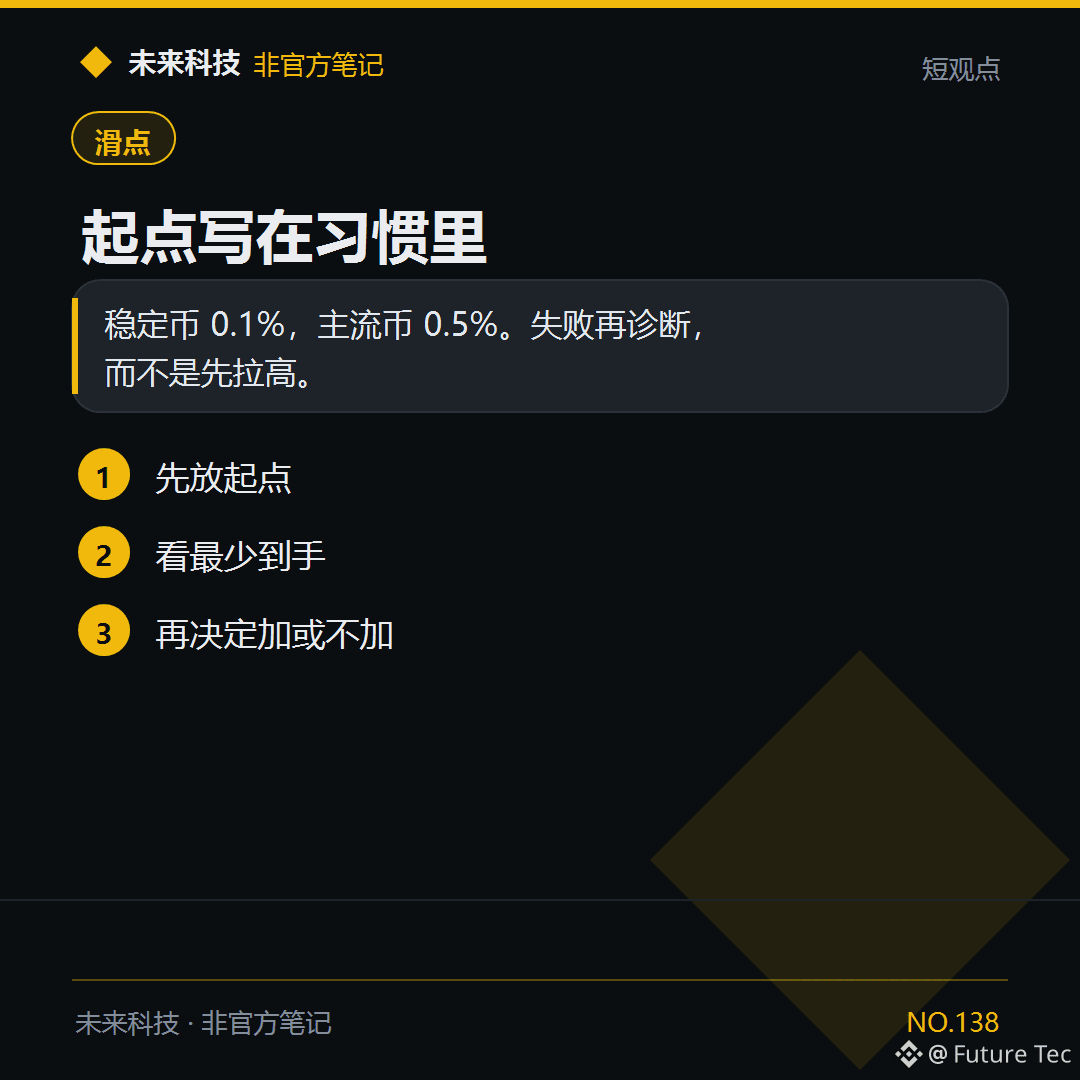
$ETH The slippage starting point can be fixed at 0.5%; there's no need to enter a new number every time.
【Conclusion】
Stablecoins: 0.1%; major coins: 0.5%. Diagnose the issue if it fails instead of increasing it upfront.
【Follow these steps】
1. Set a starting point
2. Check the minimum amount received
3. Then decide whether to increase it
Do you have a fixed starting point?
Future Technology: https://x.com/wlkjtec
#滑点 $ETH
$ETH The slippage starting point can be fixed at 0.5%; there's no need to enter a new number every time.
【Conclusion】
Stablecoins: 0.1%; major coins: 0.5%. Diagnose the issue if it fails instead of increasing it upfront.
【Follow these steps】
1. Set a starting point
2. Check the minimum amount received
3. Then decide whether to increase it
Do you have a fixed starting point?
Future Technology: https://x.com/wlkjtec
#滑点 $ETH
【Conclusion】
Stablecoins: 0.1%; major coins: 0.5%. Diagnose the issue if it fails instead of increasing it upfront.
【Follow these steps】
1. Set a starting point
2. Check the minimum amount received
3. Then decide whether to increase it
Do you have a fixed starting point?
Future Technology: https://x.com/wlkjtec
#滑点 $ETH
59
·
--
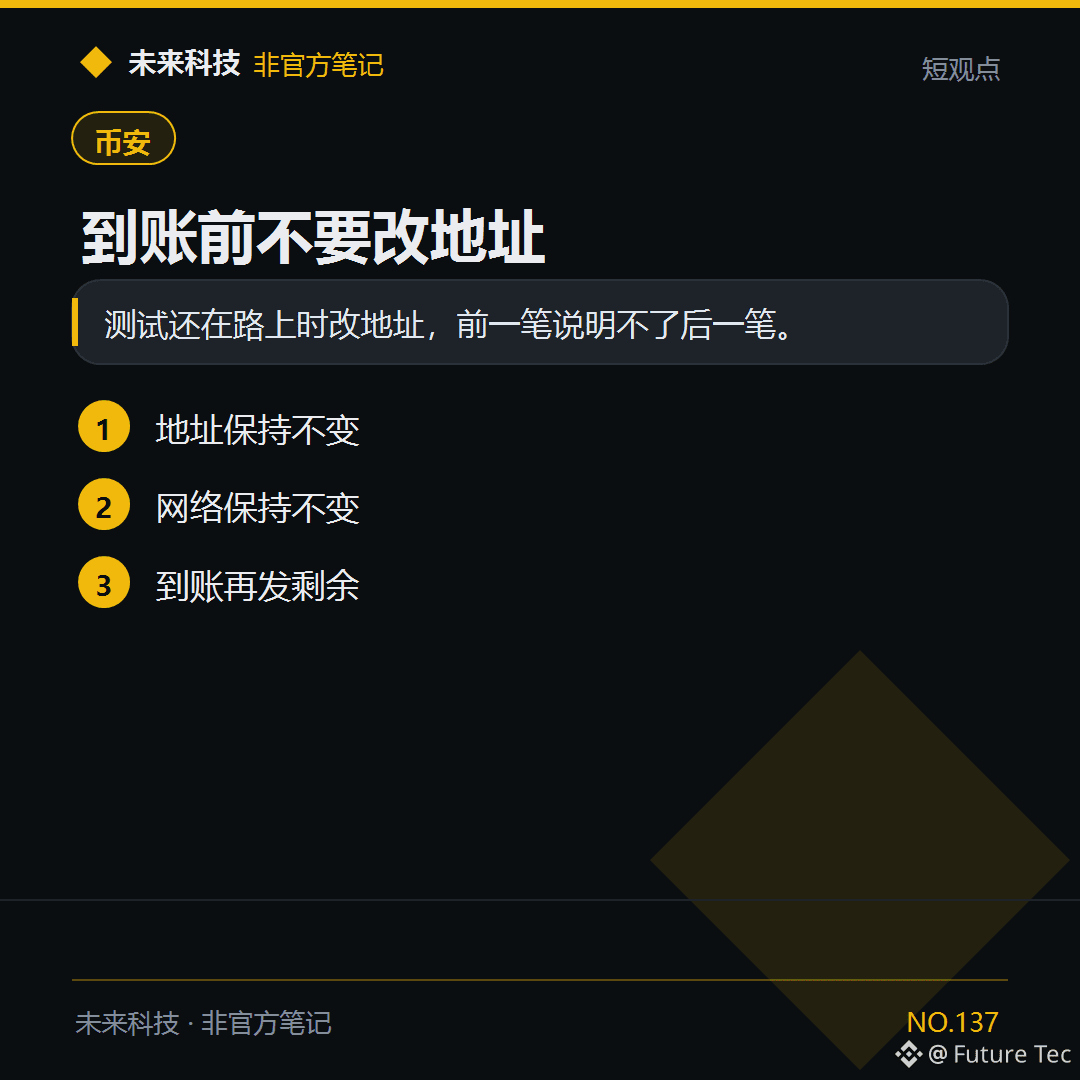
$USDT test transaction hasn't arrived yet. Don't change the next transaction to a new address just yet.
[Conclusion]
If you change the address while the test transaction is still in transit, the first transaction won't tell you anything about the next one.
[What to do]
1. Keep the address unchanged
2. Keep the network unchanged
3. Send the remaining amount once it arrives
Would you change the address while waiting?
Future Technology: https://x.com/wlkjtec
#币安 $USDT
$USDT test transaction hasn't arrived yet. Don't change the next transaction to a new address just yet.
[Conclusion]
If you change the address while the test transaction is still in transit, the first transaction won't tell you anything about the next one.
[What to do]
1. Keep the address unchanged
2. Keep the network unchanged
3. Send the remaining amount once it arrives
Would you change the address while waiting?
Future Technology: https://x.com/wlkjtec
#币安 $USDT
[Conclusion]
If you change the address while the test transaction is still in transit, the first transaction won't tell you anything about the next one.
[What to do]
1. Keep the address unchanged
2. Keep the network unchanged
3. Send the remaining amount once it arrives
Would you change the address while waiting?
Future Technology: https://x.com/wlkjtec
#币安 $USDT
·
--
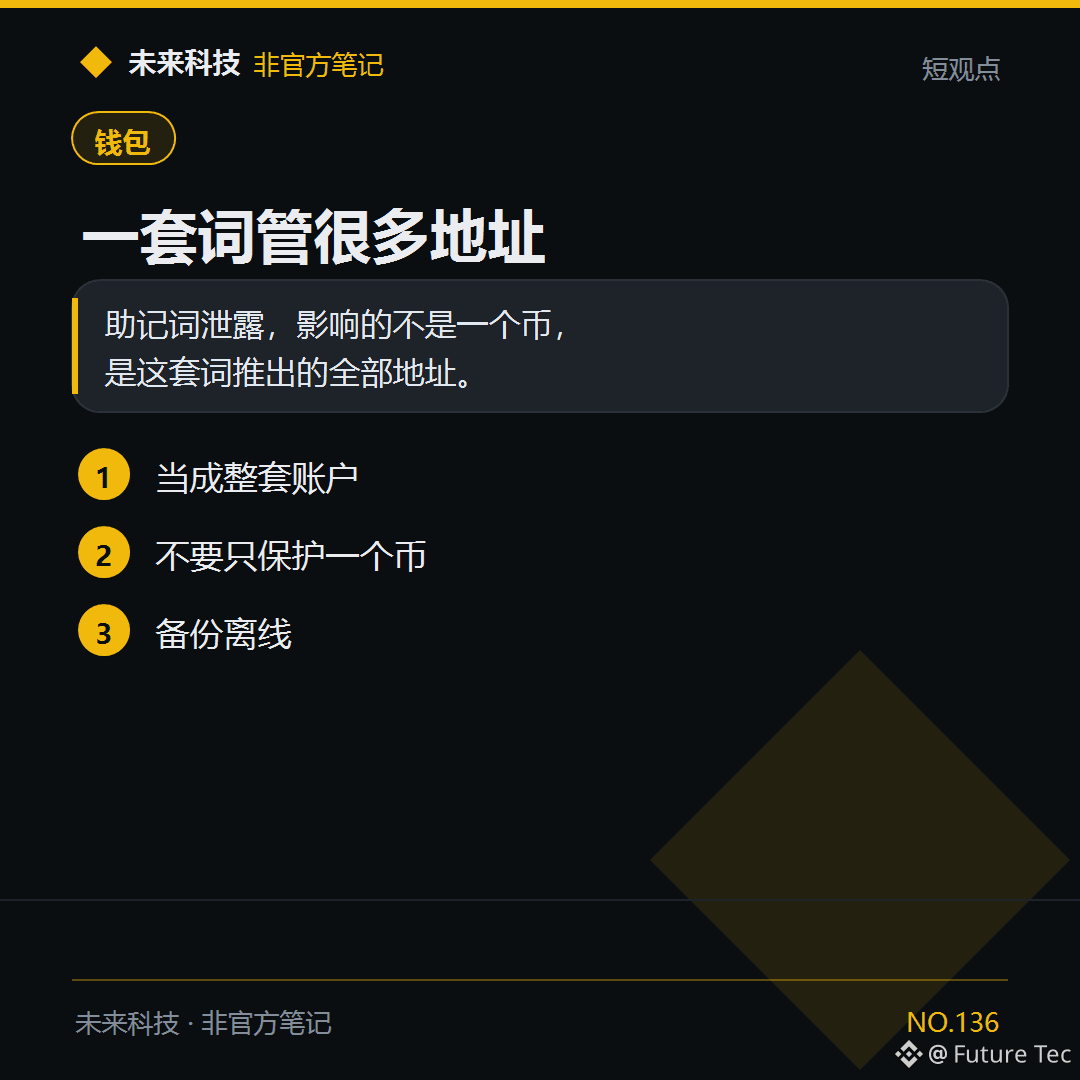
Losing your seed phrase affects more than just the $BTC address.
[Conclusion]
If your seed phrase is exposed, it affects more than just one coin—it affects every address derived from that phrase.
[What to do]
1. Treat it as the entire account
2. Don’t protect just one coin
3. Back it up offline
Have you been treating your seed phrase as the password for a single address?
Future Technology: https://x.com/wlkjtec
#钱包 $BTC
Losing your seed phrase affects more than just the $BTC address.
[Conclusion]
If your seed phrase is exposed, it affects more than just one coin—it affects every address derived from that phrase.
[What to do]
1. Treat it as the entire account
2. Don’t protect just one coin
3. Back it up offline
Have you been treating your seed phrase as the password for a single address?
Future Technology: https://x.com/wlkjtec
#钱包 $BTC
[Conclusion]
If your seed phrase is exposed, it affects more than just one coin—it affects every address derived from that phrase.
[What to do]
1. Treat it as the entire account
2. Don’t protect just one coin
3. Back it up offline
Have you been treating your seed phrase as the password for a single address?
Future Technology: https://x.com/wlkjtec
#钱包 $BTC
183
·
--
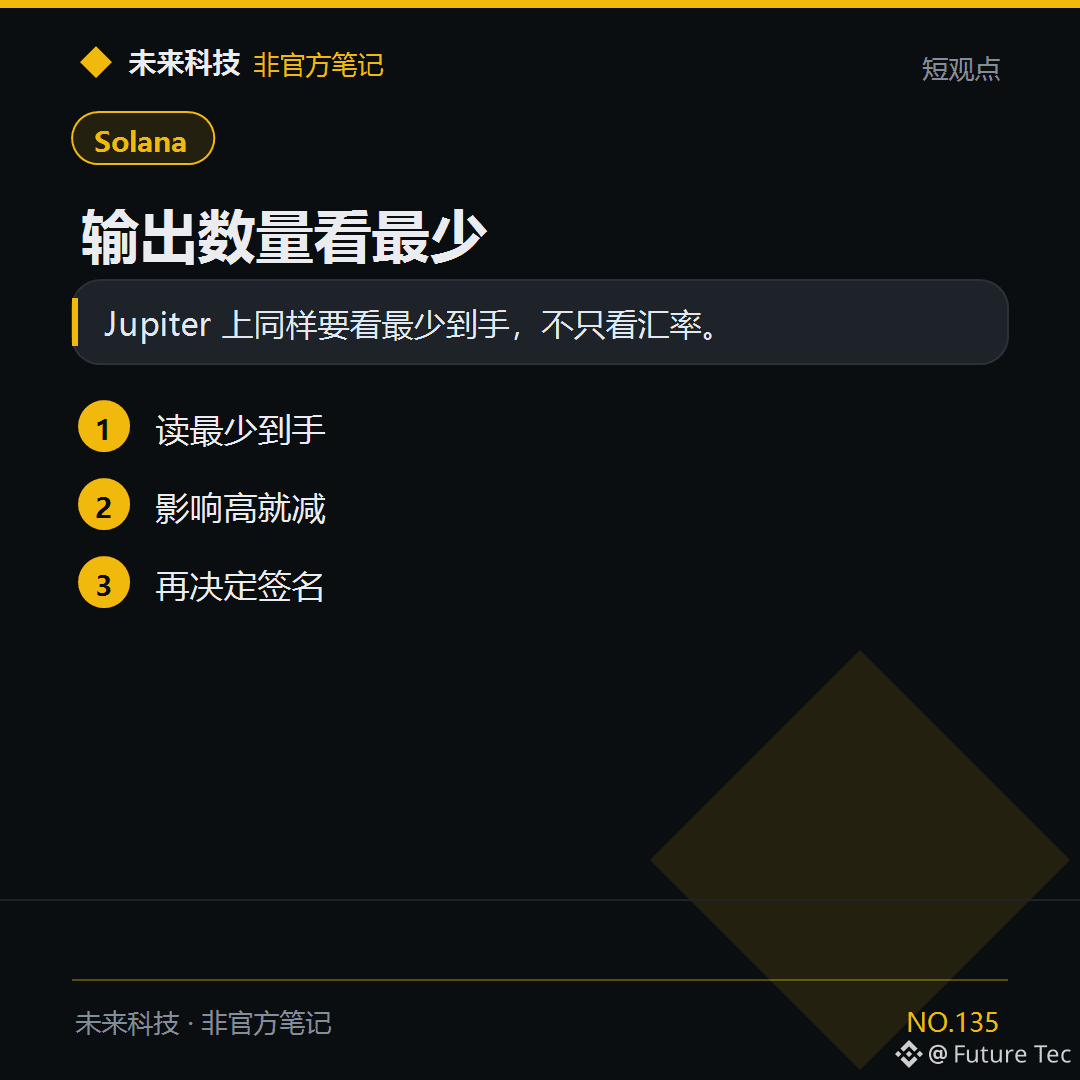
$SOL A good exchange rate isn’t enough. If the minimum amount you’ll receive isn’t acceptable, don’t swap.
【Conclusion】
On Jupiter, you need to check the minimum amount you’ll receive—not just the exchange rate.
【Steps to follow】
1. Check the minimum amount you’ll receive
2. If the price impact is high, reduce the amount
3. Then decide whether to sign
Do you check the minimum amount you’ll receive on Jupiter?
Future Technology: https://x.com/wlkjtec
#Solana $SOL
$SOL A good exchange rate isn’t enough. If the minimum amount you’ll receive isn’t acceptable, don’t swap.
【Conclusion】
On Jupiter, you need to check the minimum amount you’ll receive—not just the exchange rate.
【Steps to follow】
1. Check the minimum amount you’ll receive
2. If the price impact is high, reduce the amount
3. Then decide whether to sign
Do you check the minimum amount you’ll receive on Jupiter?
Future Technology: https://x.com/wlkjtec
#Solana $SOL
【Conclusion】
On Jupiter, you need to check the minimum amount you’ll receive—not just the exchange rate.
【Steps to follow】
1. Check the minimum amount you’ll receive
2. If the price impact is high, reduce the amount
3. Then decide whether to sign
Do you check the minimum amount you’ll receive on Jupiter?
Future Technology: https://x.com/wlkjtec
#Solana $SOL
113
·
--
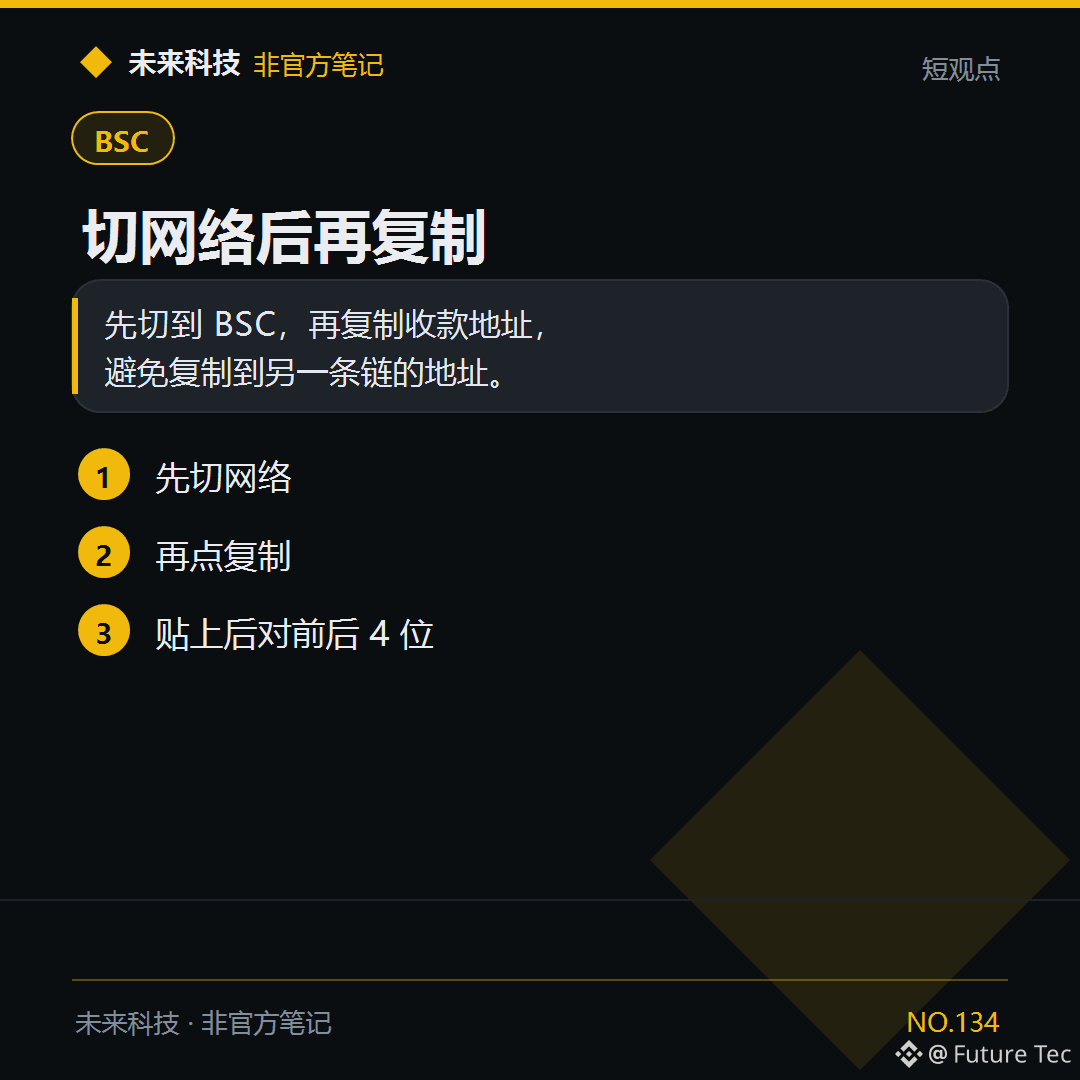
Before giving someone your BSC address for $USDT, switch your wallet to BSC.
【Conclusion】
Switch to BSC first, then copy the receiving address to avoid copying an address from another chain.
【Follow these steps】
1. Switch networks first
2. Then tap Copy
3. After pasting, check the first and last 4 digits
Do you switch networks before copying an address?
Future Technology: https://x.com/wlkjtec
#BSC $USDT
Before giving someone your BSC address for $USDT, switch your wallet to BSC.
【Conclusion】
Switch to BSC first, then copy the receiving address to avoid copying an address from another chain.
【Follow these steps】
1. Switch networks first
2. Then tap Copy
3. After pasting, check the first and last 4 digits
Do you switch networks before copying an address?
Future Technology: https://x.com/wlkjtec
#BSC $USDT
【Conclusion】
Switch to BSC first, then copy the receiving address to avoid copying an address from another chain.
【Follow these steps】
1. Switch networks first
2. Then tap Copy
3. After pasting, check the first and last 4 digits
Do you switch networks before copying an address?
Future Technology: https://x.com/wlkjtec
#BSC $USDT
2
·
--
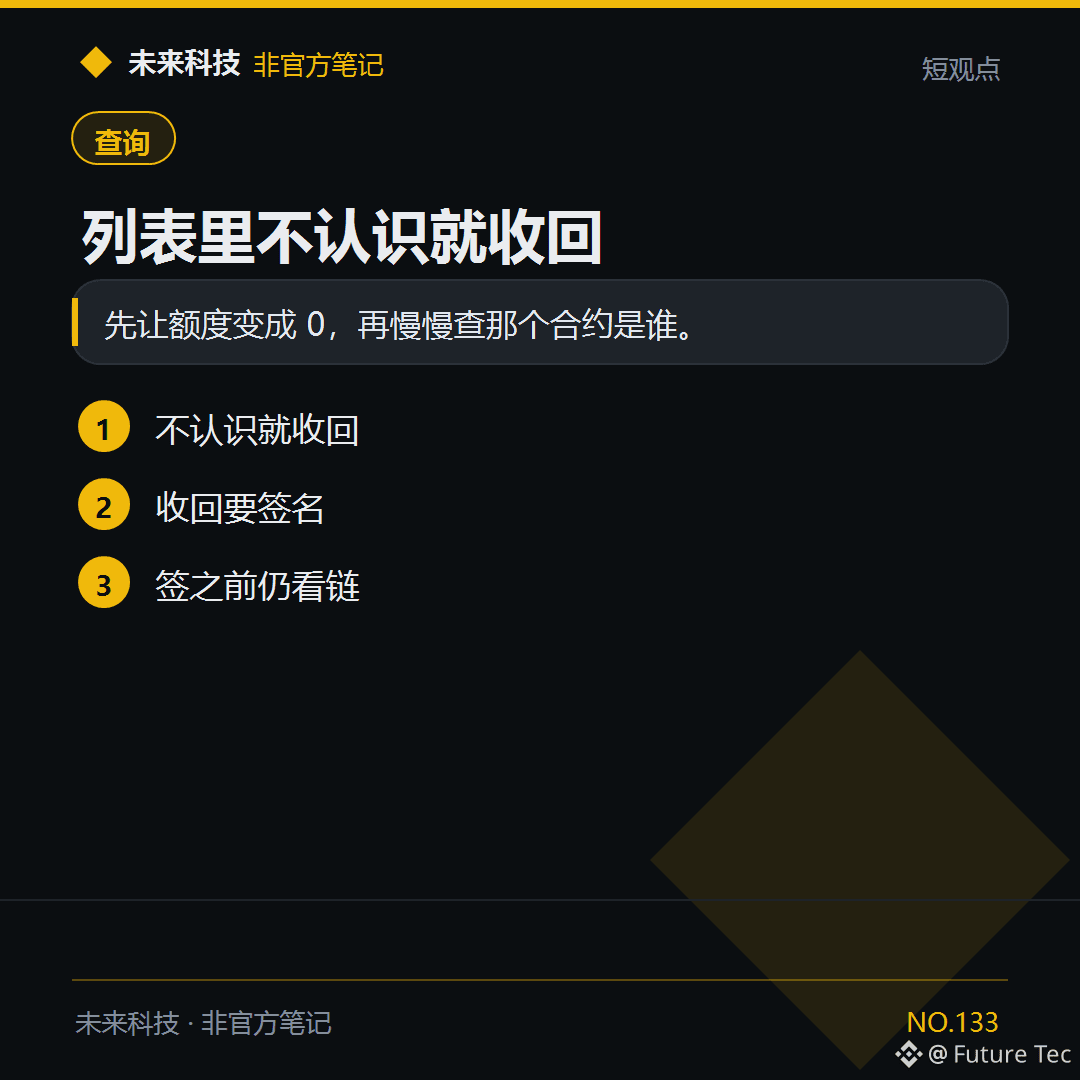
If you see an unfamiliar $USDT allowance in your approvals list, revoke it first.
【Conclusion】
Set the allowance to 0 first, then take your time figuring out who owns the contract.
【What to do】
1. Revoke anything you don't recognize
2. Revoking requires a signature
3. Check the chain before signing
Are there any unfamiliar contracts in your list?
Future Technology: https://x.com/wlkjtec
#钱包 $USDT
If you see an unfamiliar $USDT allowance in your approvals list, revoke it first.
【Conclusion】
Set the allowance to 0 first, then take your time figuring out who owns the contract.
【What to do】
1. Revoke anything you don't recognize
2. Revoking requires a signature
3. Check the chain before signing
Are there any unfamiliar contracts in your list?
Future Technology: https://x.com/wlkjtec
#钱包 $USDT
【Conclusion】
Set the allowance to 0 first, then take your time figuring out who owns the contract.
【What to do】
1. Revoke anything you don't recognize
2. Revoking requires a signature
3. Check the chain before signing
Are there any unfamiliar contracts in your list?
Future Technology: https://x.com/wlkjtec
#钱包 $USDT
1
·
--
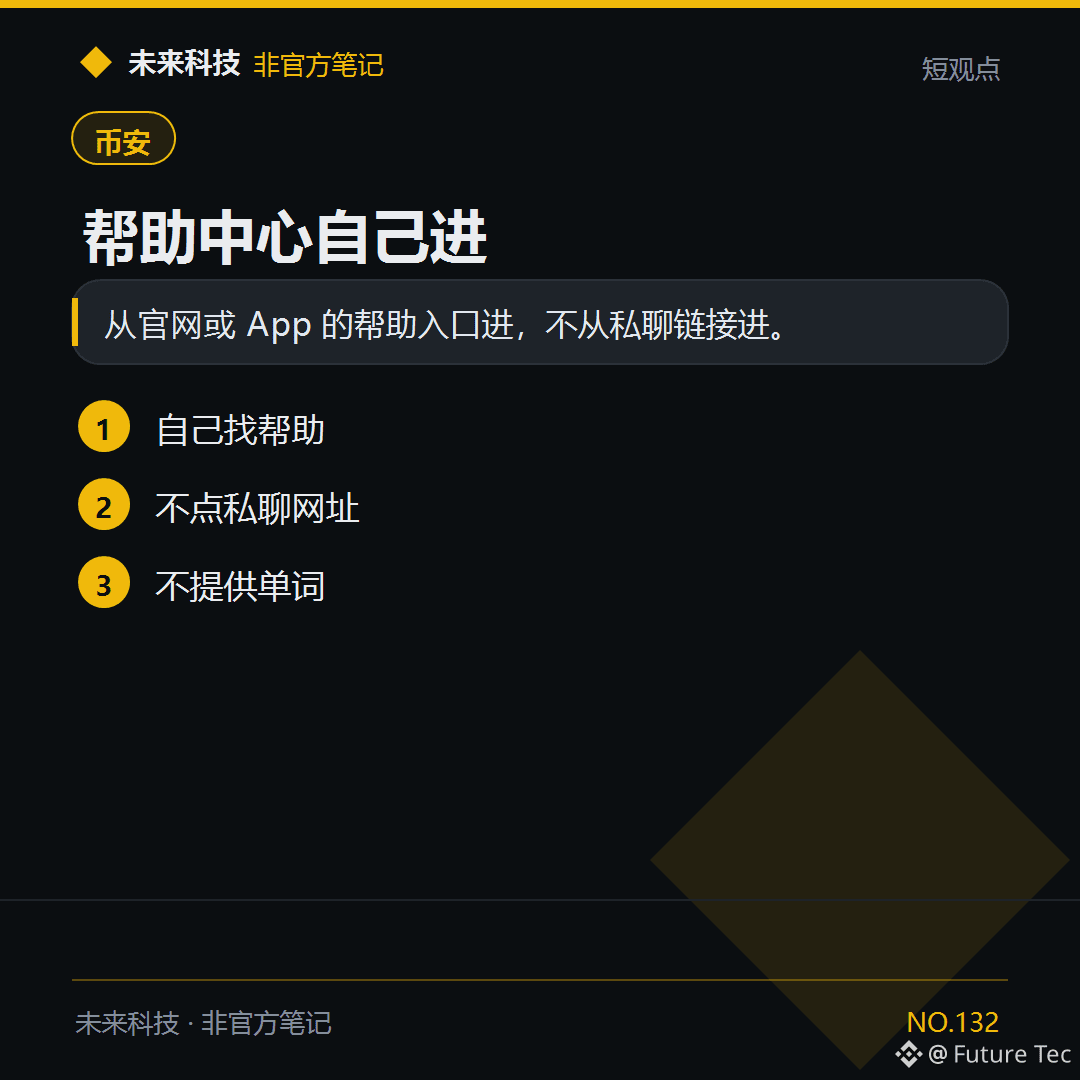
To resolve the withdrawal issue for $BTC , go to Help in the app.
【Conclusion】
Open Help from the official website or app. Don’t use links from private messages.
【What to do】
1. Find Help yourself
2. Don’t click links in private messages
3. Don’t provide any words
Have you ever contacted customer support through a link in a private message?
Future Technology: https://x.com/wlkjtec
#币安 $BTC
To resolve the withdrawal issue for $BTC , go to Help in the app.
【Conclusion】
Open Help from the official website or app. Don’t use links from private messages.
【What to do】
1. Find Help yourself
2. Don’t click links in private messages
3. Don’t provide any words
Have you ever contacted customer support through a link in a private message?
Future Technology: https://x.com/wlkjtec
#币安 $BTC
【Conclusion】
Open Help from the official website or app. Don’t use links from private messages.
【What to do】
1. Find Help yourself
2. Don’t click links in private messages
3. Don’t provide any words
Have you ever contacted customer support through a link in a private message?
Future Technology: https://x.com/wlkjtec
#币安 $BTC
56
·
--
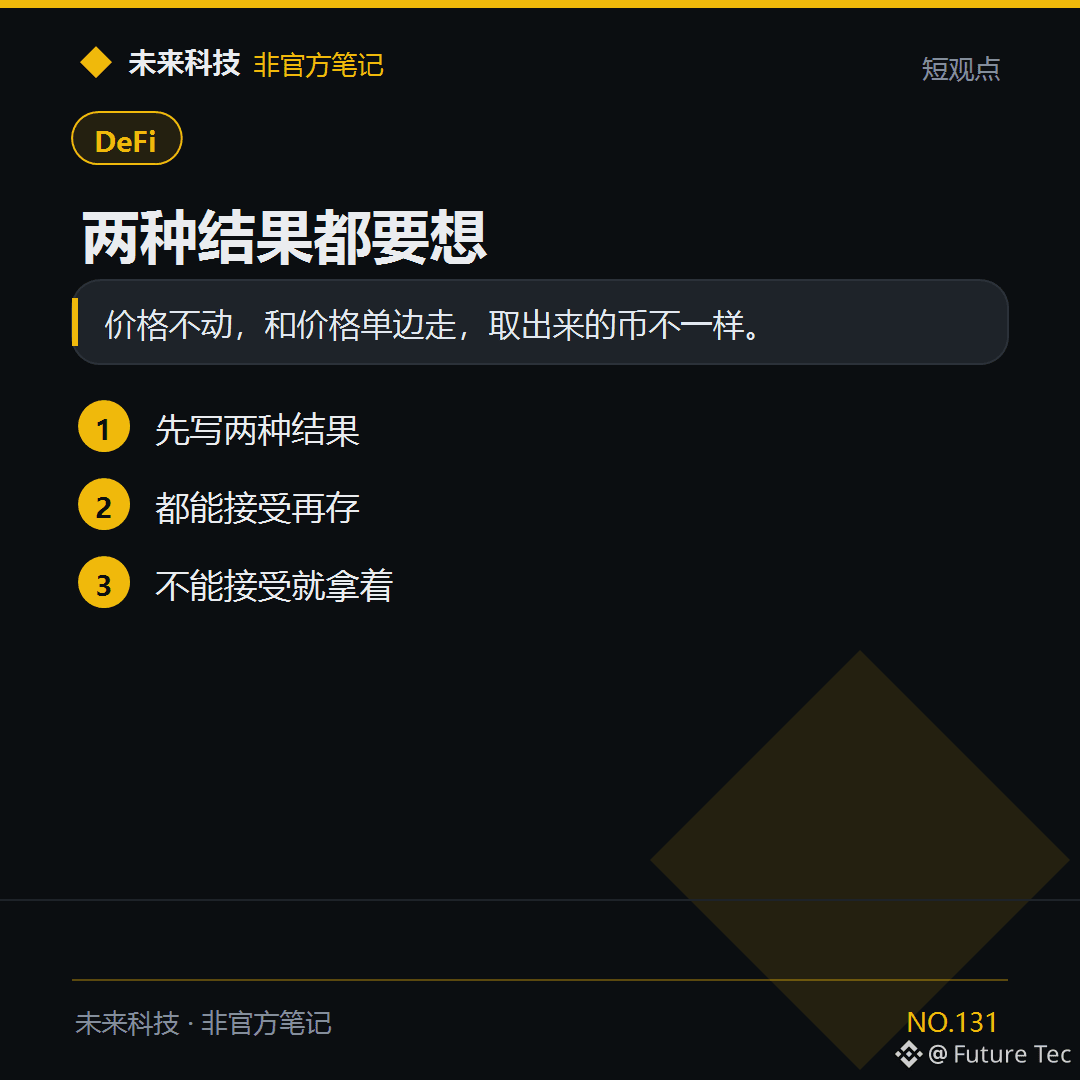
Before depositing $ETH into the pool, first consider what happens if the price only goes up or only goes down.
【Conclusion】
If the price stays still versus moving in one direction, the coins you withdraw will be different.
【What to do】
1. Write down both outcomes first
2. Deposit only if you can accept both
3. If you can't accept them, just hold
Have you ever calculated a one-way market move?
Future Technology: https://x.com/wlkjtec
#DeFi $ETH
Before depositing $ETH into the pool, first consider what happens if the price only goes up or only goes down.
【Conclusion】
If the price stays still versus moving in one direction, the coins you withdraw will be different.
【What to do】
1. Write down both outcomes first
2. Deposit only if you can accept both
3. If you can't accept them, just hold
Have you ever calculated a one-way market move?
Future Technology: https://x.com/wlkjtec
#DeFi $ETH
【Conclusion】
If the price stays still versus moving in one direction, the coins you withdraw will be different.
【What to do】
1. Write down both outcomes first
2. Deposit only if you can accept both
3. If you can't accept them, just hold
Have you ever calculated a one-way market move?
Future Technology: https://x.com/wlkjtec
#DeFi $ETH
58
·
--
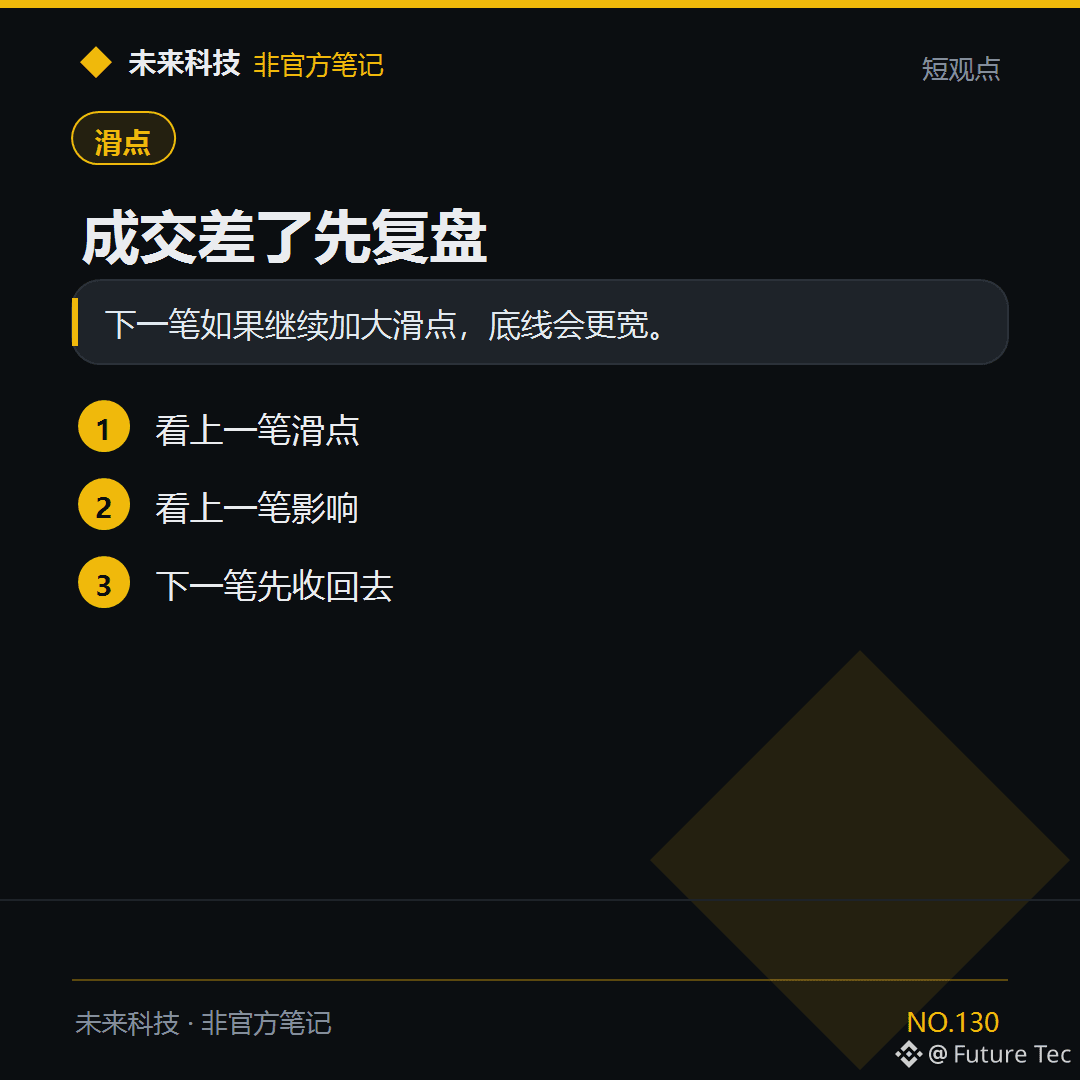
$BNB This trade was executed poorly. For the next one, first bring slippage back to the starting point.
[Conclusion]
If you increase slippage again on the next trade, your floor will be wider.
[Follow these steps]
1. Check the slippage on the previous trade
2. Check its impact
3. Bring it back down on the next trade
Have you reviewed whether the price difference was caused by slippage?
Future Technology: https://x.com/wlkjtec
#滑点 $BNB
$BNB This trade was executed poorly. For the next one, first bring slippage back to the starting point.
[Conclusion]
If you increase slippage again on the next trade, your floor will be wider.
[Follow these steps]
1. Check the slippage on the previous trade
2. Check its impact
3. Bring it back down on the next trade
Have you reviewed whether the price difference was caused by slippage?
Future Technology: https://x.com/wlkjtec
#滑点 $BNB
[Conclusion]
If you increase slippage again on the next trade, your floor will be wider.
[Follow these steps]
1. Check the slippage on the previous trade
2. Check its impact
3. Bring it back down on the next trade
Have you reviewed whether the price difference was caused by slippage?
Future Technology: https://x.com/wlkjtec
#滑点 $BNB
73
Log in to explore more content
Join global crypto users on Binance Square
⚡️ Get latest and useful information about crypto.
💬 Trusted by the world’s largest crypto exchange.
👍 Discover real insights from verified creators.
Email / Phone number
Trending Topics
BinanceReports80%Recoveryof$6.3BillioninLossesfromHackIncident
5,134 views
63 Discussing
Binance News Update | Binance Co-CEOs Say 80% of the $6.3 Billion Loss Is Already Covered, With Withdrawals Restarting in Phases and Proof of Reserves Due Monday
Binance News
·207 Likes
·183.4k views
HeYiSaysWithdrawalsExpectedtoResumeWithin42Hours
7,743 views
183 Discussing
CZSaysCompensationIsinPlaceUsersAreProtected
7,049 views
146 Discussing