


Already have a Binance account but didn't sign up with a referral link? If so, you're probably paying the full trading fee without receiving any referral discounts or cashback. Fortunately, Binance offers an official Referral Rebind Application, allowing eligible users to link an existing Binance account to a referral and unlock trading fee discounts.
In this step-by-step guide, you'll learn how to rebind your Binance referral, who is eligible for the Binance Rebind Application, how to submit your request, and how to start saving up to 20% on Binance trading fees and 19.800 usdt bonus once your application is approved.
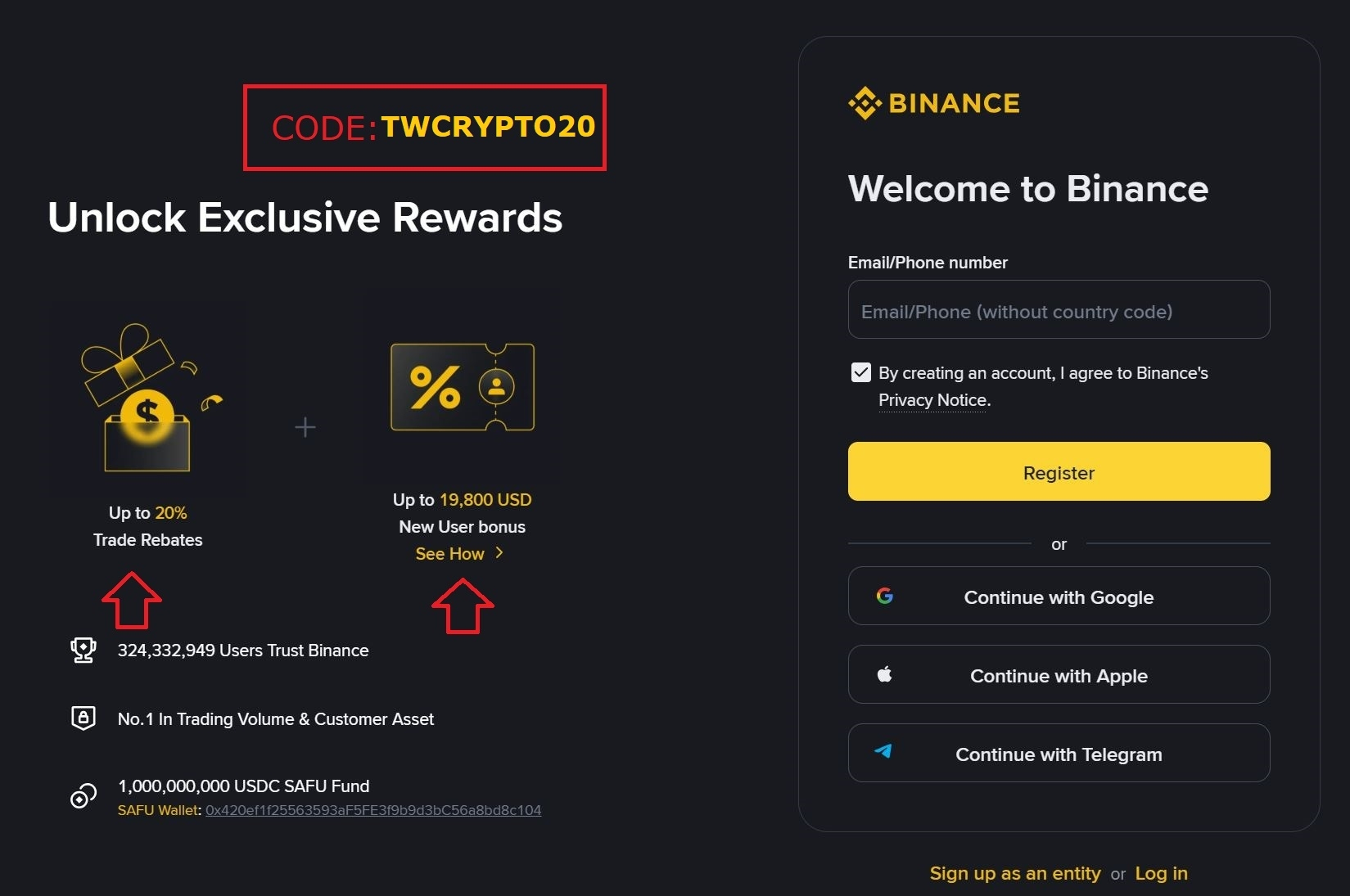
What Is "Rebinding" on Binance?
Rebinding lets an existing Binance user attach their account to an affiliate's referral link after the account was already created, something that normally isn't possible once you've signed up without one. Binance built this feature specifically for users who missed out on a referral code the first time around and want a second chance to get fee discounts.
Once your rebind application is approved, your account gets tied to the referral link, and from that point forward you start receiving trading fee rebates on your activity — the same benefit you'd get if you'd used a referral link from day one.
Who Can Actually Use This?
Here's the part most people get wrong, not every account qualifies. Binance has specific eligibility requirements for rebind applications:
✅ Your account must already be KYC-verified
✅ You must not currently be under any other affiliate's referral link
✅ Your account must not be a sub-account
✅ Your total trading volume over the last 90 days must be under $5,000
If you meet all four of these, you're eligible to submit a rebind application. If your account has already been bound to someone else's referral link before, or your recent trading volume is too high, unfortunately the system won't let the switch go through.
Step-by-Step: How to Rebind Your Binance Account
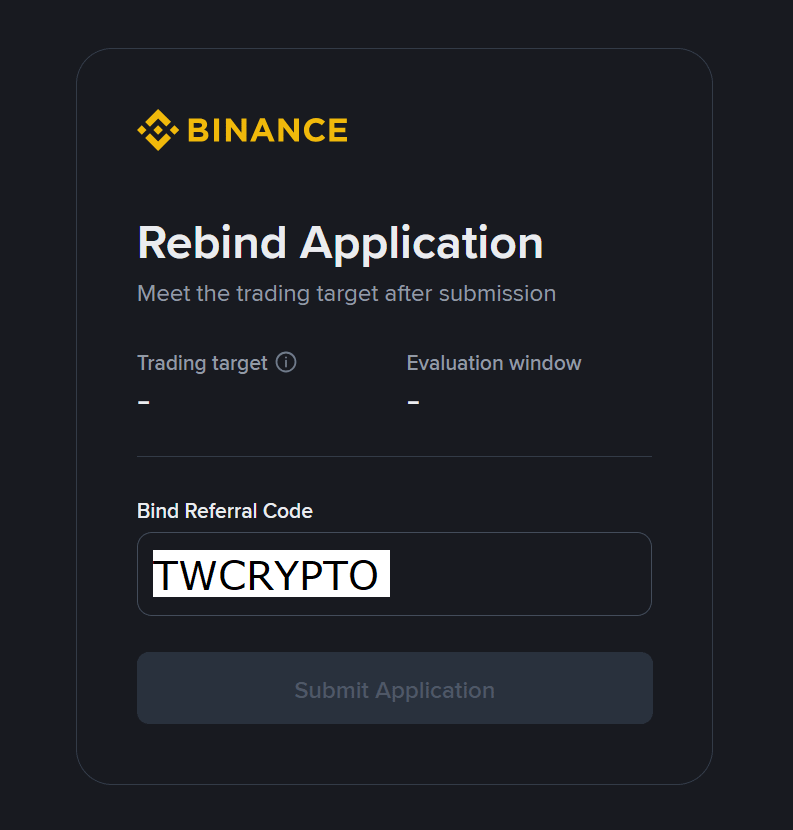
Step 1 — Open the rebind link
👉 Click here to start your rebind application
Step 2 — Enter the referral code
When prompted, enter the code: TWCRYPTO20
This step is mandatory — without entering the code, the application can't be submitted.
Step 3 — Submit and wait for processing
Once submitted, you can track the status of your application (approved, pending, or rejected) directly from the Affiliate → Referrals → Rebind Applications page in your Binance account, where you'll see details like your invitee UID, referral code, start/end dates, and progress.
One Important Detail to Know
There's a built-in volume trigger worth understanding: once your total trading volume after submitting the rebind link reaches $150,000, your account gets automatically bound to the affiliate link — even if the manual approval process is still pending. So even active traders who are close to that threshold have a path to getting linked.
Why Bother Rebinding at All?
Simple: fee rebates. Trading fees add up fast, especially if you're active on spot or futures markets. Being bound to a referral link means a portion of your fees comes back to you automatically, trade after trade, with zero extra effort once it's set up. If you've been trading fee-free-rebate-free this whole time, rebinding is essentially free money you've been leaving on the table.
Final Notes
Not every account will qualify on the first try — if you've traded heavily in the past 90 days or you're already tied to another referral link, you'll need to wait it out or explore other options. But if you check all four boxes above, this takes less than five minutes and pays off on every single trade afterward.
👉 Start your rebind application here and enter code TWCRYPTO20 to get started.
This article is for informational purposes only. Eligibility and feature availability are determined by Binance and may change at any time — always confirm current terms directly on the platform before proceeding.