

You can check whether your account balance is included in Binance Proof of Reserves from inside your own account, and then confirm the result independently with Merkle tree and zk-SNARK tools. The result always reflects one snapshot date, not the balance you see in your wallet today.
What Is Binance Proof of Reserves?
Proof of Reserves is the evidence that the assets Binance holds in custody cover user balances at least 1:1. Binance takes a snapshot of all user balances, builds a Merkle tree from them, and publishes the root together with a zero-knowledge proof. After the security incident in October, this is the check many users want to run for themselves.
How Can I Check Whether My Balance Is Included in Binance Proof of Reserves?
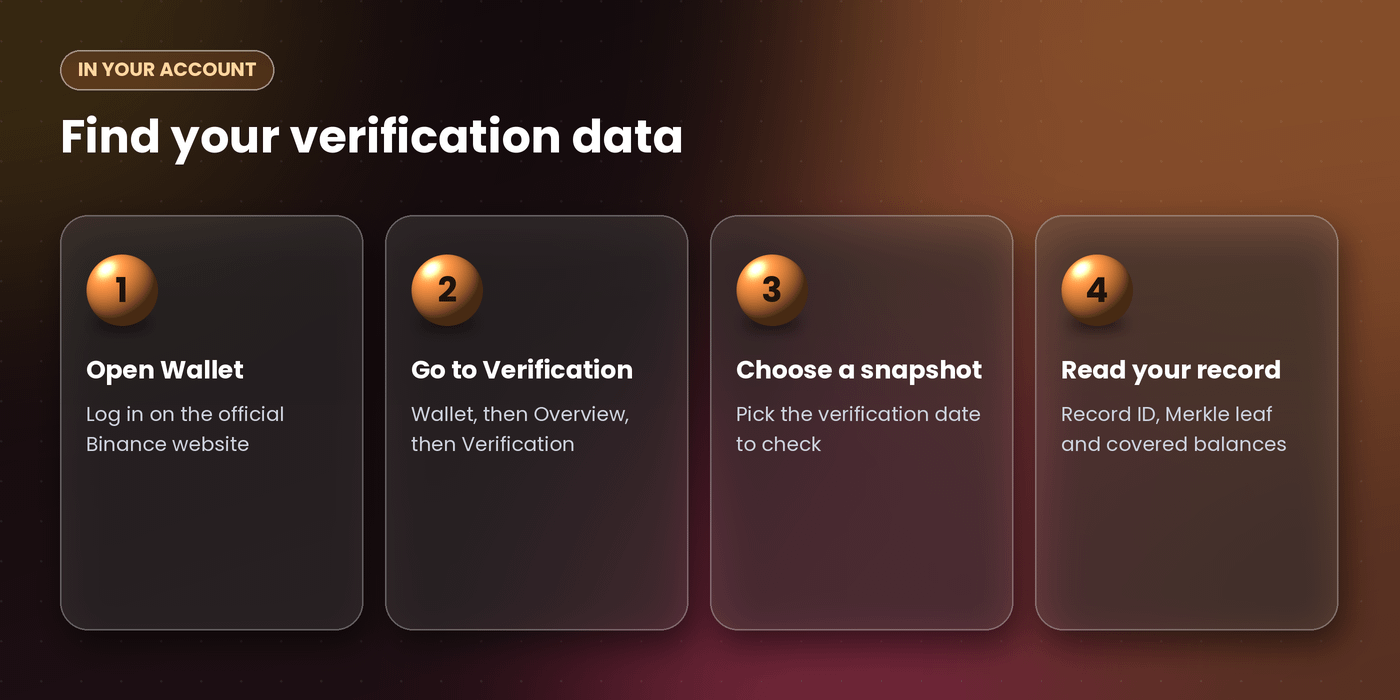
Log in on the official Binance website. A phone browser works.
Open Wallet, then Overview, then Verification.
Select the verification date, which is the snapshot you want to check.
Find your Record ID and Merkle leaf on the page.
Compare the balances shown for that snapshot with what you held at that time.
You do not need to send funds, share a password, or give your details to anyone. A message that asks for those things in the name of verification is a scam.
How Do I Independently Verify My Balance Using Merkle Tree and zk-SNARKs?
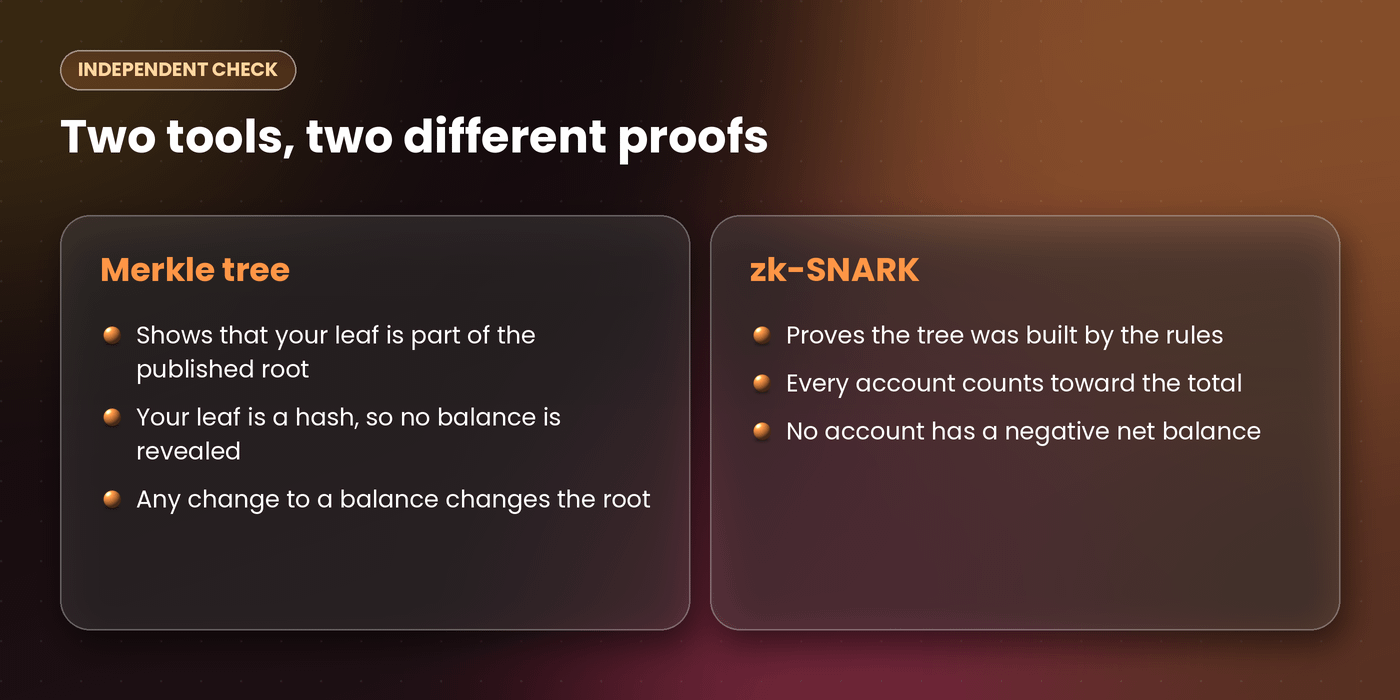
The account page is the simple check. The independent check has two parts.
Merkle tree: copy your Merkle leaf and confirm that it leads to the Merkle root published for the same snapshot. Your leaf is a hash, so it does not reveal your balance
zk-SNARK: the zero-knowledge proof shows that the tree was built by the rules, that every account counts toward the claimed total, and that no account carries a negative net balance
Binance has published open-source code for this, so the check does not depend on trusting the page that displays it.
What Does Successful Verification Tell Me—and What Are Its Limits?
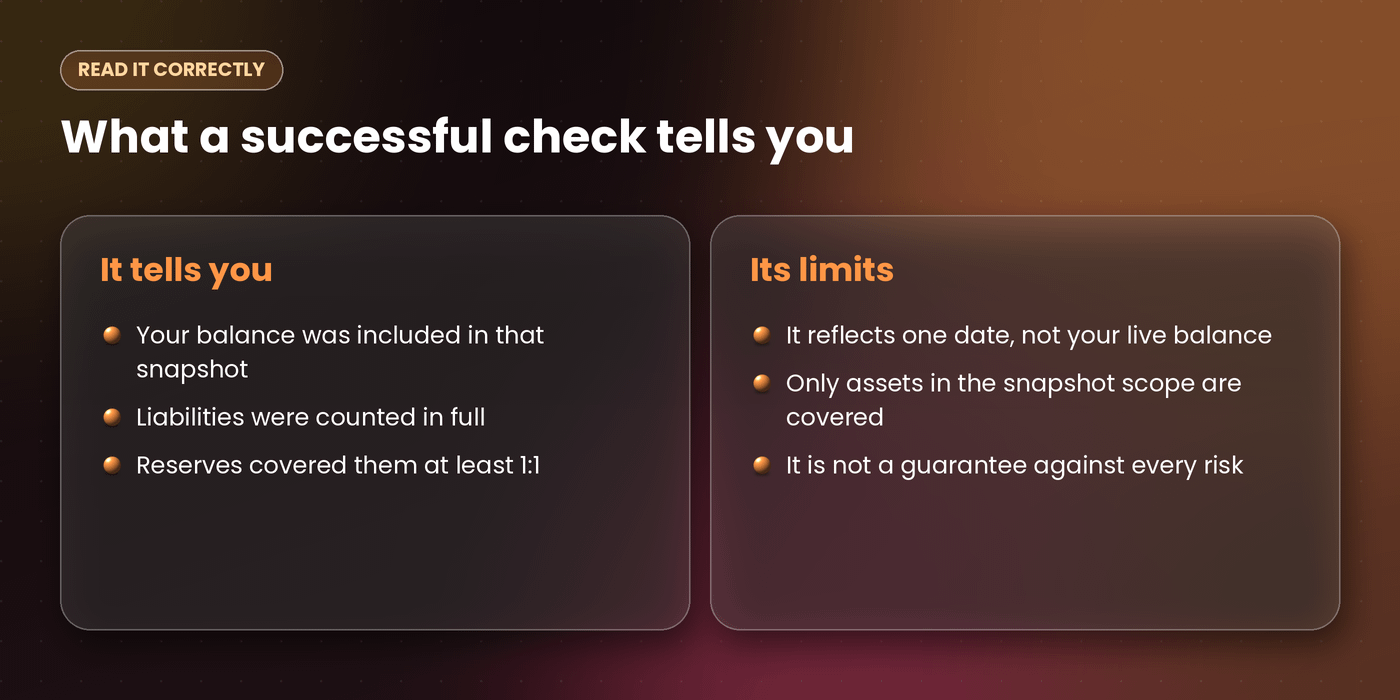
A successful check tells you that your balance was included in that snapshot, that liabilities were counted in full, and that reserves covered them at least 1:1 at that moment.
Its limits are just as important. The result reflects a specific snapshot and not your current wallet balance. It covers only the assets inside the snapshot scope. It is not a full financial audit, and it is not a guarantee against every possible risk. I repeat the check each time a new snapshot is published.
Frequently Asked Questions
Where can I find my Binance Proof of Reserves verification data? In your account, under Wallet, Overview, Verification. Your Record ID and Merkle leaf are listed for each snapshot date.
Which assets are covered in the snapshot I am checking? The covered assets are listed for each snapshot, and the list can change. Binance reported that its 12 November 2026 snapshot covered 198 tokens.
Does Proof of Reserves guarantee protection of my funds? No. It is evidence of backing at a point in time. Protection also depends on platform safeguards such as SAFU and on how well you secure your own account.
Official guide: How to Verify Your Account Balance on Binance
Reserve data: Binance Proof of Reserves