

When something big happens in crypto, scammers move faster than the news. Here is how I check every message that claims to come from Binance, before I click, reply or pay.
Quick Facts
Binance Verify is free and needs no login or account
It checks websites, emails, phone numbers, Telegram and social media handles
An Anti-Phishing Code marks genuine Binance emails and selected SMS
Urgency plus a request for your credentials is the clearest sign of a scam
01: Why Scams Spike After an Incident
After the 29 October security incident, Binance warned users that fraudsters may pose as its staff and offer help with delayed withdrawals, compensation claims or asset recovery. Security researchers also reported phishing emails that used the news to push people into "verifying" wallets or sending Bitcoin first. This is the pattern after every major event: people are worried, they want answers quickly, and a fake message arrives at the perfect moment.
02: What Binance Verify Is
Binance Verify is the official tool for checking whether a channel really belongs to Binance. You can test a website link, an email address, a phone number, a Telegram username or another social media handle. You do not need a Binance account to use it, so you can also share it with family and friends who are new to crypto.
03: How to Check a Channel in 4 Steps
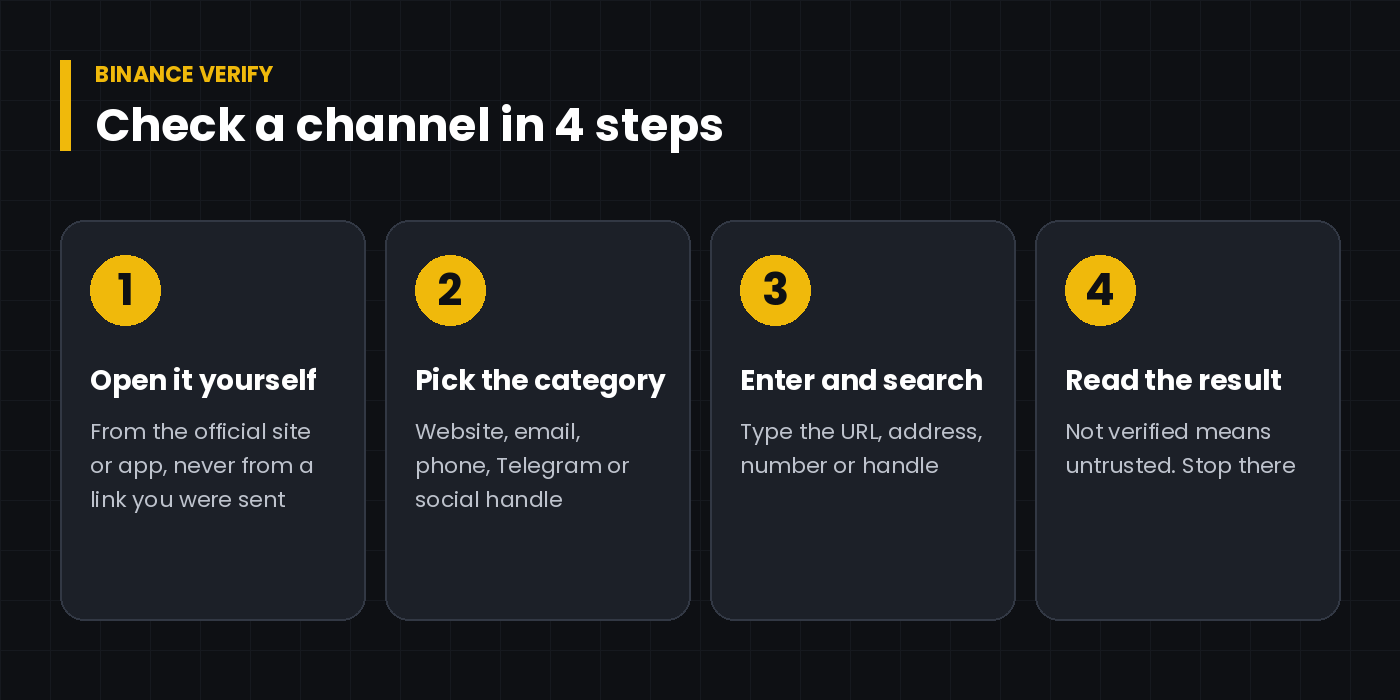
Open Binance Verify yourself from the official Binance website or app. Do not use a link someone sent you.
Choose the right category from the drop-down menu. A wrong category can change the result.
Enter the URL, email, phone number or handle you want to check, then tap Search.
Read the result in the pop-up window. If the source is not verified, treat it as untrusted and stop there.
04: What Binance Verify Cannot Do
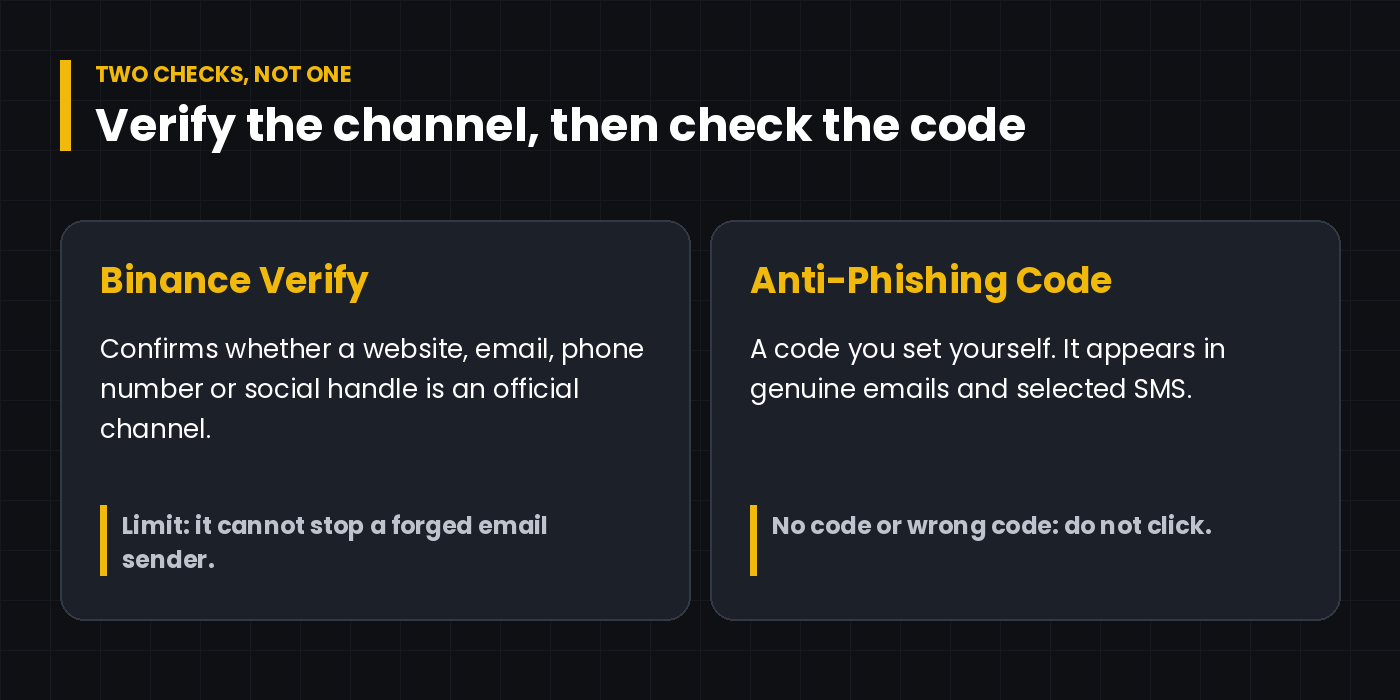
A verified result is not the whole answer. Binance Security has warned that scammers can forge the sender address of an email, so a message can appear to come from a verified address and still be fake. This is why I use a second check: the Anti-Phishing Code. You set this code yourself in your account security settings, and after that it appears in every genuine Binance email and in selected SMS messages. If the code is missing or wrong, I do not click anything.
05: The Warning Signs I Look For
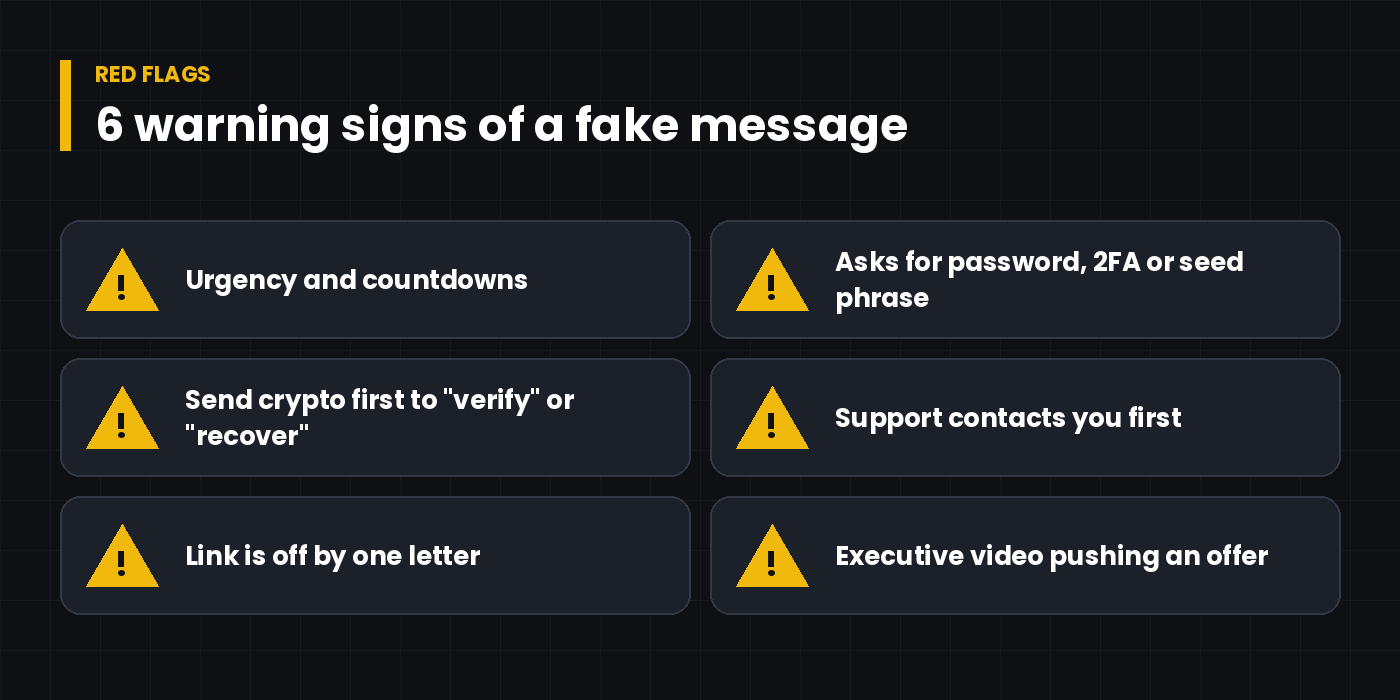
Urgency: "act within 30 minutes or lose your funds"
A request for your password, 2FA code or seed phrase
A request to send crypto first to "verify", "unlock" or "recover" assets
Support that contacts you first by Telegram, WhatsApp or a phone call
A link that does not match the official domain, even by one letter
A video or voice of a well-known executive promoting an offer, which may be an AI deepfake
Urgency together with any request for credentials is the clearest red flag of all. Binance staff will never ask for your confidential information, and no one from Binance will contact you to ask for money.
06: If You Already Clicked
Open the Binance app or website directly, not through the message. Review your balance, recent logins, withdrawals and API keys. Change your password, reset your 2FA, and contact Binance Support through the official chat inside the app. Then report the scam so others are protected.
Bottom Line
Checking takes one minute. Recovering from a scam can take months, and sometimes it is not possible. Verify the channel, look for your Anti-Phishing Code, and never let urgency make the decision for you.
Have you ever received a fake "Binance" message? Share what it looked like in the comments so others can spot it.
#binanceverify #ScamAlert #Binancesecurity #CryptoSafety #Jxlolo