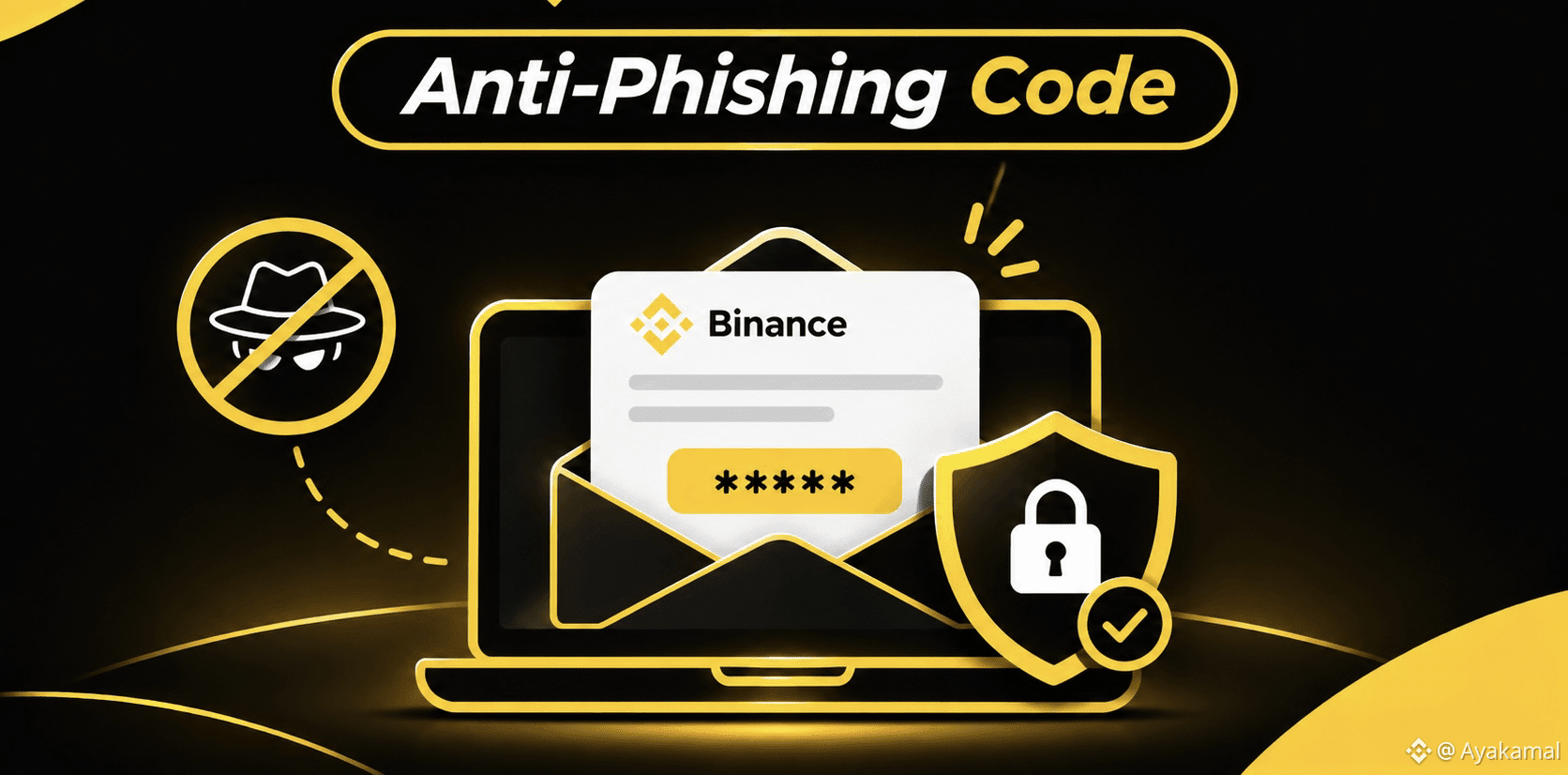
🔐 Could One Small Code Help You Spot a Fake Binance Message?
Imagine receiving an email that looks exactly like an official Binance notification.
The logo looks familiar. The wording seems professional. Even the sender name looks convincing.
But how can you tell if it’s genuine?
One security feature worth knowing about is Binance’s Anti-Phishing Code.
🔸1. What Is an Anti-Phishing Code?
It’s a unique code that you create in your Binance account security settings.
Once enabled, this code appears in genuine Binance emails and supported SMS messages, helping you distinguish legitimate communications from phishing attempts.
🔸2. How Does It Work?
It’s simple:
•You create your personal code.
•Binance includes it in supported official communications.
•When you receive a message, check whether the displayed code matches the one you created.
If the code is missing or incorrect, treat the message as suspicious.
🔸3. How Can You Set It Up?
1.Open your Binance App.
2.Go to your Profile and select Account Info.
3.Open Security.
4.Select Anti-Phishing Code.
5.Tap Create and follow the verification steps.
Choose a code that’s easy for you to recognize but difficult for others to guess.
🔸4. Important Security Reminders
⚠️Never share your Anti-Phishing Code with anyone.
⚠️If a message contains the wrong code, don’t interact with its links or attachments.
⚠️Remember that this feature helps identify suspicious communications, but it doesn’t replace checking links and verifying unexpected requests through official Binance channels.
💡Your security isn’t just about protecting your password. It’s also about knowing which messages deserve your trust.
Take a moment to review your Binance security settings and check whether you’ve enabled this feature.
📚 Learn more
https://www.binance.com/en/support/faq/detail/311927d6c4b4478ba094fc6a611d5201
Stay informed. Verify before you trust 💛
#Binance #Binancesecurity #STAYSAFU 🙏