

New Binance users often deposit USDT, open Futures and see a balance of zero. The reason: Binance keeps separate wallets. This short guide explains them and shows how to move funds. Referral code for new accounts: BTC2026 (Binance referral code BTC2026 sign-up link).
The main Binance wallets
Spot: where crypto deposits usually land and where Spot trades happen
Funding: used for P2P, Pay and some card purchases
USDⓈ-M Futures: margin for USDT- and USDC-margined perpetual contracts
COIN-M Futures: margin held in the coin itself, such as BTC
How to transfer on Binance in 4 steps
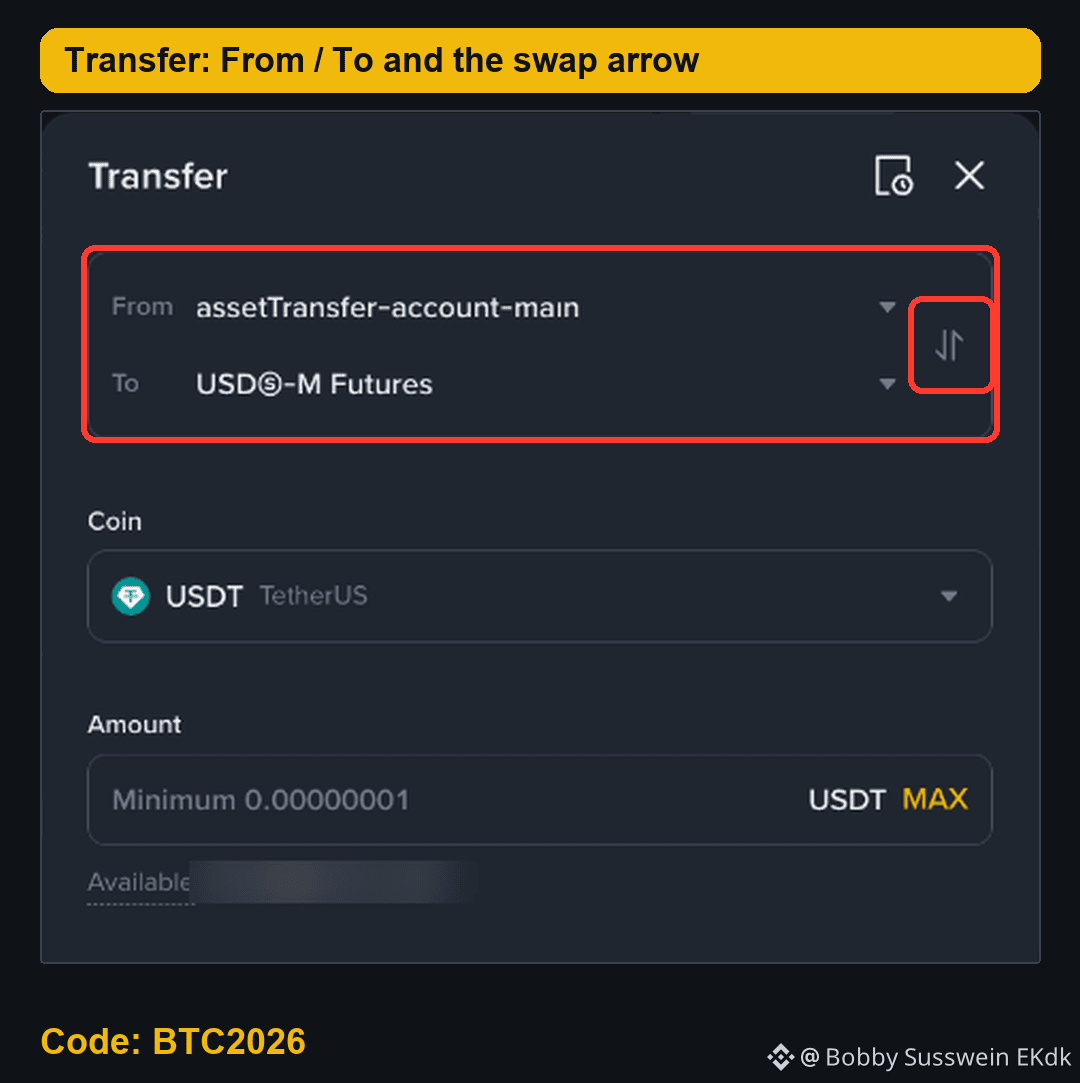
Open Wallet → Overview, or click ⇆ next to Avbl in the Futures panel
Choose From and To (the ⇅ arrow swaps them)
Pick the coin and type the amount, or click MAX
Click Confirm. Internal transfers are instant and free
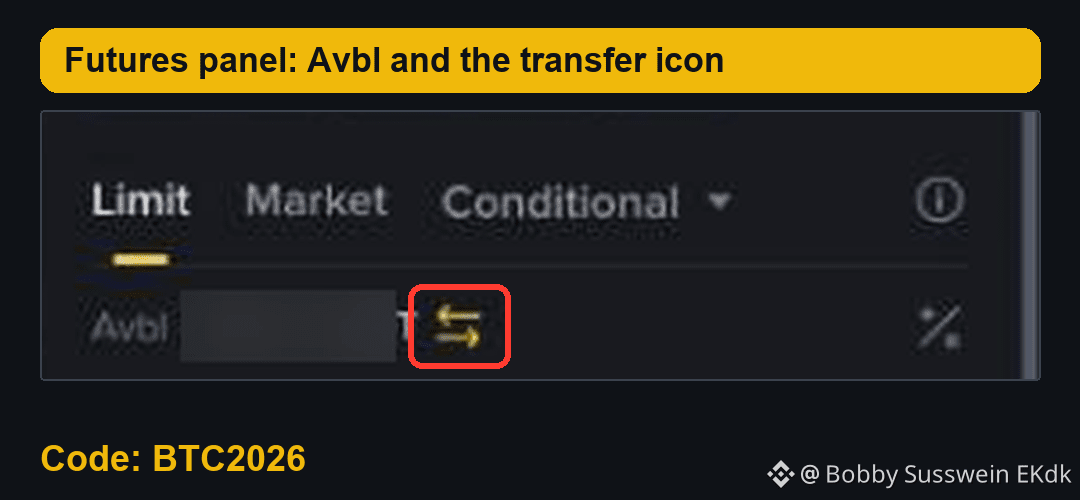
Where to find the transfer button while trading
On the Futures page the small ⇆ icon next to Avbl opens the same window, already set to Futures. Use it before you place an order so the margin is there.
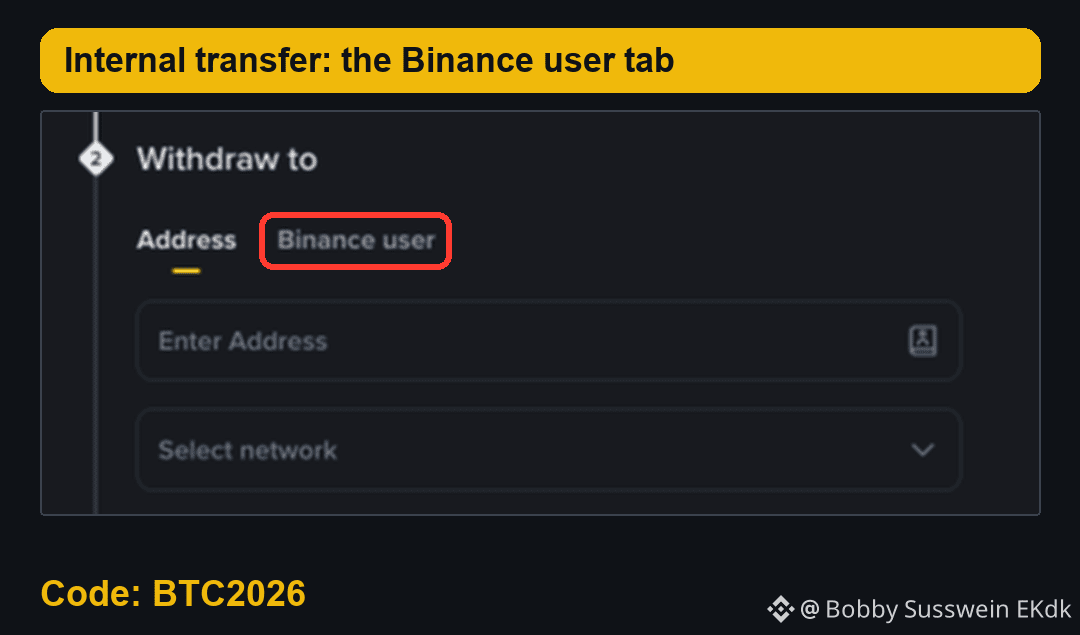
Transfer vs withdrawal vs Binance user transfer
A transfer moves funds between your own wallets. A withdrawal sends crypto out of Binance on a blockchain and costs a network fee. Sending to another Binance account uses the Binance user tab on the withdraw page and stays inside Binance.
Common mistakes
Trading Futures before moving USDT, then seeing 'insufficient balance'
Moving all funds to Futures instead of only the margin you need
Using withdraw when you meant transfer
New to Binance? Open the BTC2026 sign-up page and follow the steps above after your first deposit.
Disclosure: BTC2026 is my referral code, and I may earn commission from qualifying activity. This is an independent guide, not an official Binance post. Benefits depend on Binance's terms, your region and your eligibility. Crypto trading carries risk, and leveraged Futures trading can lose more than you expect. Not financial advice. DYOR.