



Binance does not work out your tax. It keeps a record of every buy, sell, swap, deposit, withdrawal and reward on your account, and lets you export it. What you owe, and whether you owe anything, depends on the rules where you live and on what you did with your coins during the year.
Most people get stuck on the second part. The tax rules talk about disposals, income and cost basis, while your account shows trades, conversions and wallet transfers. So instead of a rulebook, this guide takes eight things people really do on Binance and shows how each one usually turns into a number on a tax return, with the arithmetic written out.
👉 Sign up on Binance with code GETREWARD
Which Binance activity usually matters for tax?
Countries disagree on details, but most of them sort crypto activity into three groups.
Disposals: Selling crypto for money, swapping one coin for another, and in many places spending it. A disposal is where a gain or a loss appears.
Income: Coins that arrive without you buying them, such as airdrops, promotional rewards, vouchers that turn into crypto, and interest-type payouts. These are often valued on the day they arrive.
Neutral moves: Buying crypto with money, moving coins between your own Binance wallets, and sending coins to a wallet you own. These usually create nothing to report, but they still have to be tracked, because they carry your purchase price forward.
Everything below is one of these three, sometimes two at once. Check your local rules for the label each one gets, because a few countries treat swaps or small amounts differently.
Where does Binance keep the records you need?
You need more than one export, because different activity sits in different histories.
Spot trade history: Under Orders, every filled trade with its price, amount and fee. Export it by date range.
Transaction history: Reached from the History button in the Wallet overview. It lists deposits, withdrawals, conversions, small-balance conversions and distributions such as airdrops.
Futures history: Realized PnL, trading fees and funding payments, listed separately for USDⓈ-M and COIN-M.
Tax reports: Binance offers a tax report tool in some regions, and most crypto tax software can import a Binance account through a read-only API key or the CSV files above.
Pull one full calendar or tax year at a time. A year exported in one go is far easier to check than twelve monthly files with gaps between them.
Scenario 1. You bought BTC and later sold it on Spot
This is the most common case and the easiest one to get slightly wrong, because of how the fee is taken.
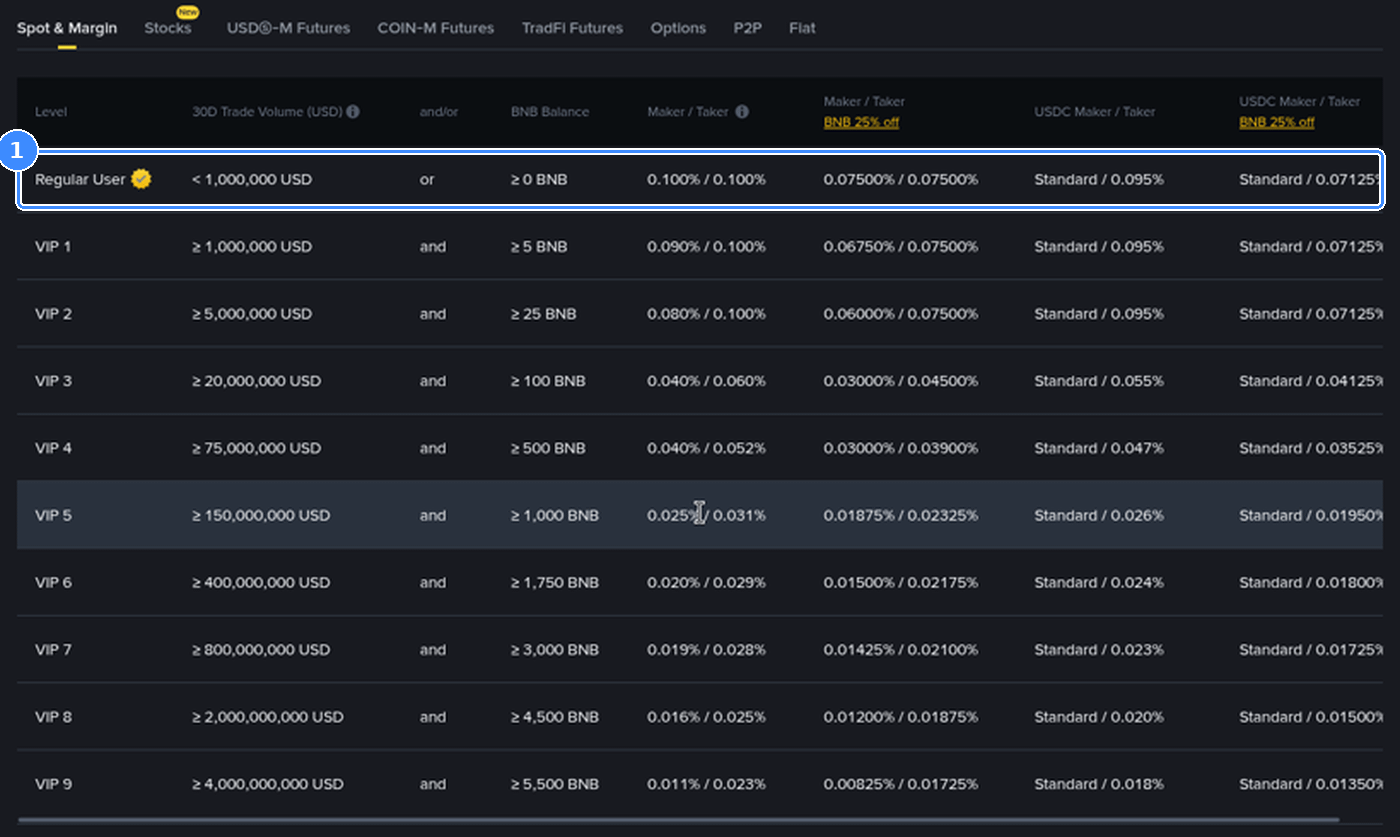
Say you buy 0.02 BTC at 60,000 USDT, so 1,200 USDT. The 0.100% fee on a buy is taken from the coin you receive, so 0.00002 BTC goes on the fee and 0.01998 BTC lands in your Spot wallet. Months later you sell all 0.01998 BTC at 75,000 USDT. That is 1,498.50 USDT, and the 0.100% fee on a sell comes out of the USDT, about 1.50, leaving 1,497.00.
Cost: 1,200.00 USDT, the full amount you paid, including the part that went on the fee.
Proceeds: 1,497.00 USDT after the selling fee.
Gain: 297.00 USDT, before converting it into your own currency.
The last step matters. Your tax authority wants the figure in your currency, so the 1,200 is converted at the exchange rate on the buy date and the 1,497 at the rate on the sell date. If your currency moved against the dollar in between, the gain in your currency is not 297 converted at today's rate.
Scenario 2. You turned USDT into euros with Convert
People often assume a stablecoin can't produce a gain or a loss. It can, because a dollar stablecoin still moves against every other currency.
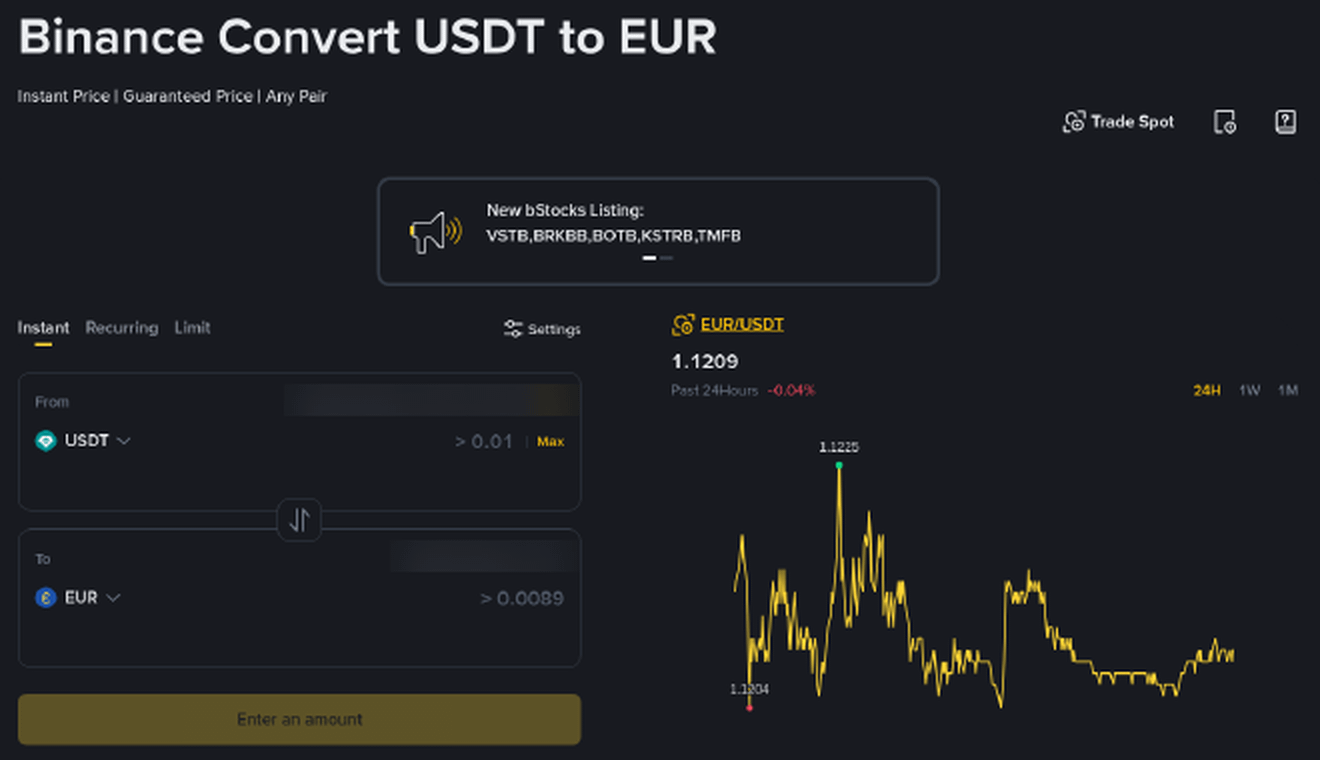
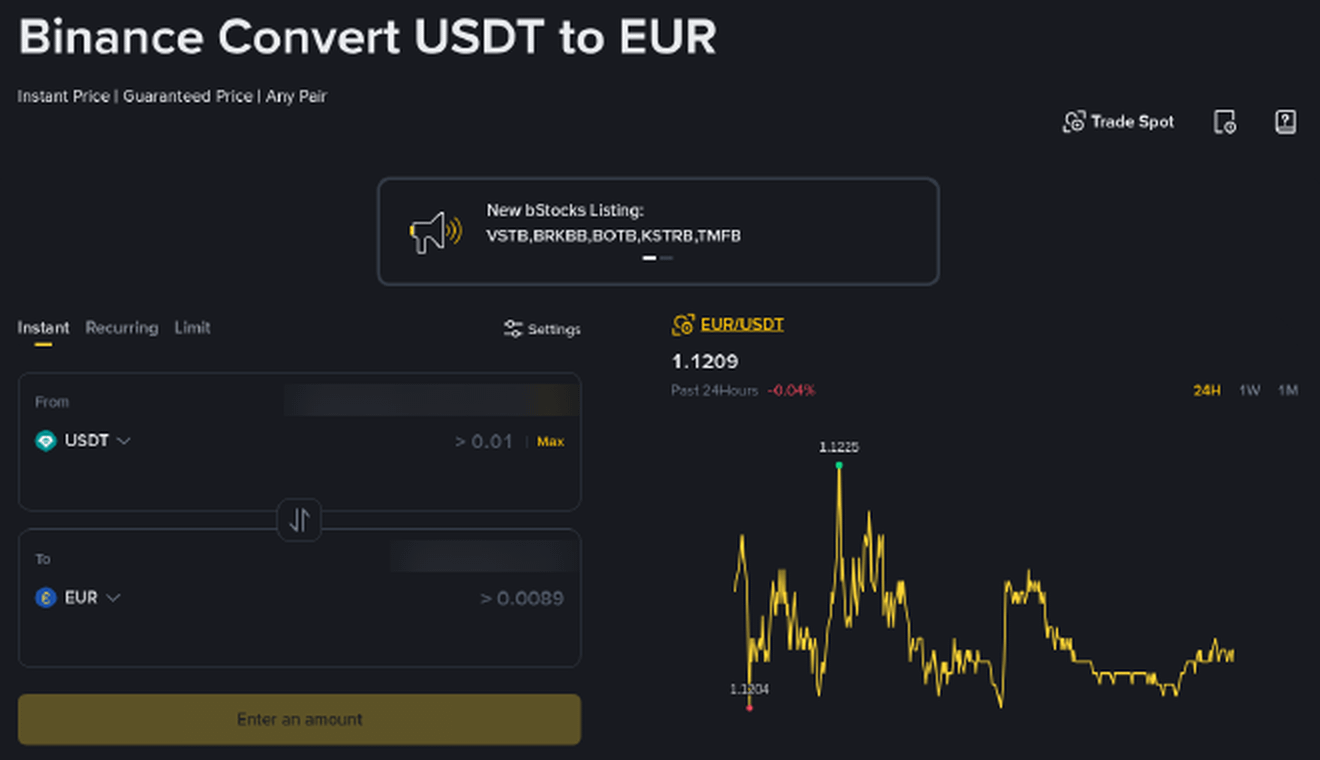
Say you bought 1,000 USDT when one USDT cost 0.95 EUR, so 950 EUR. Later you use Convert and get 0.892 EUR per USDT, the rate in the screen below, which gives you 892 EUR. In euro terms you sold for 58 EUR less than you paid. Many systems treat that as a loss you can report, even though you held a "stable" coin the whole time.
Convert shows no fee line, but the quote you accept is the sale price. Use the amount that actually arrived, not the chart rate, and our guide on selling crypto on Binance through Convert, Spot or P2P explains why the three routes give slightly different amounts for the same coins.
Scenario 3. You swapped ETH for SOL without touching money
No euros or dollars appear, so this one feels like nothing happened. In a lot of countries it still counts as selling the first coin.
You bought 0.5 ETH for 1,000 EUR. Later, when that 0.5 ETH is worth 1,400 EUR, you swap it for SOL on Spot or through Convert. Where crypto-to-crypto swaps are disposals, you have a 400 EUR gain on the ETH at that moment, and the SOL starts with a cost of 1,400 EUR. If SOL then falls and you hold it, the 400 EUR gain on the ETH does not go away by itself. You would only record a loss when you dispose of the SOL.
Frequent swappers feel this the most. Fifty swaps in a year means fifty disposals, each with its own date, value and fee.
Scenario 4. You bought the same coin at two different prices
Now you have to decide which coins you sold, and the answer changes the result a lot.
You buy 10 SOL at 100 EUR, which is 1,000 EUR, and later another 10 SOL at 160 EUR, which is 1,600 EUR. Then you sell 10 SOL at 150 EUR and receive 1,500 EUR. Fees are left out to keep the comparison clean.
First in, first out: You sold the 100 EUR coins. Cost 1,000, gain 500 EUR.
Average cost: Each SOL cost 130 EUR on average. Cost 1,300, gain 200 EUR.
Specific coins, highest cost first: You sold the 160 EUR coins. Cost 1,600, loss 100 EUR.
Same trade, three results from a 500 EUR gain to a 100 EUR loss. You don't get to pick whichever looks best each year. Many countries prescribe one method, and where there is a choice it usually has to be used consistently. Set it once in your tax software and leave it.
Where do trading fees fit in?
In most systems fees are part of the calculation rather than a separate deduction. A buying fee raises what the coin cost you, and a selling fee lowers what you received, which is how Scenario 1 handled it.
Paying fees in BNB adds a small extra layer. Each fee paid that way spends a little BNB, and where spending crypto is a disposal, every one of those fee payments is a tiny disposal of BNB. On 400 trades a year that is 400 small entries. Good tax software handles them automatically, but only if the BNB fee lines are in your export.
Scenario 5. You moved coins to your own wallet
Withdrawing 0.3 ETH from Binance to a hardware wallet you control is not a sale. The coins keep the cost they had on Binance, and nothing new happens for tax.
Two details catch people out. The network fee, say 0.0006 ETH, is paid in ETH, and in some countries that small amount counts as spent. And tax software sees a withdrawal from Binance and a deposit somewhere else as two unrelated events, so it may flag the withdrawal as a sale. Label it as a transfer between your own wallets, or the software may count a gain you never made.
Scenario 6. A reward or an airdrop landed in your account
Coins you didn't buy are usually treated as income on the day they arrive, valued at the market price that day. Their cost for any later sale is that same value.
Say an airdrop puts tokens worth 25 EUR into your Spot wallet. You may have 25 EUR of income for that day. If you sell them later for 40 EUR, there is a further 15 EUR gain. If they drop to 5 EUR and you sell, you have a 20 EUR loss on the sale, but the 25 EUR of income from the arrival day usually still stands. Promotional rewards and vouchers that convert into crypto are often handled the same way, so note the date and value of anything you receive.
Scenario 7. You closed a futures position
Futures show up differently, because you never owned the coin. What matters is the realized result.
Say you close a BTCUSDT long with a realized PnL of +180 USDT. The position paid 7.50 USDT in trading fees across the open and the close, and 3.20 USDT in net funding while it was open. The net result is 180 − 7.50 − 3.20 = 169.30 USDT. A liquidation counts too, as a realized loss on the date it happened. Some countries tax derivatives under different rules from spot crypto, so keep futures in their own column. Our walkthrough of how Binance Futures profit, loss and ROI are calculated shows where each of those figures appears in the app.
Scenario 8. You swept small balances into BNB
The small-balance conversion turns leftover coins worth a few cents or dollars into BNB in one click. For tax it is not one event. Twelve leftover coins converted means twelve small disposals, each with a value. The amounts are tiny, but they belong in the export, and they explain why your software lists coins you forgot you ever held.
What goes wrong most often?
Using the PnL screen as the tax number: The app shows performance in USDT, often since you started holding. Your return needs figures in your own currency, matched to the method your country uses.
Coins with no purchase price: Crypto deposited from another exchange or wallet arrives with no cost attached. Unless you add the original purchase records, software may treat its cost as zero and count the full sale as gain.
Ignoring stablecoin currency moves: As Scenario 2 showed, USDT bought and sold at different euro rates gives a gain or a loss.
Exporting at the last minute: Large exports can take time to generate, and a missing month is hard to spot in a rush. Export once a quarter and check the totals.
Closing the account first: Download every history before you shut an account down. A closed account no longer gives you the history pages, so save the files first.
A record-keeping routine that takes ten minutes a quarter
Export: Spot trade history, transaction history and futures history for the last three months.
Note outside wallets: Write down which addresses belong to you, so transfers can be matched later.
Use a read-only key: If you connect tax software by API, create a key with reading rights only. Leave trading and withdrawals switched off.
Log one-off events: Rewards, airdrops and promotions, with date and value, in a simple spreadsheet next to the exports.
New accounts opened with code GETREWARD that complete tasks on the current Binance welcome bonus page should log those rewards the same way, since many countries count them as income on the day they arrive.
FAQ
Does Binance pass my information to the tax office?
Exchanges follow the reporting rules of the places where they are licensed, and information-sharing rules for crypto platforms are being phased in across many countries, with data collection that began in 2026 in early-adopting countries. Assume your activity can be seen and report it yourself.
I lost money this year. Do I still need to report?
Often yes, and it can help you. In many systems a reported loss can be set against gains in the same year or carried forward, but only if it is on the return.
Is moving USDT from my Funding wallet to Spot a taxable event?
No. Moving coins between your own Binance wallets changes where they sit, not who owns them, so there is no disposal.
Can I still get records from an earlier year?
Yes, as long as the account is open. Choose the date range in the history page and export it, a year at a time if the file is large.
Disclosure: the sign-up link in this article uses my code GETREWARD. Tax rules differ by country and change over time, and the examples here are simplified illustrations. This is general education, not tax or financial advice. For your own return, check your local rules or ask a qualified tax adviser.