You may be required to complete facial identification when attempting to access your account or proceed with certain features like trading, withdrawals, redeeming rewards and increasing deposit limits.
Please note that facial verification is mandatory and cannot be removed or bypassed. These checks are essential to protecting your account.
Face verification will compare a real-time image of your face with the image on your ID documents submitted for Identity Verification.
This verification step is required to:
In addition to enhancing security, face verification provides a simple, fast, and contactless way to authenticate your identity so that you can navigate your account more conveniently. With face verification, you no longer need to remember complex passwords or carry physical tokens, making the login and authentication experience smoother and more efficient.
Important Note: Attempting to bypass the verification by sharing an account with family members or individuals other than yourself, etc. is considered a violation of our terms and conditions. Mismatched facial data will result in failures to pass the face verification.
1. Ensure that you have Biometrics functionality set up from your device settings. Face verification can be set up by accessing your Account Settings and choosing [Face ID & Passcode] for iOS, or [Face unlock] on Android. For a step-by-step guide, visit How to Set up Biometrics Authentication on Your Mobile Device?.
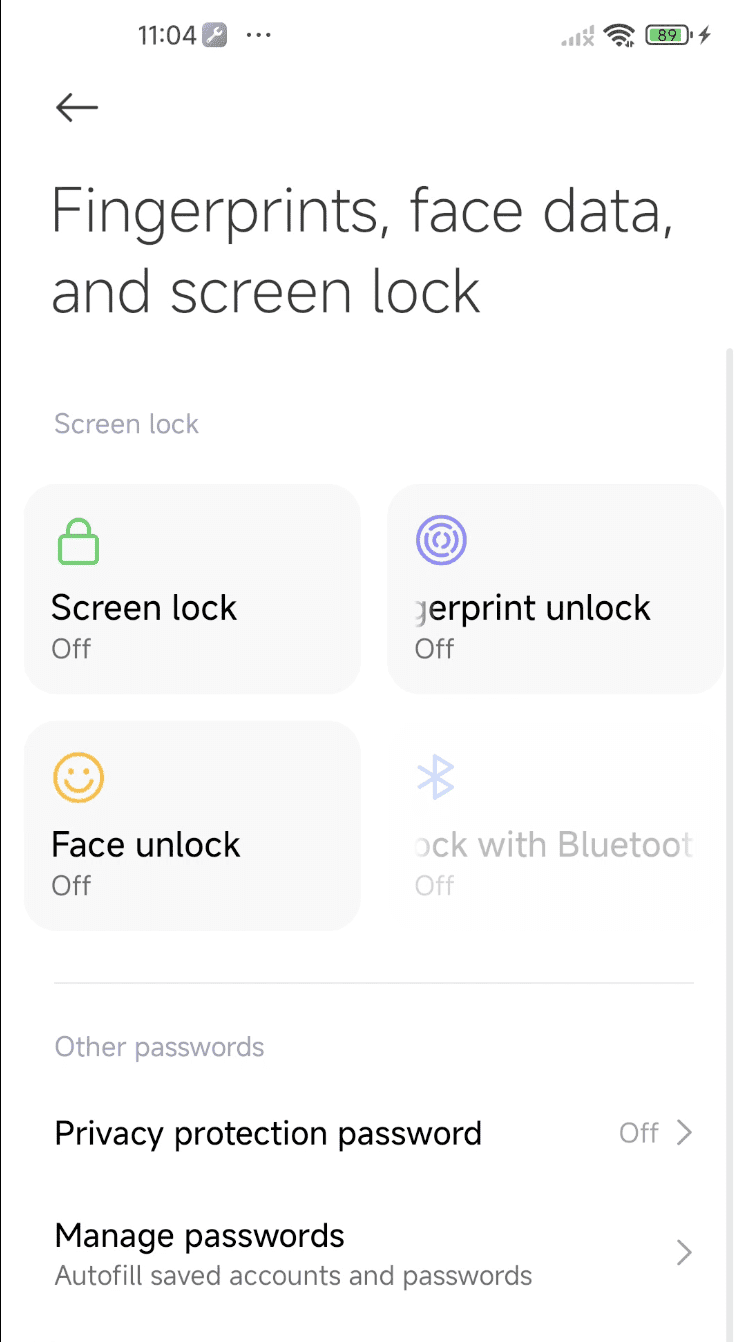
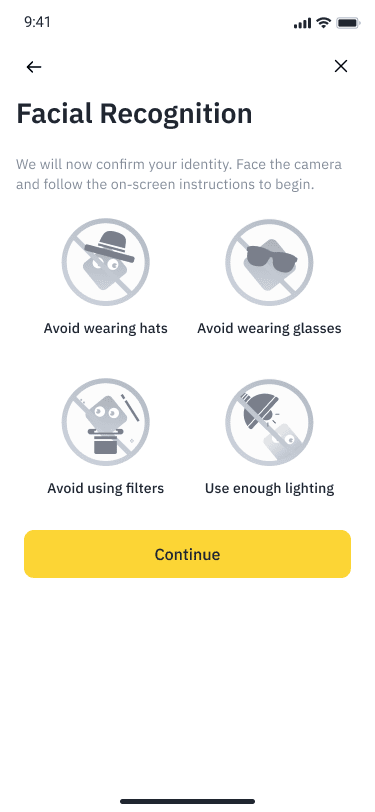
2. Before starting the verification covering common issues like lighting, background, and camera cleanliness to prepare users.
Pre-Verification Checklist:
3. Log into your Binance account. You will be prompted to begin the Face Scan process.
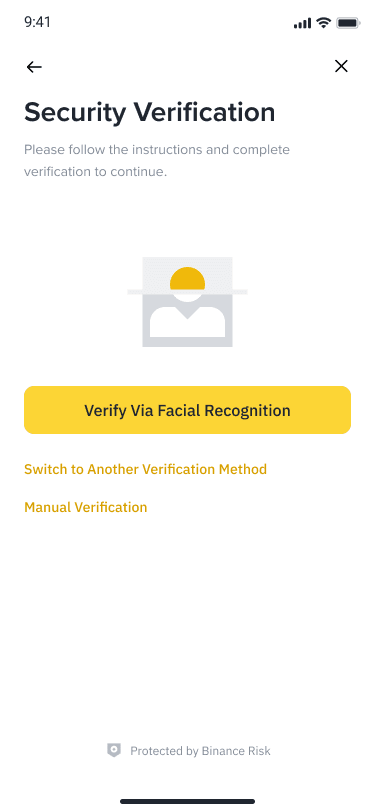
4. Make sure your device’s camera is enabled and that your face is positioned within the frame provided. Keep your face steady and look directly at the camera. Ensure your face is fully visible and well-lit.
5. Once your face is scanned successfully, the system will either approve login automatically. If verification fails, please contact Binance customer support for further assistance.
To learn more about Identity Verification on Binance, visit FAQs: Identity Verification.
