
Bajamut
Open Trade
Occasional Trader
3.9 Years
96 Following
22 Followers
0 Liked
Posts
Portfolio
All
Quotes

Rick Ross 22
·
--
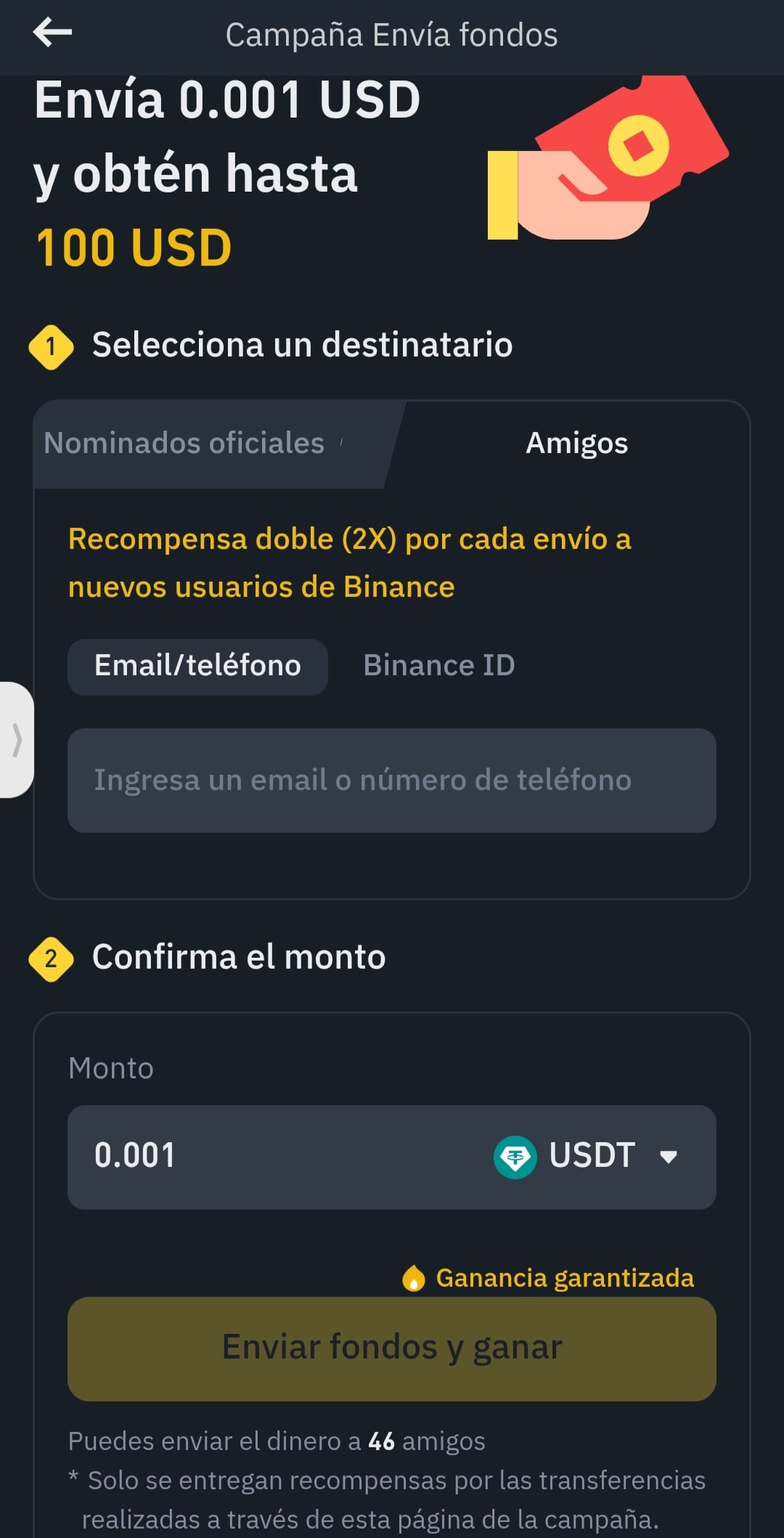
I have spots and I return instantly let's go let's go 1063336442
Quoted content has been removed

Ana Cash
·
--
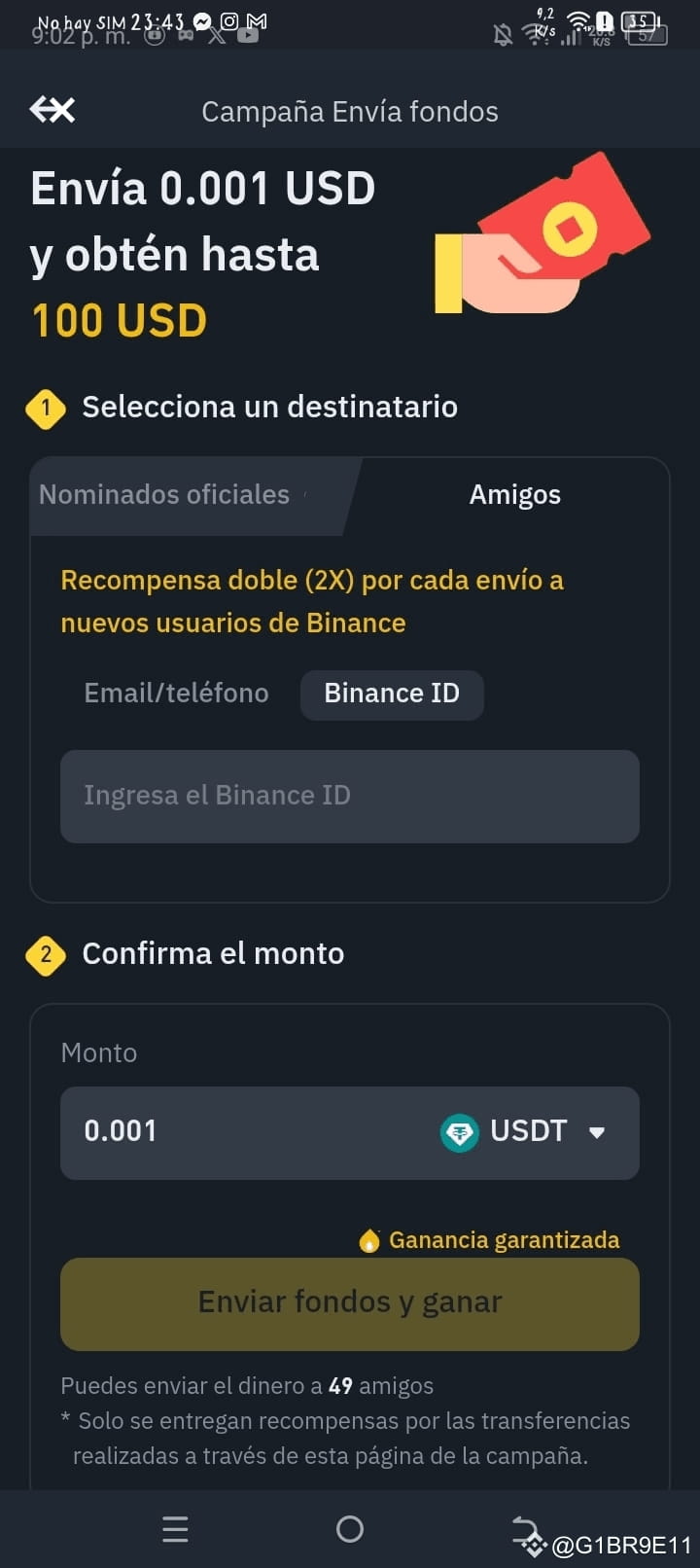
They already know ID ((8-14///77//90-80
Chain of favors
Chain of favors


Binance Academy
·
--
What Is MyShell (SHELL)?
Key Takeaways
MyShell is an AI platform where anyone can build, share, and earn from AI agents, combining AI tools with blockchain technology for a creator economy.
The platform features ShellAgent, an open-source, no-code framework that lets users create AI agents without any programming experience.
MyShell's AIpp Store is a marketplace where developers publish AI agents and can earn SHELL tokens when users interact with their creations.
The SHELL token is used for payments, staking, creator rewards, and governance decisions on the platform.
SHELL was distributed to eligible BNB holders via the Binance HODLer Airdrop program and subsequently listed on Binance.
Introduction
MyShell is a platform that lets people build, share, and earn from AI-powered tools. It is designed for developers, content creators, and everyday users who want to create or explore AI agents. The platform combines AI technology with blockchain, making it possible for creators to own and monetize their work without depending on centralized companies.
Unlike traditional AI platforms controlled by large corporations, MyShell uses decentralized governance. This gives users and creators more influence over how the platform evolves. The platform's native cryptocurrency, SHELL, is used to pay for services, reward creators, and vote on platform decisions.
As of 2026, MyShell hosts over 200,000 AI agents, with more than 5 million users and 170,000 active creators. This scale reflects the growing interest in AI-native creator economies, where building and owning AI tools can be a source of earnings rather than just a technical exercise.
Key Features of MyShell
Creating AI agents
MyShell provides different ways to create AI agents depending on a user's skill level. Classic Mode is a no-code option where anyone can build AI applications without programming knowledge. Pro Config Mode offers more control over AI workflows for developers who want customization. ShellAgent Mode is a modular framework for building and integrating complex AI assistants.
ShellAgent is MyShell's flagship open-source builder. It allows users to set up states, variables, and workflows by connecting blocks visually, without writing code. Finished agents can be exported as JSON files and shared or deployed directly through the MyShell platform.
AIpp Store
The AIpp Store is MyShell's marketplace where AI agents are published and shared. Users can browse and try different AI applications, including AI-generated art tools, text chatbots, and automated research assistants. Some agents are free, while others require payment in SHELL tokens.
Developers earn SHELL when users interact with their published agents. This creates an incentive for creators to build useful tools, and it gives users access to a wide range of AI applications in one place.
Decentralization
MyShell uses blockchain technology to improve security and transparency. All transactions are recorded in a distributed ledger, making data harder to alter without detection. The platform uses smart contracts to manage ownership, payments, and governance rules.
Decentralization means developers can receive fair compensation for their AI agents without interference from third parties. It also allows SHELL holders to vote on platform decisions, giving the community a role in shaping the product roadmap.
AI voice and speech
MyShell includes tools for high-quality voice and speech services. OpenVoice can quickly clone a voice from a short sample. MeloTTS is a multilingual text-to-speech system that generates natural-sounding audio across different languages. These tools are useful for creators building voice assistants, audiobooks, or interactive AI characters.
Community and open-source collaboration
MyShell supports open-source projects and encourages collaboration among AI developers. The platform provides tools and resources so users can contribute to and improve AI models. Developers can share improvements, work together on agent frameworks, and push the boundaries of what AI tools can do.
This open approach distinguishes MyShell from closed AI platforms where the underlying models and tools are proprietary. By making core tools publicly available, MyShell enables a broader community to contribute to the platform.
How MyShell Works
Creating AI agents
Users can create AI agents using MyShell's tools by selecting a development mode, adding AI models, and customizing the agent's behavior for different tasks. The ShellAgent visual builder makes this accessible to people without a coding background. Agents can handle tasks such as answering questions, generating content, or automating workflows.
Publishing and sharing
Once an AI agent is ready, it can be published to the AIpp Store, where other users can find and interact with it. Some agents are available for free, while others require SHELL token payments. This publishing process allows developers to showcase their work and receive feedback from users across the platform.
User interaction
Users browse the AIpp Store, interact with AI agents, and pay for premium services using SHELL. Developers earn SHELL when users engage with their creations. For developers, this provides a clear way to earn from their AI work while users get access to a wide range of tools that can assist with daily tasks or creative projects.
The Role of the SHELL Token
The SHELL token is the native cryptocurrency of the MyShell platform. It serves several functions:
Paying for AI-generated services in the AIpp Store
Rewarding AI creators for building and maintaining agents
Staking, which allows holders to participate in platform rewards
Voting on platform governance decisions
The total supply of SHELL tokens is distributed among the development team, advisors, community incentives, and growth funds. Having a dedicated token allows for seamless transactions within the platform and ensures creators can receive compensation for their contributions without relying on traditional payment systems.
MyShell on the Binance HODLer Airdrop
Binance announced MyShell (SHELL) as the 10th project in its HODLer Airdrops program. This initiative rewards BNB holders with token distributions based on historical snapshots of their balances. Users who subscribed to Binance's Simple Earn products during the designated eligibility periods qualified for SHELL rewards. A total of 50,000,000 SHELL tokens were allocated for distribution via this crypto airdrop.
After the airdrop, SHELL was listed on Binance with the Seed Tag applied. The listing allowed trading against BTC, USDT, USDC, BNB, FDUSD, and TRY pairs. The Seed Tag indicates that SHELL is a newer or smaller project, and users should research it independently before making any decisions.
FAQ
What is MyShell?
MyShell is an AI platform where users can build, share, and earn from AI agents. It combines AI creation tools with blockchain technology so that developers and creators can own and monetize their work. As of 2026, the platform has over 200,000 AI agents and more than 5 million users.
What is the SHELL token used for?
The SHELL token is MyShell's native cryptocurrency. It is used to pay for AI services in the AIpp Store, reward creators whose agents are used by others, enable staking for platform rewards, and vote on governance decisions. Users receive SHELL through the HODLer Airdrop, by purchasing it on Binance, or by earning it through the creator economy.
Do I need coding skills to use MyShell?
No. MyShell's Classic Mode and ShellAgent visual builder allow anyone to create AI agents without writing code. Users can pick a development mode, connect workflow blocks, and deploy an agent without programming experience. More advanced modes are available for developers who want greater control over how their agents behave.
How does MyShell differ from traditional AI platforms?
Traditional AI platforms are typically owned and controlled by large technology companies. MyShell uses blockchain-based decentralized governance, meaning the community of SHELL holders can vote on platform decisions. Creators also retain ownership of their AI agents and can earn SHELL tokens when others use them, rather than having their work absorbed by a central company.
Where can I find MyShell AI agents?
AI agents created on MyShell are published to the AIpp Store, which is accessible through the MyShell website. Users can browse by category, try agents for free, or pay for premium features using SHELL tokens. Developers can also share their agents directly as JSON files for others to import into the platform.
Closing Thoughts
MyShell is a platform that combines AI creation tools with blockchain technology to build an open creator economy. Its no-code builder, AIpp Store, and voice tools lower the barrier for anyone who wants to experiment with AI agents. The SHELL token connects the platform's economic activity, from payments to governance, making it more than just a tool directory.
As AI technology continues to develop rapidly, platforms like MyShell represent one approach to making AI creation more accessible and economically rewarding for a wider audience. As with any digital asset or platform, users should research independently and consider the risks before participating.
Further Reading
What Is Ethereum and How Does It Work?
What Is a Decentralized Autonomous Organization (DAO)?
What Is BNB Chain?
What Is the Binance Airdrop Portal?
Binance AI Agent Skills: Web3 Data Analysis
Disclaimer: This content is presented to you on an "as is" basis for general information and or educational purposes only, without representation or warranty of any kind. It should not be construed as financial, legal or other professional advice, nor is it intended to recommend the purchase of any specific product or service. You should seek your own advice from appropriate professional advisors. Where the content is contributed by a third party contributor, please note that those views expressed belong to the third party contributor, and do not necessarily reflect those of Binance Academy. Digital asset prices can be volatile. The value of your investment may go down or up and you may not get back the amount invested. You are solely responsible for your investment decisions and Binance Academy is not liable for any losses you may incur. For more information, see our Terms of Use, Risk Warning and Binance Academy Terms.


nicol1920
·
--
87/53478/29 help me please and I will reward you
Quoted content has been removed

Chalino Punk
·
--
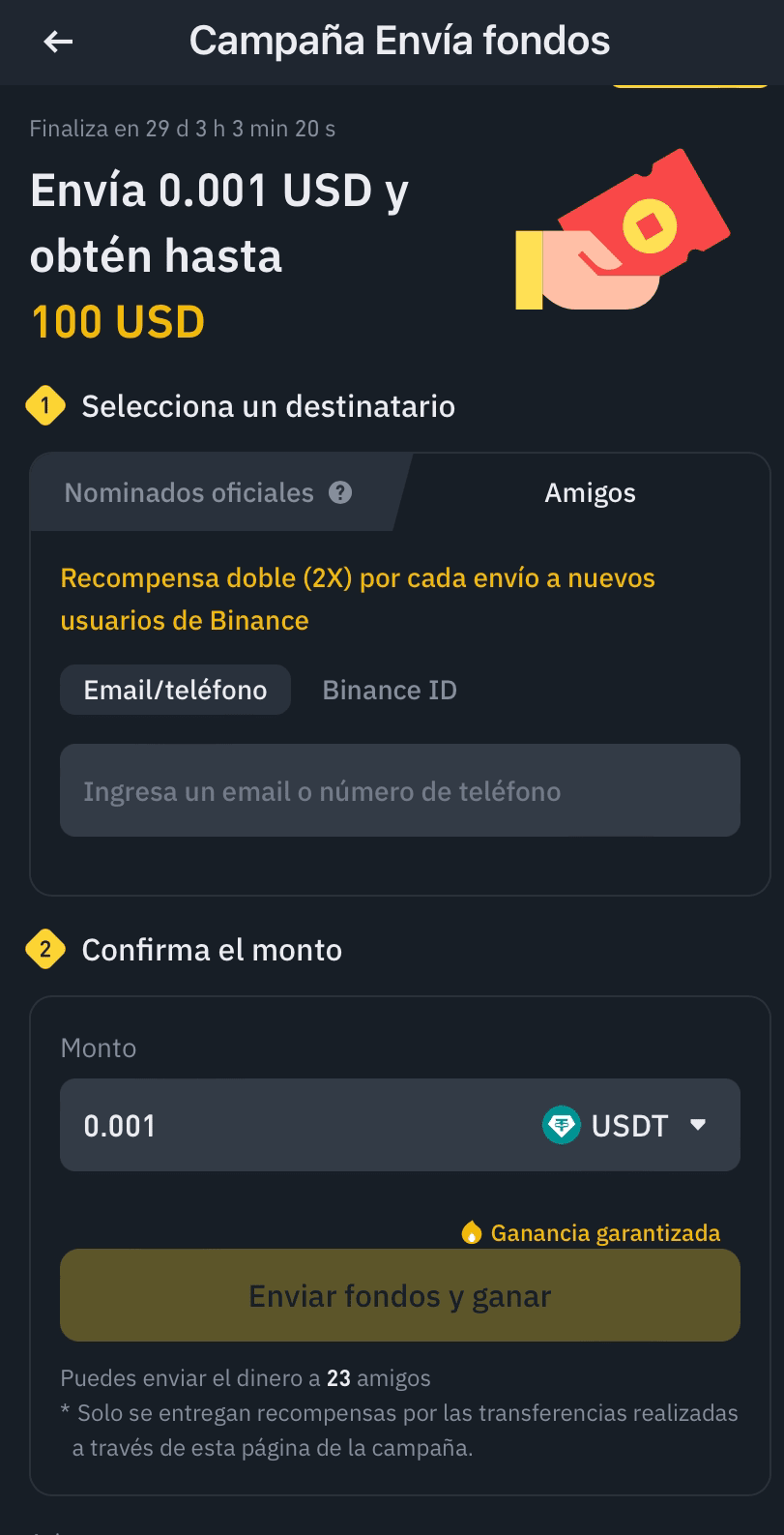
#CampanaEnviaFondos I am missing 23 to complete the mission, send your IDs, greetings
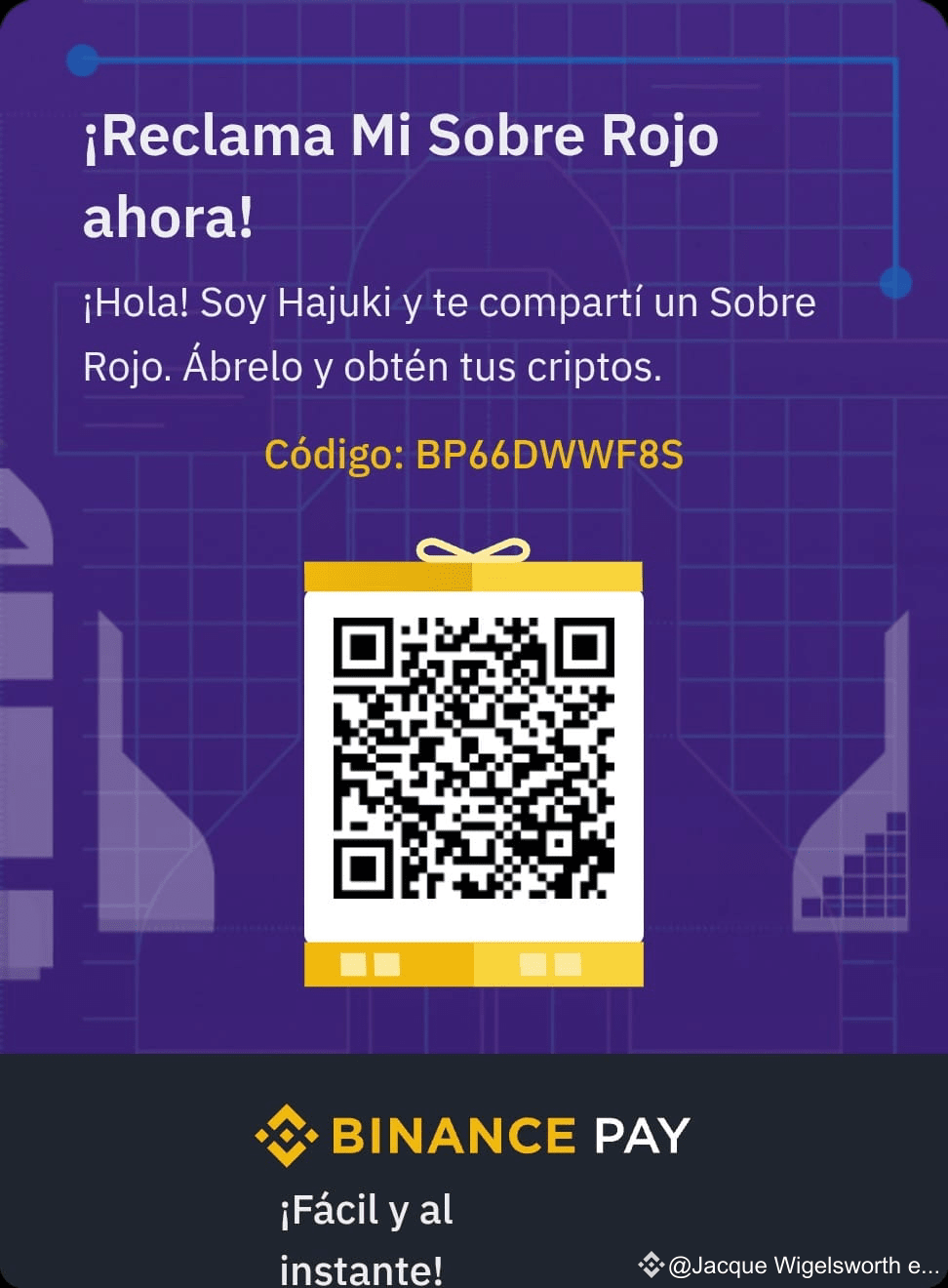
Quoted content has been removed

Janleonardo
·
--
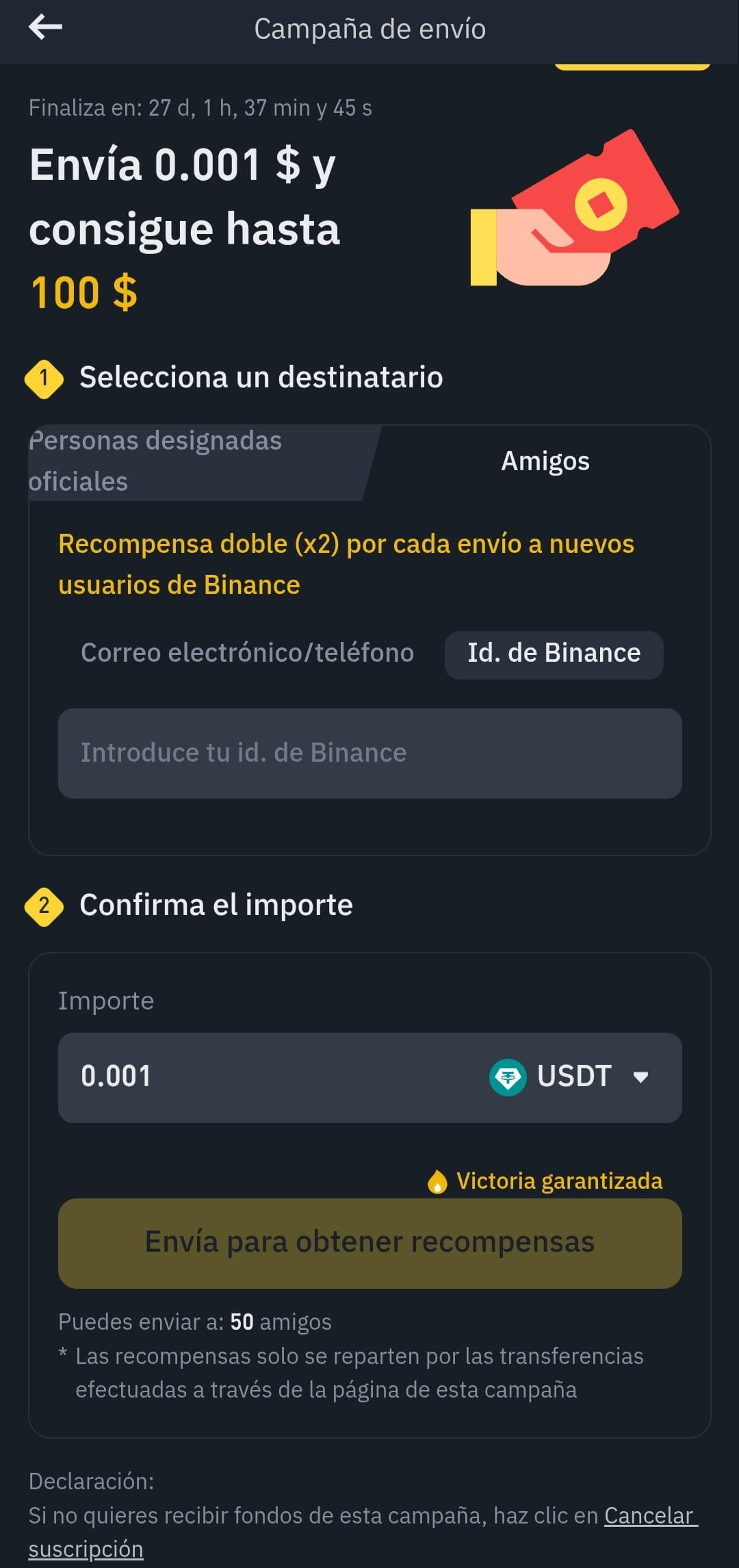
$DOGS
In the new shipping campaign you can win $DOGS
Participate and win.
ID: 50 - 00 - 51 - 55 - 5
In the new shipping campaign you can win $DOGS
Participate and win.
ID: 50 - 00 - 51 - 55 - 5

Strxke_BitC
·
--
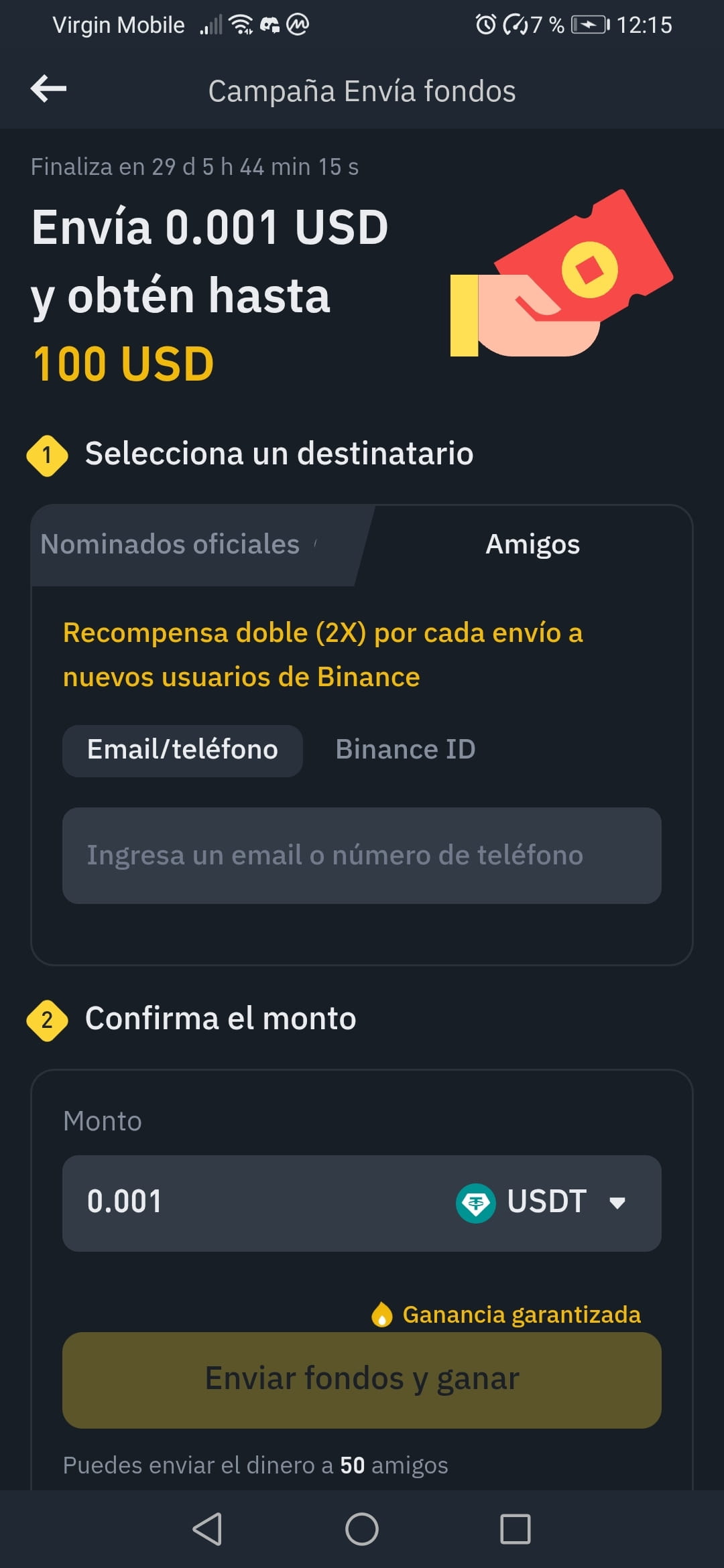
Start the campaign again mine
106/14618/52
Return $USDC
106/14618/52
Return $USDC
Chalino Punk
·
--
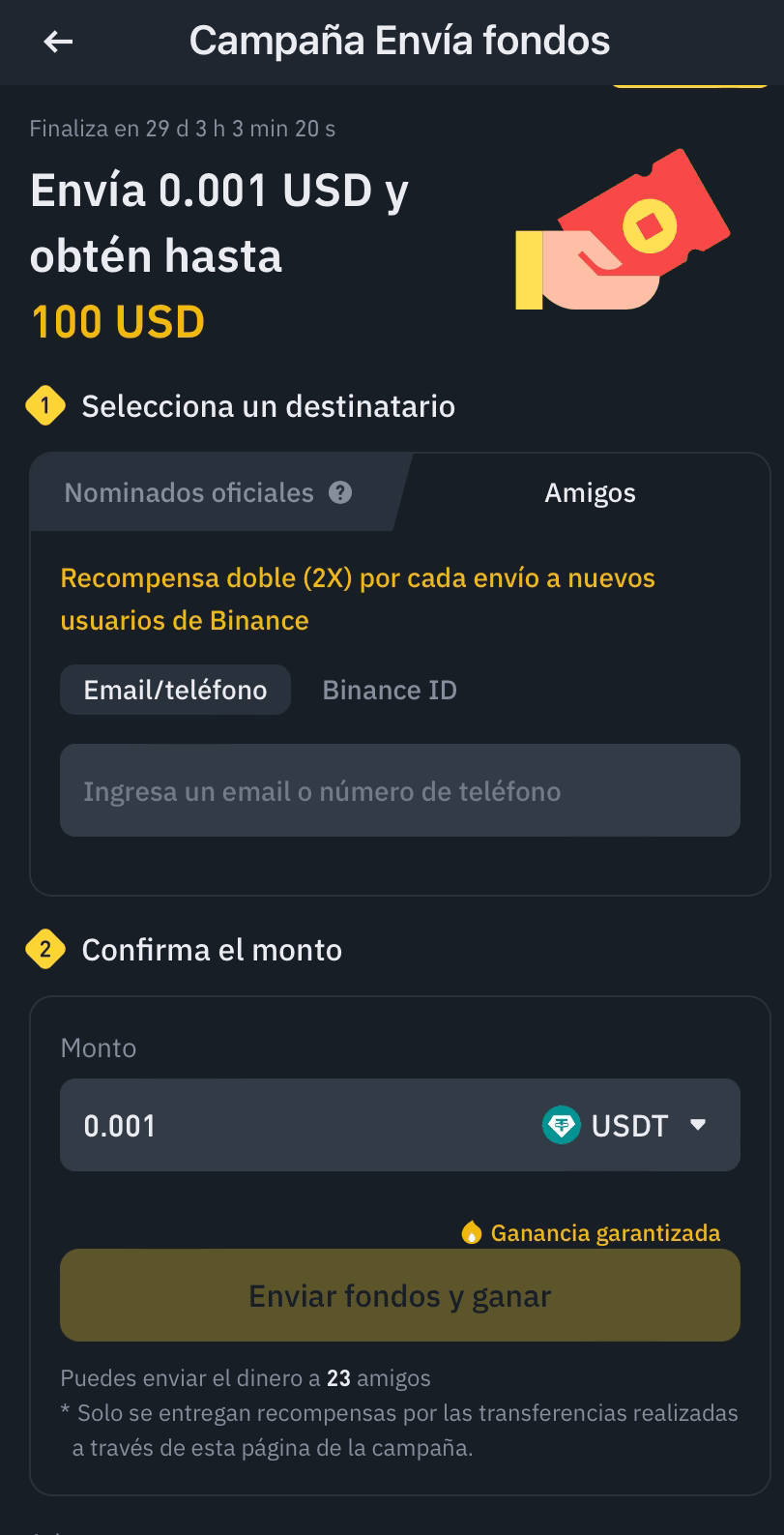
23 places remain to complete the mission, please pass your ID, regards #CampanaEnviaFondos $DOGS

Rouse059
·
--
#CampanaEnviaFondos There are 43 spots left to complete the mission
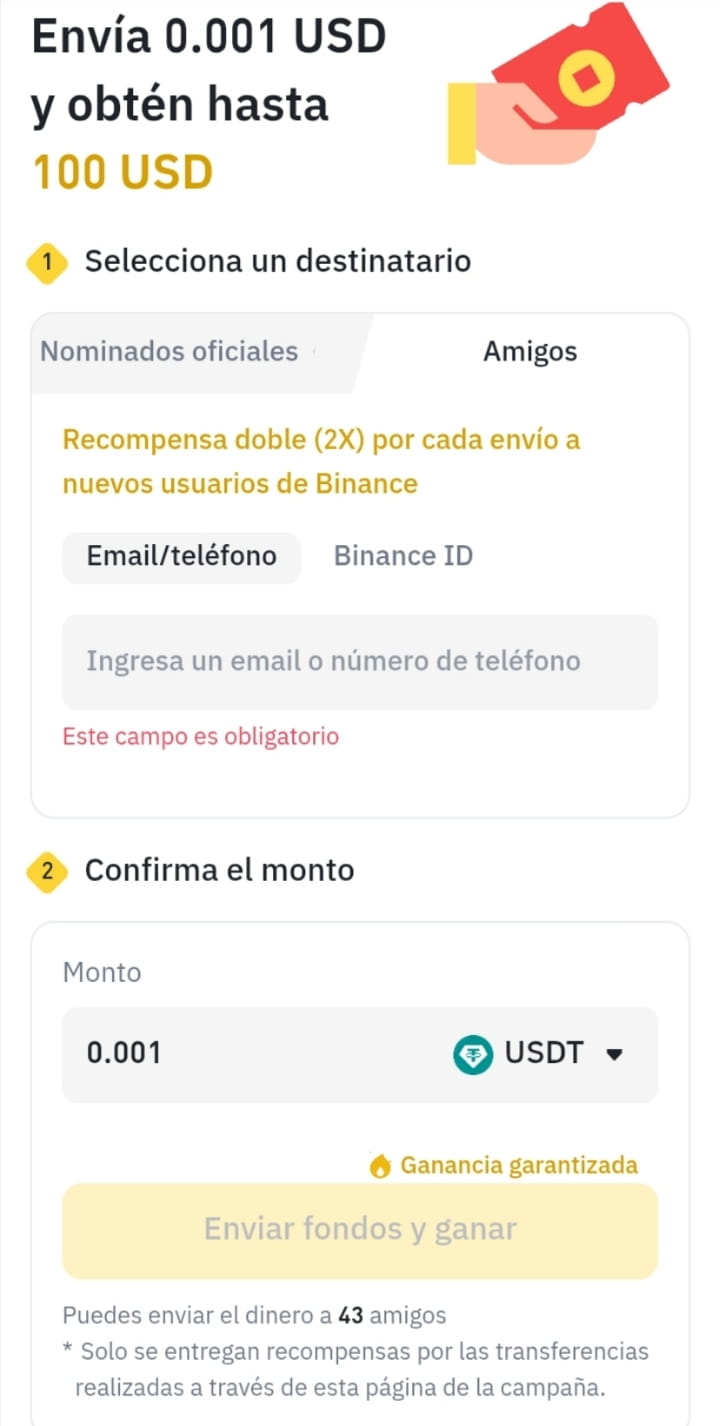
Chalino Punk
·
--
23 places remain to complete the mission, please pass your ID, regards #CampanaEnviaFondos $DOGS
Binance Academy
·
--
Connecting MetaMask to BNB Smart Chain
TL;DR
MetaMask is a cryptocurrency wallet that gives you access to the world of blockchain apps and decentralized finance. MetaMask is available as a mobile app and web browser extension.Although originally designed to interact with the Ethereum network, you can use MetaMask to access several other blockchain networks, including the BNB Smart Chain.This article will guide you through the process of setting up a MetaMask and connecting it to the BNB Smart Chain (BSC).
Installing and Setting up MetaMask
MetaMask can be used on multiple browsers, including Chrome, Firefox, and Brave. On mobile, MetaMask is available for both iOS and Android users. Note that the instructions might be slightly different depending on the platform you are using, but you should be able to follow through regardless.
1. First, go to the MetaMask download page (https://metamask.io/download.html) and select whichever platform you’re using. Then, follow the steps to install it on your device.
2. Next, click [Create a new wallet] and follow the instructions.
3. It’s recommended to secure your wallet with a secret recovery phrase (also known as a seed phrase). This phrase will work like a master key to your wallet and funds.
4. Write down your secret recovery phrase and save it in a secure place. Without this phrase, your funds can’t be recovered if your device is damaged or lost. You should never share your secret recovery phrase with anyone.
5. Enter the missing words to confirm your phrase and click [Confirm].
6. That’s it! You should now see your wallet, ready to send and receive funds.
Adding a New Blockchain Network to Your MetaMask
You might notice that the new wallet is, by default, connected to the Ethereum network. But, our goal here is to connect MetaMask to the BNB Smart Chain (BSC). This will allow us to interact and use the decentralized applications (DApps) that are only available on the BNB Smart Chain.
1. Go to [Ethereum Mainnet] at the top left corner and click on [Add network].
2. Next, find the BNB Chain on the list and click [Add].
3. Check the network details and click [Approve].
4. You have now added the BNB Chain network to your MetaMask. If you want to start using it right away, click [Switch to BNB Chain]. If you want to stay on the Ethereum network for now, click [Dismiss].
5. Keep in mind that you can’t simply transfer funds from one blockchain network to another (e.g., transfer from BNB Chain to Ethereum). BNB Chain transfer can only be made to and from BNB Chain wallets – unless you are using a blockchain bridge, which is specifically designed to move funds across different chains.
6. Good job! You should now be connected to the BNB Chain. Note that you will need to fund your MetaMask wallet with some BNB to pay for transaction fees. For example, you can withdraw BNB from your Binance account to your MetaMask via the BEP-20 network.
How to Manually Add a Network to MetaMask
Since we’ve already added the BSC mainnet in the previous steps, we will illustrate the following steps by adding the BNB Smart Chain Testnet network. You can use the testnet network to play around with fake money and get familiar with the wallet.
1. To manually add a network to your MetaMask, click [Add network] and then [Add a network manually] at the bottom of the screen.
2. Next, you have to add the network parameters. Note that these parameters are unique to each network.
BNB Chain Testnet parameters
Network name: BNB Chain TestnetNew RPC URL: https://data-seed-prebsc-1-s1.binance.org:8545/Chain ID: 97Currency symbol: tBNBBlock explorer URL: https://testnet.bscscan.com
3. Done. You have added the BNB Chain Testnet to your MetaMask.
Making MetaMask Transactions (On the Testnet)
To illustrate how the wallet works, we will make a transaction on the testnet network using fake money.
1. Go to your MetaMask wallet and click on your address to copy it.
2. Go to the BNB Smart Chain Faucet (https://testnet.binance.org/faucet-smart) and paste your wallet address in the respective field. Then click [0.1 BNB] under [Give me BNB].
3. Wait until the fake funds arrive. Note that tBNB is the fake BNB used on the testnet network.
4. From here, we’ll send the funds off somewhere to demonstrate how it works. We’ve just grabbed a random address from BscScan Testnet that we’ll donate them to.
Click [Send] and paste the destination wallet address. Then, select the asset and amount and click [Next].
5. Check the transaction details before clicking [Confirm]. In this example, we are sending 0.05 tBNB to this random address.
6. Wait a few seconds for the transaction to be confirmed. You can check your past transactions under your MetaMask’s Activity tab.
Closing Thoughts
MetaMask has long been a popular Web3 wallet for accessing the Ethereum ecosystem. But, in just a few steps, anyone can configure it to connect to the BNB Smart Chain, which opens up a whole new set of decentralized applications that run on the BNB ecosystem.
Disclaimer: This content is presented to you on an “as is” basis for general information and educational purposes only, without representation or warranty of any kind. It should not be construed as financial, legal or other professional advice, nor is it intended to recommend the purchase of any specific product or service. You should seek your own advice from appropriate professional advisors. Where the article is contributed by a third party contributor, please note that those views expressed belong to the third party contributor, and do not necessarily reflect those of Binance Academy. Please read our full disclaimer herefor further details. Digital asset prices can be volatile. The value of your investment may go down or up and you may not get back the amount invested. You are solely responsible for your investment decisions and Binance Academy is not liable for any losses you may incur. This material should not be construed as financial, legal or other professional advice. For more information, see our Terms of Use and Risk Warning.
Log in to explore more content