


How to whitelist a withdrawal address on Binance
Withdrawal whitelisting is another security feature offered by Binance. If the whitelist function is disabled, withdrawals from your account can be made to any address. If you enable this function, you will be able to withdraw funds only to addresses that are on the white list.
In other words, the addresses you whitelisted will be the only ones that can receive funds from your Binance account. This is a very useful feature, because if you become a victim of phishing and the hacker manages to hack your account, he will not be able to withdraw your money.
How to enable this feature
On the main page of Binance, hover over the profile icon. Note that the icon will be different for each account, as it is generated from the first two letters of your email address. When you do this, a drop-down menu will appear with an overview of your profile. Click "Security" and you will be taken to the security page.

Then click the Manage Addresses tab.
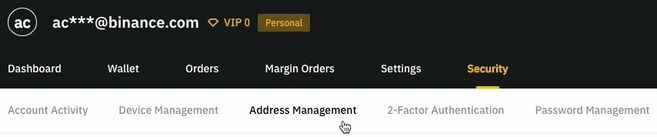
On the right side of the screen there will be a slider to activate the white list.
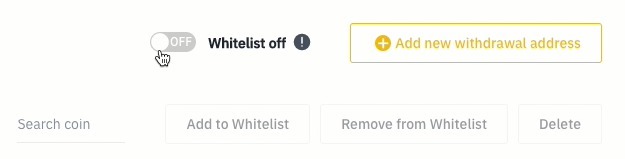
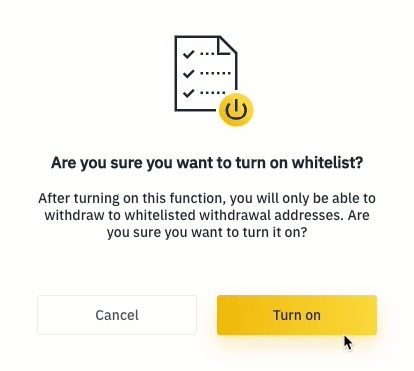
Drag it to the appropriate position. After that, you will see the following confirmation window:
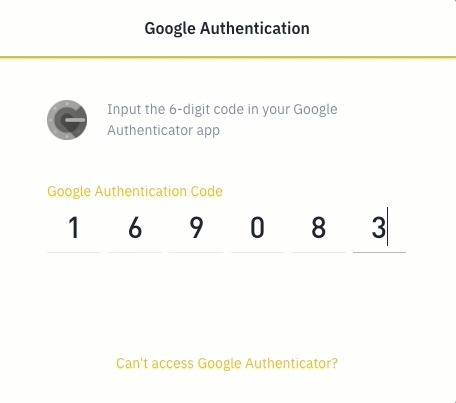
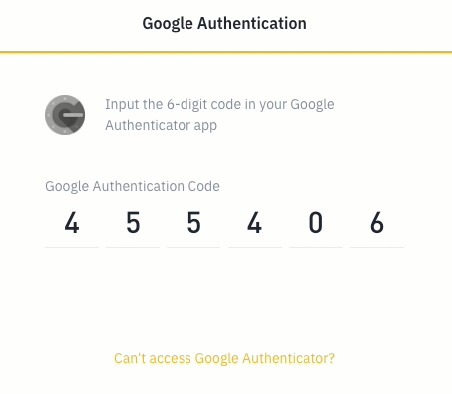
Next, you will need to complete 2FA authentication. In this case, we use Google Authentication.
After enabling the whitelist feature, click Add New Withdrawal Address.
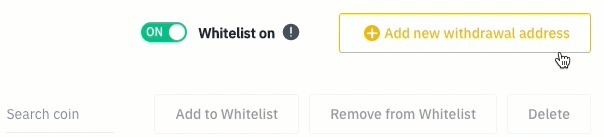
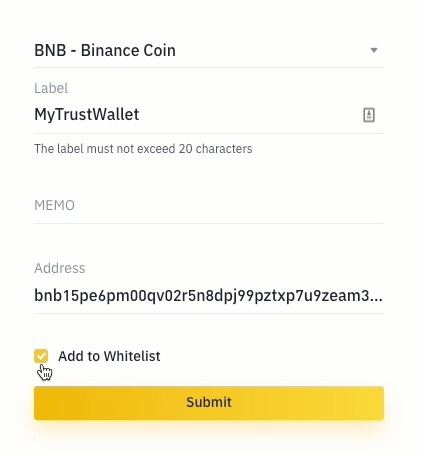
Next, select the coin of your withdrawal address and give it a name (label). In this example, we will add the BNB address generated in the TrustWallet app, so we will name this address "MyTrustWallet".
Depending on the cryptocurrency you choose, there may be certain withdrawal features. A MEMO may be required in the case of BNB. If you are sending BNB to another Binance account, you must add MEMO. Otherwise, you will lose your funds. Check if you need to add a MEMO for the address you are sending BNB to.
TrustWallet addresses do not need to add MEMO. If you are sure that you do not need to add a MEMO, leave this field blank. Next, add the address, check the "Add to whitelist" box and click "Send".
You will need to go through 2FA authentication again.
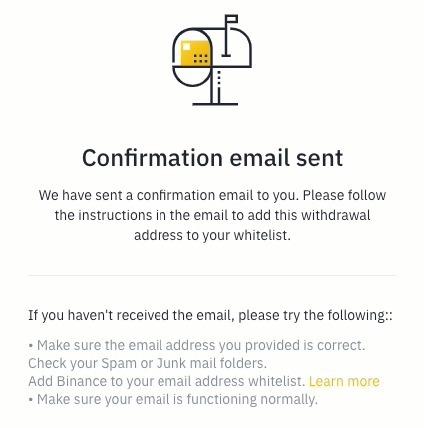
You will be sent a confirmation email. Follow the instructions in the email to confirm your request.
Check that everything is correct. If so, click Confirm to complete the addition process. You will see the following message:
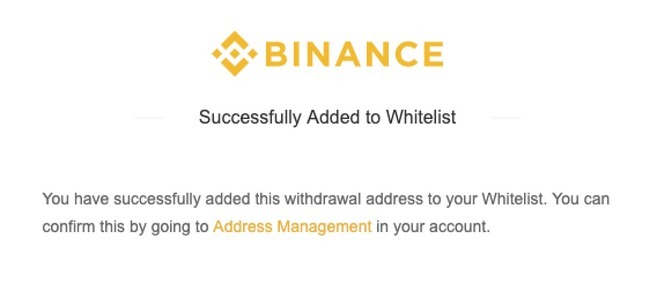
Now that your withdrawal address has been whitelisted, you can go to your Binance account and check the address management page. From this page, you can view and manage all your withdrawal addresses, including whitelisted addresses.

The withdrawal address whitelist feature should always be enabled so that you have an extra layer of protection for your funds.