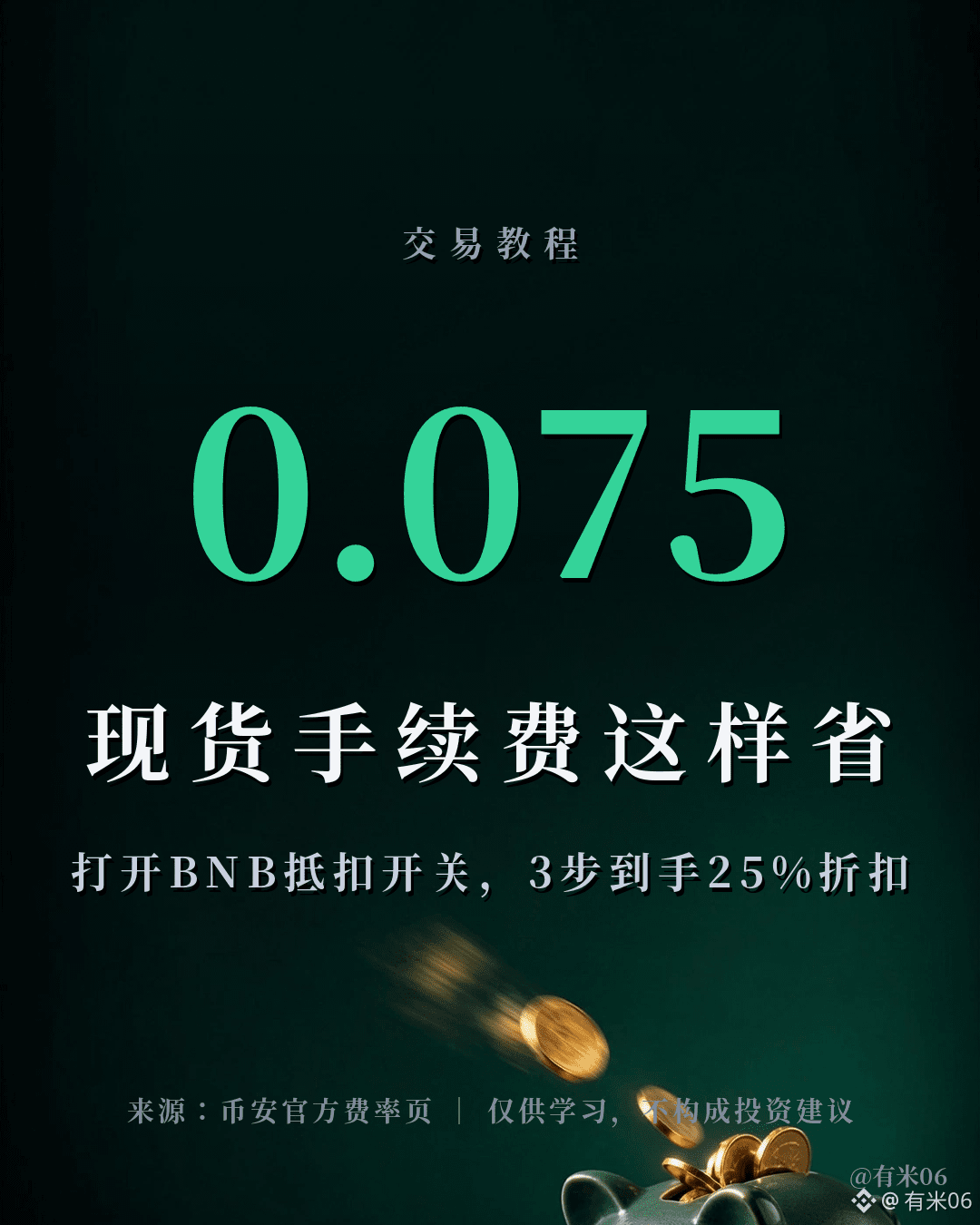
For every spot trade you make, you may end up paying an extra 25% in fees.
Binance’s standard fee rate for regular spot users is 0.1% (maker and taker are charged at the same rate), but as soon as you turn on “Use BNB to pay trading fees,” the fee rate drops to 75%—down to 0.075%—as stated clearly on the official fee schedule.
3-step setup:
1. Keep a bit of BNB in your spot wallet—0.01 BNB is enough to cover fee deductions for a long time
2. Turn on the switch: In the app, tap your avatar → Settings → Fees → “Use BNB to pay trading fees”; on the web, go to your avatar → Fees
3. After that, the spot trading fee for each transaction will be automatically deducted from your BNB balance. If your BNB isn’t enough, it will automatically switch back to the standard fee rate, without affecting normal trading
How to look at it: Fees are the money you lose the most. Unlike market moves, there’s no chance to “earn it back” the way there might be with price action—once you pay it, it’s pure cost. Let’s do the math: If you trade 100,000 USDT a month, then just in fees alone, you could be paying about 300 USDT more per year. For people running grid trading, doing short-term trades, or managing DCA/“set-and-forget” investing, small savings add up to real numbers. Every cent you save is guaranteed value—you don’t need to look at market sentiment.
That’s one of Binance’s most cost-effective “low-risk” operations. One reminder, though: the fee deduction comes from your BNB balance, meaning you need to keep a small amount of BNB on hand. You should also consider BNB’s price volatility yourself—don’t over-allocate to BNB just to save on fees.
Data as of: 2026-10-04 10:42 UTC
Source: Binance official fee page; Blockready fee analysis
For information sharing only and does not constitute investment advice.
$BNB
Have you turned on this switch? Chat with us in the comments—what other tips do you know for saving on trading fees? 💡
Binance’s standard fee rate for regular spot users is 0.1% (maker and taker are charged at the same rate), but as soon as you turn on “Use BNB to pay trading fees,” the fee rate drops to 75%—down to 0.075%—as stated clearly on the official fee schedule.
3-step setup:
1. Keep a bit of BNB in your spot wallet—0.01 BNB is enough to cover fee deductions for a long time
2. Turn on the switch: In the app, tap your avatar → Settings → Fees → “Use BNB to pay trading fees”; on the web, go to your avatar → Fees
3. After that, the spot trading fee for each transaction will be automatically deducted from your BNB balance. If your BNB isn’t enough, it will automatically switch back to the standard fee rate, without affecting normal trading
How to look at it: Fees are the money you lose the most. Unlike market moves, there’s no chance to “earn it back” the way there might be with price action—once you pay it, it’s pure cost. Let’s do the math: If you trade 100,000 USDT a month, then just in fees alone, you could be paying about 300 USDT more per year. For people running grid trading, doing short-term trades, or managing DCA/“set-and-forget” investing, small savings add up to real numbers. Every cent you save is guaranteed value—you don’t need to look at market sentiment.
That’s one of Binance’s most cost-effective “low-risk” operations. One reminder, though: the fee deduction comes from your BNB balance, meaning you need to keep a small amount of BNB on hand. You should also consider BNB’s price volatility yourself—don’t over-allocate to BNB just to save on fees.
Data as of: 2026-10-04 10:42 UTC
Source: Binance official fee page; Blockready fee analysis
For information sharing only and does not constitute investment advice.
$BNB
Have you turned on this switch? Chat with us in the comments—what other tips do you know for saving on trading fees? 💡