Binance Agentic Wallet Copy Trading: Install Skills, but you still have to set your own stop-loss
With Binance’s Chinese account, Agentic Wallet copy trading is split into four steps: install the chain-linked copy trading Skill from the Skills Hub, then choose a smart money address or subscribe to wallet-side signals; next configure the chain, budget, per-trade amount, and take-profit/stop-loss; finally do a test run and then fine-tune.
It sounds like one-click copy trading. But within the same Skills Hub, smart money signals are currently mainly on BSC and Solana. Items whose status has already timed out, or whose smart money exit rate is very high, are more like post-event replays than ready-made buy/sell points. In the Strategy Gallery, when you follow someone else’s strategy, you must first copy it into your own account before you can enable it—and there’s also a limit on the number of available slots.
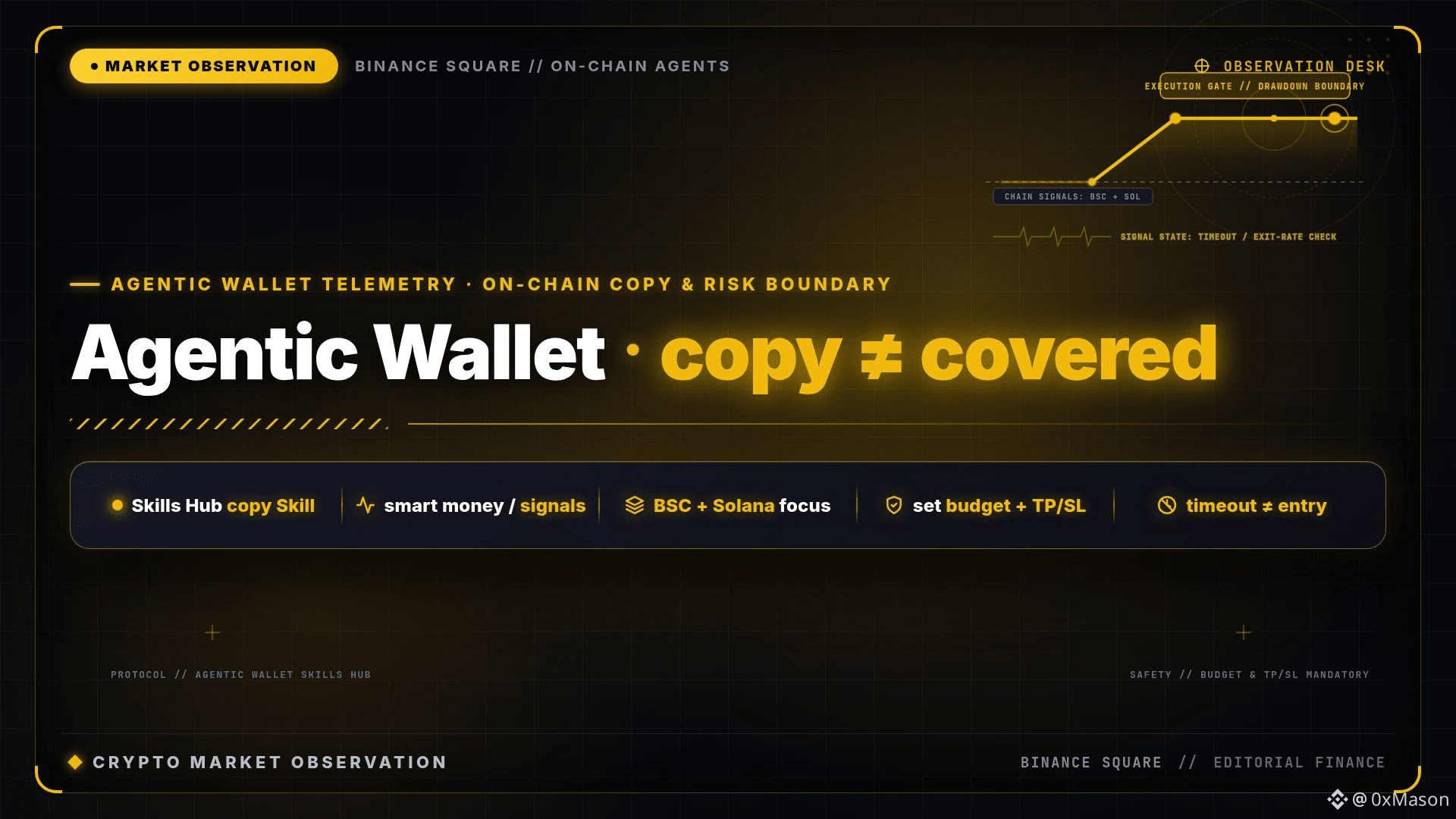
Installing a Skill ≠ someone else is going to take the drawdown for you. If you don’t clearly set your budget and stop-loss, don’t turn on auto trading. And don’t treat “following smart money” as a guaranteed no-loss button.
With Binance’s Chinese account, Agentic Wallet copy trading is split into four steps: install the chain-linked copy trading Skill from the Skills Hub, then choose a smart money address or subscribe to wallet-side signals; next configure the chain, budget, per-trade amount, and take-profit/stop-loss; finally do a test run and then fine-tune.
It sounds like one-click copy trading. But within the same Skills Hub, smart money signals are currently mainly on BSC and Solana. Items whose status has already timed out, or whose smart money exit rate is very high, are more like post-event replays than ready-made buy/sell points. In the Strategy Gallery, when you follow someone else’s strategy, you must first copy it into your own account before you can enable it—and there’s also a limit on the number of available slots.
Installing a Skill ≠ someone else is going to take the drawdown for you. If you don’t clearly set your budget and stop-loss, don’t turn on auto trading. And don’t treat “following smart money” as a guaranteed no-loss button.