Stripe Onramp Adds Samsung Pay: You Can Only See It After the SDK Update
Stripe has added Samsung Pay to its Crypto Onramp—sounds like regular people can start tapping to buy right away, but in reality it first gets stuck with developers.
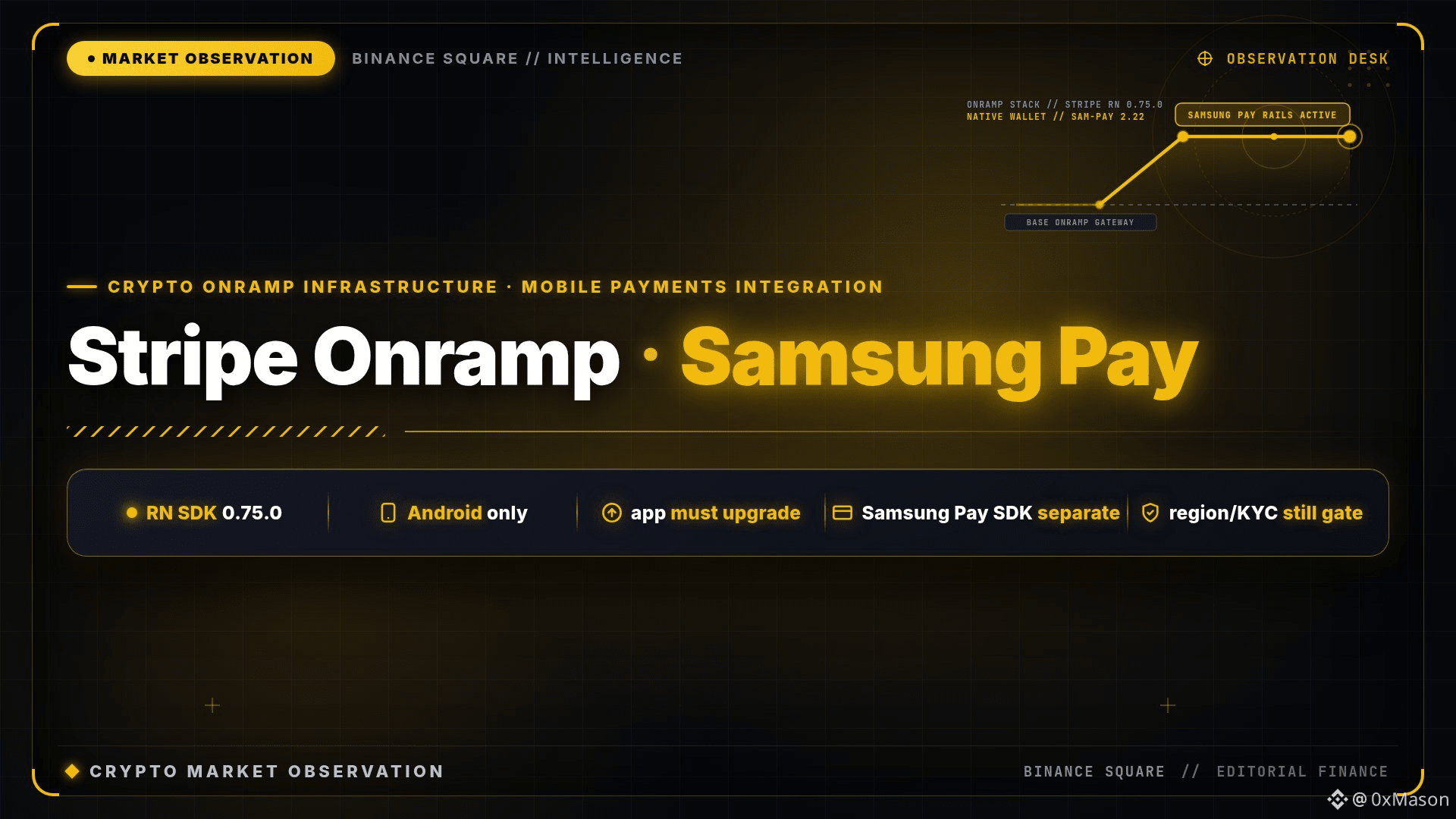
The official stripe-react-native 0.75.0 (August 18 changelog) is the one that actually brings Android-side Samsung Pay into Onramp: configuration, availability checks, payout/receiving, and examples are all in place. Previously, the same onramp already supported cards, Apple Pay, Google Pay, and ACH; this time it’s Samsung Wallet integrated into React Native Android apps. The catch is that your app has to be upgraded to a version that includes this SDK, and you also need to manually include the Samsung Pay SDK 2.22.00—Stripe won’t bundle it for you to take away. Whether the region, KYC, and Onramp can be enabled is still a separate matter.
In the Chinese-speaking community, people are only starting to argue about it today—don’t treat it as “buy crypto just by tapping on your phone.” If you haven’t updated the SDK, you won’t even be able to see the entry point.
Stripe has added Samsung Pay to its Crypto Onramp—sounds like regular people can start tapping to buy right away, but in reality it first gets stuck with developers.
The official stripe-react-native 0.75.0 (August 18 changelog) is the one that actually brings Android-side Samsung Pay into Onramp: configuration, availability checks, payout/receiving, and examples are all in place. Previously, the same onramp already supported cards, Apple Pay, Google Pay, and ACH; this time it’s Samsung Wallet integrated into React Native Android apps. The catch is that your app has to be upgraded to a version that includes this SDK, and you also need to manually include the Samsung Pay SDK 2.22.00—Stripe won’t bundle it for you to take away. Whether the region, KYC, and Onramp can be enabled is still a separate matter.
In the Chinese-speaking community, people are only starting to argue about it today—don’t treat it as “buy crypto just by tapping on your phone.” If you haven’t updated the SDK, you won’t even be able to see the entry point.