Pro Max ship-in: first Prepare to Ship—don’t believe “put it at 25%”
Your Pro Max single cell has already exceeded 20 watt-hours—most countries have additional shipping requirements: activated devices must be returned, repaired, or exchanged, and you need to go through Prepare to Ship in the system first.
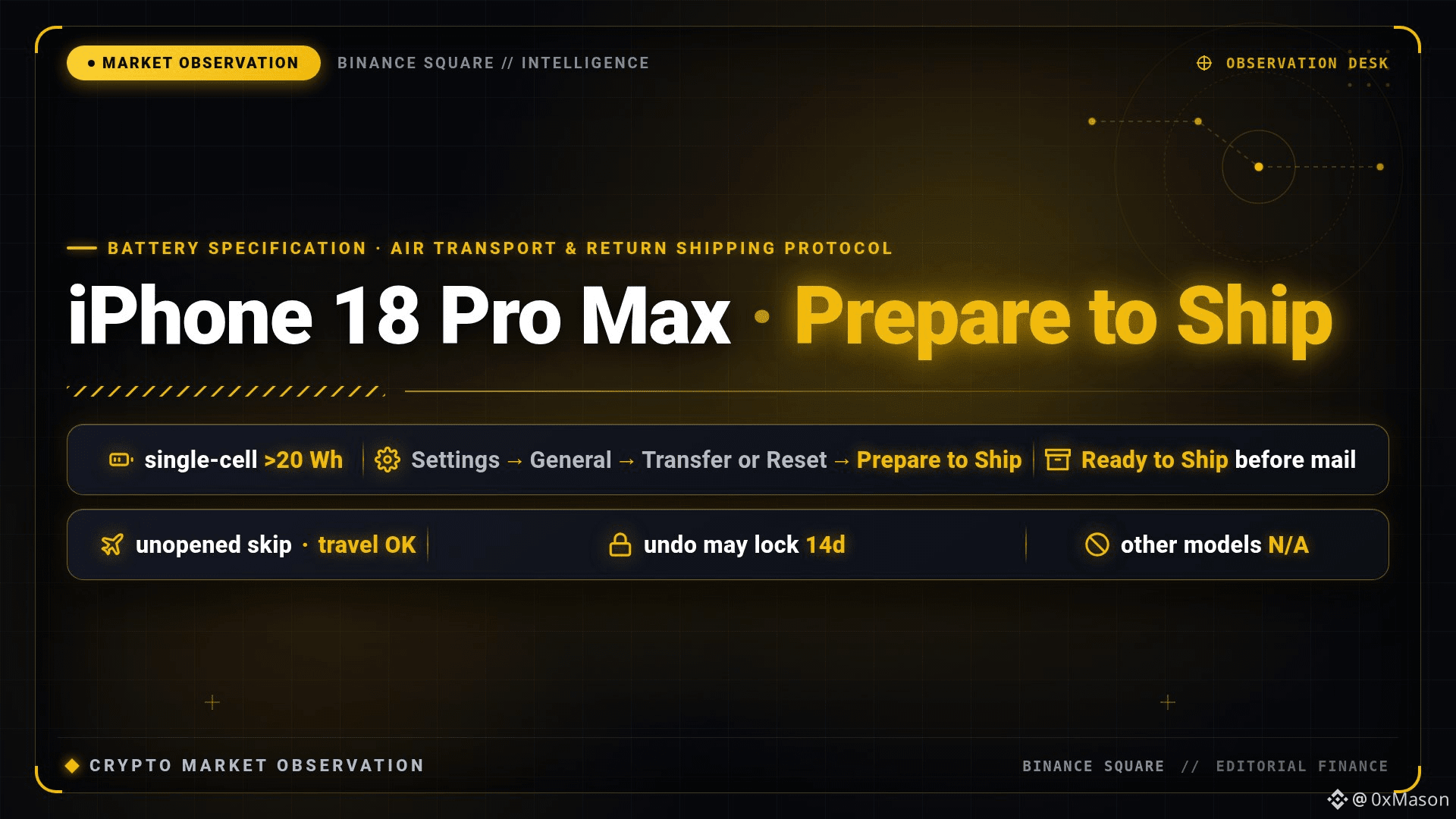
Not that kind of “just set it to 25%” from a tweet. The path is: Settings → General → Transfer or Reset iPhone → Prepare to Ship. It will reduce capacity to below 20Wh and add a charging limit. When you see “Ready to Ship” in Settings, then pack it up.
If it hasn’t been activated and is still in the box, you don’t need to do this step. Also, you don’t need it if you carry it on a plane yourself. After selecting a certain reason, canceling preparation may take up to 14 days—don’t accidentally proceed early.
Right now only the Pro Max is hitting this door; other models don’t need to learn this for now.
Your Pro Max single cell has already exceeded 20 watt-hours—most countries have additional shipping requirements: activated devices must be returned, repaired, or exchanged, and you need to go through Prepare to Ship in the system first.
Not that kind of “just set it to 25%” from a tweet. The path is: Settings → General → Transfer or Reset iPhone → Prepare to Ship. It will reduce capacity to below 20Wh and add a charging limit. When you see “Ready to Ship” in Settings, then pack it up.
If it hasn’t been activated and is still in the box, you don’t need to do this step. Also, you don’t need it if you carry it on a plane yourself. After selecting a certain reason, canceling preparation may take up to 14 days—don’t accidentally proceed early.
Right now only the Pro Max is hitting this door; other models don’t need to learn this for now.