

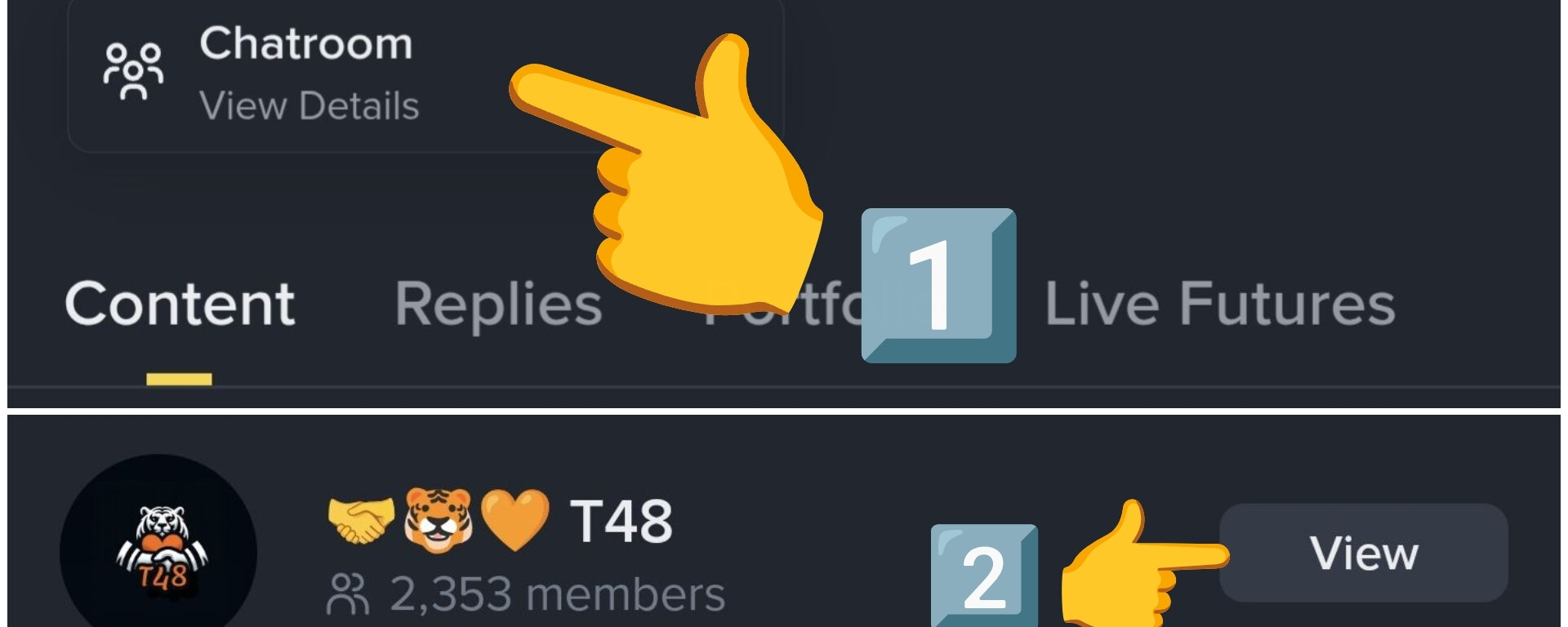


1️⃣ : When you see a post from your favorite creator, click on the photo of their profile..
• For this example, I’m going to use the profile of @CRYPTO MECHANIC , who is one of the best creators about Trading..

2️⃣ : Once you see their profile, below the bio there is a button for ( Chat Room ), click on it..
3️⃣ then click the yellow button to join ...
• As you can see, it’s quite simple; it could even be summarized in 2 steps..
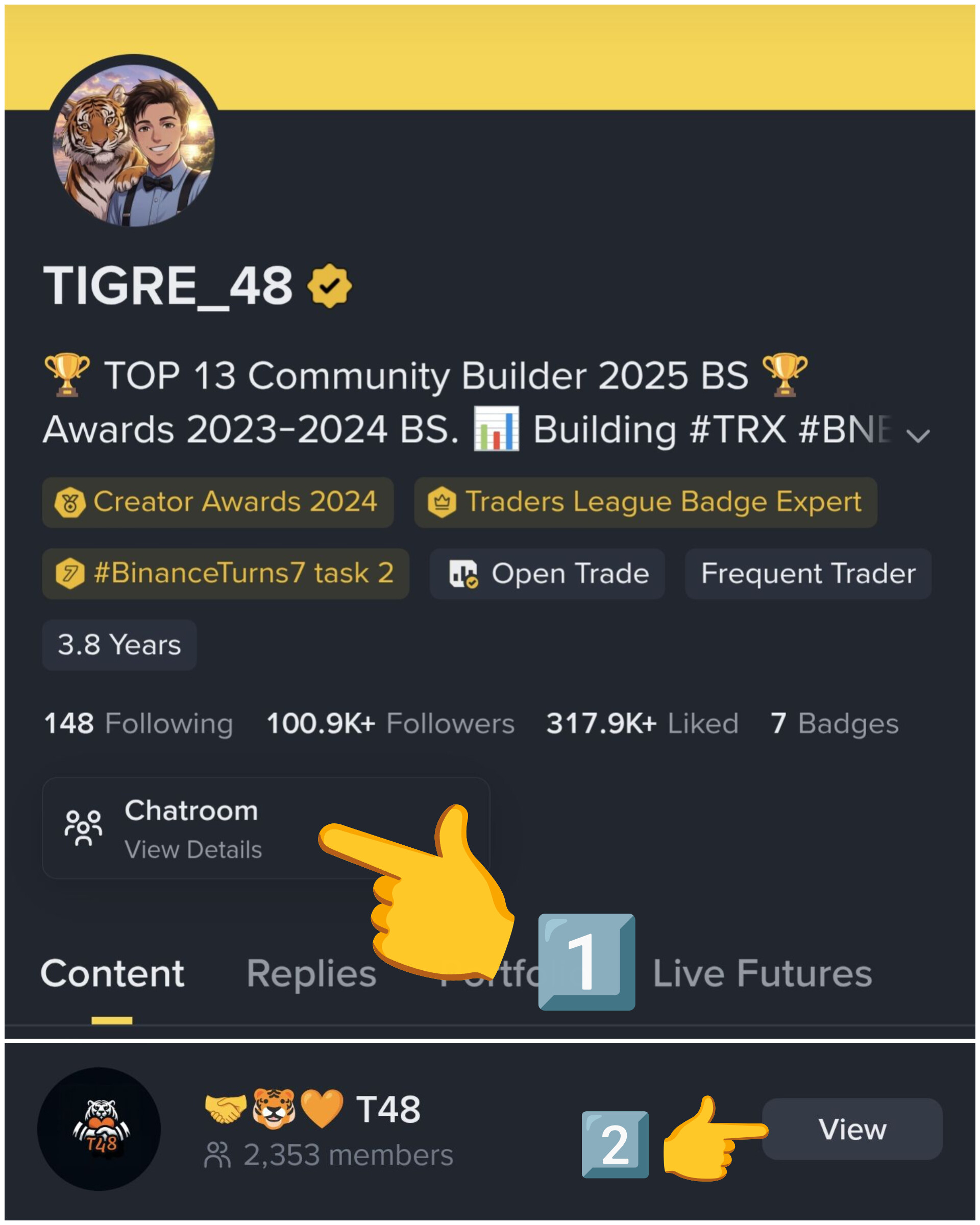
1️⃣ Go to your profile and click on the chat room
2️⃣ Tap the join button..
• A tip for all the groups you join:
⚠️ Be careful with messages that direct you to third-party platforms.
• Try to only stay in the chat within the Binance app for better security..
• Thank you all for the support. I hope this little guide is helpful 🤝🐯🧡
#Tutorial // #Square // #TrendingTopic //