
Hey there, my friend, welcome to the crypto world! If you’re just starting your journey with Binance, it’s totally normal to feel a bit confused about the "wallet". Don’t worry, it’s way easier than you think. In this article, I’ll break it down for you "heart-to-heart" on how to handle your wallet and manage your assets safely and easily.
1. What’s a Binance wallet anyway? 🤔
Imagine that Binance isn’t just a market for buying and selling coins, but a complete "digital bank." The wallet is your private place inside this bank, where you store your coins (like Bitcoin, Ethereum, or USDT$BTC ).
The wallet in Binance is divided into several types, and what matters most to you as a beginner is:
- Spot Wallet: this is where direct buying and selling takes place.
- Funding Wallet: this is the gateway you use to withdraw and deposit funds through the (P2P) service.
2. How do you deposit money into your wallet? 💰
You have two main ways to get started:
- Person-to-person (P2P): This is the most popular method in our Arab world. You buy coins from another person and pay them via a local payment method (such as bank transfer or e-wallets), and the coins reach your "Funding Wallet" immediately.
- Direct Deposit: If you have coins on another platform, you can send them to your wallet address on Binance.
3. Transfer between wallets (free with one click!) 🔄
Many beginners ask: "I bought coins via P2P but I can’t trade them—why?"
Here’s the secret: the coins are in the "Funding Wallet". To trade, you need to move them to the "Spot Wallet".
- Go to Wallet > choose Transfer.
- Transfer from "Funding" to "Spot".
- The process is instant and completely free!
4. Web3 Wallet.. your gateway to the future 🌐
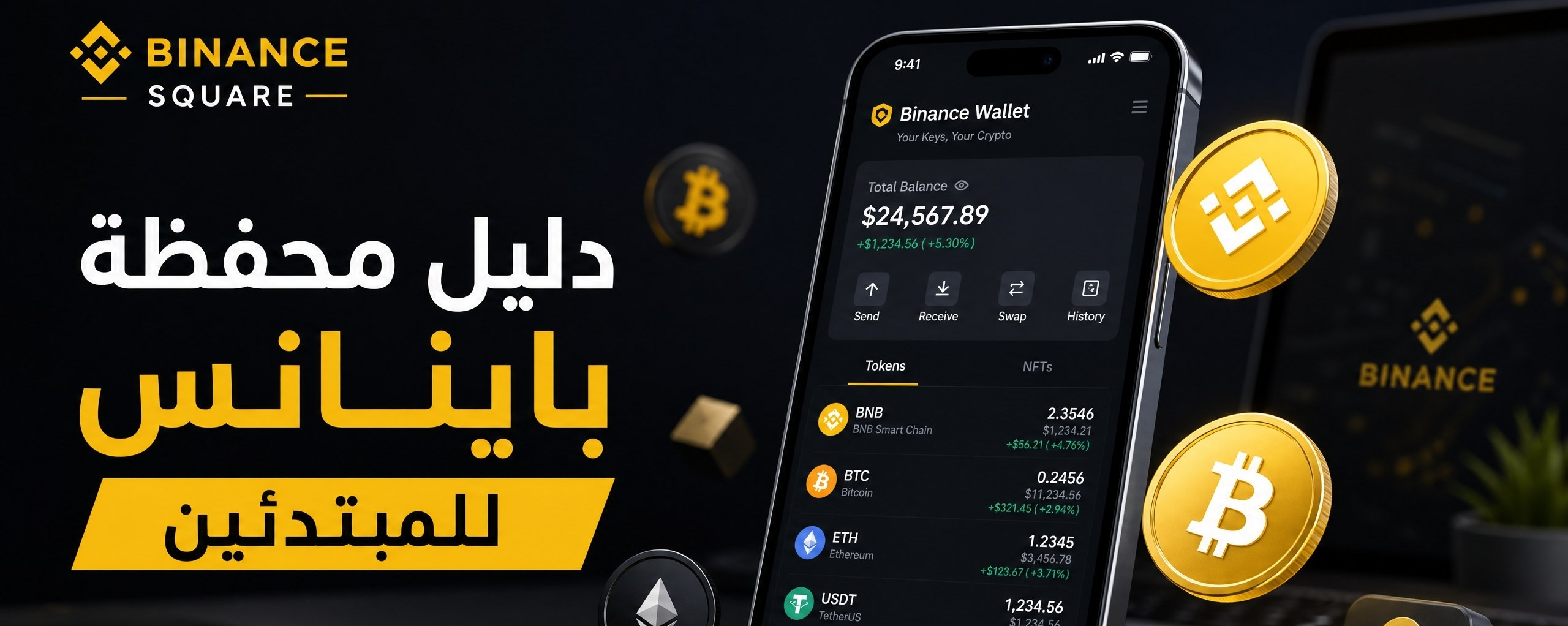
Recently, Binance launched a Web3 wallet integrated within the app. This wallet is different from the regular wallet in that it is "decentralized"—meaning you have full control over your keys. You can use it to explore decentralized applications (dApps) and exchange coins across different networks (Swap) with ease.
5. Golden security tips 🛡️
Since we’re talking about a "wallet," security is the top priority:
- Enable Two-Factor Authentication (2FA): don’t rely on a password alone—use the Google Authenticator app.
- Make sure you have the right network: when sending or receiving coins, confirm that you’ve selected the correct network (e.g., BEP20 or ERC20), because choosing the wrong network may cause your coins to be lost.
- Don’t share your tokens: Binance employees will never ask you for your password or verification codes.
In summary 💡
Your Binance wallet is your most powerful tool to control your digital financial future. Start by getting familiar with the interface, try transferring small amounts at first to build confidence, and you’ll be a pro in no time!
Do you have a question about a specific feature in the wallet? Write it in the comments and I’ll answer you! 👇
#Binance #BinanceSquareTalks #CryptoBeginners #BinanceWallets #الكريبتو_بالعربي


Article
Your Simple Guide and Gift: How to Use the Binance Wallet Like a Pro! 🚀