


Résumé
If you want to create your own NFTs, the Binance NFT Marketplace is a great place to start. You can also do this directly on the Binance Smart Chain (BSC) using DeFi platforms like Binance NFT, BakerySwap or TreasureLand. BSC offers low fees, fast transaction times, and a growing NFT community.
There are many platforms, but generally you just need to fill out your NFT details, upload your digital artwork or file, and pay the mining fees. If you're keen to sell your NFT, you can also list it quickly on a number of BSC's NFT marketplaces.

Introduction
You'd have to have lived in a cave not to have heard about the frenzy linked to NFTs (non-fungible tokens). Celebrities, digital artists and creators are all ready to put their works on the blockchain.
From paintings to songs and even NBA trading cards, the possibilities are immense when creating NFTs. This is a great way to prove the authenticity and ownership of artistic works.
If you're really good (or lucky), you can also make a lot of money. Think of it as a digital copy of a collectible or painting. If there is high demand for your NFT, prices can be very high. You may have heard of visual artist Beeple, who sold an NFT titled “Everydays: the First 5000 Days” for over $69 million.
In addition to Beeple, other artists sell their NFTs on blockchain-based marketplaces. Best sellers speak for themselves.

Before issuing NFTs
Before you can start minting your own NFTs, you'll need three things:
Your song, artwork or collectible
Some crypto to pay issuance fees
A cryptocurrency wallet to store your cryptocurrencies
You will also need to choose the blockchain on which you will create your non-fungible token. We will come back to this in more detail later.
What is an NFT?
You may be sure you want to issue an NFT, but do you know exactly what it is? At its core, it is a type of cryptocurrency that represents something unique, collectible, and cannot be replicated.
A simple analogy of an NFT is a Pokémon card. Anyone can print one and maybe even make it almost identical to a real one. But it's not the same thing in the mind of a collector.
We value a Pokémon card for its uniqueness and authenticity. It's the same with an NFT. Of course, you can upload the image or image of the collectible associated with the NFT, but that does not represent ownership or authenticity.
Even limited edition NFTs are not all the same. You may have the first item in the series, which may make it more valuable than the other units.
To learn more about the origins of the NFT craze, you can't go wrong with learning about CryptoKitties and CryptoPunks, they are among the most popular early digital collectible projects on the Ethereum network.

What can an NFT be?
The big question to ask is what exactly an NFT can represent. Are these only digital objects or real works of art? Although not as common, physical collectibles can be represented by NFTs. In this case, the private key of a wallet containing the NFT is usually embedded or provided with the item.
Christie's even auctioned physical NFT art inspired by the Block 21 (42.36433° N, -71.26189° E) blockchain (from Portraits of a Mind), with an associated NFT on an OpenDime hardware wallet.
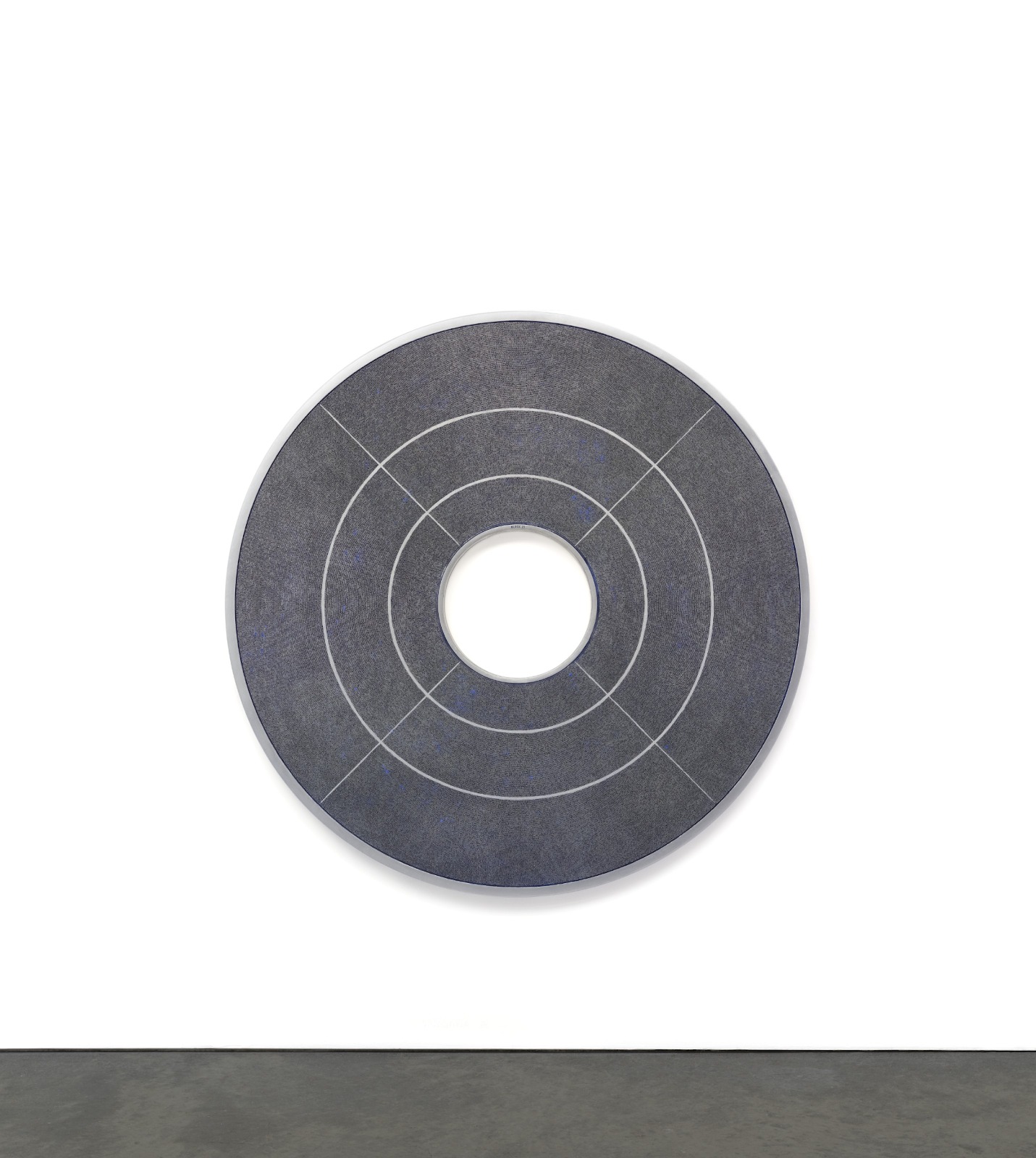
The use of NFTs remains most common for digital artwork, songs, GIF animations, and videos. Even video game collectibles can be represented by NFTs and financial staking products. Crypto artwork and NFT files are not limited to just one format, the possibilities are limitless when it comes to creativity for your new NFT.
Do I need a specific wallet to use NFTs?
This all depends on the network you choose to create your token on. Fortunately, today most wallets support Ethereum and Binance Smart Chain, so they should have a similar modus operandi. These blockchains are the two most commonly used for NFTs.
The most important thing here is to check the blockchain network on which your token is created. If it's an Ethereum token, you'll need a wallet that supports Ethereum. If it's on Tezos, you'll need a wallet that supports Tezos.
To make things simple, we recommend using MetaMask or Trust Wallet. Both of these cryptocurrency wallets support a wide variety of blockchains. However, you should always check that your wallet supports the blockchain your token is on.
Which blockchain should I use?
There are a large number of blockchains from which one can choose to issue an NFT. The Ethereum network was the first major blockchain to offer non-fungible tokens as we know them today. The list of blockchains compatible with NFTs now includes Binance Smart Chain, Polkadot, Tron, Tezos and more.
Most NFTs today exist on Ethereum or BSC. However, gas fees on Ethereum have made mining and issuing NFTs quite expensive. Binance Smart Chain is a much cheaper alternative that also benefits from better transaction speed. There are many NFT marketplaces and projects, which allows you to reach a wide audience of potential buyers.
What platform can I use to create NFTs?
Choosing a platform to issue your NFT depends on your personal choice and the blockchain you want to use. Most BSC protocols will create your NFT as a BEP-721 token, so they will be technically identical regardless of your choice.
If you want to trade your token easily afterwards, it is probably best to choose a platform that has a marketplace that you are familiar with. This way, you will not need to transfer your NFT to another platform after issuing it.
For ease of use, we recommend BakerySwap or Treasureland. These BSC projects all have simple interfaces and low fees to issue your NFT. BakerySwap has the largest marketplace for NFTs, making it a good choice for anyone looking to sell their NFT after creation. Treasureland allows you to issue NFTs for free. If you are considering Ethereum, consider OpenSea or Rarible, these are two of the most popular options.
Can I transfer an NFT from one BSC marketplace to another?
You can easily transfer your NFTs from one marketplace to another, as long as the new platform supports your token type. For BSC marketplaces and exchanges, the vast majority support BEP-721 and BEP-1155 tokens. These are the most common types of BSC NFTs you will find.
What you can't do is transfer your NFTs directly to a marketplace on another blockchain. For example, OpenSea does not natively support Binance Smart Chain NFTs. Although it is possible to wrap your tokens, we recommend that you keep your NFTs securely on their original blockchain.
To transfer your NFT to another exchange, send it to your wallet. Once you store it securely, simply send it to the new platform's correct drop-off address. Always be sure to check that your NFT token standard is supported by your wallet and any platform you transfer it to.

How to mint an NFT on Binance NFT Marketplace
1. Go to the Binance NFT Marketplace homepage and click [Create]. You will need to connect your cryptocurrency wallet to do this.

2. Then you just need to upload your digital files (images, audio, videos, etc.).
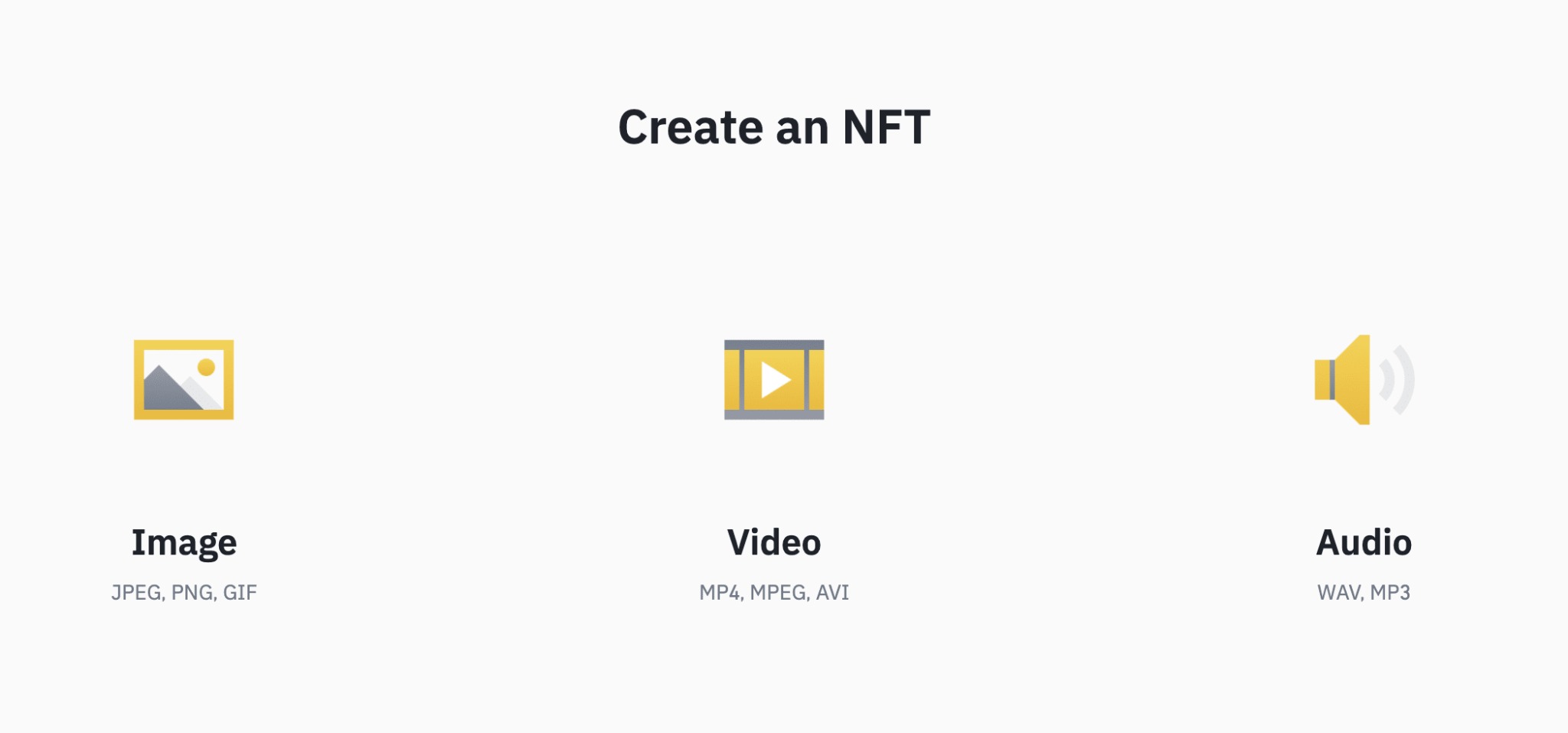
3. Make sure to add a description (metadata) to your NFT. You will also need to choose between creating individual NFT files or a collection (a group of NFT files).

How to issue an NFT on BakerySwap?
You can create NFTs on BakerySwap in just 5 minutes. Just make sure you have BNB to pay your issuance fees (0.01 BNB at the time of writing) and a cryptocurrency wallet to store the BNB.
Please note that issuance fees may change depending on the price of BNB. If you don't have a wallet yet, we recommend Trust Wallet for mobile users and MetaMask for desktop.
With BakerySwap, you can choose to create:
images
GIF animations
videos
sounds
The following steps illustrate how to create an NFT on BakerySwap.
1. Start by going to the BakerySwap NFT marketplace and connecting your wallet in the upper right corner of the screen.
2. Once you have connected your wallet, click [Create Artwork] to start creating your NFT.

3. Complete the required fields with all the information about the work.

4. Under your NFT file details, click the [+] icon to upload your file. You can also view the current mining fees under the anti-plagiarism declaration.

5. When you are satisfied with the information you have provided and you have uploaded your image, be sure to accept the anti-plagiarism statement before clicking [Create].

6. If you are using MetaMask, a window will appear asking you to confirm payment of your mining fees.

7. Once you have paid, you can view your NFT on the blockchain with BscScan. It is now available for transfer and trading.

How to create an NFT on Treasureland
Treasureland is an NFT marketplace that is part of the BSC Dego Finance project, a decentralized finance (DeFi) protocol and NFT ecosystem. Creating NFTs with Treasureland is also free for the creator, as the person purchasing the NFT pays the fees.
Currently, Treasureland only allows users to create image- and GIF-based NFTs, but you can choose between a single NFT, a series, and choose royalties to the creator.
1. Go to Treasureland Create section and connect your cryptocurrency wallet to get started.
2. You will then arrive on the creation page of your NFT, where you can fill in all the details of your NFT and upload your image or GIF animation.

3. Note that Treasureland has locked royalties at 10% before your NFT is created.

4. You can now view your NFT or put it up for sale. If you want to transfer it, you will have to pay the creation fee.

How do I send my NFT to someone else?
Once you buy or mint your own NFT, you can send it to someone else directly from your wallet. If your wallet has an NFT section, you can simply select one of your NFTs and click the option to send it (Trust Wallet and MetaMask offer this feature).
Note that the recipient of your NFT will need to provide you with their correct deposit address for the type of token you own. If you own an ERC-721 NFT on the Ethereum network, the recipient must send you their ERC-721 Ethereum deposit address from their wallet.
Can I share ownership of an NFT and proceeds from sales with others?
NFTs do not provide an easy solution to support collaboration. For the most common types of NFTs (ERC721, ERC1155, BEP721, BEP1155), there is only one owner.
However, certain projects provide that the proceeds of a first sale can be distributed between several portfolios. This functionality is not integrated into the token code but depends on the exchange or marketplace you use. We recommend that you check the possibility of splitting the amount of the sale of the NFT on the exchange you use.
If you want to have full control over your NFT and want to store it in a non-custodial wallet, you will need to use a decentralized platform.
To conclude
The non-fungible token ecosystem is growing rapidly and becoming easier to use. For those interested in issuing their own NFTs, the process is quite simple. Whether you want to create, buy or sell NFTs, there is a project that allows you to do so. We wish you success in your NFT shows!