Preparing to Launch Our First Bot on Binance
Before developing my own trading bot, I decided to test the built-in bots available on Binance. Unfortunately, they can’t be evaluated on historical data, and their logic is hidden. I wanted to configure a grid bot, but even that wasn’t possible with the available settings—specifically, the inability to prevent it from selling at a loss under any condition.
However, the main goal here is to learn trading mechanics while building the bot and ideally make a profit in the process.
Step 1: Environment Setup
We start by installing Python. I used version 3.13.3, which is one of the latest stable releases.
Then, I installed PyCharm IDE, specifically the free Community Edition, release 2025.1. There are plenty of tutorials online for both installations.
The entire setup took about 1 hour. I also recommend spending another hour exploring PyCharm’s features and learning Python syntax.
Step 2: Connecting to Binance Testnet
We’re using the Binance Testnet, which allows us to test without risking real funds.
Upon registration, you will receive:
API_KEY = XXX
API_SECRET = XXX
Step 3: Setting Up Telegram Notifications
I also created a Telegram bot to receive updates. You’ll need:
TELEGRAM_TOKEN = XXX
TELEGRAM_CHAT_ID = XXX
Once this is done, we're ready to write the bot.
Step 4: Grid Bot Strategy
I chose the LTC/USDT pair. My manual strategy was simple:
Sell at $80 and set a buy order at $78
Buy at $70 and set a sell order at $72
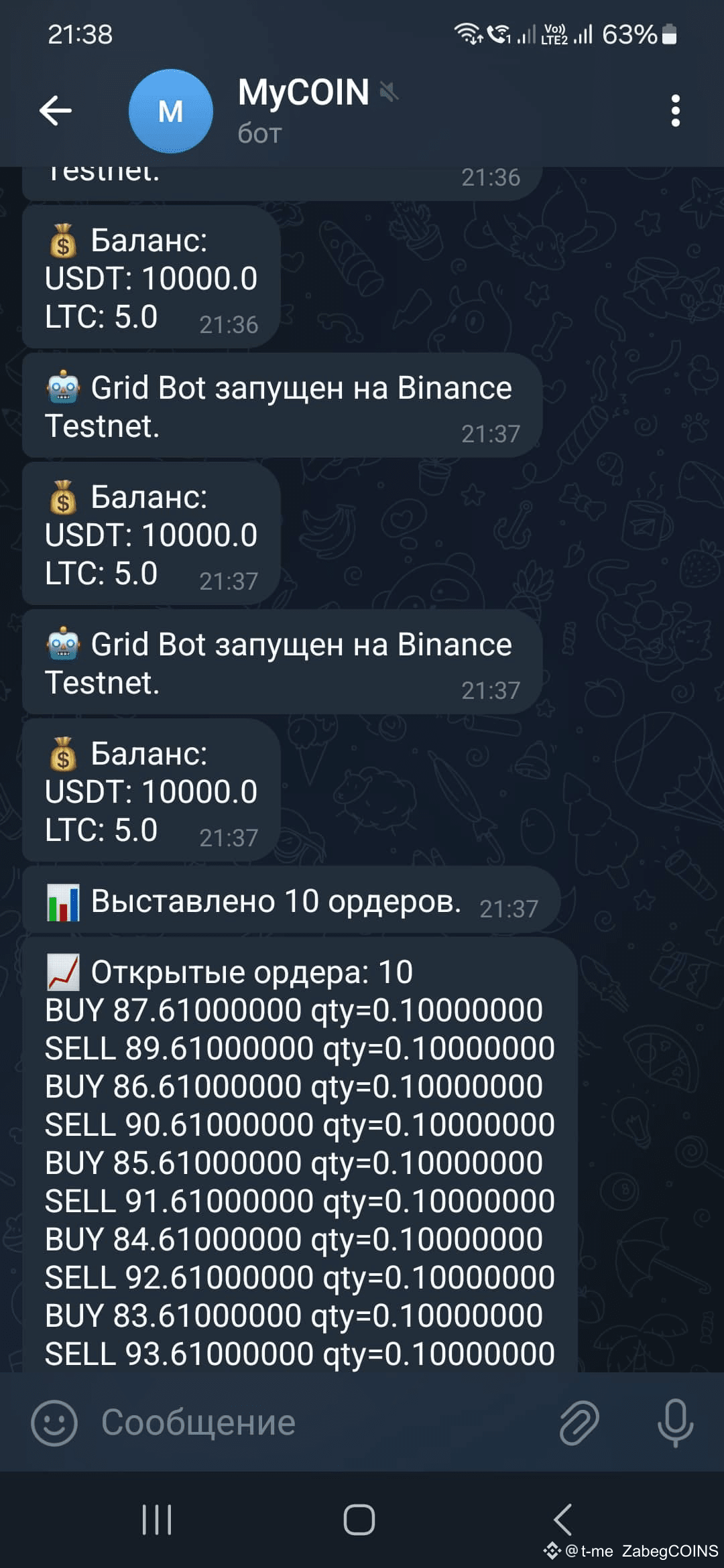
The bot automates this logic by:
Placing a grid of limit buy orders below the current price and limit sell orders above it
Updating order and trade information every minute
Sending status reports to Telegram
Running entirely on the Binance Testnet
Code Availability
The full bot script is available in the file WEEK001_POST002.PY. To run it successfully, you must:
Set your own credentials:
API_KEY = '...'
API_SECRET = '...'
TELEGRAM_TOKEN = '...'
TELEGRAM_CHAT_ID = '...'
Install required libraries:
pip install python-binance requests
What We Have So Far
We’ve built a real Grid Bot where you can:
Define your own pair:
SYMBOL = 'LTCUSDT'Configure grid parameters:
GRID_SIZE = 5
PRICE_STEP = 1
QUANTITY = 0.1
You can now monitor results without risking real funds, fine-tune parameters, and test strategies in a safe environment.
Next up: downloading historical data and backtesting the strategy over an extended period—because nobody wants to wait a whole month for a testnet bot to run in real time.