
How to register on binance
Register on binance with phone number or email
1. Open binance official website for self-registration:https://www.binance.com/fr/join?ref=DWDPOZOE
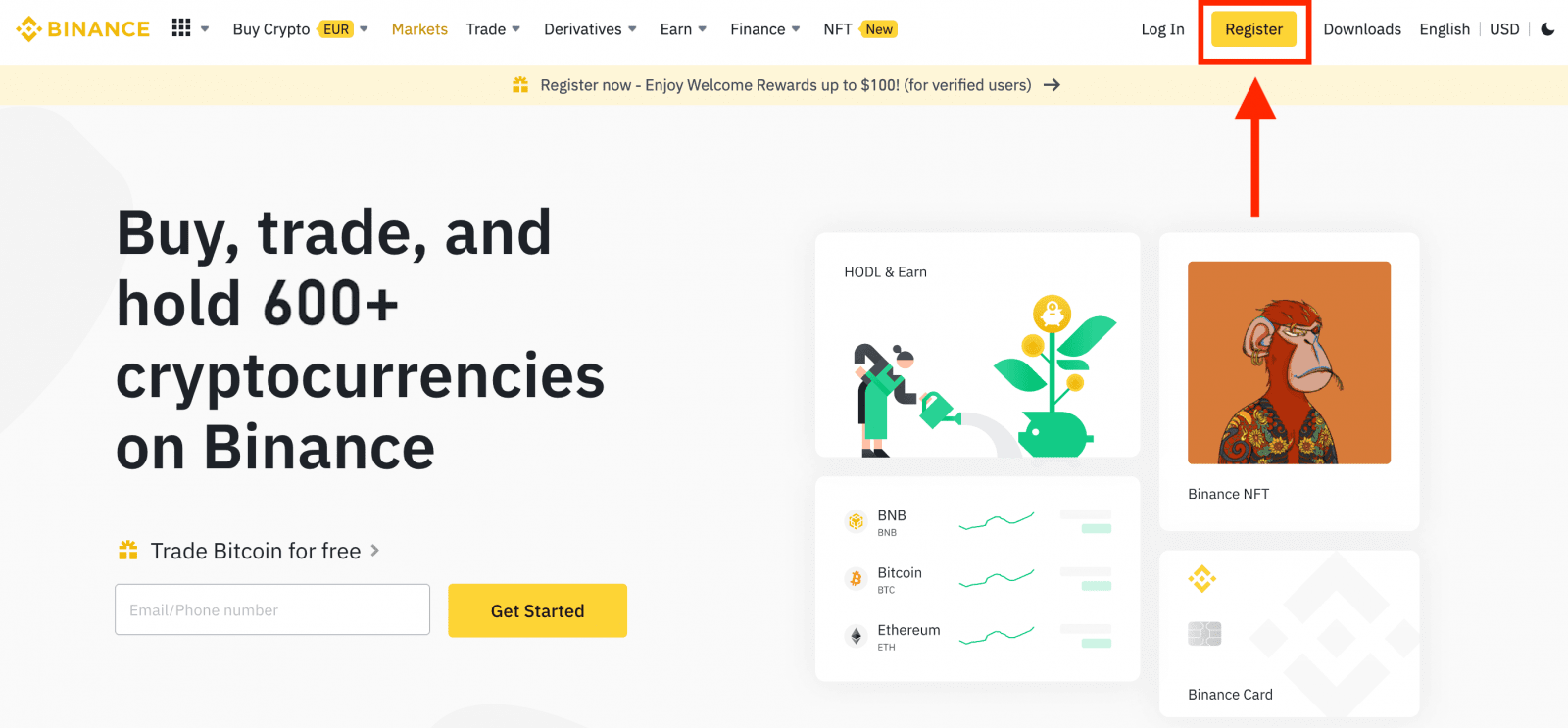
2. Choose a registration method. Click on register by phone or email.
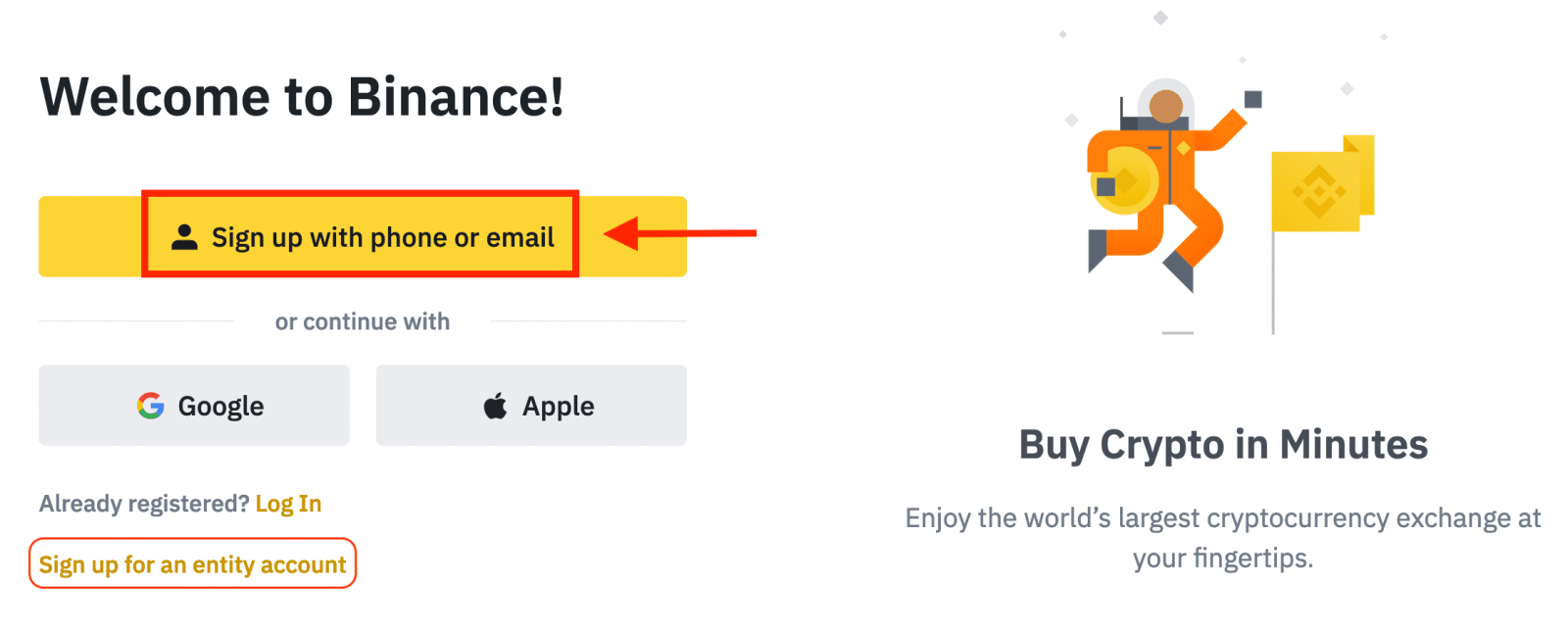
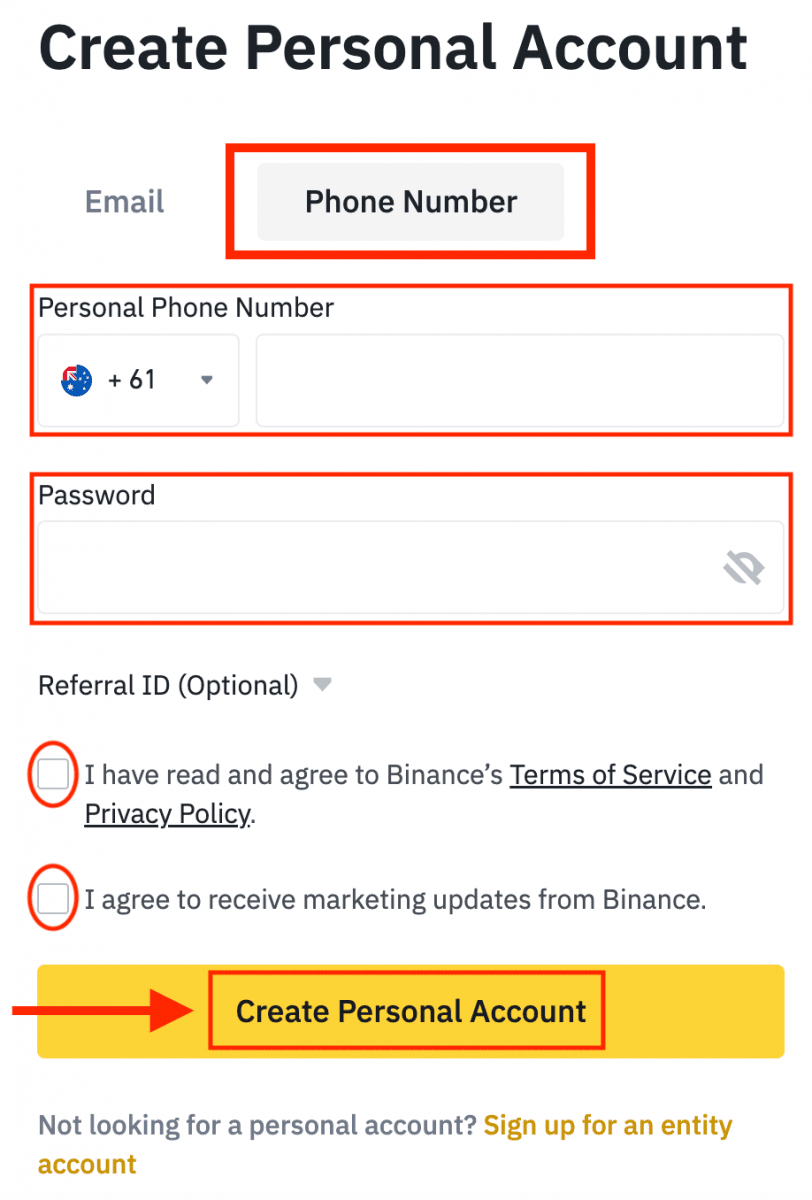
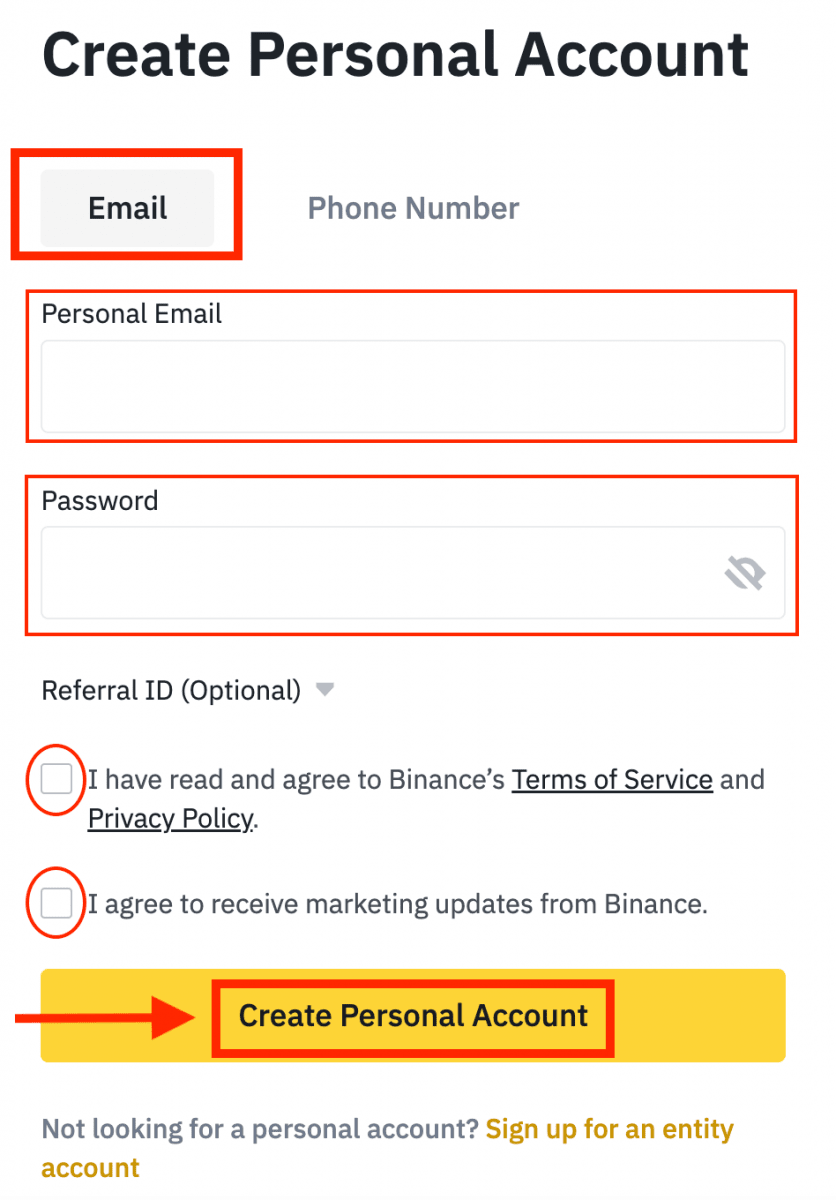
3. Select [email] or [phone number] and enter your email address/phone number. Then, create a secure password for your account.
Notes:
Your password must contain at least 8 characters, including a number and an uppercase letter.
If you were referred by a friend to register on binance, make sure to fill in their referral id (optional).
Read and agree to coin-an's Terms of Use and Privacy Policy, then click [Create Personal Account].
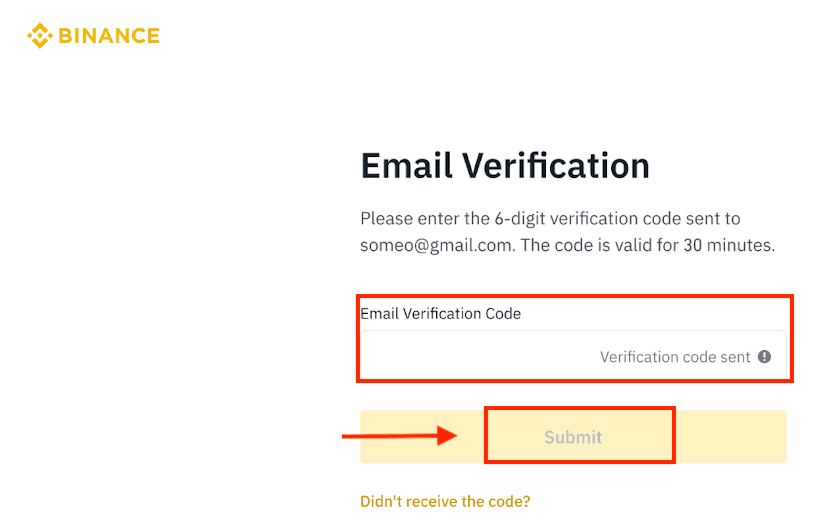
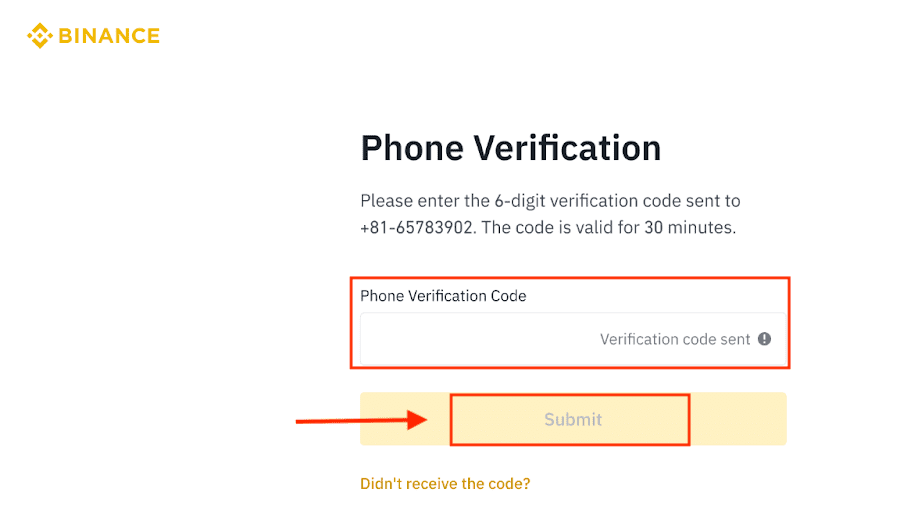
4. You will receive a 6-digit verification code in your email or by phone. Enter the verification code within 30 minutes and press [submit].
5. Congratulations, you have successfully registered on binance.