After developing your functions, you can use the Binance Spot Testnet to test your use cases for free. The Binance Spot Testnet is subject to the TestNet Terms of Use. Please read it carefully before proceeding.
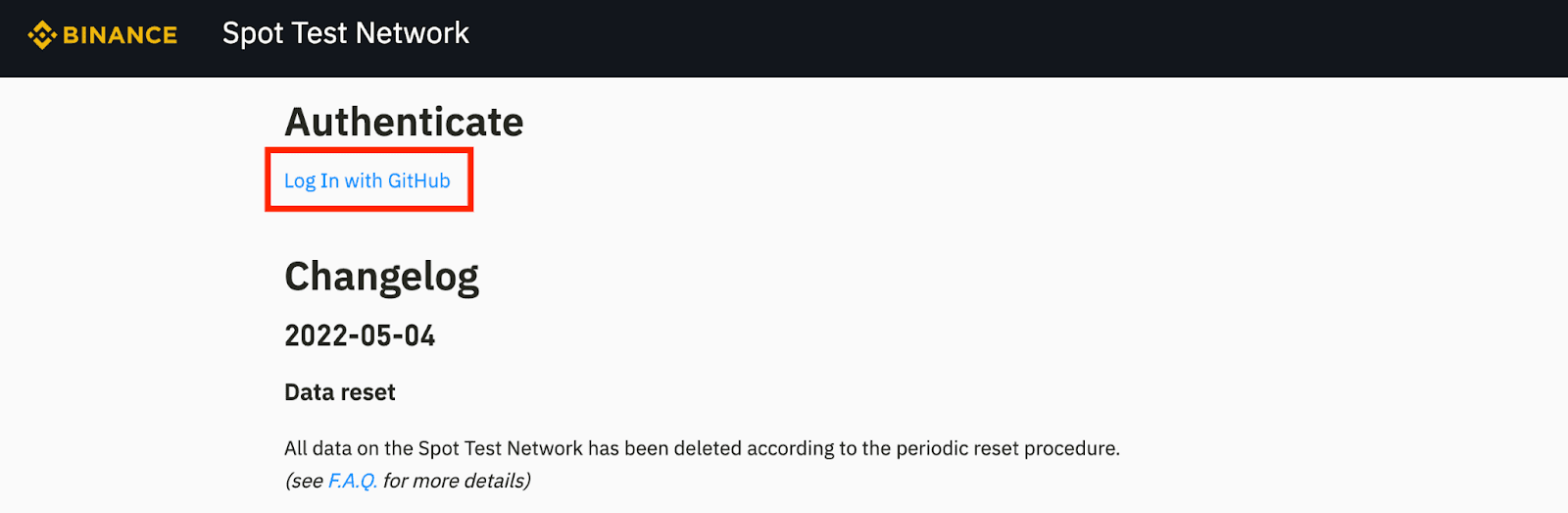
1. Log in to the Binance Spot Test Network by clicking [Log In with GitHub].
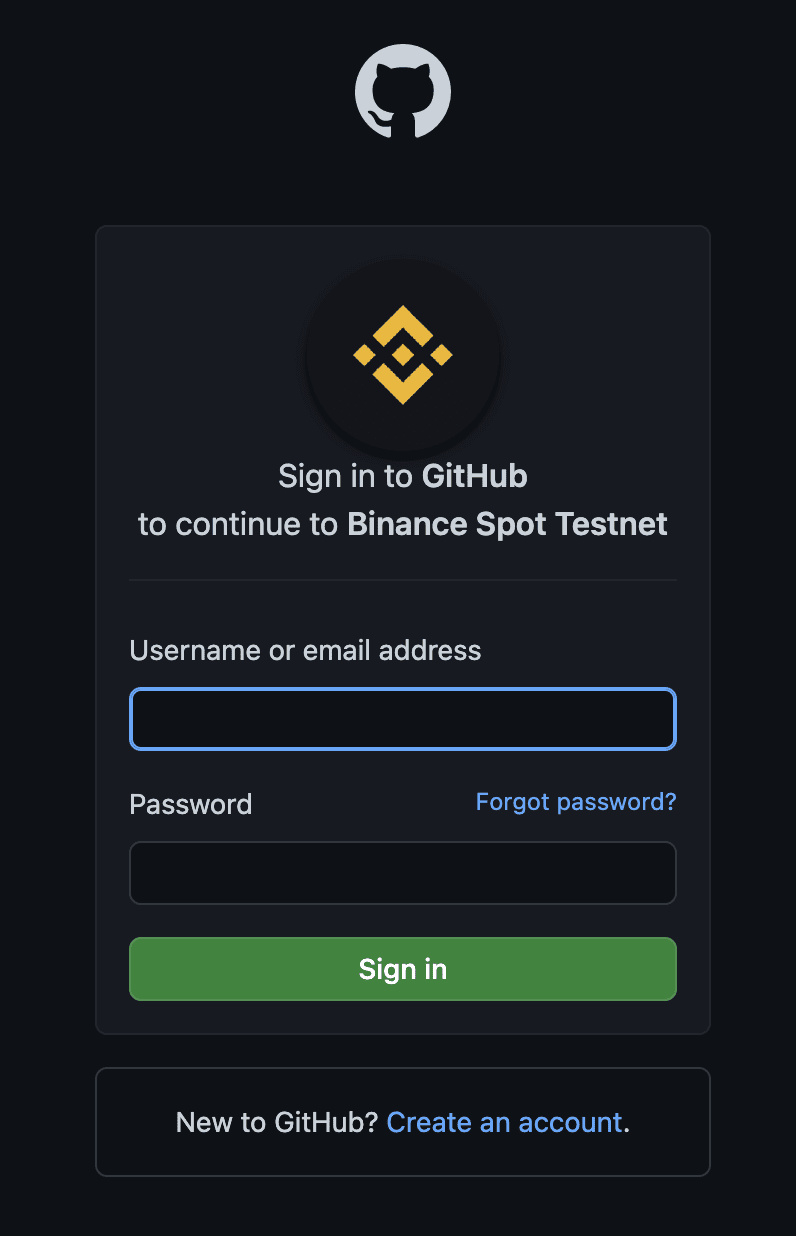
2. You will be redirected to the GitHub website. Log in with your account or click [Create an account] if you don’t have a GitHub account yet.
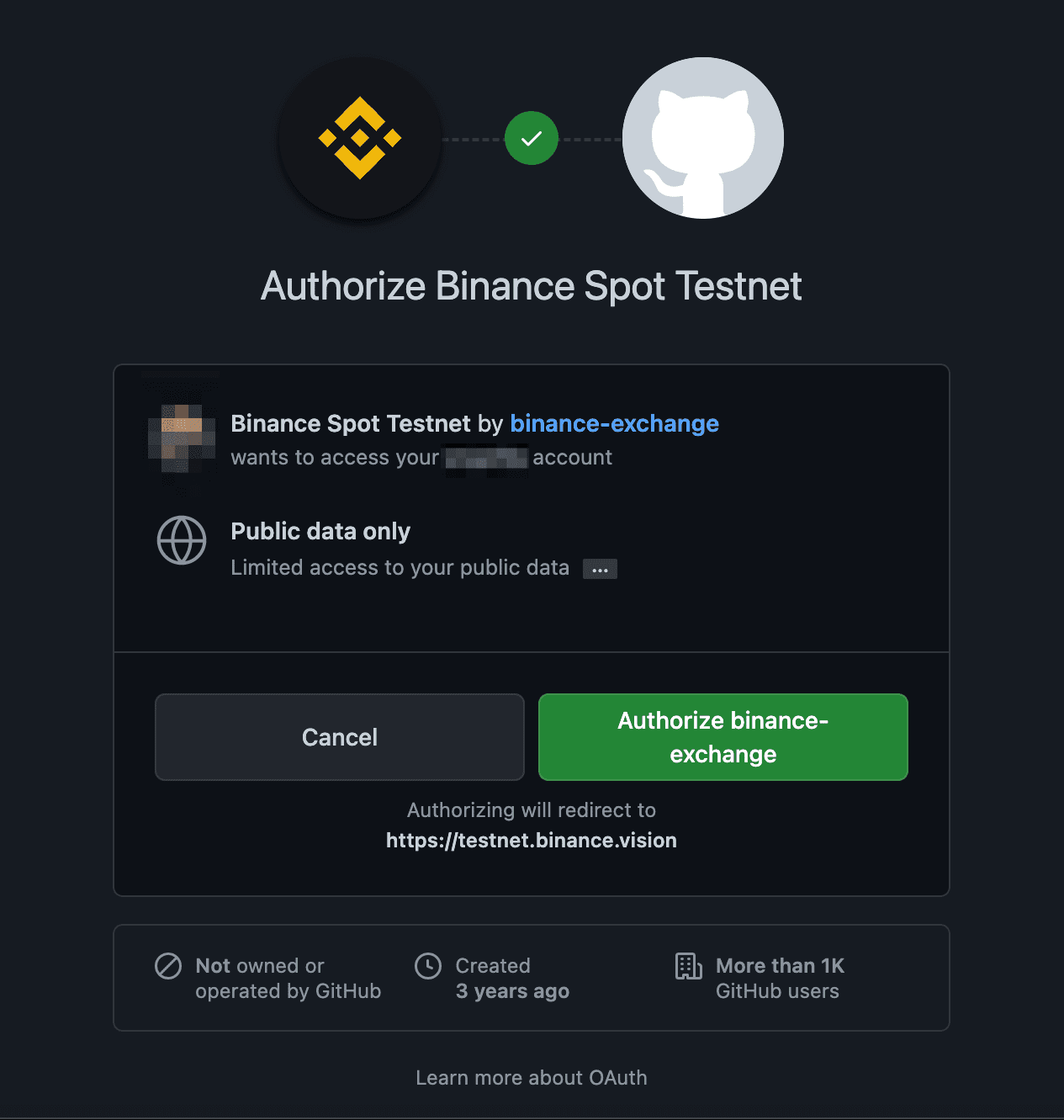
3. Click [Authorize binance-exchange] to allow Binance Spot Testnet access.
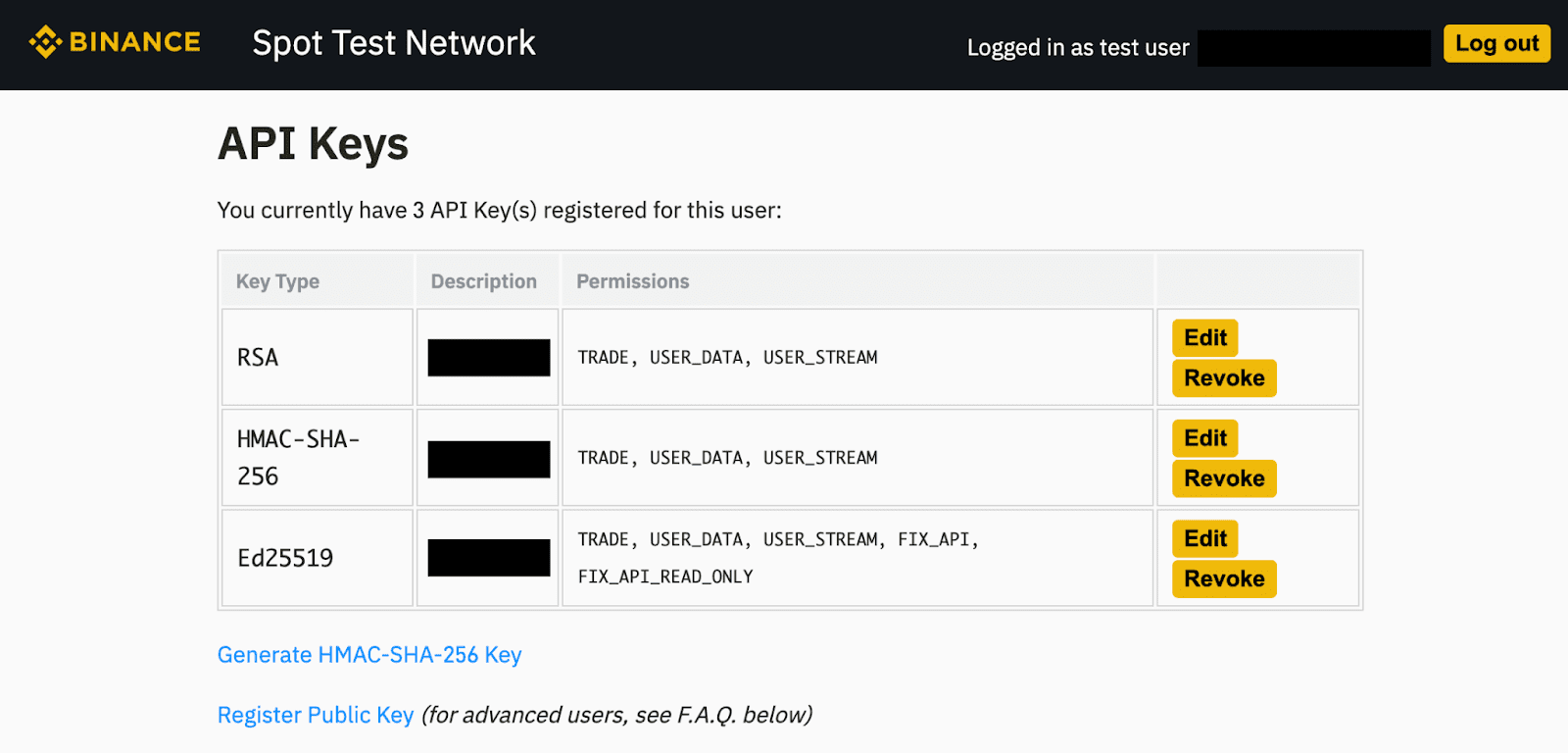
4. You will be redirected back to the Spot Test Network page. Here you can see your testing API Keys.
5. Follow the official Spot API documentation and replace the URLs of the endpoints with the “Spot Test Network URLs” values found in the Spot Testnet FAQ.
6. You can now start testing on the Binance Spot Test Network.
For more information regarding API tutorials, please refer to:
