
Bit Ace
27 Posts

Bit Ace
Report
Block User
Crypto insights, Bitcoin & altcoin trends, market analysis, and Binance guides. Educational content only. DYOR.
0 Following
7 Followers
12 Liked
Posts
·
--
Article
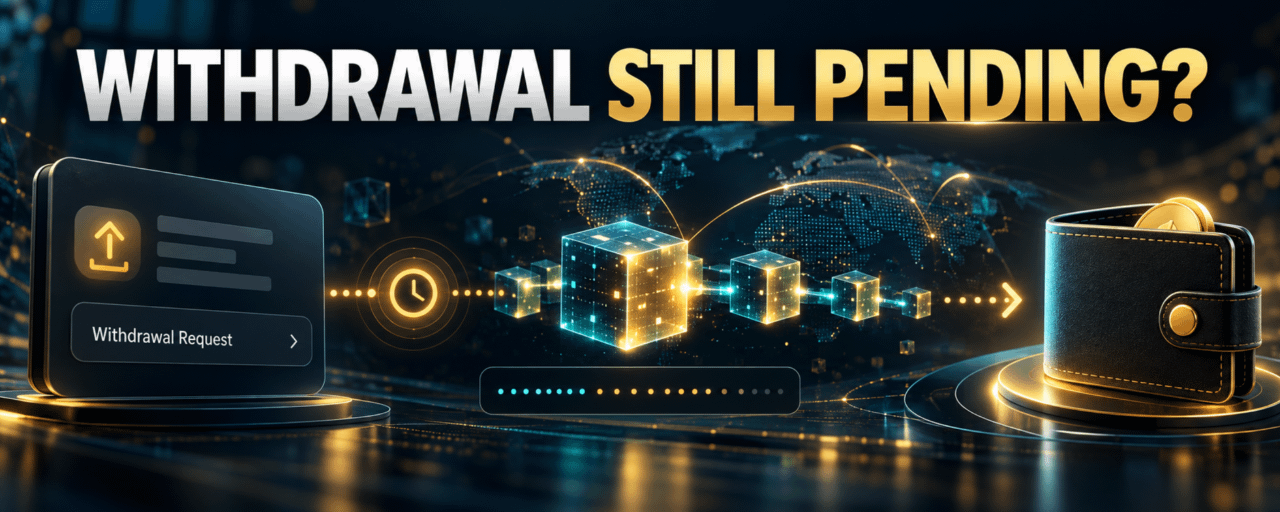
Binance Withdrawal Pending or Missing? Read Status and TxIDA withdrawal marked processing has a different next step from one marked completed with a TxID. Check Binance withdrawal history, then use the TxID and correct network explorer to see whether the transfer reached the blockchain; recipient credit can occur later.
1. Read Binance's current status
Open the exact asset's withdrawal record and review whether it is processing, failed, or completed. Processing may still require Binance-side checks. Do not assume the presence of a request means funds were already sent on-chain.
2. Use the TxID after broadcast
When Binance provides a TxID, inspect it on the explorer for the actual network. Confirm destination, asset or token transfer, and network confirmations. Keep the network and transaction identifier together when asking for help.
3. Separate sending from recipient credit
A completed Binance withdrawal means its sending stage is complete under Binance's status rules. The receiving exchange or wallet can still require confirmations, a correct memo, minimum amount, or its own processing before credit. Check that platform's deposit record.
4. Contact the responsible side
If there is no TxID and the request stays processing, use Binance's official support. If the transaction is confirmed to the correct destination but the recipient has not credited it, contact the receiving platform with the TxID and transfer details privately.
5. Frequently asked questions
Q1. Does completed mean the recipient credited me?
A1. No. The receiving platform has a separate credit process.
Q2. Where do I find the TxID?
A2. Open the corresponding entry in Binance withdrawal history when one is available.
Q3. Should I check a Bitcoin explorer for every withdrawal?
A3. No. Use an explorer for the network actually selected.
Q4. What if the destination is wrong?
A4. Contact official support promptly; blockchain transfers may be irreversible.
Q5. Should I share my TxID publicly?
A5. Use official private support for account-specific troubleshooting.
6. Official sources
[Binance: Why Hasn't My Withdrawal Arrived?](https://www.binance.com/en-GB/support/faq/why-hasn-t-my-withdrawal-arrived-115003743192)[Binance: Find Your TxID](https://www.binance.com/en-GB/support/faq/how-to-find-my-transaction-id-txid-2c325e53daf04442adbaf8f6ba052f71)
7. Check terms before opening an account
If you are considering a new Binance account, check whether the service is available where you live and review the current terms. You may use the [official Binance sign-up page with code UAUBG73C](https://www.binance.com/join?ref=UAUBG73C); confirm the code in the form before submitting. A referral code does not guarantee a discount, reward, or access to any product.
Affiliate disclosure: this article includes a referral sign-up link.
#Binance #CryptoWithdrawal #TxID #CryptoSafety
Binance Withdrawal Pending or Missing? Read Status and TxID
A withdrawal marked processing has a different next step from one marked completed with a TxID. Check Binance withdrawal history, then use the TxID and correct network explorer to see whether the transfer reached the blockchain; recipient credit can occur later.
1. Read Binance's current status
Open the exact asset's withdrawal record and review whether it is processing, failed, or completed. Processing may still require Binance-side checks. Do not assume the presence of a request means funds were already sent on-chain.
2. Use the TxID after broadcast
When Binance provides a TxID, inspect it on the explorer for the actual network. Confirm destination, asset or token transfer, and network confirmations. Keep the network and transaction identifier together when asking for help.
3. Separate sending from recipient credit
A completed Binance withdrawal means its sending stage is complete under Binance's status rules. The receiving exchange or wallet can still require confirmations, a correct memo, minimum amount, or its own processing before credit. Check that platform's deposit record.
4. Contact the responsible side
If there is no TxID and the request stays processing, use Binance's official support. If the transaction is confirmed to the correct destination but the recipient has not credited it, contact the receiving platform with the TxID and transfer details privately.
5. Frequently asked questions
Q1. Does completed mean the recipient credited me?
A1. No. The receiving platform has a separate credit process.
Q2. Where do I find the TxID?
A2. Open the corresponding entry in Binance withdrawal history when one is available.
Q3. Should I check a Bitcoin explorer for every withdrawal?
A3. No. Use an explorer for the network actually selected.
Q4. What if the destination is wrong?
A4. Contact official support promptly; blockchain transfers may be irreversible.
Q5. Should I share my TxID publicly?
A5. Use official private support for account-specific troubleshooting.
6. Official sources
Binance: Why Hasn't My Withdrawal Arrived?Binance: Find Your TxID
7. Check terms before opening an account
If you are considering a new Binance account, check whether the service is available where you live and review the current terms. You may use the official Binance sign-up page with code UAUBG73C; confirm the code in the form before submitting. A referral code does not guarantee a discount, reward, or access to any product.
Affiliate disclosure: this article includes a referral sign-up link.
#Binance #CryptoWithdrawal #TxID #CryptoSafety
1. Read Binance's current status
Open the exact asset's withdrawal record and review whether it is processing, failed, or completed. Processing may still require Binance-side checks. Do not assume the presence of a request means funds were already sent on-chain.
2. Use the TxID after broadcast
When Binance provides a TxID, inspect it on the explorer for the actual network. Confirm destination, asset or token transfer, and network confirmations. Keep the network and transaction identifier together when asking for help.
3. Separate sending from recipient credit
A completed Binance withdrawal means its sending stage is complete under Binance's status rules. The receiving exchange or wallet can still require confirmations, a correct memo, minimum amount, or its own processing before credit. Check that platform's deposit record.
4. Contact the responsible side
If there is no TxID and the request stays processing, use Binance's official support. If the transaction is confirmed to the correct destination but the recipient has not credited it, contact the receiving platform with the TxID and transfer details privately.
5. Frequently asked questions
Q1. Does completed mean the recipient credited me?
A1. No. The receiving platform has a separate credit process.
Q2. Where do I find the TxID?
A2. Open the corresponding entry in Binance withdrawal history when one is available.
Q3. Should I check a Bitcoin explorer for every withdrawal?
A3. No. Use an explorer for the network actually selected.
Q4. What if the destination is wrong?
A4. Contact official support promptly; blockchain transfers may be irreversible.
Q5. Should I share my TxID publicly?
A5. Use official private support for account-specific troubleshooting.
6. Official sources
Binance: Why Hasn't My Withdrawal Arrived?Binance: Find Your TxID
7. Check terms before opening an account
If you are considering a new Binance account, check whether the service is available where you live and review the current terms. You may use the official Binance sign-up page with code UAUBG73C; confirm the code in the form before submitting. A referral code does not guarantee a discount, reward, or access to any product.
Affiliate disclosure: this article includes a referral sign-up link.
#Binance #CryptoWithdrawal #TxID #CryptoSafety
69
·
--
Article
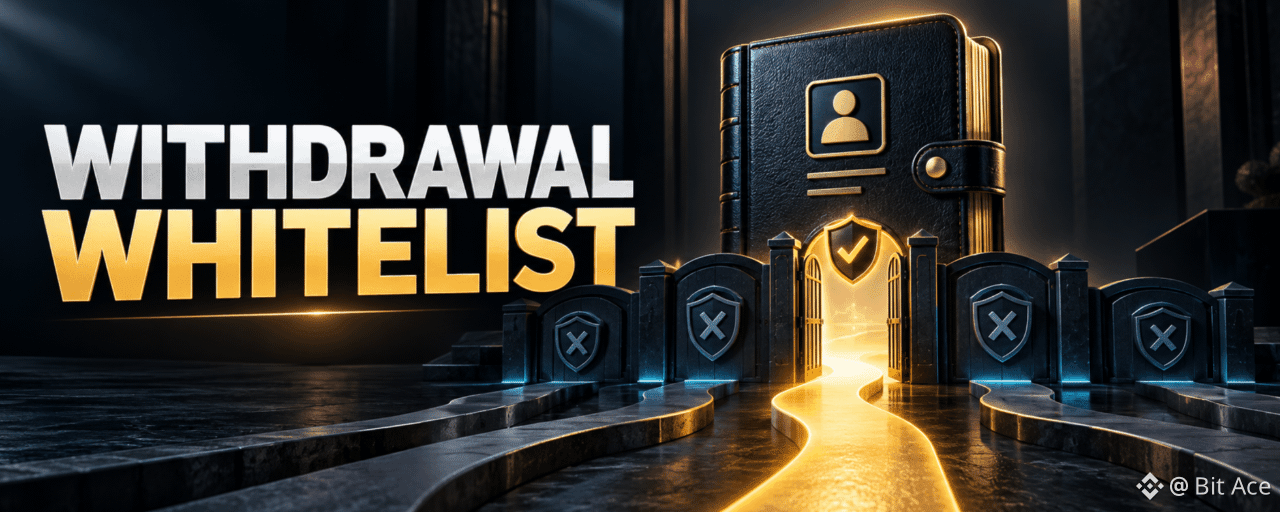
Binance Withdrawal Whitelist: How to Reduce Address MistakesA withdrawal whitelist restricts eligible destinations to approved addresses when the feature is enabled. It can reduce accidental or unauthorized address changes, but it does not correct a wrong network, asset, or required memo; review each transfer separately.
1. What an approved address does
In Binance's withdrawal address management, save a destination that you control or trust and complete the required security verification. When whitelist protection is active, withdrawals are limited to approved destinations under the feature's current rules. Review the exact settings in your account before relying on them.
2. Verify the destination before approval
Confirm the receiving platform's current asset, chain, deposit address, and any memo or tag. A visually similar address may belong to a different chain or person. Compare the full destination from a trusted source before saving it.
3. Review changes and security delays
Adding, editing, or disabling a whitelist may trigger additional verification or withdrawal restrictions. Do not assume a new address becomes usable immediately. Check Binance's on-screen status and security notices.
4. Use a final withdrawal checklist
Before confirming a withdrawal, compare the asset, network, saved address, required memo, amount, and fee with the receiving platform. Whitelisting is an extra control, not a guarantee of recovery from an irreversible transfer.
5. Frequently asked questions
Q1. Does a whitelist check the network for me?
A1. No. Confirm the receiving network yourself.
Q2. Can I add an address I do not control?
A2. Only if you fully understand and trust the destination and its deposit instructions.
Q3. Will a new address work immediately?
A3. Not necessarily. Security checks or delays may apply.
Q4. Does a whitelist prevent every scam?
A4. No. It cannot replace checking requests and destination details.
Q5. Do I still need a memo?
A5. Yes, whenever the receiving platform requires one.
6. Official sources
[Binance: Withdrawal Address Whitelist](https://www.binance.com/en-AU/support/faq/detail/1d08944f103b4fc78d3519913b600086)[Binance: How to Withdraw Crypto](https://www.binance.com/en/support/faq/detail/115003670492)
7. Check terms before opening an account
If you are considering a new Binance account, check whether the service is available where you live and review the current terms. You may use the [official Binance sign-up page with code UAUBG73C](https://www.binance.com/join?ref=UAUBG73C); confirm the code in the form before submitting. A referral code does not guarantee a discount, reward, or access to any product.
Affiliate disclosure: this article includes a referral sign-up link.
#BinanceSecurity #CryptoWithdrawal #AddressWhitelist #CryptoSafety
Binance Withdrawal Whitelist: How to Reduce Address Mistakes
A withdrawal whitelist restricts eligible destinations to approved addresses when the feature is enabled. It can reduce accidental or unauthorized address changes, but it does not correct a wrong network, asset, or required memo; review each transfer separately.
1. What an approved address does
In Binance's withdrawal address management, save a destination that you control or trust and complete the required security verification. When whitelist protection is active, withdrawals are limited to approved destinations under the feature's current rules. Review the exact settings in your account before relying on them.
2. Verify the destination before approval
Confirm the receiving platform's current asset, chain, deposit address, and any memo or tag. A visually similar address may belong to a different chain or person. Compare the full destination from a trusted source before saving it.
3. Review changes and security delays
Adding, editing, or disabling a whitelist may trigger additional verification or withdrawal restrictions. Do not assume a new address becomes usable immediately. Check Binance's on-screen status and security notices.
4. Use a final withdrawal checklist
Before confirming a withdrawal, compare the asset, network, saved address, required memo, amount, and fee with the receiving platform. Whitelisting is an extra control, not a guarantee of recovery from an irreversible transfer.
5. Frequently asked questions
Q1. Does a whitelist check the network for me?
A1. No. Confirm the receiving network yourself.
Q2. Can I add an address I do not control?
A2. Only if you fully understand and trust the destination and its deposit instructions.
Q3. Will a new address work immediately?
A3. Not necessarily. Security checks or delays may apply.
Q4. Does a whitelist prevent every scam?
A4. No. It cannot replace checking requests and destination details.
Q5. Do I still need a memo?
A5. Yes, whenever the receiving platform requires one.
6. Official sources
Binance: Withdrawal Address WhitelistBinance: How to Withdraw Crypto
7. Check terms before opening an account
If you are considering a new Binance account, check whether the service is available where you live and review the current terms. You may use the official Binance sign-up page with code UAUBG73C; confirm the code in the form before submitting. A referral code does not guarantee a discount, reward, or access to any product.
Affiliate disclosure: this article includes a referral sign-up link.
#BinanceSecurity #CryptoWithdrawal #AddressWhitelist #CryptoSafety
1. What an approved address does
In Binance's withdrawal address management, save a destination that you control or trust and complete the required security verification. When whitelist protection is active, withdrawals are limited to approved destinations under the feature's current rules. Review the exact settings in your account before relying on them.
2. Verify the destination before approval
Confirm the receiving platform's current asset, chain, deposit address, and any memo or tag. A visually similar address may belong to a different chain or person. Compare the full destination from a trusted source before saving it.
3. Review changes and security delays
Adding, editing, or disabling a whitelist may trigger additional verification or withdrawal restrictions. Do not assume a new address becomes usable immediately. Check Binance's on-screen status and security notices.
4. Use a final withdrawal checklist
Before confirming a withdrawal, compare the asset, network, saved address, required memo, amount, and fee with the receiving platform. Whitelisting is an extra control, not a guarantee of recovery from an irreversible transfer.
5. Frequently asked questions
Q1. Does a whitelist check the network for me?
A1. No. Confirm the receiving network yourself.
Q2. Can I add an address I do not control?
A2. Only if you fully understand and trust the destination and its deposit instructions.
Q3. Will a new address work immediately?
A3. Not necessarily. Security checks or delays may apply.
Q4. Does a whitelist prevent every scam?
A4. No. It cannot replace checking requests and destination details.
Q5. Do I still need a memo?
A5. Yes, whenever the receiving platform requires one.
6. Official sources
Binance: Withdrawal Address WhitelistBinance: How to Withdraw Crypto
7. Check terms before opening an account
If you are considering a new Binance account, check whether the service is available where you live and review the current terms. You may use the official Binance sign-up page with code UAUBG73C; confirm the code in the form before submitting. A referral code does not guarantee a discount, reward, or access to any product.
Affiliate disclosure: this article includes a referral sign-up link.
#BinanceSecurity #CryptoWithdrawal #AddressWhitelist #CryptoSafety
77
·
--
Article
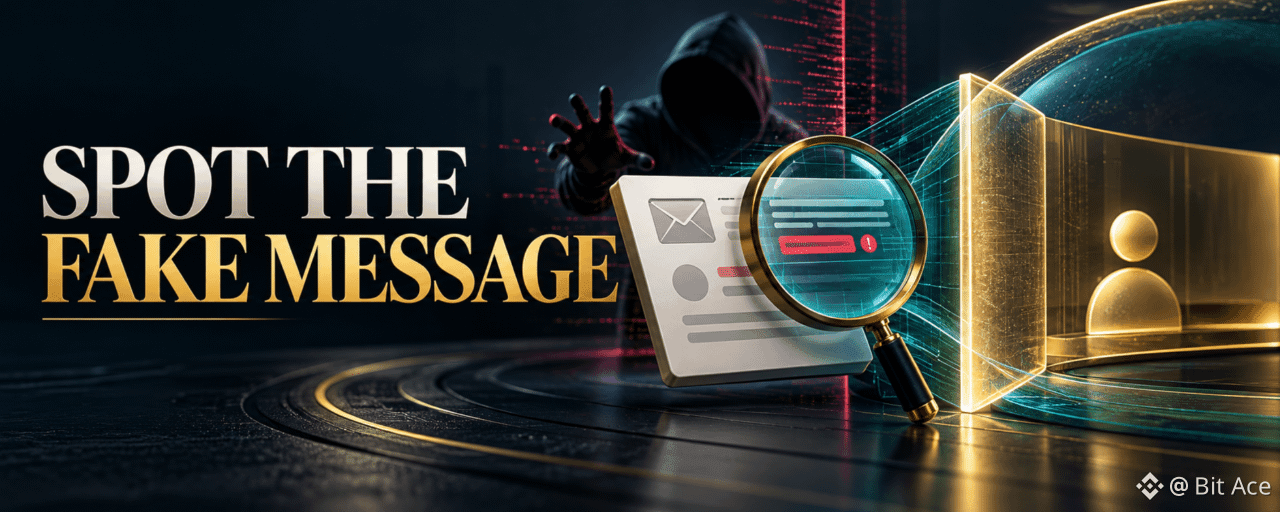
Binance Anti-Phishing Code: What It Checks and What It CannotA Binance anti-phishing code helps you recognize certain genuine Binance communications by displaying a code you set. It is one signal, not proof that every link or request in a message is safe; check the sender and open the official app or site directly when in doubt.
1. Set a private code
Use the Anti-Phishing Code control inside your account's security settings, where available. Choose a code you can recognize but do not reuse a password, verification code, or recovery secret. Binance's current help page explains where it appears in supported messages.
2. Inspect the whole message
Check the sender details, whether your expected code appears, and whether the message asks for urgent credentials or transfers. A missing or mismatched code is a reason to stop. A matching code alone is not permission to click a link or disclose a one-time code.
3. Avoid the link trap
Open the official Binance app or manually navigate to binance.com to inspect the claimed notice. Do not rely on a display name, logo, or a link's visible text. If the message claims an account emergency, verify the status from your account and official support.
4. Keep verification private
No legitimate troubleshooting requires publishing passwords, live 2FA codes, recovery phrases, or API secrets in a public discussion. Report suspicious messages through Binance's supported channels.
5. Frequently asked questions
Q1. Does a matching code guarantee a message is safe?
A1. No. Treat it as one check and verify the request independently.
Q2. Should the code be my password?
A2. No. Keep it distinct from credentials and recovery secrets.
Q3. What if the code is missing?
A3. Stop and check the message through your account's official channels.
Q4. Can a sender name be forged?
A4. Yes. A familiar display name is not proof of origin.
Q5. Where should I check an urgent account alert?
A5. Open the official app or site directly and review account notices.
6. Official sources
[Binance: Anti-Phishing Code Guide](https://www.binance.com/en-GB/support/faq/what-is-an-anti-phishing-code-and-how-to-set-it-up-on-binance-311927d6c4b4478ba094fc6a611d5201)[Binance: Protect Yourself From Scams](https://www.binance.com/en/support/faq/detail/be30cd51c32a4e1f9b2ab60807ce0240)
7. Check terms before opening an account
If you are considering a new Binance account, check whether the service is available where you live and review the current terms. You may use the [official Binance sign-up page with code UAUBG73C](https://www.binance.com/join?ref=UAUBG73C); confirm the code in the form before submitting. A referral code does not guarantee a discount, reward, or access to any product.
Affiliate disclosure: this article includes a referral sign-up link.
#BinanceSecurity #AntiPhishing #CryptoSafety #ScamPrevention
Binance Anti-Phishing Code: What It Checks and What It Cannot
A Binance anti-phishing code helps you recognize certain genuine Binance communications by displaying a code you set. It is one signal, not proof that every link or request in a message is safe; check the sender and open the official app or site directly when in doubt.
1. Set a private code
Use the Anti-Phishing Code control inside your account's security settings, where available. Choose a code you can recognize but do not reuse a password, verification code, or recovery secret. Binance's current help page explains where it appears in supported messages.
2. Inspect the whole message
Check the sender details, whether your expected code appears, and whether the message asks for urgent credentials or transfers. A missing or mismatched code is a reason to stop. A matching code alone is not permission to click a link or disclose a one-time code.
3. Avoid the link trap
Open the official Binance app or manually navigate to binance.com to inspect the claimed notice. Do not rely on a display name, logo, or a link's visible text. If the message claims an account emergency, verify the status from your account and official support.
4. Keep verification private
No legitimate troubleshooting requires publishing passwords, live 2FA codes, recovery phrases, or API secrets in a public discussion. Report suspicious messages through Binance's supported channels.
5. Frequently asked questions
Q1. Does a matching code guarantee a message is safe?
A1. No. Treat it as one check and verify the request independently.
Q2. Should the code be my password?
A2. No. Keep it distinct from credentials and recovery secrets.
Q3. What if the code is missing?
A3. Stop and check the message through your account's official channels.
Q4. Can a sender name be forged?
A4. Yes. A familiar display name is not proof of origin.
Q5. Where should I check an urgent account alert?
A5. Open the official app or site directly and review account notices.
6. Official sources
Binance: Anti-Phishing Code GuideBinance: Protect Yourself From Scams
7. Check terms before opening an account
If you are considering a new Binance account, check whether the service is available where you live and review the current terms. You may use the official Binance sign-up page with code UAUBG73C; confirm the code in the form before submitting. A referral code does not guarantee a discount, reward, or access to any product.
Affiliate disclosure: this article includes a referral sign-up link.
#BinanceSecurity #AntiPhishing #CryptoSafety #ScamPrevention
1. Set a private code
Use the Anti-Phishing Code control inside your account's security settings, where available. Choose a code you can recognize but do not reuse a password, verification code, or recovery secret. Binance's current help page explains where it appears in supported messages.
2. Inspect the whole message
Check the sender details, whether your expected code appears, and whether the message asks for urgent credentials or transfers. A missing or mismatched code is a reason to stop. A matching code alone is not permission to click a link or disclose a one-time code.
3. Avoid the link trap
Open the official Binance app or manually navigate to binance.com to inspect the claimed notice. Do not rely on a display name, logo, or a link's visible text. If the message claims an account emergency, verify the status from your account and official support.
4. Keep verification private
No legitimate troubleshooting requires publishing passwords, live 2FA codes, recovery phrases, or API secrets in a public discussion. Report suspicious messages through Binance's supported channels.
5. Frequently asked questions
Q1. Does a matching code guarantee a message is safe?
A1. No. Treat it as one check and verify the request independently.
Q2. Should the code be my password?
A2. No. Keep it distinct from credentials and recovery secrets.
Q3. What if the code is missing?
A3. Stop and check the message through your account's official channels.
Q4. Can a sender name be forged?
A4. Yes. A familiar display name is not proof of origin.
Q5. Where should I check an urgent account alert?
A5. Open the official app or site directly and review account notices.
6. Official sources
Binance: Anti-Phishing Code GuideBinance: Protect Yourself From Scams
7. Check terms before opening an account
If you are considering a new Binance account, check whether the service is available where you live and review the current terms. You may use the official Binance sign-up page with code UAUBG73C; confirm the code in the form before submitting. A referral code does not guarantee a discount, reward, or access to any product.
Affiliate disclosure: this article includes a referral sign-up link.
#BinanceSecurity #AntiPhishing #CryptoSafety #ScamPrevention
93
·
--
Article
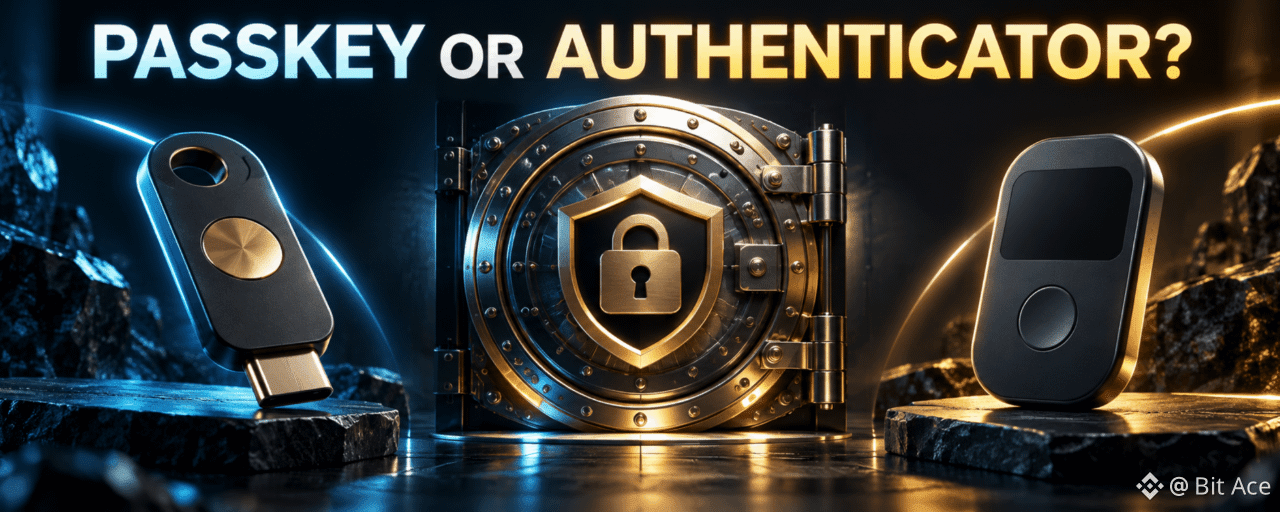
Binance Passkey vs Authenticator App: How Each Protects LoginA passkey uses a cryptographic credential unlocked on a supported device, while an authenticator app supplies a changing verification code. They protect account access differently, and the options available to you depend on your device and Binance account settings.
1. How a passkey works
A passkey is created in a supported device or credential provider and can use the device's local unlock method. It is designed to bind authentication to the real service, reducing the usefulness of a lookalike sign-in page. Review where your passkey is stored and what happens if that device becomes unavailable.
2. How an authenticator works
An authenticator app generates time-based codes used during supported verification steps. Codes can be stolen if entered into a phishing site or shared with someone else. Keep the app and its recovery method private, and never post a live code.
3. Choose and maintain recovery options
Use the security options shown in your own Binance account. Add a recovery route you control, review connected devices, and remove access you no longer recognize. Losing a device can require account recovery checks, so plan before replacing a phone.
4. Security is layered
A unique password, trusted device, passkey or authenticator, and careful URL checks address different risks. Do not approve an unexpected sign-in prompt just because it appears on a familiar device.
5. Frequently asked questions
Q1. Is a passkey the same as an authenticator code?
A1. No. They use different authentication mechanisms.
Q2. Can a passkey work on every device?
A2. No. Support depends on the device, browser, provider, and account flow.
Q3. Should I share an authenticator code with support?
A3. No. Keep live verification codes private.
Q4. What if I lose my device?
A4. Use the recovery options available in your account and official support.
Q5. Does enabling one method remove all phishing risk?
A5. No. Continue checking the actual site and unexpected prompts.
6. Official sources
[Binance: Create a Passkey](https://www.binance.com/en-GB/support/faq/how-to-create-a-passkey-for-my-binance-account-2aec8fe0437242f2a5fbef9cdb71d4c2)[Binance Account Functions and Security Help](https://www.binance.com/en/support/faq/list/11)
7. Check terms before opening an account
If you are considering a new Binance account, check whether the service is available where you live and review the current terms. You may use the [official Binance sign-up page with code UAUBG73C](https://www.binance.com/join?ref=UAUBG73C); confirm the code in the form before submitting. A referral code does not guarantee a discount, reward, or access to any product.
Affiliate disclosure: this article includes a referral sign-up link.
#BinanceSecurity #Passkey #TwoFactorAuthentication #CryptoSafety
Binance Passkey vs Authenticator App: How Each Protects Login
A passkey uses a cryptographic credential unlocked on a supported device, while an authenticator app supplies a changing verification code. They protect account access differently, and the options available to you depend on your device and Binance account settings.
1. How a passkey works
A passkey is created in a supported device or credential provider and can use the device's local unlock method. It is designed to bind authentication to the real service, reducing the usefulness of a lookalike sign-in page. Review where your passkey is stored and what happens if that device becomes unavailable.
2. How an authenticator works
An authenticator app generates time-based codes used during supported verification steps. Codes can be stolen if entered into a phishing site or shared with someone else. Keep the app and its recovery method private, and never post a live code.
3. Choose and maintain recovery options
Use the security options shown in your own Binance account. Add a recovery route you control, review connected devices, and remove access you no longer recognize. Losing a device can require account recovery checks, so plan before replacing a phone.
4. Security is layered
A unique password, trusted device, passkey or authenticator, and careful URL checks address different risks. Do not approve an unexpected sign-in prompt just because it appears on a familiar device.
5. Frequently asked questions
Q1. Is a passkey the same as an authenticator code?
A1. No. They use different authentication mechanisms.
Q2. Can a passkey work on every device?
A2. No. Support depends on the device, browser, provider, and account flow.
Q3. Should I share an authenticator code with support?
A3. No. Keep live verification codes private.
Q4. What if I lose my device?
A4. Use the recovery options available in your account and official support.
Q5. Does enabling one method remove all phishing risk?
A5. No. Continue checking the actual site and unexpected prompts.
6. Official sources
Binance: Create a PasskeyBinance Account Functions and Security Help
7. Check terms before opening an account
If you are considering a new Binance account, check whether the service is available where you live and review the current terms. You may use the official Binance sign-up page with code UAUBG73C; confirm the code in the form before submitting. A referral code does not guarantee a discount, reward, or access to any product.
Affiliate disclosure: this article includes a referral sign-up link.
#BinanceSecurity #Passkey #TwoFactorAuthentication #CryptoSafety
1. How a passkey works
A passkey is created in a supported device or credential provider and can use the device's local unlock method. It is designed to bind authentication to the real service, reducing the usefulness of a lookalike sign-in page. Review where your passkey is stored and what happens if that device becomes unavailable.
2. How an authenticator works
An authenticator app generates time-based codes used during supported verification steps. Codes can be stolen if entered into a phishing site or shared with someone else. Keep the app and its recovery method private, and never post a live code.
3. Choose and maintain recovery options
Use the security options shown in your own Binance account. Add a recovery route you control, review connected devices, and remove access you no longer recognize. Losing a device can require account recovery checks, so plan before replacing a phone.
4. Security is layered
A unique password, trusted device, passkey or authenticator, and careful URL checks address different risks. Do not approve an unexpected sign-in prompt just because it appears on a familiar device.
5. Frequently asked questions
Q1. Is a passkey the same as an authenticator code?
A1. No. They use different authentication mechanisms.
Q2. Can a passkey work on every device?
A2. No. Support depends on the device, browser, provider, and account flow.
Q3. Should I share an authenticator code with support?
A3. No. Keep live verification codes private.
Q4. What if I lose my device?
A4. Use the recovery options available in your account and official support.
Q5. Does enabling one method remove all phishing risk?
A5. No. Continue checking the actual site and unexpected prompts.
6. Official sources
Binance: Create a PasskeyBinance Account Functions and Security Help
7. Check terms before opening an account
If you are considering a new Binance account, check whether the service is available where you live and review the current terms. You may use the official Binance sign-up page with code UAUBG73C; confirm the code in the form before submitting. A referral code does not guarantee a discount, reward, or access to any product.
Affiliate disclosure: this article includes a referral sign-up link.
#BinanceSecurity #Passkey #TwoFactorAuthentication #CryptoSafety
62
·
--
Article
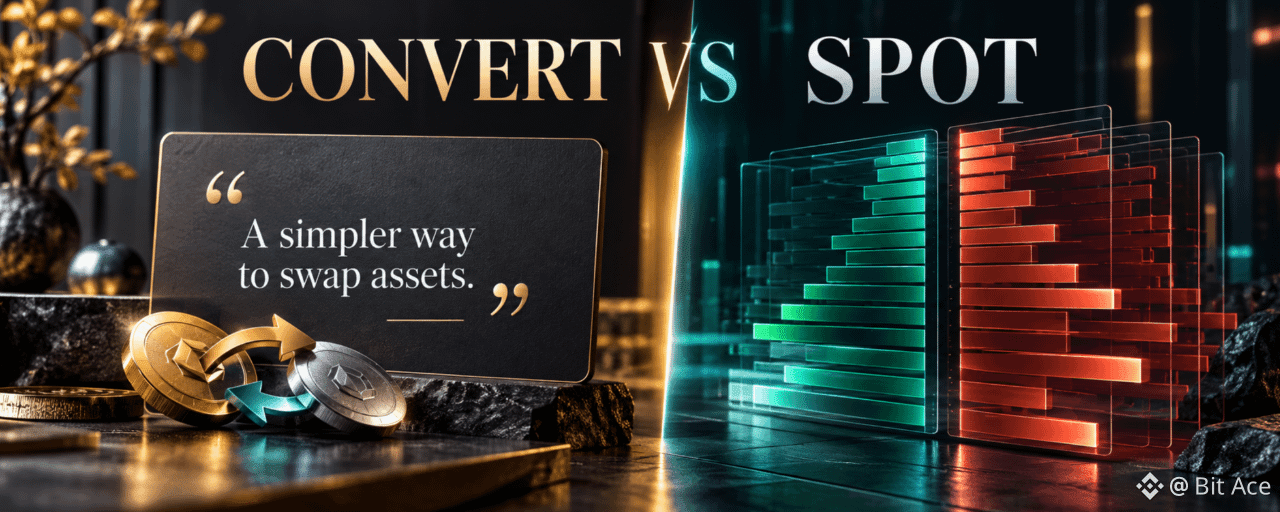
Binance Convert vs Spot Trading: Price, Fees and ControlBinance Convert presents a quote for exchanging supported assets, while Spot trading places an order in a trading pair's order book. Compare the amount you would actually receive, available assets, execution control, and applicable costs before choosing either route.
1. What Convert shows
Convert typically displays a quote to review before confirmation, and that quote can expire. Binance describes no traditional trading fee for Convert, but its offered exchange rate can differ from a Spot price. The received amount is the practical comparison, not a claim of zero economic cost.
2. What Spot adds
Spot offers market and limit orders in available pairs. A market order interacts with current liquidity and can experience slippage. A limit order sets your price or better but may remain unfilled. Trading fees depend on the current fee schedule and account conditions.
3. Compare the same transaction
Select the same starting asset, target asset, and amount. Record Convert's quoted receive amount, then estimate a Spot order with the live order book, fees, and possible slippage. Quotes and order books move, so a comparison at one moment is not a permanent ranking.
4. Decide by your actual need
Convert can simplify a supported exchange when quote review matters more than order-book control. Spot suits users who need to choose an order type and accept its execution trade-offs. Neither method removes the market risk of the asset received.
5. Frequently asked questions
Q1. Is Binance Convert always cheaper?
A1. No. Compare the current receive amount with a realistic Spot execution and fees.
Q2. Does Convert have a traditional trading fee?
A2. Binance says no traditional trading fee, but the quote can differ from Spot.
Q3. Can a Spot limit order fail to execute?
A3. Yes. It requires matching liquidity at its limit price or better.
Q4. Is the Convert quote permanent?
A4. No. Review its validity and refreshed amount before confirming.
Q5. Do both methods offer every asset?
A5. No. Availability depends on the product, pair, account, and region.
6. Official sources
[Binance: How to Use Binance Convert](https://www.binance.com/en/support/faq/detail/e8c7579382ea403aa4a6eec469659d)[Binance Academy: Spot Trading Guide](https://www.binance.com/en/academy/articles/your-guide-to-binance-spot-trading)
7. Check terms before opening an account
If you are considering a new Binance account, check whether the service is available where you live and review the current terms. You may use the [official Binance sign-up page with code UAUBG73C](https://www.binance.com/join?ref=UAUBG73C); confirm the code in the form before submitting. A referral code does not guarantee a discount, reward, or access to any product.
Affiliate disclosure: this article includes a referral sign-up link.
#BinanceConvert #SpotTrading #CryptoEducation #Binance
Binance Convert vs Spot Trading: Price, Fees and Control
Binance Convert presents a quote for exchanging supported assets, while Spot trading places an order in a trading pair's order book. Compare the amount you would actually receive, available assets, execution control, and applicable costs before choosing either route.
1. What Convert shows
Convert typically displays a quote to review before confirmation, and that quote can expire. Binance describes no traditional trading fee for Convert, but its offered exchange rate can differ from a Spot price. The received amount is the practical comparison, not a claim of zero economic cost.
2. What Spot adds
Spot offers market and limit orders in available pairs. A market order interacts with current liquidity and can experience slippage. A limit order sets your price or better but may remain unfilled. Trading fees depend on the current fee schedule and account conditions.
3. Compare the same transaction
Select the same starting asset, target asset, and amount. Record Convert's quoted receive amount, then estimate a Spot order with the live order book, fees, and possible slippage. Quotes and order books move, so a comparison at one moment is not a permanent ranking.
4. Decide by your actual need
Convert can simplify a supported exchange when quote review matters more than order-book control. Spot suits users who need to choose an order type and accept its execution trade-offs. Neither method removes the market risk of the asset received.
5. Frequently asked questions
Q1. Is Binance Convert always cheaper?
A1. No. Compare the current receive amount with a realistic Spot execution and fees.
Q2. Does Convert have a traditional trading fee?
A2. Binance says no traditional trading fee, but the quote can differ from Spot.
Q3. Can a Spot limit order fail to execute?
A3. Yes. It requires matching liquidity at its limit price or better.
Q4. Is the Convert quote permanent?
A4. No. Review its validity and refreshed amount before confirming.
Q5. Do both methods offer every asset?
A5. No. Availability depends on the product, pair, account, and region.
6. Official sources
Binance: How to Use Binance ConvertBinance Academy: Spot Trading Guide
7. Check terms before opening an account
If you are considering a new Binance account, check whether the service is available where you live and review the current terms. You may use the official Binance sign-up page with code UAUBG73C; confirm the code in the form before submitting. A referral code does not guarantee a discount, reward, or access to any product.
Affiliate disclosure: this article includes a referral sign-up link.
#BinanceConvert #SpotTrading #CryptoEducation #Binance
1. What Convert shows
Convert typically displays a quote to review before confirmation, and that quote can expire. Binance describes no traditional trading fee for Convert, but its offered exchange rate can differ from a Spot price. The received amount is the practical comparison, not a claim of zero economic cost.
2. What Spot adds
Spot offers market and limit orders in available pairs. A market order interacts with current liquidity and can experience slippage. A limit order sets your price or better but may remain unfilled. Trading fees depend on the current fee schedule and account conditions.
3. Compare the same transaction
Select the same starting asset, target asset, and amount. Record Convert's quoted receive amount, then estimate a Spot order with the live order book, fees, and possible slippage. Quotes and order books move, so a comparison at one moment is not a permanent ranking.
4. Decide by your actual need
Convert can simplify a supported exchange when quote review matters more than order-book control. Spot suits users who need to choose an order type and accept its execution trade-offs. Neither method removes the market risk of the asset received.
5. Frequently asked questions
Q1. Is Binance Convert always cheaper?
A1. No. Compare the current receive amount with a realistic Spot execution and fees.
Q2. Does Convert have a traditional trading fee?
A2. Binance says no traditional trading fee, but the quote can differ from Spot.
Q3. Can a Spot limit order fail to execute?
A3. Yes. It requires matching liquidity at its limit price or better.
Q4. Is the Convert quote permanent?
A4. No. Review its validity and refreshed amount before confirming.
Q5. Do both methods offer every asset?
A5. No. Availability depends on the product, pair, account, and region.
6. Official sources
Binance: How to Use Binance ConvertBinance Academy: Spot Trading Guide
7. Check terms before opening an account
If you are considering a new Binance account, check whether the service is available where you live and review the current terms. You may use the official Binance sign-up page with code UAUBG73C; confirm the code in the form before submitting. A referral code does not guarantee a discount, reward, or access to any product.
Affiliate disclosure: this article includes a referral sign-up link.
#BinanceConvert #SpotTrading #CryptoEducation #Binance
78
·
--
Article
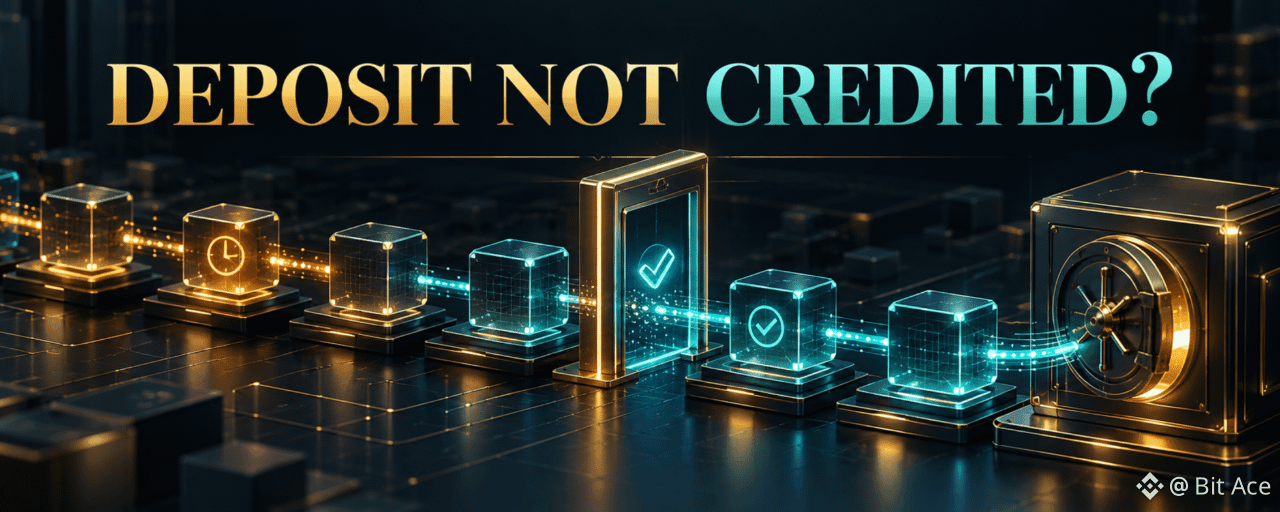
Binance Deposit Not Credited? Check TxID, Network and MemoIf a crypto deposit has not appeared in Binance, first find the transaction ID (TxID) on the sending platform and verify the transaction's actual network and status. An on-chain confirmation and a Binance account credit are different steps, so diagnose the missing stage before requesting help.
1. Start with the sending record
Check whether the sender shows the withdrawal as submitted, rejected, or completed. Copy the real TxID and open the explorer for the network actually used. If there is no TxID, the sender may not have broadcast the transaction; ask the sending platform first.
2. Compare destination details
Compare the on-chain destination with the Binance deposit address you generated for that asset and network. Check any required memo or tag and Binance's minimum amount. A transaction to a different address or unsupported network is not a routine confirmation delay.
3. Separate confirmations from credit
Networks require different numbers of confirmations before a deposit is credited. A confirmed transaction can also need account-side processing. Check deposit history and any account notices. Do not assume a fixed number of minutes applies to every asset or network.
4. Escalate with the right facts
Use Binance's official deposit recovery or support route when its criteria fit. Provide asset, network, amount, TxID, destination, and relevant memo privately. Never post account identifiers or recovery information in a public Square comment.
5. Frequently asked questions
Q1. What is a TxID?
A1. It is the blockchain transaction identifier used to inspect an on-chain transfer.
Q2. Does a confirmed TxID guarantee Binance credit?
A2. No. Network, address, memo, minimum, and account processing still matter.
Q3. What if there is no TxID?
A3. Check with the sending platform to learn whether it broadcast the withdrawal.
Q4. Can a missing memo cause a delay?
A4. Yes. Follow Binance's current recovery instructions for that asset.
Q5. Should I send the same amount again?
A5. First identify what happened to the initial transfer; a second transfer does not repair it.
6. Official sources
[Binance: Why Hasn't My Deposit Been Credited?](https://www.binance.com/en/support/faq/detail/115003736451)[Binance: How to Deposit Crypto](https://www.binance.com/en/support/faq/detail/115003764971)
7. Check terms before opening an account
If you are considering a new Binance account, check whether the service is available where you live and review the current terms. You may use the [official Binance sign-up page with code UAUBG73C](https://www.binance.com/join?ref=UAUBG73C); confirm the code in the form before submitting. A referral code does not guarantee a discount, reward, or access to any product.
Affiliate disclosure: this article includes a referral sign-up link.
#Binance #CryptoDeposit #TxID #CryptoSafety
Binance Deposit Not Credited? Check TxID, Network and Memo
If a crypto deposit has not appeared in Binance, first find the transaction ID (TxID) on the sending platform and verify the transaction's actual network and status. An on-chain confirmation and a Binance account credit are different steps, so diagnose the missing stage before requesting help.
1. Start with the sending record
Check whether the sender shows the withdrawal as submitted, rejected, or completed. Copy the real TxID and open the explorer for the network actually used. If there is no TxID, the sender may not have broadcast the transaction; ask the sending platform first.
2. Compare destination details
Compare the on-chain destination with the Binance deposit address you generated for that asset and network. Check any required memo or tag and Binance's minimum amount. A transaction to a different address or unsupported network is not a routine confirmation delay.
3. Separate confirmations from credit
Networks require different numbers of confirmations before a deposit is credited. A confirmed transaction can also need account-side processing. Check deposit history and any account notices. Do not assume a fixed number of minutes applies to every asset or network.
4. Escalate with the right facts
Use Binance's official deposit recovery or support route when its criteria fit. Provide asset, network, amount, TxID, destination, and relevant memo privately. Never post account identifiers or recovery information in a public Square comment.
5. Frequently asked questions
Q1. What is a TxID?
A1. It is the blockchain transaction identifier used to inspect an on-chain transfer.
Q2. Does a confirmed TxID guarantee Binance credit?
A2. No. Network, address, memo, minimum, and account processing still matter.
Q3. What if there is no TxID?
A3. Check with the sending platform to learn whether it broadcast the withdrawal.
Q4. Can a missing memo cause a delay?
A4. Yes. Follow Binance's current recovery instructions for that asset.
Q5. Should I send the same amount again?
A5. First identify what happened to the initial transfer; a second transfer does not repair it.
6. Official sources
Binance: Why Hasn't My Deposit Been Credited?Binance: How to Deposit Crypto
7. Check terms before opening an account
If you are considering a new Binance account, check whether the service is available where you live and review the current terms. You may use the official Binance sign-up page with code UAUBG73C; confirm the code in the form before submitting. A referral code does not guarantee a discount, reward, or access to any product.
Affiliate disclosure: this article includes a referral sign-up link.
#Binance #CryptoDeposit #TxID #CryptoSafety
1. Start with the sending record
Check whether the sender shows the withdrawal as submitted, rejected, or completed. Copy the real TxID and open the explorer for the network actually used. If there is no TxID, the sender may not have broadcast the transaction; ask the sending platform first.
2. Compare destination details
Compare the on-chain destination with the Binance deposit address you generated for that asset and network. Check any required memo or tag and Binance's minimum amount. A transaction to a different address or unsupported network is not a routine confirmation delay.
3. Separate confirmations from credit
Networks require different numbers of confirmations before a deposit is credited. A confirmed transaction can also need account-side processing. Check deposit history and any account notices. Do not assume a fixed number of minutes applies to every asset or network.
4. Escalate with the right facts
Use Binance's official deposit recovery or support route when its criteria fit. Provide asset, network, amount, TxID, destination, and relevant memo privately. Never post account identifiers or recovery information in a public Square comment.
5. Frequently asked questions
Q1. What is a TxID?
A1. It is the blockchain transaction identifier used to inspect an on-chain transfer.
Q2. Does a confirmed TxID guarantee Binance credit?
A2. No. Network, address, memo, minimum, and account processing still matter.
Q3. What if there is no TxID?
A3. Check with the sending platform to learn whether it broadcast the withdrawal.
Q4. Can a missing memo cause a delay?
A4. Yes. Follow Binance's current recovery instructions for that asset.
Q5. Should I send the same amount again?
A5. First identify what happened to the initial transfer; a second transfer does not repair it.
6. Official sources
Binance: Why Hasn't My Deposit Been Credited?Binance: How to Deposit Crypto
7. Check terms before opening an account
If you are considering a new Binance account, check whether the service is available where you live and review the current terms. You may use the official Binance sign-up page with code UAUBG73C; confirm the code in the form before submitting. A referral code does not guarantee a discount, reward, or access to any product.
Affiliate disclosure: this article includes a referral sign-up link.
#Binance #CryptoDeposit #TxID #CryptoSafety
1
231
·
--
Article
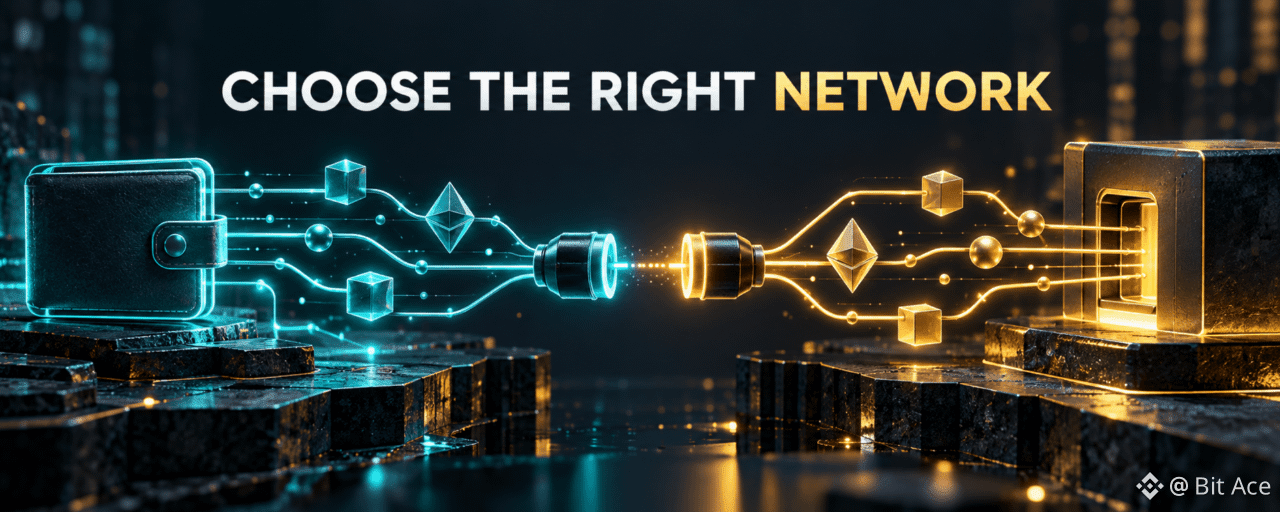
Binance Deposit Network: How to Choose the Right ChainChoose the network shown on Binance's deposit page for the exact asset, then select the same network on the sending platform. Matching the coin name alone is insufficient: a wrong chain, address, or required memo can prevent credit and may cause a loss.
1. Match the asset and network
Open Deposit Crypto, select the asset, and read the networks currently offered for your account. On the sending platform, select the same asset and network. A low withdrawal fee is not a reason to choose a chain that the receiving page does not support. Network availability can change, so use the current deposit page rather than an old instruction.
2. Check the address and memo
Copy the deposit address from the active Binance page. Where Binance displays a memo, tag, or payment ID, include it exactly in the sender's corresponding field. Do not put a memo into the address field. Compare the beginning and end of a pasted address, and check the sender's withdrawal summary before confirming.
3. Check the minimum and confirmations
Review Binance's displayed minimum deposit and confirmation requirement for that asset and network. A transaction can be visible on-chain while the account credit is still pending. If the amount is below the stated minimum, follow the applicable recovery guidance rather than assuming automatic credit.
4. A safer final check
Before sending, compare asset, network, address, required memo, amount, and any sender fee. If any field is unclear, pause and consult the receiving platform's current deposit instructions. Blockchain transfers may be irreversible.
5. Frequently asked questions
Q1. Can I use any network listed for the coin?
A1. Use a network supported by both the sender and Binance for that specific transfer.
Q2. Is a matching wallet address enough?
A2. No. Confirm the asset, chain, and required memo or tag as well.
Q3. What if the sender calls the network by a different name?
A3. Verify the underlying chain in both platforms' official instructions before sending.
Q4. Does a low network fee make a transfer safe?
A4. No. A cheaper route can be incompatible with the receiving account.
Q5. Should I send a small test transfer?
A5. A test can help confirm a route, but it does not replace checking all fields and minimums.
6. Official sources
[Binance: How to Deposit Crypto](https://www.binance.com/en/support/faq/detail/115003764971)[Binance Academy: Deposit and Withdrawal Guide](https://www.binance.com/en/academy/articles/your-guide-to-binance-deposit-withdrawal)
7. Check terms before opening an account
If you are considering a new Binance account, check whether the service is available where you live and review the current terms. You may use the [official Binance sign-up page with code UAUBG73C](https://www.binance.com/join?ref=UAUBG73C); confirm the code in the form before submitting. A referral code does not guarantee a discount, reward, or access to any product.
Affiliate disclosure: this article includes a referral sign-up link.
#Binance #CryptoDeposit #Blockchain #CryptoSafety
Binance Deposit Network: How to Choose the Right Chain
Choose the network shown on Binance's deposit page for the exact asset, then select the same network on the sending platform. Matching the coin name alone is insufficient: a wrong chain, address, or required memo can prevent credit and may cause a loss.
1. Match the asset and network
Open Deposit Crypto, select the asset, and read the networks currently offered for your account. On the sending platform, select the same asset and network. A low withdrawal fee is not a reason to choose a chain that the receiving page does not support. Network availability can change, so use the current deposit page rather than an old instruction.
2. Check the address and memo
Copy the deposit address from the active Binance page. Where Binance displays a memo, tag, or payment ID, include it exactly in the sender's corresponding field. Do not put a memo into the address field. Compare the beginning and end of a pasted address, and check the sender's withdrawal summary before confirming.
3. Check the minimum and confirmations
Review Binance's displayed minimum deposit and confirmation requirement for that asset and network. A transaction can be visible on-chain while the account credit is still pending. If the amount is below the stated minimum, follow the applicable recovery guidance rather than assuming automatic credit.
4. A safer final check
Before sending, compare asset, network, address, required memo, amount, and any sender fee. If any field is unclear, pause and consult the receiving platform's current deposit instructions. Blockchain transfers may be irreversible.
5. Frequently asked questions
Q1. Can I use any network listed for the coin?
A1. Use a network supported by both the sender and Binance for that specific transfer.
Q2. Is a matching wallet address enough?
A2. No. Confirm the asset, chain, and required memo or tag as well.
Q3. What if the sender calls the network by a different name?
A3. Verify the underlying chain in both platforms' official instructions before sending.
Q4. Does a low network fee make a transfer safe?
A4. No. A cheaper route can be incompatible with the receiving account.
Q5. Should I send a small test transfer?
A5. A test can help confirm a route, but it does not replace checking all fields and minimums.
6. Official sources
Binance: How to Deposit CryptoBinance Academy: Deposit and Withdrawal Guide
7. Check terms before opening an account
If you are considering a new Binance account, check whether the service is available where you live and review the current terms. You may use the official Binance sign-up page with code UAUBG73C; confirm the code in the form before submitting. A referral code does not guarantee a discount, reward, or access to any product.
Affiliate disclosure: this article includes a referral sign-up link.
#Binance #CryptoDeposit #Blockchain #CryptoSafety
1. Match the asset and network
Open Deposit Crypto, select the asset, and read the networks currently offered for your account. On the sending platform, select the same asset and network. A low withdrawal fee is not a reason to choose a chain that the receiving page does not support. Network availability can change, so use the current deposit page rather than an old instruction.
2. Check the address and memo
Copy the deposit address from the active Binance page. Where Binance displays a memo, tag, or payment ID, include it exactly in the sender's corresponding field. Do not put a memo into the address field. Compare the beginning and end of a pasted address, and check the sender's withdrawal summary before confirming.
3. Check the minimum and confirmations
Review Binance's displayed minimum deposit and confirmation requirement for that asset and network. A transaction can be visible on-chain while the account credit is still pending. If the amount is below the stated minimum, follow the applicable recovery guidance rather than assuming automatic credit.
4. A safer final check
Before sending, compare asset, network, address, required memo, amount, and any sender fee. If any field is unclear, pause and consult the receiving platform's current deposit instructions. Blockchain transfers may be irreversible.
5. Frequently asked questions
Q1. Can I use any network listed for the coin?
A1. Use a network supported by both the sender and Binance for that specific transfer.
Q2. Is a matching wallet address enough?
A2. No. Confirm the asset, chain, and required memo or tag as well.
Q3. What if the sender calls the network by a different name?
A3. Verify the underlying chain in both platforms' official instructions before sending.
Q4. Does a low network fee make a transfer safe?
A4. No. A cheaper route can be incompatible with the receiving account.
Q5. Should I send a small test transfer?
A5. A test can help confirm a route, but it does not replace checking all fields and minimums.
6. Official sources
Binance: How to Deposit CryptoBinance Academy: Deposit and Withdrawal Guide
7. Check terms before opening an account
If you are considering a new Binance account, check whether the service is available where you live and review the current terms. You may use the official Binance sign-up page with code UAUBG73C; confirm the code in the form before submitting. A referral code does not guarantee a discount, reward, or access to any product.
Affiliate disclosure: this article includes a referral sign-up link.
#Binance #CryptoDeposit #Blockchain #CryptoSafety
92
·
--
Article
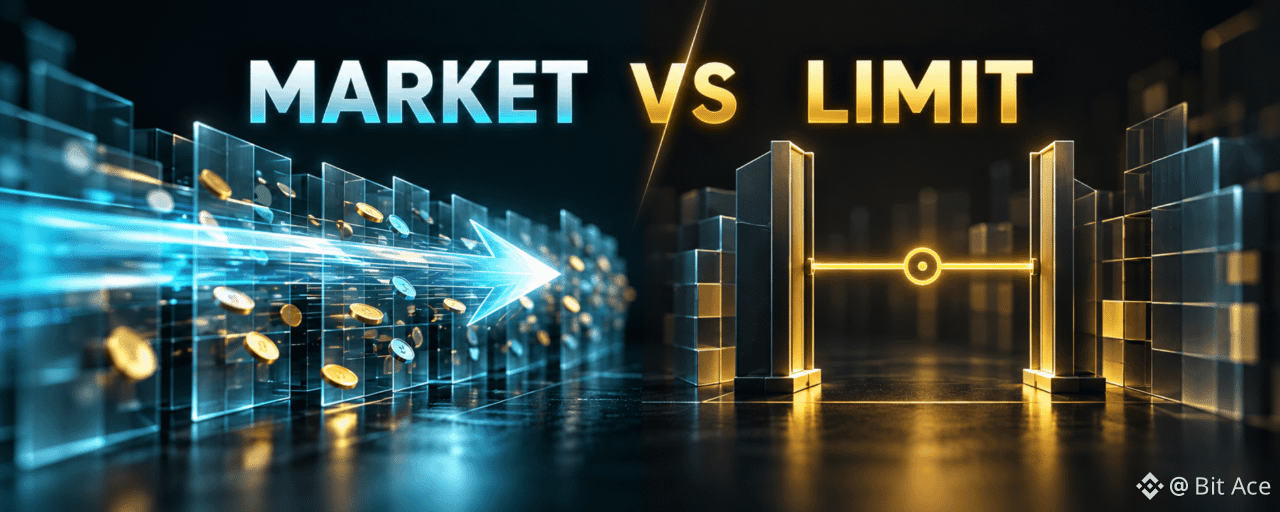
Binance Spot Market vs Limit Orders: Which Execution Risk Matters?A Spot market order prioritizes execution against available liquidity; a limit order prioritizes a chosen price or better. The trade-off is slippage versus non-execution, and neither order type guarantees both an immediate fill and an exact price.
1. Market orders: speed with price uncertainty
A market order can consume several order-book levels if the amount is large relative to available liquidity. The final average price may differ from the last traded price, especially during volatility or thin liquidity. Check the estimated total and pair before confirming.
2. Limit orders: price control with waiting
A buy limit can fill at its price or lower, and a sell limit at its price or higher, subject to matching orders. It may fill partly, later, or not at all. An unfilled order still needs monitoring or cancellation if your plan changes.
3. Stop-limit is a two-step order
A stop trigger places a limit order; it does not promise that the limit will execute. If price moves past the limit, the order can remain open. Treat the stop price and limit price as separate settings.
4. A practical pre-order check
Review pair, side, amount, order type, estimated fee, order-book depth, and open orders. Avoid treating a chart price as an execution guarantee. For a thin market, the choice of order type can matter more than a small quoted price difference.
5. Frequently asked questions
Q1. Does a market order guarantee the price on the screen?
A1. No. Execution uses available liquidity when the order reaches the book.
Q2. Can a limit order fill immediately?
A2. Yes, if matching liquidity is available at its limit price or better.
Q3. Can a limit order fill only part of the amount?
A3. Yes. Remaining quantity can stay open under the order's conditions.
Q4. Does stop-limit guarantee an exit?
A4. No. Triggering places a limit order that might not fill.
Q5. Is one order type always safer?
A5. No. Each controls a different execution risk.
6. Official sources
[Binance: Spot Order Types](https://www.binance.com/en-GB/support/faq/different-order-types-in-spot-trading-8a2973eef1de429dbfad38ab878aa3eb)[Binance Academy: Spot Trading Guide](https://www.binance.com/en/academy/articles/your-guide-to-binance-spot-trading)
7. Check terms before opening an account
If you are considering a new Binance account, check whether the service is available where you live and review the current terms. You may use the [official Binance sign-up page with code UAUBG73C](https://www.binance.com/join?ref=UAUBG73C); confirm the code in the form before submitting. A referral code does not guarantee a discount, reward, or access to any product.
Affiliate disclosure: this article includes a referral sign-up link.
#SpotTrading #MarketOrder #LimitOrder #CryptoEducation
Binance Spot Market vs Limit Orders: Which Execution Risk Matters?
A Spot market order prioritizes execution against available liquidity; a limit order prioritizes a chosen price or better. The trade-off is slippage versus non-execution, and neither order type guarantees both an immediate fill and an exact price.
1. Market orders: speed with price uncertainty
A market order can consume several order-book levels if the amount is large relative to available liquidity. The final average price may differ from the last traded price, especially during volatility or thin liquidity. Check the estimated total and pair before confirming.
2. Limit orders: price control with waiting
A buy limit can fill at its price or lower, and a sell limit at its price or higher, subject to matching orders. It may fill partly, later, or not at all. An unfilled order still needs monitoring or cancellation if your plan changes.
3. Stop-limit is a two-step order
A stop trigger places a limit order; it does not promise that the limit will execute. If price moves past the limit, the order can remain open. Treat the stop price and limit price as separate settings.
4. A practical pre-order check
Review pair, side, amount, order type, estimated fee, order-book depth, and open orders. Avoid treating a chart price as an execution guarantee. For a thin market, the choice of order type can matter more than a small quoted price difference.
5. Frequently asked questions
Q1. Does a market order guarantee the price on the screen?
A1. No. Execution uses available liquidity when the order reaches the book.
Q2. Can a limit order fill immediately?
A2. Yes, if matching liquidity is available at its limit price or better.
Q3. Can a limit order fill only part of the amount?
A3. Yes. Remaining quantity can stay open under the order's conditions.
Q4. Does stop-limit guarantee an exit?
A4. No. Triggering places a limit order that might not fill.
Q5. Is one order type always safer?
A5. No. Each controls a different execution risk.
6. Official sources
Binance: Spot Order TypesBinance Academy: Spot Trading Guide
7. Check terms before opening an account
If you are considering a new Binance account, check whether the service is available where you live and review the current terms. You may use the official Binance sign-up page with code UAUBG73C; confirm the code in the form before submitting. A referral code does not guarantee a discount, reward, or access to any product.
Affiliate disclosure: this article includes a referral sign-up link.
#SpotTrading #MarketOrder #LimitOrder #CryptoEducation
1. Market orders: speed with price uncertainty
A market order can consume several order-book levels if the amount is large relative to available liquidity. The final average price may differ from the last traded price, especially during volatility or thin liquidity. Check the estimated total and pair before confirming.
2. Limit orders: price control with waiting
A buy limit can fill at its price or lower, and a sell limit at its price or higher, subject to matching orders. It may fill partly, later, or not at all. An unfilled order still needs monitoring or cancellation if your plan changes.
3. Stop-limit is a two-step order
A stop trigger places a limit order; it does not promise that the limit will execute. If price moves past the limit, the order can remain open. Treat the stop price and limit price as separate settings.
4. A practical pre-order check
Review pair, side, amount, order type, estimated fee, order-book depth, and open orders. Avoid treating a chart price as an execution guarantee. For a thin market, the choice of order type can matter more than a small quoted price difference.
5. Frequently asked questions
Q1. Does a market order guarantee the price on the screen?
A1. No. Execution uses available liquidity when the order reaches the book.
Q2. Can a limit order fill immediately?
A2. Yes, if matching liquidity is available at its limit price or better.
Q3. Can a limit order fill only part of the amount?
A3. Yes. Remaining quantity can stay open under the order's conditions.
Q4. Does stop-limit guarantee an exit?
A4. No. Triggering places a limit order that might not fill.
Q5. Is one order type always safer?
A5. No. Each controls a different execution risk.
6. Official sources
Binance: Spot Order TypesBinance Academy: Spot Trading Guide
7. Check terms before opening an account
If you are considering a new Binance account, check whether the service is available where you live and review the current terms. You may use the official Binance sign-up page with code UAUBG73C; confirm the code in the form before submitting. A referral code does not guarantee a discount, reward, or access to any product.
Affiliate disclosure: this article includes a referral sign-up link.
#SpotTrading #MarketOrder #LimitOrder #CryptoEducation
12
·
--
Article
Binance Referral Code: What to Check Before You Sign UpBefore using a Binance referral link, confirm the code in the official signup form, read the terms offered to you and check regional eligibility. The presence of a code does not by itself confirm a fee rebate, voucher or access to every product.
1. Check the code and signup page
The referral code for this article is UAUBG73C. If you open the link below, compare the code shown in the form before submitting. Verify the official site address and avoid entering credentials on a lookalike page.
2. Read the actual benefit conditions
Referral Lite and Referral Pro are different modes. The inviter’s commission and a new user’s potential benefit are separate. Check eligible products, required actions, deadlines and exclusions on the official program page and your own signup screen.
3. Confirm residence and KYC requirements
Binance product availability and verification requirements vary by region. The official identity guide describes residence, document and liveness checks. Use the options your account offers rather than assuming a previous screenshot applies to you.
4. If the code is missing
Do not assume it will be applied later. Review the signup screen before submitting and use official support if the referral field or link does not behave as expected.
5. If you already have an account
Referral relationship changes are governed by current program rules. Do not create another account just to attempt to change a code without checking those rules.
6. FAQ
Q1. Does a code in the URL mean the benefit is active?
A1. No. Check the signup form and the terms offered to your account.
Q2. Is a 20% rebate guaranteed?
A2. No. A percentage shown elsewhere does not establish your own eligibility or rate.
Q3. Can I add a code after signup?
A3. Do not assume so; consult current official program rules and support.
Q4. Can I receive both Lite and Pro benefits?
A4. The official overview says the modes are mutually exclusive for the same invited user.
Q5. Must I deposit or trade immediately?
A5. No. Read any offer conditions and make an independent decision about risk.
7. Official Sources and References
[Binance referral program overview](https://www.binance.com/en/support/faq/detail/d10f95a5ac8847bdb6f422a26921745d)[Binance identity verification](https://www.binance.com/en/support/faq/detail/360027287111)[Binance account security](https://www.binance.com/en/support/faq/detail/360000106932)
8. Before You Register
If you choose to sign up, [open the Binance signup page](https://www.binance.com/join?ref=UAUBG73C) and check that referral code UAUBG73C appears with the terms available to your region. A code in a URL alone does not guarantee a rebate, voucher or product access. This article contains a referral link.
#Binance #BinanceReferral #CryptoSecurity
Binance Referral Code: What to Check Before You Sign Up
Before using a Binance referral link, confirm the code in the official signup form, read the terms offered to you and check regional eligibility. The presence of a code does not by itself confirm a fee rebate, voucher or access to every product.
1. Check the code and signup page
The referral code for this article is UAUBG73C. If you open the link below, compare the code shown in the form before submitting. Verify the official site address and avoid entering credentials on a lookalike page.
2. Read the actual benefit conditions
Referral Lite and Referral Pro are different modes. The inviter’s commission and a new user’s potential benefit are separate. Check eligible products, required actions, deadlines and exclusions on the official program page and your own signup screen.
3. Confirm residence and KYC requirements
Binance product availability and verification requirements vary by region. The official identity guide describes residence, document and liveness checks. Use the options your account offers rather than assuming a previous screenshot applies to you.
4. If the code is missing
Do not assume it will be applied later. Review the signup screen before submitting and use official support if the referral field or link does not behave as expected.
5. If you already have an account
Referral relationship changes are governed by current program rules. Do not create another account just to attempt to change a code without checking those rules.
6. FAQ
Q1. Does a code in the URL mean the benefit is active?
A1. No. Check the signup form and the terms offered to your account.
Q2. Is a 20% rebate guaranteed?
A2. No. A percentage shown elsewhere does not establish your own eligibility or rate.
Q3. Can I add a code after signup?
A3. Do not assume so; consult current official program rules and support.
Q4. Can I receive both Lite and Pro benefits?
A4. The official overview says the modes are mutually exclusive for the same invited user.
Q5. Must I deposit or trade immediately?
A5. No. Read any offer conditions and make an independent decision about risk.
7. Official Sources and References
Binance referral program overviewBinance identity verificationBinance account security
8. Before You Register
If you choose to sign up, open the Binance signup page and check that referral code UAUBG73C appears with the terms available to your region. A code in a URL alone does not guarantee a rebate, voucher or product access. This article contains a referral link.
#Binance #BinanceReferral #CryptoSecurity
1. Check the code and signup page
The referral code for this article is UAUBG73C. If you open the link below, compare the code shown in the form before submitting. Verify the official site address and avoid entering credentials on a lookalike page.
2. Read the actual benefit conditions
Referral Lite and Referral Pro are different modes. The inviter’s commission and a new user’s potential benefit are separate. Check eligible products, required actions, deadlines and exclusions on the official program page and your own signup screen.
3. Confirm residence and KYC requirements
Binance product availability and verification requirements vary by region. The official identity guide describes residence, document and liveness checks. Use the options your account offers rather than assuming a previous screenshot applies to you.
4. If the code is missing
Do not assume it will be applied later. Review the signup screen before submitting and use official support if the referral field or link does not behave as expected.
5. If you already have an account
Referral relationship changes are governed by current program rules. Do not create another account just to attempt to change a code without checking those rules.
6. FAQ
Q1. Does a code in the URL mean the benefit is active?
A1. No. Check the signup form and the terms offered to your account.
Q2. Is a 20% rebate guaranteed?
A2. No. A percentage shown elsewhere does not establish your own eligibility or rate.
Q3. Can I add a code after signup?
A3. Do not assume so; consult current official program rules and support.
Q4. Can I receive both Lite and Pro benefits?
A4. The official overview says the modes are mutually exclusive for the same invited user.
Q5. Must I deposit or trade immediately?
A5. No. Read any offer conditions and make an independent decision about risk.
7. Official Sources and References
Binance referral program overviewBinance identity verificationBinance account security
8. Before You Register
If you choose to sign up, open the Binance signup page and check that referral code UAUBG73C appears with the terms available to your region. A code in a URL alone does not guarantee a rebate, voucher or product access. This article contains a referral link.
#Binance #BinanceReferral #CryptoSecurity
1
1
93
·
--
Article
Binance Signup and KYC: From Referral Check to Account SecurityA safe onboarding sequence is to verify the signup page and referral details, complete the identity flow, then lock down account access. A displayed code is only one check; your region and the current program terms determine availability and benefits.
1. Register and verify referral details
Open the official Binance signup page, confirm your contact method and check whether UAUBG73C appears in the referral field. Read the current offer shown for your account. Do not assume a fixed fee discount or signup bonus.
2. Finish identity verification
Open Identification, choose your residence and an accepted ID, submit clear document details and complete the live face check when requested. Review your personal details before confirming. Binance’s official guide explains that new users need Verified status for product access.
3. Protect your identity
Use the official account flow for documents and biometric checks. Keep verification codes, document photos and recovery information out of chats and public posts. If a prompt looks suspicious, return to the official site or app.
4. Secure the login
Use a unique password, set up a passkey or authenticator where available, and review login activity and devices. Be cautious of messages that ask you to disclose codes or visit a lookalike page.
5. Before using a product
Check your region’s product availability, fees and risk disclosures in your account. Registration and verification do not require you to make an immediate trade.
6. FAQ
Q1. Does the referral code replace KYC?
A1. No. Referral and identity verification are separate processes.
Q2. Is a rebate guaranteed?
A2. No. Confirm any eligible benefit in the current signup and referral terms.
Q3. Which document should I select?
A3. Use an accepted type offered for your residence and issuing country.
Q4. Is SMS enough to protect the account?
A4. Binance also recommends passkeys or authenticator apps as additional security options.
Q5. Where do I check verification status?
A5. Use the Identification area of your account and follow its current prompts.
7. Official Sources and References
[Binance referral program](https://www.binance.com/en/support/faq/detail/d10f95a5ac8847bdb6f422a26921745d)[Binance identity verification](https://www.binance.com/en/support/faq/detail/360027287111)[Binance account security](https://www.binance.com/en/support/faq/detail/360000106932)
8. Before You Register
If you choose to sign up, [open the Binance signup page](https://www.binance.com/join?ref=UAUBG73C) and check that referral code UAUBG73C appears with the terms available to your region. A code in a URL alone does not guarantee a rebate, voucher or product access. This article contains a referral link.
#Binance #BinanceReferral #CryptoSecurity
Binance Signup and KYC: From Referral Check to Account Security
A safe onboarding sequence is to verify the signup page and referral details, complete the identity flow, then lock down account access. A displayed code is only one check; your region and the current program terms determine availability and benefits.
1. Register and verify referral details
Open the official Binance signup page, confirm your contact method and check whether UAUBG73C appears in the referral field. Read the current offer shown for your account. Do not assume a fixed fee discount or signup bonus.
2. Finish identity verification
Open Identification, choose your residence and an accepted ID, submit clear document details and complete the live face check when requested. Review your personal details before confirming. Binance’s official guide explains that new users need Verified status for product access.
3. Protect your identity
Use the official account flow for documents and biometric checks. Keep verification codes, document photos and recovery information out of chats and public posts. If a prompt looks suspicious, return to the official site or app.
4. Secure the login
Use a unique password, set up a passkey or authenticator where available, and review login activity and devices. Be cautious of messages that ask you to disclose codes or visit a lookalike page.
5. Before using a product
Check your region’s product availability, fees and risk disclosures in your account. Registration and verification do not require you to make an immediate trade.
6. FAQ
Q1. Does the referral code replace KYC?
A1. No. Referral and identity verification are separate processes.
Q2. Is a rebate guaranteed?
A2. No. Confirm any eligible benefit in the current signup and referral terms.
Q3. Which document should I select?
A3. Use an accepted type offered for your residence and issuing country.
Q4. Is SMS enough to protect the account?
A4. Binance also recommends passkeys or authenticator apps as additional security options.
Q5. Where do I check verification status?
A5. Use the Identification area of your account and follow its current prompts.
7. Official Sources and References
Binance referral programBinance identity verificationBinance account security
8. Before You Register
If you choose to sign up, open the Binance signup page and check that referral code UAUBG73C appears with the terms available to your region. A code in a URL alone does not guarantee a rebate, voucher or product access. This article contains a referral link.
#Binance #BinanceReferral #CryptoSecurity
1. Register and verify referral details
Open the official Binance signup page, confirm your contact method and check whether UAUBG73C appears in the referral field. Read the current offer shown for your account. Do not assume a fixed fee discount or signup bonus.
2. Finish identity verification
Open Identification, choose your residence and an accepted ID, submit clear document details and complete the live face check when requested. Review your personal details before confirming. Binance’s official guide explains that new users need Verified status for product access.
3. Protect your identity
Use the official account flow for documents and biometric checks. Keep verification codes, document photos and recovery information out of chats and public posts. If a prompt looks suspicious, return to the official site or app.
4. Secure the login
Use a unique password, set up a passkey or authenticator where available, and review login activity and devices. Be cautious of messages that ask you to disclose codes or visit a lookalike page.
5. Before using a product
Check your region’s product availability, fees and risk disclosures in your account. Registration and verification do not require you to make an immediate trade.
6. FAQ
Q1. Does the referral code replace KYC?
A1. No. Referral and identity verification are separate processes.
Q2. Is a rebate guaranteed?
A2. No. Confirm any eligible benefit in the current signup and referral terms.
Q3. Which document should I select?
A3. Use an accepted type offered for your residence and issuing country.
Q4. Is SMS enough to protect the account?
A4. Binance also recommends passkeys or authenticator apps as additional security options.
Q5. Where do I check verification status?
A5. Use the Identification area of your account and follow its current prompts.
7. Official Sources and References
Binance referral programBinance identity verificationBinance account security
8. Before You Register
If you choose to sign up, open the Binance signup page and check that referral code UAUBG73C appears with the terms available to your region. A code in a URL alone does not guarantee a rebate, voucher or product access. This article contains a referral link.
#Binance #BinanceReferral #CryptoSecurity
47
·
--
Article
Binance Signup and KYC Screen Checklist: What to VerifyUse this checklist while looking at the current Binance screens. Confirm the referral, contact verification, document choices and liveness instructions before submitting personal information. The interface and available features can change by region.
1. Signup screen
Check that the domain is binance.com or that you are in the official app.Enter a contact method you control and keep its verification code private.If using a referral, verify UAUBG73C and the terms displayed before registration.
2. Identity screen
Select your real residence and document-issuing country or region.Choose an ID type available in your account.Ensure document details are legible and match the information you enter.
3. Liveness and personal information
Follow the live camera prompts in good light and review personal details against your document. Submit only through the official verification flow. Never share a document photo or one-time code with an unsolicited contact.
4. Result and security
Wait for the account’s review result; do not assume approval within a fixed number of minutes. Once the account is usable, set up a passkey or authenticator and review account activity.
5. FAQ
Q1. Does a six-digit email code prove the site is genuine?
A1. No. Confirm the site or app first, and do not share the code.
Q2. Does a prefilled referral field confirm a rebate?
A2. No. Check the current terms and later account records.
Q3. Can I use a document type not listed?
A3. Follow the document options offered for your residence and issuing country.
Q4. What if the image is rejected?
A4. Check legibility, glare, expiry and the exact account prompt before retrying.
Q5. Should I provide my ID in a chat?
A5. No. Use the official verification flow only.
6. Official Sources and References
[Binance referral program](https://www.binance.com/en/support/faq/detail/d10f95a5ac8847bdb6f422a26921745d)[Binance identity verification](https://www.binance.com/en/support/faq/detail/360027287111)[Binance account security](https://www.binance.com/en/support/faq/detail/360000106932)
7. Before You Register
If you choose to sign up, [open the Binance signup page](https://www.binance.com/join?ref=UAUBG73C) and check that referral code UAUBG73C appears with the terms available to your region. A code in a URL alone does not guarantee a rebate, voucher or product access. This article contains a referral link.
#Binance #BinanceReferral #CryptoSecurity
Binance Signup and KYC Screen Checklist: What to Verify
Use this checklist while looking at the current Binance screens. Confirm the referral, contact verification, document choices and liveness instructions before submitting personal information. The interface and available features can change by region.
1. Signup screen
Check that the domain is binance.com or that you are in the official app.Enter a contact method you control and keep its verification code private.If using a referral, verify UAUBG73C and the terms displayed before registration.
2. Identity screen
Select your real residence and document-issuing country or region.Choose an ID type available in your account.Ensure document details are legible and match the information you enter.
3. Liveness and personal information
Follow the live camera prompts in good light and review personal details against your document. Submit only through the official verification flow. Never share a document photo or one-time code with an unsolicited contact.
4. Result and security
Wait for the account’s review result; do not assume approval within a fixed number of minutes. Once the account is usable, set up a passkey or authenticator and review account activity.
5. FAQ
Q1. Does a six-digit email code prove the site is genuine?
A1. No. Confirm the site or app first, and do not share the code.
Q2. Does a prefilled referral field confirm a rebate?
A2. No. Check the current terms and later account records.
Q3. Can I use a document type not listed?
A3. Follow the document options offered for your residence and issuing country.
Q4. What if the image is rejected?
A4. Check legibility, glare, expiry and the exact account prompt before retrying.
Q5. Should I provide my ID in a chat?
A5. No. Use the official verification flow only.
6. Official Sources and References
Binance referral programBinance identity verificationBinance account security
7. Before You Register
If you choose to sign up, open the Binance signup page and check that referral code UAUBG73C appears with the terms available to your region. A code in a URL alone does not guarantee a rebate, voucher or product access. This article contains a referral link.
#Binance #BinanceReferral #CryptoSecurity
1. Signup screen
Check that the domain is binance.com or that you are in the official app.Enter a contact method you control and keep its verification code private.If using a referral, verify UAUBG73C and the terms displayed before registration.
2. Identity screen
Select your real residence and document-issuing country or region.Choose an ID type available in your account.Ensure document details are legible and match the information you enter.
3. Liveness and personal information
Follow the live camera prompts in good light and review personal details against your document. Submit only through the official verification flow. Never share a document photo or one-time code with an unsolicited contact.
4. Result and security
Wait for the account’s review result; do not assume approval within a fixed number of minutes. Once the account is usable, set up a passkey or authenticator and review account activity.
5. FAQ
Q1. Does a six-digit email code prove the site is genuine?
A1. No. Confirm the site or app first, and do not share the code.
Q2. Does a prefilled referral field confirm a rebate?
A2. No. Check the current terms and later account records.
Q3. Can I use a document type not listed?
A3. Follow the document options offered for your residence and issuing country.
Q4. What if the image is rejected?
A4. Check legibility, glare, expiry and the exact account prompt before retrying.
Q5. Should I provide my ID in a chat?
A5. No. Use the official verification flow only.
6. Official Sources and References
Binance referral programBinance identity verificationBinance account security
7. Before You Register
If you choose to sign up, open the Binance signup page and check that referral code UAUBG73C appears with the terms available to your region. A code in a URL alone does not guarantee a rebate, voucher or product access. This article contains a referral link.
#Binance #BinanceReferral #CryptoSecurity
81
·
--
Article
Binance Signup Step by Step: Referral Check to KYCCreating a Binance account involves two different tasks: registering a login and completing identity verification. Check the referral field before registration, then follow the document and live-check instructions shown for your region.
1. Get ready
Use a contact method you control and prepare an accepted ID. Verify the official site address and local availability. Have a private space for the document and face checks.
2. Register the login
Enter your email, phone or other supported sign-in method and complete the confirmation step. Before submitting, check that referral code UAUBG73C appears if you intend to use it. Read any benefit conditions displayed for your account.
3. Choose the correct KYC details
In Identification, select your actual residence, document-issuing country or region, and an ID type accepted in the flow. Incorrect residence or mismatched details can delay the review.
4. Submit the document and liveness check
Make sure the document is valid and readable. Follow the camera prompts with adequate light and without filters or face coverings where the process requires visibility. Review the information against your ID before confirming.
5. Secure the account
Set a unique password and enable a passkey or authenticator app where available. Check messages and URLs before entering codes; never share verification or recovery details.
6. FAQ
Q1. Are signup and KYC the same?
A1. No. Signup creates the account; KYC verifies identity for product access.
Q2. Where is the referral code entered?
A2. Check the official signup form for the referral field or prefilled code before submitting.
Q3. Will a passport always be faster?
A3. No processing speed is guaranteed. Choose an ID type accepted for your region.
Q4. What if the camera step fails?
A4. Check lighting, permissions and the on-screen instructions, then use official support if needed.
Q5. Does referral apply equally to spot and futures?
A5. Do not assume so; check the current terms for each product.
7. Official Sources and References
[Binance referral program](https://www.binance.com/en/support/faq/detail/d10f95a5ac8847bdb6f422a26921745d)[Binance identity verification](https://www.binance.com/en/support/faq/detail/360027287111)[Binance account security](https://www.binance.com/en/support/faq/detail/360000106932)
8. Before You Register
If you choose to sign up, [open the Binance signup page](https://www.binance.com/join?ref=UAUBG73C) and check that referral code UAUBG73C appears with the terms available to your region. A code in a URL alone does not guarantee a rebate, voucher or product access. This article contains a referral link.
#Binance #BinanceReferral #CryptoSecurity
Binance Signup Step by Step: Referral Check to KYC
Creating a Binance account involves two different tasks: registering a login and completing identity verification. Check the referral field before registration, then follow the document and live-check instructions shown for your region.
1. Get ready
Use a contact method you control and prepare an accepted ID. Verify the official site address and local availability. Have a private space for the document and face checks.
2. Register the login
Enter your email, phone or other supported sign-in method and complete the confirmation step. Before submitting, check that referral code UAUBG73C appears if you intend to use it. Read any benefit conditions displayed for your account.
3. Choose the correct KYC details
In Identification, select your actual residence, document-issuing country or region, and an ID type accepted in the flow. Incorrect residence or mismatched details can delay the review.
4. Submit the document and liveness check
Make sure the document is valid and readable. Follow the camera prompts with adequate light and without filters or face coverings where the process requires visibility. Review the information against your ID before confirming.
5. Secure the account
Set a unique password and enable a passkey or authenticator app where available. Check messages and URLs before entering codes; never share verification or recovery details.
6. FAQ
Q1. Are signup and KYC the same?
A1. No. Signup creates the account; KYC verifies identity for product access.
Q2. Where is the referral code entered?
A2. Check the official signup form for the referral field or prefilled code before submitting.
Q3. Will a passport always be faster?
A3. No processing speed is guaranteed. Choose an ID type accepted for your region.
Q4. What if the camera step fails?
A4. Check lighting, permissions and the on-screen instructions, then use official support if needed.
Q5. Does referral apply equally to spot and futures?
A5. Do not assume so; check the current terms for each product.
7. Official Sources and References
Binance referral programBinance identity verificationBinance account security
8. Before You Register
If you choose to sign up, open the Binance signup page and check that referral code UAUBG73C appears with the terms available to your region. A code in a URL alone does not guarantee a rebate, voucher or product access. This article contains a referral link.
#Binance #BinanceReferral #CryptoSecurity
1. Get ready
Use a contact method you control and prepare an accepted ID. Verify the official site address and local availability. Have a private space for the document and face checks.
2. Register the login
Enter your email, phone or other supported sign-in method and complete the confirmation step. Before submitting, check that referral code UAUBG73C appears if you intend to use it. Read any benefit conditions displayed for your account.
3. Choose the correct KYC details
In Identification, select your actual residence, document-issuing country or region, and an ID type accepted in the flow. Incorrect residence or mismatched details can delay the review.
4. Submit the document and liveness check
Make sure the document is valid and readable. Follow the camera prompts with adequate light and without filters or face coverings where the process requires visibility. Review the information against your ID before confirming.
5. Secure the account
Set a unique password and enable a passkey or authenticator app where available. Check messages and URLs before entering codes; never share verification or recovery details.
6. FAQ
Q1. Are signup and KYC the same?
A1. No. Signup creates the account; KYC verifies identity for product access.
Q2. Where is the referral code entered?
A2. Check the official signup form for the referral field or prefilled code before submitting.
Q3. Will a passport always be faster?
A3. No processing speed is guaranteed. Choose an ID type accepted for your region.
Q4. What if the camera step fails?
A4. Check lighting, permissions and the on-screen instructions, then use official support if needed.
Q5. Does referral apply equally to spot and futures?
A5. Do not assume so; check the current terms for each product.
7. Official Sources and References
Binance referral programBinance identity verificationBinance account security
8. Before You Register
If you choose to sign up, open the Binance signup page and check that referral code UAUBG73C appears with the terms available to your region. A code in a URL alone does not guarantee a rebate, voucher or product access. This article contains a referral link.
#Binance #BinanceReferral #CryptoSecurity
79
·
--
Article
How to Create a Binance Account: Referral Code, KYC and SecurityThe registration sequence is straightforward: open the official signup page, confirm your contact method, check any referral details, complete identity verification and protect the account. Availability and screens can differ by region.
1. Prepare before registering
Use an email address or phone number that you control.Have an accepted identity document available for your region.Check whether Binance products are available where you live.
2. Create the account and check the referral
Follow the registration prompts and enter the code sent to your contact method. If you use a referral link, confirm that UAUBG73C is shown in the signup form. The code alone does not establish a particular reward or fee rate; read the terms shown for your account before submission.
3. Complete KYC
Open Identification in the account and choose your residence, document-issuing country or region, and an available ID type. Submit legible document details, complete the live camera step if prompted, and confirm that your personal information matches your ID.
4. Secure access
Use a unique password and enable a passkey or authenticator app if available. Review security alerts and connected devices. Never share one-time codes or recovery details.
5. If a step fails
Check the exact error on the current screen before retrying. Blurry documents, mismatched personal details, unavailable document types or camera permissions can interrupt verification. Use official Binance Support for an account-specific issue.
6. FAQ
Q1. Can I create an account without KYC?
A1. You may be able to register a login, but Binance states that new users must complete identity verification to access its products and services.
Q2. Does the code apply automatically from the URL?
A2. Do not assume so. Check the code and terms visible in the signup form before submitting.
Q3. Can I use someone else’s ID?
A3. Use your own valid document and accurate personal information.
Q4. Is SMS my only security option?
A4. No. Binance describes passkeys and authenticator apps as stronger options to consider.
Q5. Does registration require an immediate trade?
A5. No. Review account eligibility and risk before deciding whether to use a product.
7. Official Sources and References
[Binance referral program](https://www.binance.com/en/support/faq/detail/d10f95a5ac8847bdb6f422a26921745d)[Binance identity verification](https://www.binance.com/en/support/faq/detail/360027287111)[Binance account security](https://www.binance.com/en/support/faq/detail/360000106932)
8. Before You Register
If you choose to sign up, [open the Binance signup page](https://www.binance.com/join?ref=UAUBG73C) and check that referral code UAUBG73C appears with the terms available to your region. A code in a URL alone does not guarantee a rebate, voucher or product access. This article contains a referral link.
#Binance #BinanceReferral #CryptoSecurity
How to Create a Binance Account: Referral Code, KYC and Security
The registration sequence is straightforward: open the official signup page, confirm your contact method, check any referral details, complete identity verification and protect the account. Availability and screens can differ by region.
1. Prepare before registering
Use an email address or phone number that you control.Have an accepted identity document available for your region.Check whether Binance products are available where you live.
2. Create the account and check the referral
Follow the registration prompts and enter the code sent to your contact method. If you use a referral link, confirm that UAUBG73C is shown in the signup form. The code alone does not establish a particular reward or fee rate; read the terms shown for your account before submission.
3. Complete KYC
Open Identification in the account and choose your residence, document-issuing country or region, and an available ID type. Submit legible document details, complete the live camera step if prompted, and confirm that your personal information matches your ID.
4. Secure access
Use a unique password and enable a passkey or authenticator app if available. Review security alerts and connected devices. Never share one-time codes or recovery details.
5. If a step fails
Check the exact error on the current screen before retrying. Blurry documents, mismatched personal details, unavailable document types or camera permissions can interrupt verification. Use official Binance Support for an account-specific issue.
6. FAQ
Q1. Can I create an account without KYC?
A1. You may be able to register a login, but Binance states that new users must complete identity verification to access its products and services.
Q2. Does the code apply automatically from the URL?
A2. Do not assume so. Check the code and terms visible in the signup form before submitting.
Q3. Can I use someone else’s ID?
A3. Use your own valid document and accurate personal information.
Q4. Is SMS my only security option?
A4. No. Binance describes passkeys and authenticator apps as stronger options to consider.
Q5. Does registration require an immediate trade?
A5. No. Review account eligibility and risk before deciding whether to use a product.
7. Official Sources and References
Binance referral programBinance identity verificationBinance account security
8. Before You Register
If you choose to sign up, open the Binance signup page and check that referral code UAUBG73C appears with the terms available to your region. A code in a URL alone does not guarantee a rebate, voucher or product access. This article contains a referral link.
#Binance #BinanceReferral #CryptoSecurity
1. Prepare before registering
Use an email address or phone number that you control.Have an accepted identity document available for your region.Check whether Binance products are available where you live.
2. Create the account and check the referral
Follow the registration prompts and enter the code sent to your contact method. If you use a referral link, confirm that UAUBG73C is shown in the signup form. The code alone does not establish a particular reward or fee rate; read the terms shown for your account before submission.
3. Complete KYC
Open Identification in the account and choose your residence, document-issuing country or region, and an available ID type. Submit legible document details, complete the live camera step if prompted, and confirm that your personal information matches your ID.
4. Secure access
Use a unique password and enable a passkey or authenticator app if available. Review security alerts and connected devices. Never share one-time codes or recovery details.
5. If a step fails
Check the exact error on the current screen before retrying. Blurry documents, mismatched personal details, unavailable document types or camera permissions can interrupt verification. Use official Binance Support for an account-specific issue.
6. FAQ
Q1. Can I create an account without KYC?
A1. You may be able to register a login, but Binance states that new users must complete identity verification to access its products and services.
Q2. Does the code apply automatically from the URL?
A2. Do not assume so. Check the code and terms visible in the signup form before submitting.
Q3. Can I use someone else’s ID?
A3. Use your own valid document and accurate personal information.
Q4. Is SMS my only security option?
A4. No. Binance describes passkeys and authenticator apps as stronger options to consider.
Q5. Does registration require an immediate trade?
A5. No. Review account eligibility and risk before deciding whether to use a product.
7. Official Sources and References
Binance referral programBinance identity verificationBinance account security
8. Before You Register
If you choose to sign up, open the Binance signup page and check that referral code UAUBG73C appears with the terms available to your region. A code in a URL alone does not guarantee a rebate, voucher or product access. This article contains a referral link.
#Binance #BinanceReferral #CryptoSecurity
82
·
--
Article
Binance Signup and KYC: A Practical Guide to Identity VerificationTo use Binance products, start with an account, verify your identity and secure your login. The exact screens and document options depend on your country. Follow the current instructions shown in your own account rather than relying on an old screen sequence.
1. Start on the official signup page
Open Binance through its official website or app. Choose the available email, phone or supported account method, complete the confirmation step and set a unique password. If a referral field is shown, check the displayed code and terms before you submit registration.
Confirm the website address before entering personal details.Keep email verification codes, passwords and recovery information private.Check your residence and product availability in the signup flow.
2. Complete identity verification
In your account, open Identification or the verification prompt. Binance asks for your residence, document-issuing country or region, and an accepted document type. Options vary by location. Submit clear document photos only through the official flow, then follow the live camera check when requested.
Review your name, date of birth and other details against the document before confirming. Binance reviews the submission and reports the result in your account or by notification. Review time is not guaranteed.
3. Protect the account before using it
A unique password is only the first layer. Binance recommends a passkey or authenticator app and careful checks of login activity and suspicious messages. Do not send identity documents or verification codes to someone claiming to be support in a chat.
4. Referral terms require a separate check
Referral code UAUBG73C is the code for this article. Eligibility, any fee sharing and any rewards depend on the program, account and region displayed at registration. Historic claims of a permanent 20% cashback or a fixed signup bonus should not be treated as a current offer.
5. FAQ
Q1. Is KYC the same as account registration?
A1. No. Registration creates the login; identity verification is a separate process required for access to Binance products and services.
Q2. Which ID can I use?
A2. Choose from the document types offered for your residence and issuing country in the current verification flow.
Q3. Can I skip the live face check?
A3. Follow the steps your account requests. The official guide describes a liveness check during verification.
Q4. Will a referral code guarantee a discount?
A4. No. Verify the exact benefit and eligibility on the signup page and official referral terms.
Q5. How long does verification take?
A5. Binance reviews submissions, but a fixed completion time is not guaranteed. Check the status in your account.
6. Official Sources and References
[Binance app registration](https://www.binance.com/en/support/faq/detail/360042718372)[Personal identity verification](https://www.binance.com/en/support/faq/detail/360027287111)[Account security tips](https://www.binance.com/en/support/faq/detail/360000106932)[Referral program overview](https://www.binance.com/en/support/faq/detail/d10f95a5ac8847bdb6f422a26921745d)
7. Before You Register
If you choose to sign up, [open the Binance signup page](https://www.binance.com/join?ref=UAUBG73C) and check that referral code UAUBG73C appears with the terms available to your region. A code in a URL alone does not guarantee a rebate, voucher or product access. This article contains a referral link.
#Binance #BinanceReferral #CryptoSecurity
Binance Signup and KYC: A Practical Guide to Identity Verification
To use Binance products, start with an account, verify your identity and secure your login. The exact screens and document options depend on your country. Follow the current instructions shown in your own account rather than relying on an old screen sequence.
1. Start on the official signup page
Open Binance through its official website or app. Choose the available email, phone or supported account method, complete the confirmation step and set a unique password. If a referral field is shown, check the displayed code and terms before you submit registration.
Confirm the website address before entering personal details.Keep email verification codes, passwords and recovery information private.Check your residence and product availability in the signup flow.
2. Complete identity verification
In your account, open Identification or the verification prompt. Binance asks for your residence, document-issuing country or region, and an accepted document type. Options vary by location. Submit clear document photos only through the official flow, then follow the live camera check when requested.
Review your name, date of birth and other details against the document before confirming. Binance reviews the submission and reports the result in your account or by notification. Review time is not guaranteed.
3. Protect the account before using it
A unique password is only the first layer. Binance recommends a passkey or authenticator app and careful checks of login activity and suspicious messages. Do not send identity documents or verification codes to someone claiming to be support in a chat.
4. Referral terms require a separate check
Referral code UAUBG73C is the code for this article. Eligibility, any fee sharing and any rewards depend on the program, account and region displayed at registration. Historic claims of a permanent 20% cashback or a fixed signup bonus should not be treated as a current offer.
5. FAQ
Q1. Is KYC the same as account registration?
A1. No. Registration creates the login; identity verification is a separate process required for access to Binance products and services.
Q2. Which ID can I use?
A2. Choose from the document types offered for your residence and issuing country in the current verification flow.
Q3. Can I skip the live face check?
A3. Follow the steps your account requests. The official guide describes a liveness check during verification.
Q4. Will a referral code guarantee a discount?
A4. No. Verify the exact benefit and eligibility on the signup page and official referral terms.
Q5. How long does verification take?
A5. Binance reviews submissions, but a fixed completion time is not guaranteed. Check the status in your account.
6. Official Sources and References
Binance app registrationPersonal identity verificationAccount security tipsReferral program overview
7. Before You Register
If you choose to sign up, open the Binance signup page and check that referral code UAUBG73C appears with the terms available to your region. A code in a URL alone does not guarantee a rebate, voucher or product access. This article contains a referral link.
#Binance #BinanceReferral #CryptoSecurity
1. Start on the official signup page
Open Binance through its official website or app. Choose the available email, phone or supported account method, complete the confirmation step and set a unique password. If a referral field is shown, check the displayed code and terms before you submit registration.
Confirm the website address before entering personal details.Keep email verification codes, passwords and recovery information private.Check your residence and product availability in the signup flow.
2. Complete identity verification
In your account, open Identification or the verification prompt. Binance asks for your residence, document-issuing country or region, and an accepted document type. Options vary by location. Submit clear document photos only through the official flow, then follow the live camera check when requested.
Review your name, date of birth and other details against the document before confirming. Binance reviews the submission and reports the result in your account or by notification. Review time is not guaranteed.
3. Protect the account before using it
A unique password is only the first layer. Binance recommends a passkey or authenticator app and careful checks of login activity and suspicious messages. Do not send identity documents or verification codes to someone claiming to be support in a chat.
4. Referral terms require a separate check
Referral code UAUBG73C is the code for this article. Eligibility, any fee sharing and any rewards depend on the program, account and region displayed at registration. Historic claims of a permanent 20% cashback or a fixed signup bonus should not be treated as a current offer.
5. FAQ
Q1. Is KYC the same as account registration?
A1. No. Registration creates the login; identity verification is a separate process required for access to Binance products and services.
Q2. Which ID can I use?
A2. Choose from the document types offered for your residence and issuing country in the current verification flow.
Q3. Can I skip the live face check?
A3. Follow the steps your account requests. The official guide describes a liveness check during verification.
Q4. Will a referral code guarantee a discount?
A4. No. Verify the exact benefit and eligibility on the signup page and official referral terms.
Q5. How long does verification take?
A5. Binance reviews submissions, but a fixed completion time is not guaranteed. Check the status in your account.
6. Official Sources and References
Binance app registrationPersonal identity verificationAccount security tipsReferral program overview
7. Before You Register
If you choose to sign up, open the Binance signup page and check that referral code UAUBG73C appears with the terms available to your region. A code in a URL alone does not guarantee a rebate, voucher or product access. This article contains a referral link.
#Binance #BinanceReferral #CryptoSecurity
10
17
Log in to explore more content
Join global crypto users on Binance Square
⚡️ Get latest and useful information about crypto.
💬 Trusted by the world’s largest crypto exchange.
👍 Discover real insights from verified creators.
Email / Phone number
Trending Topics
USMidterms-WhatAreMarketsExpecting?
2,841 views
104 Discussing
UBS: Rising Democratic 'Blue Wave' Expectations Deepen Market Risk Aversion
Binance News
·0 Likes
·523 views
USOctoberNFP-AreRateCutsStillPossible
195,335 views
1,465 Discussing
AMDBeatsExpectations-AINarrativeContinues
488 views
50 Discussing