

cjfjavier
Frequent Trader
8.9 Years
16 Following
1 Followers
7 Liked
Posts
All
Quotes
PINNED

BIPLAB DEY
·
--
Binance Agent OS + ChatGPT: From AI Conversations to Crypto Actions
Binance Agent OS + ChatGPT
I tested Binance Agent OS with ChatGPT through Model Context Protocol (MCP) to explore how AI agents can interact with crypto workflows.
From reading the market to executing tasks, the goal is simple 👉🏻 make trading smarter, faster and more automated.
Here’s what I learned from the test.
#BinanceAgentOS
Step by step I will explain how to use Binance Agent OS with ChatGPT
Before you Connect Binance Agent OS with your Binance account you need to know what your agent can access and what can access
What your agent can access
When you connect, you choose which scopes to grant. Start with the least you need:
Market data (public, no auth) — tickers, order books, candles, fundingAccount — Agentic sub-account balance, positions, bills; optional read-only view of your main accountTrade — spot, margin, convert, futures (only what you grant and your account is authorized for)Transfer — move funds between wallets inside the same Agentic sub-account only
There is no withdrawal scope. Your agent can never move funds out of the sub-account to an external address.
Before you start
Login your Binance account on your desktop browser
2. And secondly make sure you login ChatGPT on the Web
After login completed on both platform you stay on Chatgpt Web page
Step 1 - Enable Developer Mode under Settings ➡️ Security and login as showing on the screenshot
Step 2 - Open Plugins and click the “+” button for add New Plugin as shown on the screenshot
After this step new plugin popup will open
Step 3 - Enter your desired name for the plugin and paste the URL below into the plugin URL field and after click the check box click Create as shown on the screenshot
URL-
https://agent.binance.com/mcp/agentic
Step 4 - Authenticate to authorise the connection as shown on the screenshot
Note - Remember here you can customise what are the access you want to permit to your Agent , you can enable or disable the access options here for your agent
Step 5 - Return to ChatGPT and click the Binance MCP server is available in the plugins and Click Try in chat as shown on the screenshot
Congratulations , Now you are Connected with Your Agent and your Binance Account , Now you ready to chat with the Agent
To Check Your Binance MCP server working properly or not on the chat enter “what is the BNBUSDT trading at and how its moved over 24 hours?” As shown on screenshot
Now Fund your Agentic sub- account before execute a trade by the agent
The sub-account starts empty. Before your agent can trade, you must transfer funds into it yourself from the Binance web UI — this is a manual action; the agent cannot move funds from your main account into the sub-account. Funding an Agentic account works the same way as funding any other sub-account: go to Profile → Dashboard → Sub-account → Asset Management and click Transfer to move assets between your master account and the sub-account instantly, with no fees.
Once connected and funded, you interact in plain language. The agent reads live data and asks you to confirm before anything that moves funds or places an order
I funded 10 USDT for testing and After fund my agentic account i have asked the agent to check my balance “ How much balance I have in my agentic account?” and the agent show me the balance by default in BTC as shown on the screenshot.
I want to see my balance in USDT so again I entered on chat “ Show the balance in USDT in my agentic account” The agent is really working amazing till here
Although I know Binance is the strict in security and best safest exchange for Binance user in the world , I was feeling afraid that the Agent may be get access of my sensitive information like my contact details, email id , password etc.
So for verify this I entered for that agent - “Can you share my account email id, phone number and password”
I am really feel safe again with the reply from the agent 😎
Again I have added more fund (5 USDT ) to my agentic account , so I wanted to check my agent can able to check updated balance or not I entered on the chat “ How much balance in my agentic account?”
Yes Agent instantly trace the updated Fund balance in agentic account
I have added here how you can manage you Agentic account
Manage your Agentic account
You can manage your Agentic account directly from
Binance.com
, without your agent.
Go to Profile → Dashboard → Sub-account → Account Management. Here you'll see all your sub-accounts, including your Agentic accounts. Agentic accounts are distinguishable by their sub-account type, shown as Agentic virtual sub.
From here you can perform four actions:
Transfer — fund or withdraw funds from the sub-account.View permissions — verify your Agentic account permissions. Note: if you wish to update these permissions, you'll need to disconnect your agent and reconnect it to the MCP server.Disconnect agents — select one or more agents to disconnect. You can re-connect your agents to this account later if you wish. You can transfer your funds back via Sub-account Management → Asset Management.Emergency stop — in a single step, disconnect all connected agents and cancel all spot, margin, and futures positions and orders in this Agentic account. You can re-connect your agents to this account again later if you wish. You can transfer your funds back via Sub-account Management → Asset Management.
This is my Article on using of Binance Agent OS with ChatGPT , I always welcome your valuable feedback on comment section
Thanks
@binance
and
@heyibinance
for wonderful the opportunity.
I tested Binance Agent OS with ChatGPT through Model Context Protocol (MCP) to explore how AI agents can interact with crypto workflows.
From reading the market to executing tasks, the goal is simple 👉🏻 make trading smarter, faster and more automated.
Here’s what I learned from the test.
#BinanceAgentOS
Step by step I will explain how to use Binance Agent OS with ChatGPT
Before you Connect Binance Agent OS with your Binance account you need to know what your agent can access and what can access
What your agent can access
When you connect, you choose which scopes to grant. Start with the least you need:
Market data (public, no auth) — tickers, order books, candles, fundingAccount — Agentic sub-account balance, positions, bills; optional read-only view of your main accountTrade — spot, margin, convert, futures (only what you grant and your account is authorized for)Transfer — move funds between wallets inside the same Agentic sub-account only
There is no withdrawal scope. Your agent can never move funds out of the sub-account to an external address.
Before you start
Login your Binance account on your desktop browser
2. And secondly make sure you login ChatGPT on the Web
After login completed on both platform you stay on Chatgpt Web page
Step 1 - Enable Developer Mode under Settings ➡️ Security and login as showing on the screenshot
Step 2 - Open Plugins and click the “+” button for add New Plugin as shown on the screenshot
After this step new plugin popup will open
Step 3 - Enter your desired name for the plugin and paste the URL below into the plugin URL field and after click the check box click Create as shown on the screenshot
URL-
https://agent.binance.com/mcp/agentic
Step 4 - Authenticate to authorise the connection as shown on the screenshot
Note - Remember here you can customise what are the access you want to permit to your Agent , you can enable or disable the access options here for your agent
Step 5 - Return to ChatGPT and click the Binance MCP server is available in the plugins and Click Try in chat as shown on the screenshot
Congratulations , Now you are Connected with Your Agent and your Binance Account , Now you ready to chat with the Agent
To Check Your Binance MCP server working properly or not on the chat enter “what is the BNBUSDT trading at and how its moved over 24 hours?” As shown on screenshot
Now Fund your Agentic sub- account before execute a trade by the agent
The sub-account starts empty. Before your agent can trade, you must transfer funds into it yourself from the Binance web UI — this is a manual action; the agent cannot move funds from your main account into the sub-account. Funding an Agentic account works the same way as funding any other sub-account: go to Profile → Dashboard → Sub-account → Asset Management and click Transfer to move assets between your master account and the sub-account instantly, with no fees.
Once connected and funded, you interact in plain language. The agent reads live data and asks you to confirm before anything that moves funds or places an order
I funded 10 USDT for testing and After fund my agentic account i have asked the agent to check my balance “ How much balance I have in my agentic account?” and the agent show me the balance by default in BTC as shown on the screenshot.
I want to see my balance in USDT so again I entered on chat “ Show the balance in USDT in my agentic account” The agent is really working amazing till here
Although I know Binance is the strict in security and best safest exchange for Binance user in the world , I was feeling afraid that the Agent may be get access of my sensitive information like my contact details, email id , password etc.
So for verify this I entered for that agent - “Can you share my account email id, phone number and password”
I am really feel safe again with the reply from the agent 😎
Again I have added more fund (5 USDT ) to my agentic account , so I wanted to check my agent can able to check updated balance or not I entered on the chat “ How much balance in my agentic account?”
Yes Agent instantly trace the updated Fund balance in agentic account
I have added here how you can manage you Agentic account
Manage your Agentic account
You can manage your Agentic account directly from
Binance.com
, without your agent.
Go to Profile → Dashboard → Sub-account → Account Management. Here you'll see all your sub-accounts, including your Agentic accounts. Agentic accounts are distinguishable by their sub-account type, shown as Agentic virtual sub.
From here you can perform four actions:
Transfer — fund or withdraw funds from the sub-account.View permissions — verify your Agentic account permissions. Note: if you wish to update these permissions, you'll need to disconnect your agent and reconnect it to the MCP server.Disconnect agents — select one or more agents to disconnect. You can re-connect your agents to this account later if you wish. You can transfer your funds back via Sub-account Management → Asset Management.Emergency stop — in a single step, disconnect all connected agents and cancel all spot, margin, and futures positions and orders in this Agentic account. You can re-connect your agents to this account again later if you wish. You can transfer your funds back via Sub-account Management → Asset Management.
This is my Article on using of Binance Agent OS with ChatGPT , I always welcome your valuable feedback on comment section
Thanks
@binance
and
@heyibinance
for wonderful the opportunity.
Verified
cjfjavier
·
--
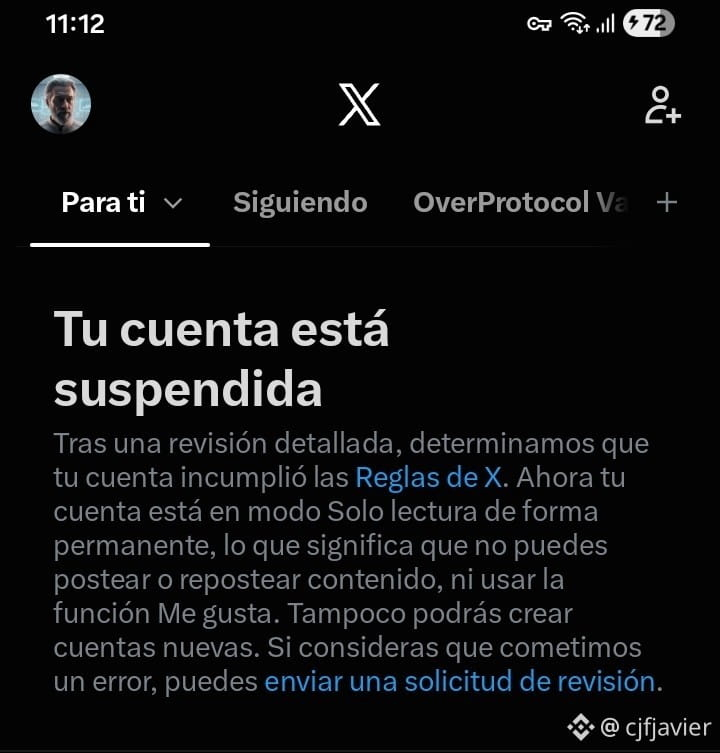
S.A.F.U. update. Funds recovered in ARS. Thanks, BINANCE.
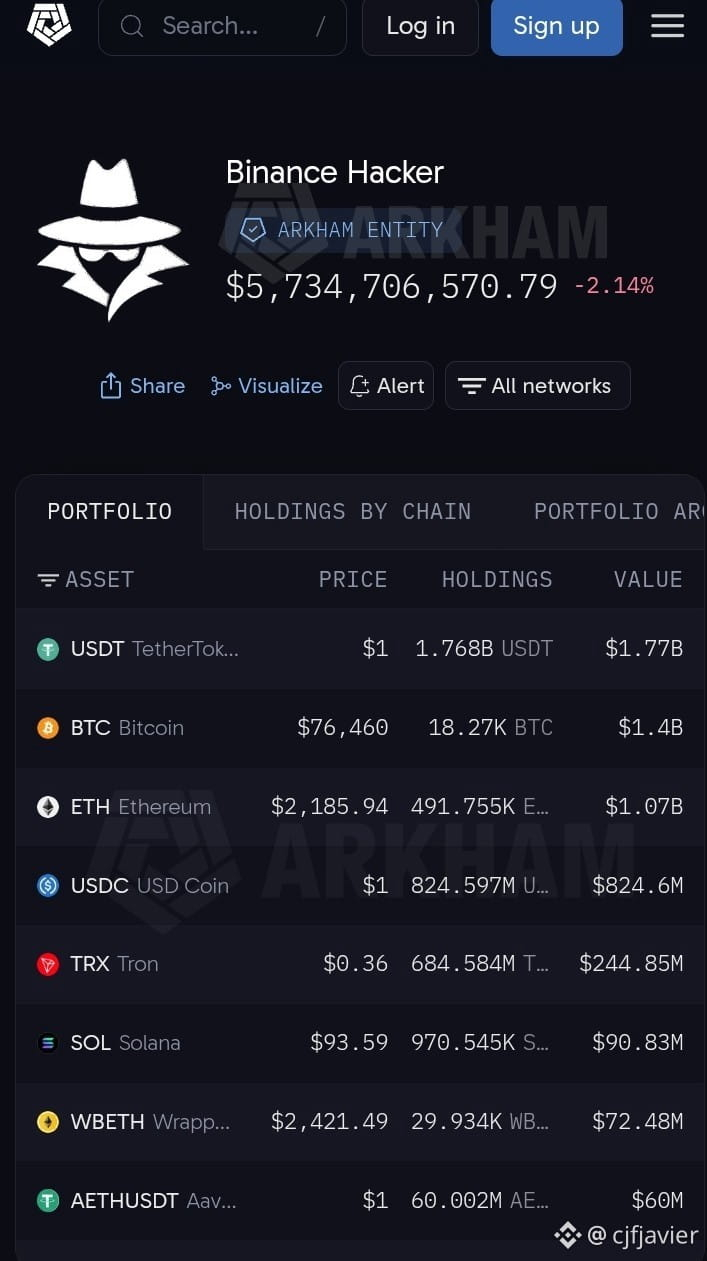
I have pending withdrawals. If an error occurred hours ago, there should have been a “suspended” warning, but I didn’t see anything. Who else is experiencing this delay?
I have pending withdrawals. If an error occurred hours ago, there should have been a “suspended” warning, but I didn’t see anything. Who else is experiencing this delay?


Binance Square Official
·
--
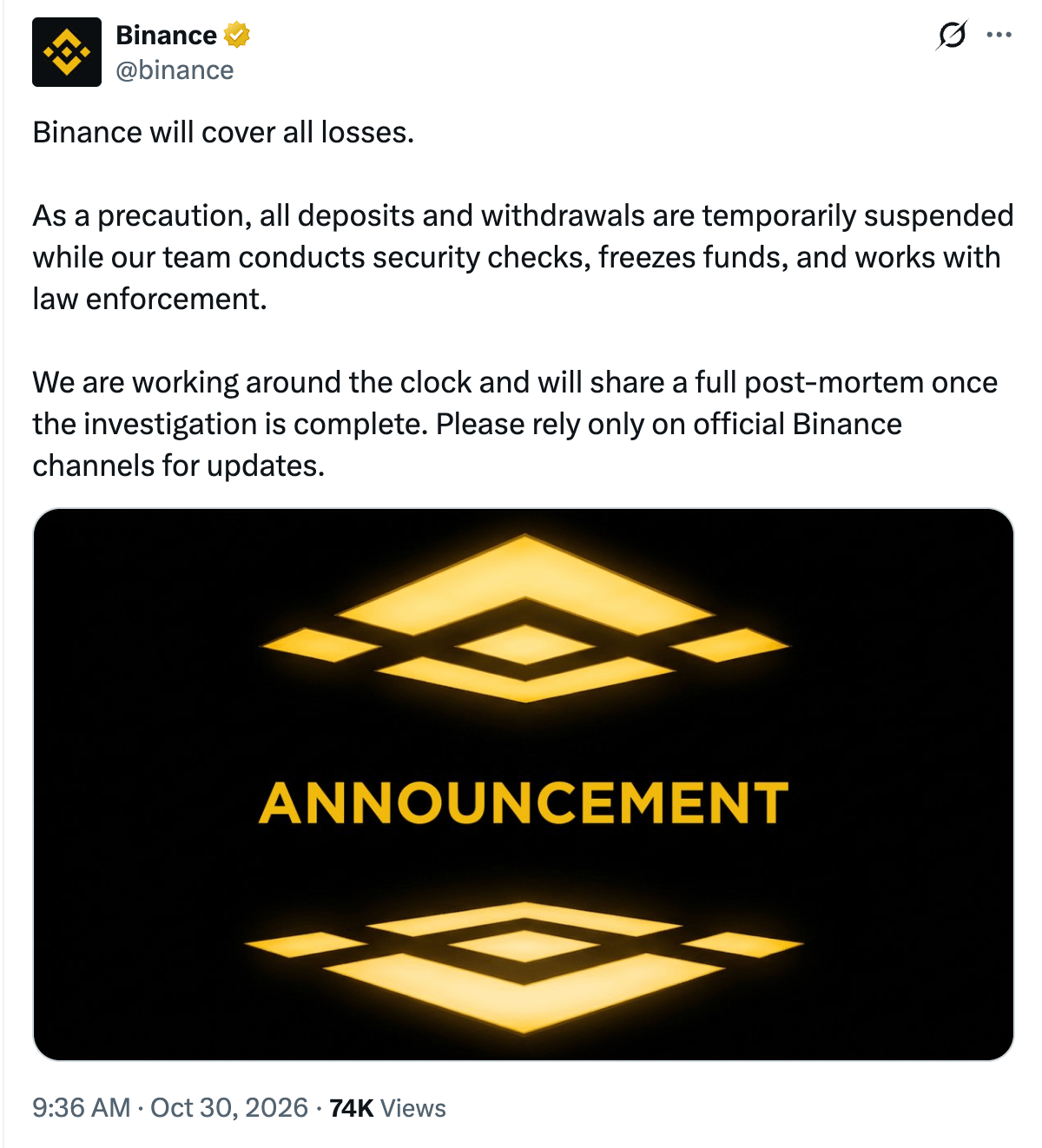
Binance will cover all losses.
As a precaution, all deposits and withdrawals are temporarily suspended while our team conducts security checks, freezes funds, and works with law enforcement.
We are working around the clock and will share a full post-mortem once the investigation is complete. Please rely only on official Binance channels for updates.
As a precaution, all deposits and withdrawals are temporarily suspended while our team conducts security checks, freezes funds, and works with law enforcement.
We are working around the clock and will share a full post-mortem once the investigation is complete. Please rely only on official Binance channels for updates.
Log in to explore more content