
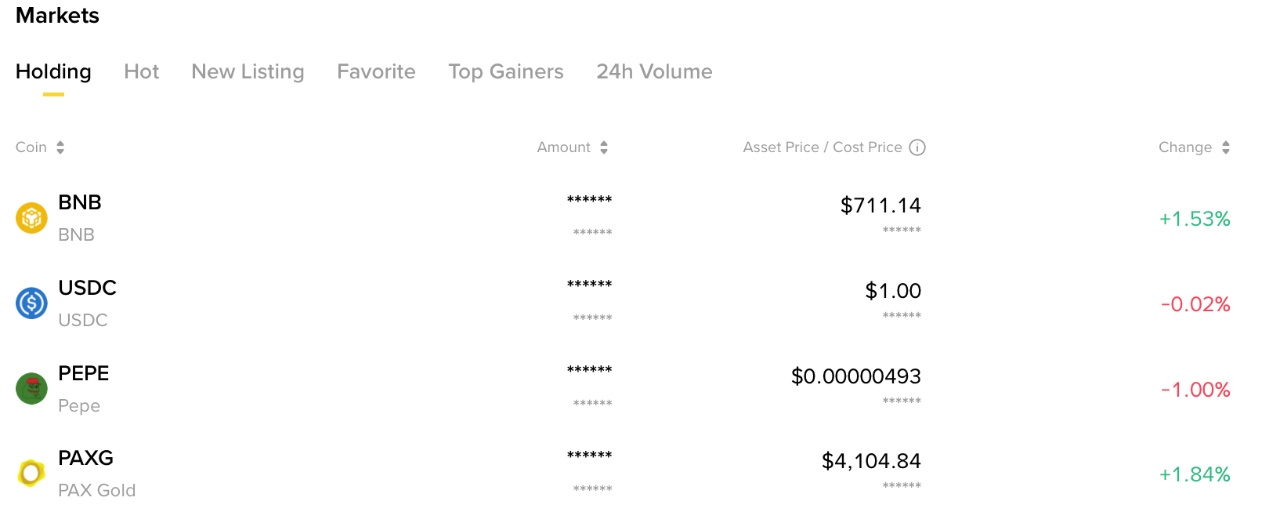

Whether you are trading, investing, using Binance Earn, or simply holding cryptocurrency, knowing exactly how much you have on an exchange is fundamental. But there is a difference between the balance you see on your screen and the amount you can actually use. Your assets may be distributed across different wallets, committed to open orders, subscribed to Earn products, or used as collateral.
So, how do you check your total Binance balance? Where can you find your available funds? And how can you review your historical account balances? Let's break it down.
1. Where Can I See My Total Balance on Binance?
Binance provides an overview of your account assets through its Wallet section. To check your balance:
Log in to your Binance account through the official website or mobile application.
Navigate to Assets or Wallet, depending on the interface.
Open the Overview section.
Review your estimated total account balance.
Your balance is generally displayed in an equivalent fiat currency, such as USD, making it easier to understand the combined value of different cryptocurrencies. For example, you might hold BTC, ETH, BNB, and USDT. Rather than calculating the value of each asset separately, Binance provides an estimated combined value based on the displayed prices. Remember that this is a valuation, not a fixed amount. If cryptocurrency prices move, the estimated USD value of your portfolio will change even if you do not buy or sell anything.
2. Why Is My Binance Balance Divided Into Different Wallets?
One common source of confusion for Binance users is that their assets are not necessarily held in one single account section. Binance offers different account and wallet environments designed for specific activities. Here is what you should understand:
Spot Wallet: This is where your assets used for spot trading are held. If you purchase BTC or ETH through the Spot market, the resulting holdings are generally reflected here.
Funding Wallet: The Funding Wallet supports activities such as Binance Pay and P2P transactions. Assets used for supported payment and transfer activities may appear here.
Earn: This section displays assets subscribed to eligible Binance Earn products, including Flexible and Locked products. Their availability and redemption conditions depend on the product.
Futures Wallet: This account is used for futures trading. It includes funds allocated to derivatives positions, where margin, unrealized profit and loss, and available margin affect the account's displayed figures.
Margin Wallet: This is used for margin trading. It may contain your own assets as well as borrowed funds, and you need to account for outstanding debt and interest when evaluating your equity.
Binance Web3 Wallet : This is different from your regular Binance exchange accounts. The Web3 Wallet is self-custodial, meaning you control the wallet's private keys or recovery credentials. Its assets should not automatically be assumed to be included in the same exchange account overview or Proof of Reserves record.
The important point is that checking only your Spot Wallet does not necessarily tell you the full picture of your Binance holdings.
3. What Is the Difference Between Total Balance and Available Balance?
This is one of the most important distinctions to understand, especially if you actively trade.
Your total balance represents the value of the assets recorded in the relevant account or portfolio view. Your available balance represents the amount currently available for a particular action. For example, imagine you have 1,000 USDT in your Spot Wallet.
600 USDT is available.
300 USDT is committed to open trading orders.
100 USDT is otherwise unavailable due to a pending operation.
Your total balance may still reflect 1,000 USDT, while your immediately available balance is only 600 USDT.
The same principle applies to other Binance products:
Open orders can reserve funds.
Futures positions require margin.
Margin trading involves collateral and borrowing.
Locked Earn products may have redemption restrictions.
Pending withdrawals or transfers can temporarily affect availability.
This is why you should not interpret a lower available balance as an automatic indication that assets have disappeared.
4. How Can I Check the Balance of Each Cryptocurrency?
If you want to know exactly how much BTC, ETH, BNB, or another cryptocurrency you hold, open the relevant wallet and review its asset list. You can examine the quantity of each asset and its estimated value.
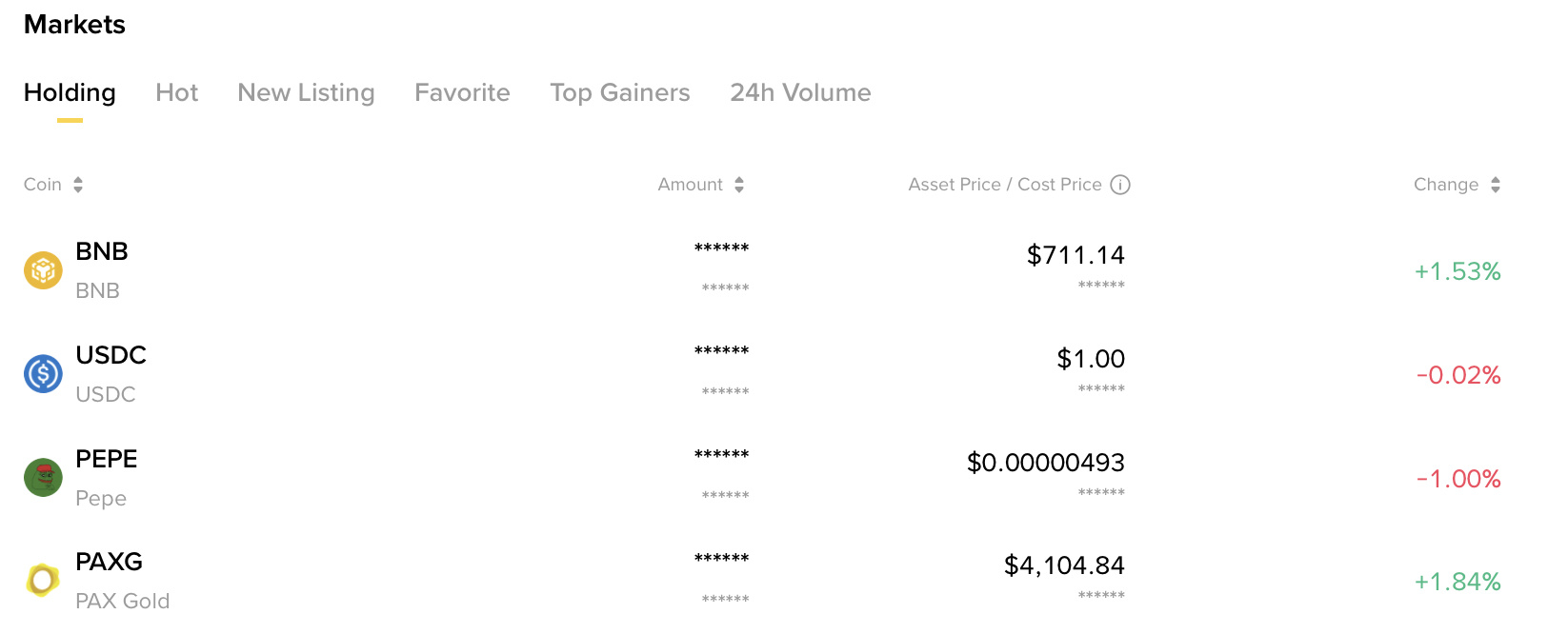
The USD value is calculated using the relevant market price, so it can change even when the quantity of each cryptocurrency remains the same. For a more accurate picture of your holdings, review both the asset quantity and its estimated valuation.
5. How Can I Check My Historical Binance Account Balance?
Sometimes you need more than your current balance. You might want to review how much you held on a previous date, investigate an unexpected change, prepare financial records, or reconcile your deposits and withdrawals. Binance provides account statement and transaction history features for reviewing account activity.
On the website, look for the Account Statement feature under the Wallet section. Depending on the available interface and account permissions, you can select a reporting period and account information to generate a statement. Binance's statement functionality can help you review historical account information and generate a report for your records. For older records, you may need to use the Report Center or the relevant transaction-history export.
Keep in mind that a statement and a Proof of Reserves record serve different purposes. A statement helps you review your own account history, while Proof of Reserves allows you to check whether your account information was included in a specific cryptographic snapshot.
6. What Should I Do If My Binance Balance Looks Incorrect?
If your displayed balance does not match what you expected, start by checking the account rather than assuming that your funds are missing. Here is a practical checklist:
Check all relevant wallets. Your assets may be in Spot, Funding, Earn, Futures, or Margin rather than the section you are currently viewing.
Review open orders. Funds committed to limit orders may not be available for another trade.
Check your Earn subscriptions. Some assets may be subscribed to products with different redemption conditions.
Review transaction history. Look for deposits, withdrawals, conversions, transfers, and other account activity.
Check deposit status. A deposit may still be processing or awaiting the required blockchain confirmations.
Review your derivatives positions. Margin requirements, unrealized PnL, and borrowed funds can affect what you see.
If the discrepancy remains unexplained, contact Binance Support through official channels. Never share your password, 2FA codes, or API keys with anyone claiming to investigate your balance.
7. Is Checking My Binance Balance the Same as Verifying Proof of Reserves?
No. These are two different checks, and understanding the distinction matters. Checking your Binance balance tells you what is displayed in your account at the time you access it.
Proof of Reserves is a separate verification mechanism that allows users to examine whether their account information was included in a specific reporting snapshot.
It uses cryptographic technologies such as Merkle Trees and zk-SNARKs to provide additional evidence about the inclusion of individual account balances in the reported dataset.
In other words:
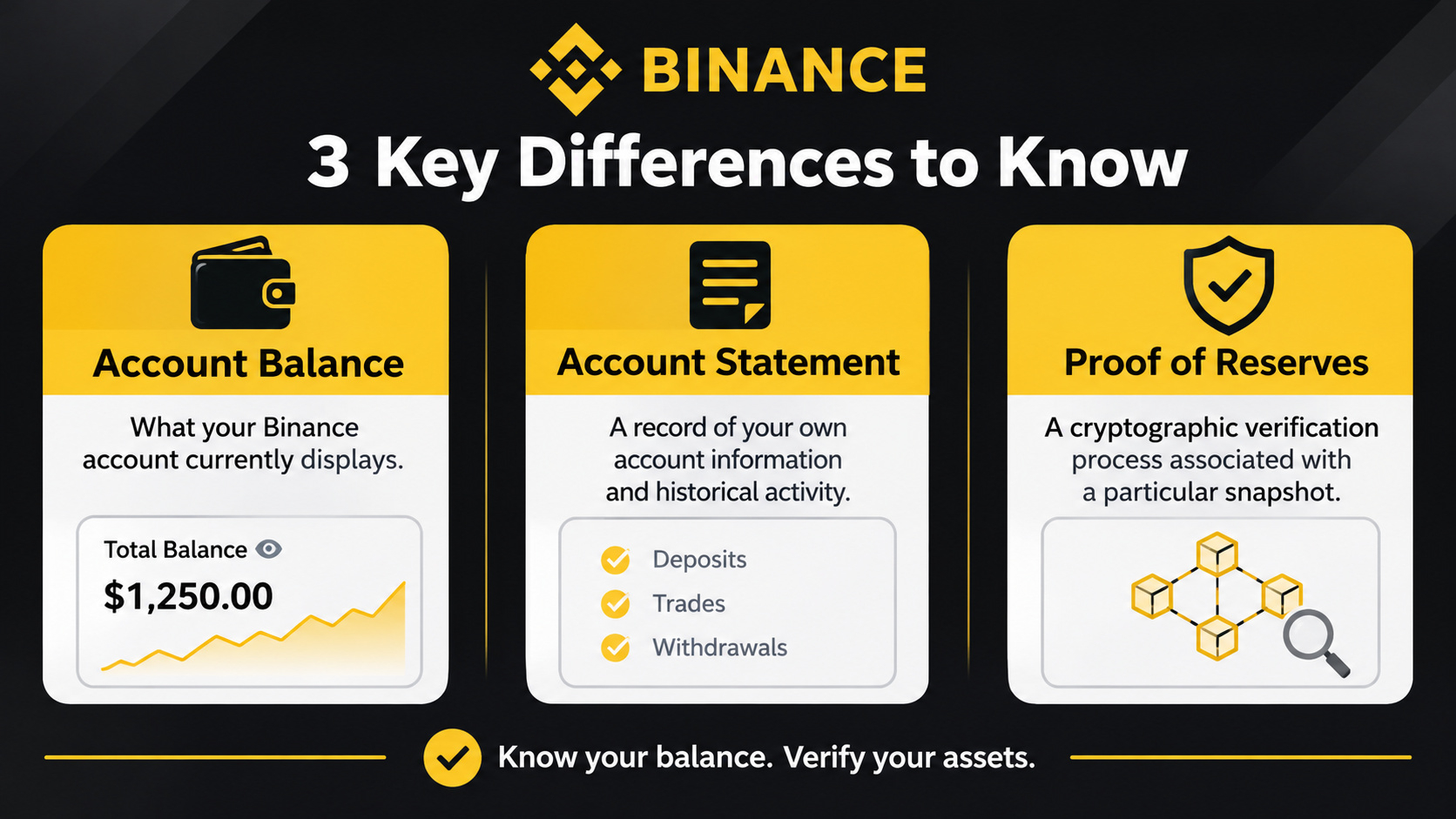
Account balance: What your Binance account currently displays.
Account statement: A record of your own account information and historical activity.
Proof of Reserves: A cryptographic verification process associated with a particular snapshot.
If you want to check whether your own account was included in Binance's Proof of Reserves, you need to go beyond the ordinary balance overview. I cover that process separately in my next article: How Can I Check Whether My Balance Is Included in Binance Proof of Reserves?
My Take: Know What You Hold, Not Just What You See
I have been using Binance since 2019, and one thing I have learned over the years is that understanding your account becomes increasingly important as you start using more of the platform. When you first enter crypto, you might only care about buying and selling. But as you explore Earn, different wallets, derivatives, payments, and other features, your assets become distributed across different account environments. Personally, I always recommend understanding where your funds are, how much is available, and what conditions may affect their availability. You do not need to be an advanced trader to manage your account properly. You simply need to know what each balance represents.
FAQ
1. How can I check my total Binance balance? Log in to Binance, open Assets or Wallet, and select Overview to see your estimated combined account value.
2. Why is my Spot Wallet balance lower than my total Binance balance? Because your assets may also be held in Funding, Earn, Futures, Margin, or other supported account sections.
3. Why is my available balance lower than my total balance? Some funds may be reserved for open orders, margin requirements, subscriptions, or pending transactions.
4. Does my Binance balance change when cryptocurrency prices change? Yes. Your estimated fiat value changes with market prices even if your cryptocurrency quantities remain unchanged.
5. Can I check how much cryptocurrency I held on a previous date? You can use available account statements, transaction history, and reporting features to review historical information. For a cryptographic snapshot of your account's inclusion in Proof of Reserves, use the separate verification process.
6. Is my Binance Web3 Wallet included in my exchange account balance? Do not assume so. The Web3 Wallet is a separate self-custody environment and should be checked independently.
7. Does checking my account balance prove that my assets are included in Proof of Reserves No. A normal balance overview is not a cryptographic verification. You need to access the relevant Proof of Reserves record to check your account's inclusion.
Final takeaway: Knowing your Binance balance is more than looking at one number. Understand how your assets are distributed, distinguish total funds from available funds, and use historical account records when you need to investigate past activity. Good account management starts with knowing exactly where your crypto is and what you can actually do with it.