STON.fi Transaction Action Tree Explained: What a Swap Really Did
STON.fi’s transaction action tree is a protocol-level reading of the operations a transaction triggered inside STON.fi. It turns a messy TON message trail into actions like swaps, liquidity moves, fee collection, refunds and token burns.
🔥 What Changed for STON.fi Users
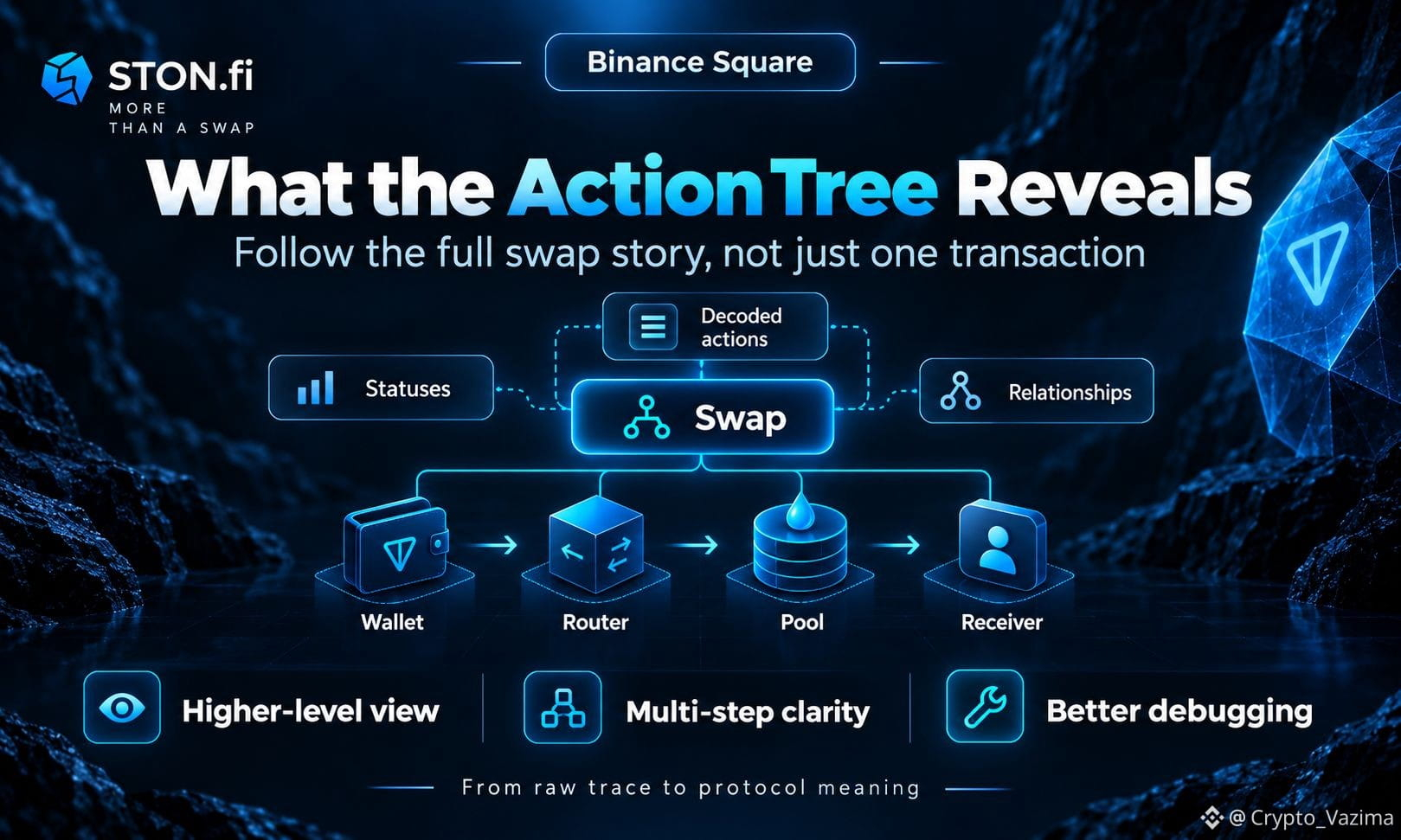
A signed swap can look like one click. On TON it can still bounce through your wallet, Jetton wallets, a Router, a Pool and extra routing steps. The action tree answers a simpler question: which STON.fi operations happened?
🚀 How the Action Tree Works
- TON traces show which accounts processed which messages.
- The STON.fi action tree shows which protocol operations those messages represented.
- The API currently returns a flattened list with relationship fields.
- prev_index lets software rebuild the logical flow of chained actions.
🧠 A Practical STON.fi Swap Path
1. The wallet starts the required token transfer.
2. The Router reads the attached swap payload.
3. The Pool calculates and validates the swap.
4. Success pays the output. Failure can refund with a specific result code.
⚡ Benefits and Limits
The action tree is strong for app status, decoded payloads and finding where a workflow stopped. It is weaker when you need raw fees, VM behavior or proof independent of STON.fi’s interpretation. Pending, Completed and Aborted matter because one successful early transaction does not prove the whole swap finished.
My take is straightforward: if you are building history screens or debugging missing output, start with the STON.fi action tree, then verify the awkward stage against the raw TON trace.
Would you trust a STON.fi action status alone before opening the raw trace? 👇
Comment the first field you check after a refunded swap.
Not investment advice - research on your own! 🚀
$GRAM @STONfi DEX
STON.fi’s transaction action tree is a protocol-level reading of the operations a transaction triggered inside STON.fi. It turns a messy TON message trail into actions like swaps, liquidity moves, fee collection, refunds and token burns.
🔥 What Changed for STON.fi Users
A signed swap can look like one click. On TON it can still bounce through your wallet, Jetton wallets, a Router, a Pool and extra routing steps. The action tree answers a simpler question: which STON.fi operations happened?
🚀 How the Action Tree Works
- TON traces show which accounts processed which messages.
- The STON.fi action tree shows which protocol operations those messages represented.
- The API currently returns a flattened list with relationship fields.
- prev_index lets software rebuild the logical flow of chained actions.
🧠 A Practical STON.fi Swap Path
1. The wallet starts the required token transfer.
2. The Router reads the attached swap payload.
3. The Pool calculates and validates the swap.
4. Success pays the output. Failure can refund with a specific result code.
⚡ Benefits and Limits
The action tree is strong for app status, decoded payloads and finding where a workflow stopped. It is weaker when you need raw fees, VM behavior or proof independent of STON.fi’s interpretation. Pending, Completed and Aborted matter because one successful early transaction does not prove the whole swap finished.
My take is straightforward: if you are building history screens or debugging missing output, start with the STON.fi action tree, then verify the awkward stage against the raw TON trace.
Would you trust a STON.fi action status alone before opening the raw trace? 👇
Comment the first field you check after a refunded swap.
Not investment advice - research on your own! 🚀
$GRAM @STONfi DEX