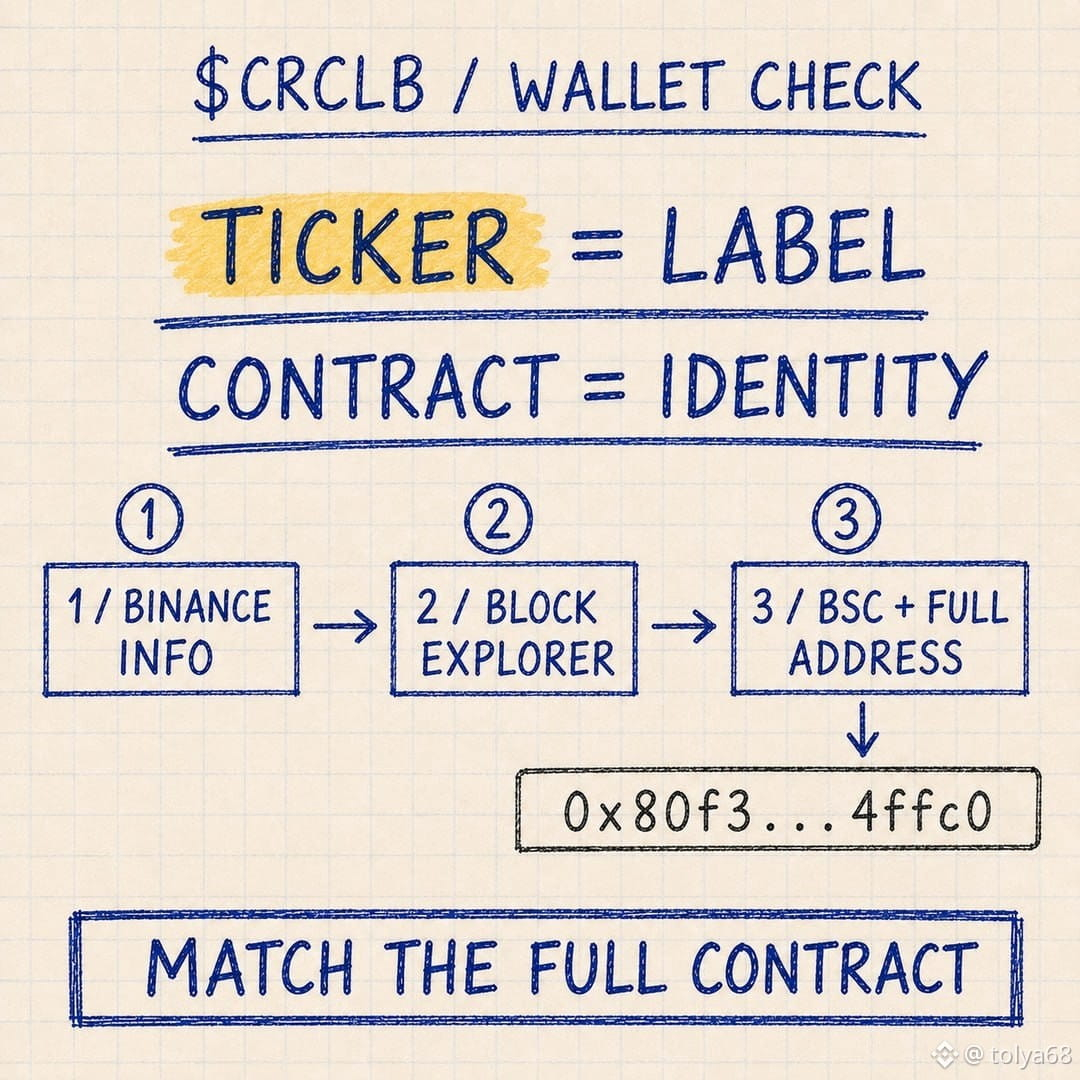
ICH WÜRDE $CRCLB NICHT IN EIN GELDBEUTEL HINEINLEGEN, INDEM ICH NACH „CRCLB“ SUCHE.
⠀
Ein Token-Name und ein Ticker sind leicht zu kopieren. Die Vertragsadresse ist der Teil, den die Wallet tatsächlich liest.
⠀
Mein Weg ist einfach:
1. Öffne die $CRCLB -Info-Seite auf Binance.
2. Folge dem offiziellen Block-Explorer-Link.
3. Bestätige BNB Smart Chain und kopiere den vollständigen verifizierten Vertrag:
0x80f3d493ebce97e343c53d29a137942416b4ffc0
4. Füge ihn in das Feld für benutzerdefinierte Tokens der Wallet ein und vergleiche die ersten und letzten Zeichen erneut.
⠀
Wenn $CRCLB nicht automatisch angezeigt wird, sagt das Importieren des richtigen Vertrags der Wallet nur, welche Balance angezeigt werden soll. Es verschiebt die Tokens nicht und ändert auch nicht ihr Netzwerk.
⠀
Ich würde die Adresse nicht aus einer zufälligen Antwort, einem Screenshot oder einer Suchanzeige übernehmen. Der Ticker ist für mich nur eine Kennzeichnung. Der Vertrag ist die Identität für die Wallet.
⠀
@BinanceCIS #bStocksCIS
⠀
Ein Token-Name und ein Ticker sind leicht zu kopieren. Die Vertragsadresse ist der Teil, den die Wallet tatsächlich liest.
⠀
Mein Weg ist einfach:
1. Öffne die $CRCLB -Info-Seite auf Binance.
2. Folge dem offiziellen Block-Explorer-Link.
3. Bestätige BNB Smart Chain und kopiere den vollständigen verifizierten Vertrag:
0x80f3d493ebce97e343c53d29a137942416b4ffc0
4. Füge ihn in das Feld für benutzerdefinierte Tokens der Wallet ein und vergleiche die ersten und letzten Zeichen erneut.
⠀
Wenn $CRCLB nicht automatisch angezeigt wird, sagt das Importieren des richtigen Vertrags der Wallet nur, welche Balance angezeigt werden soll. Es verschiebt die Tokens nicht und ändert auch nicht ihr Netzwerk.
⠀
Ich würde die Adresse nicht aus einer zufälligen Antwort, einem Screenshot oder einer Suchanzeige übernehmen. Der Ticker ist für mich nur eine Kennzeichnung. Der Vertrag ist die Identität für die Wallet.
⠀
@BinanceCIS #bStocksCIS