STELL DEN PLAN EIN. DANN PRÜFE, OB ER WIRKLICH GEKAUFT HAT.
⠀
Binance Convert Recurring kann einen bStock-Kaufplan automatisieren. Binance sagt außerdem, dass das Einreichen eines Plans nicht die Annahme des Plans oder jeder geplanten Umwandlung garantiert.
⠀
Nachdem ich einen eingerichtet habe, würde ich an drei Stellen prüfen.
⠀
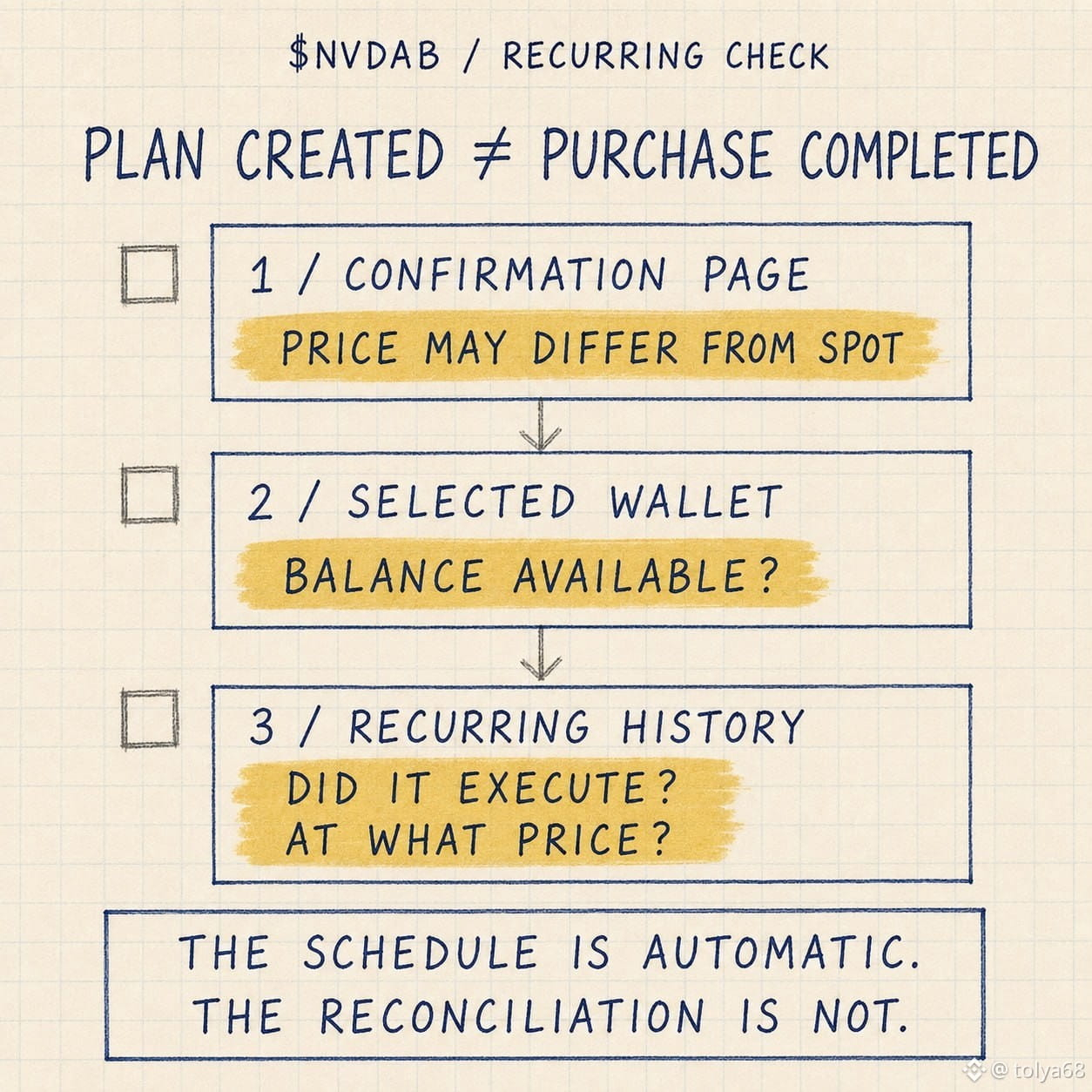
Erstens die Bestätigungsseite. Der Wiederkehr-Preis kann sich von Binance Spot unterscheiden, und Binance zeigt die anwendbare Spanne an, bevor der Plan erstellt wird.
⠀
Zweitens die ausgewählte Brieftasche. Wenn das Guthaben nicht ausreicht, schlägt dieser Zyklus fehl. Der nächste Versuch erfolgt im nächsten geplanten Zyklus.
⠀
Drittens: Orders > Convert History > Recurring History. Die Planseite zeigt die Anweisung. Recurring History zeigt, welche Käufe tatsächlich abgeschlossen wurden und zu welchem Preis.
⠀
Stündliche, tägliche, wöchentliche, zweiwöchentliche und monatliche Einstellungen automatisieren den Kalender. Sie entfernen weder die Preis-, Guthaben- oder Ausführungsprüfungen.
⠀
Der Zeitplan ist automatisch. Die Abstimmung ist es nicht.
⠀
@BinanceCIS $NVDAB #bStocksCIS
⠀
Binance Convert Recurring kann einen bStock-Kaufplan automatisieren. Binance sagt außerdem, dass das Einreichen eines Plans nicht die Annahme des Plans oder jeder geplanten Umwandlung garantiert.
⠀
Nachdem ich einen eingerichtet habe, würde ich an drei Stellen prüfen.
⠀
Erstens die Bestätigungsseite. Der Wiederkehr-Preis kann sich von Binance Spot unterscheiden, und Binance zeigt die anwendbare Spanne an, bevor der Plan erstellt wird.
⠀
Zweitens die ausgewählte Brieftasche. Wenn das Guthaben nicht ausreicht, schlägt dieser Zyklus fehl. Der nächste Versuch erfolgt im nächsten geplanten Zyklus.
⠀
Drittens: Orders > Convert History > Recurring History. Die Planseite zeigt die Anweisung. Recurring History zeigt, welche Käufe tatsächlich abgeschlossen wurden und zu welchem Preis.
⠀
Stündliche, tägliche, wöchentliche, zweiwöchentliche und monatliche Einstellungen automatisieren den Kalender. Sie entfernen weder die Preis-, Guthaben- oder Ausführungsprüfungen.
⠀
Der Zeitplan ist automatisch. Die Abstimmung ist es nicht.
⠀
@BinanceCIS $NVDAB #bStocksCIS