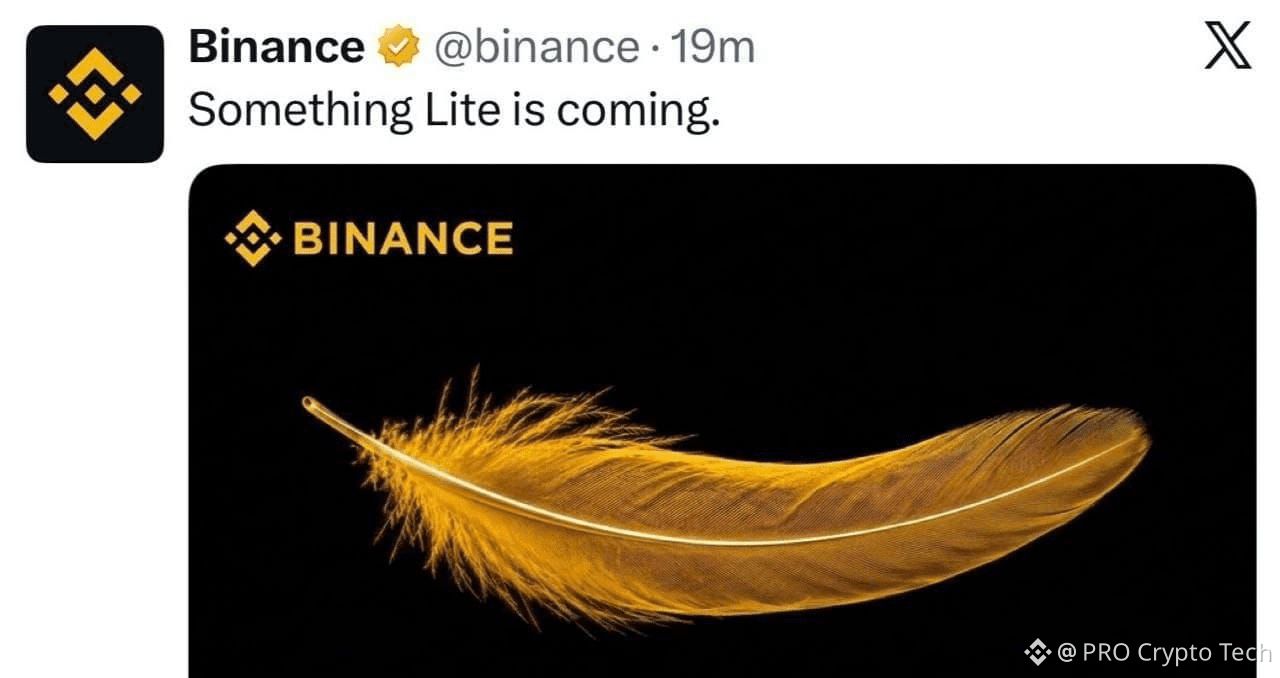
If you’re new to crypto—or even an experienced trader who simply wants an easier way to buy, sell, or convert crypto—Binance Lite is worth knowing about.
🟡 What Is Binance Lite?
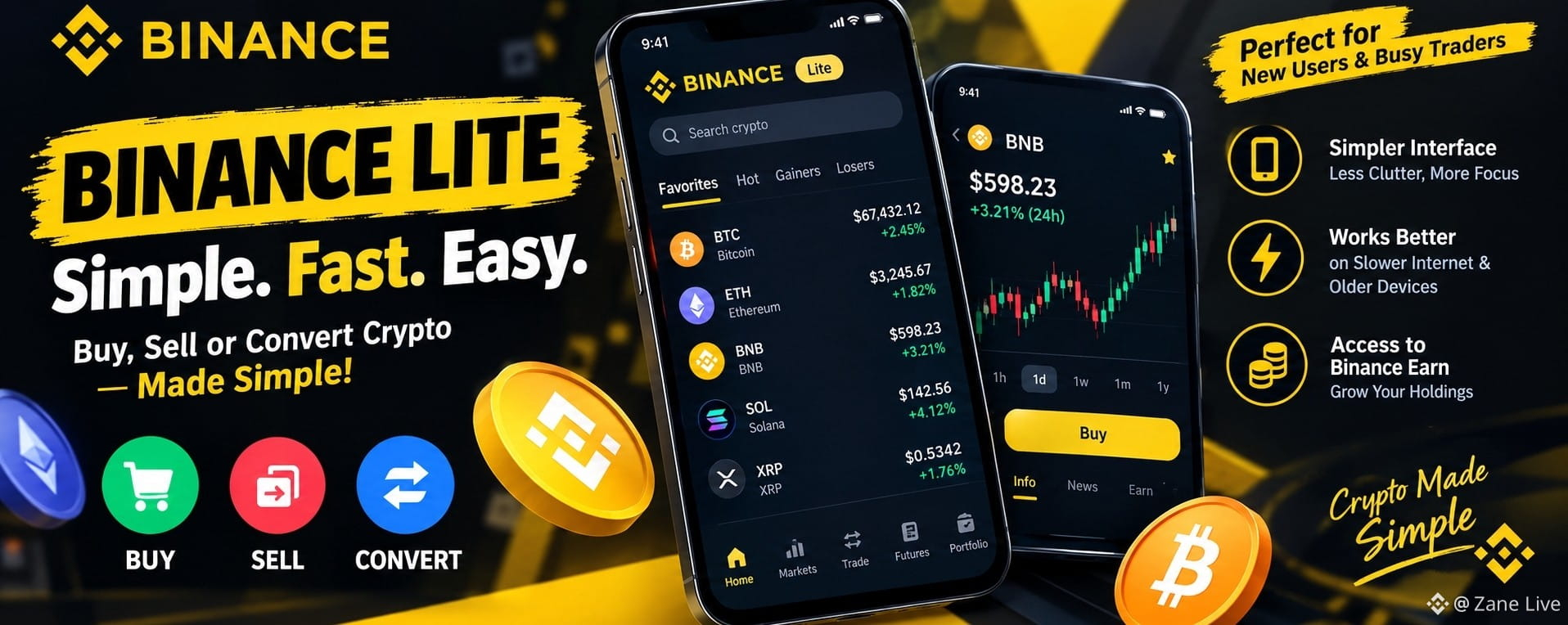
Binance Lite is the simplified version of the Binance App. It provides only the most essential information and features, making the overall experience cleaner and easier to navigate.
In some cases, Binance Lite can also be more convenient than the Pro version, especially for users with slower internet connections or older smartphones.
📱 How to Access Binance Lite
Open the Binance App and tap the top-left corner of your home screen.
At the bottom of the menu, you’ll find Binance Lite. Tap it to switch to the simplified interface.
Once you open Binance Lite, you’ll see a list of cryptocurrencies directly on the home screen.
You can sort cryptocurrencies according to your preference, such as:
• Market capitalization
• Price trend
• Most popular
• Other available filters
📊 Want to Check a Coin’s Price Trend?
Simply tap on the cryptocurrency you’re interested in.
You’ll see a simple candlestick chart, current price, and basic information about the coin.
You can also adjust the chart to view its price trend across different time periods.
Scroll further down to find additional information and news related to the selected cryptocurrency.
And it’s not just about trading—Binance Lite also provides access to various Binance Earn products, which may help you put your crypto holdings to work.
🟢 HOW TO BUY CRYPTO USING BINANCE LITE
STEP 1 — Choose Your Crypto
Tap on the cryptocurrency you want to buy.
For example, if you want to buy
$BNB , tap on BNB.
You’ll see the BNB price, a simple price-trend chart, and basic coin information.
At the bottom-right corner, tap BUY.
STEP 2 — Enter Your Amount
Enter the amount you want to spend on BNB, then tap BUY again.
Select your preferred payment method and tap CONFIRM.
STEP 3 — Complete the Payment
You’ll now see your order details, including how much BNB you’re going to receive.
Carefully check the payment information and complete the payment according to the seller’s terms.
After making the payment, take a screenshot of the payment confirmation and tap:
“Transferred, notify seller”
STEP 4 — Receive Your Crypto
Once the transaction is completed, your BNB will appear in your portfolio.
That’s it. Simple and straightforward. 🟢
🔴 HOW TO SELL CRYPTO USING BINANCE LITE
STEP 1 — Select Your Asset
Tap Portfolio in the bottom-right corner.
You’ll see the crypto assets you currently hold.
Tap the cryptocurrency you want to sell.
STEP 2 — Enter the Amount
A page will appear showing your balance and transaction history for that cryptocurrency.
At the top, tap SELL.
Enter the amount of crypto you want to sell, then tap SELL again.
STEP 3 — Receive Your Fiat Payment
Select the payment method through which you want to receive your fiat currency.
Once the buyer completes the payment, verify that the payment has actually been received in your account.
After confirming the payment, release your crypto.
💡 Final Thought
Whether you’re completely new to crypto or simply prefer a cleaner interface, Binance Lite can make basic crypto transactions easier to navigate.
Sometimes, simpler really is better. 👌
Would you choose Binance Lite over Binance Pro for everyday crypto transactions?
🟢 LITE
🔵 PRO
#Binance #BinanceLite #trading #bnb #BinanceLaunchpool