
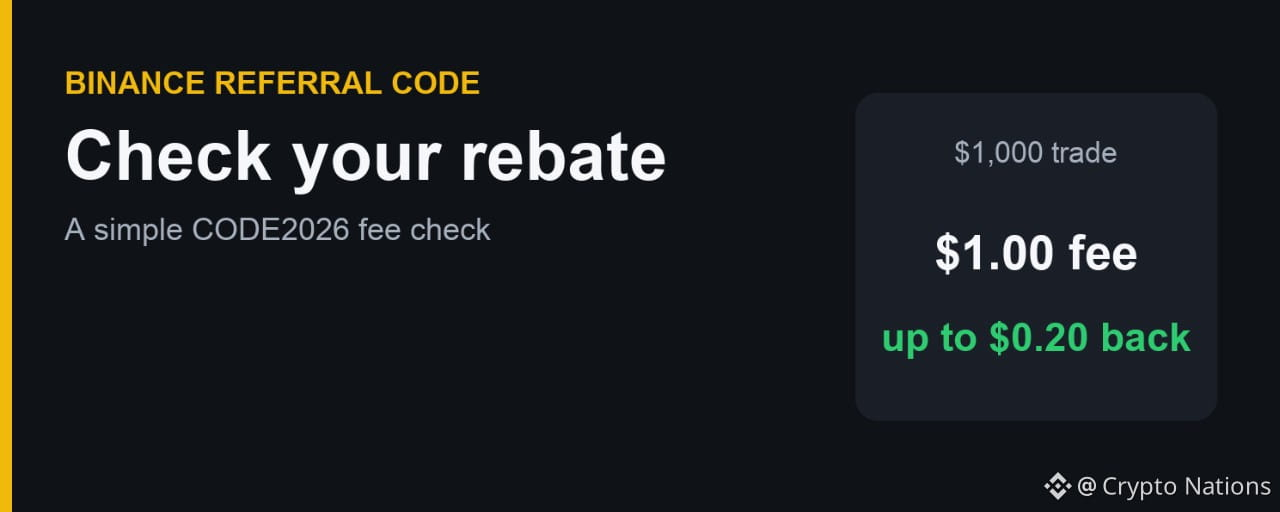

Registered with a Binance referral code and made your first trade? Don't guess whether it worked. Here is a simple way to check, using CODE2026 as the example.
Step 1: Confirm the Code at Sign-Up
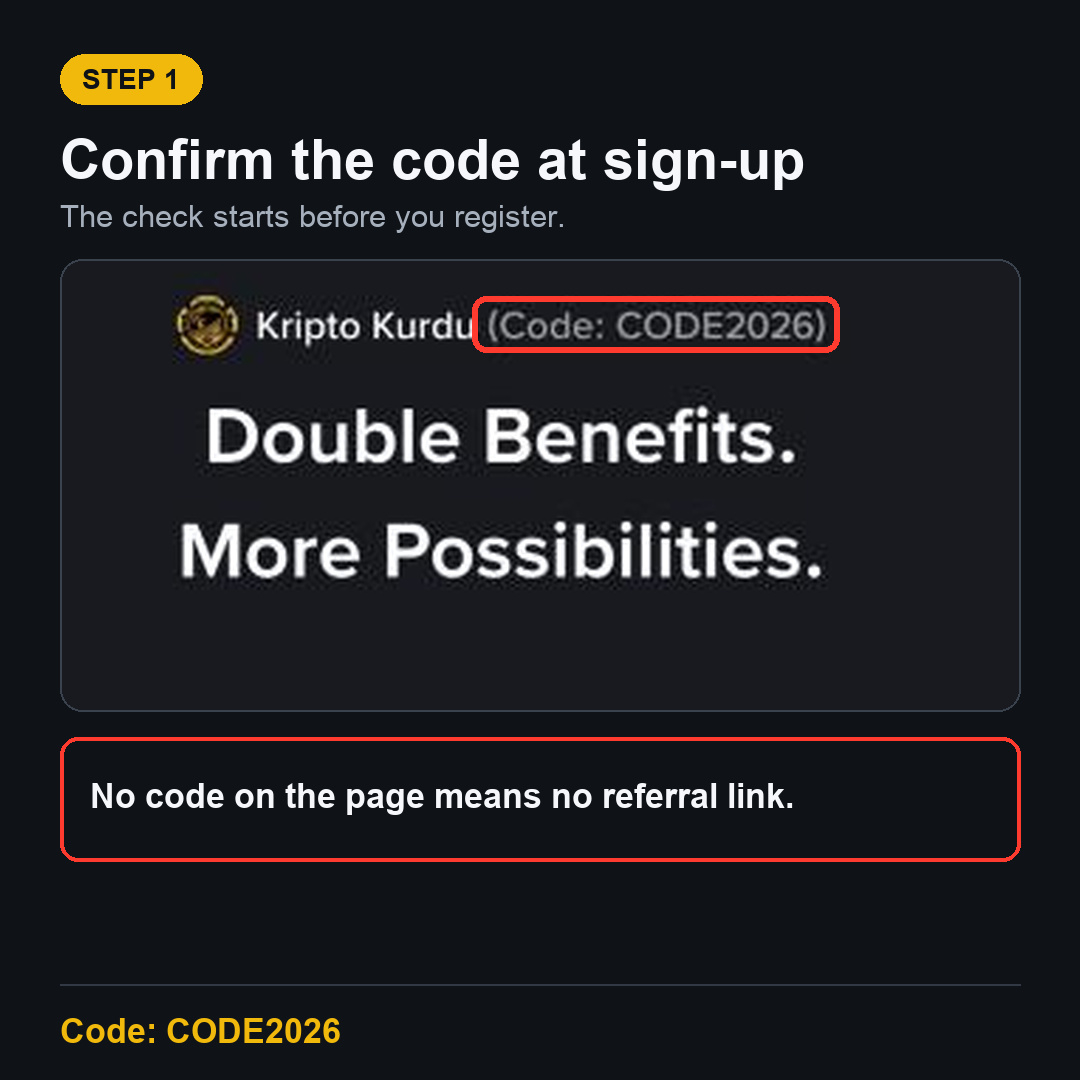
The check starts before you register. Open the CODE2026 sign-up page and confirm that it shows Code: CODE2026. A referral has to be in place for any rebate to apply.
Step 2: Work Out the Expected Amount
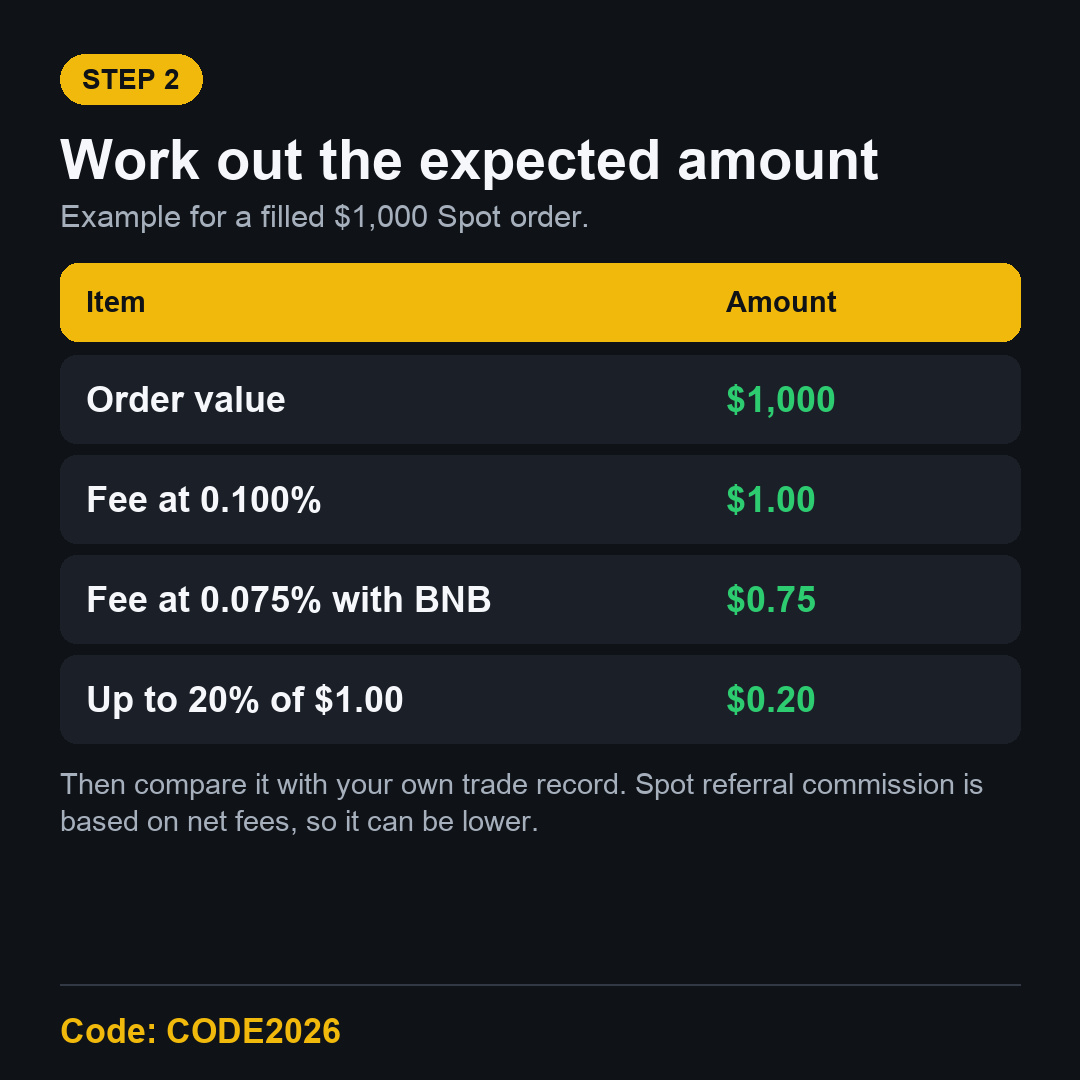
Take the value of your filled order and multiply it by your fee rate. A $1,000 Spot order at the 0.100% Regular User rate costs $1. Up to 20% of that is $0.20.
Step 3: Compare It with Your Own Records
Look at the fee shown on your trade record, then look for any rebate on your account. Use small numbers first. Rounding can hide a few cents on a tiny trade.
Why Your Rebate Can Be Lower
Spot referral commission is calculated on net fees.
Paying with BNB lowers the fee, so the rebate base is lower too.
A trade with no fee has nothing to rebate.
Some trades may not qualify under Binance's terms.
Referral terms can differ at higher VIP levels.
What If There Is No Rebate?
First, check whether the code was applied at registration. If you forgot it and haven't deposited or traded, see the referral binding page. Otherwise, contact official Binance support. Don't share passwords or codes with anyone.
FAQ
Do I need a big trade to check?
No, but a very small trade makes small amounts harder to read. Only trade what you planned to trade anyway.
Is the rebate always 20%?
No. The page says up to 20%, on qualifying Spot fees.
Start with CODE2026
New to Binance? Use the Binance referral code CODE2026 sign-up link and confirm the code first.
Disclosure: CODE2026 is my referral code, and I may earn commission from qualifying activity. This is an independent guide, not an official Binance post. Benefits depend on Binance's terms, your region and your eligibility. Crypto trading carries risk. Not financial advice. DYOR.