




To view the live value of Bitcoin (BTC) and place trades on Binance, follow these steps:
1. How to Check the Current Value of BTC on Binance
The value of Bitcoin fluctuates constantly based on live market supply and demand.
* On the Web: Visit Binance Market Prices or search BTC in the search bar at the top. You will see pairs like BTC/USDT or BTC/USD displaying the real-time spot price.
* On the Mobile App: Tap the Markets tab at the bottom, select Spot, and search for BTC.
2. How to Trade BTC on Binance (Step-by-Step)
Step 1: Create & Verify Your Account
* Register an account on Binance.com or via the Binance mobile app.
* Complete Identity Verification (KYC) using a government ID. This step is required before you can deposit fiat currency or trade.
Step 2: Deposit Funds into Your Account
Before trading BTC, you need funds in your Binance Spot Wallet:
* Credit/Debit Card or Apple/Google Pay: Go to Buy Crypto to purchase a stablecoin like USDT or buy BTC directly using local fiat currency.
* P2P Trading: Buy USDT or BTC directly from other users using local bank transfers.
* Crypto Deposit: Deposit existing crypto assets from an external wallet.
Step 3: Place a BTC Trade
* Navigate to the Trading Interface:
* Web: Go to Trade \rightarrow Spot.
* App: Tap Trade on the bottom menu bar.
* Select the Pair: Search for BTC/USDT (or your preferred base currency, such as BTC/EUR or BTC/USDC).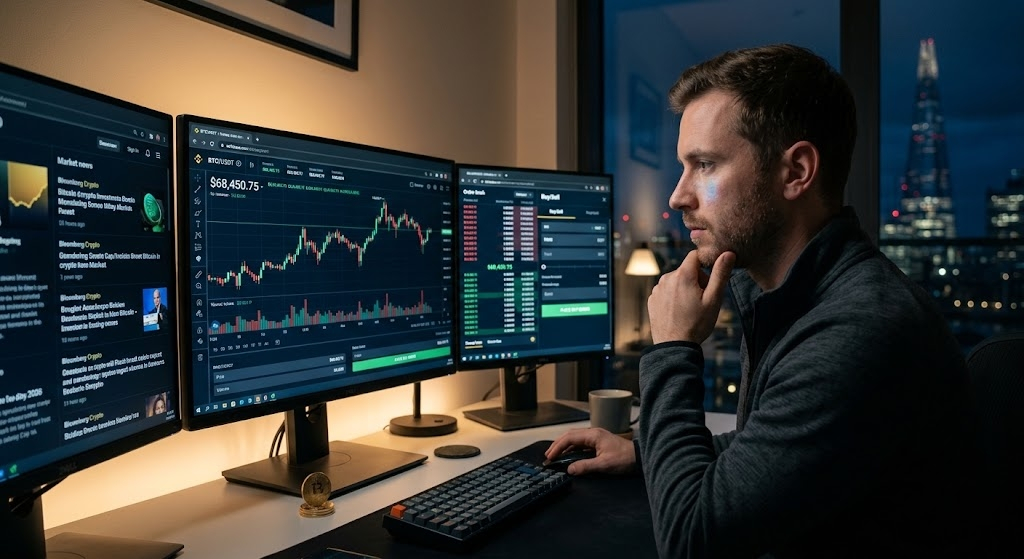
* Choose an Order Type:
* Market Order: Buys or sells BTC instantly at the current best market price.
* Limit Order: Sets a specific price at which you want to buy or sell. The trade executes only when the market hits your price.
* Stop-Limit Order: Sets a trigger price to automatically place a limit order, useful for risk management.
* Execute: Enter the amount of BTC or total USDT you want to trade and click Buy BTC or Sell BTC.
#BitcoinReboundsTo$83K #EthereumLiquidationsHit$356M #BitcoinETFsSee$244MNetOutflows