
I’ve learned not to trust a token just because the name and logo look familiar.
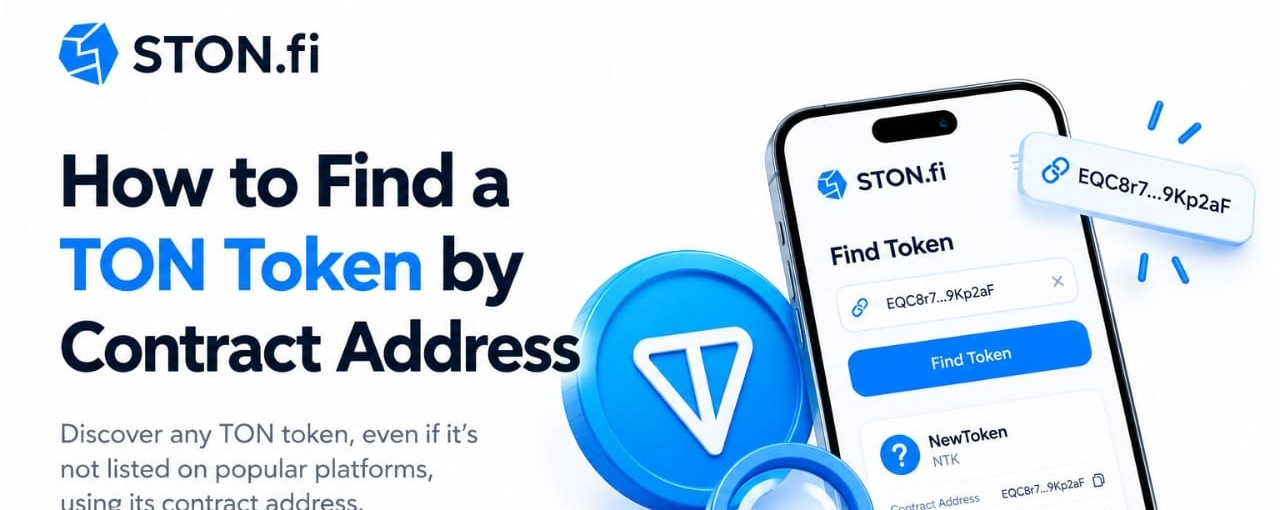
When I’m checking a new TON token, the first thing I want to find is its contract address.
That’s because names, tickers and logos can be copied. The address gives me something specific to verify before I interact with the asset.
This becomes even more important when a token is new or has been flagged by a DEX interface.
Here’s the simple process I follow, using STON.fi as an example.
1. DON’T RELY ON THE NAME OR LOGO ALONE
Imagine you hear about a new TON token.
You search for its name and find an asset with the same ticker and a similar logo.
It looks right.
But that doesn't prove it is the token you’re looking for.
Someone can create another token using a familiar name, symbol or visual identity. STON.fi specifically warns that scam tokens can copy popular names, which is why users should confirm the correct official contract address before swapping.
There’s another reason address-based searching matters.
STON.fi uses labels for certain non-standard tokens, including categories such as Fake, Honeypot, Taxable, Suspicious and DMCA Notice. Some labeled tokens can only be found by manually entering their contract address.
So if a token doesn't appear when you search by name, don't immediately assume it doesn't exist.
You may need to search by its address.
2. GET THE CONTRACT ADDRESS FROM AN OFFICIAL SOURCE
Before searching on a DEX, I want the correct address first.
I would check the project's official website, documentation or official social channels for the published contract address.
The important part is verifying that the address actually comes from the project source you trust.
I wouldn't copy an address from a random comment, Telegram message or another token's page just because the name matches.
Once I have the address, I compare it carefully before using it.
This is the part that gives me confidence that I’m looking for the exact asset rather than something that simply looks similar.
3. SEARCH BY CONTRACT ADDRESS ON STON.FI
This is where the process gets straightforward.
On STON.fi, open the Swap interface and select the token you want to search for.
Instead of relying only on the token name, paste the token's smart-contract address into the search field.
STON.fi's Help Center describes the process:
Open STON.fi → go to Swap → open the token selector → paste the contract address → check the detected token details → confirm the import.
The important part is that I don't rush into the swap after finding the token.
I first check what STON.fi has detected.
4. COMPARE THE TOKEN DETAILS
After entering the address, I look at the information shown by the interface.
Things I want to compare include:
- Token name
- Symbol
- Decimals
- Contract address
- Any warnings or labels
If the information doesn't match what the project published, I stop and investigate.
The name and logo are still useful for recognizing the asset, but they aren't what I use as my main verification point.
The contract address is the reference I started with.
STON.fi also makes an important distinction here: importing a custom token does not mean STON.fi has verified the token as trustworthy. Users still need to research the asset themselves.
5. READ ANY WARNING BEFORE SWAPPING
This is one of the parts I wouldn't skip.
STON.fi's token-labeling system is designed to give users more context around non-standard assets. For example, a Fake label can indicate an asset that imitates a known token, while a Honeypot label refers to tokens that can generally be bought but cannot normally be sold. Other labels identify different characteristics or concerns.
These labels don't replace your own research.
They simply give you another piece of information before you interact with the contract.
If I see a warning, I don't just ignore it because the token has an attractive name or price.
I first want to understand what the warning means.
6. CHECK THE LIQUIDITY
Finding the correct token is only one part of the process.
Next, I want to know whether there is enough liquidity for the swap I’m considering.
A token can have a pool without having deep liquidity.
That matters because the size and depth of a liquidity pool can affect the execution price of a swap.
So before confirming, I look at the available pool liquidity and the quote I’m getting.
I'm less interested in what someone says the token is worth and more interested in what the interface says I will actually receive for my specific trade.
7. REVIEW THE QUOTE BEFORE SIGNING
Once I've verified the token, I still don't immediately sign the transaction.
I check:
What am I sending?
What am I receiving?
What is the price impact?
Are there any warnings?
Does the amount I’ll receive make sense for the liquidity available?
This final check matters because identifying the right contract doesn't automatically mean the trade is good.
The contract check answers:
“Am I interacting with the token I intended to find?”
The quote and liquidity checks answer:
“What will this particular swap actually look like?”
Those are two different questions.
8. A CONTRACT ADDRESS IS MORE RELIABLE, BUT IT ISN'T A GUARANTEE
There’s an important distinction here.
Using the correct contract address helps you identify the exact token contract.
It does not automatically prove that the project is legitimate or that the token is safe.
STON.fi explicitly says it cannot verify whether a custom token is trustworthy.
So I treat address-based search as the beginning of proper verification, not the end.
My process is:
Official source → contract address → address-based search → metadata → warnings → liquidity → quote → decision.
Not:
Logo → name → click swap.
9. WHY THIS HABIT IS USEFUL FOR NEW TON TOKENS
This becomes especially useful when dealing with newer assets.
A token may not have broad recognition yet.
It may not appear through a normal name search.
Or there could be another token using a similar ticker or logo.
Permissionless DeFi gives users the ability to interact with many different assets, but that openness also means users need to pay attention to what they are actually interacting with.
Address-based search gives you a much more specific starting point.
Instead of asking:
“Does this look like the token I heard about?”
you can start with:
“Does this contract address match the one published by the project?”
That's a much better question.
MY QUICK CHECKLIST
Before swapping a new TON token, I would run through these steps:
1. Find the contract address from an official project source.
2. Don't rely on the name, ticker or logo alone.
3. Paste the contract address into STON.fi.
4. Compare the detected metadata with the project's information.
5. Read any warning or token label.
6. Check whether a liquidity pool exists.
7. Look at the available liquidity and price impact.
8. Review the final quote before signing.
9. Research the project separately.
The biggest lesson for me is simple:
A logo can be copied. A ticker can be copied. The contract address gives me a specific asset to verify.
That’s why, when I’m checking a new TON token, I’d rather start with the address than trust what the token looks like.
🌐 STON.fi: app.ston.fi
📝 STON.fi Blog: blog.ston.fi
#STONfi #TON #DeFi #DEX$