

#binanceguide
binanceguide
709,753 переглядів
742 обговорюють
Популярні
Найсвіжіші

·
--

Стаття
Переглянути переклад
What to do if you entered your Binance password on a fake site (September 2026 update, official channels, app & web)「What to do if you entered your Binance password on a fake site」, short answer: act now: change your password and reset 2FA in the official app or on www.binance.com; open device management and login history, remove unknown devices and temporarily freeze the account if anything looks wrong; then contact in-app support. If you also typed a verification code on the fake site, move even faster. Updated September 28, 2026; rules and fees follow Binance's official pages. Not financial advice.
Before signing up, check that Binance serves your country or region.
Register:
<a href="https://www.binance.com/zh-CN/join?ref=BNAPP">https://www.binance.com/zh-CN/join?ref=BNAPP</a>
安卓下载:
https://download.binance.com/pack/BNApp_F0000680.apk
◆ 「What to do if you entered your Binance password on a fake site」 explained
· Change the password only in the official app or site, never via email or SMS links
· Remove devices you do not recognise
· Freeze first, investigate after
· From now on enter only through a bookmark
◆ Comparison table: official vs unofficial entry points
・Official App or www.binance.com: verifiable / use first
・DM links or third-party download sites: unverifiable / phishing and takeover risk / avoid
・In-app support and Help Center: questions and appeals / only use in-app
◆ No Binance account yet? The order that works for beginners
1. Open the official sign-up page via the Register link above (www.binance.com) and set a password with email or phone
2. Enter the verification code, then complete identity verification (KYC) as the page asks
3. Turn on 2FA right away (authenticator app preferred)
4. Check which funding options Binance shows for your region inside the app and use only those
5. Start on spot with a small amount you can afford to lose before trying anything else
App and web sign-up create the same account.
◆ Common beginner mistakes
· Treating screenshots of prices or profits as current: prices move constantly, so check the live market page
· Trusting "mentors" or "support" in DMs who trade for you or ask you to pay individuals
· Borrowing money or using leverage as a beginner
· Clicking links without checking the domain: only www.binance.com and download.binance.com
◆ Security & compliance
· Enable authenticator 2FA; use a withdrawal address whitelist
· Never share SMS/email codes or API secrets
· Send a small test withdrawal before large amounts
· Availability depends on your country or region; never use tools to get around regional restrictions
◆ FAQ
Q: Does this article guarantee profits?
A: No. Nothing here is financial advice, and you can lose money.
Q: Can I use the website instead of the app?
A: Yes, www.binance.com works; the app is handier for notifications and 2FA.
Q: Where can I double-check official rules?
A: The Binance Help Center and official announcements; beware of fake support.
$BNB #BinanceGuide #CryptoBasics
What to do if you entered your Binance password on a fake site (September 2026 update, official channels, app & web)
「What to do if you entered your Binance password on a fake site」, short answer: act now: change your password and reset 2FA in the official app or on www.binance.com; open device management and login history, remove unknown devices and temporarily freeze the account if anything looks wrong; then contact in-app support. If you also typed a verification code on the fake site, move even faster. Updated September 28, 2026; rules and fees follow Binance's official pages. Not financial advice.
Before signing up, check that Binance serves your country or region.
Register:
<a href="https://www.binance.com/zh-CN/join?ref=BNAPP">https://www.binance.com/zh-CN/join?ref=BNAPP</a>
安卓下载:
https://download.binance.com/pack/BNApp_F0000680.apk
◆ 「What to do if you entered your Binance password on a fake site」 explained
· Change the password only in the official app or site, never via email or SMS links
· Remove devices you do not recognise
· Freeze first, investigate after
· From now on enter only through a bookmark
◆ Comparison table: official vs unofficial entry points
・Official App or www.binance.com: verifiable / use first
・DM links or third-party download sites: unverifiable / phishing and takeover risk / avoid
・In-app support and Help Center: questions and appeals / only use in-app
◆ No Binance account yet? The order that works for beginners
1. Open the official sign-up page via the Register link above (www.binance.com) and set a password with email or phone
2. Enter the verification code, then complete identity verification (KYC) as the page asks
3. Turn on 2FA right away (authenticator app preferred)
4. Check which funding options Binance shows for your region inside the app and use only those
5. Start on spot with a small amount you can afford to lose before trying anything else
App and web sign-up create the same account.
◆ Common beginner mistakes
· Treating screenshots of prices or profits as current: prices move constantly, so check the live market page
· Trusting "mentors" or "support" in DMs who trade for you or ask you to pay individuals
· Borrowing money or using leverage as a beginner
· Clicking links without checking the domain: only www.binance.com and download.binance.com
◆ Security & compliance
· Enable authenticator 2FA; use a withdrawal address whitelist
· Never share SMS/email codes or API secrets
· Send a small test withdrawal before large amounts
· Availability depends on your country or region; never use tools to get around regional restrictions
◆ FAQ
Q: Does this article guarantee profits?
A: No. Nothing here is financial advice, and you can lose money.
Q: Can I use the website instead of the app?
A: Yes, www.binance.com works; the app is handier for notifications and 2FA.
Q: Where can I double-check official rules?
A: The Binance Help Center and official announcements; beware of fake support.
$BNB #BinanceGuide #CryptoBasics
Before signing up, check that Binance serves your country or region.
Register:
<a href="https://www.binance.com/zh-CN/join?ref=BNAPP">https://www.binance.com/zh-CN/join?ref=BNAPP</a>
安卓下载:
https://download.binance.com/pack/BNApp_F0000680.apk
◆ 「What to do if you entered your Binance password on a fake site」 explained
· Change the password only in the official app or site, never via email or SMS links
· Remove devices you do not recognise
· Freeze first, investigate after
· From now on enter only through a bookmark
◆ Comparison table: official vs unofficial entry points
・Official App or www.binance.com: verifiable / use first
・DM links or third-party download sites: unverifiable / phishing and takeover risk / avoid
・In-app support and Help Center: questions and appeals / only use in-app
◆ No Binance account yet? The order that works for beginners
1. Open the official sign-up page via the Register link above (www.binance.com) and set a password with email or phone
2. Enter the verification code, then complete identity verification (KYC) as the page asks
3. Turn on 2FA right away (authenticator app preferred)
4. Check which funding options Binance shows for your region inside the app and use only those
5. Start on spot with a small amount you can afford to lose before trying anything else
App and web sign-up create the same account.
◆ Common beginner mistakes
· Treating screenshots of prices or profits as current: prices move constantly, so check the live market page
· Trusting "mentors" or "support" in DMs who trade for you or ask you to pay individuals
· Borrowing money or using leverage as a beginner
· Clicking links without checking the domain: only www.binance.com and download.binance.com
◆ Security & compliance
· Enable authenticator 2FA; use a withdrawal address whitelist
· Never share SMS/email codes or API secrets
· Send a small test withdrawal before large amounts
· Availability depends on your country or region; never use tools to get around regional restrictions
◆ FAQ
Q: Does this article guarantee profits?
A: No. Nothing here is financial advice, and you can lose money.
Q: Can I use the website instead of the app?
A: Yes, www.binance.com works; the app is handier for notifications and 2FA.
Q: Where can I double-check official rules?
A: The Binance Help Center and official announcements; beware of fake support.
$BNB #BinanceGuide #CryptoBasics
102

·
--

Стаття
як купити біткоїн вперше (оновлення за вересень 2026, офіційні канали, застосунок і веб)«як купити біткоїн вперше», коротка відповідь: на Binance перша покупка біткоїна зазвичай проходить у чотири кроки: зареєструйтеся за офіційним посиланням і пройдіть KYC; поповніть кошти, використовуючи опцію, яку Binance показує для вашого регіону, або спочатку купіть USDT; знайдіть BTC у спотовій торгівлі та розмістіть ордер на BTC/USDT; далі увімкніть 2FA і перевірте історію поповнень. Ціни на біткоїн сильно коливаються, і ніхто не може обіцяти зростання, тож використовуйте лише ті гроші, які можете дозволити собі втратити, без позик і без кредитного плеча. Оновлено 28 вересня 2026 року; правила та комісії відповідають офіційним сторінкам Binance. Це не фінансова порада.
як купити біткоїн вперше (оновлення за вересень 2026, офіційні канали, застосунок і веб)
«як купити біткоїн вперше», коротка відповідь: на Binance перша покупка біткоїна зазвичай проходить у чотири кроки: зареєструйтеся за офіційним посиланням і пройдіть KYC; поповніть кошти, використовуючи опцію, яку Binance показує для вашого регіону, або спочатку купіть USDT; знайдіть BTC у спотовій торгівлі та розмістіть ордер на BTC/USDT; далі увімкніть 2FA і перевірте історію поповнень. Ціни на біткоїн сильно коливаються, і ніхто не може обіцяти зростання, тож використовуйте лише ті гроші, які можете дозволити собі втратити, без позик і без кредитного плеча. Оновлено 28 вересня 2026 року; правила та комісії відповідають офіційним сторінкам Binance. Це не фінансова порада.
227
·
--

Стаття
Виправлення проблеми з кодом підтвердження під час реєстрації Binance (оновлення за вересень 2026, офіційні канали, застосунок і веб)Коротка відповідь: для «Binance sign up verification code not received fix» офіційний процес зазвичай складається з 4 кроків — відкрийте офіційну сторінку реєстрації (посилання нижче, www.binance.com) → встановіть пароль за email або телефоном → введіть код підтвердження → заверште верифікацію особи (KYC) перед внесенням коштів. Мобільний застосунок і веб-реєстрація створюють той самий акаунт; доступність залежить від вашого регіону. Оновлено 27 вересня 2026; точки входу та правила відповідають офіційним сторінкам у реальному часі. Посилання використовують лише офіційні домени Binance. Це не фінансова порада.
Виправлення проблеми з кодом підтвердження під час реєстрації Binance (оновлення за вересень 2026, офіційні канали, застосунок і веб)
Коротка відповідь: для «Binance sign up verification code not received fix» офіційний процес зазвичай складається з 4 кроків — відкрийте офіційну сторінку реєстрації (посилання нижче, www.binance.com) → встановіть пароль за email або телефоном → введіть код підтвердження → заверште верифікацію особи (KYC) перед внесенням коштів. Мобільний застосунок і веб-реєстрація створюють той самий акаунт; доступність залежить від вашого регіону. Оновлено 27 вересня 2026; точки входу та правила відповідають офіційним сторінкам у реальному часі. Посилання використовують лише офіційні домени Binance. Це не фінансова порада.
415
·
--
Стаття
Посібник зі завантаження та встановлення застосунку Binance для початківців 2026Для «Посібника зі завантаження та встановлення застосунку Binance для початківців» використовуйте лише офіційні канали: на Android встановіть офіційний APK із цього облікового запису нижче (download.binance.com), потім виконайте кроки для встановлення та реєстрації. Оновлено 26 вересня 2026; точки входу відповідають офіційним сторінкам у реальному часі.
Android APK (цей обліковий запис):
https://download.binance.com/pack/BNApp_F0000680.apk
Реєстрація:
https://www.binance.com/zh-CN/join?ref=BNAPP
◆ Порівняльна таблиця: офіційні канали завантаження
・Офіційний Android APK: source download.binance.com / підходить для телефонів без Google-послуг / дозволяє невідомі джерела лише для цього файлу
Посібник зі завантаження та встановлення застосунку Binance для початківців 2026
Для «Посібника зі завантаження та встановлення застосунку Binance для початківців» використовуйте лише офіційні канали: на Android встановіть офіційний APK із цього облікового запису нижче (download.binance.com), потім виконайте кроки для встановлення та реєстрації. Оновлено 26 вересня 2026; точки входу відповідають офіційним сторінкам у реальному часі.
Android APK (цей обліковий запис):
https://download.binance.com/pack/BNApp_F0000680.apk
Реєстрація:
https://www.binance.com/zh-CN/join?ref=BNAPP
◆ Порівняльна таблиця: офіційні канали завантаження
・Офіційний Android APK: source download.binance.com / підходить для телефонів без Google-послуг / дозволяє невідомі джерела лише для цього файлу
Android APK (цей обліковий запис):
https://download.binance.com/pack/BNApp_F0000680.apk
Реєстрація:
https://www.binance.com/zh-CN/join?ref=BNAPP
◆ Порівняльна таблиця: офіційні канали завантаження
・Офіційний Android APK: source download.binance.com / підходить для телефонів без Google-послуг / дозволяє невідомі джерела лише для цього файлу
229
·
--
Стаття
Пояснення реферальної винагороди Binance для нових трейдерів: практичний гайд від BinanceКоротко:
Якщо ви шукали «Пояснення винагороди за реферальною програмою Binance для нових трейдерів», цей гайд дотримується офіційних шляхів Binance: підтвердіть точку входу, виконайте кроки та належним чином налаштуйте безпеку. Цей акаунт робить глибокі розбори та попереджає про ризики, щоб новачкам допомогти пройти процес. Посилання нижче використовують лише офіційні домени Binance; код запрошення відповідає цьому акаунту. Це не є фінансовою порадою.
Реєстрація:
https://www.binance.com/zh-CN/join?ref=BNAPP
Завантаження для Android:
https://download.binance.com/pack/BNApp_F0000680.apk
Пояснення реферальної винагороди Binance для нових трейдерів: практичний гайд від Binance
Коротко:
Якщо ви шукали «Пояснення винагороди за реферальною програмою Binance для нових трейдерів», цей гайд дотримується офіційних шляхів Binance: підтвердіть точку входу, виконайте кроки та належним чином налаштуйте безпеку. Цей акаунт робить глибокі розбори та попереджає про ризики, щоб новачкам допомогти пройти процес. Посилання нижче використовують лише офіційні домени Binance; код запрошення відповідає цьому акаунту. Це не є фінансовою порадою.
Реєстрація:
https://www.binance.com/zh-CN/join?ref=BNAPP
Завантаження для Android:
https://download.binance.com/pack/BNApp_F0000680.apk
Якщо ви шукали «Пояснення винагороди за реферальною програмою Binance для нових трейдерів», цей гайд дотримується офіційних шляхів Binance: підтвердіть точку входу, виконайте кроки та належним чином налаштуйте безпеку. Цей акаунт робить глибокі розбори та попереджає про ризики, щоб новачкам допомогти пройти процес. Посилання нижче використовують лише офіційні домени Binance; код запрошення відповідає цьому акаунту. Це не є фінансовою порадою.
Реєстрація:
https://www.binance.com/zh-CN/join?ref=BNAPP
Завантаження для Android:
https://download.binance.com/pack/BNApp_F0000680.apk
72
·
--
Стаття
Посібник із налаштування 2FA для Binance Google Authenticator: практичний гайд для BinanceКоротко
Якщо ви шукали «Посібник із налаштування 2FA для Binance Google Authenticator», цей матеріал дотримується офіційних шляхів Binance: спершу підтвердьте точку входу, далі виконайте кроки та налаштуйте додатковий захист. Цей акаунт робить акцент на глибокому розборі та попередженнях про ризики, щоб допомогти новачкам пройти процес без збоїв. Посилання нижче використовують лише офіційні домени Binance; код запрошення відповідає цьому акаунту. Це не є фінансовою порадою.
Реєстрація:
https://www.binance.com/zh-CN/join?ref=BNAPP
Завантаження для Android:
https://download.binance.com/pack/BNApp_F0000680.apk
Посібник із налаштування 2FA для Binance Google Authenticator: практичний гайд для Binance
Коротко
Якщо ви шукали «Посібник із налаштування 2FA для Binance Google Authenticator», цей матеріал дотримується офіційних шляхів Binance: спершу підтвердьте точку входу, далі виконайте кроки та налаштуйте додатковий захист. Цей акаунт робить акцент на глибокому розборі та попередженнях про ризики, щоб допомогти новачкам пройти процес без збоїв. Посилання нижче використовують лише офіційні домени Binance; код запрошення відповідає цьому акаунту. Це не є фінансовою порадою.
Реєстрація:
https://www.binance.com/zh-CN/join?ref=BNAPP
Завантаження для Android:
https://download.binance.com/pack/BNApp_F0000680.apk
Якщо ви шукали «Посібник із налаштування 2FA для Binance Google Authenticator», цей матеріал дотримується офіційних шляхів Binance: спершу підтвердьте точку входу, далі виконайте кроки та налаштуйте додатковий захист. Цей акаунт робить акцент на глибокому розборі та попередженнях про ризики, щоб допомогти новачкам пройти процес без збоїв. Посилання нижче використовують лише офіційні домени Binance; код запрошення відповідає цьому акаунту. Це не є фінансовою порадою.
Реєстрація:
https://www.binance.com/zh-CN/join?ref=BNAPP
Завантаження для Android:
https://download.binance.com/pack/BNApp_F0000680.apk
74
·
--
Стаття
Як встановити Binance APK на Android 2026: практичний посібник BinanceTL;DR
Якщо ви шукали «Як встановити Binance APK на Android 2026», цей огляд дотримується офіційних шляхів Binance: підтвердьте точку входу, виконайте кроки, а потім посиліть безпеку. Цей акаунт робить акцент на глибинних навчальних матеріалах і попередженнях про ризики, щоб допомогти новачкам пройти весь процес. Посилання нижче використовують лише офіційні домени Binance; код запрошення відповідає цьому акаунту. Це не є фінансовою порадою.
Реєстрація:
https://www.binance.com/zh-CN/join?ref=BNAPP
◆ Чому «Як встановити Binance APK на Android 2026» важливо
Більшість новачків не зазнають невдачі через натискання кнопки — вони провалюються на фейкових застосунках, плутанині з регіональними продуктами (глобальний Binance vs Binance.US) або через пропуск 2FA. Сприймайте це як виконуваний чекліст і виконуйте чутливі дії лише в офіційному застосунку або на www.binance.com.
Як встановити Binance APK на Android 2026: практичний посібник Binance
TL;DR
Якщо ви шукали «Як встановити Binance APK на Android 2026», цей огляд дотримується офіційних шляхів Binance: підтвердьте точку входу, виконайте кроки, а потім посиліть безпеку. Цей акаунт робить акцент на глибинних навчальних матеріалах і попередженнях про ризики, щоб допомогти новачкам пройти весь процес. Посилання нижче використовують лише офіційні домени Binance; код запрошення відповідає цьому акаунту. Це не є фінансовою порадою.
Реєстрація:
https://www.binance.com/zh-CN/join?ref=BNAPP
◆ Чому «Як встановити Binance APK на Android 2026» важливо
Більшість новачків не зазнають невдачі через натискання кнопки — вони провалюються на фейкових застосунках, плутанині з регіональними продуктами (глобальний Binance vs Binance.US) або через пропуск 2FA. Сприймайте це як виконуваний чекліст і виконуйте чутливі дії лише в офіційному застосунку або на www.binance.com.
Якщо ви шукали «Як встановити Binance APK на Android 2026», цей огляд дотримується офіційних шляхів Binance: підтвердьте точку входу, виконайте кроки, а потім посиліть безпеку. Цей акаунт робить акцент на глибинних навчальних матеріалах і попередженнях про ризики, щоб допомогти новачкам пройти весь процес. Посилання нижче використовують лише офіційні домени Binance; код запрошення відповідає цьому акаунту. Це не є фінансовою порадою.
Реєстрація:
https://www.binance.com/zh-CN/join?ref=BNAPP
◆ Чому «Як встановити Binance APK на Android 2026» важливо
Більшість новачків не зазнають невдачі через натискання кнопки — вони провалюються на фейкових застосунках, плутанині з регіональними продуктами (глобальний Binance vs Binance.US) або через пропуск 2FA. Сприймайте це як виконуваний чекліст і виконуйте чутливі дії лише в офіційному застосунку або на www.binance.com.
66
·
--
Стаття
Скільки часу потрібно для завершення верифікації особи після реєстрації в Binance: практичний гайд BinanceКоротко:
Якщо ви шукали «Скільки часу потрібно для завершення верифікації особи після реєстрації в Binance», цей покроковий гайд дотримується офіційних шляхів Binance: спочатку підтвердьте точку входу, далі пройдіть кроки, а потім посиліть безпеку. Цей акаунт робить акцент на поглиблених уроках і попередженнях про ризики — щоб допомогти новачкам пройти процес. Посилання нижче використовують лише офіційні домени Binance; код запрошення відповідає цьому акаунту. Не є фінансовою порадою.
Реєстрація:
https://www.binance.com/zh-CN/join?ref=BNAPP
◆ Чому «Скільки часу потрібно для завершення верифікації особи після реєстрації в Binance» має значення
Більшість новачків не провалюються на натисканні кнопки — вони провалюються через фейкові застосунки, плутанину з регіональними продуктами (глобальний Binance vs Binance.US) або через пропуск 2FA. Розгляньте це як виконуваний чеклист і виконуйте чутливі дії лише в офіційному застосунку або на www.binance.com.
Скільки часу потрібно для завершення верифікації особи після реєстрації в Binance: практичний гайд Binance
Коротко:
Якщо ви шукали «Скільки часу потрібно для завершення верифікації особи після реєстрації в Binance», цей покроковий гайд дотримується офіційних шляхів Binance: спочатку підтвердьте точку входу, далі пройдіть кроки, а потім посиліть безпеку. Цей акаунт робить акцент на поглиблених уроках і попередженнях про ризики — щоб допомогти новачкам пройти процес. Посилання нижче використовують лише офіційні домени Binance; код запрошення відповідає цьому акаунту. Не є фінансовою порадою.
Реєстрація:
https://www.binance.com/zh-CN/join?ref=BNAPP
◆ Чому «Скільки часу потрібно для завершення верифікації особи після реєстрації в Binance» має значення
Більшість новачків не провалюються на натисканні кнопки — вони провалюються через фейкові застосунки, плутанину з регіональними продуктами (глобальний Binance vs Binance.US) або через пропуск 2FA. Розгляньте це як виконуваний чеклист і виконуйте чутливі дії лише в офіційному застосунку або на www.binance.com.
Якщо ви шукали «Скільки часу потрібно для завершення верифікації особи після реєстрації в Binance», цей покроковий гайд дотримується офіційних шляхів Binance: спочатку підтвердьте точку входу, далі пройдіть кроки, а потім посиліть безпеку. Цей акаунт робить акцент на поглиблених уроках і попередженнях про ризики — щоб допомогти новачкам пройти процес. Посилання нижче використовують лише офіційні домени Binance; код запрошення відповідає цьому акаунту. Не є фінансовою порадою.
Реєстрація:
https://www.binance.com/zh-CN/join?ref=BNAPP
◆ Чому «Скільки часу потрібно для завершення верифікації особи після реєстрації в Binance» має значення
Більшість новачків не провалюються на натисканні кнопки — вони провалюються через фейкові застосунки, плутанину з регіональними продуктами (глобальний Binance vs Binance.US) або через пропуск 2FA. Розгляньте це як виконуваний чеклист і виконуйте чутливі дії лише в офіційному застосунку або на www.binance.com.
99

Стаття
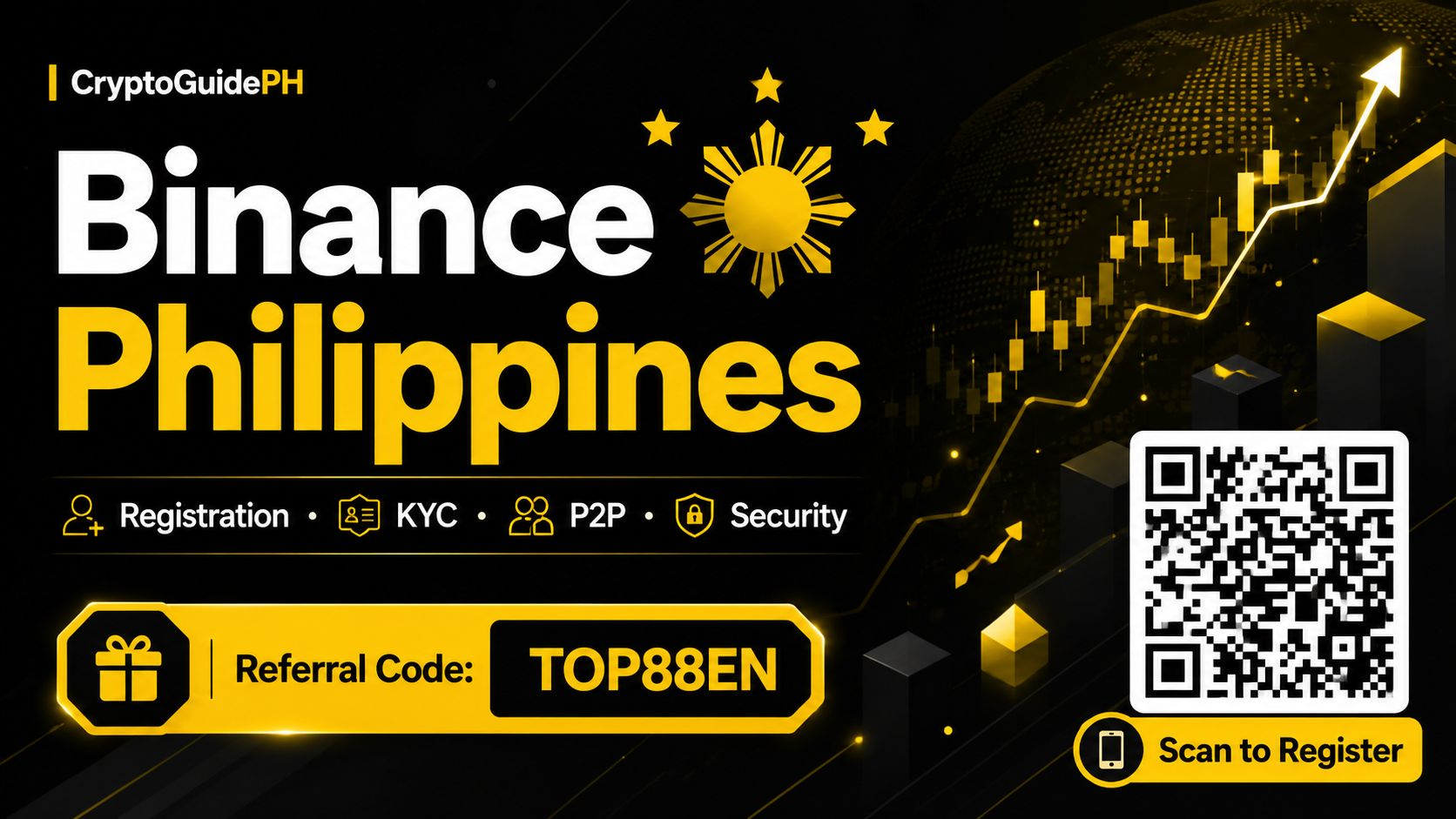
Ваш простий покроковий гайд із верифікації Binance KYC для користувачів з ФіліппінПривіт, шановні співвітчизники! Якщо ви новачок у світі криптовалют або ж уже торгуєте, але досі не пройшли верифікацію Binance, цей гайд саме для вас. На Філіппінах, де цифрові фінанси стрімко розвиваються, повністю верифікований акаунт Binance — це ніби майстер-ключ до ширшого світу можливостей. Можливо, ви чули термін «KYC» і гадали, що він насправді означає. Простими словами: KYC (Know Your Customer — «знай свого клієнта») — це спосіб Binance переконатися, що ви є тією особою, за яку себе видаєте. Це захисний механізм, який убезпечує вас і всю спільноту від шахрайства, відмивання грошей та інших сумнівних дій.
Ваш простий покроковий гайд із верифікації Binance KYC для користувачів з Філіппін
Привіт, шановні співвітчизники! Якщо ви новачок у світі криптовалют або ж уже торгуєте, але досі не пройшли верифікацію Binance, цей гайд саме для вас. На Філіппінах, де цифрові фінанси стрімко розвиваються, повністю верифікований акаунт Binance — це ніби майстер-ключ до ширшого світу можливостей. Можливо, ви чули термін «KYC» і гадали, що він насправді означає. Простими словами: KYC (Know Your Customer — «знай свого клієнта») — це спосіб Binance переконатися, що ви є тією особою, за яку себе видаєте. Це захисний механізм, який убезпечує вас і всю спільноту від шахрайства, відмивання грошей та інших сумнівних дій.
126
Стаття
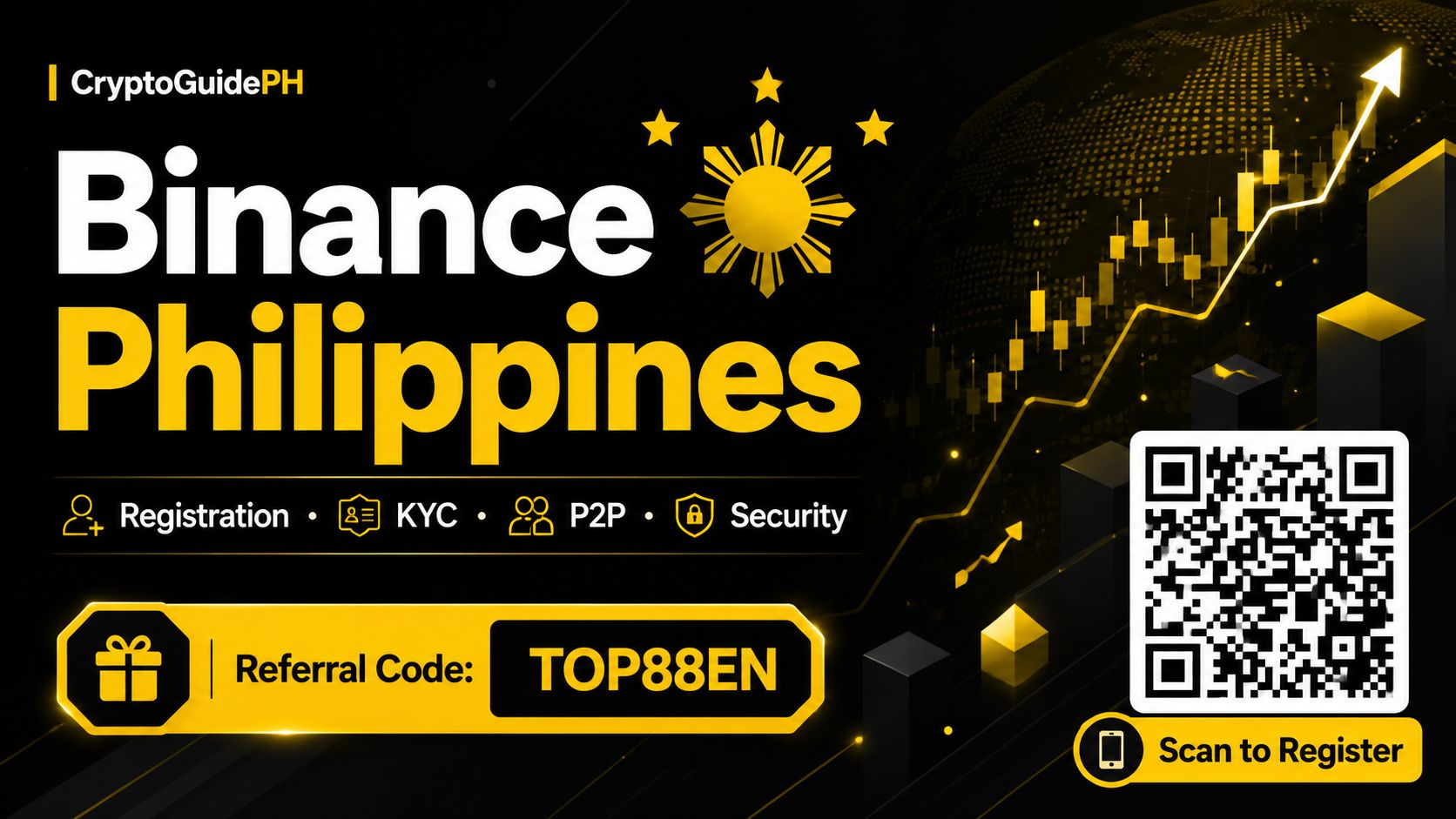
Ваш дружній гайд із безпечного старту в Binance на ФіліппінахОтже, ви вже чули про криптовалюту — можливо, від друга з BGC або від родича, який працює за кордоном і надсилає гроші додому. Вам цікава Binance, але водночас трішки розгубилися. Це цілком нормально. Крипто-світ може здаватися швидкоплинною річкою, але якщо зробити правильні кроки, ви зможете безпечно зануритися у нього. Цей гайд написаний спеціально для вас — філіппінського користувача — який хоче почати користуватися Binance, не потрапивши в пастки через помилки. Ми триматимемо все простим, практичним і, найголовніше, безпечним.
Ваш дружній гайд із безпечного старту в Binance на Філіппінах
Отже, ви вже чули про криптовалюту — можливо, від друга з BGC або від родича, який працює за кордоном і надсилає гроші додому. Вам цікава Binance, але водночас трішки розгубилися. Це цілком нормально. Крипто-світ може здаватися швидкоплинною річкою, але якщо зробити правильні кроки, ви зможете безпечно зануритися у нього. Цей гайд написаний спеціально для вас — філіппінського користувача — який хоче почати користуватися Binance, не потрапивши в пастки через помилки. Ми триматимемо все простим, практичним і, найголовніше, безпечним.
222
Стаття
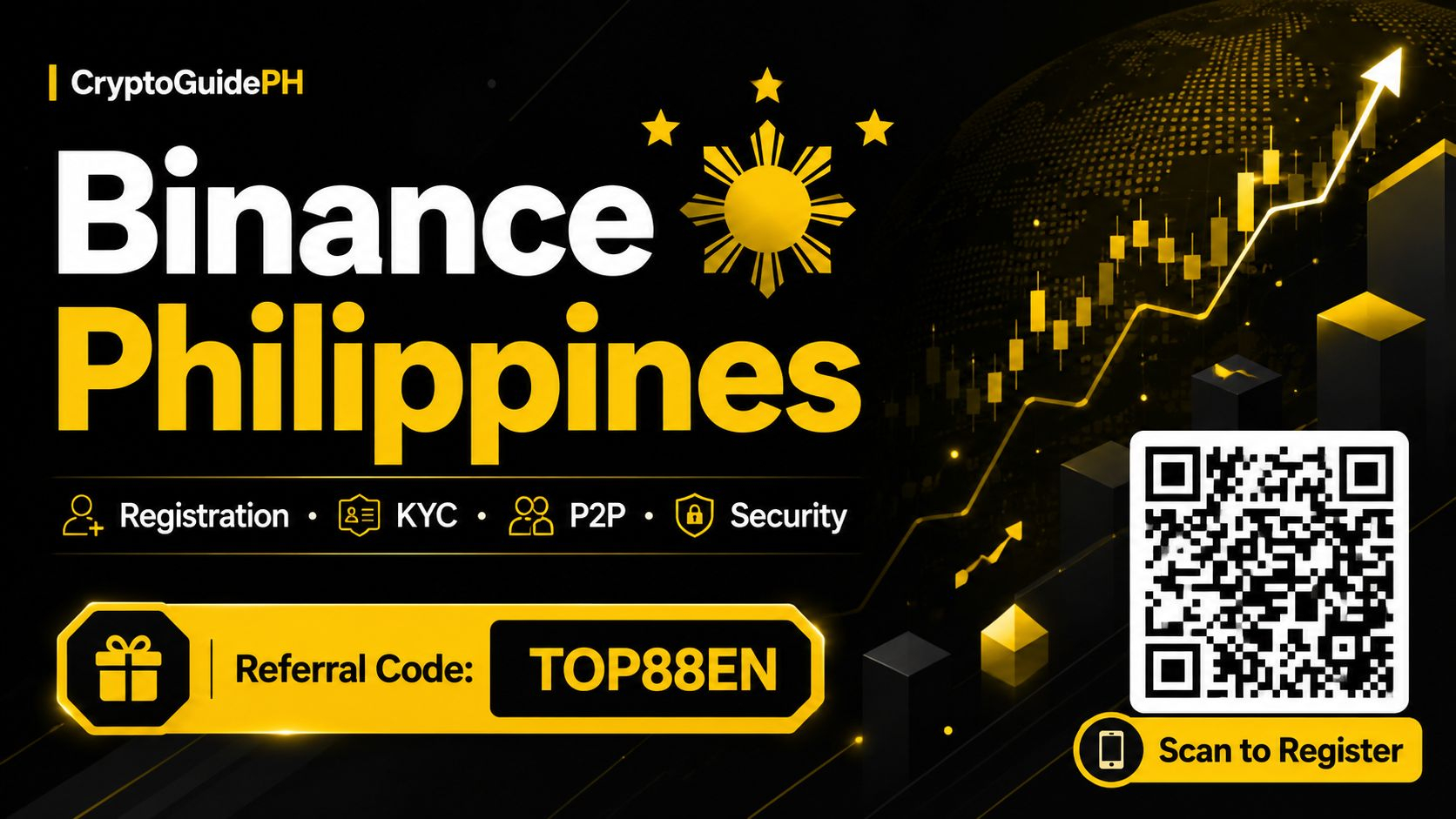
Зручний гід із використання застосунку Binance на ФіліппінахЛаскаво просимо у світ криптовалют, kabayan! Якщо ви чули про Біткоїн, Ефіріум або найсвіжіші тренди в цифрових грошах і ви перебуваєте на Філіппінах, ви, мабуть, уже натрапили на ідею користуватися Binance — найбільшою у світі криптобіржею. Новина добра? Тут застосунок Binance повністю доступний, і він зроблений так, щоб ним було зручно користуватися навіть тим, хто тільки починає свій шлях. Цей гайд проведе вас від основ — від завантаження застосунку до вашої першої угоди — без будь-якого плутаного жаргону. Просто зробіть глибокий вдих — і підемо крок за кроком.
Зручний гід із використання застосунку Binance на Філіппінах
Ласкаво просимо у світ криптовалют, kabayan! Якщо ви чули про Біткоїн, Ефіріум або найсвіжіші тренди в цифрових грошах і ви перебуваєте на Філіппінах, ви, мабуть, уже натрапили на ідею користуватися Binance — найбільшою у світі криптобіржею. Новина добра? Тут застосунок Binance повністю доступний, і він зроблений так, щоб ним було зручно користуватися навіть тим, хто тільки починає свій шлях. Цей гайд проведе вас від основ — від завантаження застосунку до вашої першої угоди — без будь-якого плутаного жаргону. Просто зробіть глибокий вдих — і підемо крок за кроком.
136
Стаття
Простий покроковий гід: Binance KYC для філіппінських користувачівЯкщо ви новачок у світі криптовалют на Філіппінах, вам напевно не раз траплявся термін “KYC”. Звучить як технічна перепона, але насправді це просто швидка перевірка особи, яка допомагає зберігати ваш акаунт безпечним і захищеним. Уявіть це як цифрову версію пред’явлення посвідчення особи на вході до торгового центру — тільки цього разу це зроблено для вашого власного фінансового захисту. Для філіппінських користувачів завершення верифікації Binance — це ключ до розкриття всіх можливостей платформи: від вищих лімітів на зняття до доступу до більше функцій. Давайте пройдемо цей шлях разом крок за кроком, щоб ви могли пройти верифікацію без зайвого стресу.
Простий покроковий гід: Binance KYC для філіппінських користувачів
Якщо ви новачок у світі криптовалют на Філіппінах, вам напевно не раз траплявся термін “KYC”. Звучить як технічна перепона, але насправді це просто швидка перевірка особи, яка допомагає зберігати ваш акаунт безпечним і захищеним. Уявіть це як цифрову версію пред’явлення посвідчення особи на вході до торгового центру — тільки цього разу це зроблено для вашого власного фінансового захисту. Для філіппінських користувачів завершення верифікації Binance — це ключ до розкриття всіх можливостей платформи: від вищих лімітів на зняття до доступу до більше функцій. Давайте пройдемо цей шлях разом крок за кроком, щоб ви могли пройти верифікацію без зайвого стресу.
322
Стаття
Як вирішити найпоширеніші проблеми з верифікацією акаунта Binance на ФіліппінахПривіт, mga ka-crypto! Якщо ви читаєте це, швидше за все, ви вже пробували зареєструватися на Binance, дуже зраділи, щоб купити свій перший біткоїн або, можливо, BNB, а потім уперлися в стіну: процес верифікації. Не хвилюйтеся, ви не самі. Багато філіпінських користувачів — від Маніли до Себу і Давао — стикаються з тими самими труднощами, коли намагаються підтвердити свої акаунти. Хороша новина? Більшість цих проблем легко виправити, якщо знати, на що звертати увагу. Давайте розберемо найпоширеніші проблеми та як їх вирішити крок за кроком так, щоб у вас не закрутилася голова.
Як вирішити найпоширеніші проблеми з верифікацією акаунта Binance на Філіппінах
Привіт, mga ka-crypto! Якщо ви читаєте це, швидше за все, ви вже пробували зареєструватися на Binance, дуже зраділи, щоб купити свій перший біткоїн або, можливо, BNB, а потім уперлися в стіну: процес верифікації. Не хвилюйтеся, ви не самі. Багато філіпінських користувачів — від Маніли до Себу і Давао — стикаються з тими самими труднощами, коли намагаються підтвердити свої акаунти. Хороша новина? Більшість цих проблем легко виправити, якщо знати, на що звертати увагу. Давайте розберемо найпоширеніші проблеми та як їх вирішити крок за кроком так, щоб у вас не закрутилася голова.
340
Стаття
Твої безпечні перші кроки в Binance: практичний гід для філіппінцівОтже, тобі вже доводилося чути про криптовалюти від своєї barkada, або, можливо, ти бачив(ла) допис про Bitcoin, гортаючи Facebook. Цікавість є, але вагання — цілком реальні, і це нормально. Почати користуватися будь-яким новим фінансовим інструментом може здаватися лячним, особливо коли чуєш історії про шахрайство або як люди втрачають гроші. Але ось хороша новина: за правильних звичок користування Binance може бути простим і безпечним процесом. Цей гід написано спеціально для тебе — філіппінського користувача — щоб допомогти орієнтуватися на платформі без страху й розгубленості.
Твої безпечні перші кроки в Binance: практичний гід для філіппінців
Отже, тобі вже доводилося чути про криптовалюти від своєї barkada, або, можливо, ти бачив(ла) допис про Bitcoin, гортаючи Facebook. Цікавість є, але вагання — цілком реальні, і це нормально. Почати користуватися будь-яким новим фінансовим інструментом може здаватися лячним, особливо коли чуєш історії про шахрайство або як люди втрачають гроші. Але ось хороша новина: за правильних звичок користування Binance може бути простим і безпечним процесом. Цей гід написано спеціально для тебе — філіппінського користувача — щоб допомогти орієнтуватися на платформі без страху й розгубленості.
72
Стаття
Твій дружній покроковий гайд щодо використання застосунку Binance на ФіліппінахПривіт, майбутній досліднику криптовалют! Якщо ти читаєш це, швидше за все, ти вже чув про Binance і тобі цікаво, як почати. Можливо, це тобі підказав друг, або ти десь в інтернеті натрапив на інформацію про Bitcoin і тепер думаєш, через що весь цей ажіотаж. Ти в правильному місці. Цей гайд написано спеціально для філіппінських користувачів з урахуванням того, як ми тут діємо — від способів оплати до наших типових запитань. Ми пройдемо весь процес: як завантажити застосунок Binance на твій телефон, налаштувати його та зробити свою першу угоду — простим і без зайвих складнощів способом. Давай зануримось разом!
Твій дружній покроковий гайд щодо використання застосунку Binance на Філіппінах
Привіт, майбутній досліднику криптовалют! Якщо ти читаєш це, швидше за все, ти вже чув про Binance і тобі цікаво, як почати. Можливо, це тобі підказав друг, або ти десь в інтернеті натрапив на інформацію про Bitcoin і тепер думаєш, через що весь цей ажіотаж. Ти в правильному місці. Цей гайд написано спеціально для філіппінських користувачів з урахуванням того, як ми тут діємо — від способів оплати до наших типових запитань. Ми пройдемо весь процес: як завантажити застосунок Binance на твій телефон, налаштувати його та зробити свою першу угоду — простим і без зайвих складнощів способом. Давай зануримось разом!
60
Стаття
Твій дружній покроковий гід з використання застосунку Binance на ФіліппінахОтже, ти вже чув(ла) про криптовалюту й тобі цікаво. Можливо, друг про неї розповів, або ти десь онлайн натрапив(ла) на інформацію про біткоїн і ефіріум. Хороша новина? Почати набагато простіше, ніж здається — особливо тут, на Філіппінах. Додаток Binance — це твій вхід у світ цифрових активів, а цей гід створено, щоб провести тебе через кожен крок — від завантаження застосунку до першої угоди. Ми зробимо все просто, практично й максимально зручно для початківців. Пірнаємо!
Найперше: завантаження застосунку. Якщо ти користуєшся телефоном на Android, то Binance напряму не буде в Google Play Store — це цілком нормально. Замість цього зайди на офіційний сайт Binance зі свого телефону через браузер (наприклад, Chrome). Знайди розділ «Download» або «Mobile» — і побачиш пряме посилання для завантаження APK. Користувачам iPhone ще простіше: просто знайди «Binance» в Apple App Store та завантаж його звідти. Завжди додатково перевіряй, що ти на офіційному сайті або на перевіреному сторінці застосунку, щоб убезпечити свій пристрій.
Твій дружній покроковий гід з використання застосунку Binance на Філіппінах
Отже, ти вже чув(ла) про криптовалюту й тобі цікаво. Можливо, друг про неї розповів, або ти десь онлайн натрапив(ла) на інформацію про біткоїн і ефіріум. Хороша новина? Почати набагато простіше, ніж здається — особливо тут, на Філіппінах. Додаток Binance — це твій вхід у світ цифрових активів, а цей гід створено, щоб провести тебе через кожен крок — від завантаження застосунку до першої угоди. Ми зробимо все просто, практично й максимально зручно для початківців. Пірнаємо!
Найперше: завантаження застосунку. Якщо ти користуєшся телефоном на Android, то Binance напряму не буде в Google Play Store — це цілком нормально. Замість цього зайди на офіційний сайт Binance зі свого телефону через браузер (наприклад, Chrome). Знайди розділ «Download» або «Mobile» — і побачиш пряме посилання для завантаження APK. Користувачам iPhone ще простіше: просто знайди «Binance» в Apple App Store та завантаж його звідти. Завжди додатково перевіряй, що ти на офіційному сайті або на перевіреному сторінці застосунку, щоб убезпечити свій пристрій.
Найперше: завантаження застосунку. Якщо ти користуєшся телефоном на Android, то Binance напряму не буде в Google Play Store — це цілком нормально. Замість цього зайди на офіційний сайт Binance зі свого телефону через браузер (наприклад, Chrome). Знайди розділ «Download» або «Mobile» — і побачиш пряме посилання для завантаження APK. Користувачам iPhone ще простіше: просто знайди «Binance» в Apple App Store та завантаж його звідти. Завжди додатково перевіряй, що ти на офіційному сайті або на перевіреному сторінці застосунку, щоб убезпечити свій пристрій.
73
Стаття
Чи безпечний Binance для філіпінських користувачів криптовалюти? Практичний гідПривіт, mga kababayan! Якщо ви читаєте це, то, ймовірно, ви вже чули про Binance — можливо, від друга, з допису в соцмережах або від члена родини, який розповідає про криптовалюту. Це найбільша криптовалютна біржа у світі, і багато філіпінців користуються нею щодня, щоб торгувати, заощаджувати або надсилати гроші. Але через усі новини та чутки, що ширяться, постає дуже важливе питання: *Чи безпечний Binance для мене, філіпінського користувача?* Це розумне запитання, і чесна відповідь така: так, він може бути безпечним, але поняття “безпечно” також залежить від того, як саме ви ним користуєтеся. Давайте розберемо це просто й без зайвих слів.
Чи безпечний Binance для філіпінських користувачів криптовалюти? Практичний гід
Привіт, mga kababayan! Якщо ви читаєте це, то, ймовірно, ви вже чули про Binance — можливо, від друга, з допису в соцмережах або від члена родини, який розповідає про криптовалюту. Це найбільша криптовалютна біржа у світі, і багато філіпінців користуються нею щодня, щоб торгувати, заощаджувати або надсилати гроші. Але через усі новини та чутки, що ширяться, постає дуже важливе питання: *Чи безпечний Binance для мене, філіпінського користувача?* Це розумне запитання, і чесна відповідь така: так, він може бути безпечним, але поняття “безпечно” також залежить від того, як саме ви ним користуєтеся. Давайте розберемо це просто й без зайвих слів.
108
Стаття
Як вирішити проблеми з верифікацією облікового запису Binance на Філіппінах: дружній гайдЯкщо ти філіппінський користувач криптовалют, то, ймовірно, чув(ла) про ажіотаж навколо Binance. Це одна з найбільших бірж у світі, і багато з нас на Філіппінах користуються нею, щоб торгувати, зберігати або просто досліджувати цифрові активи. Але давай чесно: ніщо не вбиває натхнення так швидко, як натрапити на перешкоду під час перевірки облікового запису. Ти готовий(а) внести перший депозит — і тут бах: «Verification Failed». Або гірше: твоє фото документу постійно відхиляють з причин, які тобі незрозумілі. Не хвилюйся, kuya або ate. Ти не один/одна. У цій статті ми розберемо найпоширеніші проблеми з верифікацією Binance, з якими стикаються філіппінці, і що найважливіше — як виправити їх крок за кроком. Без складних термінів, без паніки — лише практичні рішення.
Як вирішити проблеми з верифікацією облікового запису Binance на Філіппінах: дружній гайд
Якщо ти філіппінський користувач криптовалют, то, ймовірно, чув(ла) про ажіотаж навколо Binance. Це одна з найбільших бірж у світі, і багато з нас на Філіппінах користуються нею, щоб торгувати, зберігати або просто досліджувати цифрові активи. Але давай чесно: ніщо не вбиває натхнення так швидко, як натрапити на перешкоду під час перевірки облікового запису. Ти готовий(а) внести перший депозит — і тут бах: «Verification Failed». Або гірше: твоє фото документу постійно відхиляють з причин, які тобі незрозумілі. Не хвилюйся, kuya або ate. Ти не один/одна. У цій статті ми розберемо найпоширеніші проблеми з верифікацією Binance, з якими стикаються філіппінці, і що найважливіше — як виправити їх крок за кроком. Без складних термінів, без паніки — лише практичні рішення.
97
Стаття
Покрокова інструкція: як купити USDT на Binance P2P на ФіліппінахЯкщо ви новачок у криптовалюті на Філіппінах, одне з перших, що вам захочеться з’ясувати, — це як отримати доступ до певної цифрової валюти. Хоча ви можете купити напряму карткою або банківським переказом, багато філіппінських користувачів віддають перевагу маркетплейсу Binance Peer-to-Peer (P2P). Це просто, гнучко і часто дає більше контролю над ціною, яку ви сплачуєте. Крім того, ви маєте справу безпосередньо з іншими людьми тут, на Філіппінах, використовуючи способи оплати, які ми вже знаємо та яким довіряємо, як-от GCash, Maya або місцеві банківські перекази.
Покрокова інструкція: як купити USDT на Binance P2P на Філіппінах
Якщо ви новачок у криптовалюті на Філіппінах, одне з перших, що вам захочеться з’ясувати, — це як отримати доступ до певної цифрової валюти. Хоча ви можете купити напряму карткою або банківським переказом, багато філіппінських користувачів віддають перевагу маркетплейсу Binance Peer-to-Peer (P2P). Це просто, гнучко і часто дає більше контролю над ціною, яку ви сплачуєте. Крім того, ви маєте справу безпосередньо з іншими людьми тут, на Філіппінах, використовуючи способи оплати, які ми вже знаємо та яким довіряємо, як-от GCash, Maya або місцеві банківські перекази.
104
Стаття
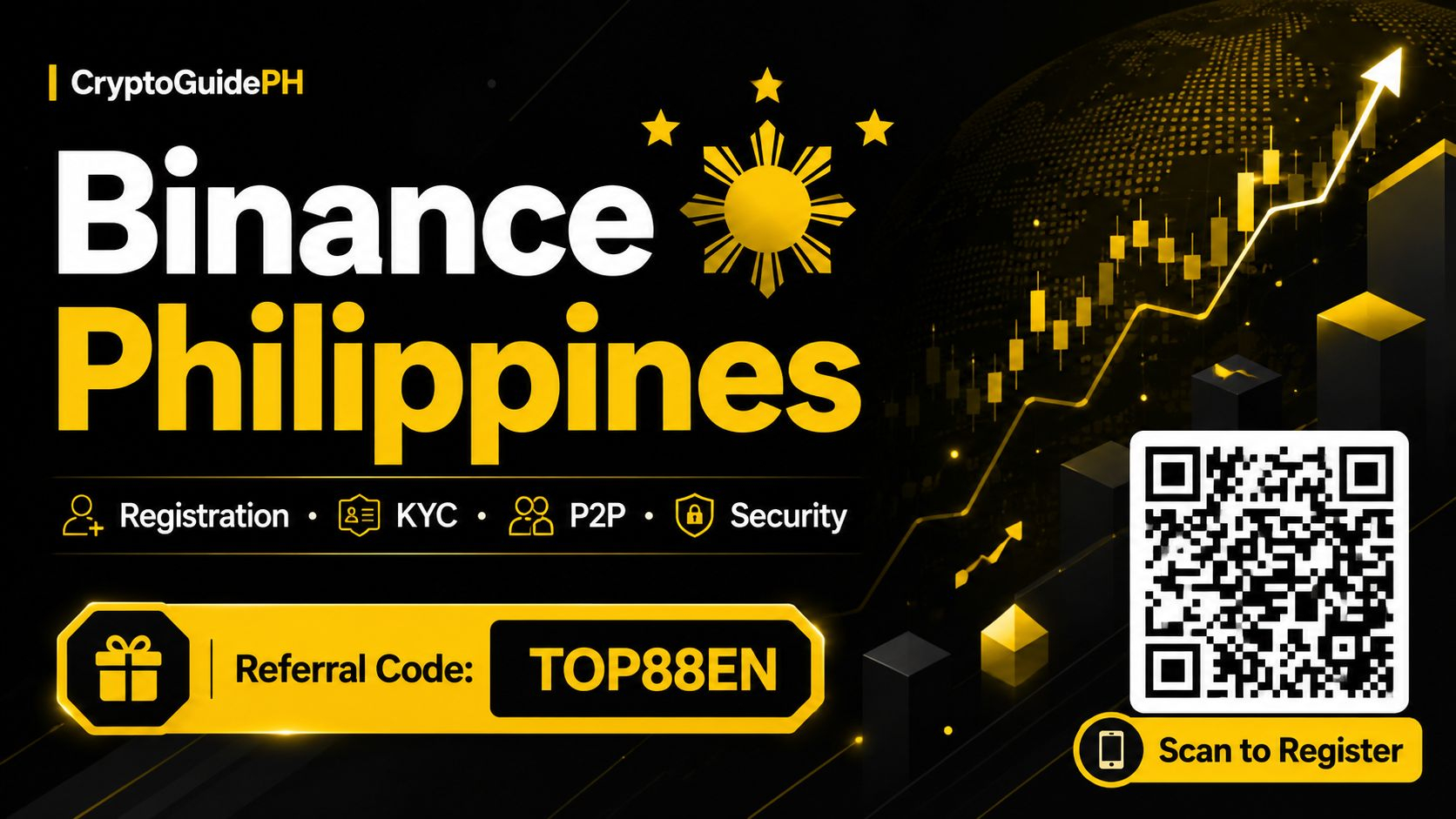
Покрокова інструкція зі створення акаунта Binance на ФіліппінахПочати свій шлях у криптовалюті на Філіппінах простіше, ніж здається, і Binance є однією з найпопулярніших платформ для філіппінських користувачів, щоб купувати, продавати та торгувати цифровими активами. Незалежно від того, чи ви накопичуєте на свої перші інвестиції, чи плануєте відправляти гроші рідним за кордон, чи просто цікаво дізнатися, через що весь ажіотаж, перша перешкода завжди однакова: налаштувати свій акаунт. Хороша новина? Увесь процес можна виконати за лічені хвилини прямо зі смартфона або комп’ютера. Давайте пройдемо це разом крок за кроком, щоб ви з самого початку почувалися впевнено.
Покрокова інструкція зі створення акаунта Binance на Філіппінах
Почати свій шлях у криптовалюті на Філіппінах простіше, ніж здається, і Binance є однією з найпопулярніших платформ для філіппінських користувачів, щоб купувати, продавати та торгувати цифровими активами. Незалежно від того, чи ви накопичуєте на свої перші інвестиції, чи плануєте відправляти гроші рідним за кордон, чи просто цікаво дізнатися, через що весь ажіотаж, перша перешкода завжди однакова: налаштувати свій акаунт. Хороша новина? Увесь процес можна виконати за лічені хвилини прямо зі смартфона або комп’ютера. Давайте пройдемо це разом крок за кроком, щоб ви з самого початку почувалися впевнено.
101
Увійдіть, щоб переглянути інший контент
Приєднуйтесь до користувачів криптовалют по всьому світу на Binance Square
⚡️ Отримуйте актуальну та корисну інформацію про криптовалюти.
💬 Приєднуйтесь до найбільшої у світі криптобіржі.
👍 Відкрийте справжні ідеї від перевірених авторів.
Електронна пошта / номер телефону
Трендові теми
1
#fomcвідстеження
40,810 переглядів
342 обговорюють
2
#UKFCAWinsCourtOrderToRecover851400Pounds
11,557 переглядів
543 обговорюють
3
#ChainlinkLaunchesCCIP2WithEnterpriseVerification
25,333 переглядів
755 обговорюють
4
#GoldFallsTo$4144
9,908 переглядів
125 обговорюють
5
#QNTFallsOver40%FromMorningHigh
62,634 переглядів
1,169 обговорюють
6
#USDTAdds845900HoldersInPast7Days
8,618 переглядів
316 обговорюють
7
#KospiFalls2.7%SamsungSKHynixDropOver5%
17,316 переглядів
502 обговорюють
8
#BitgetCEOConfirms$388MStolenInHack
4,396 переглядів
39 обговорюють
9
#BTCFallsBelow$83000
25,324 переглядів
156 обговорюють
10
#BitgetDetailsSecurityIncidentTimeline
33,869 переглядів
642 обговорюють