
MetaMask developer ConsenSys has released a public testnet of its zero-knowledge Ethereum Virtual Machine (zkEVM), naming it "Linea," just days after rivals Polygon and Matter Labs launched their own zkEVMs .
Related news: https://www.coindesk.com/tech/2023/03/28/consensys-launches-zkevm-public-testnet-renames-it-linea/
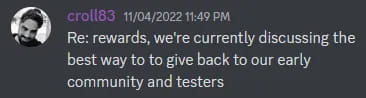
I know a lot of people are starting to boil because this is an open beta and anyone can participate without a whitelist, anyone has a chance, and the team also mentioned in their Discord that early users will be rewarded, which means this could be Branded airdrop.
So what's the reward? Participating in the Linea testnet (formerly ConsenSys zkEVM) may earn you Metamask or ConsenSys’ own native tokens.
ConsenSys has raised $450 million at a current valuation of $7 billion.
1. What is Linea?
Linea is a Laryer 2 zero-knowledge Ethereum Virtual Machine (zkEVM) that replicates the Ethereum environment as a rollup and allows developers to build on it just like on the Ethereum mainnet. Linea allows users to deploy any smart contract, use any tool, and develop as if it were built on Ethereum. For users, this enables the experience and security guarantees of Ethereum, but with lower transaction costs. (Let’s all watch it together. Anyway, it’s the official literal translation.)
2. Register infura
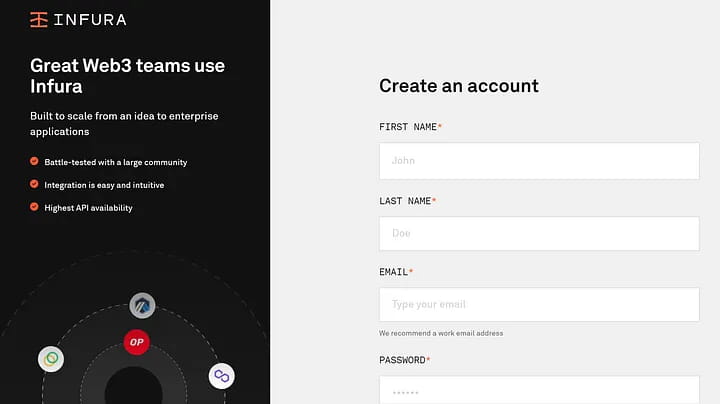
Before you begin, you need to register for an Infura account, which is a prerequisite for using the Linea network. The team says it has "now received 150,000 registrations and expects this number to grow. With demand so high, it may take a few weeks for you to gain access. While our goal is to have all users join the testnet, We may not be able to accommodate everyone on the wait list.”
Translated into adult language: Our backs are crowded. Whether you can enter smoothly depends on your luck.
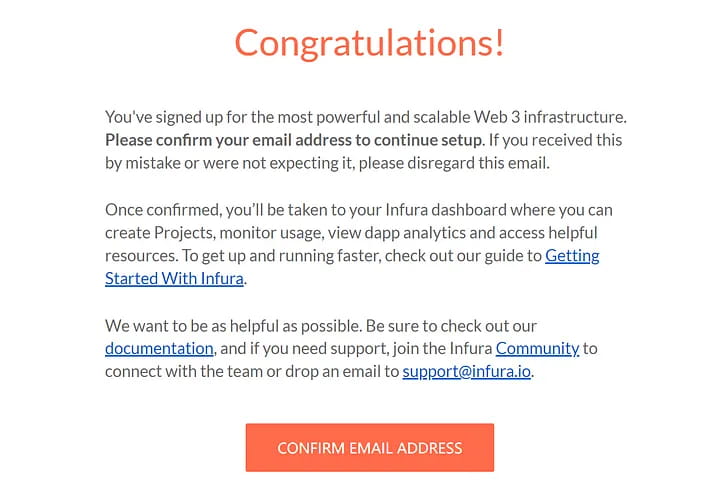
If your registration is successful, you will receive your place on the list in your inbox. If you haven’t signed up for Infura yet, don’t worry, you’ll still receive an email detailing the basic steps to enter the Linea beta. Note, however, that in order to be eligible to test Linea, you must first create a free Infura account.
3. Create API key
To create an API key, follow these steps
Click this access page to log in to your Infura account
Enter the Infura dashboard
Click "Create new API KEY"
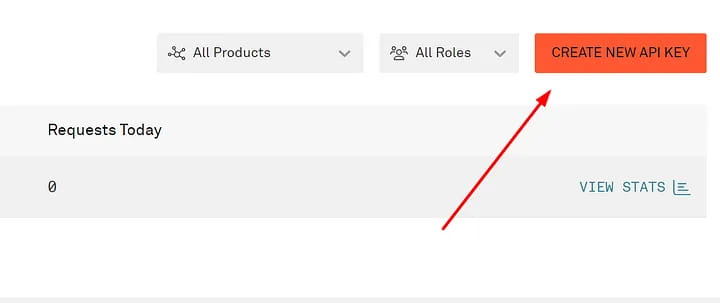
If you enter via email, the above steps are not available.
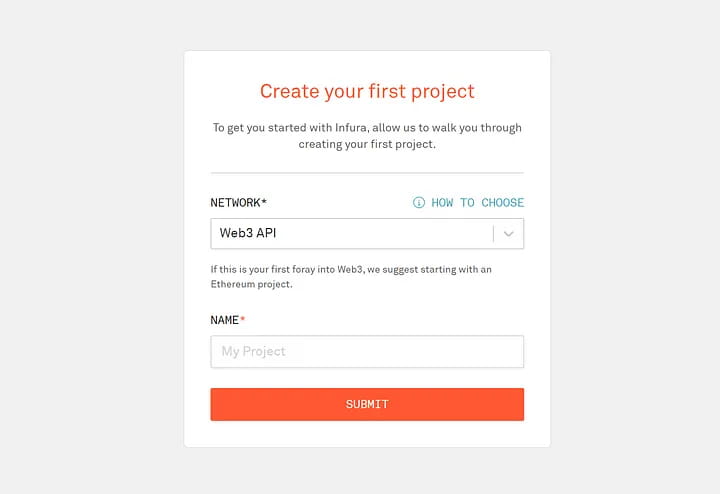
In the pop-up window, select "WEB3 API" and give it a name.
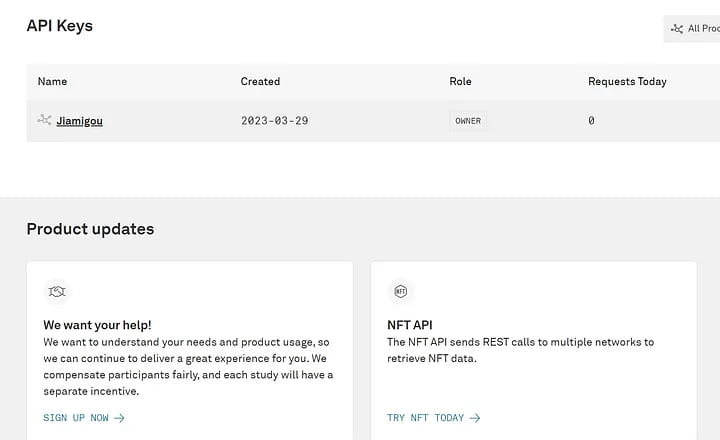
Then your account and API key are created (the API key will be used below)
4. Add the zkEVM testnet to MetaMask
Click "Add Network" in MetaMask, select "Manually Add Network", and fill in the following information:
Network name:Line
New RPC URL: https://consensys-zkevm-goerli-prealpha.infura.io/v3/your API key (or fill in directly: https://rpc.goerli.linea.build/)
Chain ID:59140
Currency symbol:crETH
Block explorer URL: https: //explorer.goerll.zkevm.consensys.net
5. Transfer funds from Goerli to zkEVM
Before transferring funds, make sure you have enough ETH in the Goerli network and that your wallet is properly configured for the Linea network. To move Goerli ETH to Linea, follow these steps:
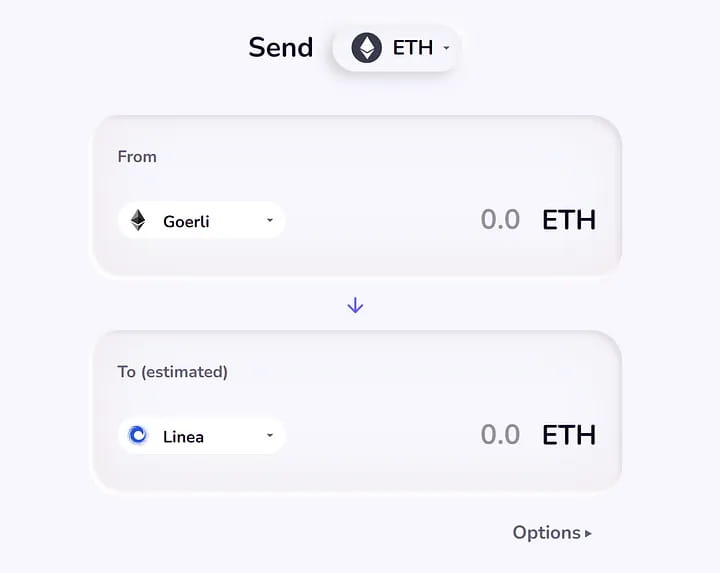
Visit Goertek Test Bridge (click here)
Choose Goerli
Select Linea
Select ETH Token
Select amount and send
After completion, switch the MetaMask wallet to the Linea (ConsenSys zkEVM) network;
If you don’t have testnet tokens, please refer to:
https://medium.com/@jiamigou/Cryptodog Compilation Airdrop Chapter 150-New version of encryption faucet list-d9b4242434a1
6. Ordinary interaction
It is currently possible to interact with the testnet using Uniswap and Dexchnage, with more options to come in the future.
(1) Using Uniswap
The Uniswap v3 protocol has been integrated with ConsenSys’ zkEVM protocol. By operating Uniswap, many functions can be performed, including adding liquidity, token exchange, etc.
Swap
Visit the Uniswap website where Linea (ConsenSys) swap is available and you can access the swap section directly through here.
Select Ethereum in the upper section and click Consensys Rollup Wrap in the lower section.
Enter the amount you want to exchange
confirm
You can perform multiple swaps in the same way
Increase liquidity
Click on the Pool tab
Click New Position and select the token
Enter the amount of each token and click Supply
authorized transaction
Liquidity can be increased many more times in a similar manner.
(2) Using Dexchange
Dexchange is an “order book-based DEX built on zkSync 2.0” and you can use this platform to interact with the testnet.
Visit the Dexchange website and click on "Launch App". Can be accessed directly through this address
Select wETH-crUSDC under “Select Market”
Add required amount
Click "Deposit" to confirm the transaction
After depositing funds, you can also perform other trading operations.
(3) If the interaction fails
If the above interaction fails, please interact here:
1. Exchange tokens
https://swap.goerli.linea.build/#/swap, swap tokens (ETH to crUSDC and vice versa)
2. Add liquidity
https://swap.goerli.linea.build/#/pool, providing ETH-crUSDC liquidity
7. Feedback
At this point, the basic interactions of Linea's public beta are actually completed. Many bloggers don't know how to interact in depth. They will only tell you to submit feedback and then come over to interact every day. In fact, it is really over after you reach this point. You can now fill out the feedback form:
https://docs.google.com/forms/d/e/1FAIpQLSen0KN2uqKMJuUxBH8yTfwrb-xdN48kA-NmO-DSCJMYRdQyMA/viewform
If you want to do in-depth interaction, please read on (many people may fail to interact):
8. Deploy smart contracts
Step 1. Download this zip file
link here
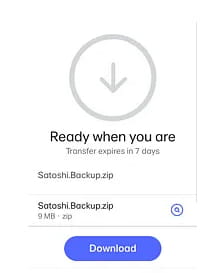
Step 2. Click here to enter Remix IDE
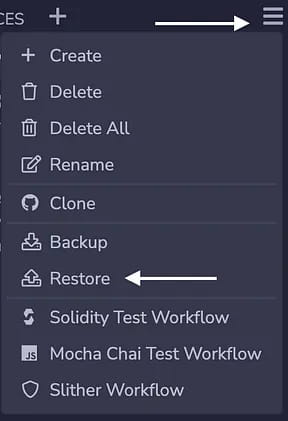
Step 3. Restore the file
Enter Remix, as shown in the picture below, click the menu, then click restore
Click "choose file"
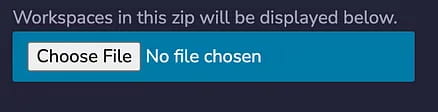
Select the zip file you just downloaded
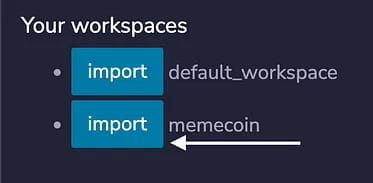
Then click "memecoin" next to "memecoin"
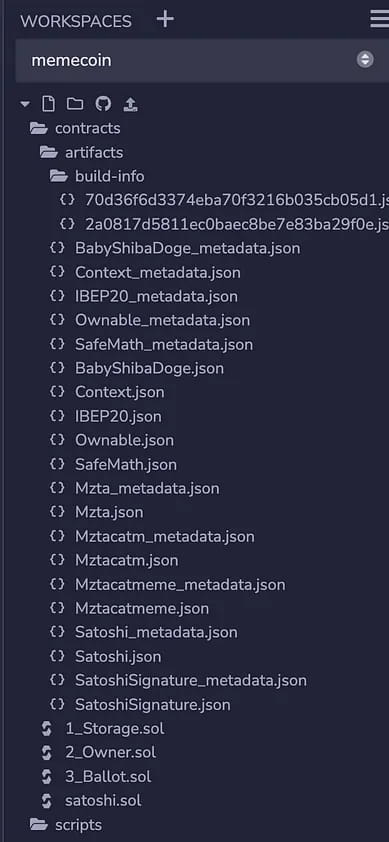
After clicking Import, some files will be imported.
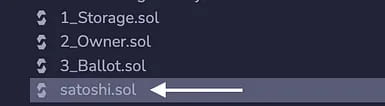
Click on the "satoshi.sol" file
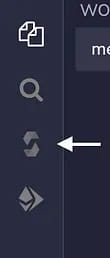
As shown in the picture above, in the left menu bar, click the Solidity compiler icon
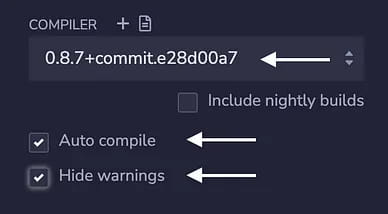
Then you need to select the exact same compiler from the drop down menu and enable "Auto compile" and "Hide warning"
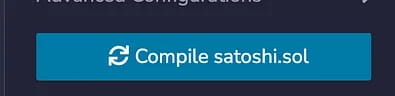
As shown in the figure below, click "compile satoshi.sol".
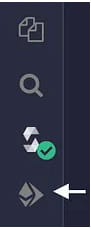
From the side menu, click the 4th button as shown below:
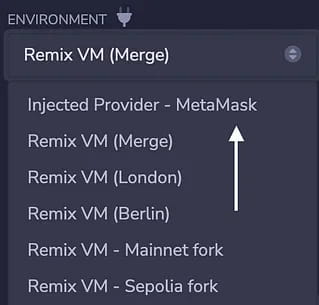
For environment, select Injected Provider — MetaMask from the drop-down menu, unlock your Metamask wallet, and connect to the Goerli test network.
Finally, click the "Deploy" button
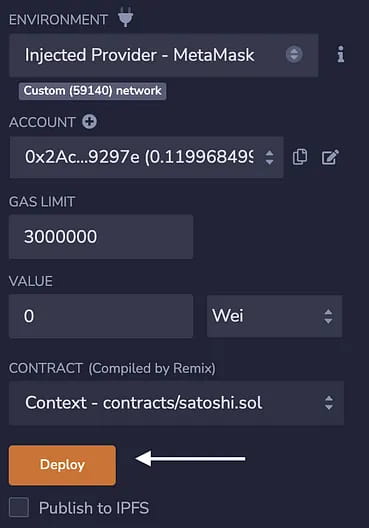
It will prompt for metamask transaction, click confirm, and wait 1–2 minutes.
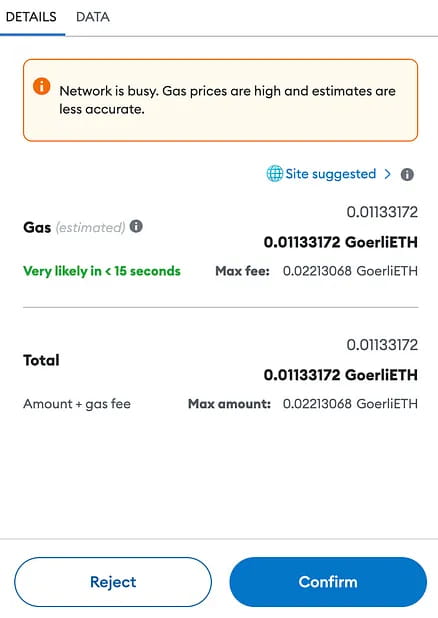
After confirming the transaction, you must wait 10 to 20 minutes before clicking "View on etherscan" on the remix terminal.
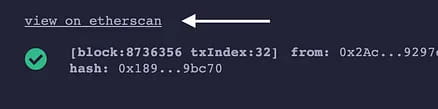
In the browser, something similar will appear.
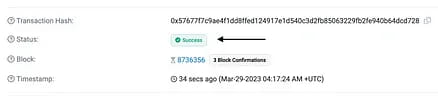
At this step, your contract deployment is complete.
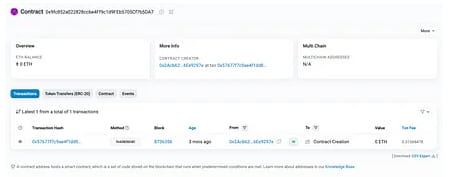
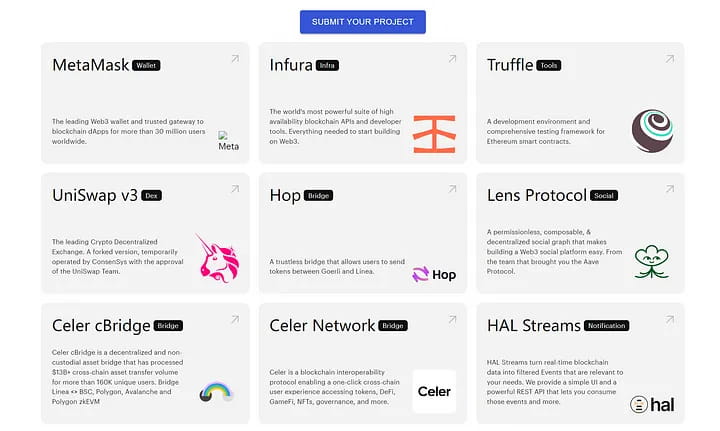
The above is the advanced interaction of this article. For more dapp interactions based on ConsenSys, you can see here:
https://goerli.linea.build/explore
The above is the entire content of this article