


1. Binance’s main services and items to check in advance
Binance is a global cryptocurrency exchange that offers crypto spot, futures, margin trading, and more. Before using the service, you need to verify the following in advance.
Identity verification method needed: You must provide an email address or mobile phone number for account creation.
Residence policy: Based on the user’s country and regional regulations, some services (such as futures and margin trading) may be restricted.
Account security settings: To protect crypto assets, it is recommended to set up two-factor authentication (2FA) after registering.
2. Step-by-step process for creating a Binance account
① Access and method selection
Go to the registration screen via the Binance website or mobile app. Registration methods are categorized as follows.
Registration methodFeatures and procedure
Enter your email address / mobile phone number (including country code +82), verify the 6-digit authentication code, and then create your account. If you link a social account, you can create your account by linking a Google or Apple account without entering any separate code.
②Apply referral code (DE20OFFVIP)
At the account creation step, enter DE20OFFVIP in the Referral ID (referrer code) field, or proceed with registration via a link that includes that code.
A referral code can be entered only once during account creation, and cannot be modified after registration is completed.
Once the code is entered, the conditions for up to a 20% discount on trading fees will apply.
③ Password setup
The password must be at least 8 characters long, and must include at least one uppercase English letter and at least one number.
④ KYC identity verification
Identity verification is required in order to use crypto deposit/withdrawal and trading features.
Required documents and information: Legal name, date of birth, residential address, one government-issued ID (resident registration card, driver’s license, or passport), and a face scan.
⑤ Set up two-step security verification (2FA)
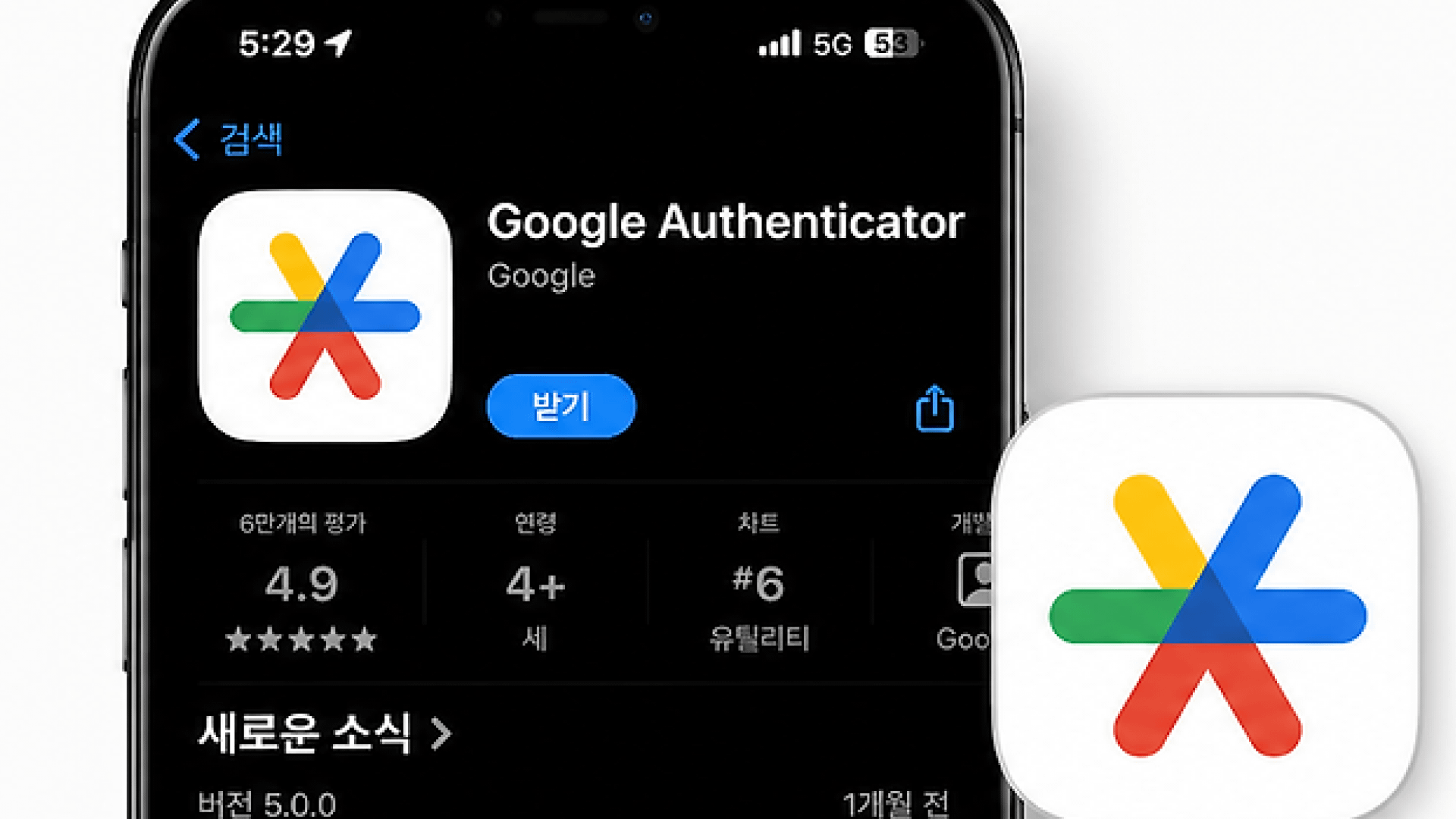
After completing account creation and identity verification, set additional verification methods to protect your assets when logging in and withdrawing.
Supported methods: Authenticator app (OTP), SMS verification, email code, passkey (Passkey).
3. Binance fee discount structure
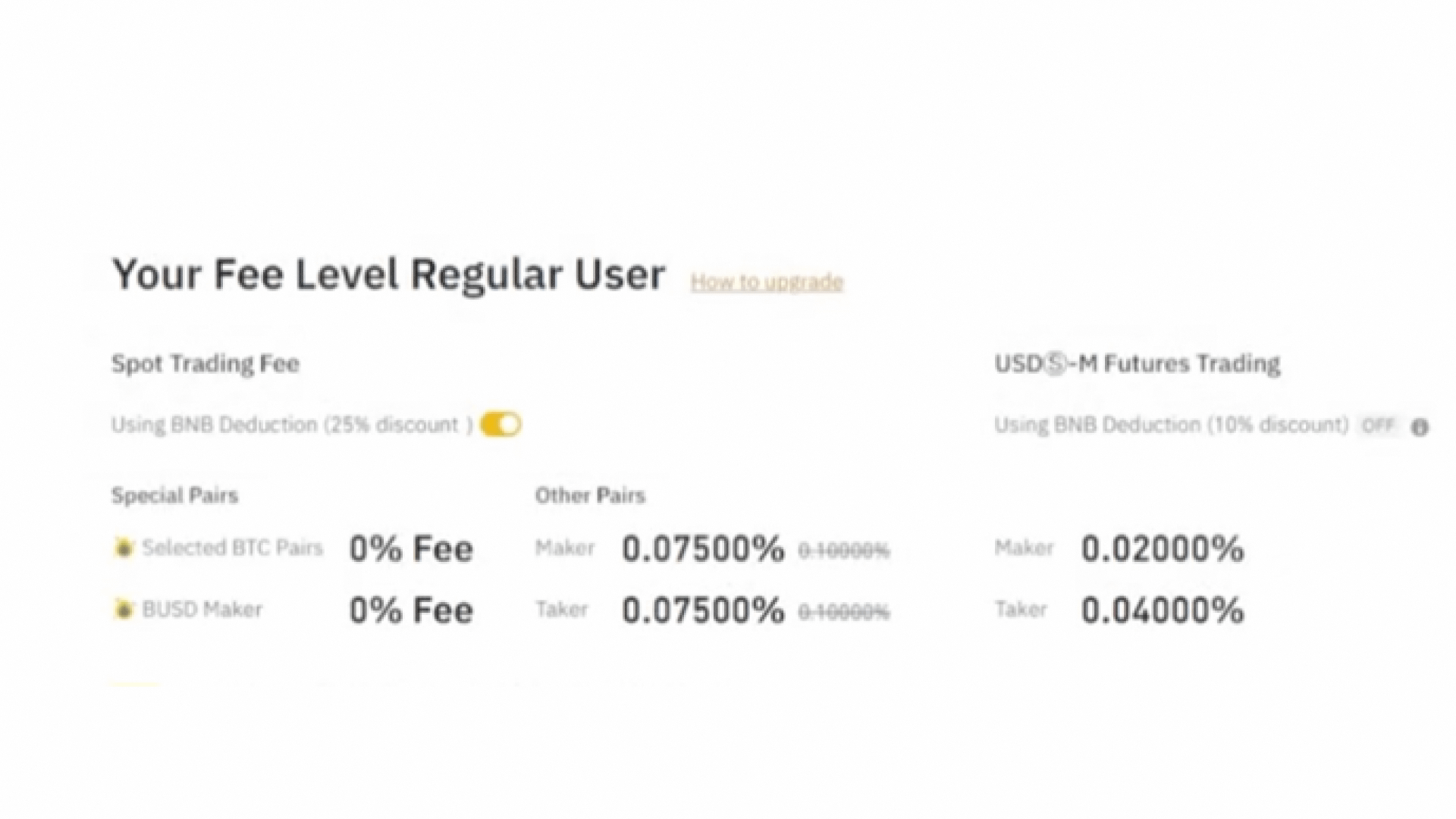
Binance trading fees vary depending on the product type, whether it is a Maker/Taker, your VIP tier, whether you have a referral discount, and whether you pay with BNB.
[Default trading fee]
│
├── ▶ Referral discount (Code: DE20OFFVIP applies for Spot up to 20% / Futures up to 10%)
│
└── ▶ BNB payment discount (Spot: additional 25% deduction / Futures: additional 10% deduction)
1) Referral fee discount
If you enter the referral code (DE20OFFVIP) during registration, the benefit will be applied: your trading fees will be automatically discounted or rebated in the form of an automatic discount or cashback to the extent of the agreed percentage.
2) BNB-based fee discount
If you hold Binance’s native cryptocurrency BNB and specify it as the payment method for fees, an additional discount will apply.
Spot trading: 25% discount when paying fees with BNB.
Futures trading: 10% discount if you hold BNB in your futures wallet and enable the option 'BNB fee payment'.
4. Risks and precautions by trading product
Transaction TypeHow toUseRisk and precautionsSpot Trading (Spot)A method of immediately buying/selling actual crypto assetsThere is a risk that the asset value may drop due to fluctuations in market pricesFutures Trading (Futures)A derivative product where a contract is entered into based on price movements of the underlying assetWhen using leverage, there is a risk of losses exceeding the principal and the risk of forced liquidationMargin Trading (Margin)A method of borrowing assets to increase the trading sizeThere is a risk of forced liquidation if interest accrues on the borrowed assets and the collateral ratio falls below the required level
5. Frequently Asked Questions (FAQ)
Q1. Can the referral code and BNB discount be applied together?
Yes, it can be applied in combination. If you enable the BNB fee payment feature while the referral discount conditions are already applied, both discount benefits will be reflected together.
Q2. After completing registration, can I register an additional referral code?
After completing account registration, you cannot register or change the referral code. At the registration step, you must check whether a code has been entered.
Q3. What is the difference between Lite mode and Pro mode in the mobile app?
Lite mode provides a simple interface for trading virtual assets and checking balances, while Pro mode provides full trading features such as chart analysis and futures/margin trading. You can switch at any time from the profile menu within the app.
The fee rates, referral conditions, and service policies specified in this notice may change according to changes to Binance’s official operating policies.