



Today, this article is prepared for those who are new to Binance, covering step-by-step guidance from Binance account registration, KYC identity verification, to setting up OTP security.
In particular, using a referral code allows you to get a 20% trading fee reduction and a welcome bonus of up to $600 for new users, so please read carefully to not miss out on these benefits.
Official link to claim 20% Binance fee discount
Register and claim trading fee discount offer
Binance fee code: VN20SAVE
About Binance
Binance is one of the world's leading cryptocurrency exchanges in terms of trading volume. The platform supports a wide range of assets, from major coins like Bitcoin and Ethereum to numerous altcoins.
The standout feature of Binance is its rich ecosystem of services, including spot trading, derivatives (futures), fast transfers, Earn, staking, Launchpad, NFT, and many other features.
Users can trade via web browser or mobile app, and set up security options such as two-factor authentication (OTP) to protect their accounts.
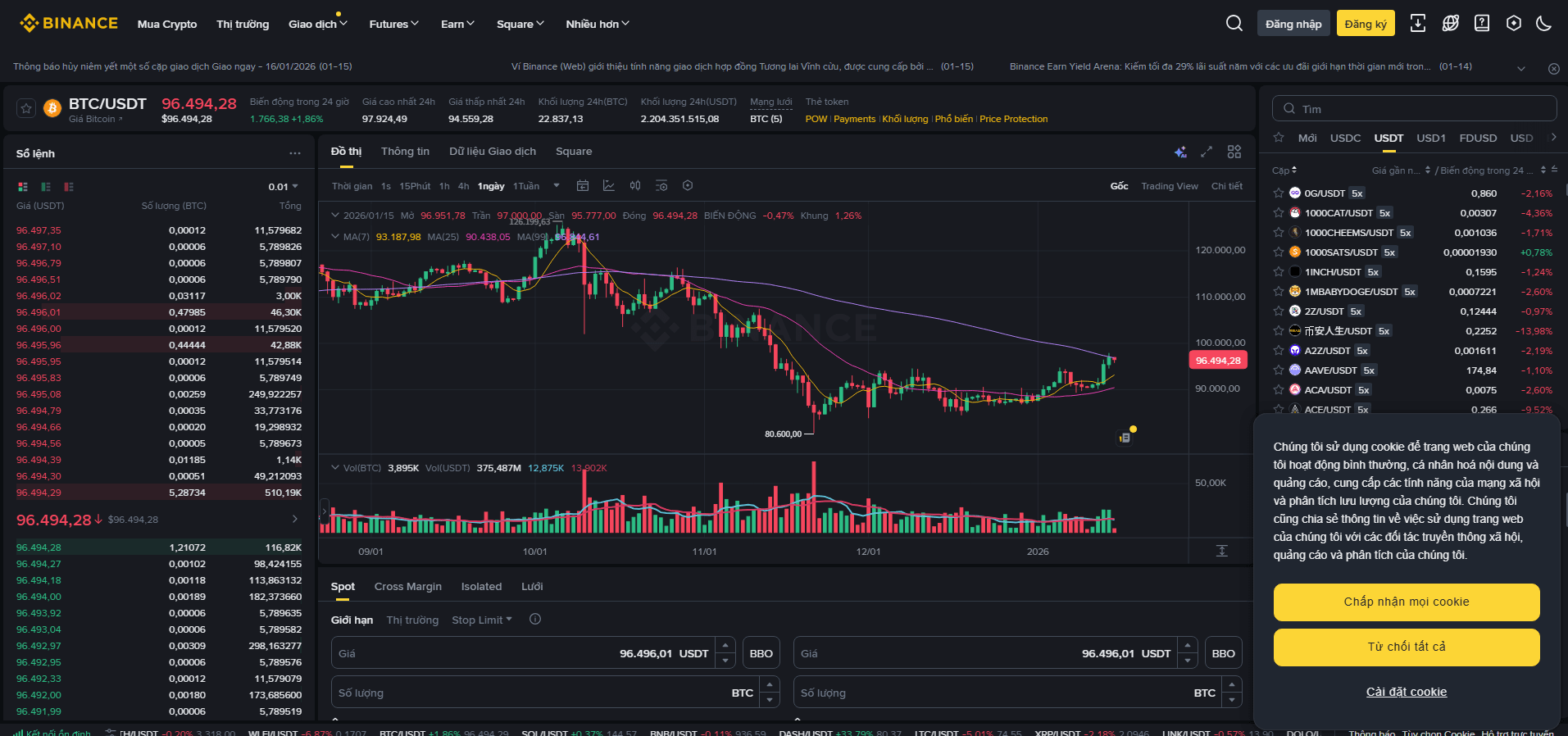
One of the main reasons many people consider registering with Binance is its high liquidity, fast order matching speed, and various ways to reduce trading fees.
In particular, using a referral code significantly reduces trading costs over time.
In this article, we will explain how to use Binance, how to get a 20% fee discount through referral, and the $600 welcome offer for new users.
Download the Binance app
Mobile accessibility is a major advantage for newcomers, as you can check prices, manage orders, and receive notifications anytime, anywhere.
Android
Go to Google Play and download the official Binance app.
After installation, open the app and allow notifications and security permissions (e.g., biometric authentication).
iOS
Search for "Binance" on the App Store.
Check that the developer is the official Binance, then proceed with installation.
After opening the app, set your preferred language, notifications, and biometrics as needed.
How to register Binance on your phone
Binance registration can start with an email or phone number. The process is as follows.
Access registration
Open the Binance app and select the "Register" option.
Select your actual country/region of residence. Correct selection is very important because available services may vary depending on regulations in each country.
Support information and policies may change—please refer to the latest instructions displayed in the app.
Create an account using email or phone number
Enter your email address (or phone number).
Create a strong password containing uppercase, lowercase letters, numbers, and special characters.
Enter the verification code sent to complete the initial verification step.
After this step, you need to complete KYC verification to use core features such as deposit/withdrawal and trading.
Apply 20% fee discount using referral code
When registering with Binance, you can use a referral code to get a fee discount.
Referral code: VN20SAVE
Enter the VN20SAVE code in the referral field during registration; your account will receive a 20% trading fee discount.
Make sure the code has been applied before completing registration.
Set up basic security
Immediately after registration, you should enable basic security layers such as email verification, phone verification, login notifications, and device confirmation.
In particular, OTP (2FA) is a crucial tool to reduce the risk of attacks, so be sure to install it following the instructions below.
How to verify KYC
KYC is the user identity verification process. For AML compliance and legal regulations, most major exchanges require KYC.
Select country/region
Select your correct country of residence. Incorrect selection may result in service restrictions or the need for re-verification later.
Upload identity documents
Take and upload supported documents such as passport, ID card/CCCD, or driver's license.
When taking photos, avoid reflections and shadows, ensuring the information and validity period are clearly visible.
Facial verification
Follow the on-screen instructions to take a facial photo. Remove hats, masks, avoid reflections from glasses, and move your face slowly within the frame.
Check and approve
Review time may range from a few minutes to several business days, depending on region, document type, and system status.
After approval, you can use most features such as deposit/withdrawal and trading.
If information is unclear or the country does not match, Binance may request additional documents. Prompt responses will help shorten review time.
How to set up OTP (two-factor authentication)
Two-factor authentication (2FA) greatly enhances account security. The most common method is Google Authenticator.
Prepare
Set up Google Authenticator or a compatible OTP app on your phone.
Log in directly to the Binance app.
Setup guide
Go to your personal profile or the Security (Security) section in the app.
Select "Google Authenticator" in the 2FA section.
Scan the QR code using the OTP app or manually enter the provided secret key.
Store backup key
The secret key is a crucial element for account recovery when losing a device.
Store it securely offline (encrypted notes, safe, etc.). When changing or losing your phone, this key helps quickly restore OTP.
Check and complete
Enter the 6-digit OTP generated in the app into Binance to complete the link.
From then on, OTP will be required when logging in, withdrawing funds, or changing security settings.
The OTP recovery/link path may vary by app version—follow the latest instructions in the "Help/Support" section.
Binance referral code (Referral)
Using a referral code when registering with Binance helps reduce trading fees.
Official link to get 20% fee discount
Register and claim trading fee discount offer
Referral code: VN20SAVE
Existing users can also receive a 20% fee reduction if they meet the following five conditions:
The invited user already has a Binance account.
The invited user has never accepted an invitation before.
In the past 180 days, the account has not made any trades or used any Binance products.
When a qualified user creates a link and logs in, a confirmation window will appear.
The inviter clicks the [Now Binding] button; the link will take effect.
When the referral code is successfully applied, the 20% trading fee discount will be automatically activated.