



For first-time users of Binance, we will cover all steps in detail—from Binance membership creation, KYC identity verification, to OTP security settings.
Especially when using a referral code, you can receive a 20% discount on trading fees and enjoy new user benefits up to $600. Please read carefully and don’t miss this opportunity.
Official Binance trading fee 20% discount link
Sign up on Binance with trading fee discount
Binance referral code: TR20OFF
Binance Introduction
Binance is a top-tier exchange in terms of global crypto trading volume. It offers extensive trading support ranging from mainstream assets like Bitcoin and Ethereum to numerous altcoins.
It stands out by offering a wide range of services such as spot trading, futures trading, fast transfers, Earn products, staking, Launchpad, and NFTs.
Trading can be done via web browser or mobile app, and account security can be further enhanced with advanced security settings such as two-factor authentication (OTP).
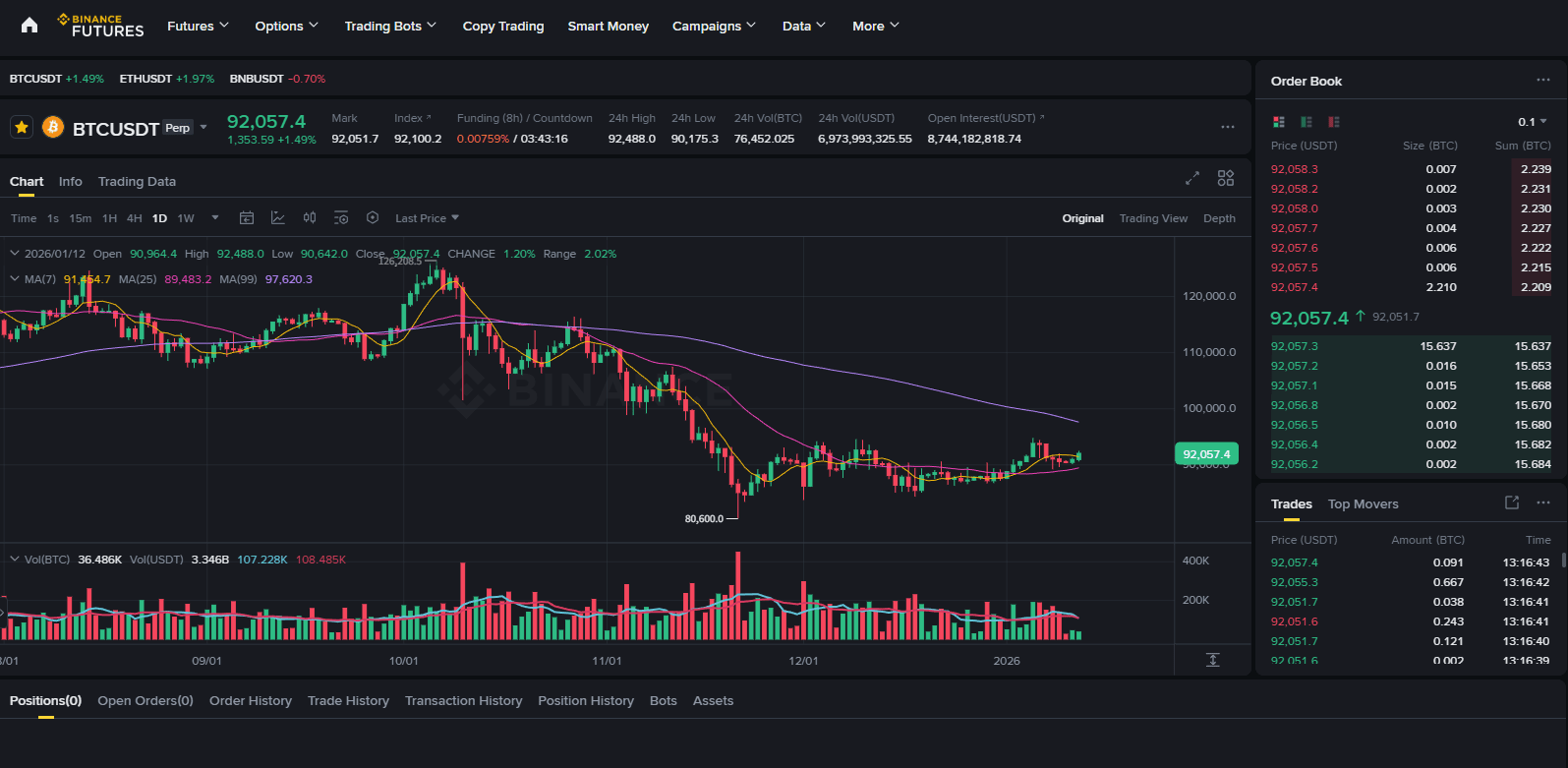
The main reasons users choose Binance are high liquidity, fast matching system, and various commission discount options.
Using a referral code to reduce trading fees provides long-term cost advantages.
In this article, we will explain the basic steps of using Binance, the 20% commission discount with a referral code, and the $600 new user benefits together.
Download Binance App
Mobile access is a major advantage for beginners. You can check prices, manage orders, and receive notifications while on the move.
Android
Go to Google Play Store and download the Binance app.
After installation, open the app and enable notifications and security permissions (e.g., biometric authentication).
iOS
Search for 'Binance' on the App Store.
After confirming the official Binance publisher, install the app.
On first launch, confirm the language, notification, and biometric authentication settings according to your needs.
Binance Mobile Membership Creation Method
Binance membership can be started with an email address or phone number. The steps to follow are as follows.
Login to Binance Registration Screen
Open the Binance app and tap on 'Sign Up / Register'.
Select your country/region. You must choose the country where you actually reside; the services offered may vary by country.
Country-based support and regulations may change over time. For details such as access to derivative products, refer to the latest in-app notifications.
Account Creation via Email or Phone
Enter your email address (or phone number).
Create a strong password containing uppercase and lowercase letters, numbers, and special characters.
Enter the verification code sent to complete the first verification step.
After this step, you must complete KYC verification to enable deposits, withdrawals, and trading.
Get 20% Commission Discount by Entering Referral Code
If you use a referral code when signing up for Binance, you can receive a trading fee discount.
Referral code: CN20OFF
When you enter the CN20OFF code in the referral code field on the registration form, a 20% trading fee discount will be applied to your account.
Ensure the code is correctly applied before completing registration.
Basic Security Settings
Immediately after creating an account, it is recommended to enable email and phone verification, as well as login notifications and device approvals.
Especially OTP (2FA) is a crucial tool that significantly enhances account security. Make sure to enable it by following the steps below.
KYC Identity Verification Method
KYC is the process of verifying customer identity. It is nearly mandatory on major exchanges due to anti-money laundering (AML) and legal compliance requirements.
Country/Region Selection
Correctly select the country where you actually reside. Incorrect selection may lead to service restrictions or future re-verification requirements.
Upload ID Document
Take a photo of one of the accepted documents in the app, such as a passport, ID card, or driver's license, and upload it.
Minimize reflections and shadows so that the validity date and identity information are clearly visible.
Face Recognition
Follow the instructions and position your face toward the camera. Remove hats, masks, and reflective glasses; slowly move your face within the frame on screen.
Review and Approval
The review period may take from a few minutes to several business days. This duration varies depending on the region, document type, and system load.
After approval, you can use most features including fund deposits, withdrawals, and transactions.
If the information is unclear or the country selection does not match, a new document request may be required. Quickly completing the requested corrections will shorten the approval time.
OTP (Two-Factor Authentication) Settings
Two-factor authentication (2FA) greatly enhances account security. The most common method is using Google Authenticator.
Required Preparations
Install Google Authenticator or a compatible OTP app on your smartphone.
Make sure you are logged in to the Binance app.
Setting Path
Go to the profile or Security (Security) menu in the top-right corner of the app.
In the Two-Factor Authentication (2FA) section, select the 'Google Authenticator' option.
Scan the QR code displayed on the screen using the OTP app, or manually enter the provided secret key.
Storing the Recovery Key
The secret key is critical for recovering your account.
It is recommended to store it in a secure offline environment such as an encrypted note or wallet. Even if you change or lose your phone, you can recover your OTP using this key.
Test and Activation
Enter the 6-digit code generated by the OTP app into Binance to complete the connection.
After this, OTP will be required for sensitive operations such as login, withdrawal, and security settings.
The methods to remove or recover OTP may vary depending on the app version; in such cases, follow the latest help/support instructions within the app.
Binance Referral (Referral) Code Information
Using a referral code when signing up for Binance reduces trading fees. The information used in this article is listed below.
Official discount link
Sign up on Binance with trading fee discount
Referral code: TR20OFF
Existing users can also receive a 20% trading fee discount if they meet the following 5 conditions:
The invited person already has a Binance account.
The person has not previously accepted any invitation.
The person has not traded or used any product on Binance in the last 180 days.
When the eligible invited person opens the link and logs in, a confirmation window appears.
When the inviting person clicks on the [Now Binding] option, the matching becomes active.
When the referral code is successfully applied, a 20% discount on trading fees will be automatically activated.