


Today we will provide a systematic introduction to new users of Binance, covering the complete process from account registration, KYC identity verification to OTP security settings.
Especially for those registering with a referral code, a 20% discount on trading fees will be available, and there is a chance to receive new user benefits of up to 600 USD. Please read carefully and claim the corresponding rights.
Official link for Binance trading fee 20% discount
Link to register on Binance and enjoy fee discounts
Binance referral code: CN20OFF
Introduction to Binance
Binance is one of the top exchanges in global cryptocurrency trading volume, supporting a wide range of trading from mainstream assets like Bitcoin and Ethereum to various altcoins.
The platform not only offers spot and derivatives trading but also includes fast transfers, Earn financial management, staking, Launchpad, NFT, and various other services.
Users can trade through the web or mobile App and set various security options including OTP two-step verification to enhance account security.
Many users choose Binance primarily for its high liquidity, fast matching speed, and rich fee discount mechanisms.
Registering with a referral code can effectively reduce long-term trading costs.
This article will detail how to enjoy a 20% fee discount through referral codes and how to obtain the new user benefits of up to 600 USD.
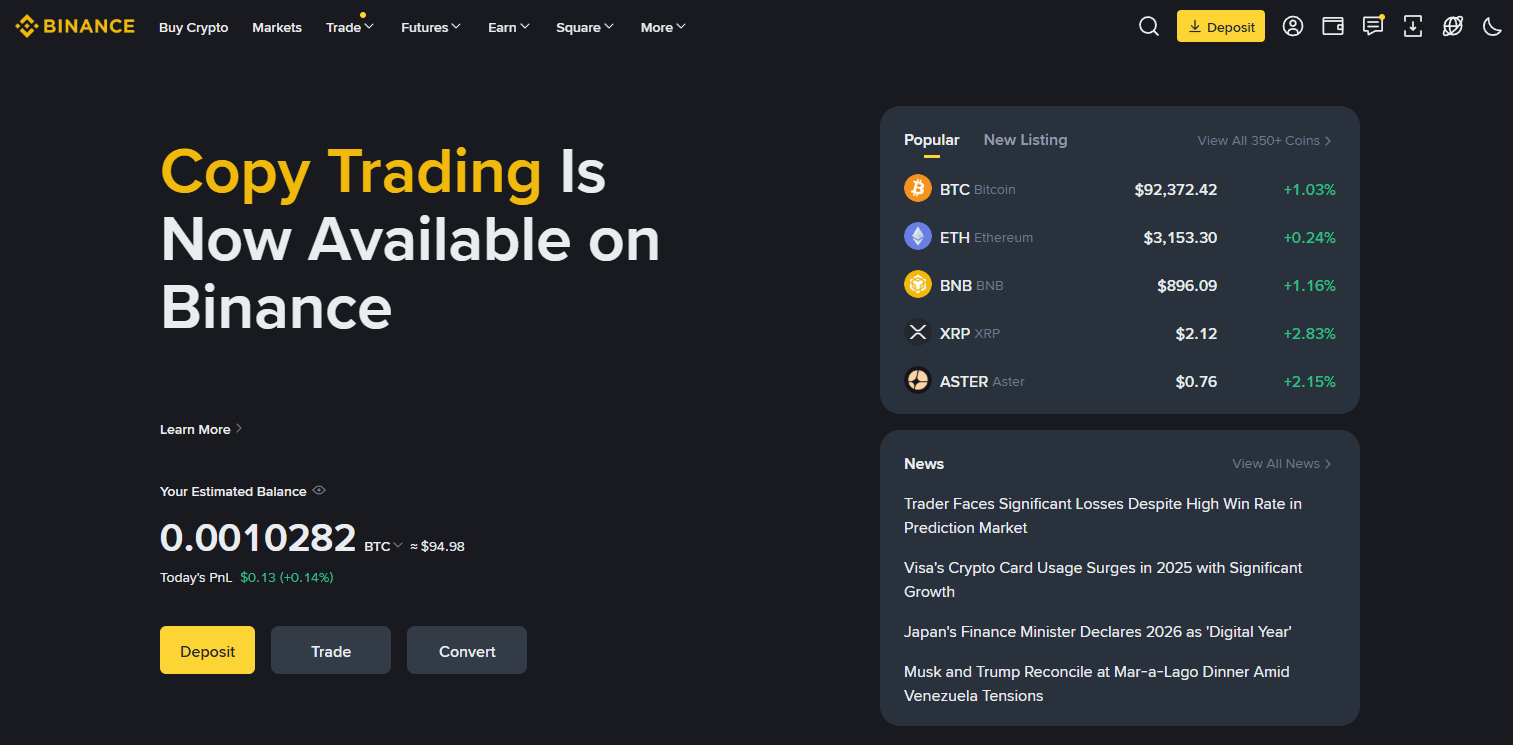
Binance App download method
For beginners, the mobile operation is very user-friendly, allowing for real-time market viewing, order management, and receiving alerts.
Android
Enter Google Play, search for and download the official Binance App
Once installed, open the app and allow notifications and security permissions (such as biometric recognition)
iOS (Apple)
Search for 'Binance' in the App Store
Confirm the developer is official Binance before installation
After opening, set the language, notifications, and biometric permissions as needed
Binance mobile registration process
Binance supports registration via email or phone number, the process is as follows.
Go to the registration page
Open the Binance App and click 'Register / Sign Up'
Select the country or region (must be consistent with the actual residence, as the services available may vary by region)
The support scope and specific rules for each country may be adjusted; whether derivatives trading is supported, etc., please refer to the latest prompts in the App.
Create an account using an email or phone number
Enter your email address (or phone number)
Set a strong password that includes uppercase and lowercase letters, numbers, and special characters
Enter the verification code received to complete the preliminary verification
After completing the above steps, you must continue with KYC identity verification to use deposit, trading, and other main functions.
Enter the referral code to enjoy a 20% discount on fees
Use the referral code when registering to receive a direct fee discount.
Referral code: CN20OFF
Enter CN20OFF in the referral code field on the registration page to bind the 20% fee discount.
Be sure to confirm that the referral code has successfully taken effect before completing registration.
Basic security settings
After registration is complete, it is recommended to immediately enable email verification, phone verification, login alerts, and device authorization security options.
Among them, OTP (two-step verification) is an important tool to prevent account theft. Be sure to complete the setup.
KYC identity verification process
KYC is a necessary step for customer identity verification at exchanges, falling under anti-money laundering (AML) and compliance requirements.
To use the trading, depositing, and withdrawing functions normally, KYC certification must be completed.
Select country or region
Please accurately select the actual residence country. If filled incorrectly, re-verification may be required later, potentially affecting functionality.
Submit identification documents
Upload your passport, ID card, or driver's license as instructed.
When shooting, please avoid reflections and shadows, ensuring that the validity period and key information are clearly visible.
Facial recognition
Follow the instructions for frontal shooting, remove hats and masks, avoid lens reflections, and slowly move your face according to the prompts.
Review and approval
Review time may vary from a few minutes to several working days, depending on the region, document type, and system conditions.
If the information is unclear or the country information is inconsistent, you may be asked to resubmit. Supplementing as required can usually speed up the review process.
OTP (Google Authenticator) setup method
Two-step verification (2FA) can significantly enhance account security, with the most common method being Google Authenticator.
Preparation items
The phone has Google Authenticator or a compatible OTP application installed
Logged into Binance App
Set path
Enter the personal center or Security in the top right corner of the App
Select Two-Factor Authentication (2FA)
Use an OTP App to scan the QR code or manually enter the key
Backup key storage
The key is an important credential for account recovery.
It is recommended to store it in a secure offline location (such as an encrypted note, safe) to allow for quick recovery even if the phone is changed or lost.
Test and complete binding
Enter the 6-digit dynamic verification code generated by the OTP App to complete the binding.
Subsequent login, withdrawal, and security setting changes will require OTP verification.
Binance referral code description (Important)
Register on Binance using the referral code to enjoy long-term trading fee discounts.
Official registration link
Link to register on Binance and enjoy fee discounts
Referral code: CN20OFF
For users with existing accounts, a 20% fee discount can also be obtained if the following 5 conditions are met:
The invitee already has a Binance account
Has never accepted any invitations
This account has not traded or used Binance products in the past 180 days
A confirmation window will appear after opening the invitation link and logging in
After clicking 'Now Binding', the binding will officially take effect
After successfully binding the referral code, a 20% discount on trading fees will be automatically applied.