


Why Setting Indicators on Binance is Important
When you start trading on Binance, the first thing you will see is the chart. If you only look at the price without analysis, the risk is very high, especially for beginners. This is where the importance of technical indicators or assisting indicators comes in.
Indicators help to better understand the trend, the strength of price movements, and whether the market is overbought or oversold. On Binance, there are many built-in indicators that can be customized according to the user's trading style.
How to Enter the Binance Chart
To set indicators, you first need to enter the chart interface of Binance.
After logging in, click Trade in the top menu and select Spot or Futures.
Binance uses the TradingView chart system, making it familiar to many traders.
Above the chart, you can see the button for Indicators, where you can select various technical tools.

Setting the Moving Average (MA)
The Moving Average is one of the most basic and commonly used indicators. It shows the average price over a specific period to see the direction of the trend.
On Binance, you can choose from:
MA (Simple Moving Average)
EMA (Exponential Moving Average)
WMA (Weighted Moving Average)
Steps:
Click on Indicators
Select Moving Average
Enter the period (e.g., 5, 20, 60, 120)
Adjust the color and thickness of the line
The short-term MA is for quick price movements, while the long-term MA is for the overall trend. A combination of the two is often used to see the golden cross and death cross.
RSI Indicator: Setup and Usage
The RSI or Relative Strength Index is used to determine whether the market is overbought or oversold.
Common interpretation:
RSI above 70: overbought
RSI below 30: oversold
How to set:
Select RSI in Indicators
Default period is 14
Upper and lower levels (30 and 70) can be seen
The RSI is more effective when used with other indicators, especially in a sideways or ranging market.
MACD Indicator on Binance
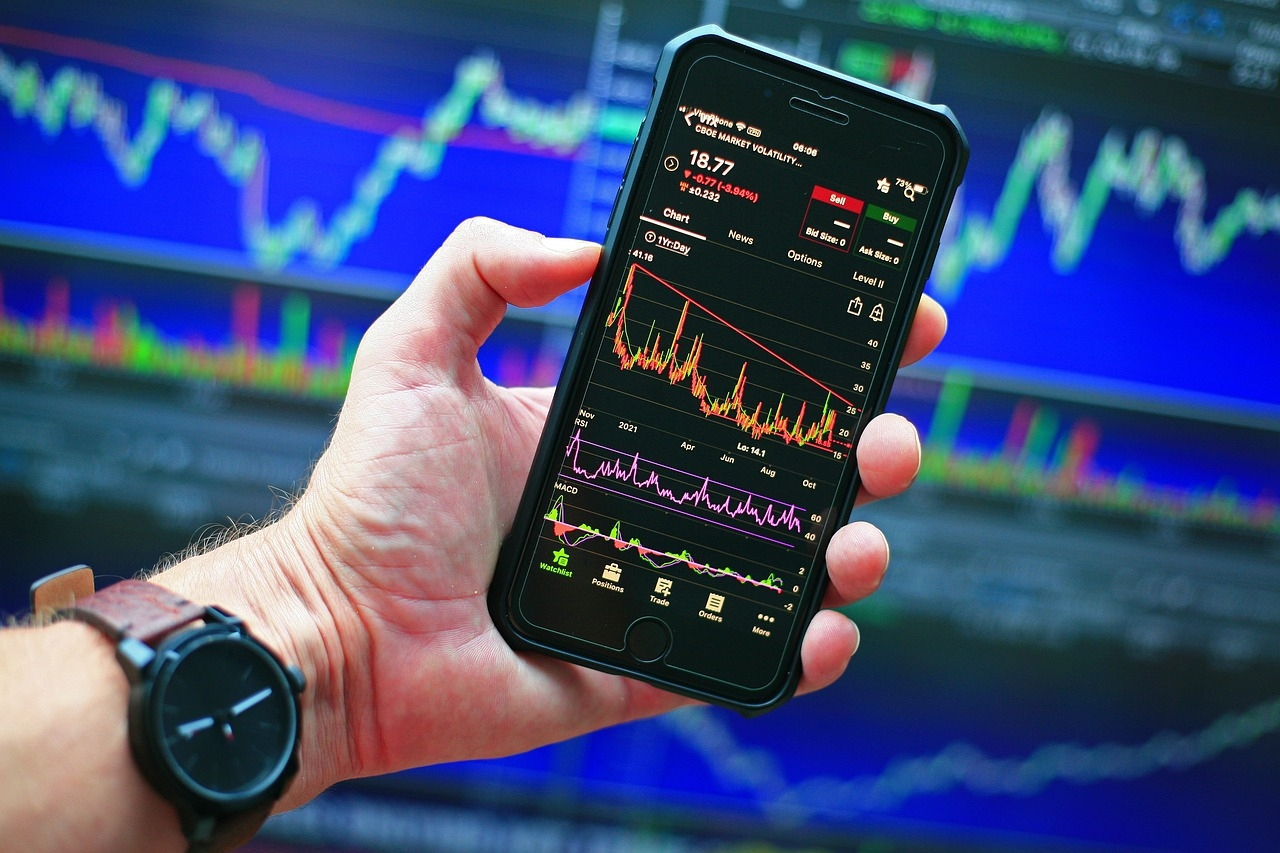
The MACD is an indicator that combines trend and momentum analysis. It consists of:
MACD line
Signal line
Histogram
When the MACD line crosses above the signal line, it usually indicates a buy signal. Conversely, if it crosses below, it may be a sell signal. It is more effective in a market with a clear trend.
Setting Bollinger Bands
Bollinger Bands show price volatility. It consists of:
Upper band
Middle band (moving average)
Lower band
Default settings:
Period: 20
Standard deviation: 2
When the price approaches the upper band, it may be overbought. When close to the lower band, it may be oversold. When the bands tighten, it often signals an impending big price movement.
Volume Indicator and Its Importance
Volume shows how strong the market movement is.
If the price rises alongside high volume, the trend is stronger.
On Binance, the volume is automatically visible below the chart. It can be customized for easier visibility of changes in buying and selling pressure.

Combining Indicators
Using only one indicator is not recommended. A combination of:
Moving Average for trend
RSI for overbought/oversold
MACD for trend reversal
It is important to note that no indicator is 100% accurate. They are used as guides, not as guaranteed signals.
Tips for Beginners
For beginners, it is better to start with only 2–3 indicators. Too many indicators can cause confusion.
Do not immediately change the default settings. First, learn how each indicator works before adjusting it according to your own strategy.

Summary and Final Reminder
Setting the indicators correctly on Binance is important for smoother and more disciplined trading. The Moving Average, RSI, MACD, Bollinger Bands, and Volume are some of the most reliable tools for traders.
Indicators are not for predicting the market, but to help you make more logical and careful decisions. With continuous learning and practice, you can develop your own trading system that suits your style.