



When using a cryptocurrency exchange, the most important factor is security. To protect crypto assets, strong security measures are needed, and among these, OTP (One Time Password) plays a crucial role in enhancing security.
In this blog, we will look at how to set up OTP on Binance.
What is OTP?
OTP stands for One-Time Password, meaning a password that can only be used once. It is commonly used in two-factor authentication (2FA) and provides an extra layer of security for user accounts.
When you log into the account, you enter the one-time password sent to another device, along with your regular password. Even if your password leaks and risks being hacked, access to the account cannot be obtained without OTP.
Let’s now go through how to set up OTP on Binance. Here we explain the mobile version as it is easier to use.
Before we explain the OTP setup, we want to inform new users about the benefits one can receive upon registration.
By clicking the link below, you can get a 20% discount on all trading fees on Binance.
It's a great benefit that you receive just by signing up, so don't miss the chance to save on fees.
📌Click here to get a 20% discount on fees
Even existing users can receive a 20% discount if they meet the following 5 conditions
The invited person already has a registered Binance account.
The invited person has never accepted an invitation before.
The invited person's account has not traded or used any product on Binance in the last 180 days.
When a qualified guest opens the link and logs in, a confirmation window will appear.
When the host clicks on [Bind Now], the binding becomes valid.
How to register on Binance
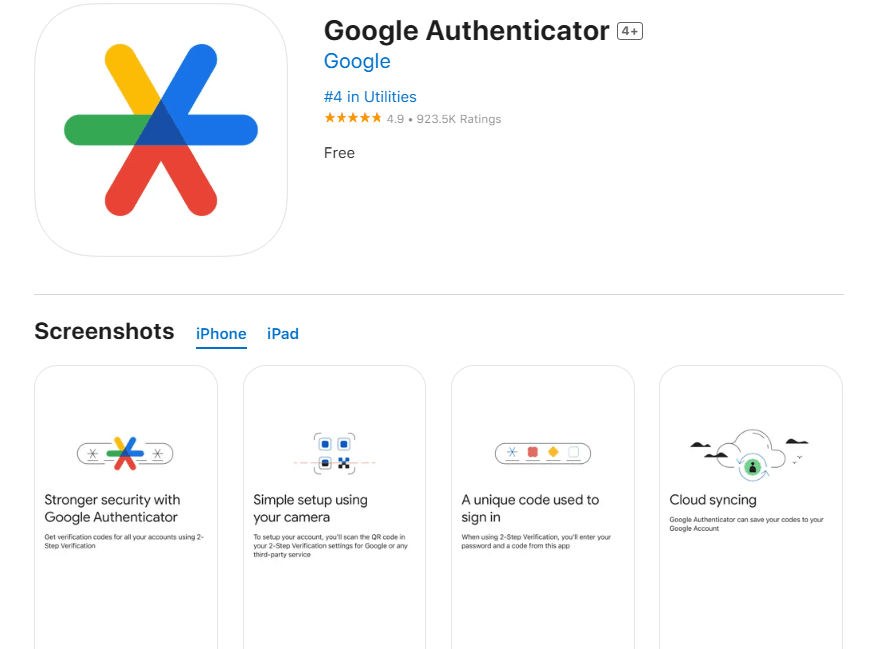
Once you have registered on Binance, download the Binance app to your phone and log in. Then download and install the Google Authenticator app to set up OTP.
Go to the security settings menu in the Binance app, click on the Account icon in the bottom menu, and select the Security or 2FA option.
Select the option to enable 2FA with Google Authenticator. Here you can choose to scan a QR code or enter the key manually.
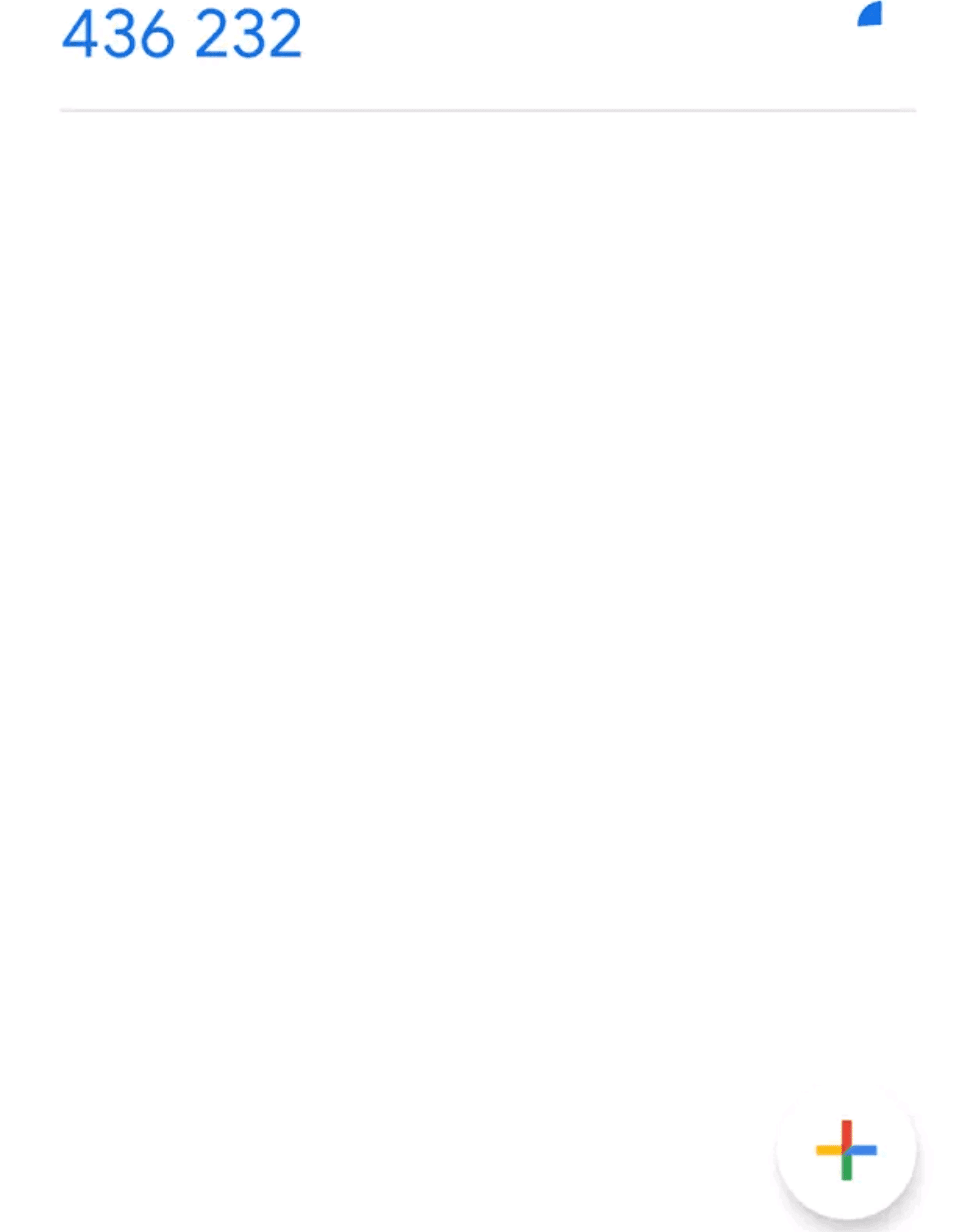
Click on the Google Authenticator setting in Binance to generate a QR code, open the Google Authenticator app, and select 'Scan QR Code' to scan the code. After scanning, the app generates a six-digit code.
If the QR code doesn't work, you can instead enter the secret key manually in the Google Authenticator app.
Once you have scanned the QR code, enter the six-digit code from Google Authenticator into Binance and click 'Submit' to complete the setup.
After you have activated 2FA, Binance will provide you with a recovery code. This is used if you lose your phone or cannot access the Authenticator app. Make sure to save the recovery code in a safe place.
From now on, every time you log in to your Binance account, you must enter both your password and the six-digit code from the Google Authenticator app.
We have now gone through how to set up OTP on Binance. Using Google Authenticator for 2FA is an important step to enhance security.
OTP is a method that can effectively protect your account by preventing phishing attacks, brute force attacks, and account takeover attempts. Binance OTP setup is simple yet powerful and necessary to secure your crypto assets.
To use cryptocurrency exchanges safely, set up Binance OTP now and start with an enhanced security environment. Thank you.