


As my interest in cryptocurrency investment grows, I chose the world's most trusted exchange—Binance—as my primary trading platform. Many people are curious about the withdrawal process and the time required, so this article will detail relevant information based on my actual experience withdrawing from Binance, hoping to assist users who wish to effectively manage their assets even amidst their busy lives.
Binance Withdrawal Process
To withdraw from Binance, first log into your account, go to the 'Wallet' menu, select the asset you want to withdraw, and then click the 'Withdraw' button. Next, you need to choose the cryptocurrency, enter the external wallet address, and select the network.
Choosing the right network is very important. For example, when withdrawing USDT, you can choose ERC20, TRC20, or BEP20, and the different choices will affect the fees and processing times.
Withdrawal times vary by network
In my experience, the TRC20 network usually completes withdrawals within 1 to 3 minutes, with a fee of about 1 USDT, which is very cost-effective. In comparison, ERC20 has higher fees, and if the network is congested, the withdrawal time may exceed 10 minutes.
Although the Ethereum network is slower, it supports many wallets and exchanges, so it is sometimes still necessary to use.

After submitting the withdrawal request, Binance will require two-factor authentication, such as Google OTP or email verification, and will only start processing the withdrawal once the verification is complete.
The time from when Binance begins processing to when the blockchain actually sends is the true time required for withdrawal, so understanding this process and planning your time accordingly is very important.
Network settings for deposits and withdrawals
If I need to make a quick withdrawal during work hours, I will prioritize fast networks like TRC20. If the network is unstable or congested, delays may occur.
I also tend to check Binance announcements before withdrawing, as sometimes network maintenance can lead to a suspension or delay in withdrawals.
You can view the status in 'Withdrawal Records' in real-time, whether it is 'Processing', 'Completed', or 'Failed'. You can also query the status through TXID on the blockchain, which is particularly useful during withdrawal delays.
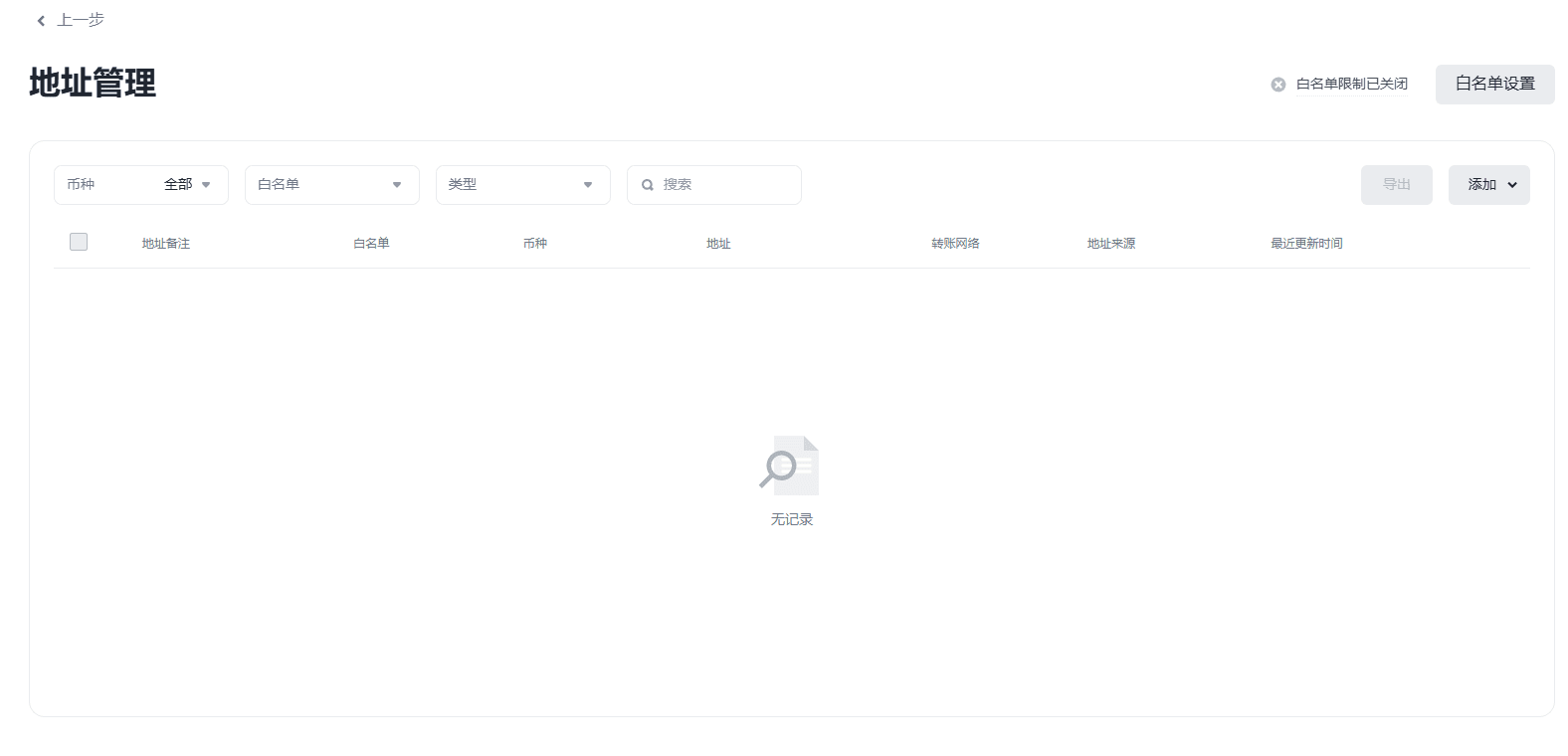
I will add frequently used external wallet addresses to my address book so that even on busy days, I can complete withdrawals quickly and safely.
The withdrawal time on Binance varies by cryptocurrency, network, and the time of withdrawal. If you want to transfer assets quickly, it is recommended to choose high-speed networks like TRC20. Always double-check the wallet address and confirm if there are any system maintenance announcements.
If you wish to reduce trading fees, you can register on Binance through the following referral link to enjoy a 20% discount on trading fees:
🔸[Click here to register and enjoy a 20% trading fee discount on Binance]
Even for existing users, the following five conditions must be met to enjoy a 20% discount:
Have a registered Binance account.
Have never accepted a referral invitation.
Have not traded or used any products on Binance in the past 180 days.
After clicking the invitation link and logging in, a confirmation window will appear.
Click [Bind Now] to activate the discount.
When first operating, the withdrawal process may seem complicated, but after a few tries, you can master the speed and rhythm, allowing asset management not to be interrupted by daily life.
Once you master the withdrawal timing, asset management will become more strategic and efficient. The speed of withdrawal is not only a technical detail but also a key element in the overall investment plan.
In the future, I will also try more network options to find more efficient withdrawal methods. The market changes rapidly, but withdrawals always require caution and planning, which should not be overlooked.