



As the cryptocurrency market continues to grow, more and more users are joining Binance, the platform with the highest trading volume in the world.
Binance maintains its number one position not only in terms of trading volume but also in user count.
However, some users experience inconvenience while using the Binance platform.
One of the most common issues is losing access to your Binance OTP (Google Authenticator).
Fortunately, there’s a way to reset your Binance OTP if it gets lost.
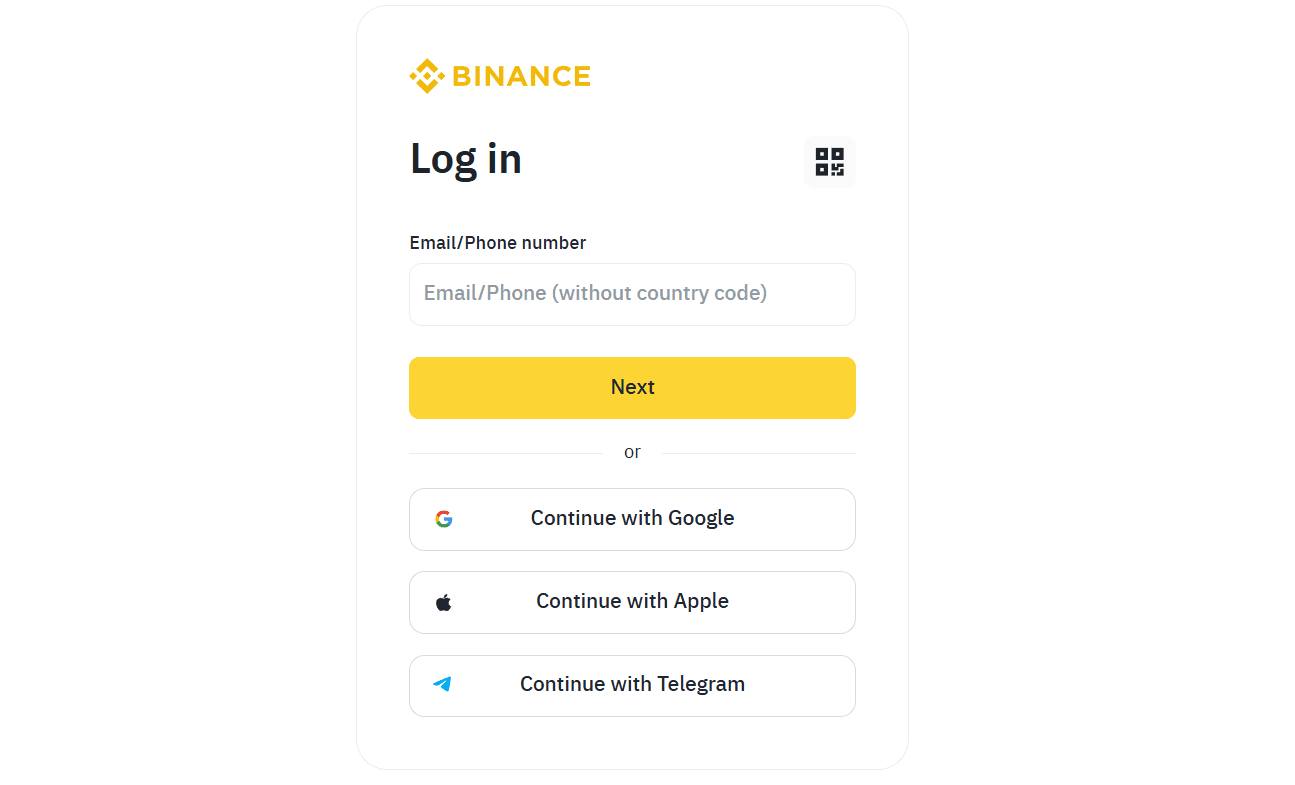
To resolve the issue, you must first attempt to log in.
Visit the Binance website and proceed with the login process until the screen asks you to enter your OTP.
This step is necessary to begin the OTP reset process.
When the login screen appears, enter your email address and password, then click the login button.
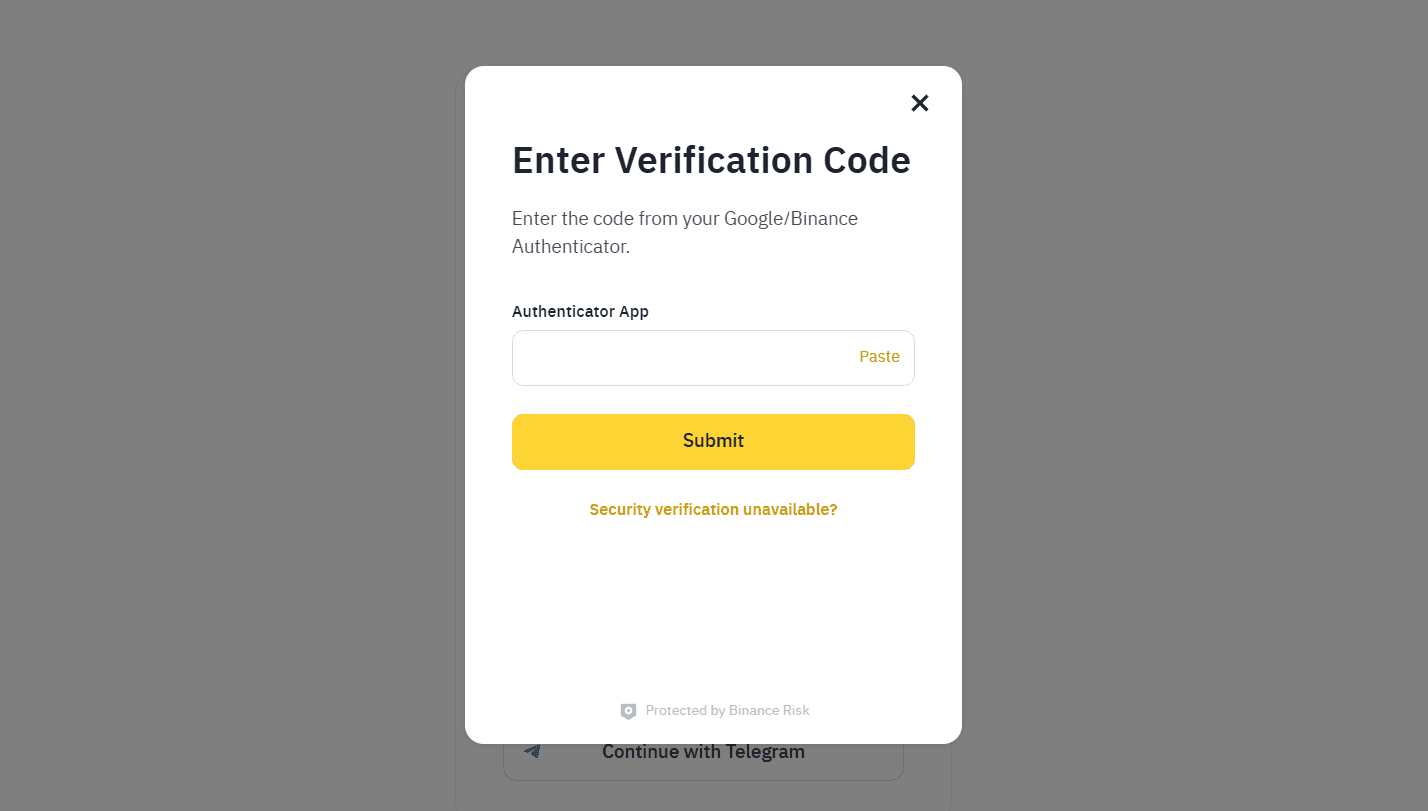
If you’ve entered your credentials correctly, you’ll be taken to the OTP entry screen.
At the bottom of that screen, you’ll see the phrase:
“Security verification unavailable?” — click on that.
This allows you to initiate the OTP reset process.
The screen will update, and you’ll be prompted to start the Google Authenticator reset.
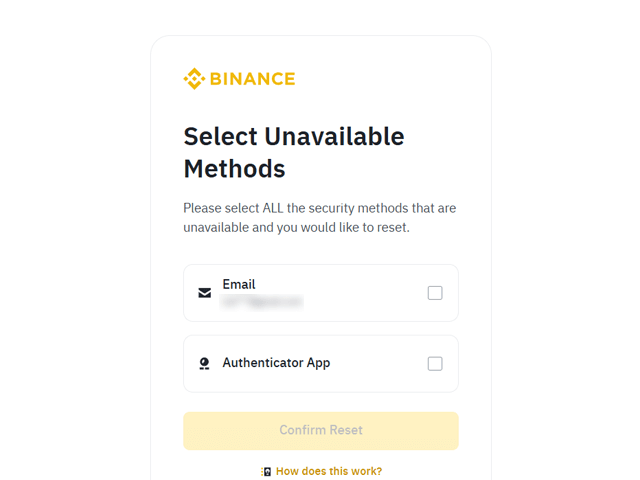
To remove your OTP, click on “Authenticator App” and proceed to the next step.
A pop-up will appear informing you that your account will be restricted from trading for 2–3 days.
Read the notice, agree to the terms, and move on.
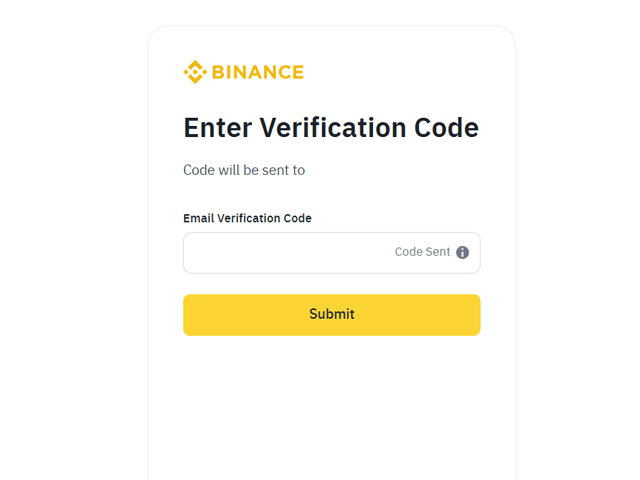
Next, a screen will prompt you for email verification.
Enter the verification code into the designated field.
Once the verification is complete, your OTP reset will be successful, and you’ll just need to wait 24 hours for full functionality to return.
We hope you found this process simple and easy to follow.
If you haven't signed up for Binance yet, use the referral link below to get started.
By signing up through this link, you can enjoy a 20% discount on trading fees while using Binance.