



The cryptocurrency market is continuously thriving, leading to an ongoing influx into Binance, which holds the number one spot in trading volume worldwide.
Binance is not only the leader in trading volume but also has a large number of users, firmly maintaining its top position. However, there may be times when you feel inconvenience while using the Binance site.
One of those situations is when you lose your Binance OTP.
However, if you lose your Binance OTP, there is a method to reset it, which can help resolve the issue. To solve the problem, you must first log in.
You need to go to the Binance site and log in, but you must proceed until the section for entering the Binance OTP value appears in order to reset your Binance OTP.
When the login window appears, enter your email address along with your password and click the login button.
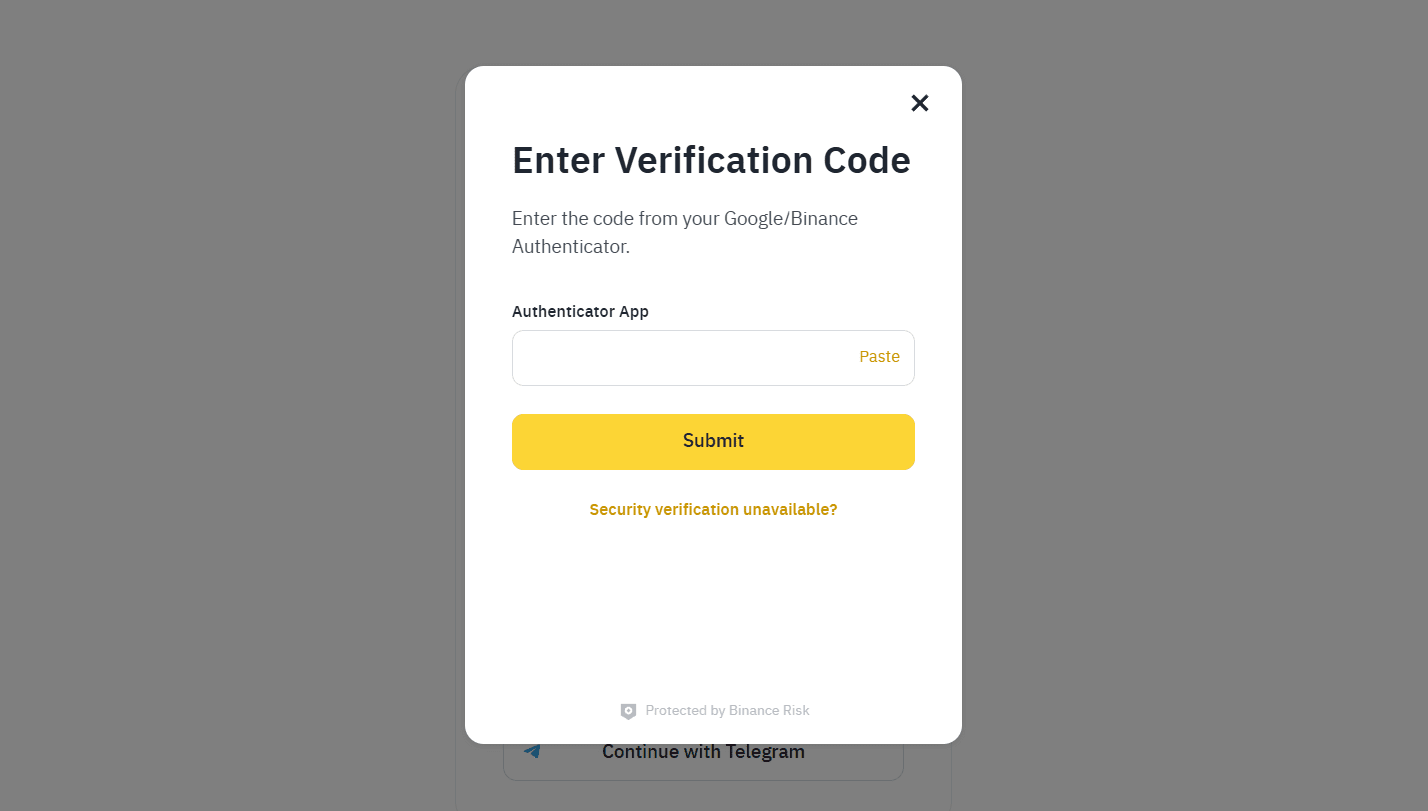
If you have logged in by entering your email address and password correctly, a window will appear asking you to enter the Binance OTP value. You should see the phrase 'Security verification unavailable?' at the very bottom; please click on this phrase.
This allows you to apply for a Binance OTP loss request, and when the window changes, you will proceed with the Google OTP reset.
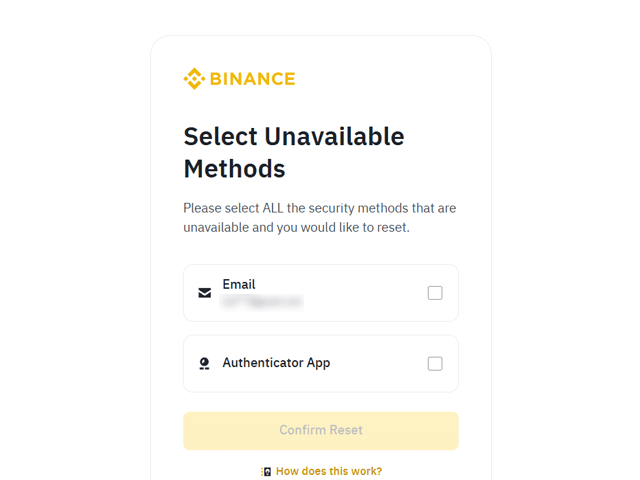
Here, please click on the Authenticator App to release the OTP, and then proceed to the next step. A window will appear stating that there will be a trading restriction for 2-3 days; please take note of this and agree before moving on.
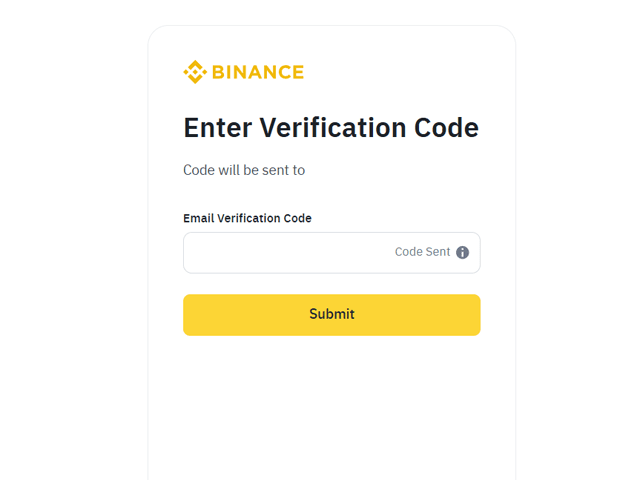
A window will pop up for email verification, where you need to enter the verification code in the designated field.
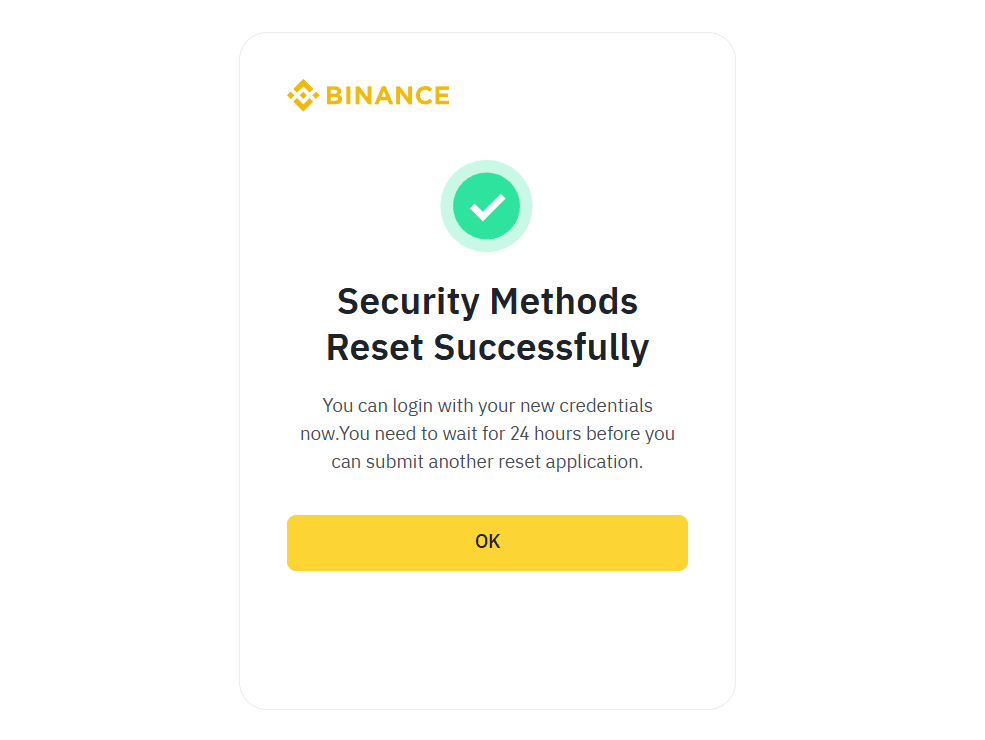
Once verification is complete, the OTP reset will be finished, and you will need to wait for 24 hours. I believe you have followed the process well without any complicated steps.
If you haven't signed up for Binance yet, please proceed to sign up through the link below. I hope you experience Binance with a 20% discount on fees.