
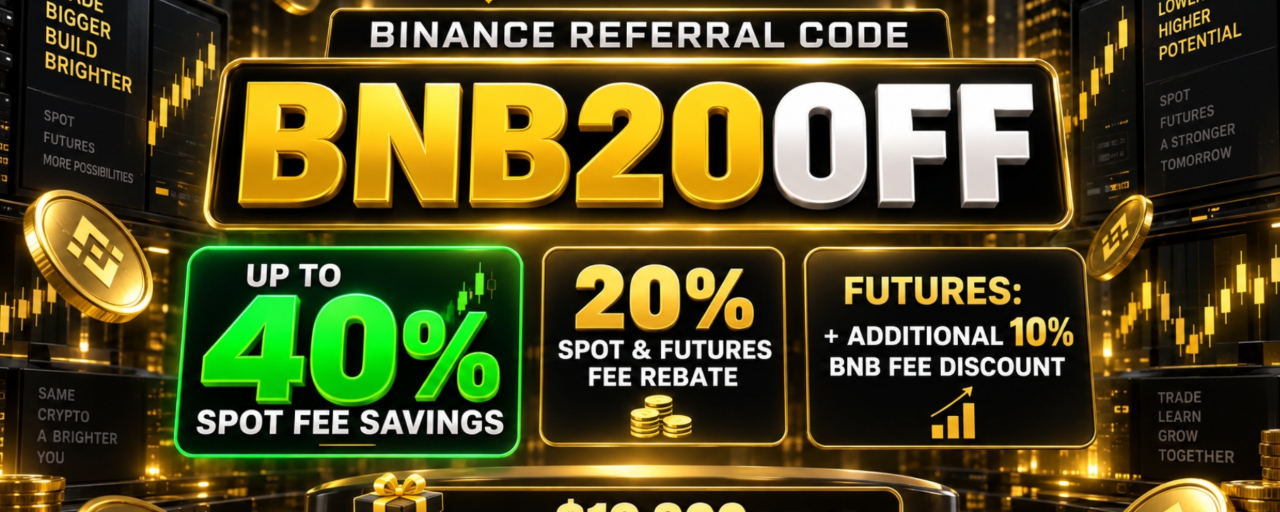


TL;DR
The Binance referral code BNB20OFF is designed for eligible new users who want to reduce trading costs on both Spot and Futures markets. When the code is applied during registration, the Binance signup page can display up to a 20% trading fee rebate and access to new-user rewards worth up to $19,800. Users may reduce their fees further by holding BNB and enabling the option to pay trading fees with BNB.
The important point is that the referral rebate and BNB fee discount are separate benefits. BNB20OFF may provide up to a 20% rebate on eligible Spot and Futures trading fees. Paying fees with BNB can then provide a 25% discount on eligible Spot fees and a 10% discount on eligible USDⓈ-M Futures fees. The BNB discount is different for each market and should not be advertised as the same rate everywhere.
Binance Registration Link
Create an account with BNB20OFF:
Enter or confirm BNB20OFF before completing registration. The sign-up screen should show the available referral benefit. Referral rebates, rewards and product access may vary according to the user’s country, account status and current Binance campaign terms.
Alternative Binance Referral Codes
Eligible new users may also consider the following registration codes:
FUTURESFEE20
CRYPTOFEE20
FUTURESMAX20
BESTCODEMAX2
19800BONUS20
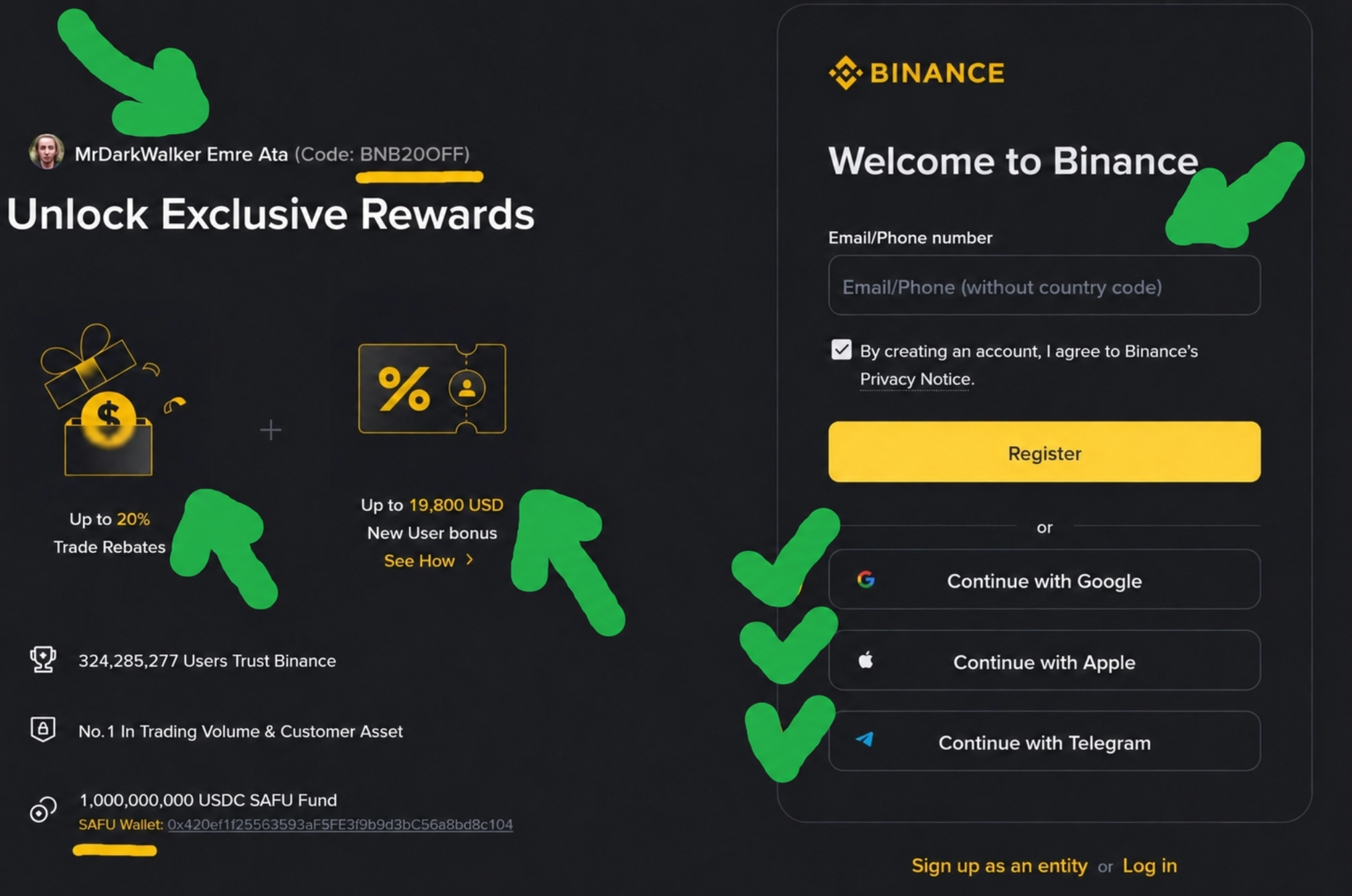
Best Binance referral code BNB20OFF
Only one referral code can normally be attached during account creation. Users should open their preferred link and check the benefit displayed by Binance before registering. A code cannot usually be added after the account has already been created.
How the BNB20OFF Fee Benefits Work
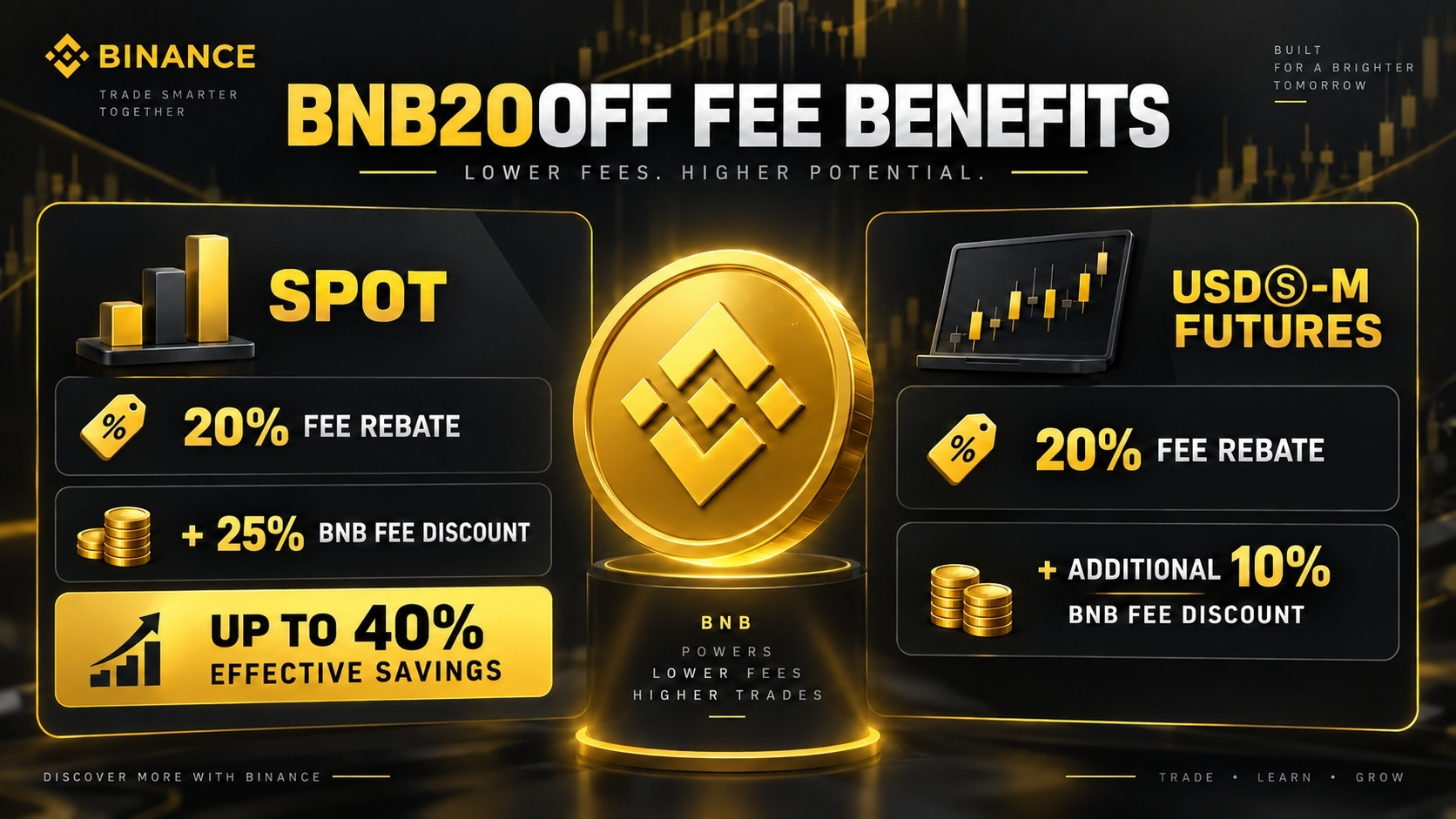
For eligible Spot trading, BNB20OFF can provide up to a 20% fee rebate. If the user also enables BNB fee payment, Binance currently applies a 25% discount to eligible Spot trading fees. Because the two benefits are applied separately, the effective saving against the standard Spot fee can reach up to 40%.
For eligible USDⓈ-M Futures trading, BNB20OFF can provide up to a 20% Futures fee rebate. Binance also offers an additional 10% discount when trading fees are paid with BNB. The clearest description is:
20% Futures Fee Rebate with BNB20OFF + Additional 10% BNB Fee Discount
This should not be described as a 30% or 28% “rebate.” The rebate itself remains up to 20%; the additional benefit is a separate BNB fee discount. The 10% BNB discount applies to eligible USDⓈ-M Futures and should not be generalized to every Futures product, including COIN-M Futures.
How to Create and Secure a Binance Account
Open the BNB20OFF registration link and sign up using an email address or phone number. Create a unique password that is not used on any other website. Confirm the verification code sent by Binance and check that the referral code is correctly attached.
Next, complete Identity Verification, also known as KYC. Binance may request personal information, a government-issued identity document and a facial verification check. KYC is required for many deposit, withdrawal, trading and reward features. Availability depends on local regulations.
After verification, activate two-factor authentication. An authenticator application is generally safer than relying only on SMS. Users can also configure an anti-phishing code, withdrawal address whitelist and account alerts. Never share a password, verification code or recovery phrase with anyone.
How to Complete Binance Identity Verification (KYC)
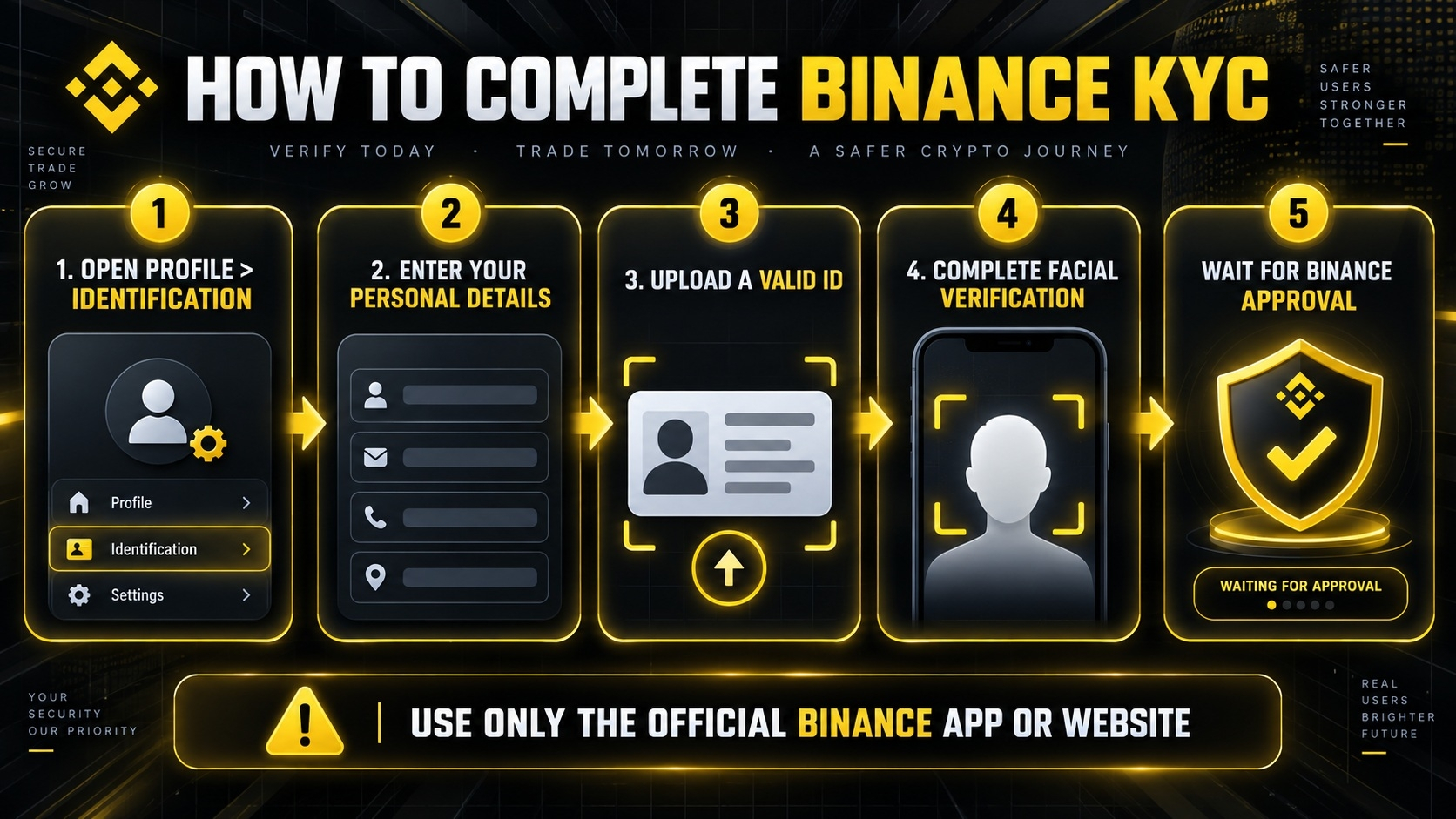
After creating your account with the referral code BNB20OFF, log in to Binance and open Profile > Identification or select Verify Now. Choose your country of residence carefully because the available services, verification requirements and promotions may vary by region.
Enter the requested personal information exactly as it appears on your official identity document. Binance may ask you to upload a valid passport, national identity card or driver’s license, depending on your country. Make sure the document is current, clearly visible and photographed without glare, cropped edges or unreadable information.
You may also be required to complete facial verification using your phone or computer camera. Follow the on-screen instructions, remove hats or glasses when requested and ensure that your face is clearly visible in a well-lit environment. In some cases, Binance may request proof of address or additional information.
Once submitted, wait for Binance to review the application. Completing KYC can provide access to supported deposit, withdrawal, Spot and Futures trading features. It may also be required to participate in eligible Welcome Rewards tasks worth up to $ Lash19,800. Never send identity documents to anyone through social media, email or private messages; complete verification only through the official Binance website or application.
How to Deposit Money
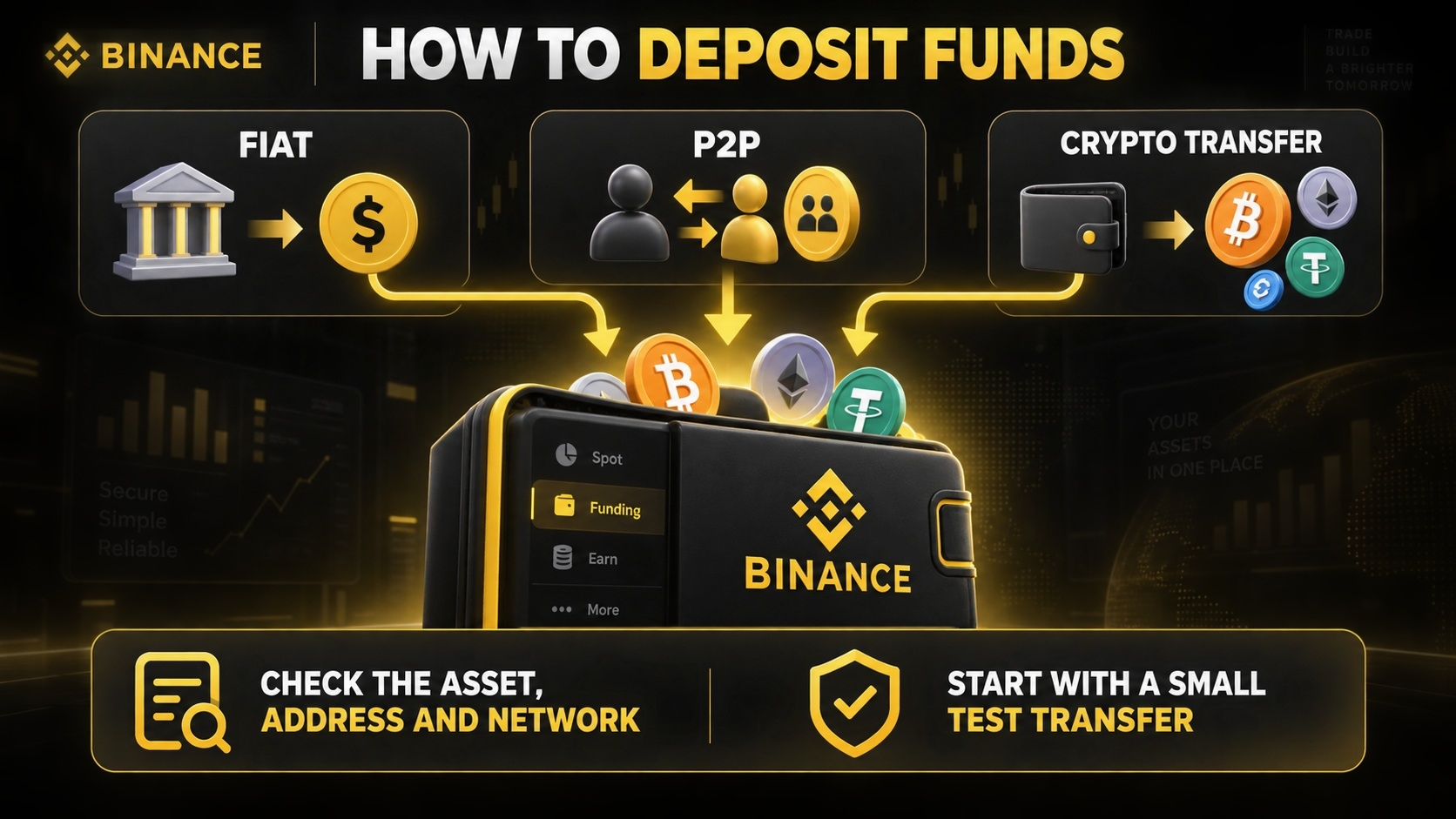
Go to Wallet and select Deposit. Depending on the region, users may fund their account through a supported bank card, bank transfer, P2P marketplace or cryptocurrency deposit.
For a crypto deposit, select the asset and blockchain network carefully. The sending and receiving networks must match. For example, a transfer made through BNB Smart Chain must be sent to the matching BNB Smart Chain deposit address. Confirm the address, network and any required memo before sending. A small test transfer may reduce the risk of an expensive mistake.
After the deposit is credited, funds can be used in Spot or transferred internally to the USDⓈ-M Futures wallet.
How to Buy BNB and Enable the Fee Discount
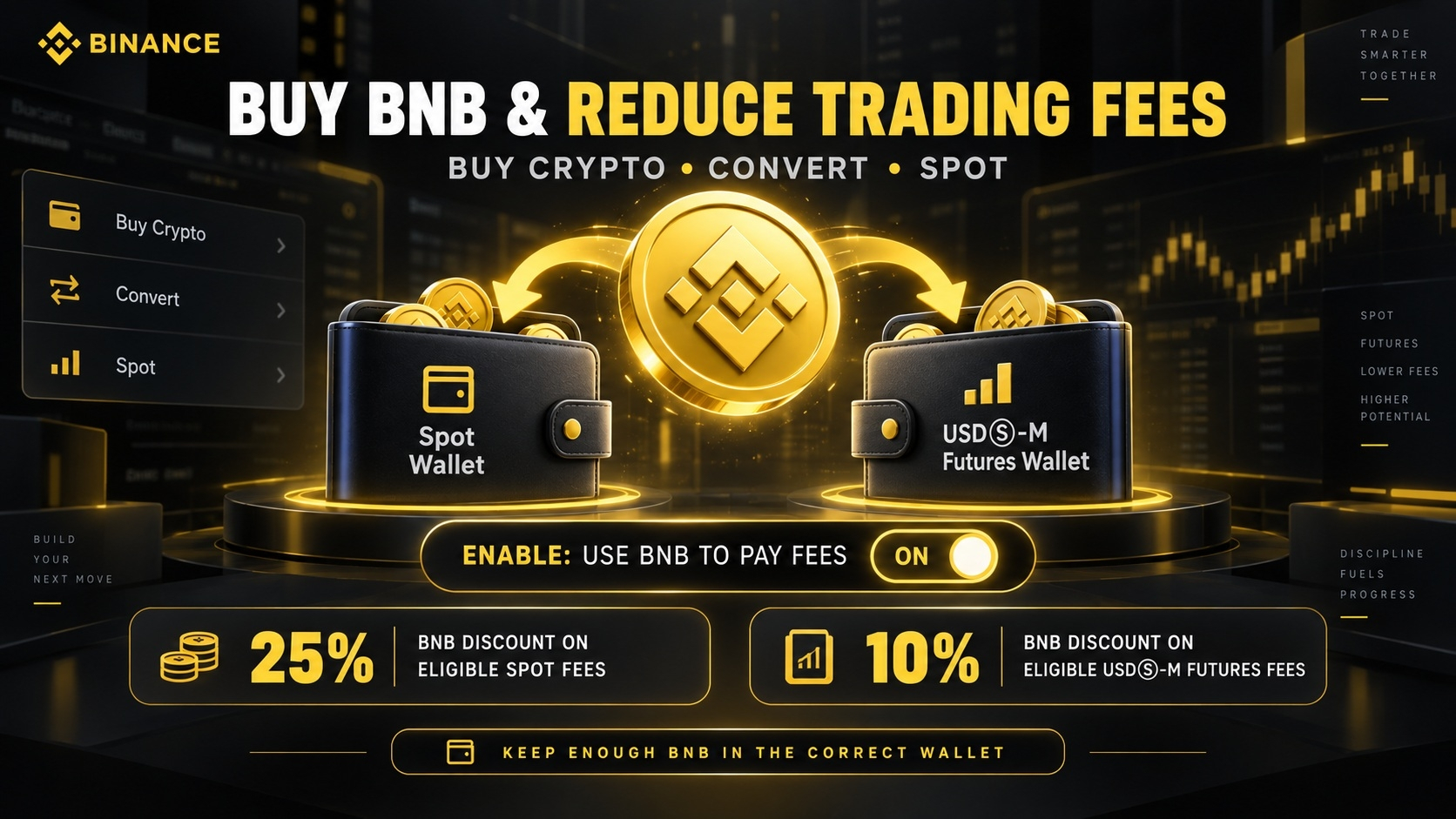
Users need a sufficient BNB balance to receive the applicable BNB fee discount. BNB can be purchased through Buy Crypto, Convert or a Spot trading pair such as BNB/USDT.
Open the account’s fee settings and enable Use BNB to pay fees. For the USDⓈ-M Futures discount, Binance states that BNB must be transferred to the USDⓈ-M Futures account. If the Futures BNB balance is insufficient, Binance may deduct the fee from another supported asset and the 10% BNB discount may not apply.
Keep a small BNB balance available and periodically check the setting, especially before high-volume trading.
How to Buy and Sell on Spot
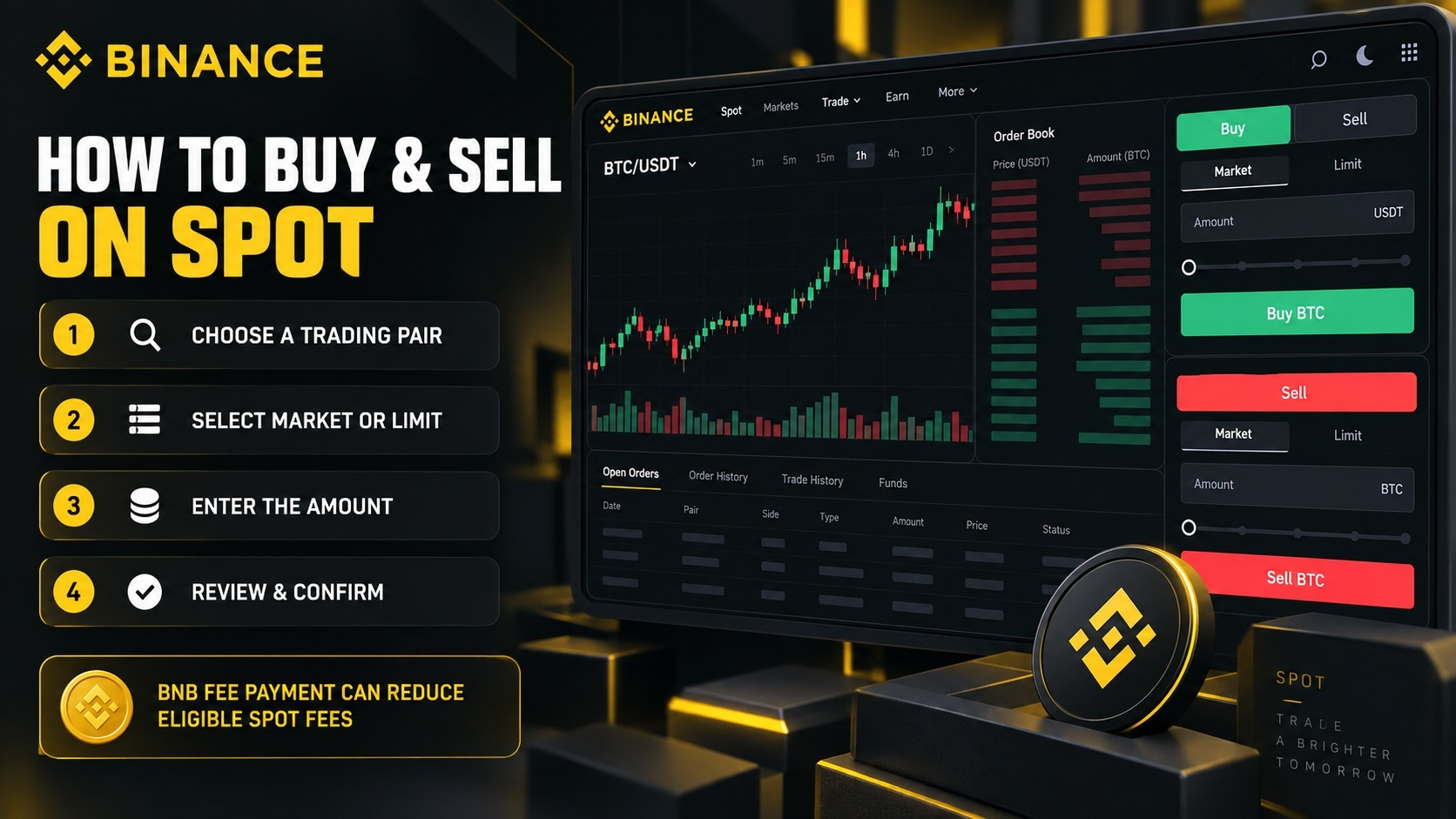
Open Trade and choose Spot. Select a trading pair, such as BTC/USDT. A Market order executes at the best available market price, while a Limit order allows the trader to choose a specific price.
Enter the amount, review the order and confirm the purchase or sale. When BNB fee payment is active and sufficient BNB is available, the eligible Spot fee receives the applicable BNB discount. The BNB20OFF referral rebate is handled separately according to the account’s displayed terms.
How to Trade USDⓈ-M Futures
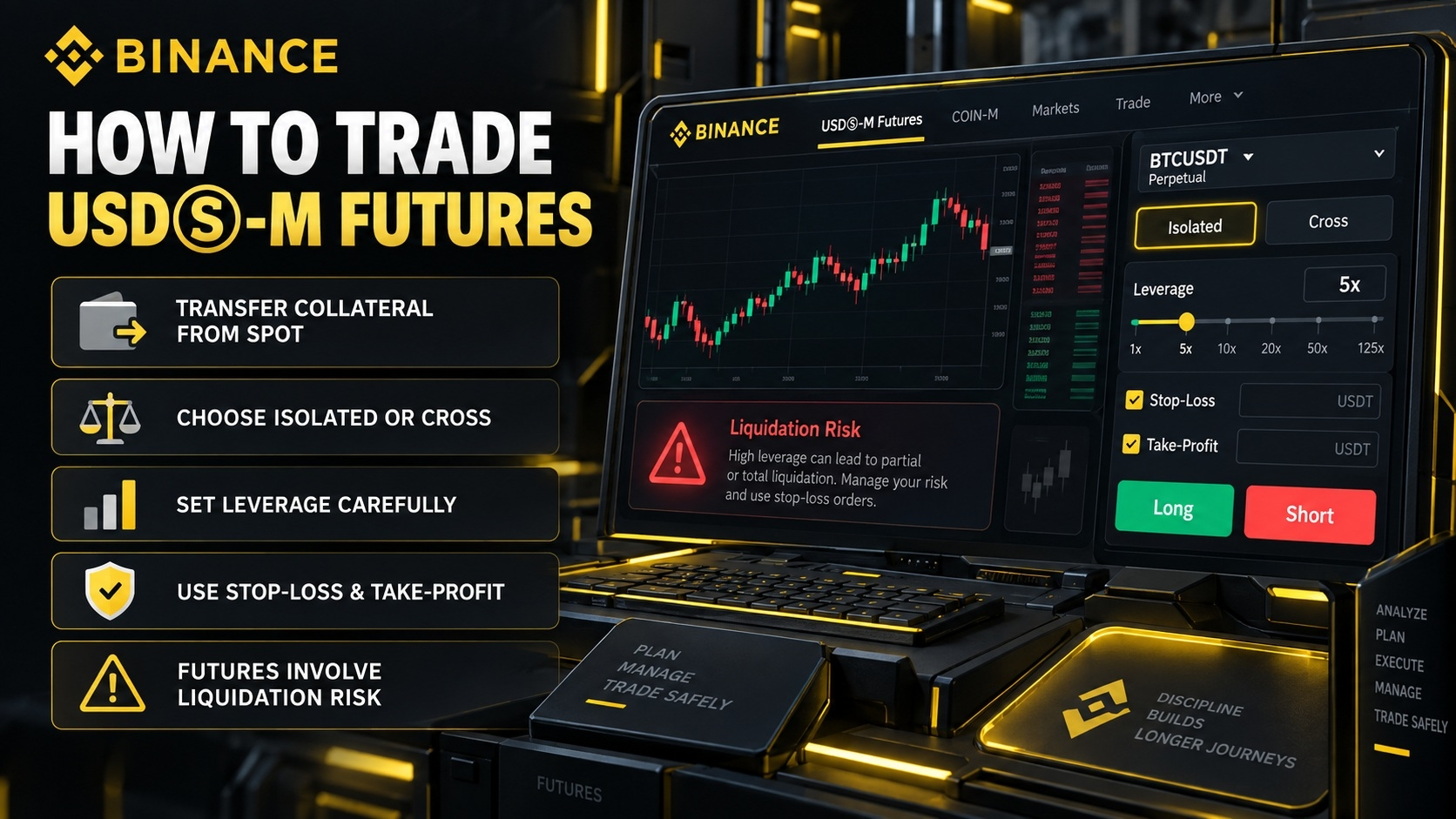
Before trading Futures, activate the Futures account and transfer collateral from the Spot wallet. Choose an eligible USDⓈ-M contract, select Isolated or Cross Margin, and set leverage carefully.
Futures allow traders to open long and short positions, but leverage increases both potential gains and potential losses. Use stop-loss and take-profit orders, monitor the liquidation price and avoid using excessive leverage. The referral and BNB discounts reduce trading fees; they do not reduce market, funding or liquidation risk.
How to Access Up to $19,800 in Welcome Rewards
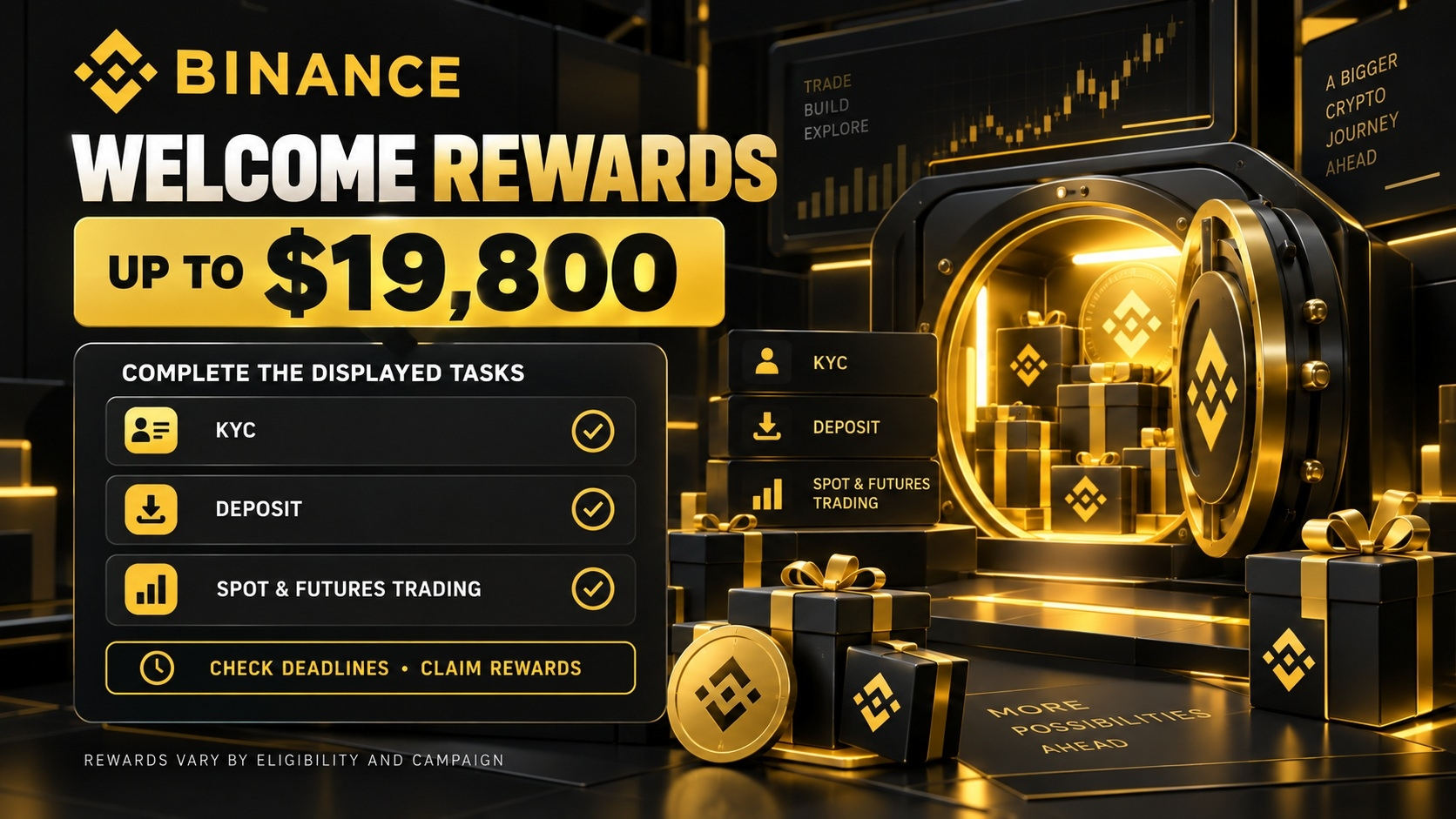
After registration and KYC, open the Rewards Hub, Task Center or the campaign page displayed in the account. Eligible tasks may include making a first deposit, reaching a required deposit balance, completing Spot or Futures trading volume, or participating in a limited-time campaign.
Complete each task before its deadline and claim rewards when required. “Up to $19,800” is a maximum promotional value, not a guaranteed cash payment for every registrant. Actual rewards depend on the user’s region, deposit amount, trading activity, campaign eligibility and current terms.
Frequently Asked Questions
Does BNB20OFF provide the same BNB discount on Spot and Futures?
No. The referral rebate may be up to 20% on eligible trading, but the separate BNB payment discount is 25% for eligible Spot fees and 10% for eligible USDⓈ-M Futures fees.
Is the $19,800 bonus guaranteed?
No. It is the maximum potential value. Users must complete the tasks displayed in their Rewards Hub, and availability varies by region and campaign.
Can an existing user add BNB20OFF later?
Normally, referral codes must be entered during registration.
BNB20OFF combines an eligible 20% Spot and Futures trading fee rebate with the possibility of additional BNB fee discounts. BNB payments can provide 25% off eligible Spot fees and 10% off eligible USDⓈ-M Futures fees. New users may also access welcome rewards worth up to $19,800 after completing the tasks shown in their Binance account.
Always confirm the referral code and benefits on the official registration screen, keep enough BNB in the correct wallet, enable BNB fee payment and review the latest Binance terms before trading.
Best Binance referral code: CRYPTOFEE20
https://www.binance.com/events/referral-code-cryptofee20
You can visit our Binance event page 👍
Topics that might interest you
How to create an account on Binance? Step-by-step video: https://www.binance.com/square/post/362412068678498
Official: Explanation regarding the discount received when paying with BNB
https://www.binance.com/en/support/announcement/detail/844f0bae047d4be4903303cb743734e1?ref=BNB20OFF
How to Buy and Sell bStocks on Binance: A Guide for Beginners