
Quick Summary:
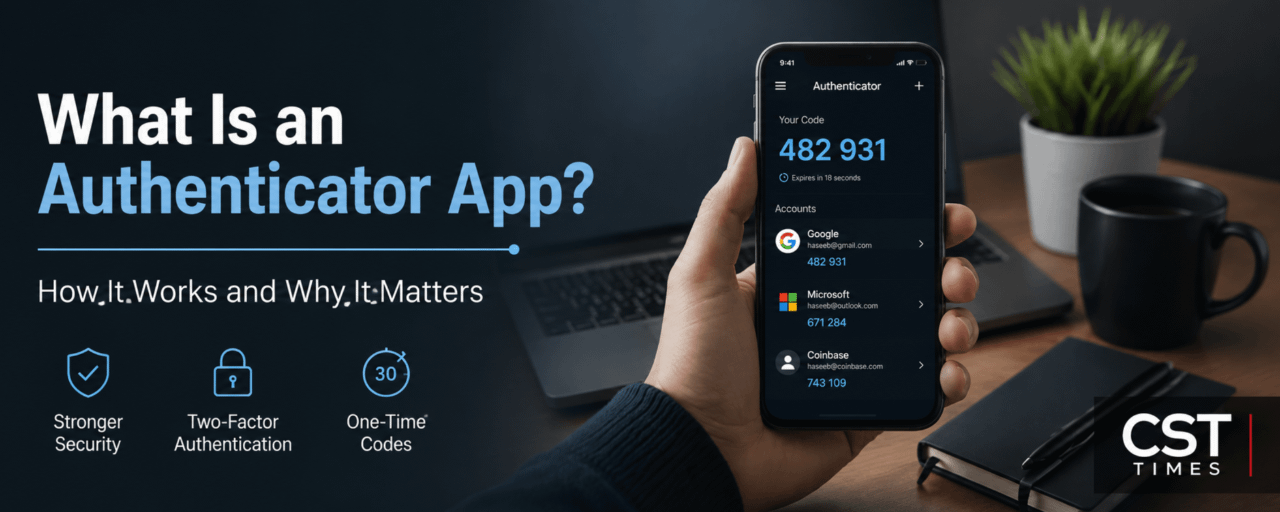
An authenticator app adds an extra layer of security to your accounts by generating a temporary 6-digit code, usually every 30 seconds. Unlike SMS codes, it works offline and is not connected to your phone number, reducing the risk of SIM-swap attacks.
Popular options include Google Authenticator and Microsoft Authenticator. You can use them for email, banking, social media, and crypto exchange accounts.
Why use one?
🔐 Better protection than SMS
📱 Works without mobile signal
⚡ Codes change every 30 seconds
🛡️ Helps reduce SIM-swap risk
However, authenticator codes are not completely phishing-proof. For highly valuable accounts, passkeys or hardware security keys can provide stronger protection.
Tip: Always save your backup codes when enabling 2FA so you can recover your account if you lose your phone.
Read the full beginner’s guide on CST Times or scan QR code: